Inspiration
The problem people face when they go to different country where they are not able to find places as directions are in other languages. This inspired us to create an app with Watson that will help people in such situations.
What it does
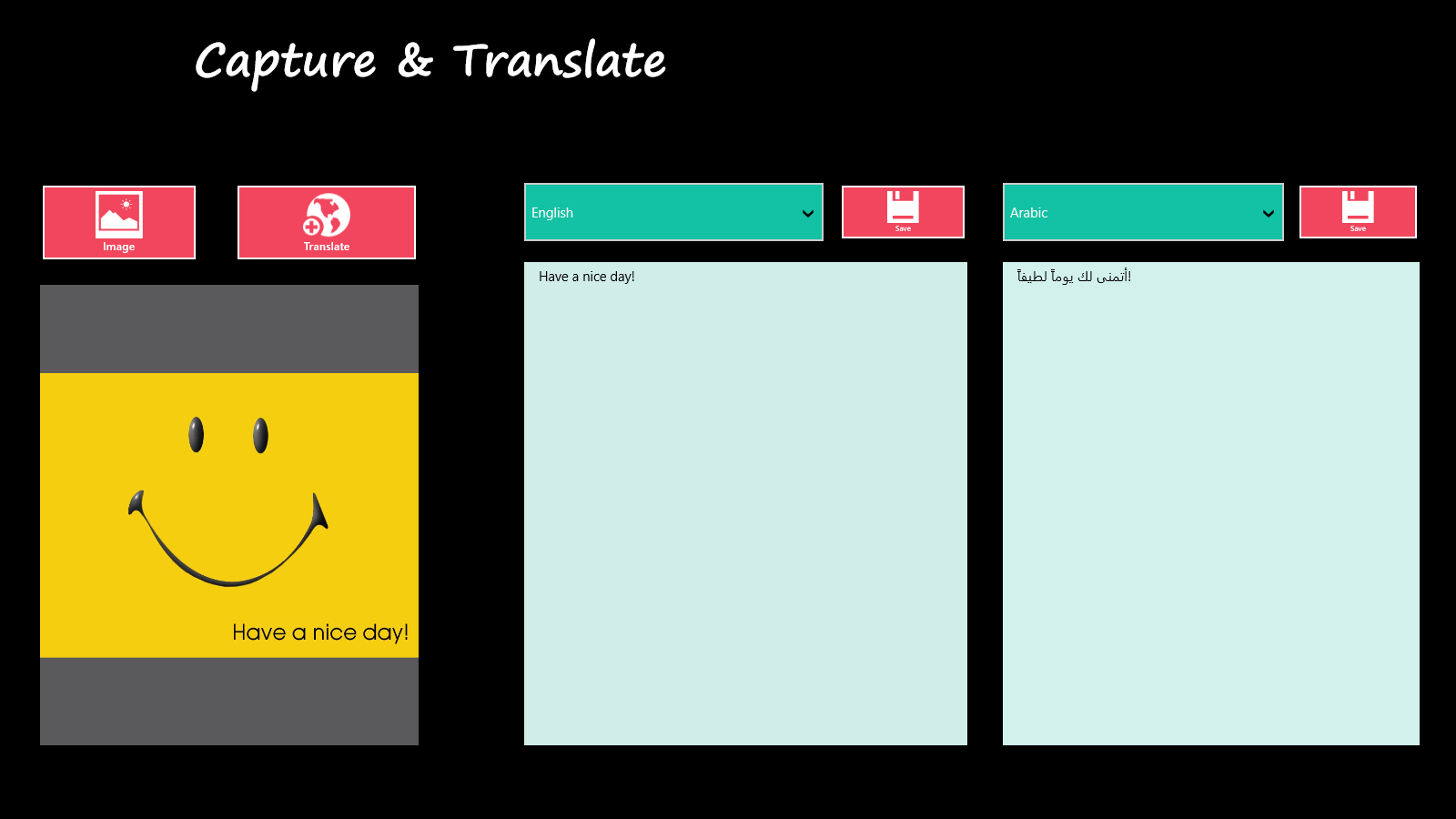
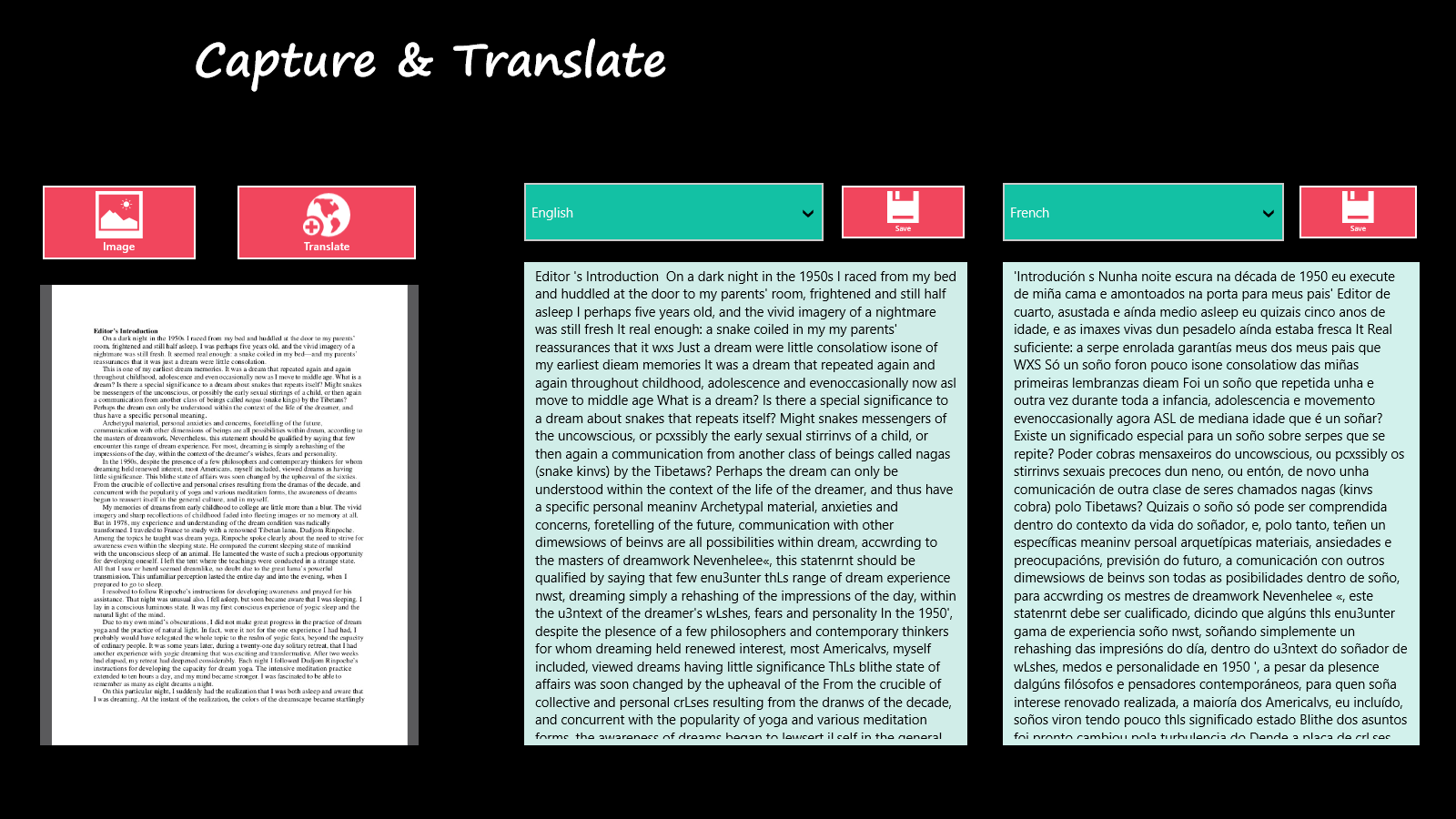
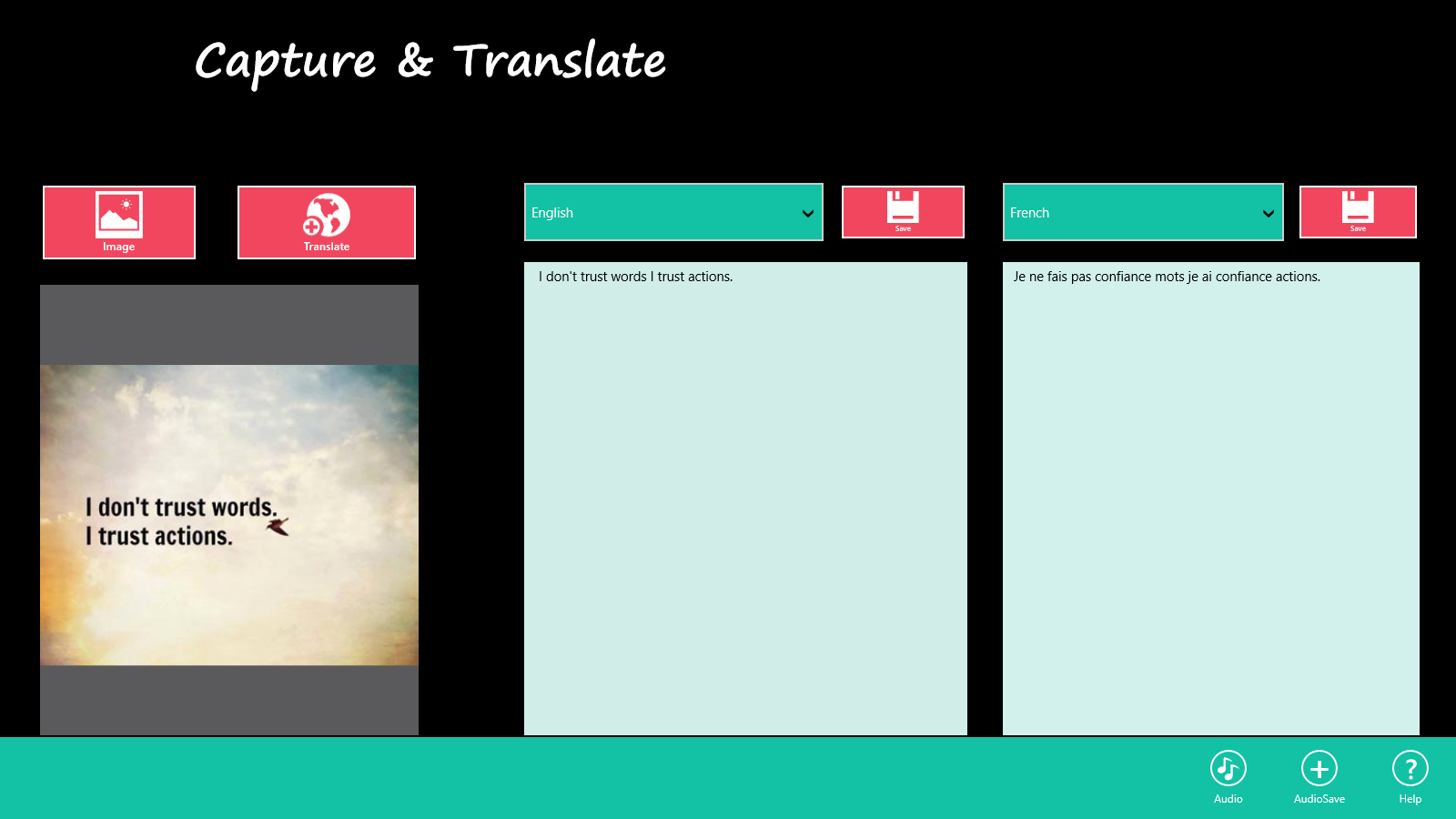
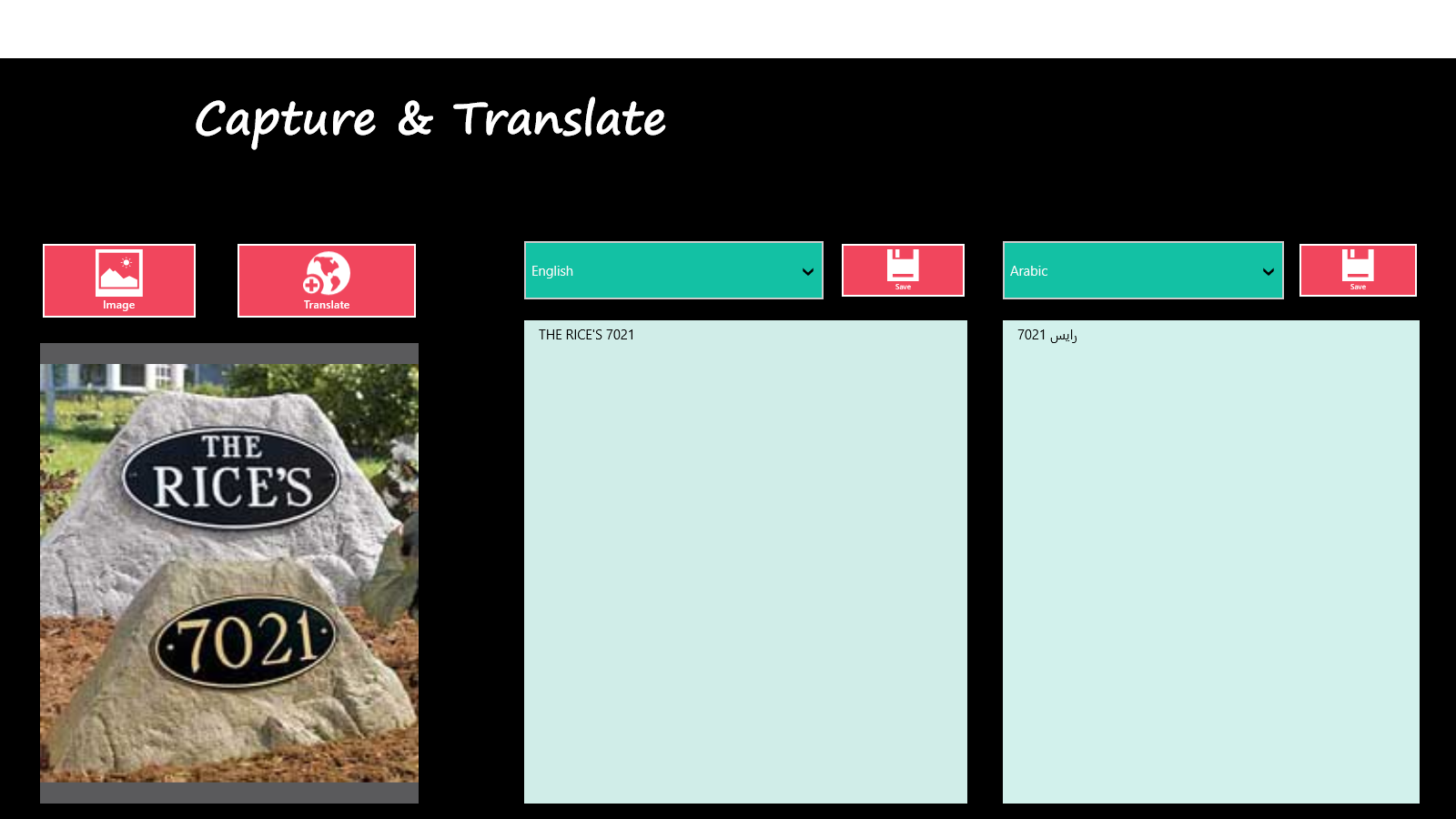
Capture & Translate is a powerful application that can converts text from images or scanned document into an editable format. Just take a picture of a text or choose an existing one from your library and the app will immediately recognize your text and extract it. You can even translate the extracted text to any other language. It allows you to extract and translate text from any image whether that's from a magazine, a street sign, or any other source. It can also be used for learning different languages. It can be ideal when you want to convert your scanned documents to editable form or for translating foreign languages or for those times when you find a story in a magazine and want to save it for reference at a later time in digital format.
How we built it
We built a windows app that run on cross platform using C# , Microsoft OCR and IBM Watson.
Challenges we ran into
The main challenge was integrating Watson services into a C# app.
Accomplishments that we're proud of
We are very proud to create an app that will help people to translate their document and also able to save it into an audio file in any language. You can also translate entire book into another language and can save it into audio file.
What we learned
Using Watson it is very easy to create a powerful app. App becomes more intelligent and able to solve a real world problem
What's next for Capture and Translate
Making it more powerful by using other services from Watson like Document Conversion and Natural Language classifier.
Built With
- microsoft-ocr-library
- node-red
- watson-language-translation
- watson-speech-to-text


Log in or sign up for Devpost to join the conversation.