-
-
hero
-
-
-
Inspiration
Generating a video clip is only the first step. Creators still need to refine shots, keep assets organized, add dialogue, caption the result, and export something ready to share.
What it does
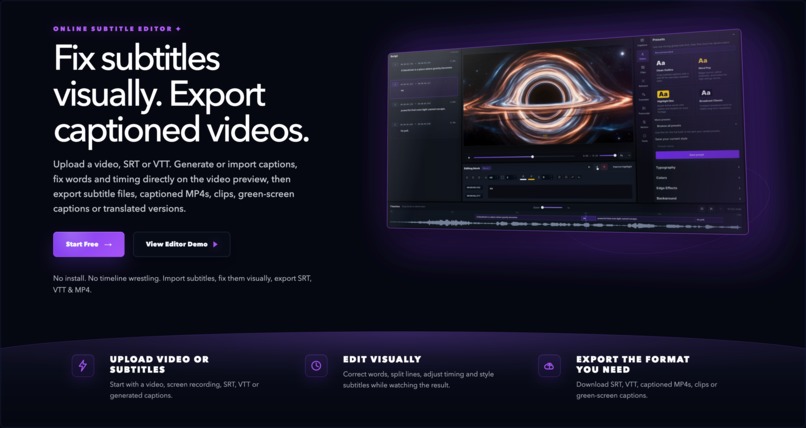
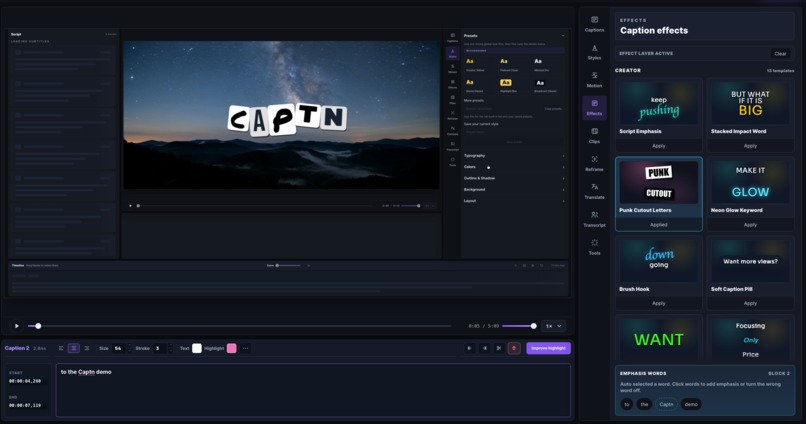
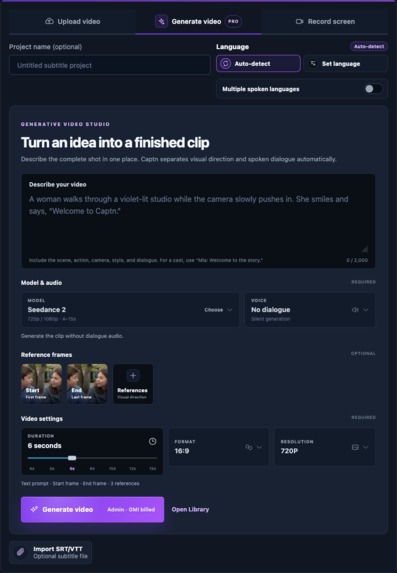
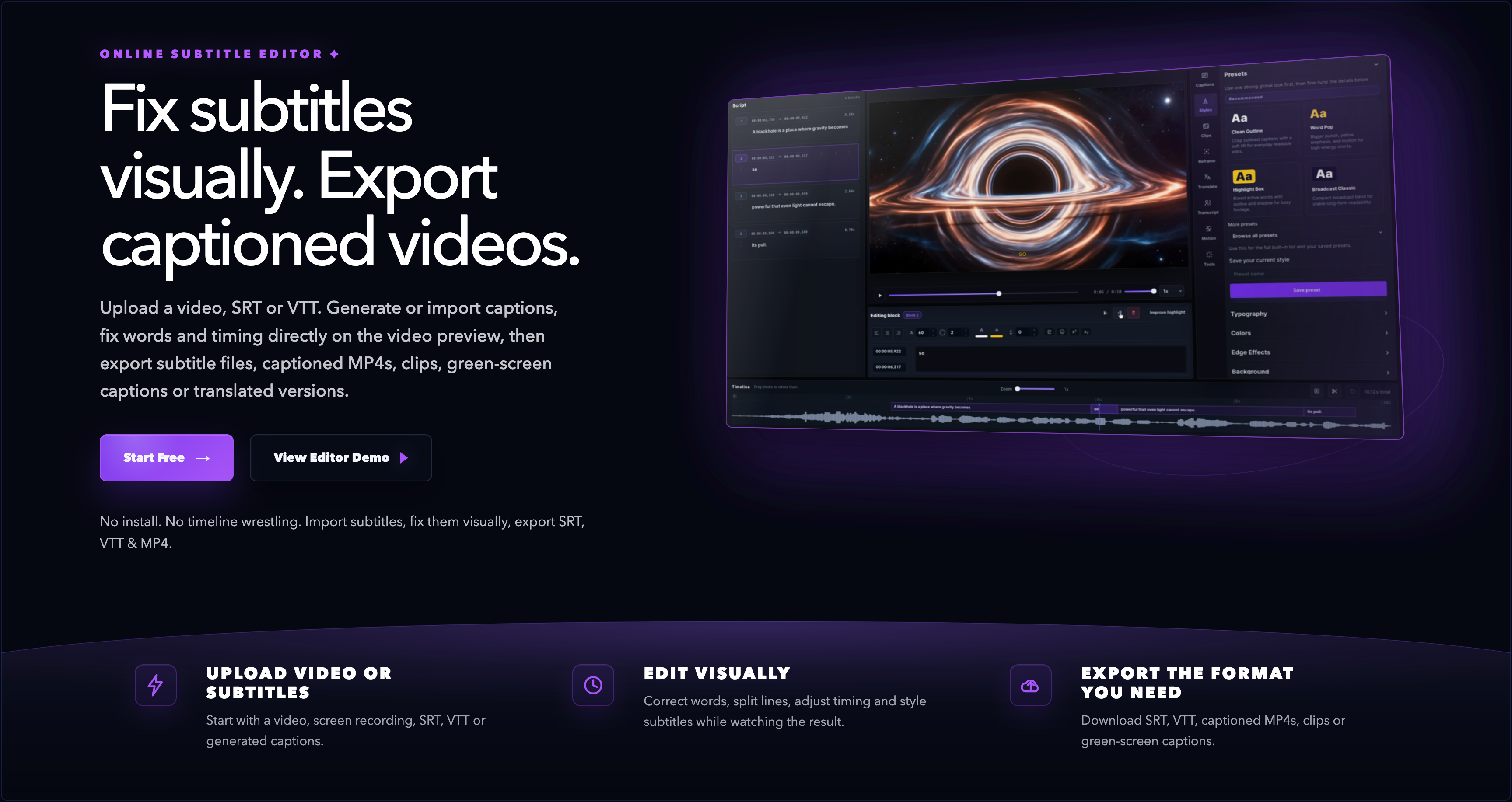
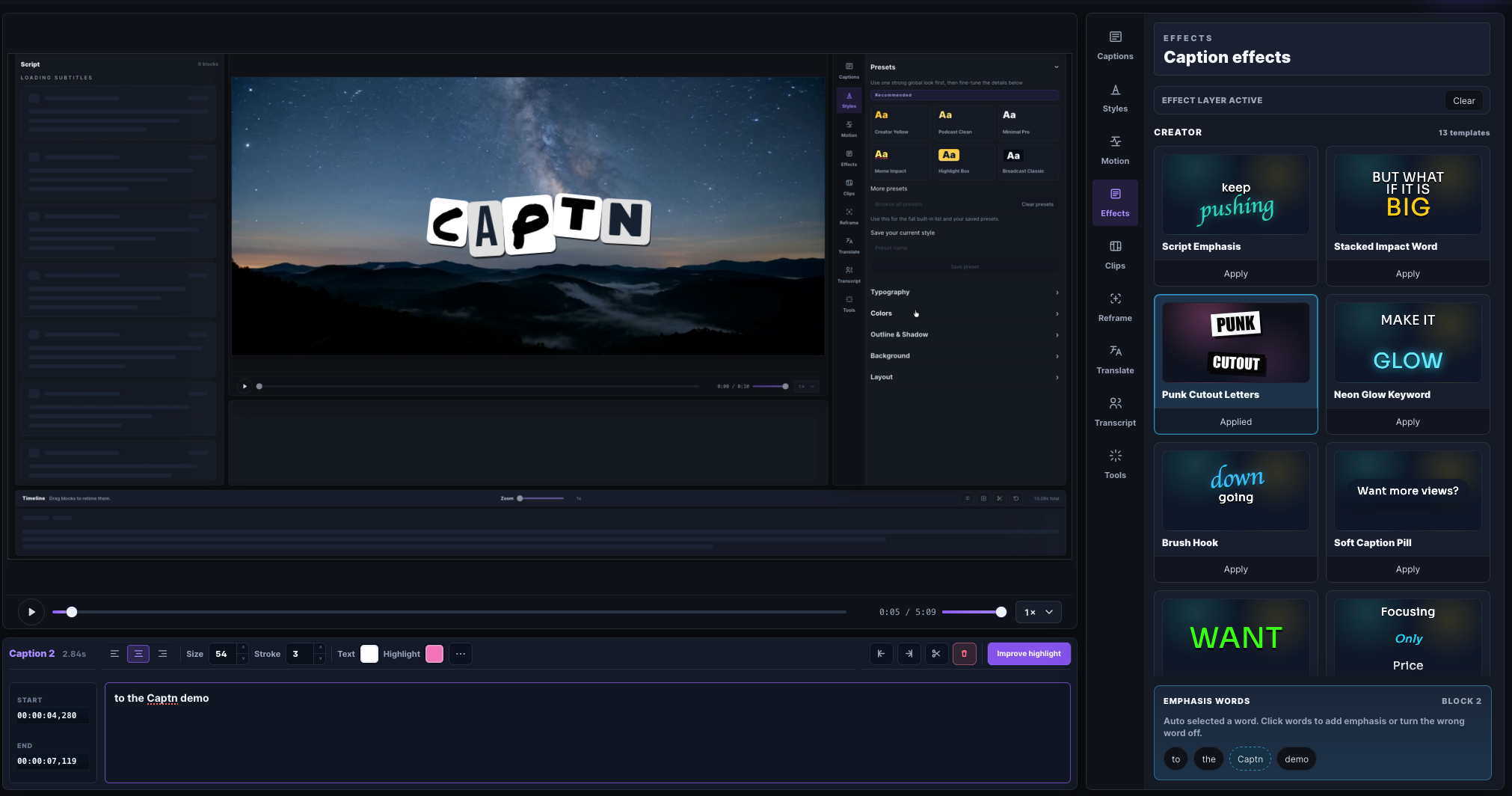
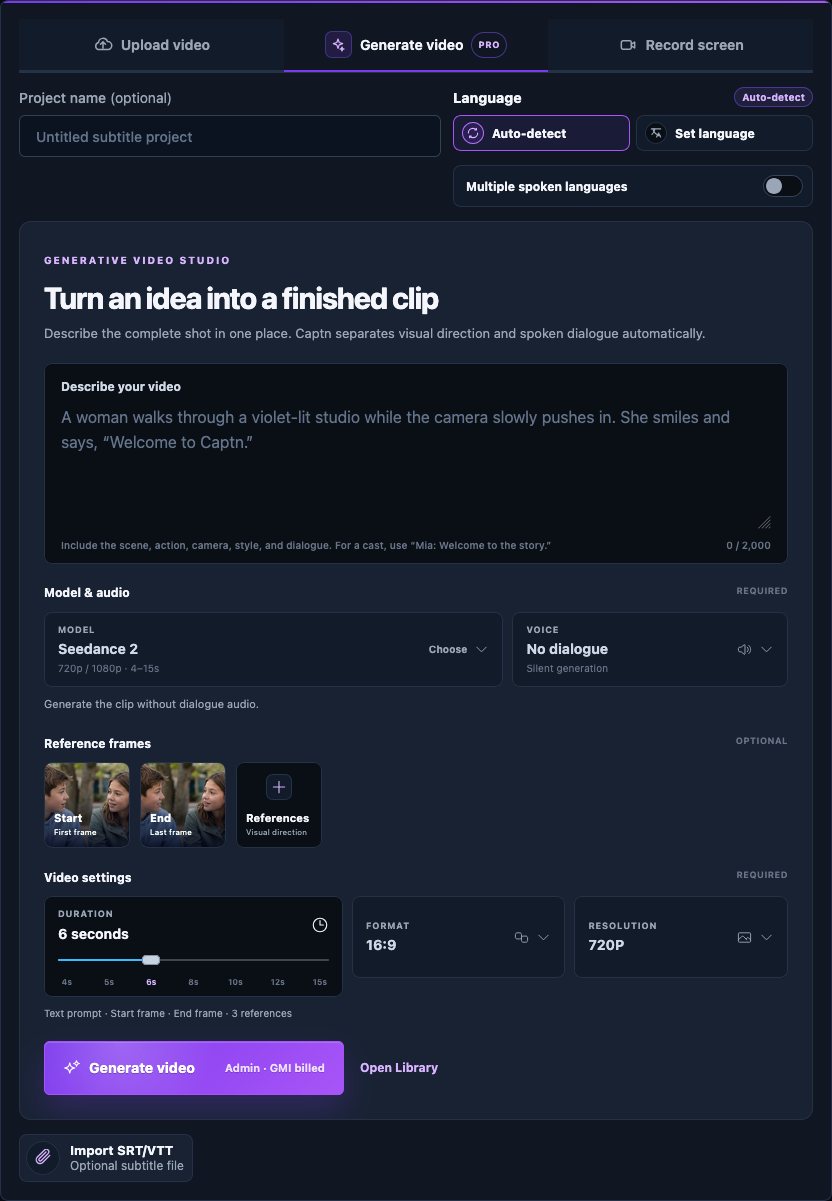
Captn Generative Video Studio turns a prompt into an editable, caption-ready video. Creators can generate a shot, make variations or continuations, keep results in a private library, then open a chosen video in Captn’s subtitle editor to transcribe, style, translate, and export captions.
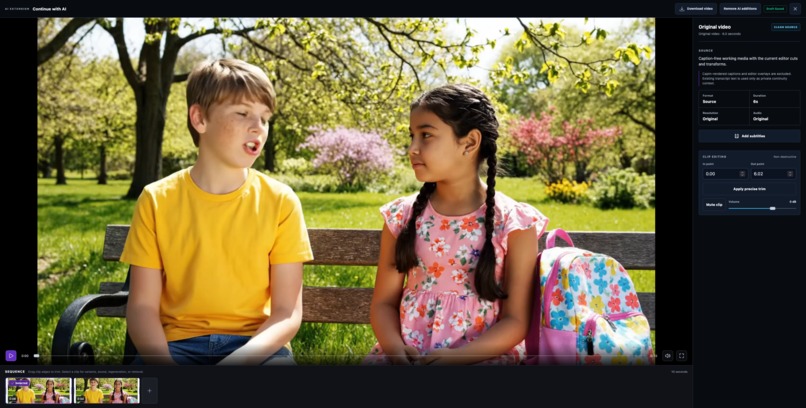
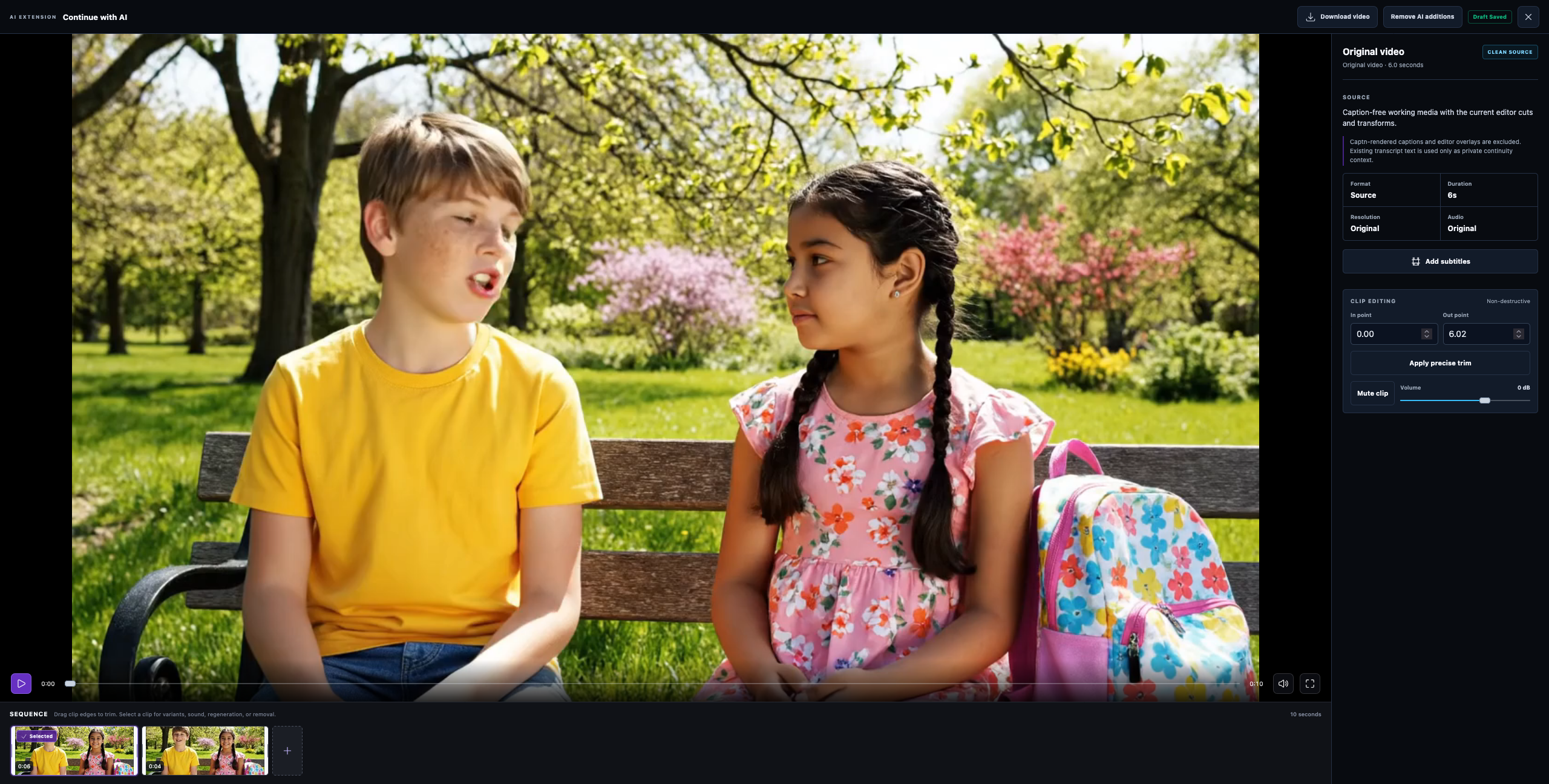
Captn can also extend a video a creator already owns, including one made outside Captn. With a compatible model, it uses the source clip’s final included frame as the next shot’s visual reference. When prior captions are available, it carries a small amount of recent transcript context to guide dialogue continuity alongside the creator’s new prompt. The extension becomes a new editable timeline segment without overwriting the original video.
How we built it
For the hackathon workflow, Captn uses GenBlaze to orchestrate generation plans across supported GMI Cloud video and audio models. Capability-aware controls only offer settings, durations, resolutions, and reference-frame options supported by the selected model.
For voice-enabled scenes, Captn uses GMI Cloud TTS to create dialogue audio. Backblaze B2 stores private generated videos, reference media, thumbnails, final frames, and provenance manifests. After verifying ownership, Captn serves media through short-lived authorized URLs rather than permanent public links.
For continuity, Captn builds a model-specific prompt that preserves the subject, scene, lighting, camera direction, and motion from the supplied final frame while following the creator’s new direction.
Challenges we ran into
Models have different supported settings, reference-image rules, and output behavior. We built capability-aware controls so Captn only offers valid choices. We also made generation jobs recoverable to avoid duplicate work after retries or worker restarts.
Accomplishments that we're proud of
We built a complete creator workflow: generate → refine or extend → caption → translate → export. Generated videos become editable Captn projects instead of isolated downloads.
What we learned
Generative media needs more than a prompt box. Reliable jobs, private durable storage, provenance, and a strong finishing workflow are what turn a generated clip into a useful product.
What's next for Captn Generative Video Studio
Next we’re adding richer sequence controls, reusable visual styles, more GenBlaze-supported models, and better collaborative asset libraries.
Built With
- ai
- backblaze-b2
- css3
- fastapi
- faster-whisper
- ffmpeg
- genblaze
- gmi-cloud
- html5
- jinja
- kling
- libass
- postgresql
- python
- pytorch
- react
- redis
- remotion
- rq
- seedance
- subtitles
- tailwind
- typescript
- uvicorn
- veo

Log in or sign up for Devpost to join the conversation.