-
-
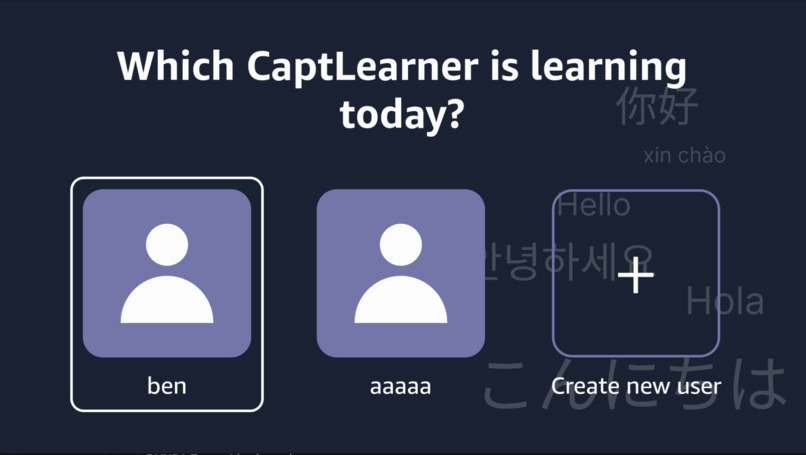
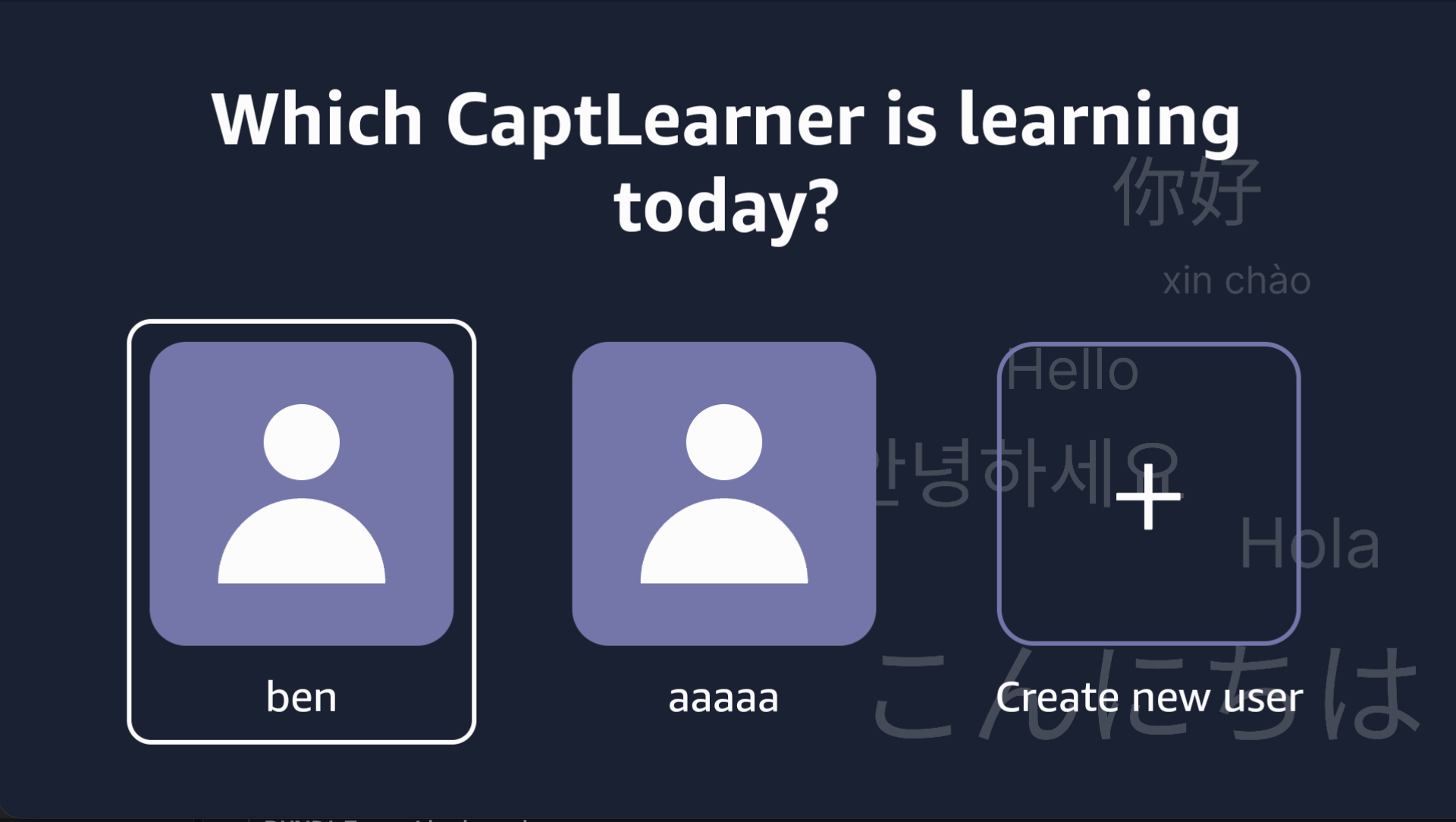
Choose User
-
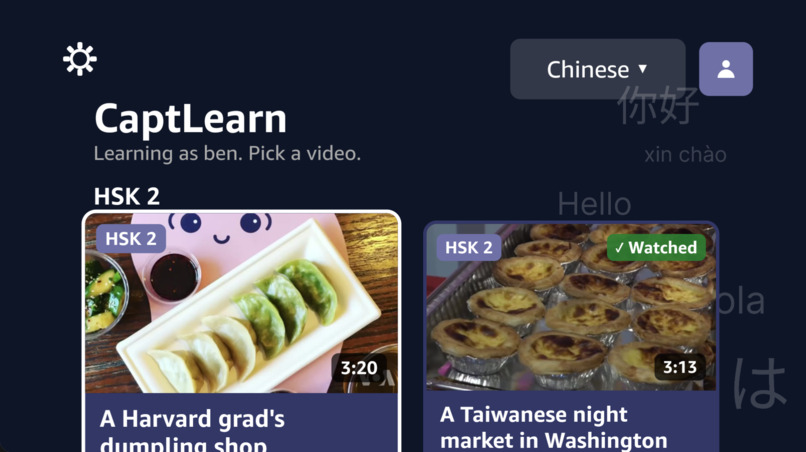
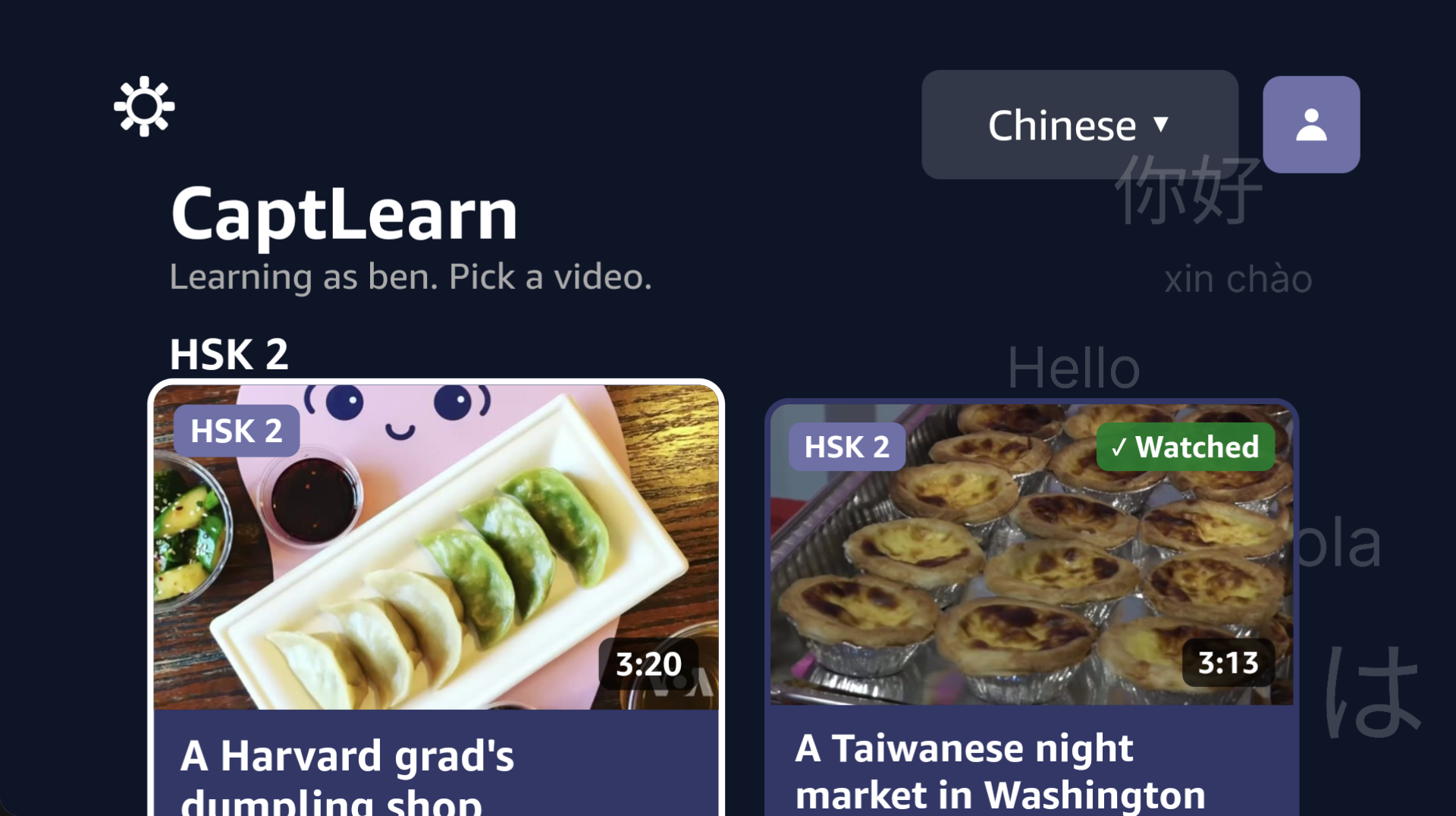
Home Page
-
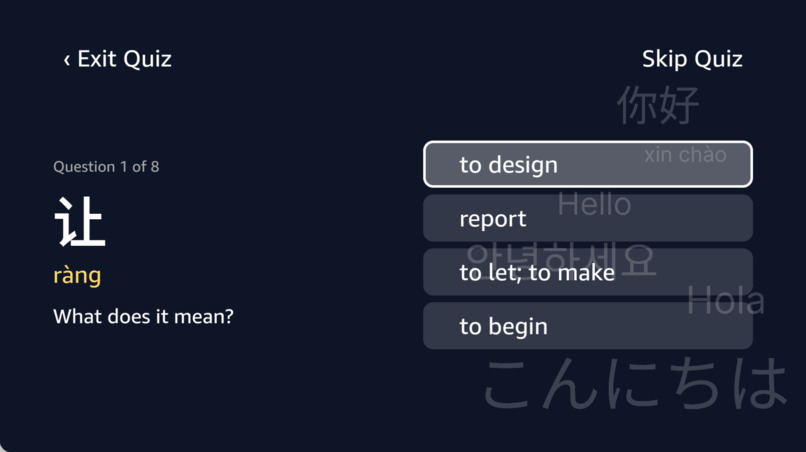
Quiz
-
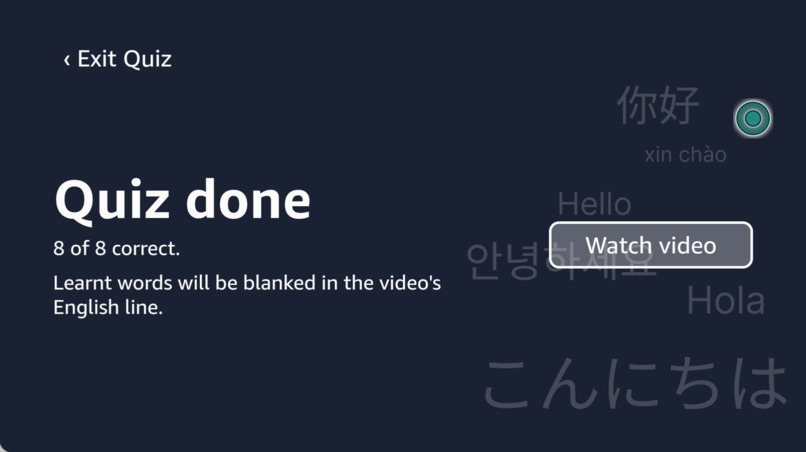
Quiz Complete
-
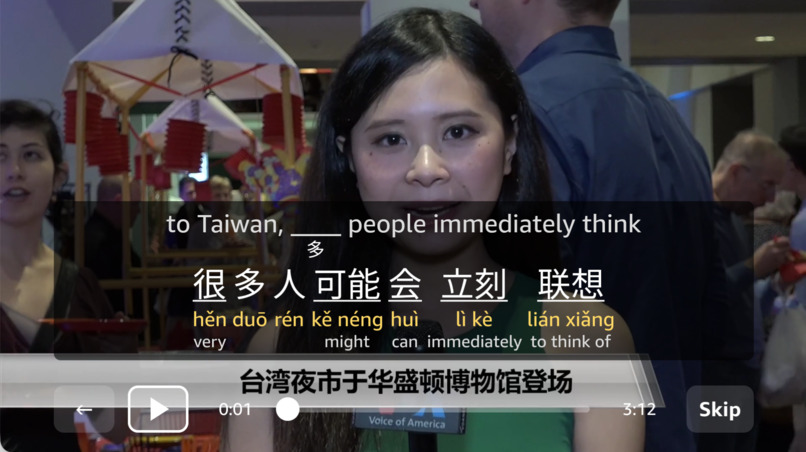
Video Playback and Captions
-
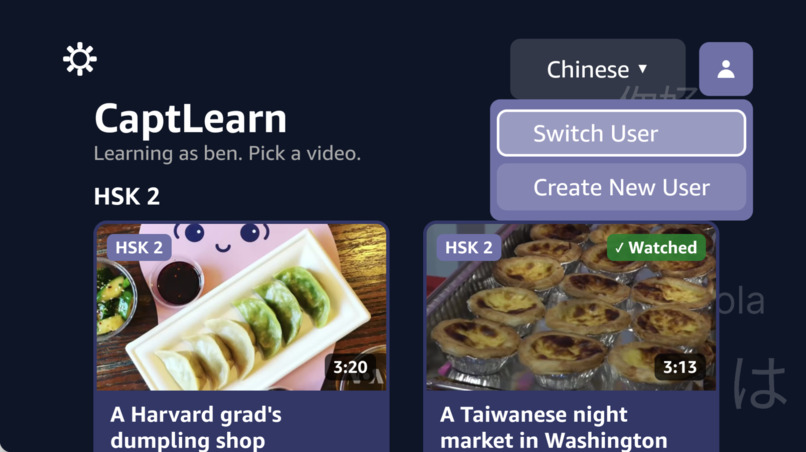
Switch User Menu
Inspiration
Duolingo proficiency might not be sufficient. One of the ways to master a language is by watching how others speak. This inspired us to build CaptLearn. Capt - captions; Learn - learning a new language.
What it does
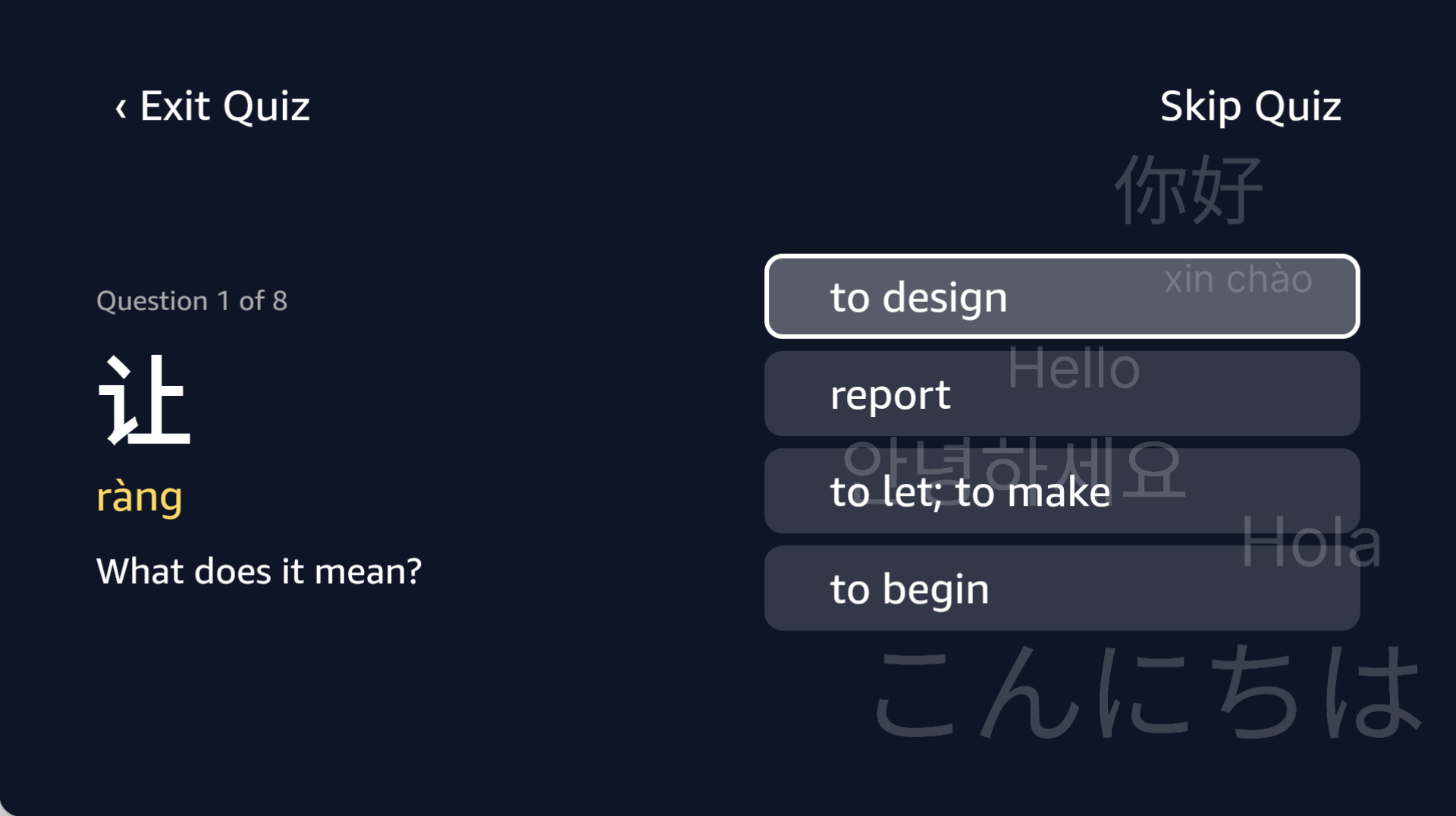
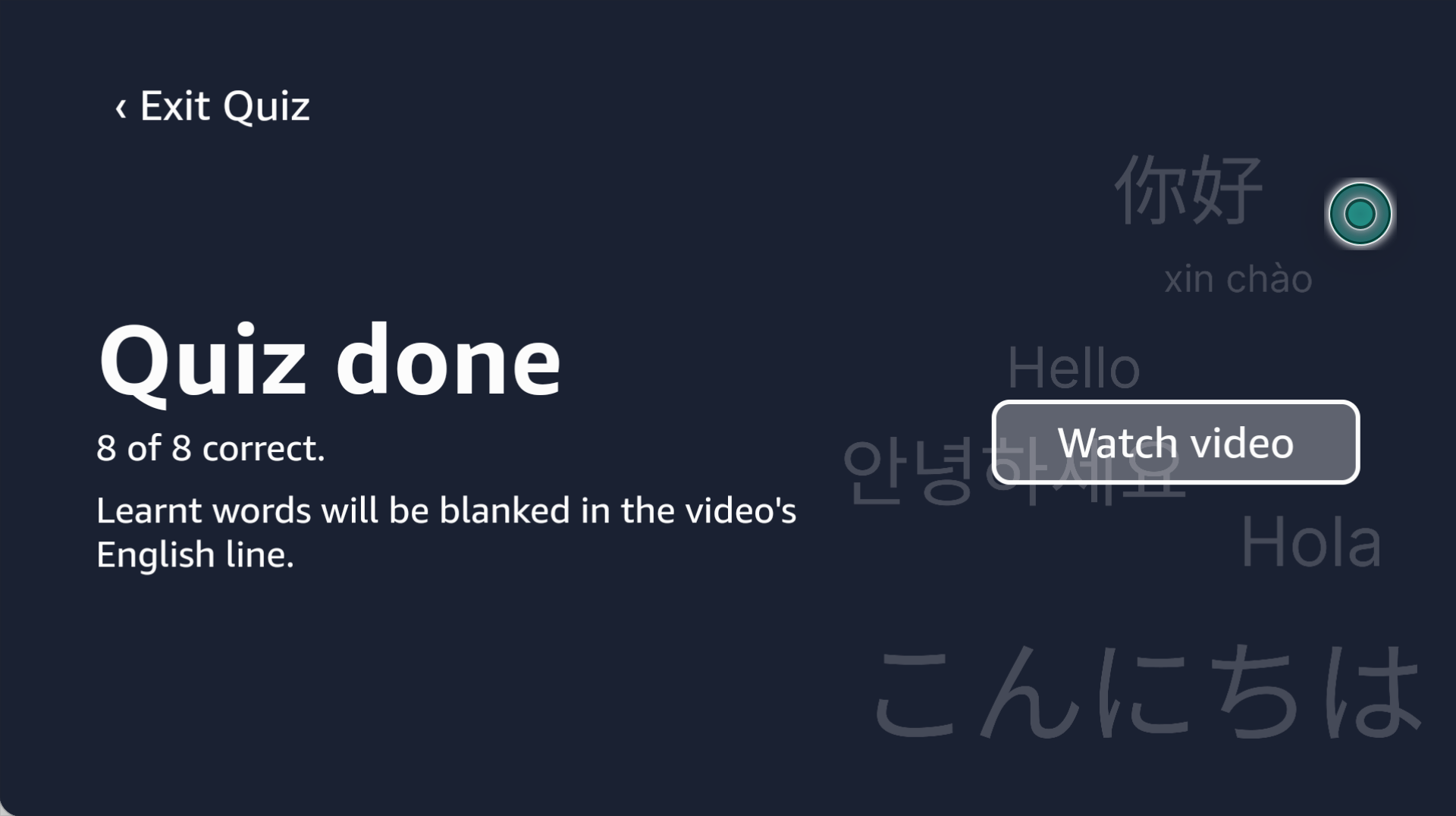
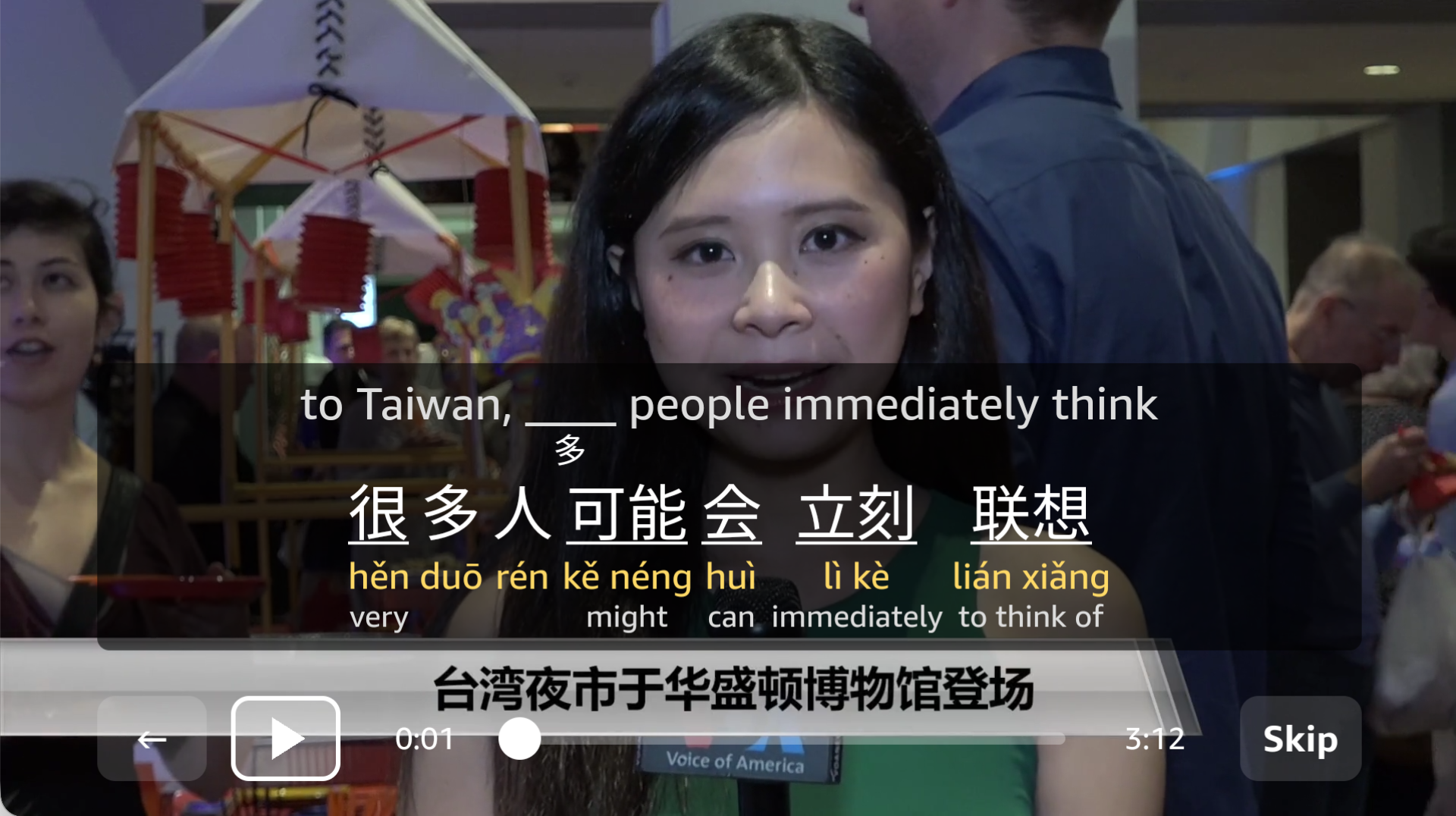
For the first part of the lesson, the user completes a quiz. For all answers that were correct, the translated word in the captions will be an underscore. This helps to put the user's learning into action.
How we built it
Used Figma to prototype the UI and user flow, then put into Claude to draft the code.
Challenges we ran into
Media playback was the biggest challenge. There were insufficient documentation as for how local media playback can work. All the samples given were streamed through a CDN. To make this prototype work, we initially resorted to using Cloudfared. However, subsequently we hosted it on a GitHub webpage so that we need not use tunnelling.
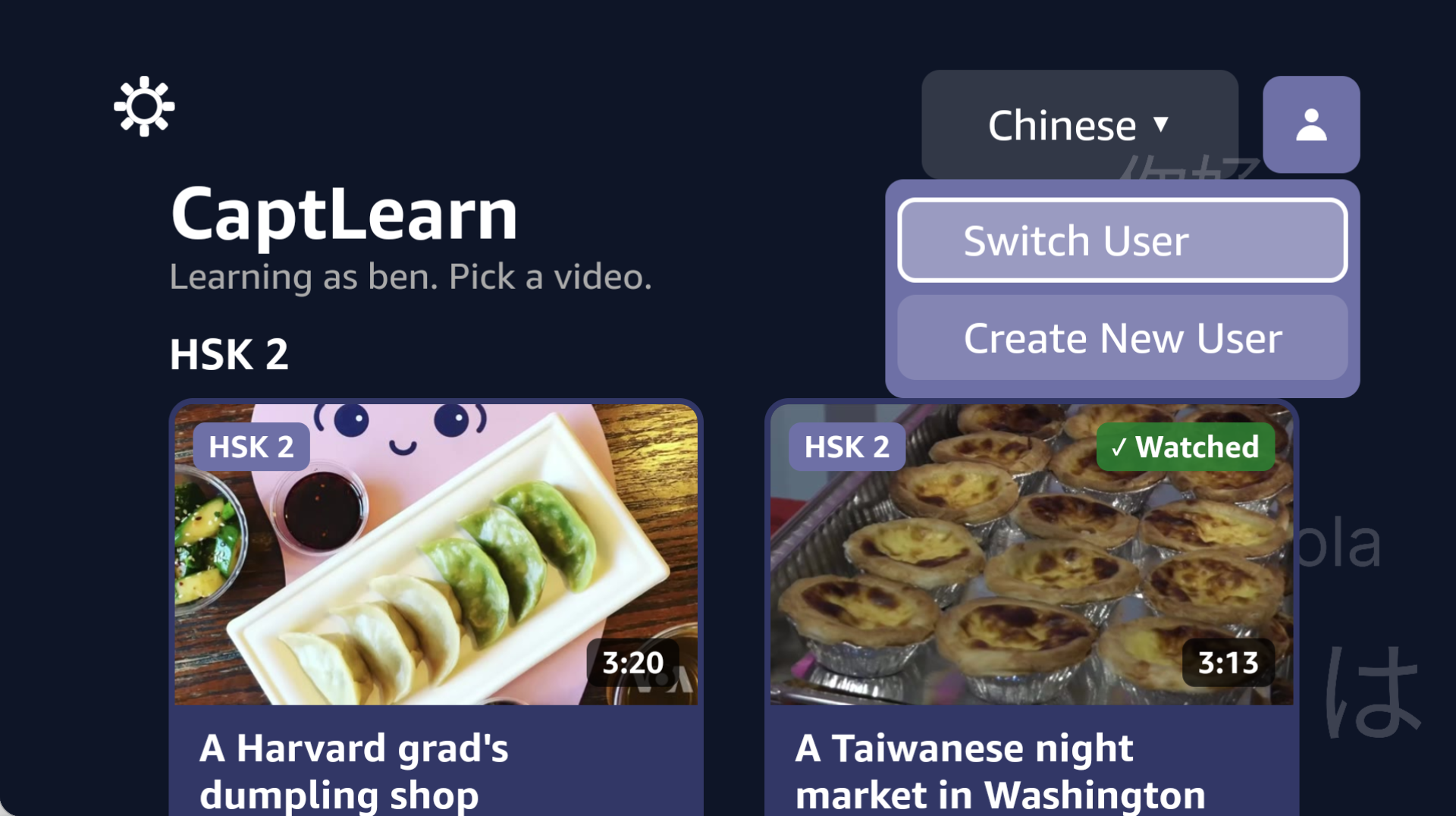
There were some design challenges too. For example, we were very used to building applications for phones, tablets or laptops/desktops. With TV, we had to make sure that every element was easily readable from a distance and easy to navigate with a remote. With multiple iterations, we came up with this design for the best ease of use for everyday CaptLearners.
Accomplishments that we're proud of
Able to turn an idea into reality given such a short timeframe, and overcoming the hurdles of video playback in Vega OS.
What we learned
Learnt how to use Vega Studio to build an app and run it on the emulator, and also learned about the Vega OS app structure.
What's next for CaptLearn
Introducing proficiency levels for each user and language, allow for video import and a greater number of videos available in the app and add more languages for more people to use.
Built With
- claude
- gemini
- react-native
- typescript
- vega-studio

Log in or sign up for Devpost to join the conversation.