Inspiration
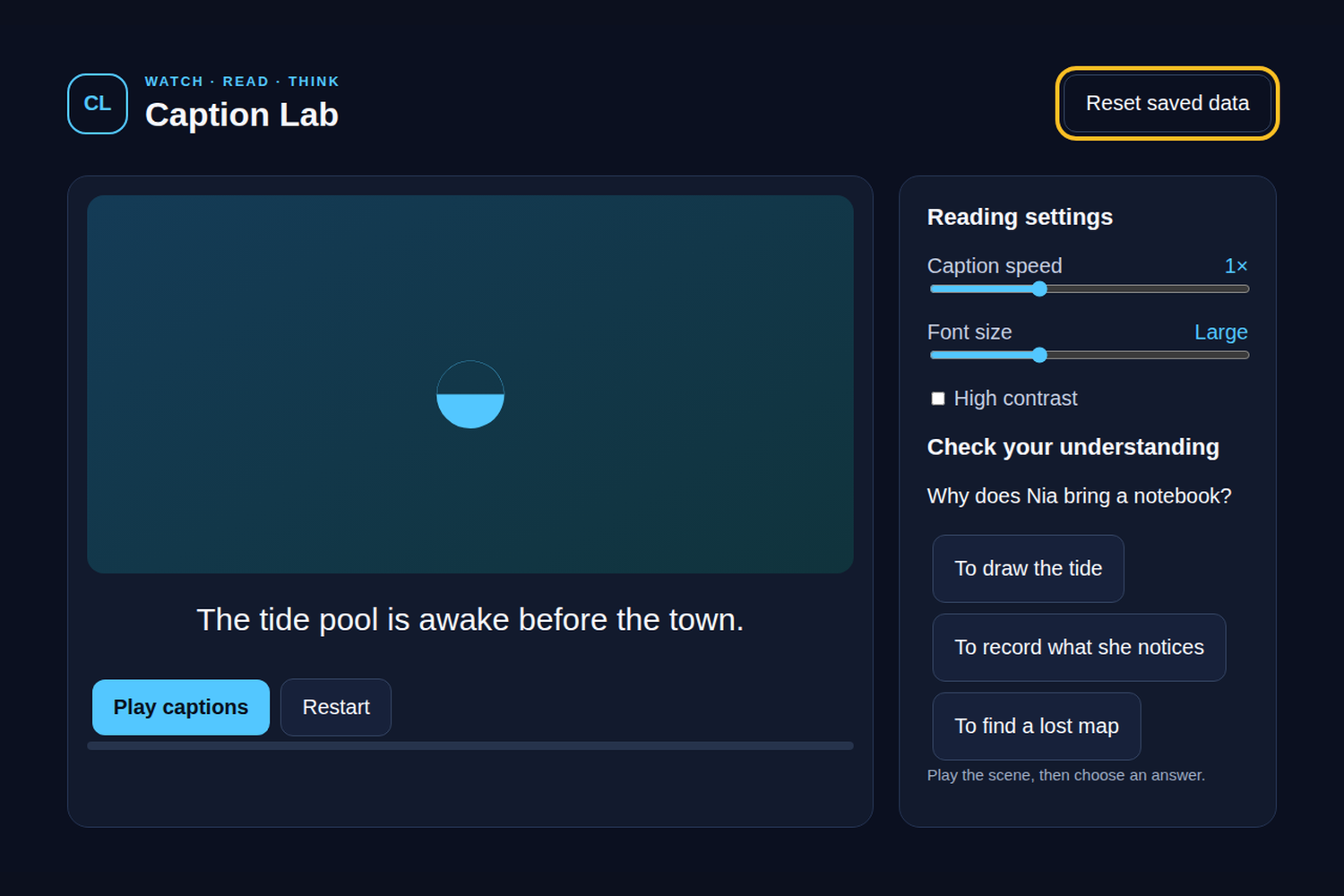
Caption Lab treats captions as an active reading tool rather than decoration. It pairs a short original scene with adjustable presentation and a tiny comprehension check, giving a viewer a quiet way to practice following timed text on a TV. The scene follows Nia at a tide pool as she observes a small clue.
What it does
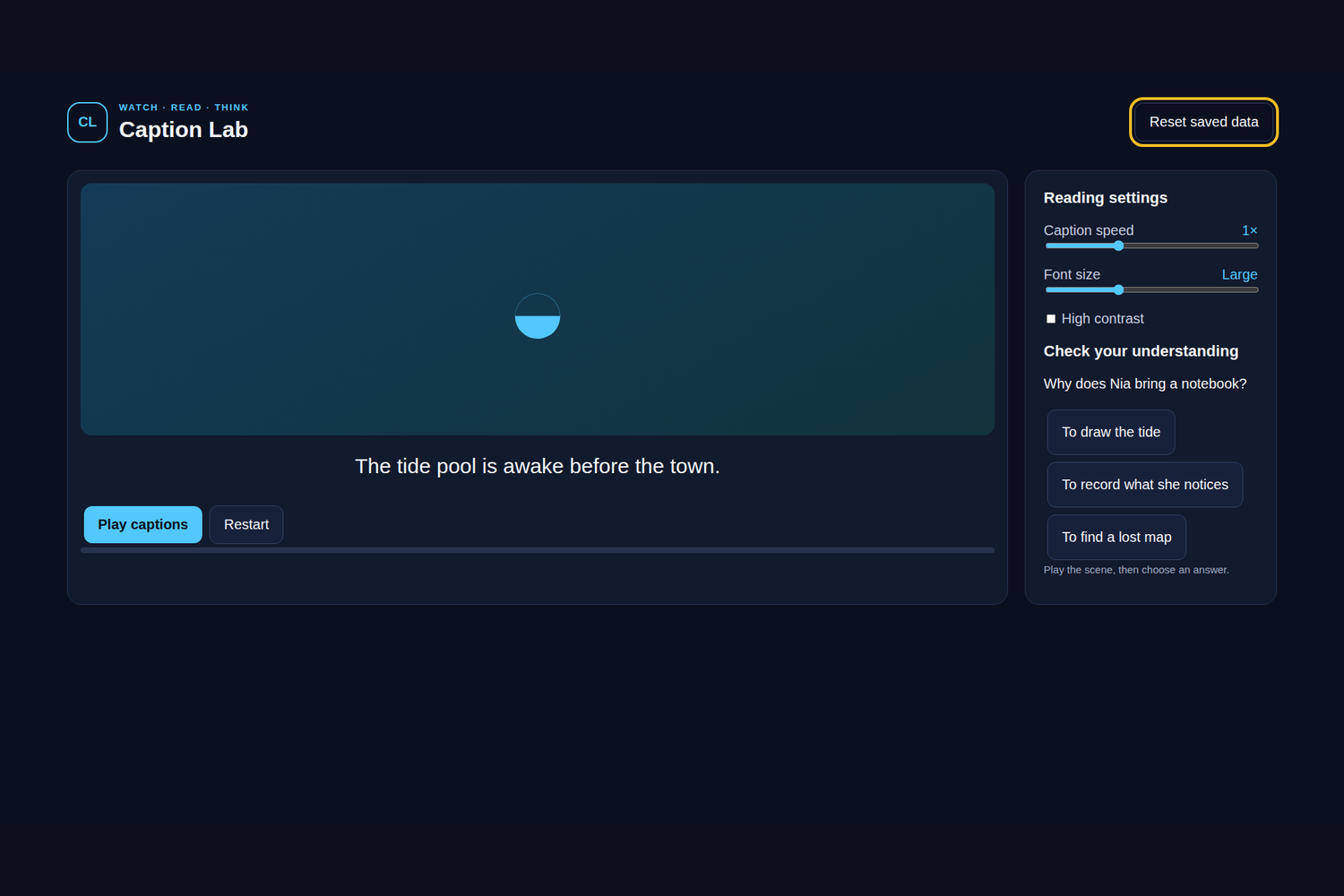
The supplied timed lines play and pause in sequence: “The tide pool is awake before the town,” followed by Nia’s notebook observation, the silver-flashing shrimp, and the closing line about small things leaving big clues. Viewers can adjust playback speed, caption font size, and contrast, then answer whether Nia is observing carefully. The app gives a concrete correct or incorrect response, tracks line progress, and supports restart and Reset saved data. Controls are large and remote-friendly, with keyboard/D-pad focus and safe Escape/Backspace behavior.
How we built it
This is an offline-first HTML/CSS/JavaScript application hosted in a native Java Android WebView for Fire OS. app.js controls the supplied original timed-text lines, playback interval, settings, comprehension response, and local state; domain.js provides bounded index, duration, font-label, and progress logic. Everything is bundled locally with no network, accounts, analytics, external assets, microphones, or cameras. Importantly, Caption Lab does not generate captions, use AI captioning, or provide live captions: its content is supplied original timed text. The host targets Android-based Fire OS 7 or newer at minimum API 28, not Vega OS.
What we learned
Caption readability is a system of choices: line timing, speed, font size, contrast, and progress need to remain understandable together. Keeping timing calculations deterministic made the small lab easy to exercise without a service dependency.
Challenges
The challenge is making adjustable text remain legible at 10-foot distance while preserving a simple flow. Playback must stop cleanly on pause, Back, and TV pause events, and settings must survive reload without accepting invalid values.
Verification and next steps
Node domain tests and desktop Chromium interaction flows were executed, plus local Android packaging/signature checks. No physical Fire OS testing was performed, so device WebView timing, remote behavior, VoiceView, and scaling are unverified. Local browser preview images and the silent preview video are not physical screenshots or video proof. This is an entrant-review draft produced with AI assistance; the entrant must review code, rights, eligibility, and claims. The submission has not been uploaded. Next steps are device testing, caption accessibility review, and an entrant-recorded Fire TV demo.

Log in or sign up for Devpost to join the conversation.