-
-
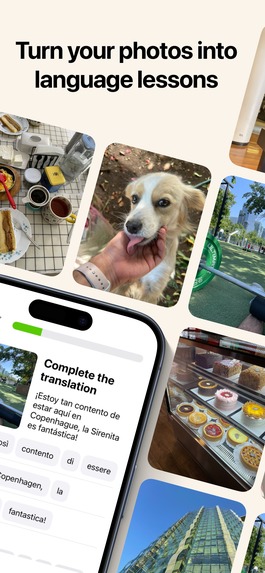
Turn your photos into language lessons
-
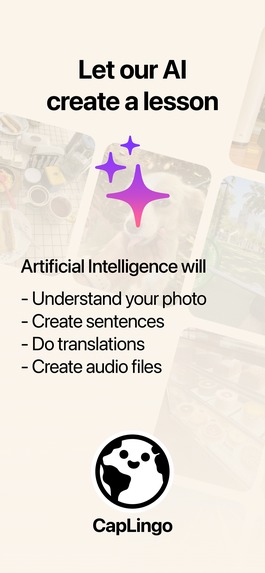
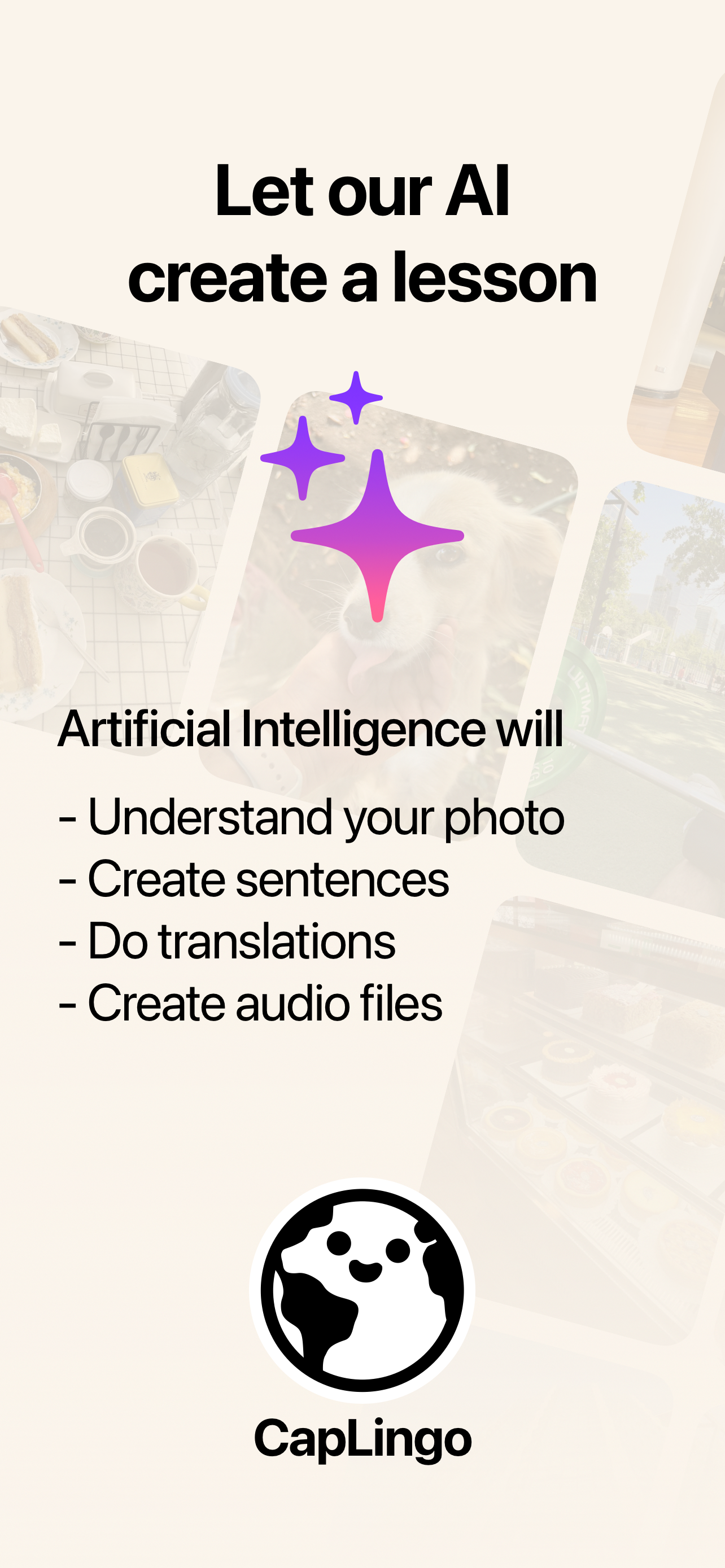
Let our AI create a lesson
-
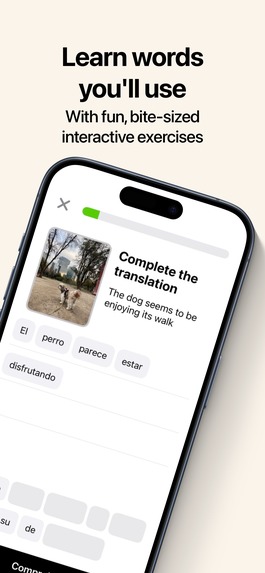
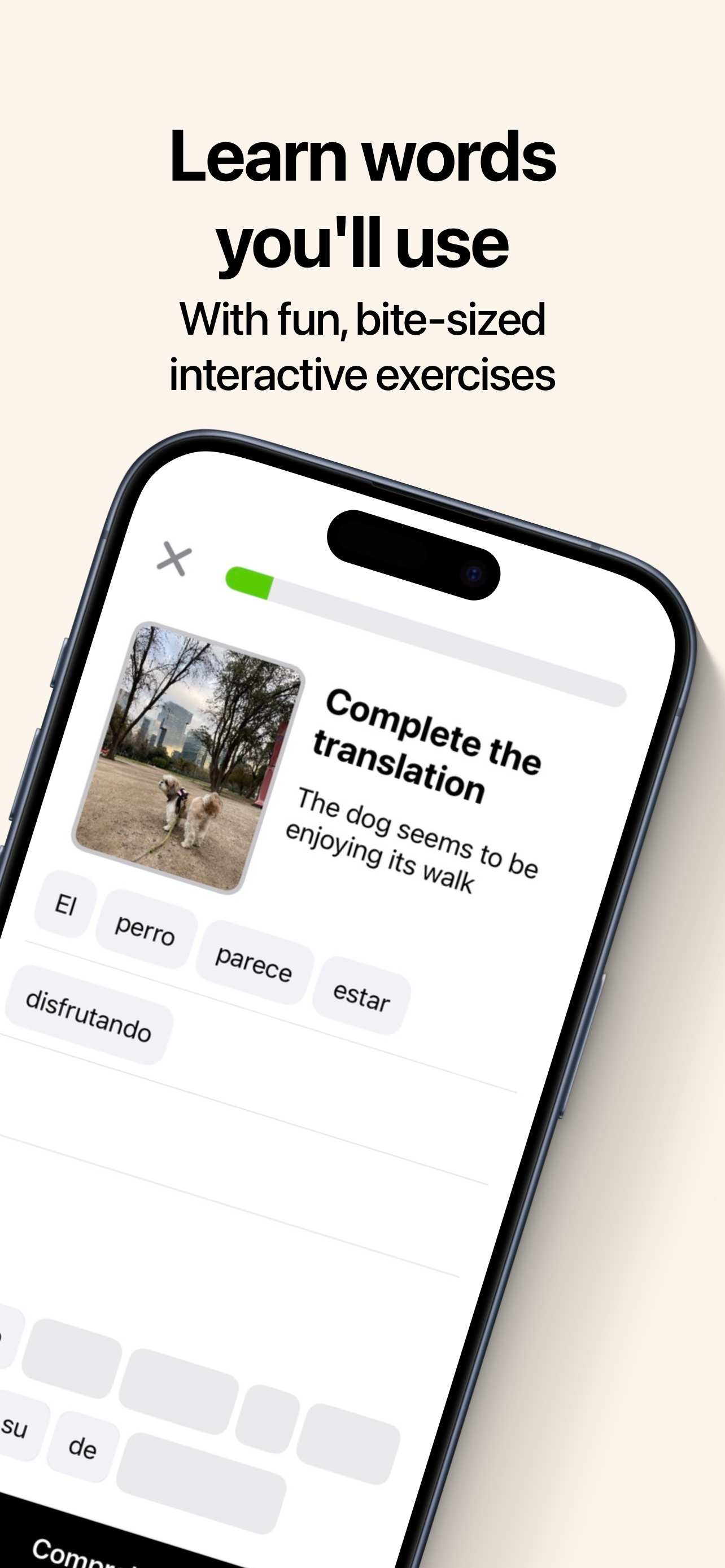
Learn words you'll use
Inspiration
I’ve always enjoyed learning languages with apps like Duolingo, Busuu, and Babbel. However, I found myself wanting lessons that focus on topics I actually care about. That’s when I thought about using AI to create personalized language lessons. With CapLingo, users get the same interactive exercises they love from popular apps, but with words and phrases they’ll actually use in real life.
What it does
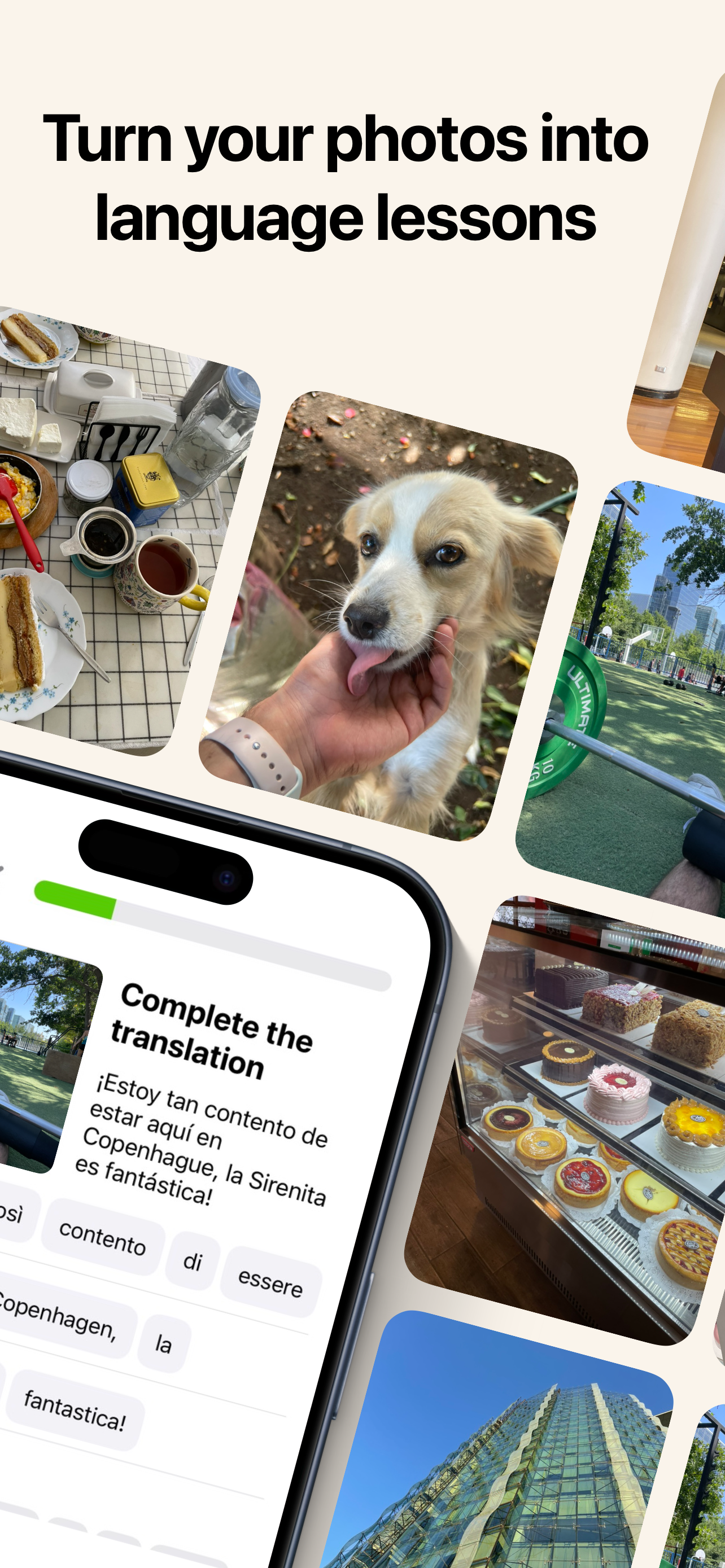
A user uploads a photo, our AI understands the photo and creates a language lesson for the user. Users also get streaks to keep engagement, can see the total lessons they have done with the app, and can do previous lessons whenever they want.
How we built it
As a solo developer, I took on both the frontend and backend.
Frontend: I started learning SwiftUI in June and decided to focus on iOS development. SwiftUI’s withAnimation feature made it easy to create smooth UI animations. For challenges along the way, I relied on tools like Claude, Gemini, and ChatGPT for quick solutions and insights.
Backend: The server-side is powered by Cloudflare Workers, using HonoJs and TypeScript for server functions. I opted for PostgreSQL as the database, managed with Hasura, all hosted on a Hetzner server through Coolify Cloud.
AI: For the app’s AI capabilities, I’m using Google Gemini 1.5 Flash for multimodal AI and Google Text-to-Speech for generating audio content.
In-App Purchases (IAP): I integrated RevenueCat’s iOS library for managing subscriptions, paired with webhooks for backend coordination.
Challenges we ran into
As a solo founder, one of the biggest challenges was maintaining focus and discipline. Setting clear constraints for the MVP, including a feature cut-off date, was crucial. It allowed me to focus on building a product I personally enjoy, without getting lost in endless feature additions.
Since this was my first project using SwiftUI, I had many challenges along the way. I had to rely on a mix of learning, asking AI for help, and testing code to continue. Some solutions in AI models were outdated, so I also turned to Google and Apple’s documentation for updated resources.
On the backend, integrating with Google’s Gemini API was a challenge with authentication. I found using OpenAI API keys much simpler by comparison. Google's ecosystem, with both Vertex AI and Google AI Studio, made it somewhat confusing to navigate and set up their Gemini models.
Accomplishments that we're proud of
Launching an app that offers a new solution to a personal challenge as a language learner—and knowing it could do the same for others—is incredibly rewarding. On top of that, the possibility of turning this passion into a sustainable source of income through subscriptions is exciting. Setting up subscriptions was straightforward thanks to RevenueCat, and I’ve really enjoyed leveraging its Paywall features and webhooks to enhance the app.
What we learned
Participating in the Ship-A-Ton was essential in completing the project. It provided the structure and accountability I needed to maintain focus and discipline. This support was crucial in helping me finally ship the app to the App Store, something I hadn’t achieved with previous personal projects.
What's next for CapLingo: Learn Languages
I'll focus on understanding user behavior to optimize the first time user experience(FTUE) and improve how users achieve the app’s ultimate goal: completing language lessons. I’m also exploring ways to expand the features of the language lessons, enable users to share their lessons with others, and potentially introduce a free ad-supported version to reach a broader audience and convert more users into paying subscribers. Additionally, I will be testing different price points once I have enough data on user AI usage, as offering unlimited AI access is not cost-free. This data will help me set pricing more effectively.
Built With
- hasura
- hono
- revenuecat
- swiftui
- typescript

Log in or sign up for Devpost to join the conversation.