-
-
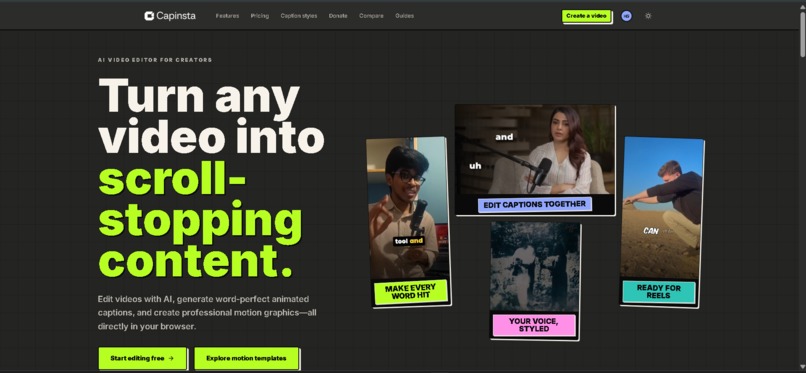
AI-powered browser video editor for creating captions, motion graphics, and viral short-form content.
-
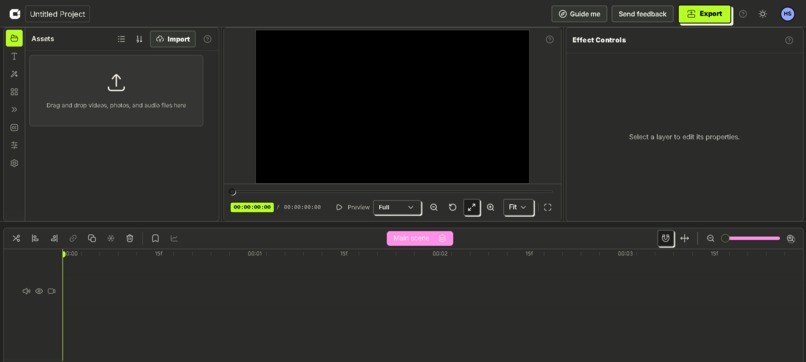
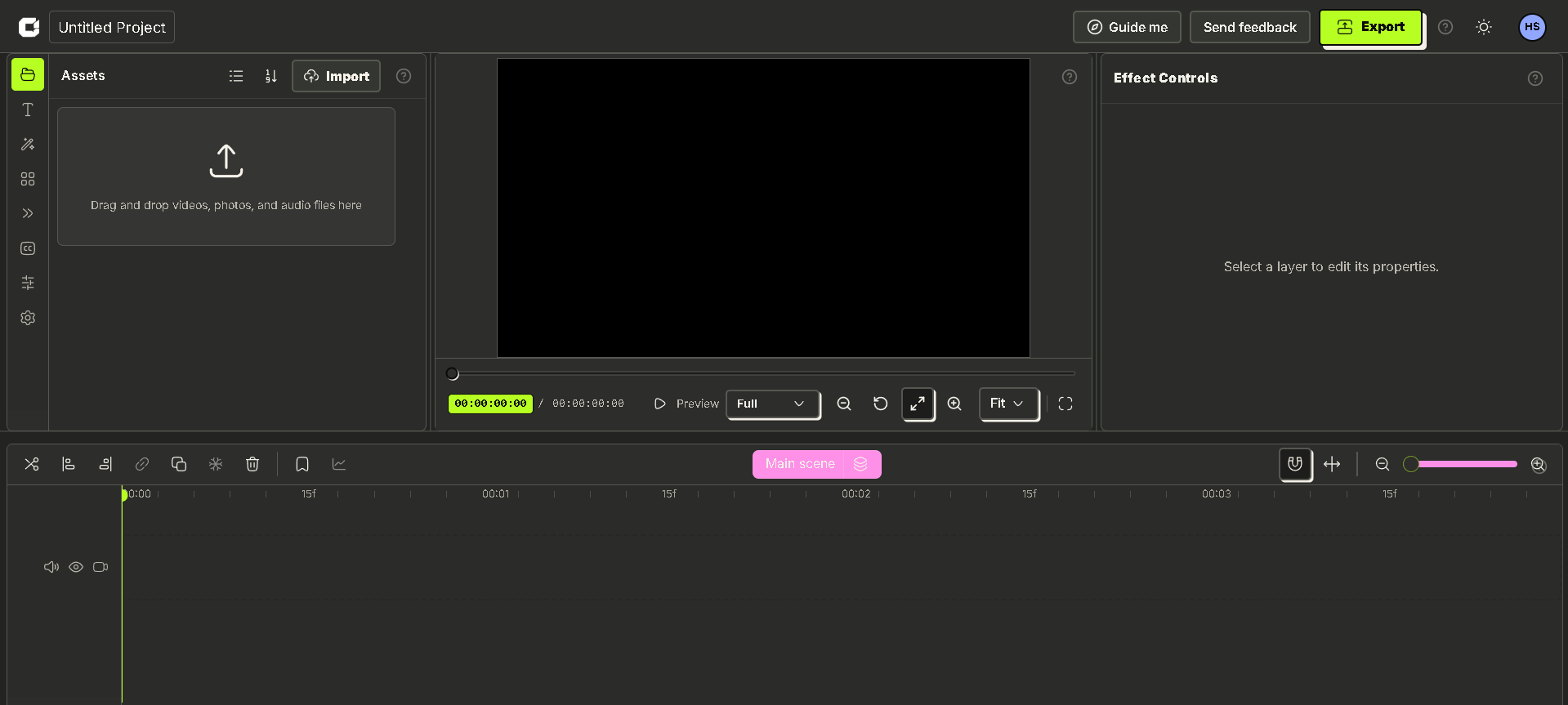
Edit videos on a professional timeline with assets, effects, real-time preview, and export tools.
-
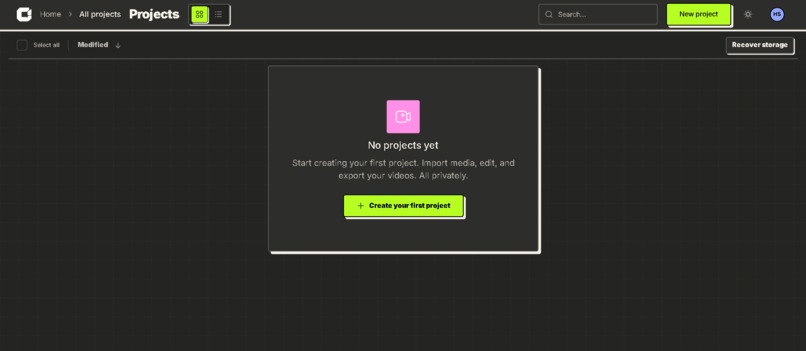
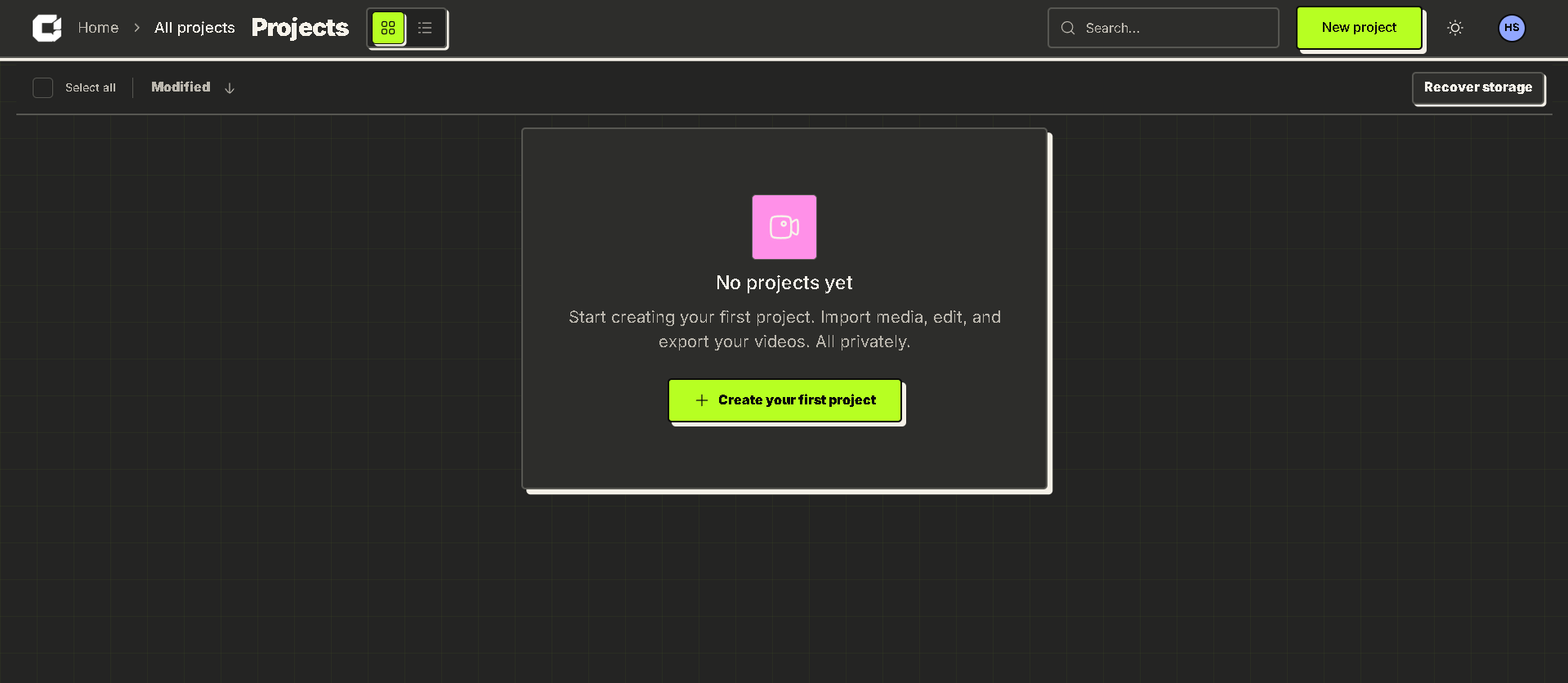
Manage, organize, search, and access all your video projects from one centralized dashboard.
-
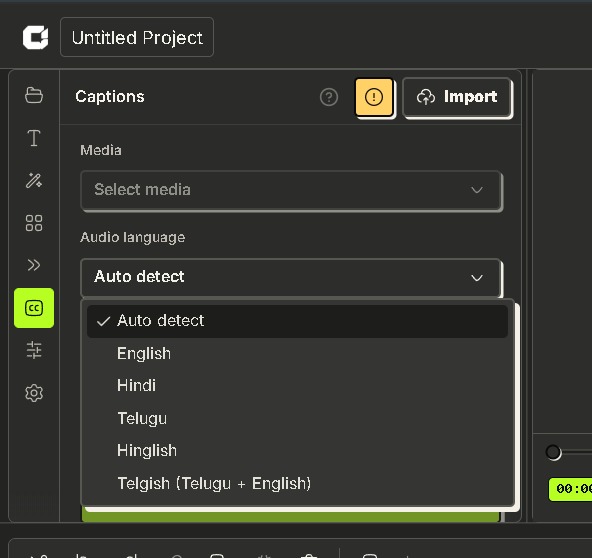
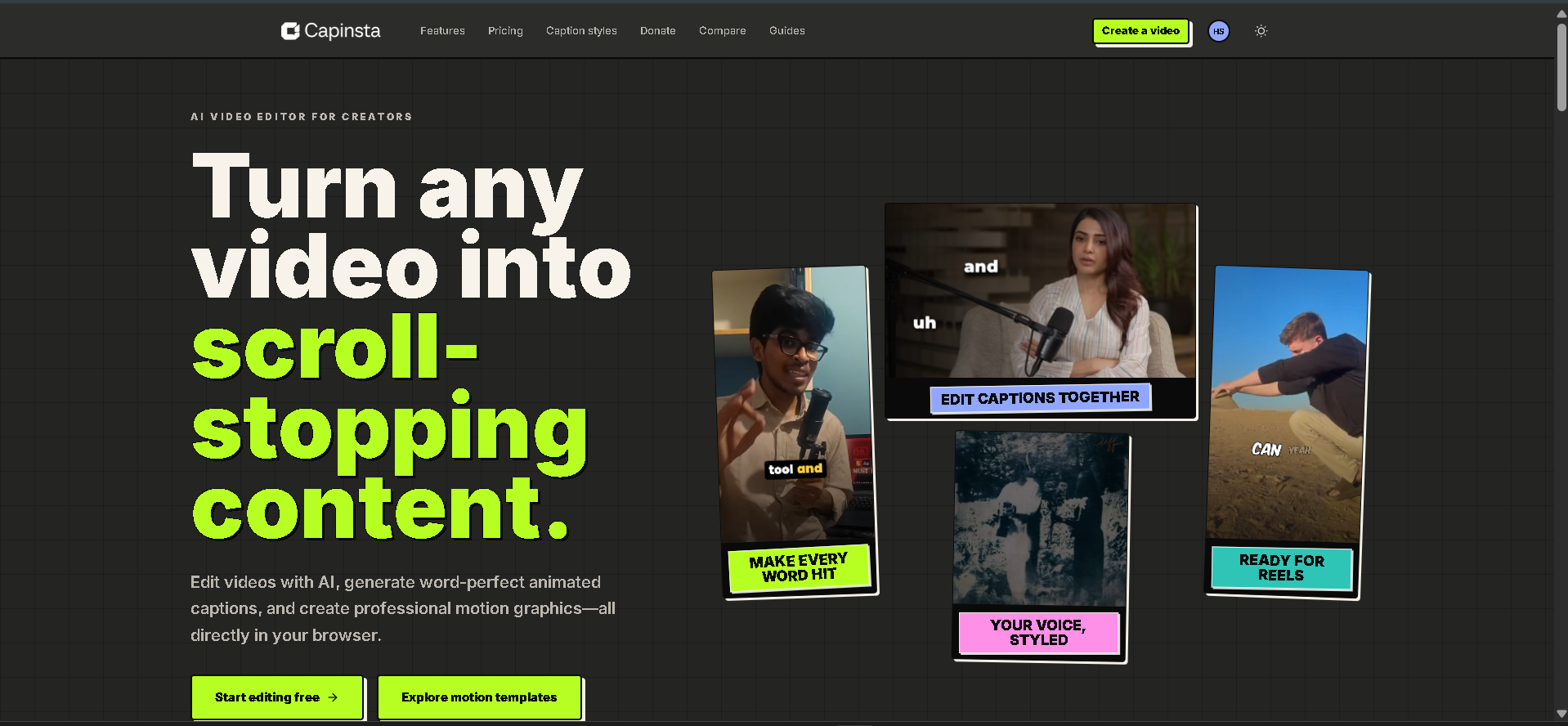
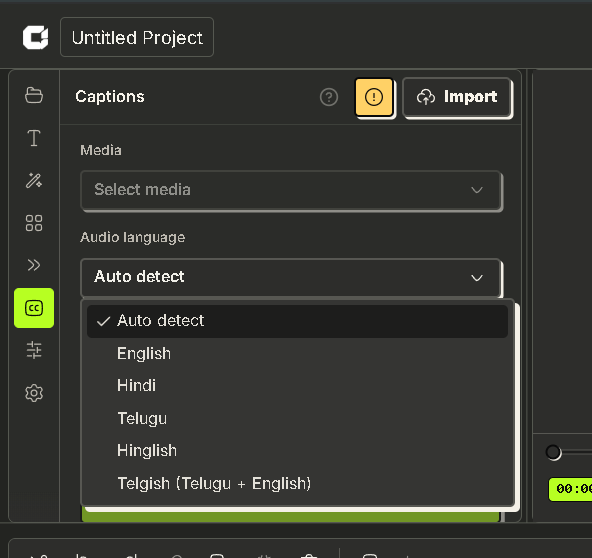
Generate accurate multilingual captions with automatic language detection and word-level timing.
-
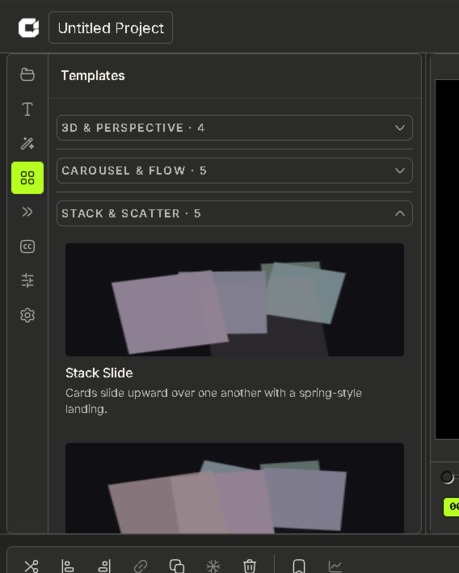
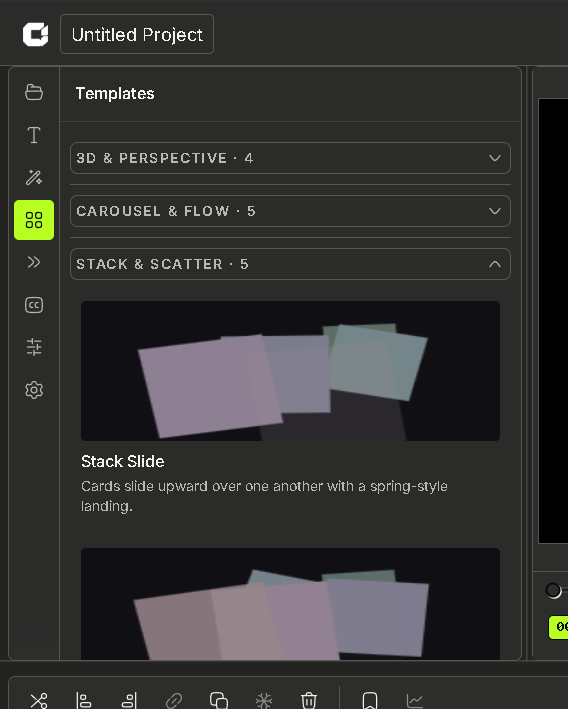
Customize ready-made motion graphics templates for promos, product demos, and social content.
Inspiration
Creating engaging short-form content is time-consuming. Creators often switch between multiple tools for caption generation, subtitle editing, motion graphics, and video exporting, making the workflow slow and fragmented. Professional editing software also comes with steep learning curves and expensive subscriptions that many creators cannot justify.
We wanted to build CapInsta to simplify this process. Our goal was to create a browser-based AI video editor that combines automatic captions, subtitle styling, motion graphics, and video editing into one seamless platform. By leveraging AI to automate repetitive tasks, creators can focus on storytelling instead of spending hours on editing.
What it does
CapInsta is an AI-powered browser-based video editor built specifically for short-form content creators.
Its core features include:
- AI-generated captions with word-level timing
- Fully editable subtitle styles, fonts, colors, and animations
- Animated active-word highlighting
- Export videos with burned-in captions or SRT/VTT subtitle files
- Automatic language detection supporting English, Hindi, Telugu, Hinglish, and mixed Indian-language conversations
Beyond captions, CapInsta provides a growing collection of fully editable motion graphics templates for:
- SaaS product promotions
- Product demos
- App showcases
- Social media posts
- Marketing videos
- Reels, Shorts, and TikTok content
Everything runs directly inside the browser without requiring traditional motion-design software.
How we built it
CapInsta was built using a modern full-stack web architecture.
Frontend
- Next.js
- React
- TypeScript
- Tailwind CSS
Video Processing
- FFmpeg
- HTML5 Canvas rendering
- Custom timeline engine
AI
- Speech-to-text models for caption generation
- Word-level timestamp processing
- Automatic language detection
Editor
- Custom motion graphics engine
- Browser-based rendering pipeline
- Real-time subtitle preview
- Timeline-based editing workflow
Our focus was delivering a desktop-like editing experience while keeping everything inside the browser.
Challenges we ran into
Building CapInsta introduced several technical challenges:
- Synchronizing captions with precise word-level timestamps.
- Maintaining smooth playback while editing long videos.
- Optimizing browser performance for large media files.
- Designing an intuitive timeline editor suitable for both beginners and professionals.
- Building reusable motion graphics templates that remain fully customizable.
- Supporting multilingual speech, including English, Hinglish, Telugu-English, and mixed-language conversations.
- Balancing performance, responsiveness, and export quality entirely within a browser environment.
Accomplishments that we're proud of
We're proud that we successfully built a complete browser-based AI video editing platform.
Some highlights include:
- AI-powered automatic caption generation
- Accurate word-level subtitle synchronization
- Fully customizable subtitle editor
- Reusable motion graphics template library
- Responsive browser-based editing experience
- Support for multilingual caption generation
- Fast exports with burned-in captions or subtitle files
- Designed specifically for Instagram Reels, YouTube Shorts, TikTok, and other vertical video platforms
What we learned
This project taught us a great deal about browser-based media processing, rendering pipelines, and performance optimization.
We gained practical experience with:
- AI integration for creator workflows
- Video processing using FFmpeg
- Canvas rendering techniques
- Timeline synchronization
- Motion graphics systems
- Responsive UI design for creative software
- Managing complex state in large React applications
Most importantly, we learned how much thoughtful UX matters when building tools that creators use every day.
What's next for CapInsta
Our long-term vision is to make CapInsta a complete AI-powered content creation platform.
Our roadmap includes:
- AI video generation from text prompts
- Automatic B-roll suggestions
- AI script generation
- AI voiceovers
- Multilingual dubbing
- Cloud rendering for faster exports
- Team collaboration workspaces
- Shared project libraries
- Brand kits
- Mobile editing support
- One-click publishing to Instagram, YouTube, TikTok, and other platforms
- Silence removal
- Highlight detection
- Auto zoom and punch-in effects
- Smart reframing
- AI-powered scene detection
- Advanced creator analytics
Ultimately, our goal is to enable creators to produce professional-quality videos entirely within their browser, reducing editing time while significantly improving creative output.
Built With
- codex
- nextjs
- vad

Log in or sign up for Devpost to join the conversation.