-
-
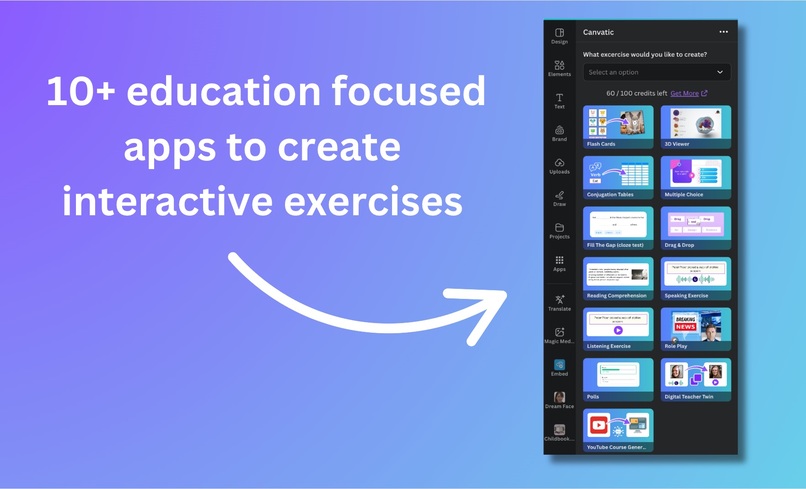
10+ education focused mini apps
-
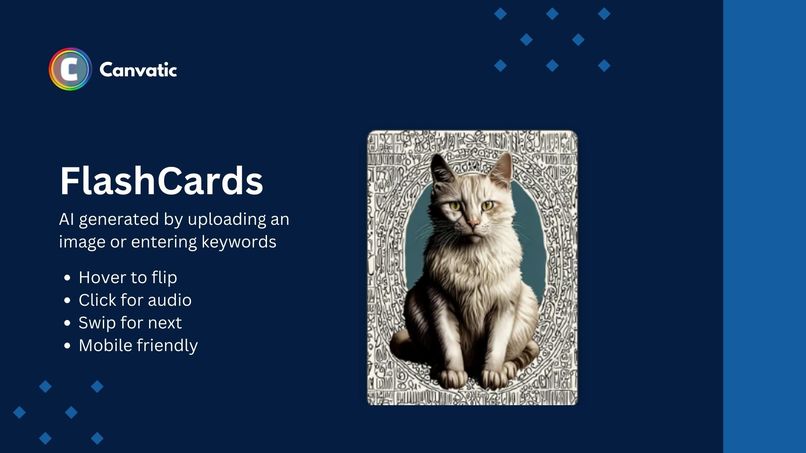
Flash Cards
-
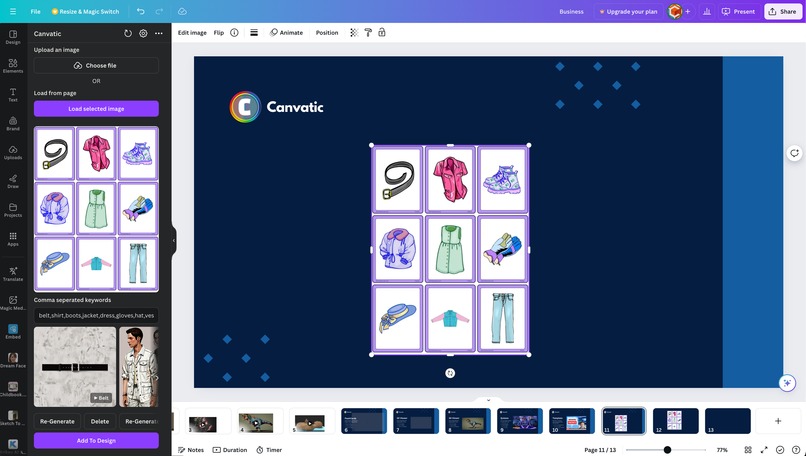
Simple UI using Canva SDK and Design guidelines
-
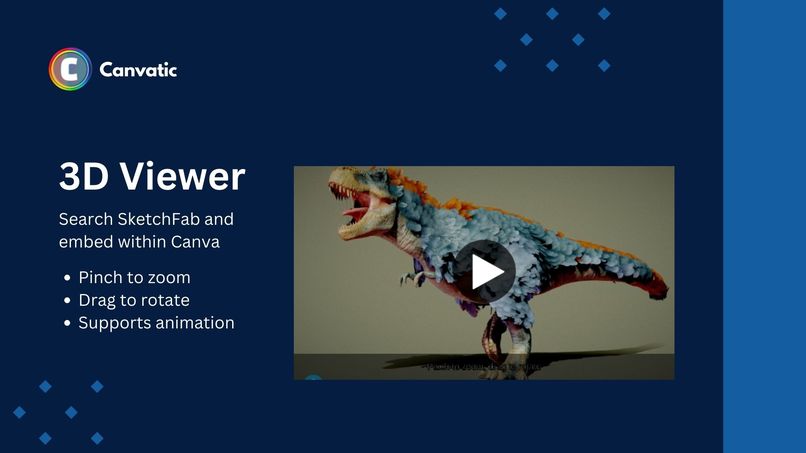
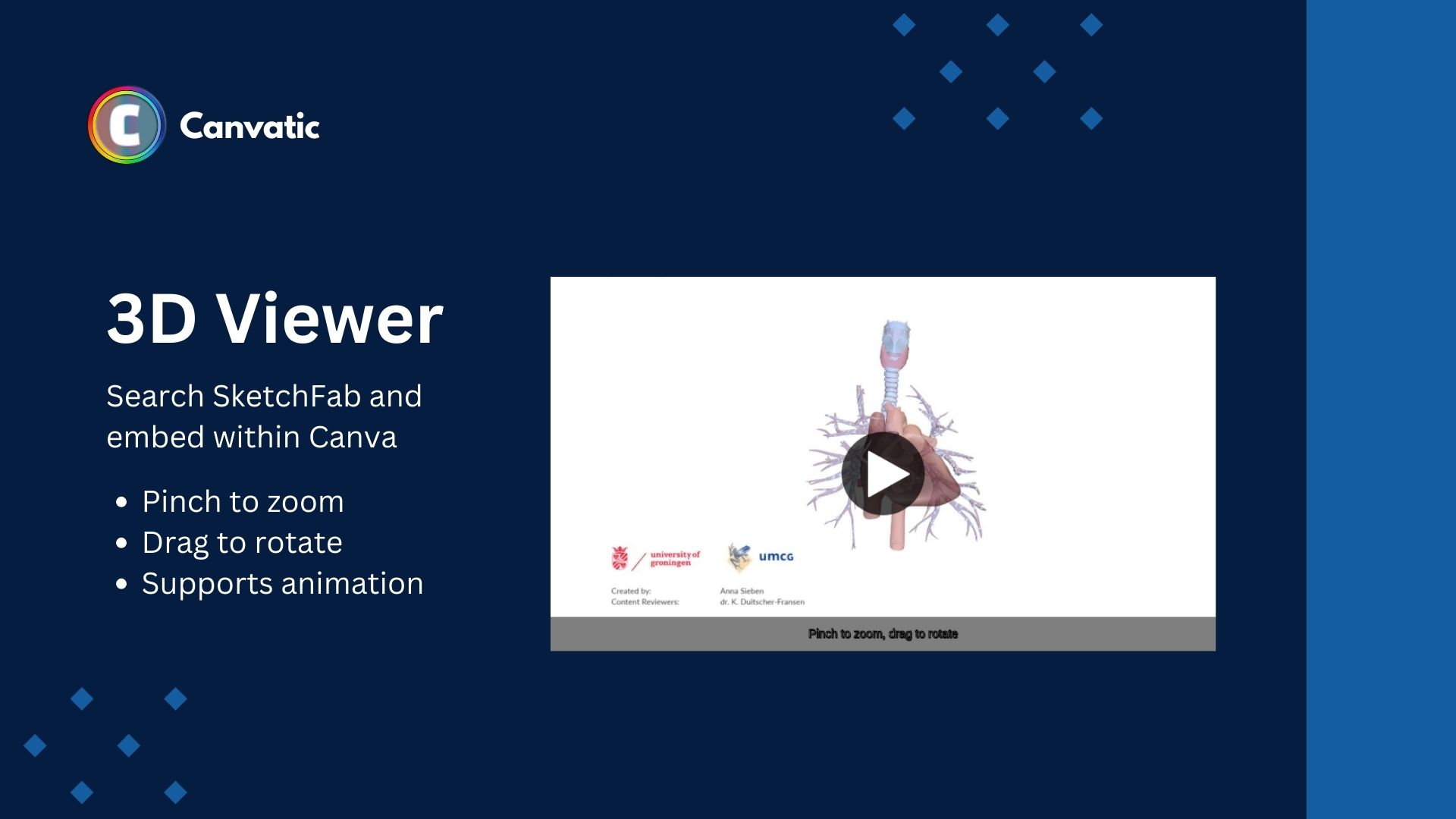
3D Model
-
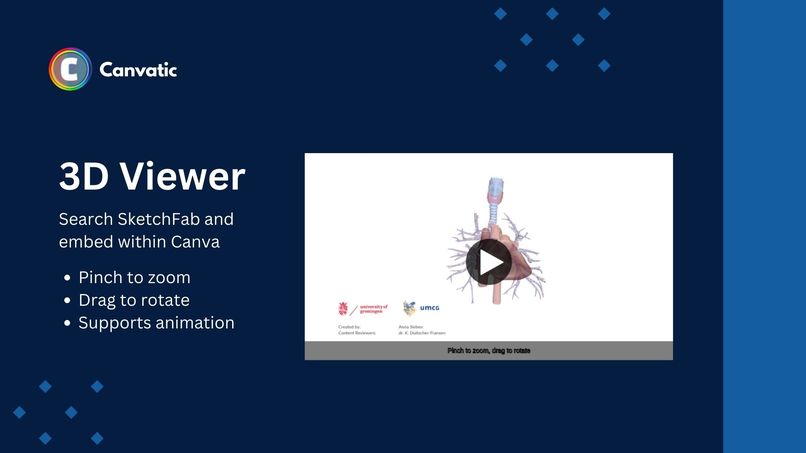
3D Biology Animation
-
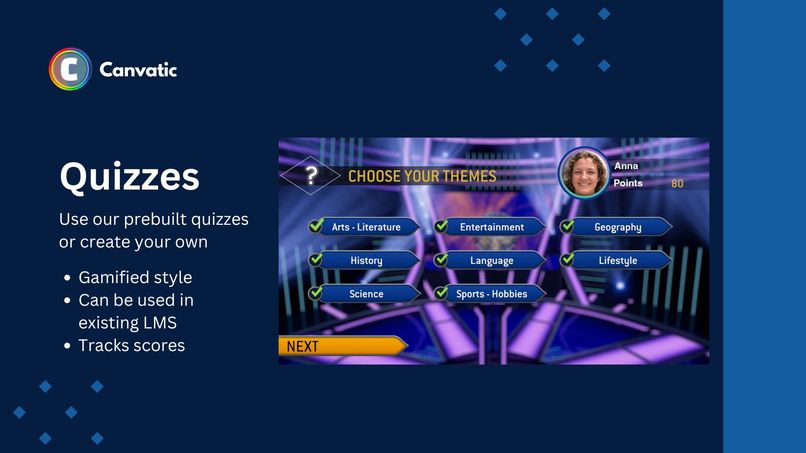
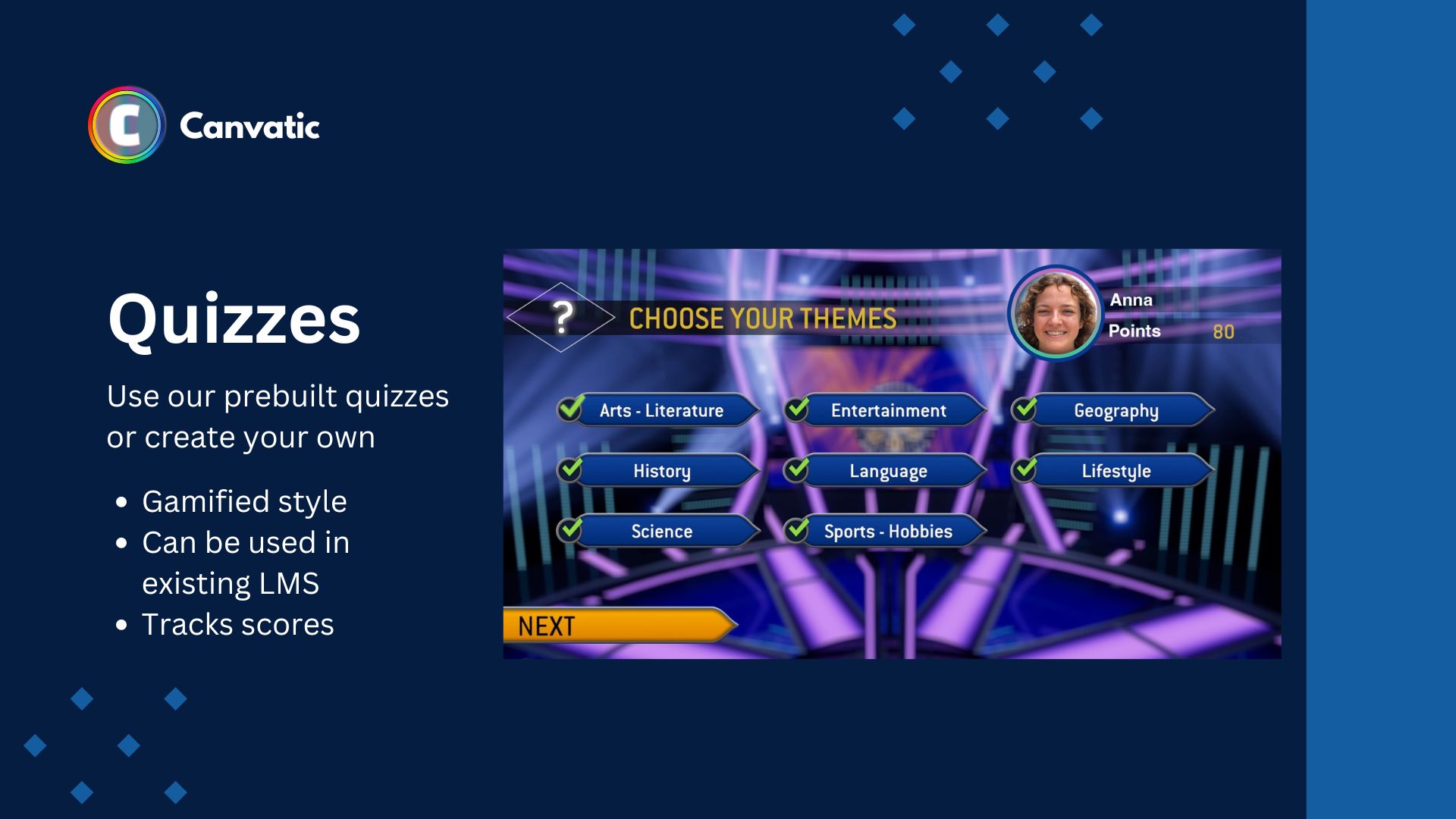
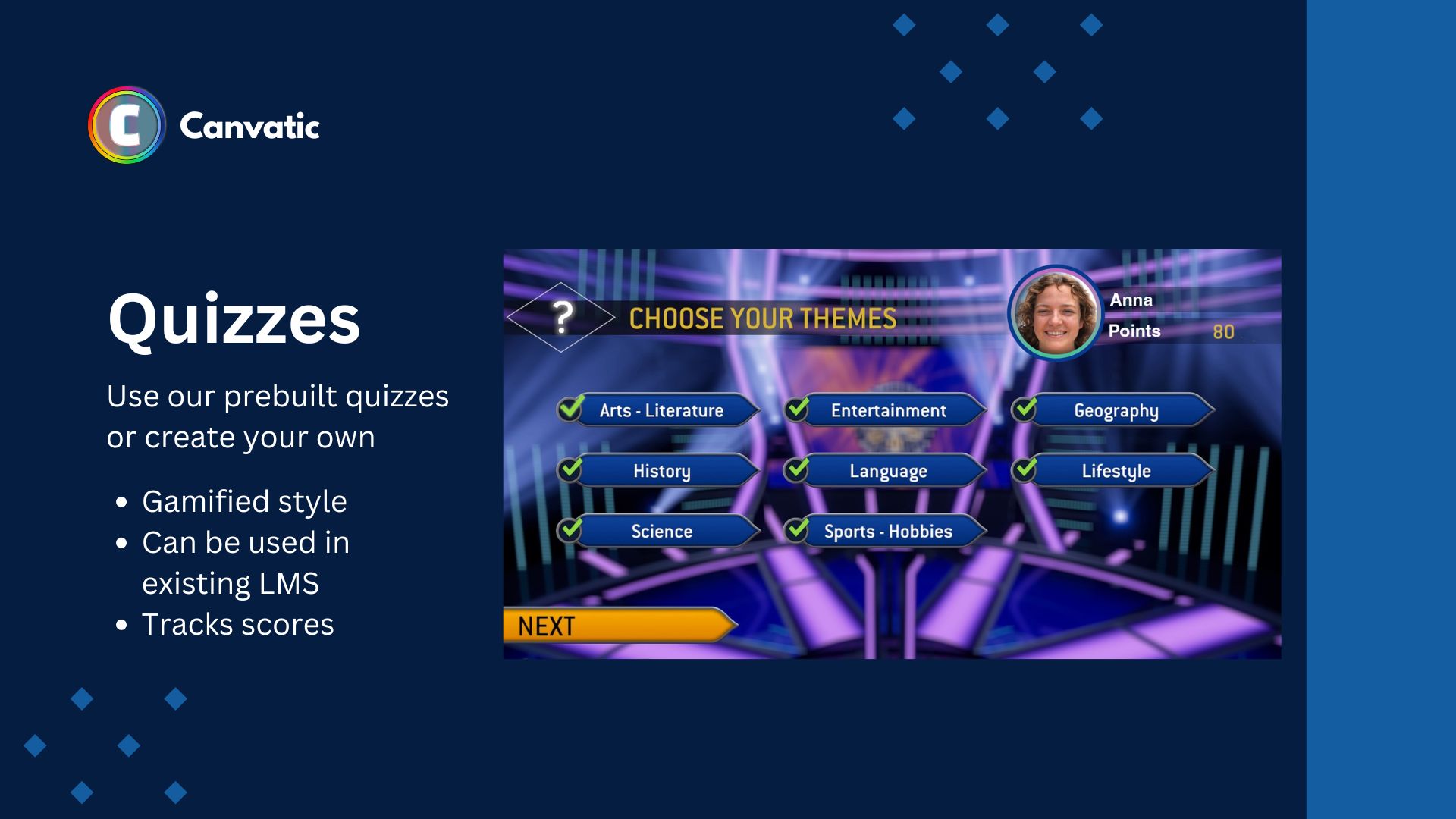
AI Generated Quizzes
-
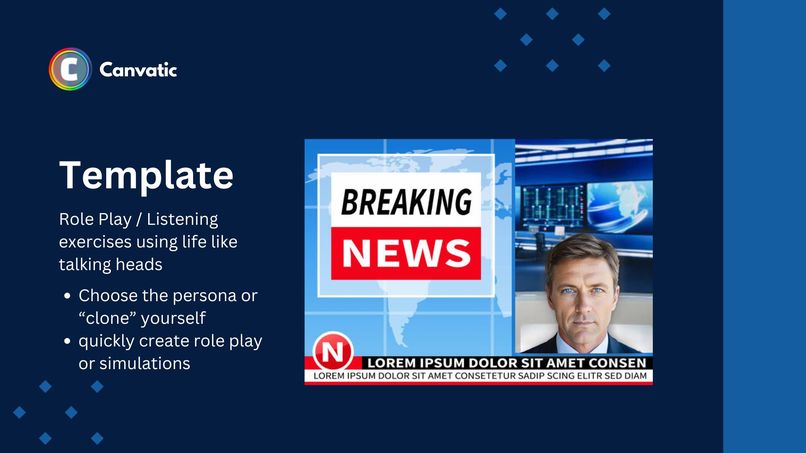
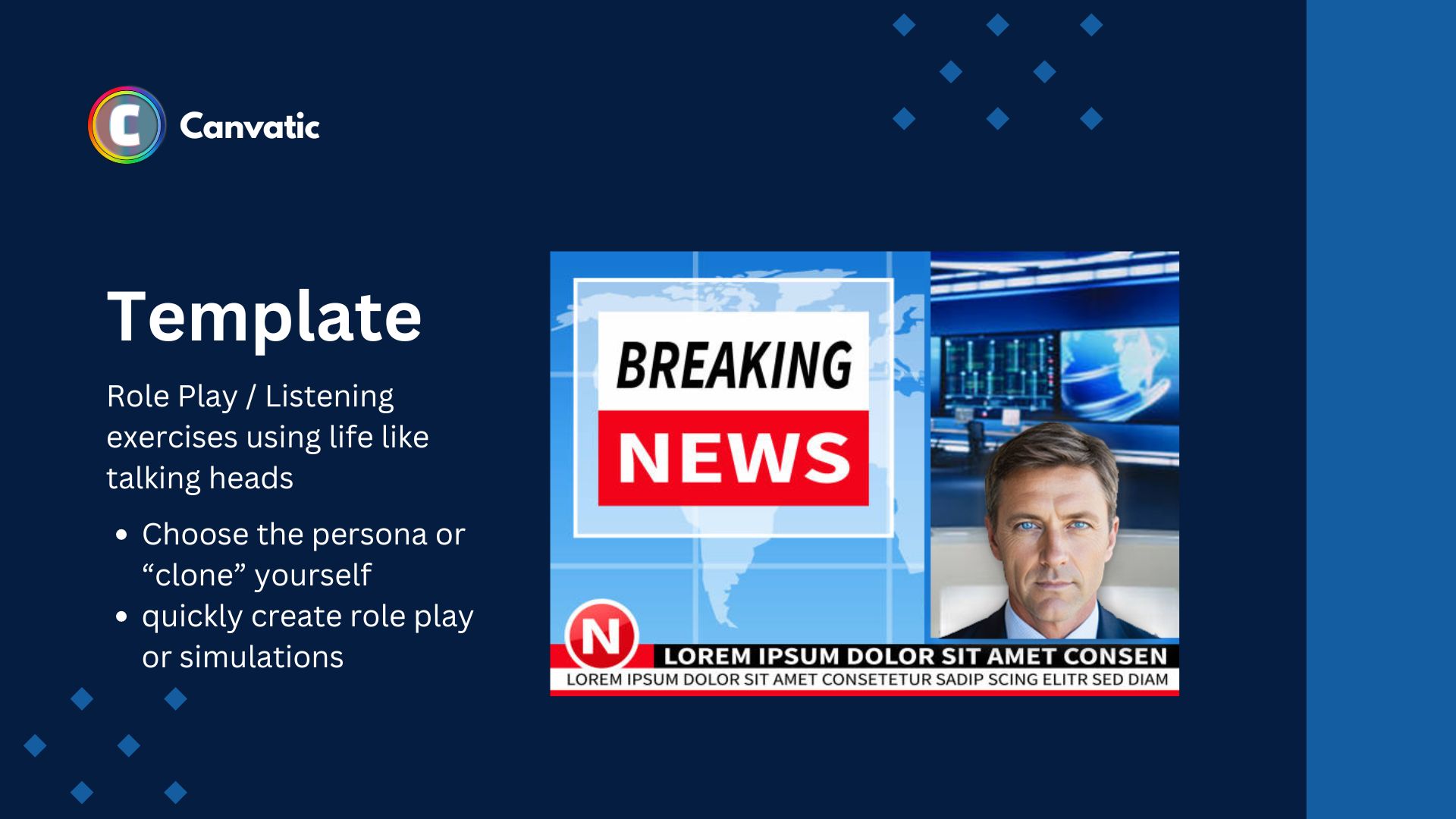
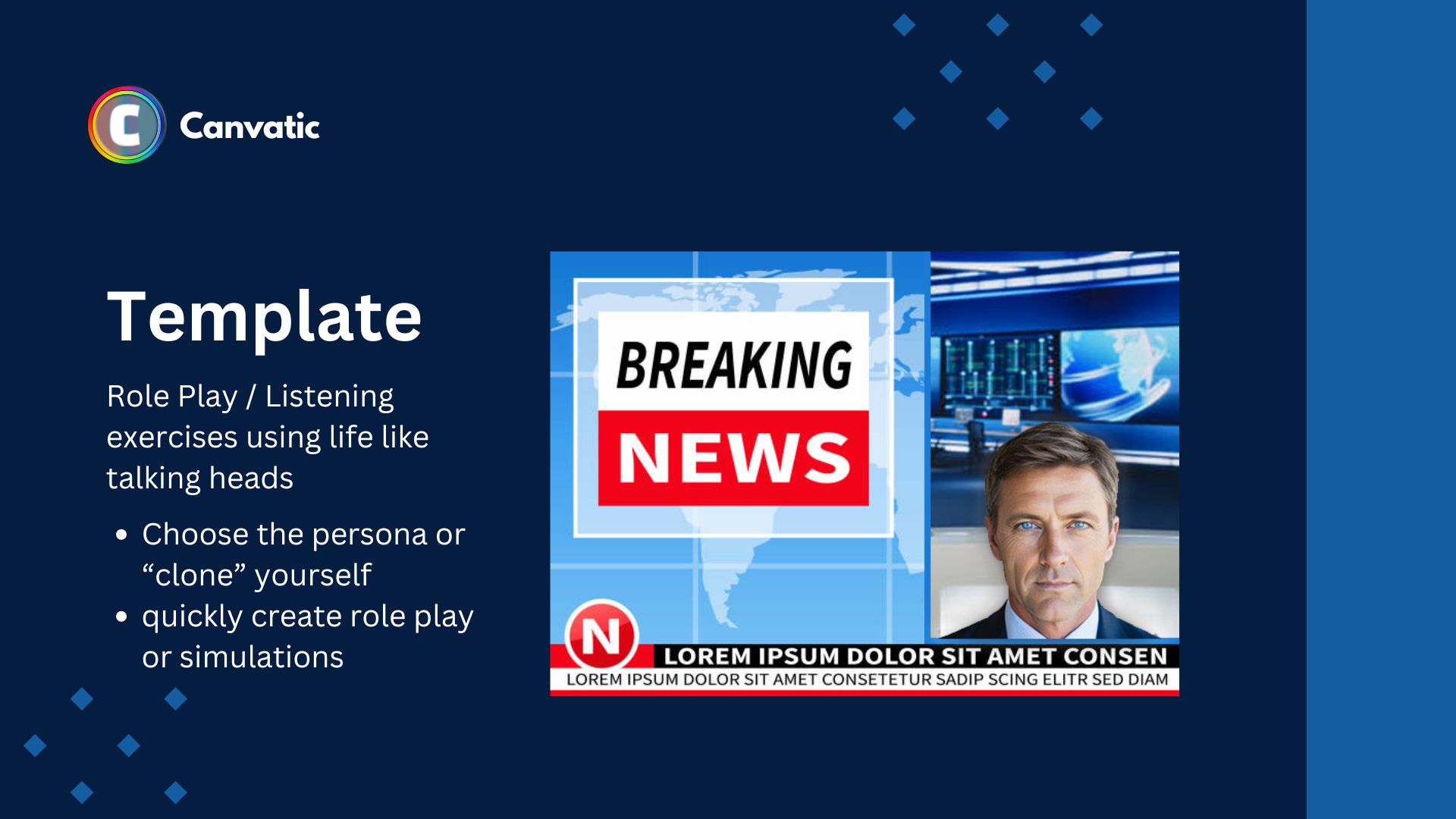
Easily create Role Play or Simulations with AI life like talking heads/avatars
-
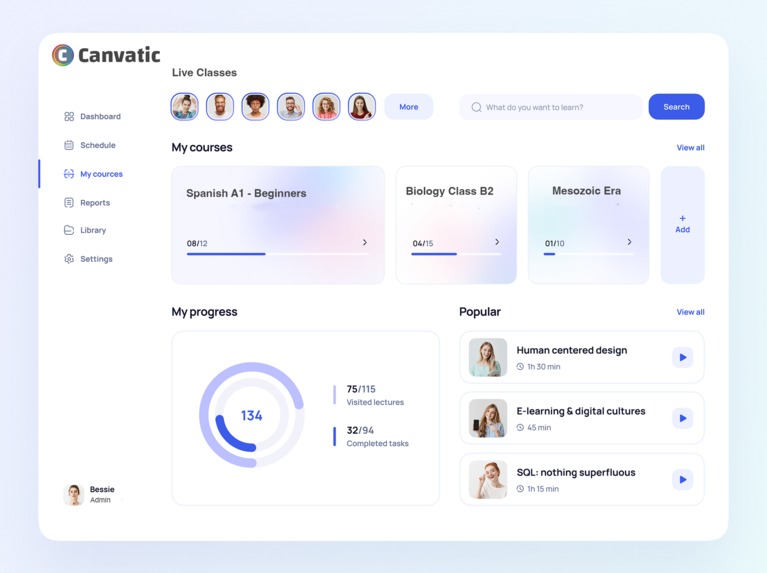
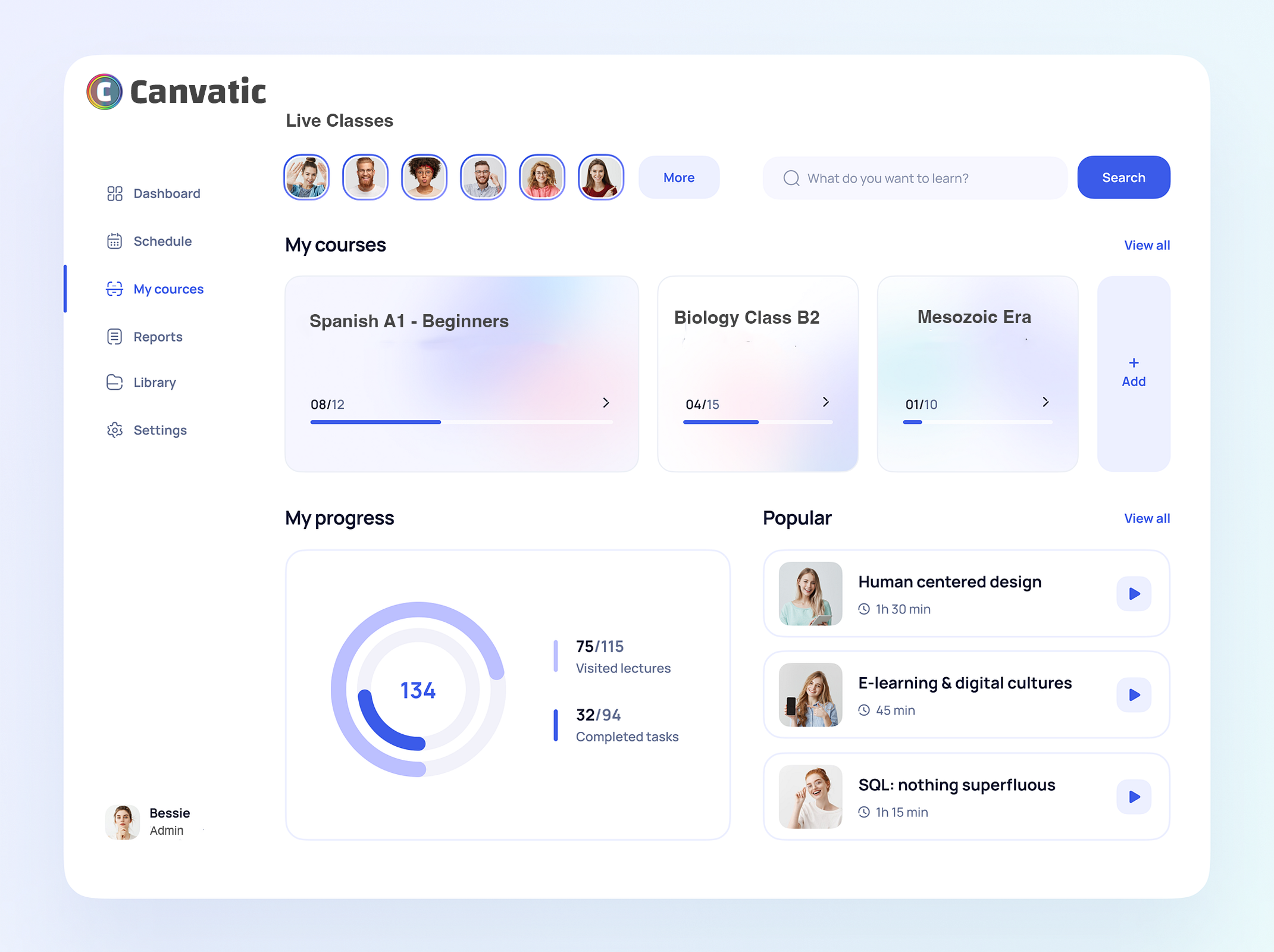
Canvatic Course Pro (LMS using Canva Connect)
Inspiration
What if there was an easy way to create dynamic interactive courses and exercises using Canva? Now with Canvatic you can!
Canvatic leverages the power of AI to create interactive online courses and homework exercises for more engaging and effective learning experiences.
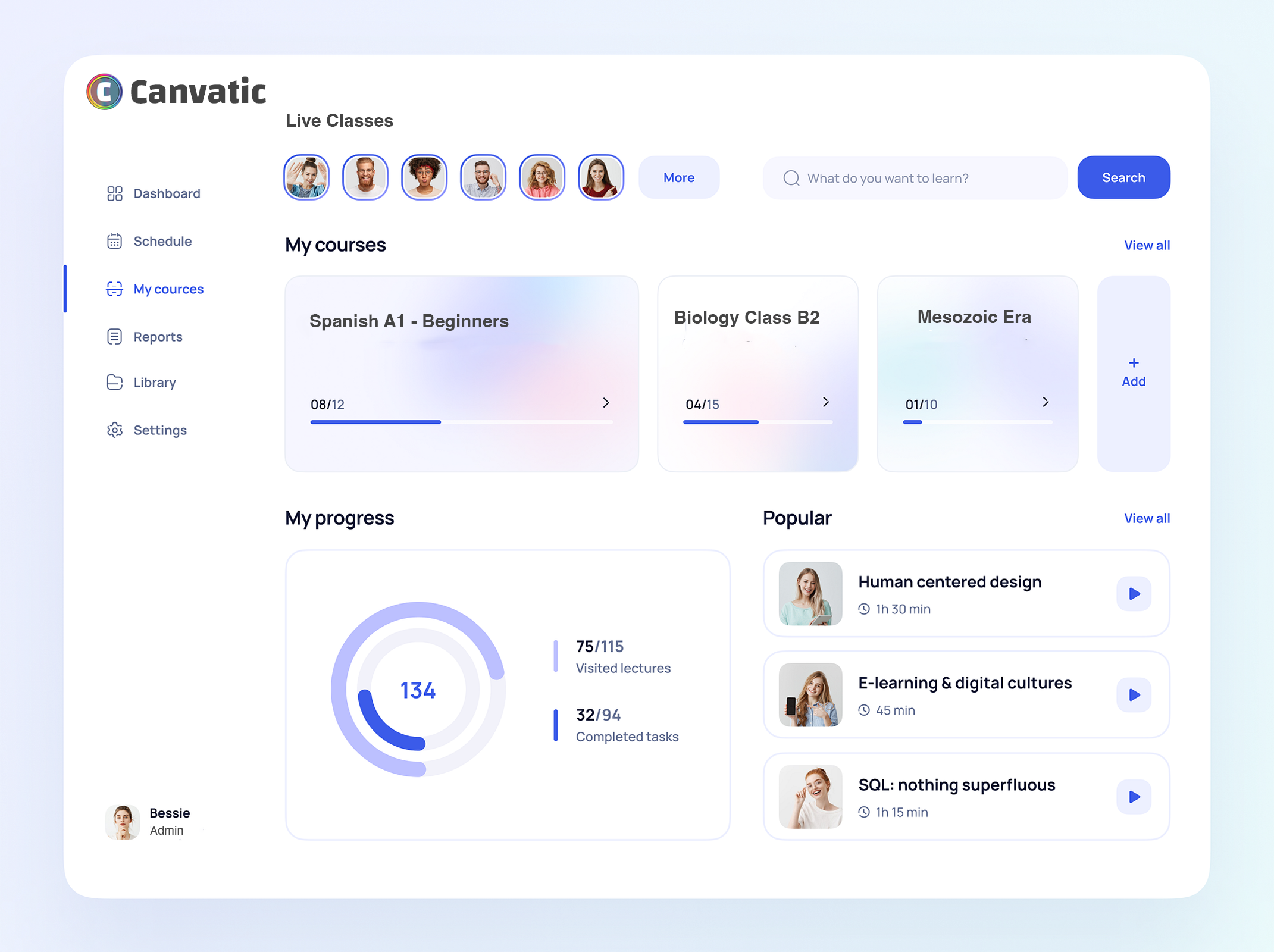
Need student enrolments, attendance, reporting or to take student payments we also built Canvatic Course Pro (An end-to-end Canva based LMS)
What it does
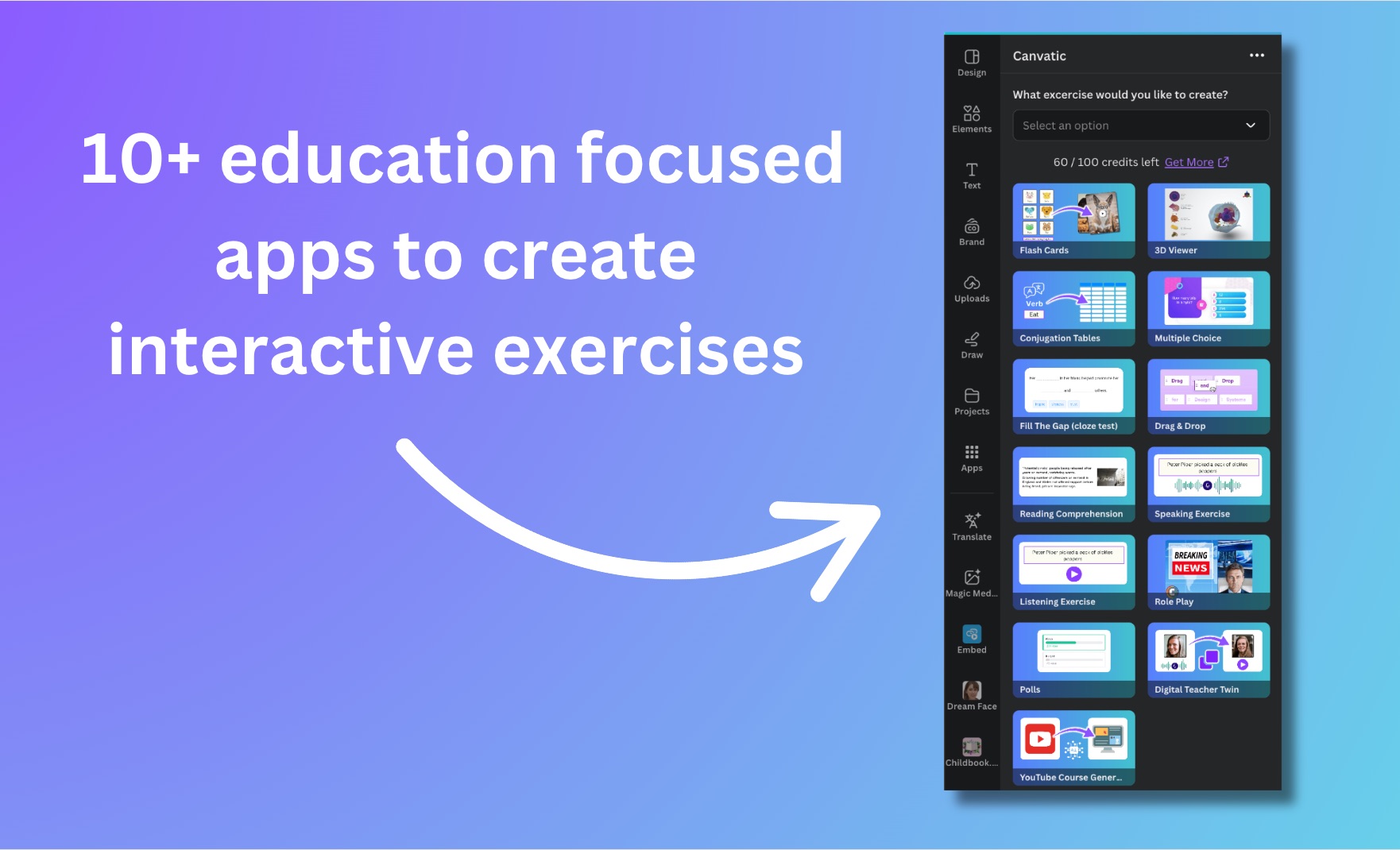
A suit of tools to take Canva Courses to the next level:
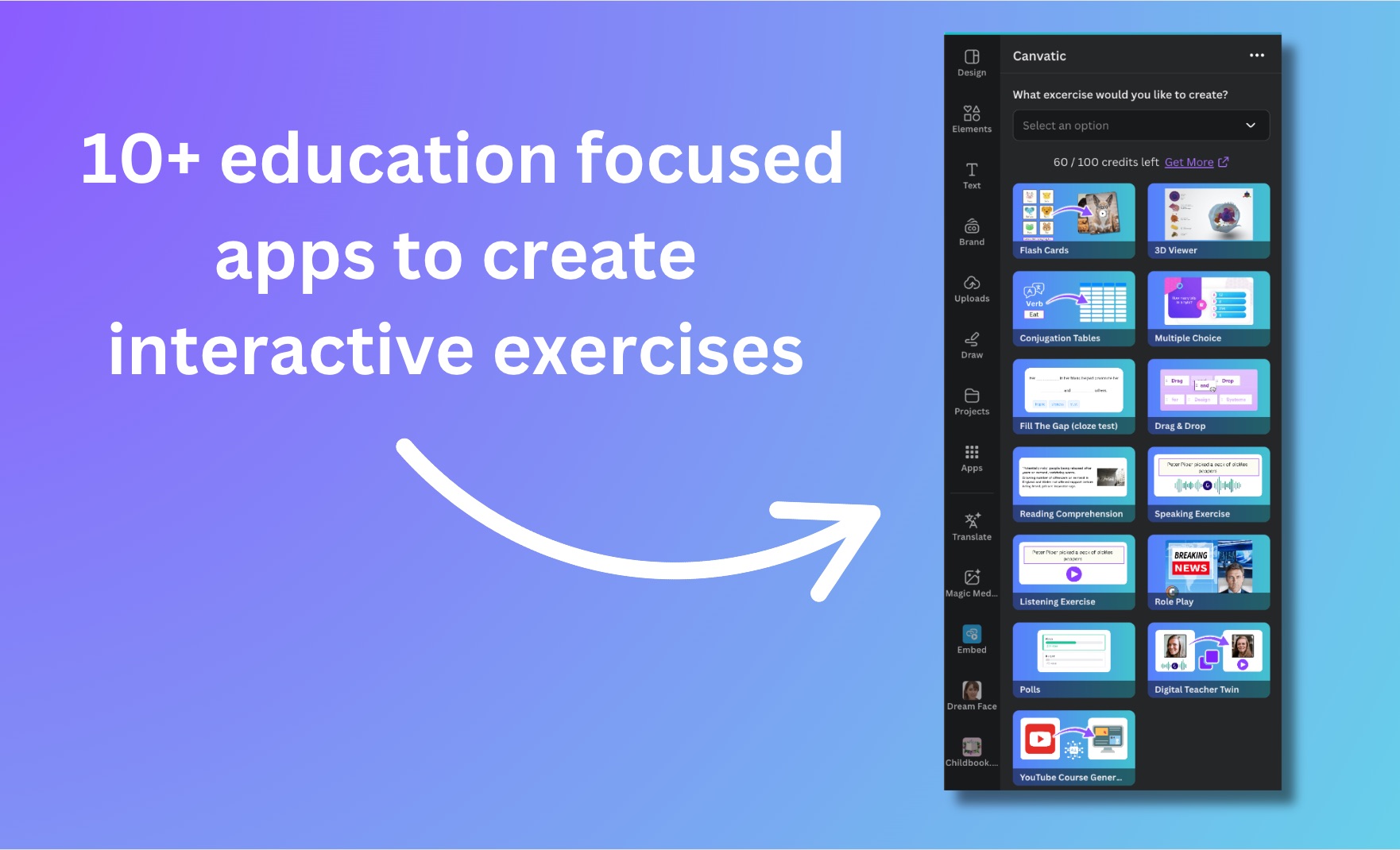
Interactive exercise builders :
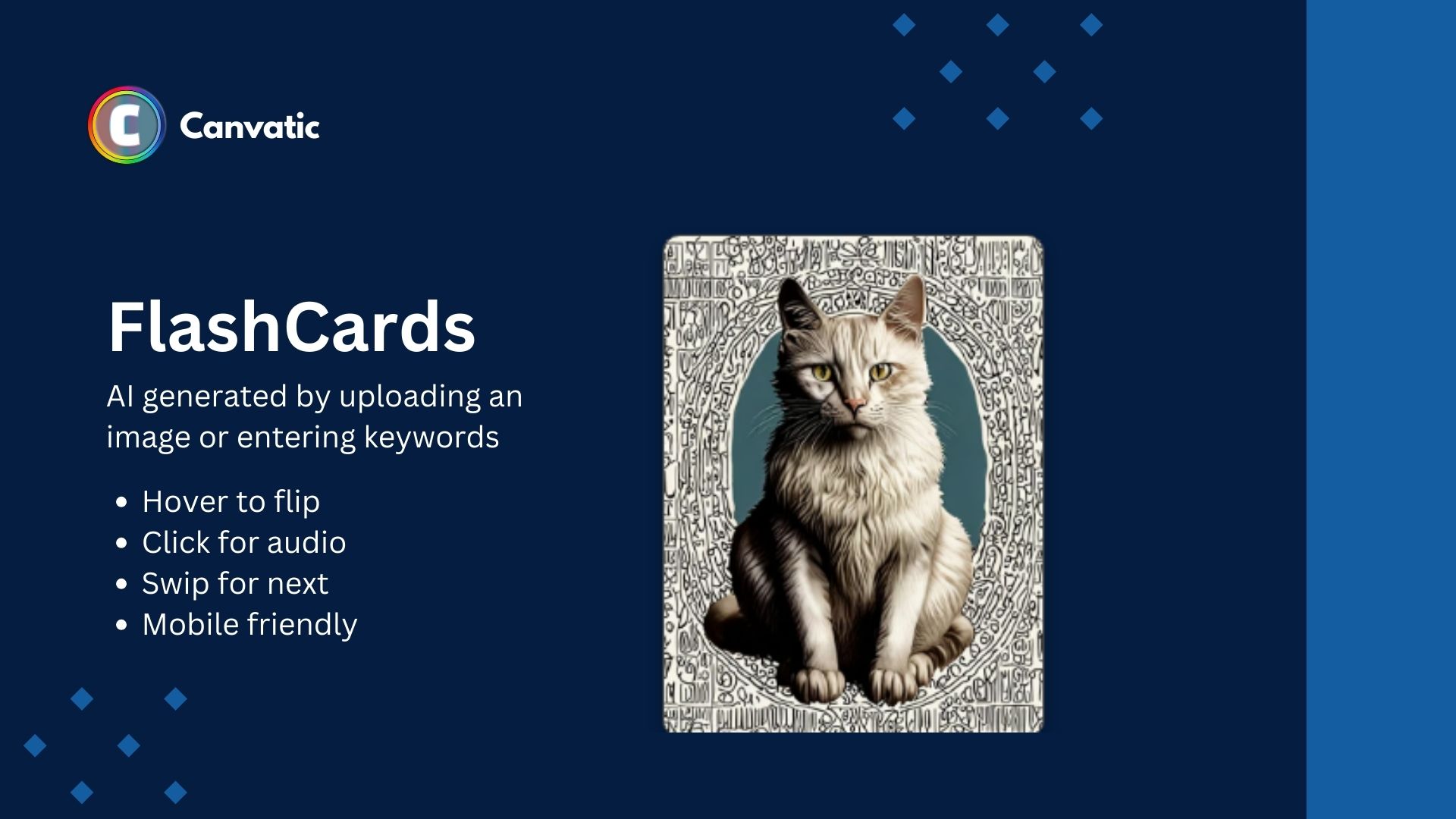
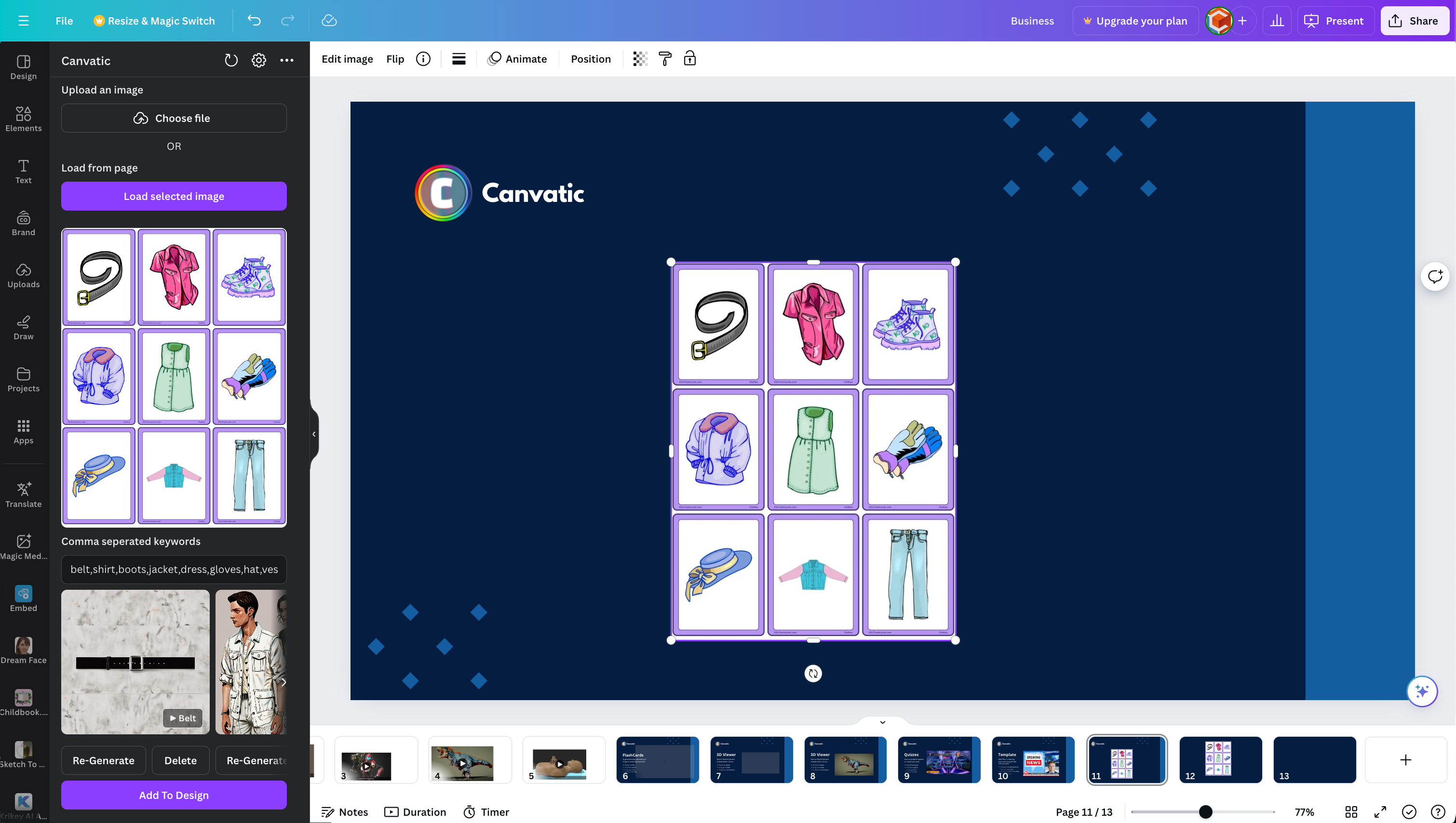
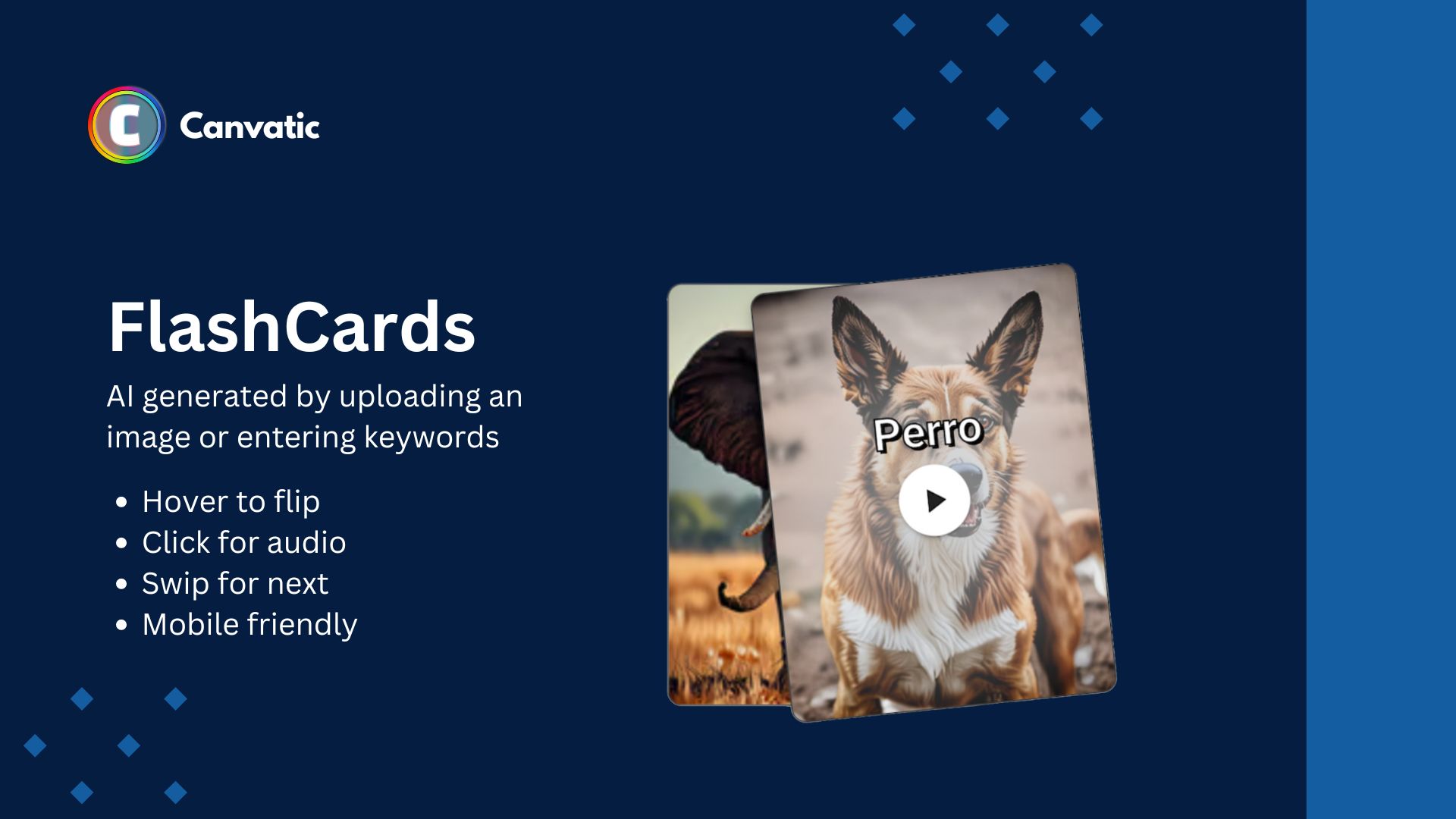
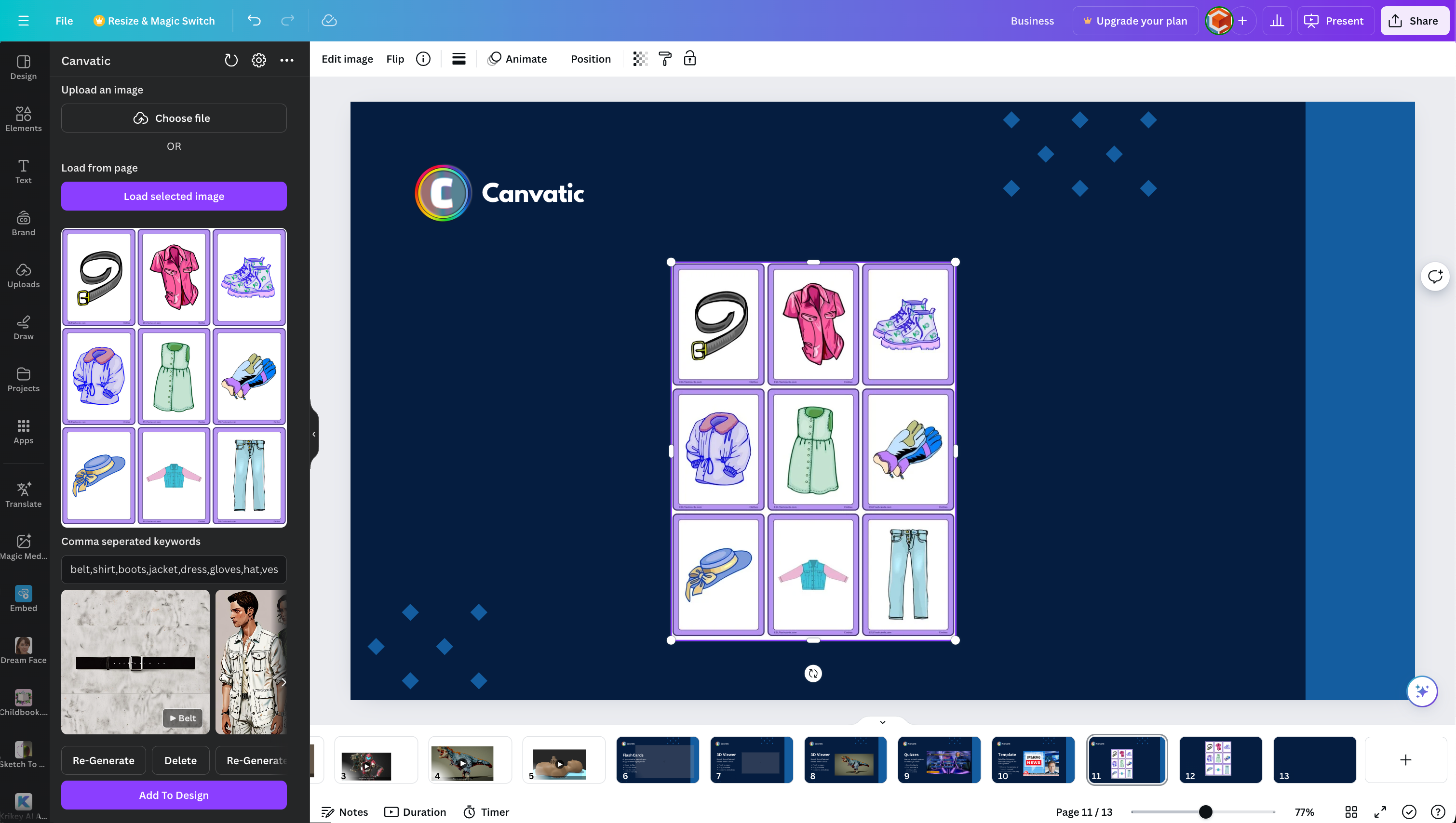
- Flash Cards
Animated flip cards (auto generated by uploading an image with sound) - Fill the Gap (Cloze Test)
Auto generate by entering a topic or sentence - Drag & Drop Match
Match the image with the right answer - Reading Comprehension
Auto generate by entering a topic or sentence - Speaking Exercise
Using Speech to Text AI - Role Play
Auto create a dialog between to character for learning simulation (option to use lifelike talking head avatars7. - Polls
Interactive poll for student feedback/voting - Digital Teacher Twin
Clone your face and voice for lifelike "AI Talking Head" used for automating personalised H.W & course presentations. - YouTube Course Creator
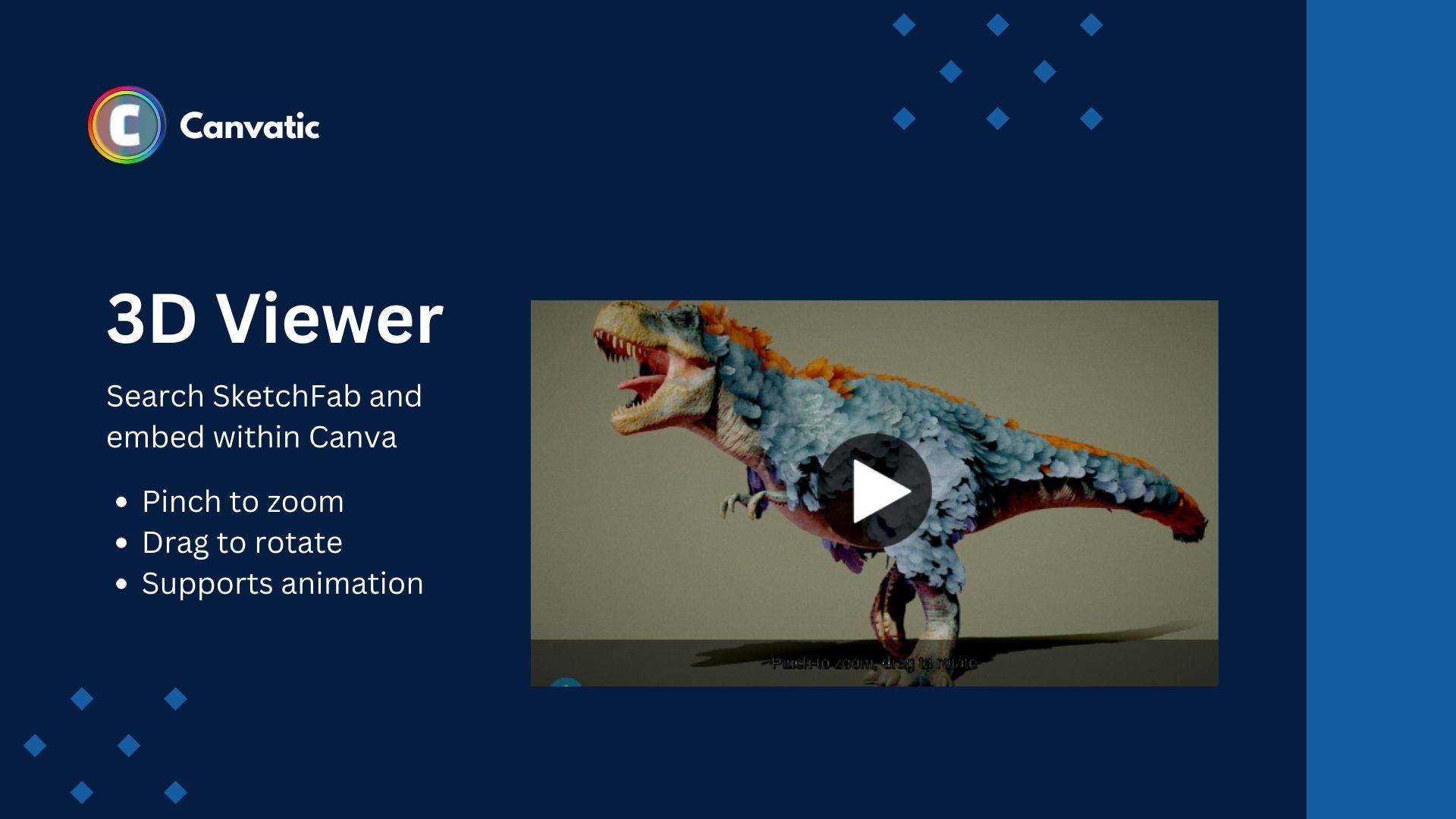
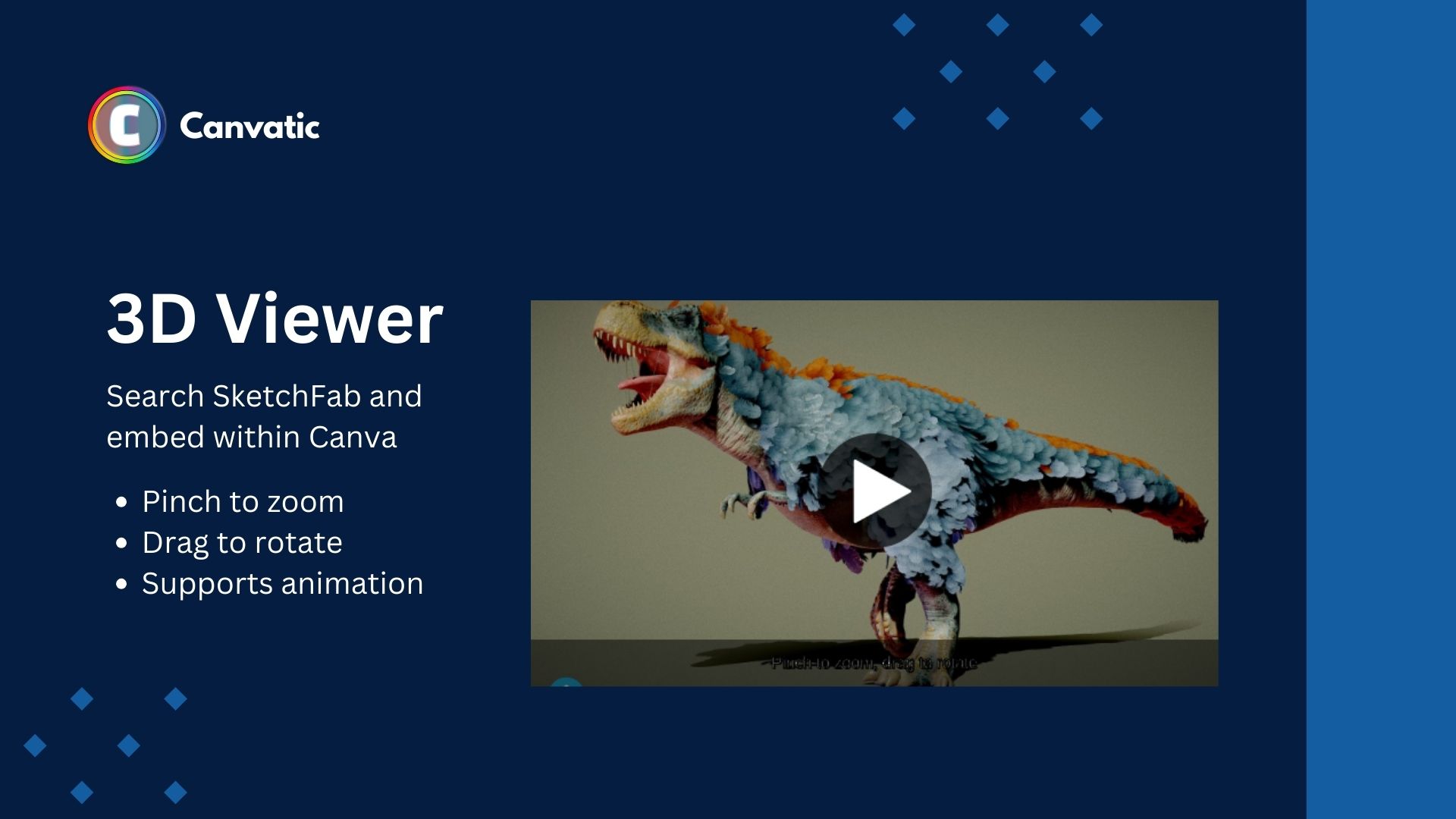
Auto Create a Course based on a YouTube Video - 3D Viewer
Embed 3D models into Canva (Uses SketchFab APIs) - AI Course Creator
Describe a course & target audience to get a full AI generated course in seconds
Examples:
Canvatic Course Pro an end-to-end LMS solution for Canva Courses:
- Student Enrolments
- Student Payments
- Attendance Tracking and Reporting
- SSO
- Publish optimised course to mobile (PWA app)
- + more, a complete LMS that is super easy to use (using Canva Connect to integrate with Canva Courses)
Examples:


Pre Made Interactive Templates:
- Role Play & Simulations using AI generated scripts and like like talking avatars
- Who wants to be a millionaire style quiz
- Kids Course
Examples:

Video Demo
View Demos
How we built it
- Custom AI models trained/built using PyTorch
- LearnCube Beta AI APIs (We work there)
- 3rd party models include, Llama 3, OpenAI and CloudFlare AI Gateway
- CloudFlare for "serverless" hosting (Workers)
- CloudFlare D1, R2 and AI Gateway
- Python and & Node for backends
- VueJS for front end
- IFramley for embeds
- Sketch Fab for 3D catalog and Viewer API
- Canva SDK
- Canva Connect
Challenges we ran into
- Getting AI inference fast enough especially when chaining multiple AI tasks.
- Balancing performance and costs of inference ( cold start/warm endpoints)
- Getting Canva <-> Iframely <-> LearnCube to all play nicely together
Accomplishments that we're proud of
It works, we've scratched our own itch and created a tool we've wanted for a long time and hope other educators enjoy using it.
What we learned
Users have little patient for AI Inference (even if the task saves a lot of time the waiting for the automation task still need to be fast for customer to enjoy) we spent a lot of time optimising inference speeds for specific tasks.
What's next for Canvatic - Making Canva Interactive
We can't wait for feedback from educators and students so we can iterate on the initial integrations to create a super easy to use LMS using Canva as the main UI for creation.
Built With
- canva
- cloudflare
- python
- pytorch
- vue


Log in or sign up for Devpost to join the conversation.