-
-
-
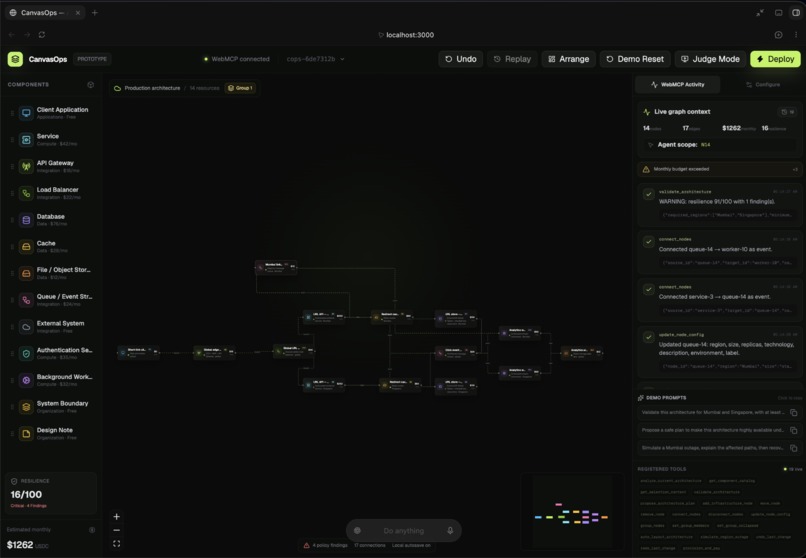
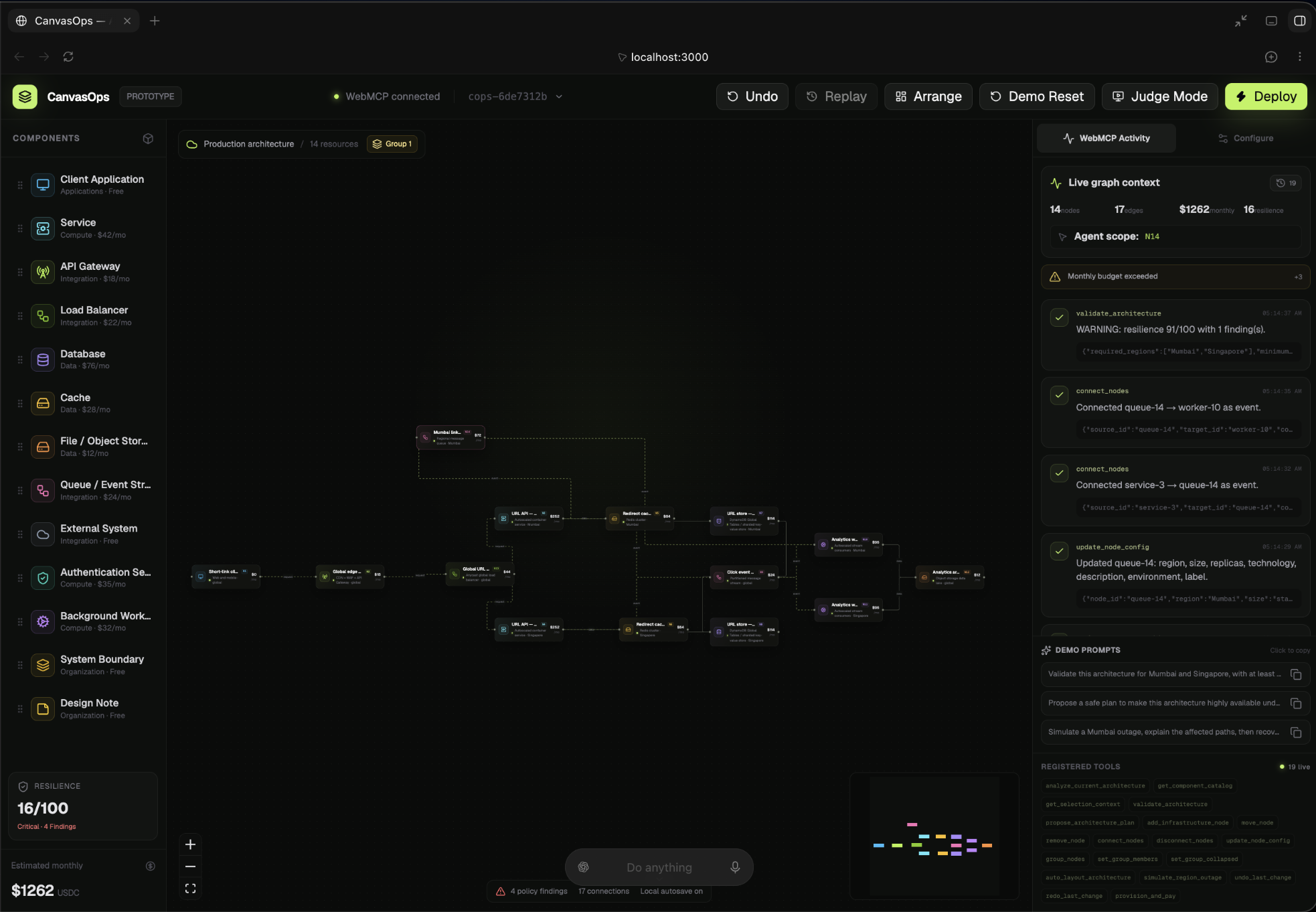
working interface
-
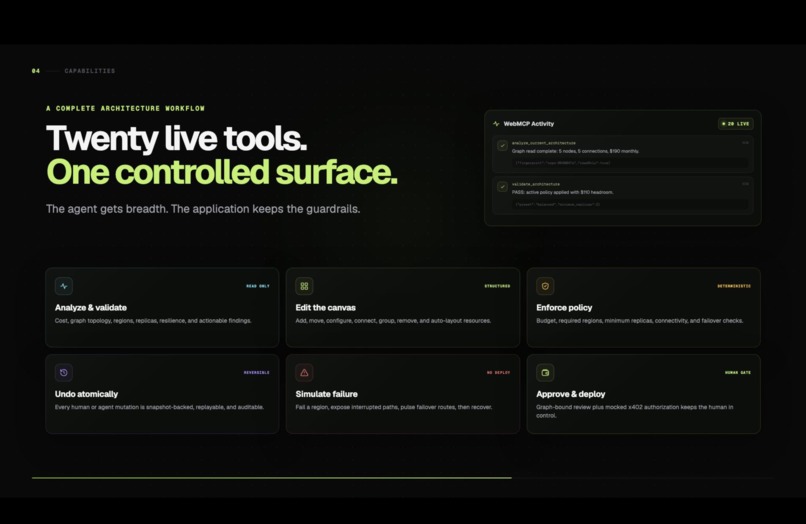
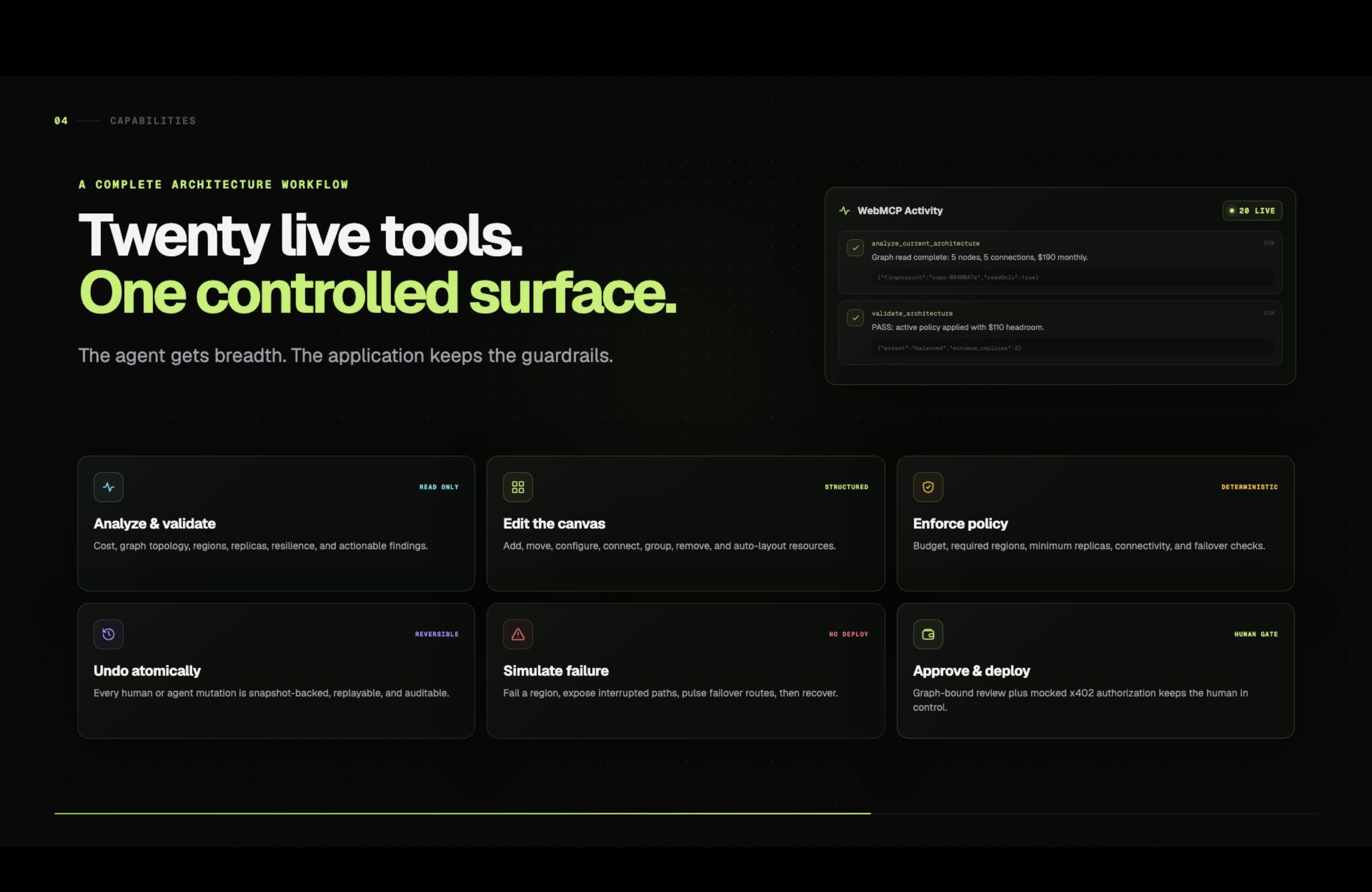
20 live tools
-
-
-
-
Inspiration
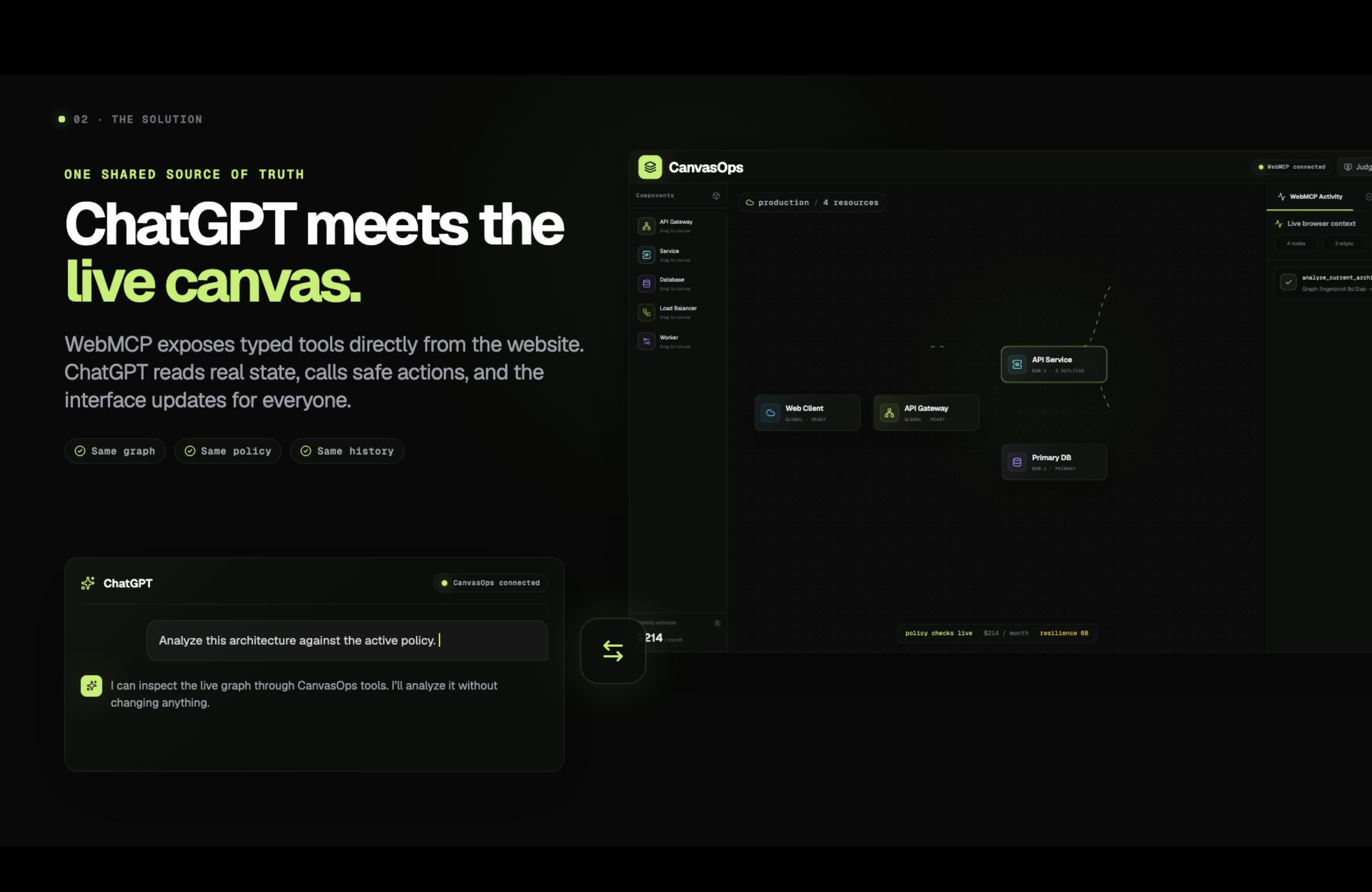
Cloud architecture is often designed visually on canvas-based tools, but AI usually only sees the conversation. This creates a disconnect: developers have to explain their architecture, copy configurations, and constantly switch between diagrams, cost tools, policies, and AI chats.
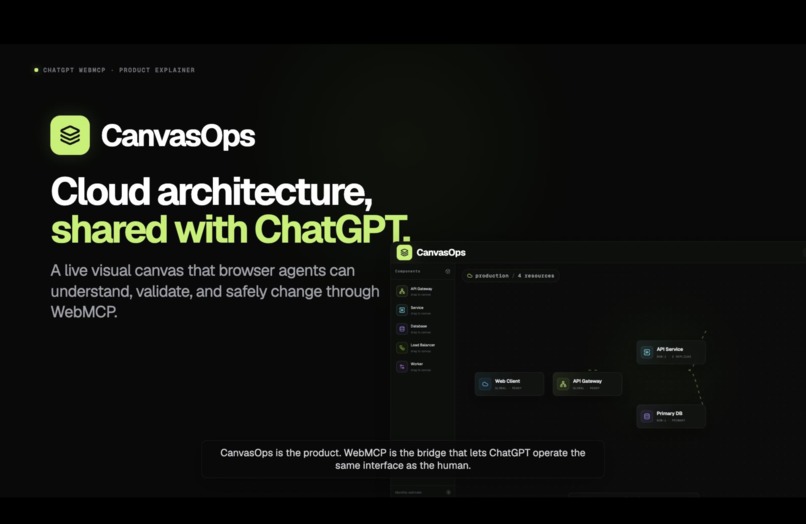
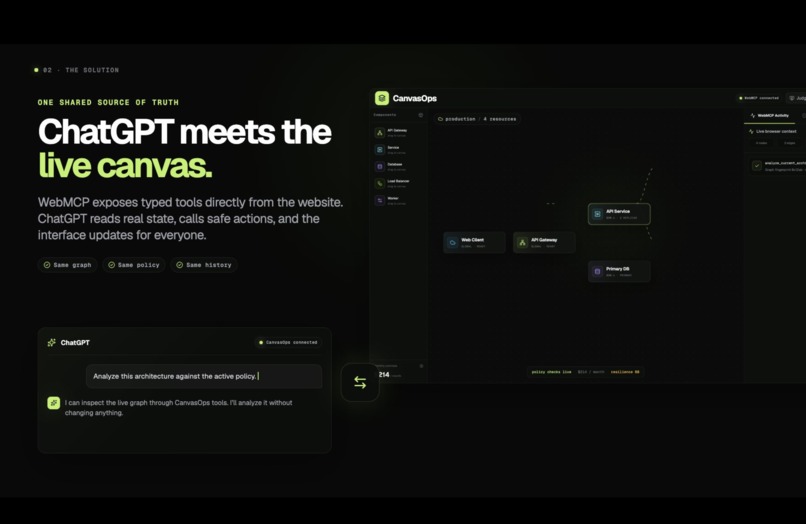
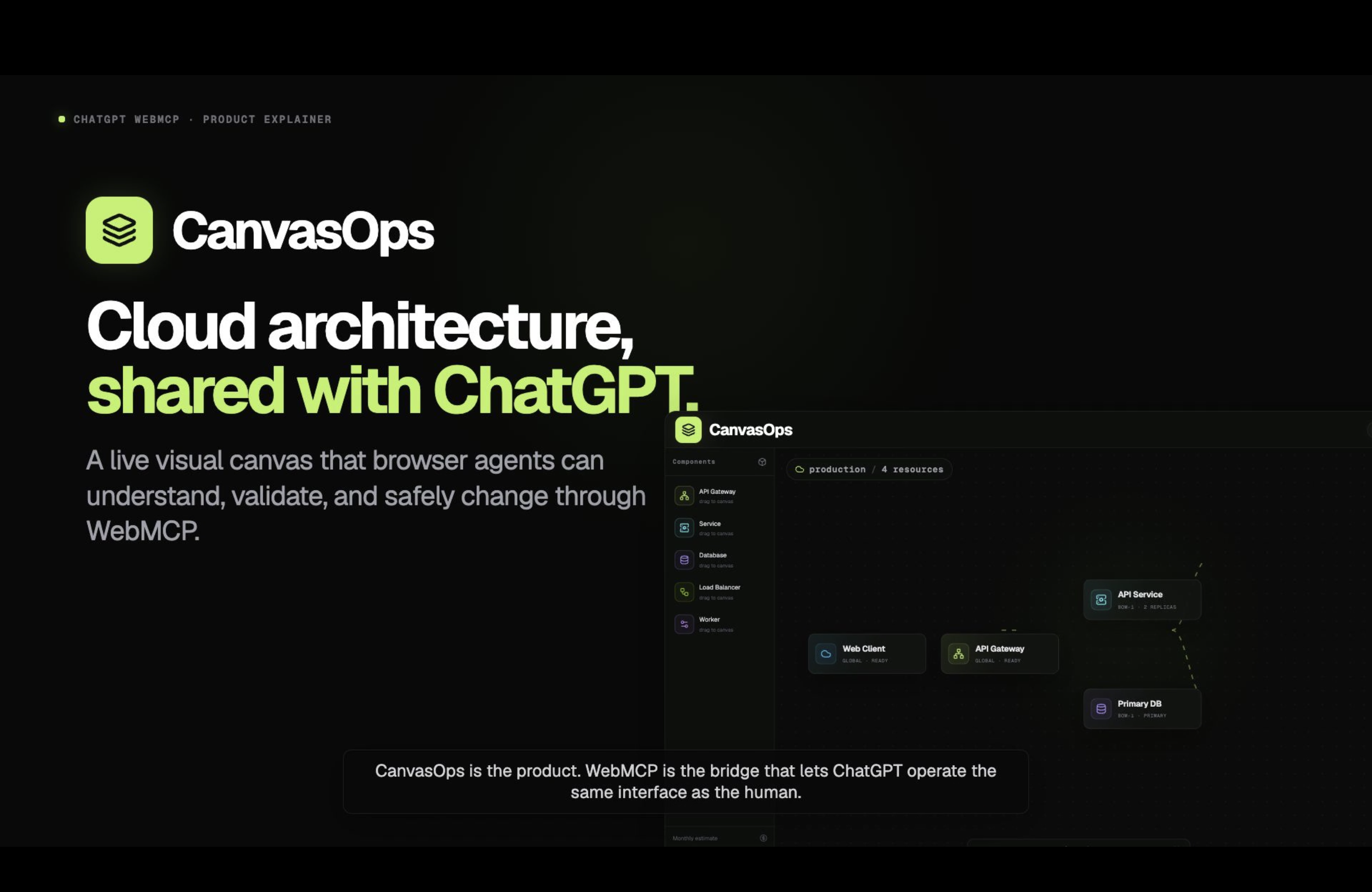
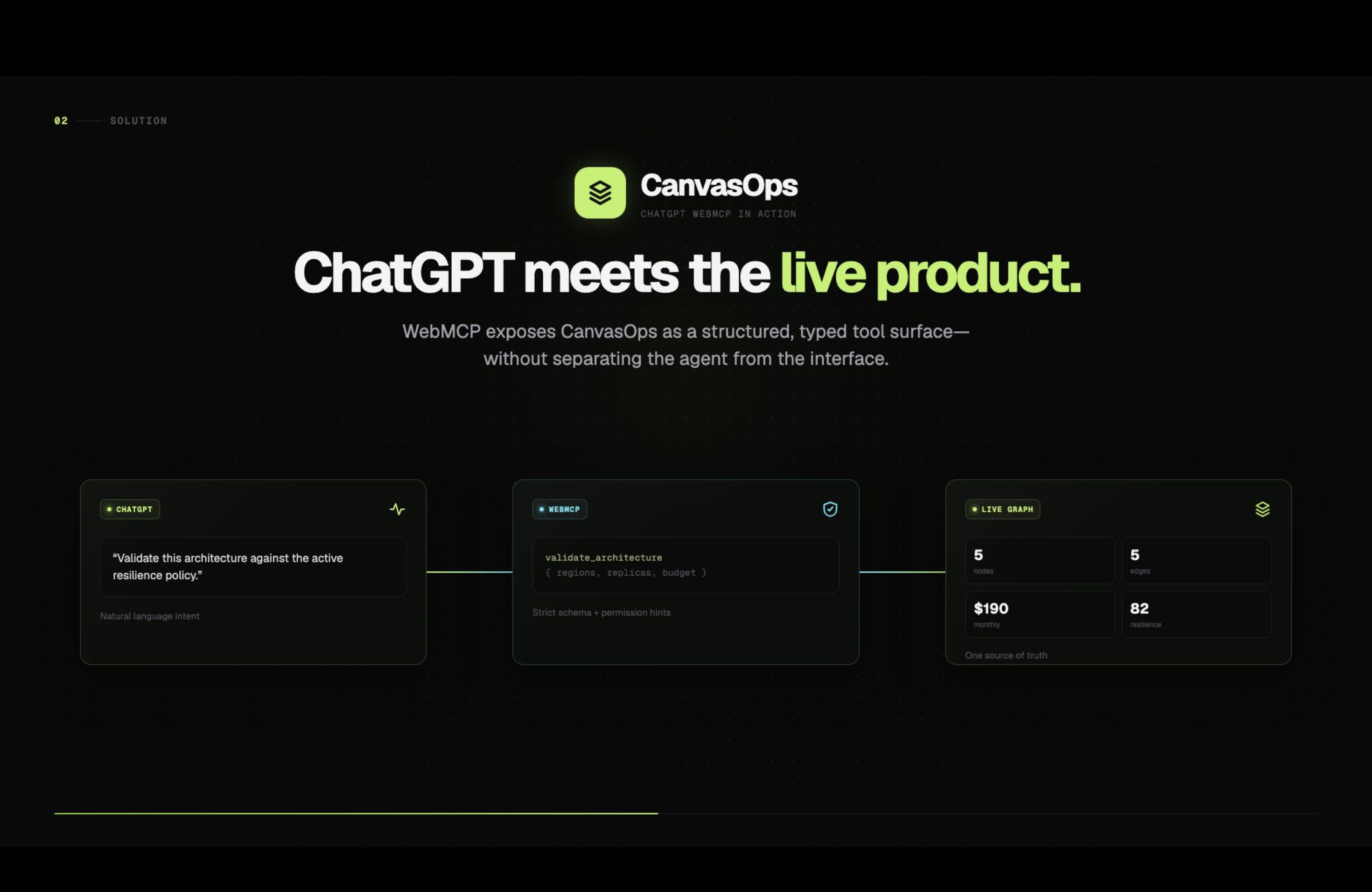
CanvasOps was inspired by the idea that humans and AI should be able to work on the same live architecture. With WebMCP, the canvas becomes a shared workspace where both understand the same resources, connections, costs, regions, and policies.
What it does
CanvasOps is an agent-native cloud architecture canvas where humans and AI agents design and improve infrastructure together.
Users can visually build architectures using services, databases, caches, queues, storage, gateways, load balancers, workers, authentication services, and other components.
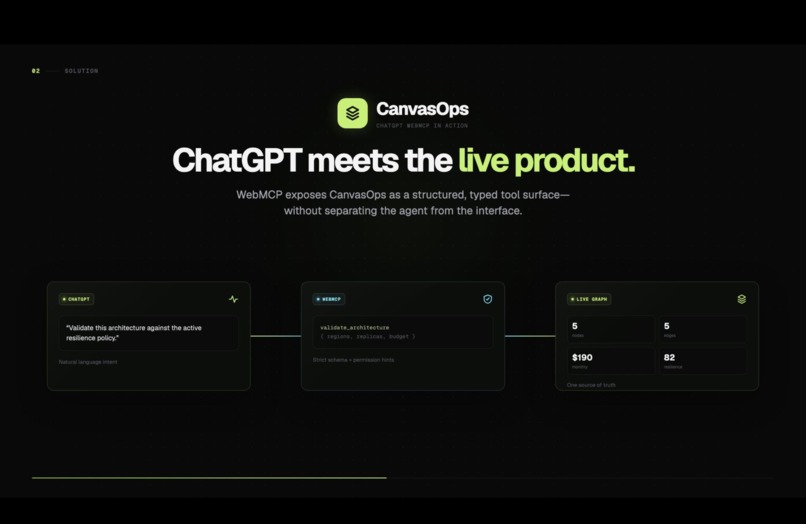
Through WebMCP, ChatGPT can understand the live canvas, validate architecture decisions, analyze cost and resilience, add or modify components, connect dependencies, simulate regional failures, and suggest improvements.
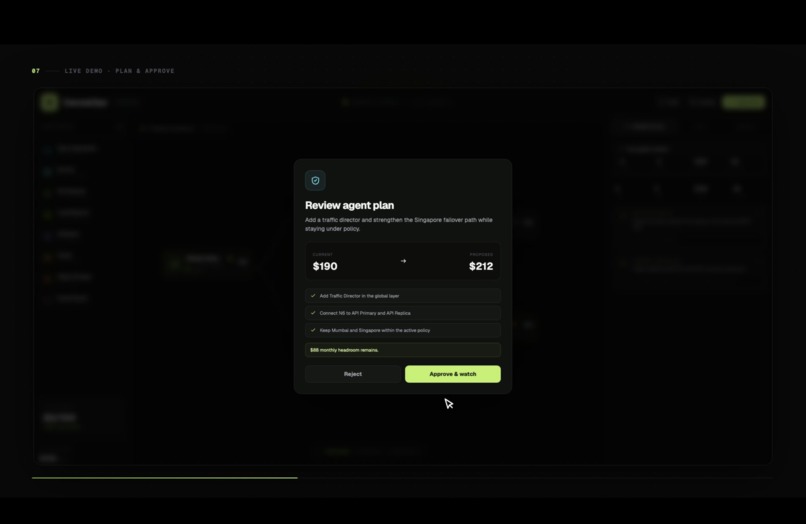
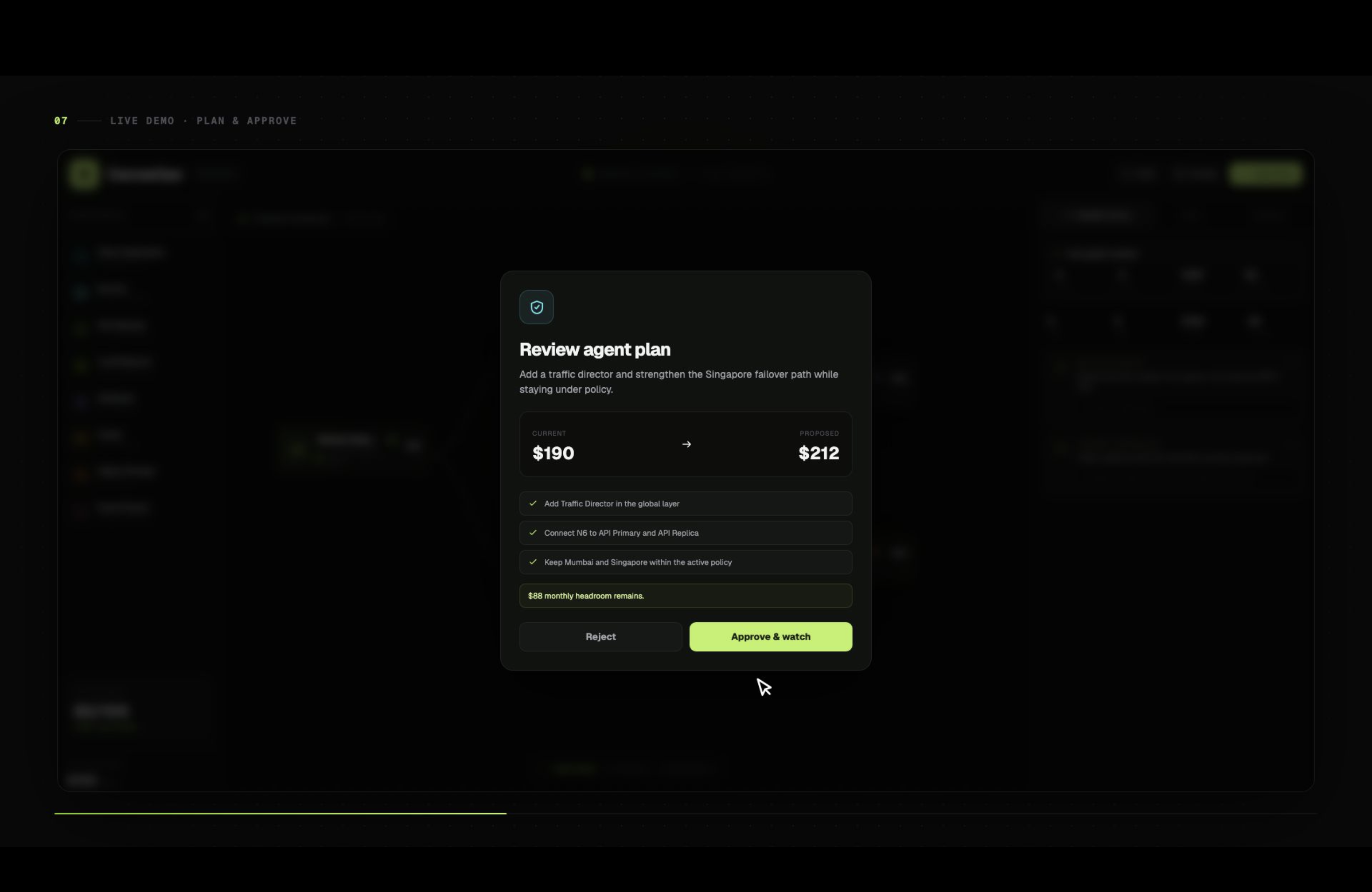
Important changes never happen silently. CanvasOps shows the proposed changes and their cost before execution. The user approves the plan, watches each operation happen live on the canvas, and can pause, cancel, roll back, or undo the entire change.
How we built it
CanvasOps is built with Next.js, React, TypeScript, React Flow, Zod, Tailwind CSS, and WebMCP.
We exposed 20 browser tools: 19 typed tools using @mcp-b/react-webmcp and one human-approved provision_and_pay tool using document.modelContext.registerTool().
These tools operate directly on the same React Flow state shown to the user. We added strict schemas, architecture fingerprints, policy validation, cost previews, approval flows, rollback, undo/redo, and an activity console that records agent actions.
Cloud provisioning and x402 payment are mocked for the hackathon MVP.
Challenges we ran into
The biggest challenge was making agent-driven changes feel safe instead of unpredictable.
An architecture can change while an AI-generated plan is waiting for approval, so we introduced architecture fingerprints to reject stale plans. We also had to make multiple agent operations behave as one transaction: cancellation restores the original architecture, while successful execution becomes a single Undo action.
Another challenge was converting free-form AI intent into predictable visual operations. We solved this using strict schemas, semantic component types, stable node references, validated connections, and deterministic layouts.
Accomplishments that we're proud of
- Built 20 browser tools that let agents meaningfully understand and operate a live architecture canvas.
- Created a shared source of truth where human edits and AI actions affect the same architecture.
- Added human approval, cost checks, stale-plan protection, rollback, and atomic undo.
- Built architecture analysis for cost, connectivity, replicas, regions, failover readiness, and resilience.
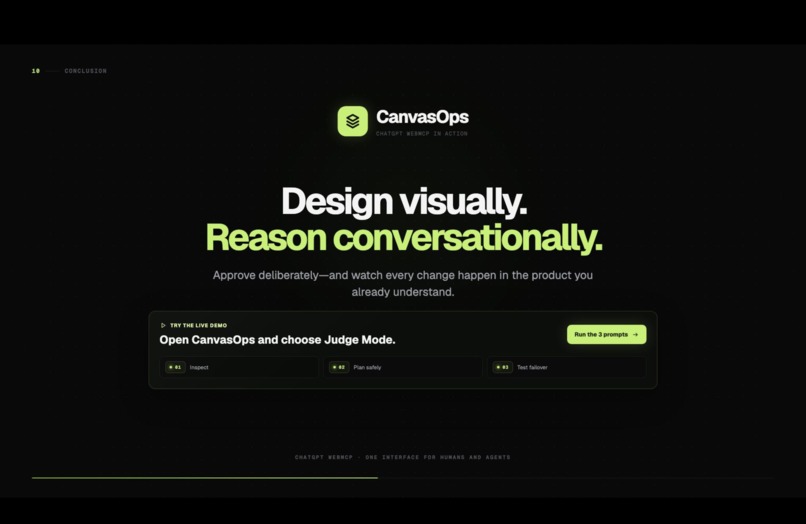
- Created Judge Mode and a WebMCP Activity console so every agent interaction is visible and easy to demonstrate.
What we learned
We learned that making a website agent-native requires more than exposing simple CRUD actions.
Agents need structured tools, semantic context, predictable references, and clear safety boundaries. For consequential actions, the best model is proposal and approval: AI handles analysis and planning, while the human keeps control over execution.
What's next for CanvasOps
Next, we want to connect CanvasOps to real infrastructure-as-code and cloud provider APIs so an approved architecture can move from design to actual deployment.
We also plan to add Terraform import/export, collaborative projects, architecture versioning, richer policy systems, architecture diffs, and real signed x402 payment flows.
Built With
- mcp
- next.js-16
- radix-ui
- react-19
- react-flow
- tailwind-css
- typescript
- webmcp
- zod

Log in or sign up for Devpost to join the conversation.