-
-
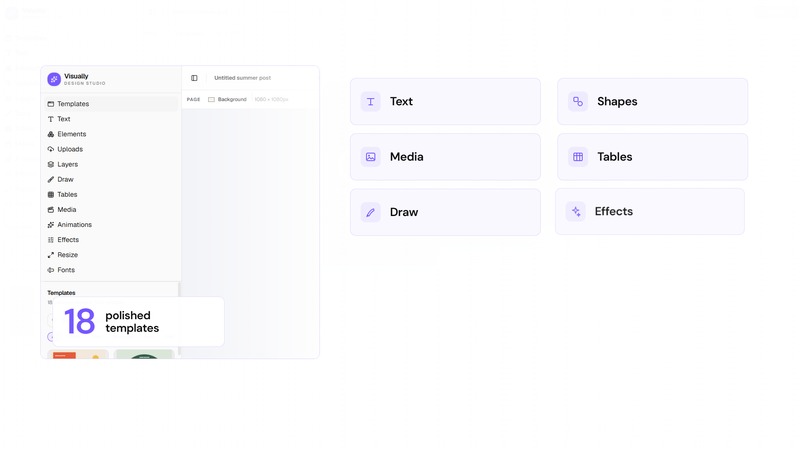
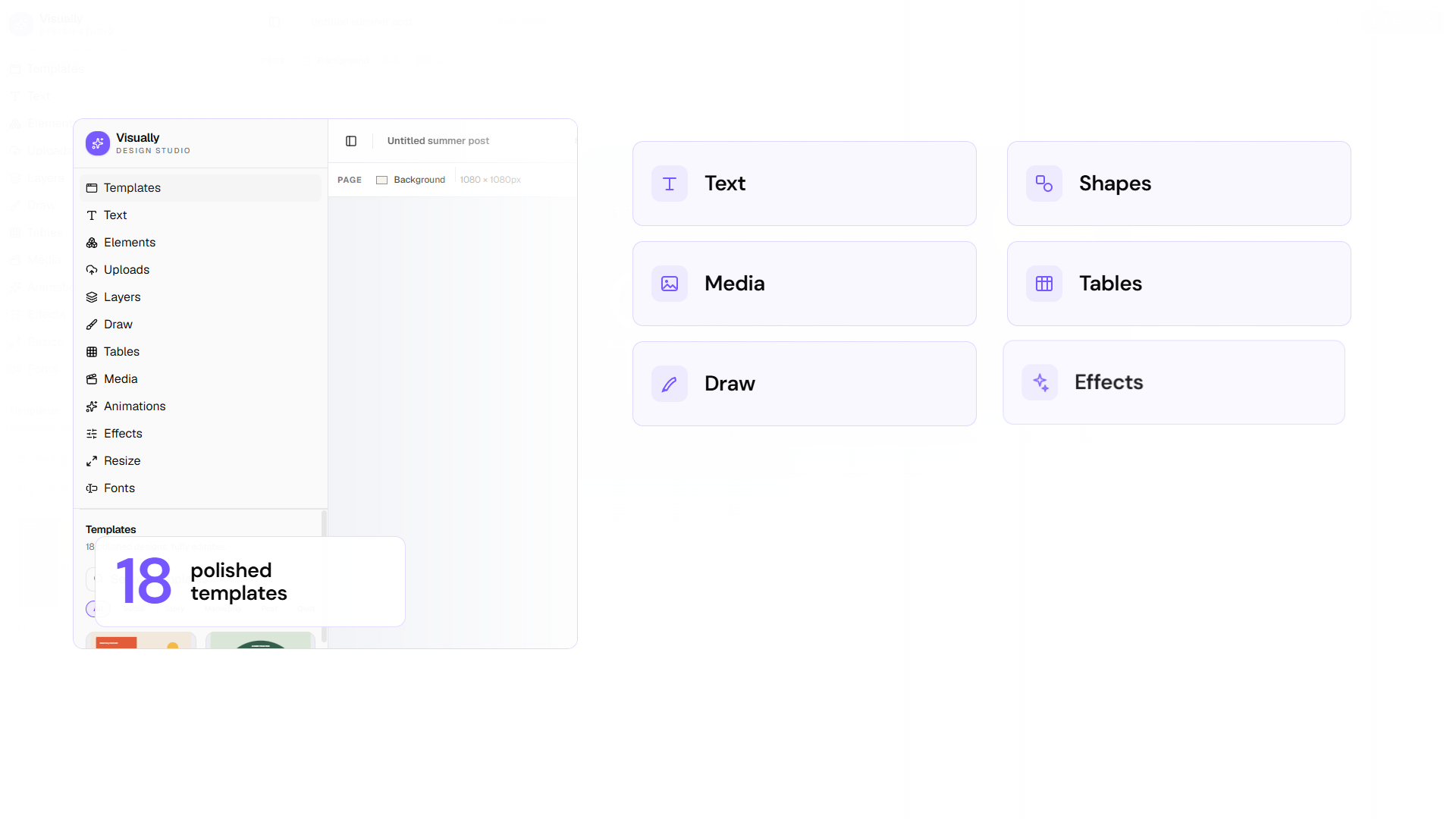
From templates to timeline, Visually keeps the complete workflow in one responsive studio.
-
Visually — design together with WebMCP.
-
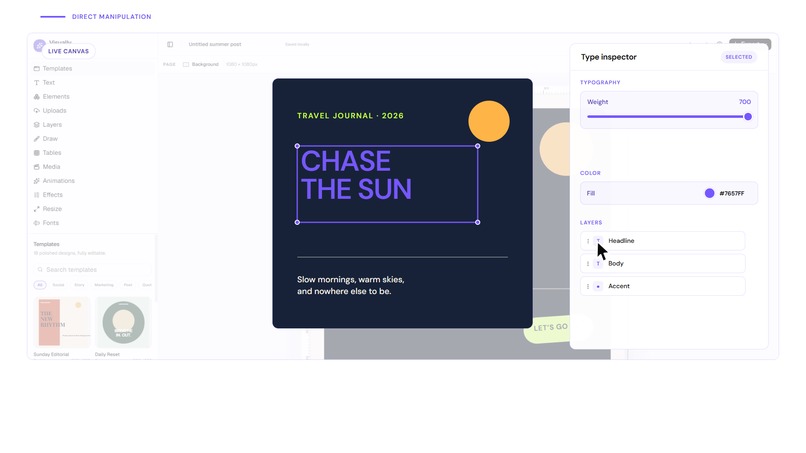
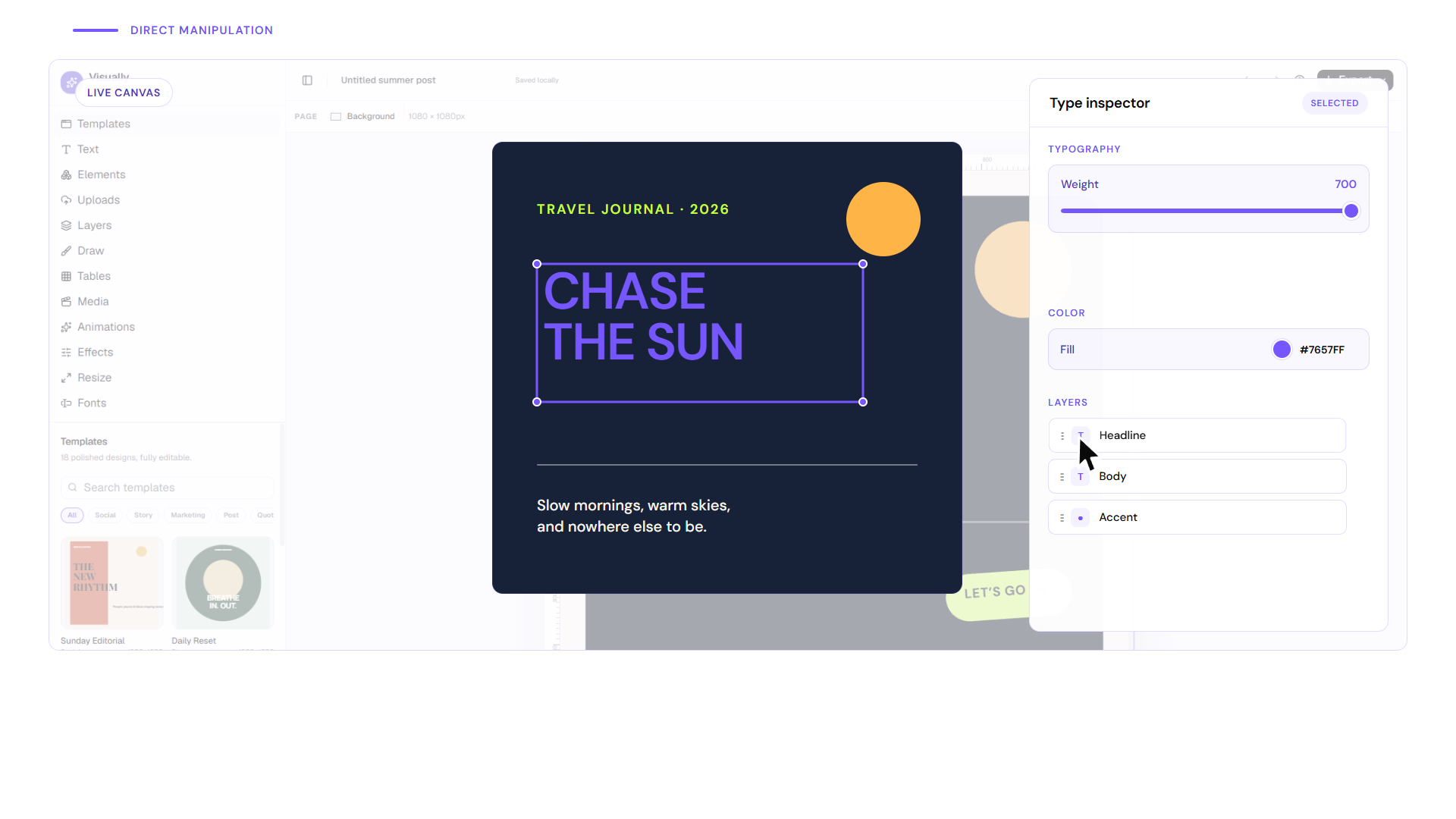
Human direct manipulation stays visible, editable, and undoable after every agent action.
-
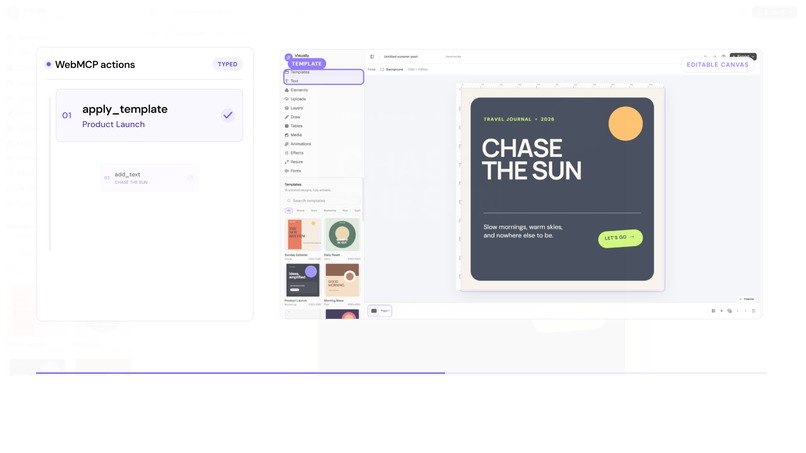
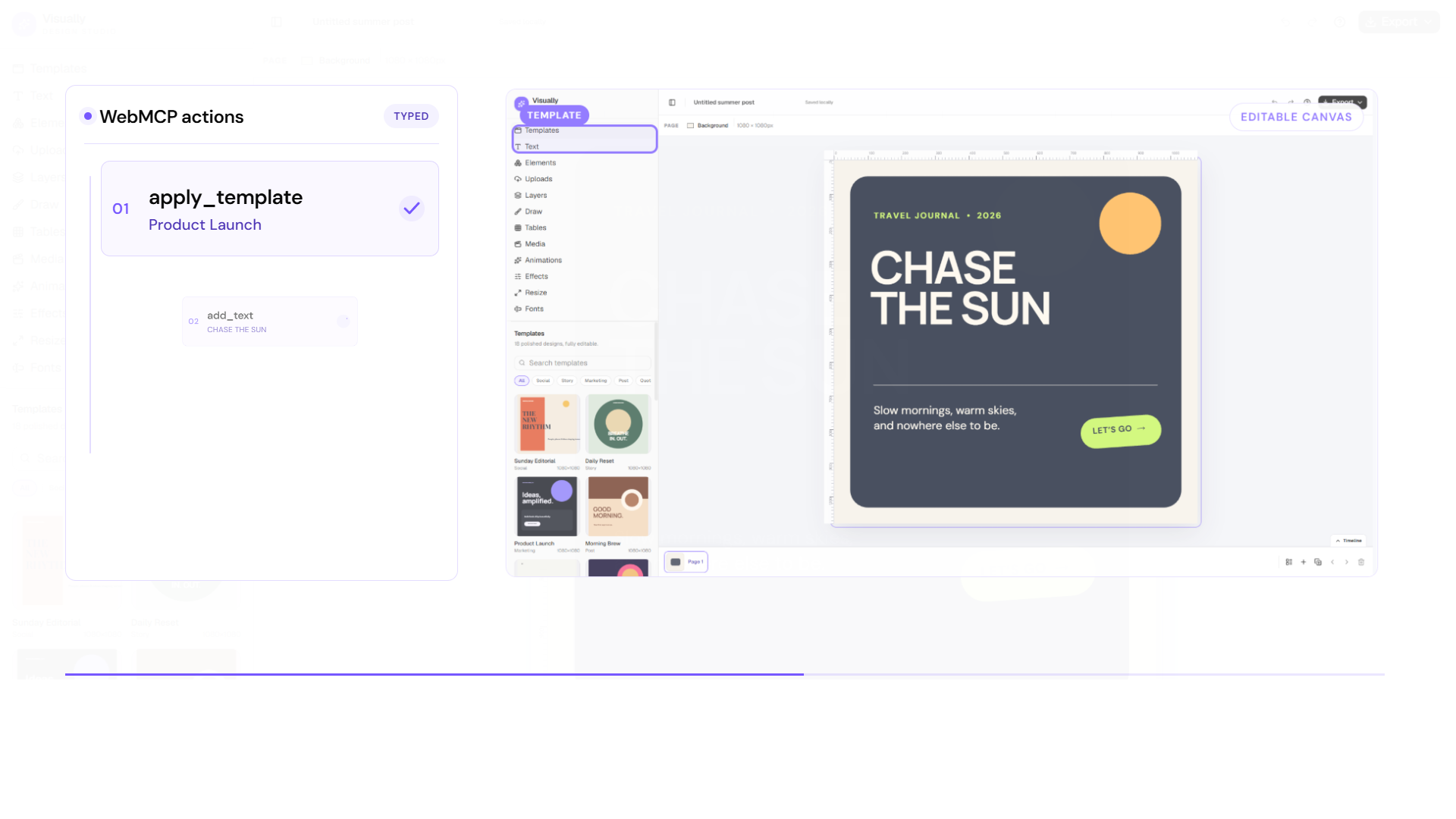
17 typed WebMCP tools let agents create, revise, audit, and inspect the same live canvas.
-
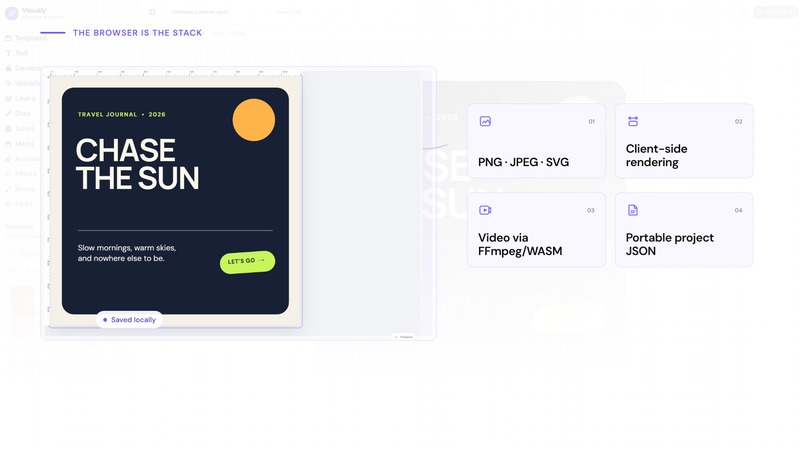
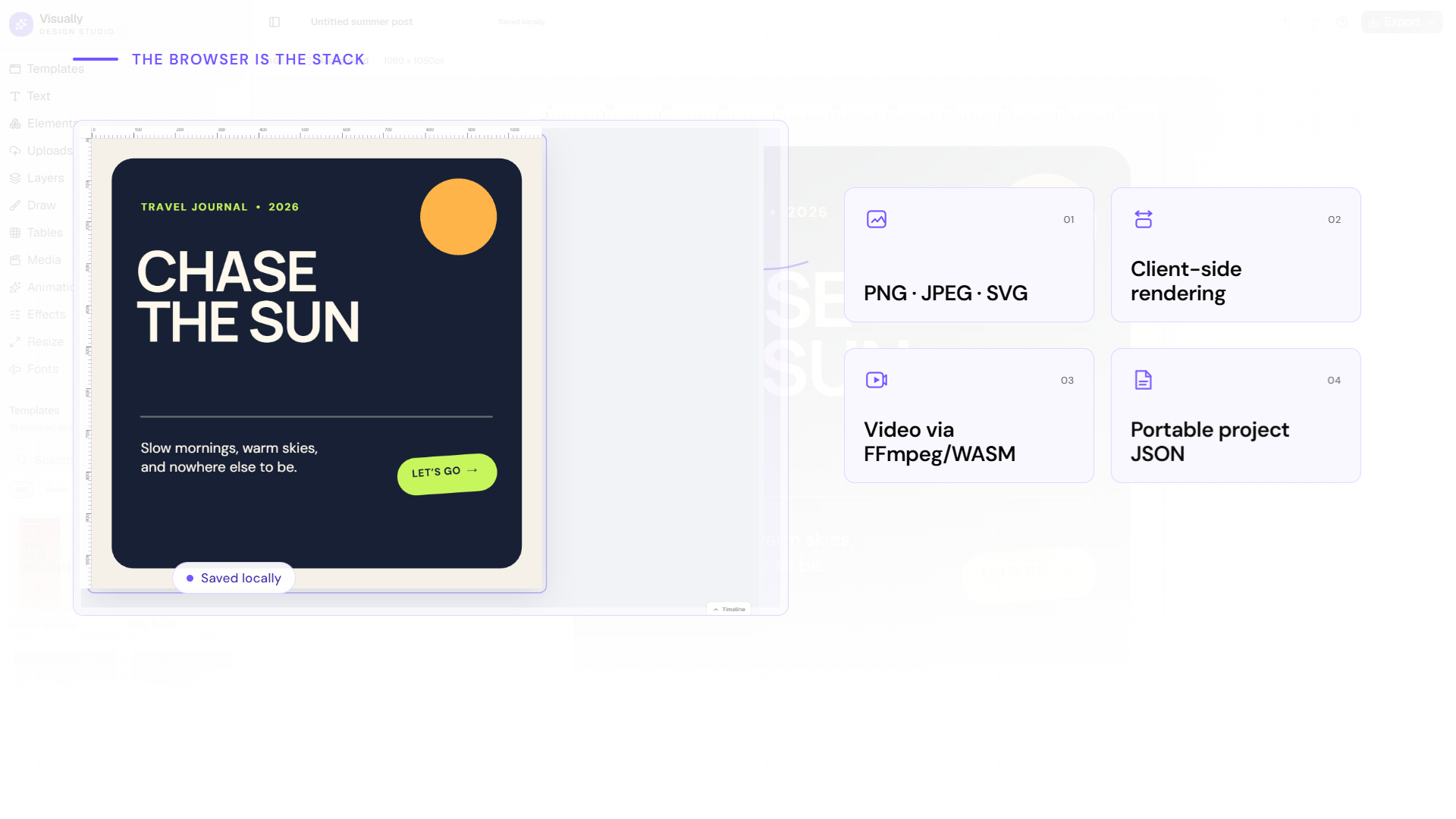
Browser-local rendering, export, ML, and media pipelines keep creative work on-device.
Inspiration
Most creative tools still treat an AI agent as an outside observer. Visually explores a more useful model: a professional design editor whose real product actions are available to people and agents on the same editable canvas.
What it does
Visually is a responsive, local-first visual design studio built around Konva. A person can start from 18 polished templates and edit text, shapes, images, drawings, tables, layers, media, effects, animations, timing, and multiple square, portrait, landscape, print, or custom-size pages.
Its WebMCP layer registers 17 typed product-native tools. In the fastest judge path, one brief becomes five coordinated assets—Instagram post, Instagram story, YouTube thumbnail, poster, and landscape banner. An agent can then propagate semantic copy, color-token, and typography changes across all five pages and run a read-only audit for overflow, contrast, safe-area crossings, missing image alt text, and brand consistency. Every call emits a sanitized receipt with affected pages and elements. The full run is undoable in one click, but that undo disables itself after a later human edit so it cannot silently overwrite the person's work.
The result is not “AI beside a design app.” It is one shared creative surface: the agent accelerates setup and repetitive changes; the human retains judgment, direct manipulation, and final control.
How we used WebMCP
Visually feature-detects document.modelContext and progressively registers JSON-schema tools through registerTool. The tools call the same Zustand actions used by the visible React UI, so mutations immediately appear on the Konva canvas, enter the same transaction-aware history, persist locally, and remain directly editable. Read tools are annotated read-only; schemas bound sizes, types, and input lengths; project replacement and deletion require explicit confirm: true. A legacy navigator.modelContext fallback supports earlier browser builds, while the editor continues to work normally when WebMCP is unavailable.
This is more reliable than screen-coordinate automation: agents query semantic state, act on stable element IDs, receive structured results, and share the human's real document instead of maintaining a parallel representation.
How we built it
The application uses React 19, Vite, TypeScript, Konva, Zustand, Tailwind CSS, shadcn/Base UI, and Cloudflare Workers. The document engine, autosave, rendering, and export paths are browser-first. PNG, JPEG, WebP, SVG, PDF, printable HTML, PPTX, GIF, MP4, and WebM exports run client-side. Media conversion loads ffmpeg.wasm on demand, and background removal uses a lazy browser ML pipeline with WebGPU/WASM fallback. An optional Worker signs direct R2 transfers with progress, cancellation, and retry.
Challenges we ran into
The hardest problem was making agent actions feel native rather than bolted on. Tool calls had to share pointer and keyboard mutation semantics, selection, grouping, page operations, undo/redo, persistence, and destructive confirmations. The second challenge was proving safety without making the flow tedious; that led to read-only annotations, bounded schemas, semantic roles, visible receipts, atomic history steps, and conflict-aware undo. We also had to keep large media pipelines responsive on mobile and robust across radically different aspect ratios.
Accomplishments that we're proud of
- 17 typed, product-native WebMCP tools with structured receipts.
- One brief becomes five coordinated, fully editable campaign formats.
- Semantic brand updates modify copy, colors, and typography across every format in one operation.
- A read-only production audit checks five categories and reports affected pages.
- A judge-facing activity panel makes real calls inspectable and offers safe one-click undo.
- 18 original templates and a responsive desktop/mobile editor.
- Client-side image, document, animation, and video export.
- Destructive confirmation gates and an unsupported-browser fallback.
- A complete release gate: 260 frontend tests, 15 Worker tests, 26 applicable desktop/mobile Chromium tests, lint, TypeScript, backend type-checking, and production build. Frontend line coverage is 96.81%; Worker line coverage is 97.14%.
What we learned
WebMCP is most powerful when it exposes domain intent rather than a second DOM. “Create this campaign,” “apply this brand revision,” and “audit every page” are safer and more useful than asking an agent to guess coordinates. Just as importantly, agent output must remain immediately editable and reversible or the experience still feels like a handoff rather than collaboration.
What's next
Next we want opt-in live collaboration, richer typography flow, an attributed third-party asset catalog, reusable agent recipes, and a published reference contract for semantic canvas tools.
Built With
- cloudflare
- ffmpeg
- konva
- react
- tailwind
- typescript
- webmcp
- zustand

Log in or sign up for Devpost to join the conversation.