-
-
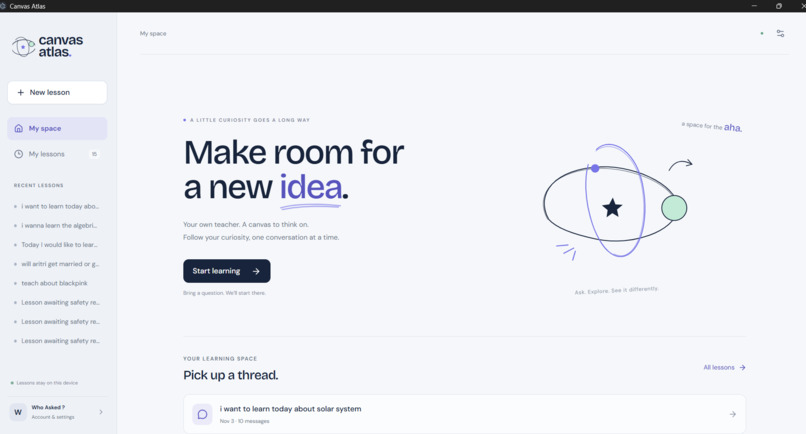
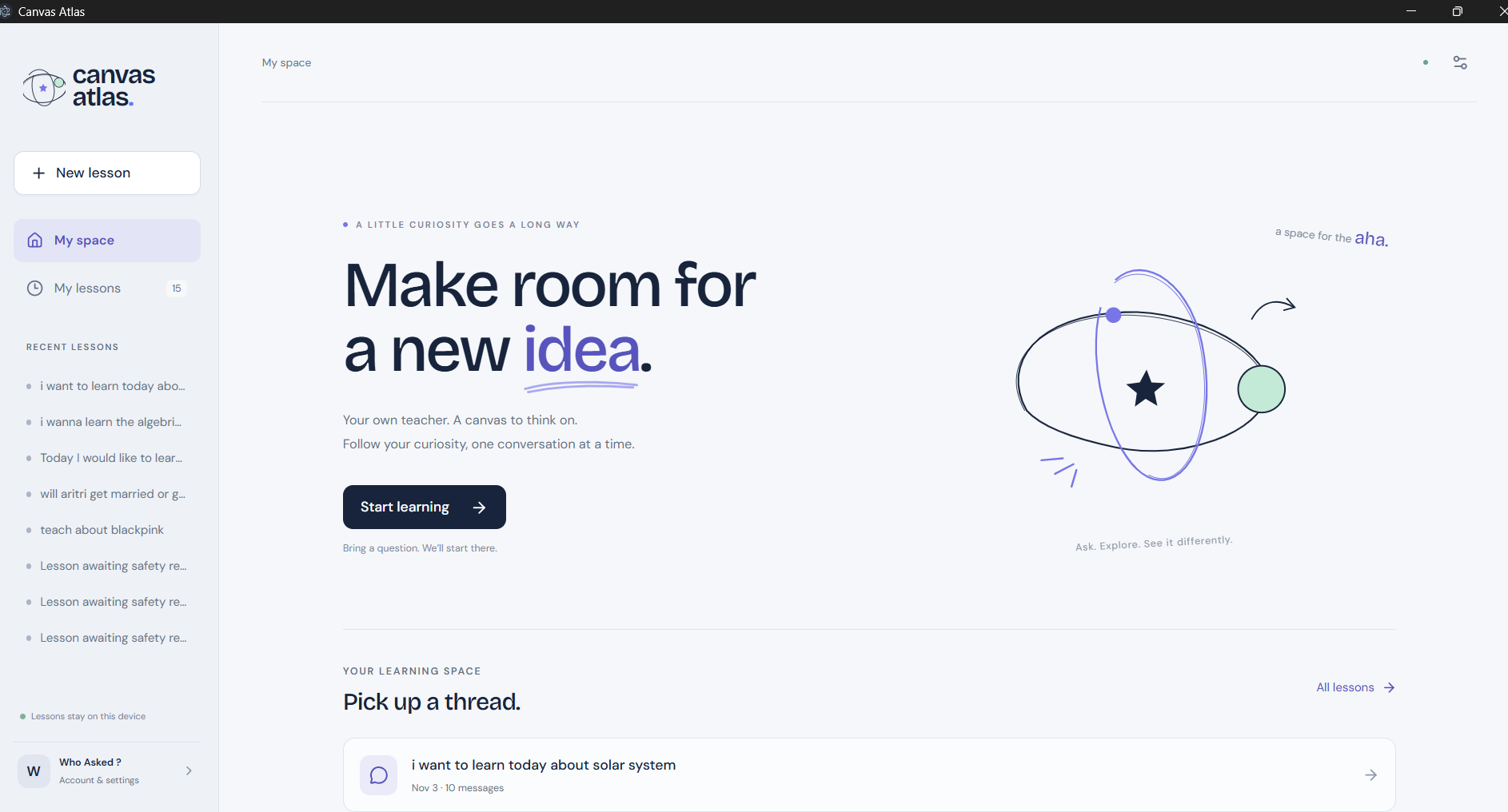
the opening screen of the product canvas atlas
-
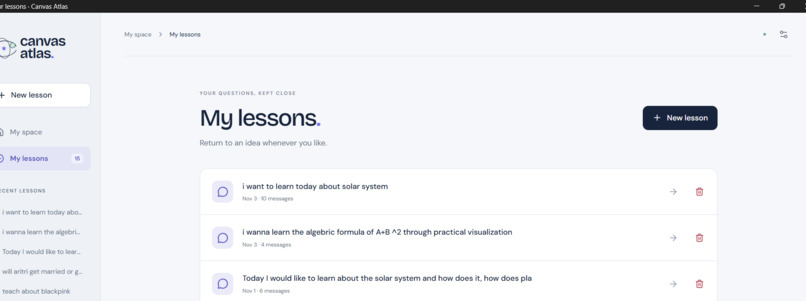
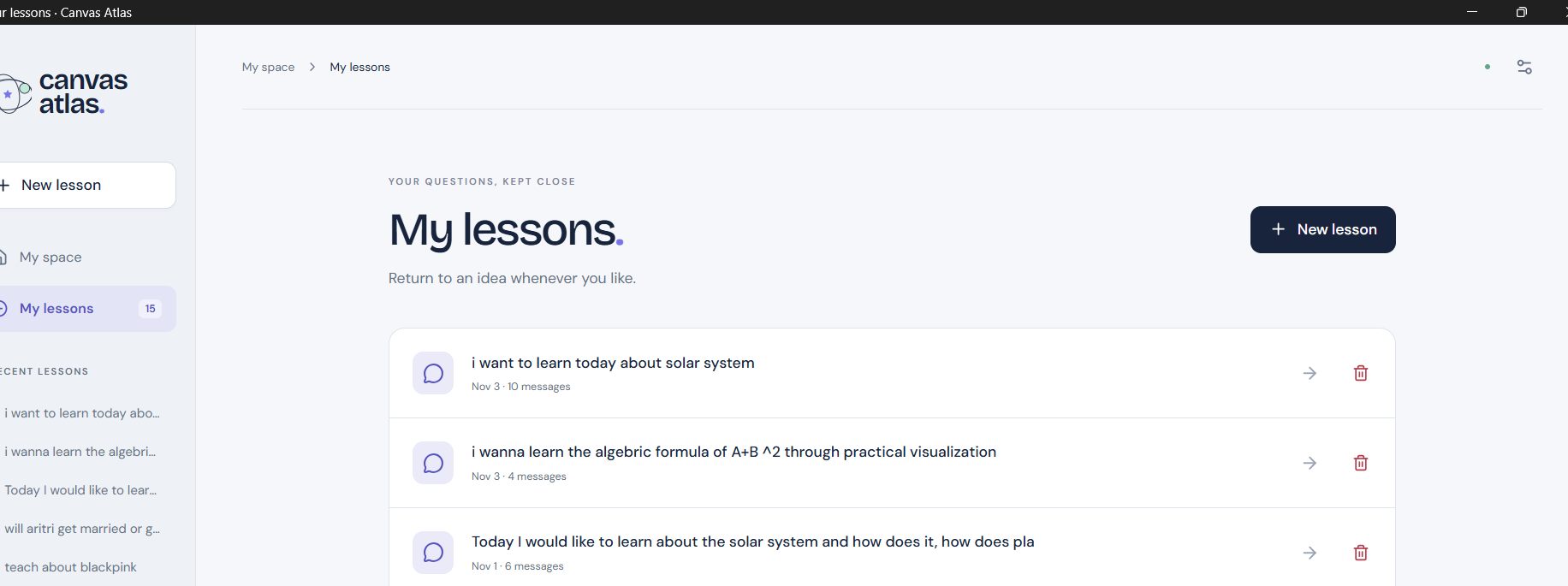
past lessons and history
-
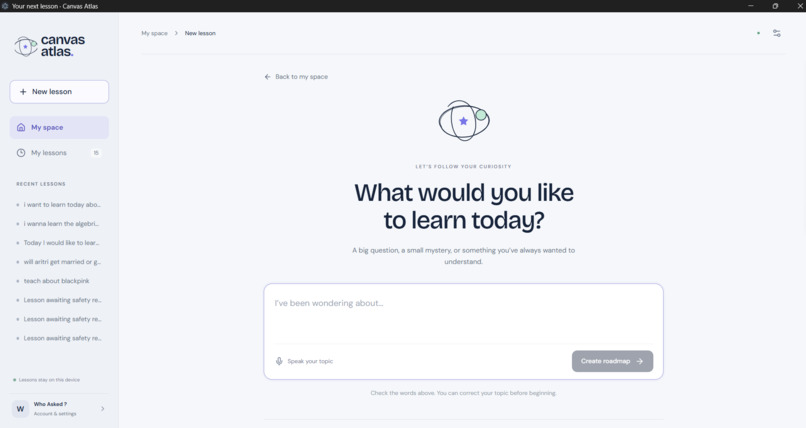
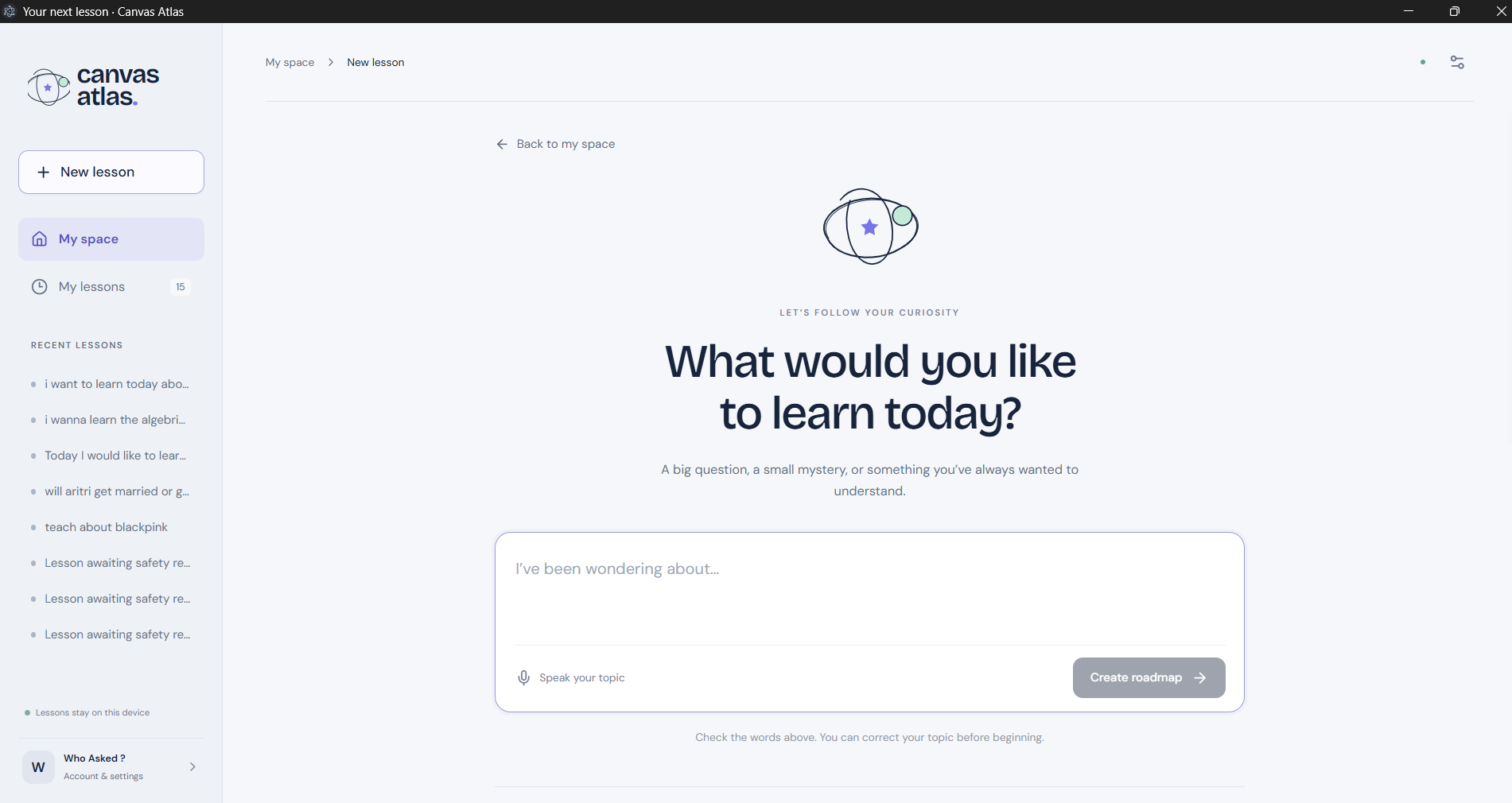
introductory interface
-
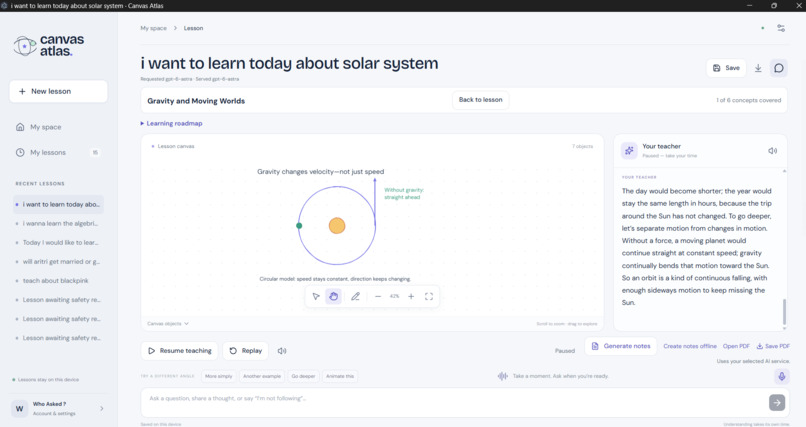
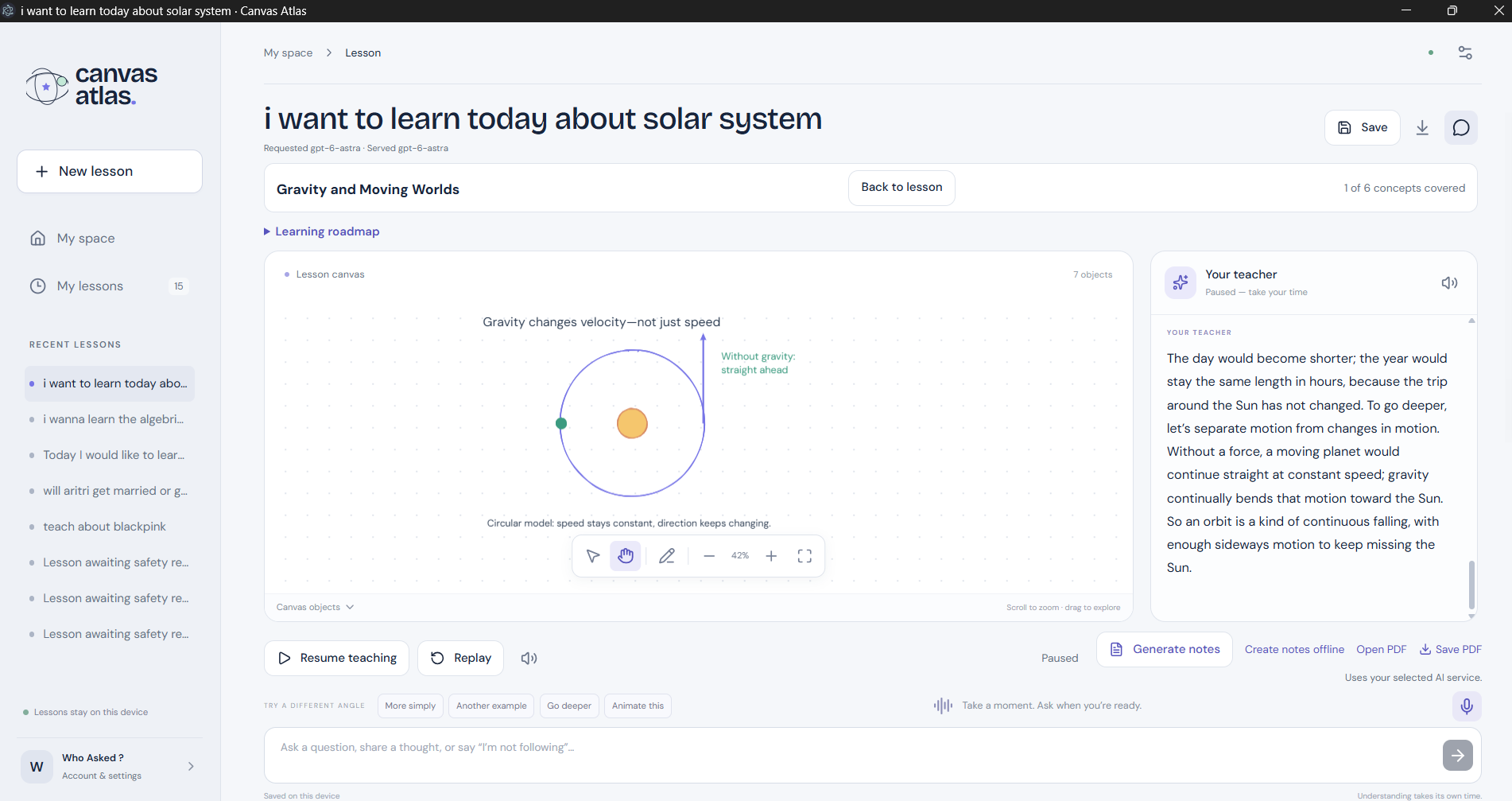
3d visualisations.. and interactive teaching zone
Inspiration: I started Canvas Atlas with a simple goal: to make independent learning feel like a personal conversation with a teacher. A good teacher explains patiently, listens to questions and checks whether the student is following—“Does that make sense? Shall we try another example?”
I wanted to bring that sense of attention and guidance into an AI learning companion, giving students support whenever they want to study.
What it does: Canvas Atlas is a two-way, conversational AI tutor that teaches through voice, text and interactive visuals. Students can enter a topic, ask a written question or speak to the tutor. The tutor explains the concept, illustrates it on a digital whiteboard and responds to follow-up questions within the lesson.
The experience is built around an ongoing conversation. A student can say, “I didn’t understand that,” “Explain it from the basics,” or “Show me another example,” and the tutor can adjust its explanation. Spoken teaching adds a teacher’s presence, while diagrams, equations and animations help students follow the reasoning.
Students can also submit text or upload readable study material, such as a text-based PDF, and build a learning roadmap around what they want to study.
The teacher’s touch: The central idea is to make learners feel heard and supported. Canvas Atlas uses their questions, responses and current lesson context to guide the next explanation. It can break an idea into smaller steps, revisit a prerequisite or develop a more detailed example.
This is personalization through interaction: understanding develops through a conversation, and the teaching responds to the evidence the learner provides. Students control the pace, can interrupt whenever they need help and can return to a saved lesson later.
Our main USP: A personal visual classroom where an AI teacher talks with you, explains concepts, draws as it teaches and helps you explore ideas at your own pace.
Canvas Atlas brings conversation, narration, visual explanations and supported experiments into one learning experience. It is designed to complement teachers and classroom learning, extending that guidance into independent study.
How I built it: I built the Windows desktop application using Electron, React, TypeScript and SQLite. A lesson coordinator connects AI responses, spoken explanations, visual updates, interruptions and saved progress.
The whiteboard uses Konva and Rough.js, with KaTeX for equations, JSXGraph for interactive mathematics, Matter.js for supported physics experiments and Three.js for 3D scenes. Teaching integrations support ChatGPT, Gemini and Groq. Voice features include local Whisper recognition, local Kokoro narration and optional ElevenLabs voices.
The AI generates structured teaching instructions, which the application validates and renders. Supported visual interactions run locally so learners can explore a model without requesting a new AI response for every movement. Lessons and experiment state can be saved locally, and students can generate colorful PDF revision notes from what they have studied.
Challenges I faced: Coordinating conversation, speech and animation was one of the biggest challenges. Pausing, asking a question or replaying an explanation must preserve the relationship between what the tutor says and what appears on the whiteboard.
Other challenges included handling different AI providers, turning uploaded material into useful lessons and preserving progress across sessions. Safety required careful attention too: restricting explicit and harmful content while allowing legitimate educational topics, including school biology.
What I learned: A useful AI teacher needs clear explanations, patient interaction, meaningful visuals and dependable controls. The quality of the experience depends on how well these parts work together to help a student understand.
What’s next: I want to strengthen personalization across lessons, improve animation consistency and continue testing teaching quality, voice interaction and document-based learning. The long-term vision is a learning companion that makes students comfortable asking questions and gives them the guidance to keep learning with confidence.

Log in or sign up for Devpost to join the conversation.