-
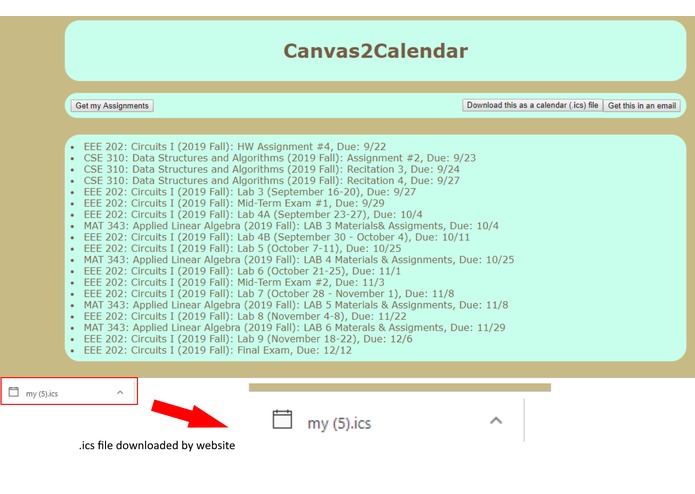
List of assignments displayed in browser with .ics file downloaded
-
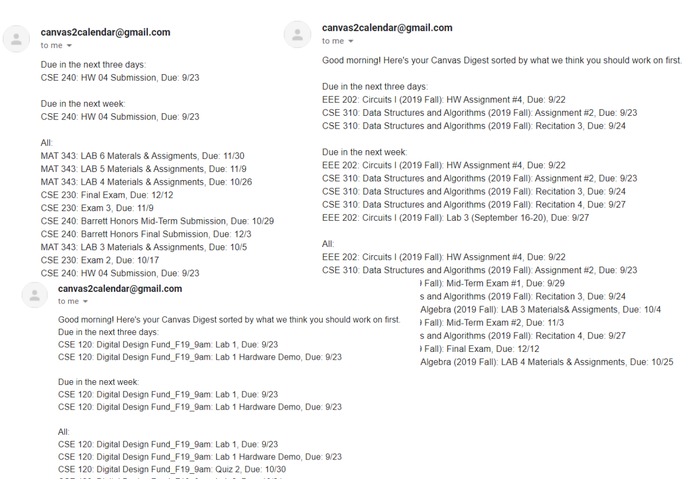
Screenshots of emails sent
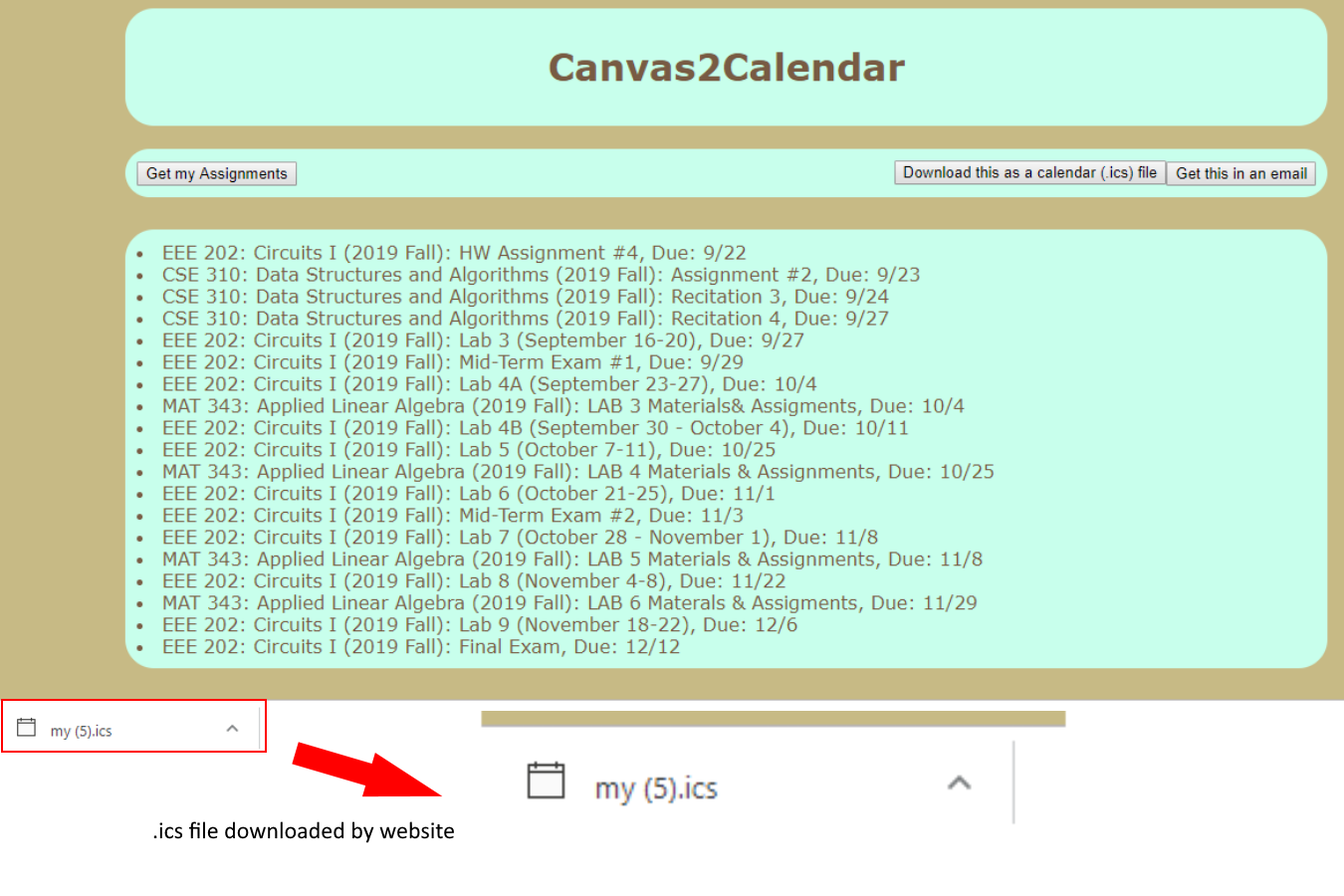
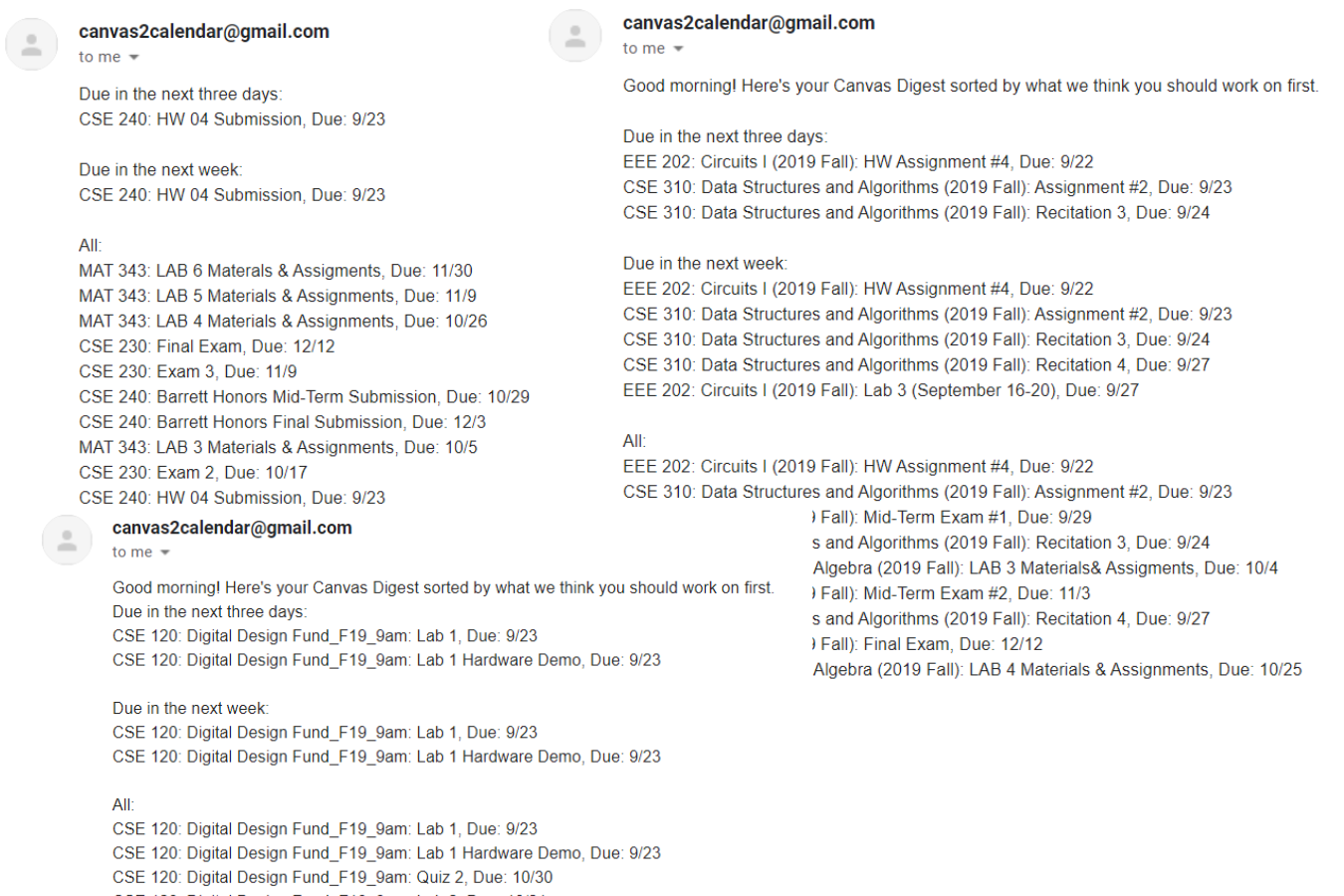
Canvas2Calendar is a Python-based web application that imports assignments from Canvas and allows the user to access them in several different ways: an email with recommendations on what assignments you should work on first, downloading it as a calendar file, or printing it to a webpage on your browser. Our app accesses the user's assignments through the Canvas API. When sending an email, it sorts the assignments by our suggested priority, ensuring that the important assignments get the most attention. Downloading the .ics file allows the user to import all their assignment in Google calendar or any other calendar application. Finally, printing the assignment to the browser allows the user a plain-text list of all their assignments to do with what they please. Our original idea was adding assignments to the user's Google calendar and alerting the user when we recommended working on certain assignments. Unfortunately without the correct credentials, we were ultimately not able to add the assignments directly to the user's calendar. So we switched gears to instead convert the assignment due dates to a general calendar .ics file, importable to any calendar app. Our idea of recommending times to work on assignments eventually evolved to an algorithm to estimate the priority of assignments. We base this priority on the point value and due date of the assignment and the user's grade in that class. This ensures the major projects in classes they are struggling with get completed before trivially small assignments in easy classes. This project has taught us an immense number of important CS concepts and skills. All three of use grew from a minimal understanding of Python to being confident using it in many different applications. Through our use of the Canvas and Google Calendar APIs, we became familiar with the fundamentals of fetching data from external libraries. We also were able to use the Python HTTPServer module to create a web server allowing for our back-end Python code to have a user-friendly HTML website.

Log in or sign up for Devpost to join the conversation.