-
-
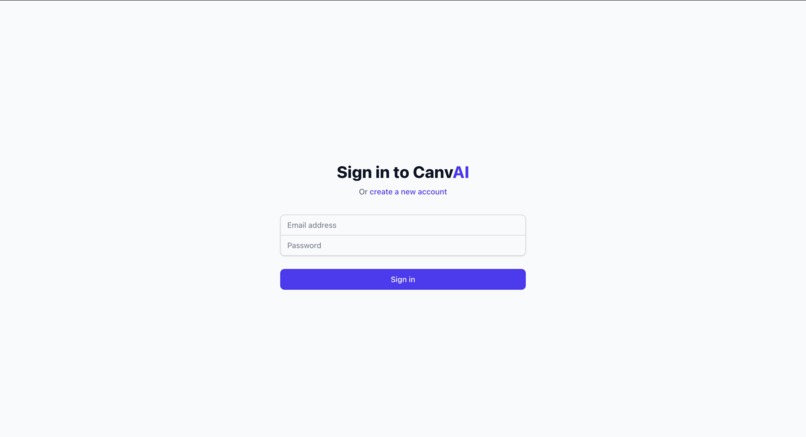
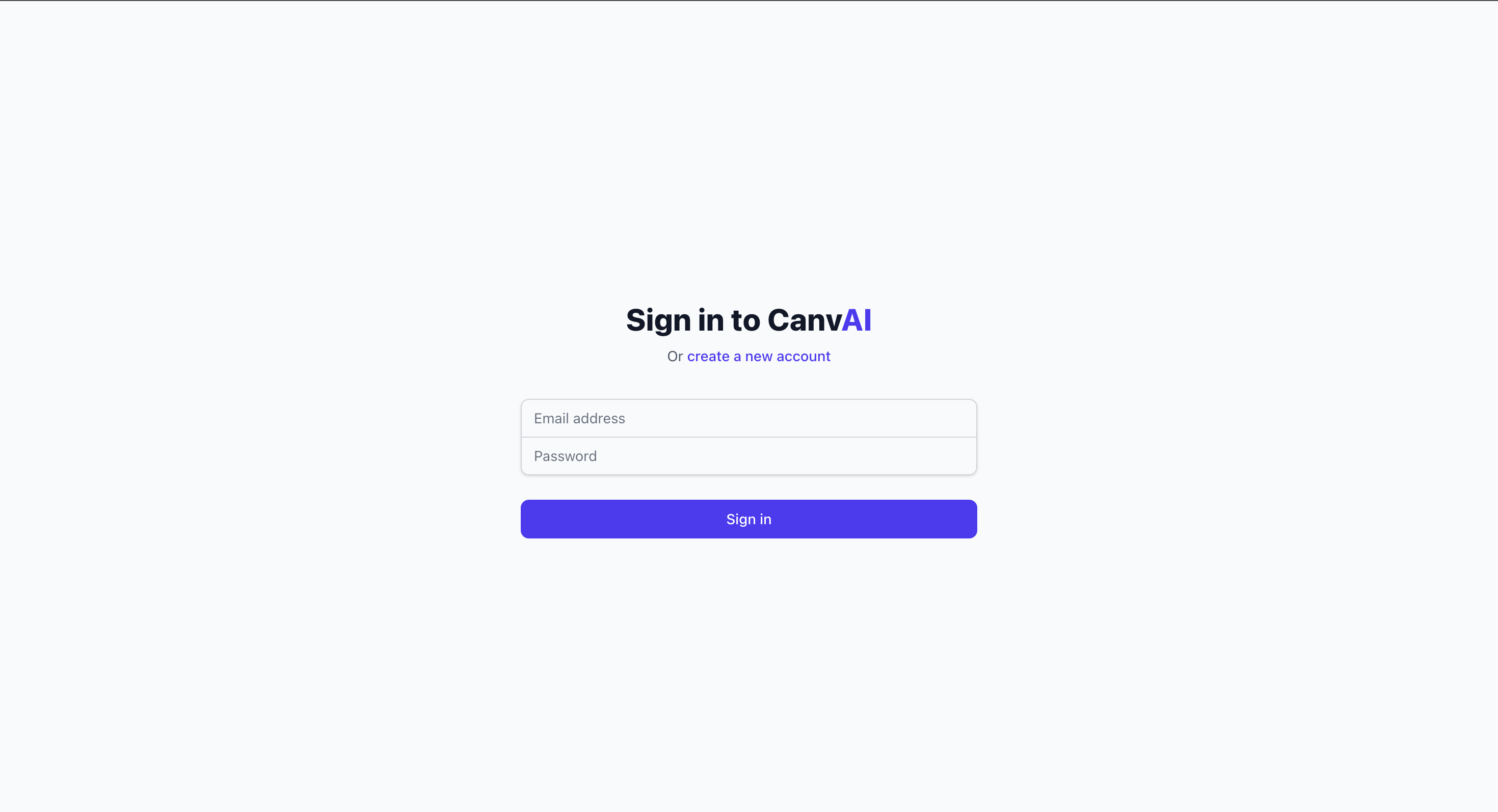
Login Page
-
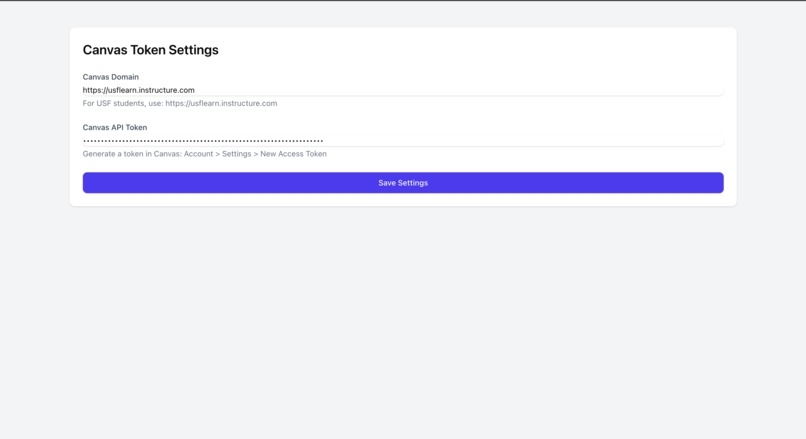
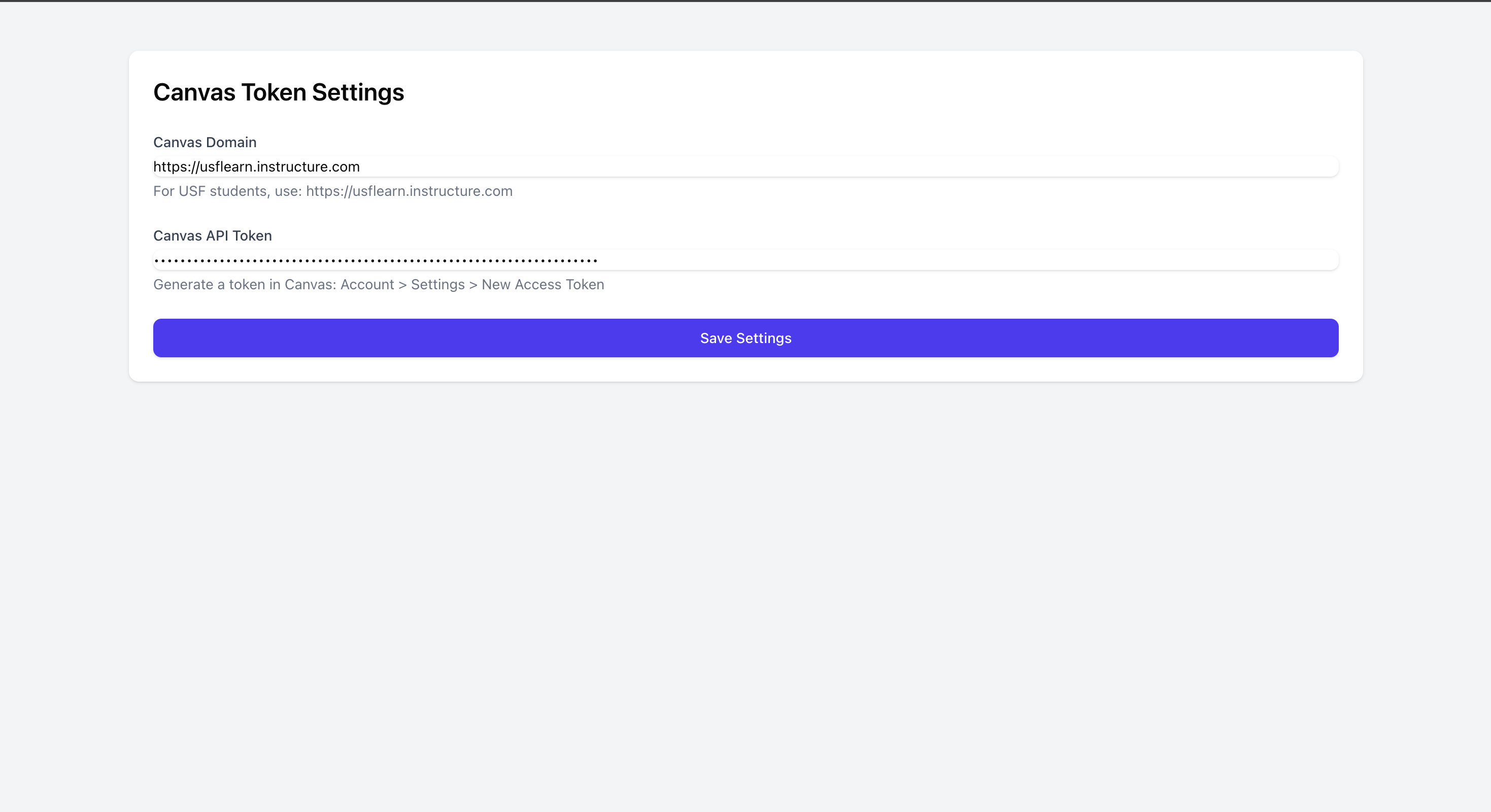
User Settings
-
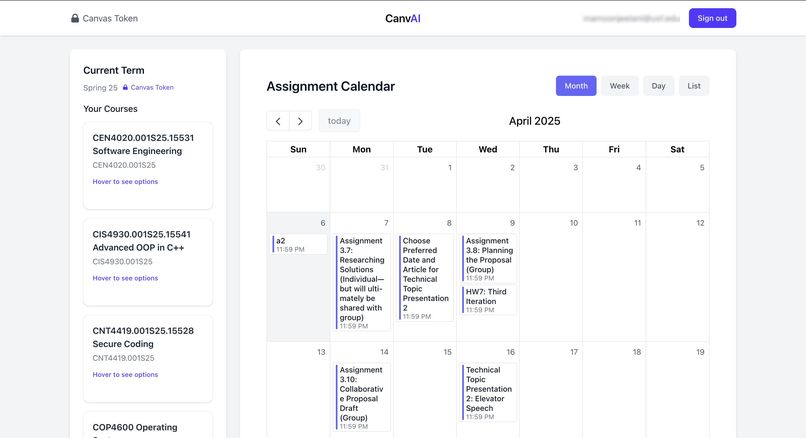
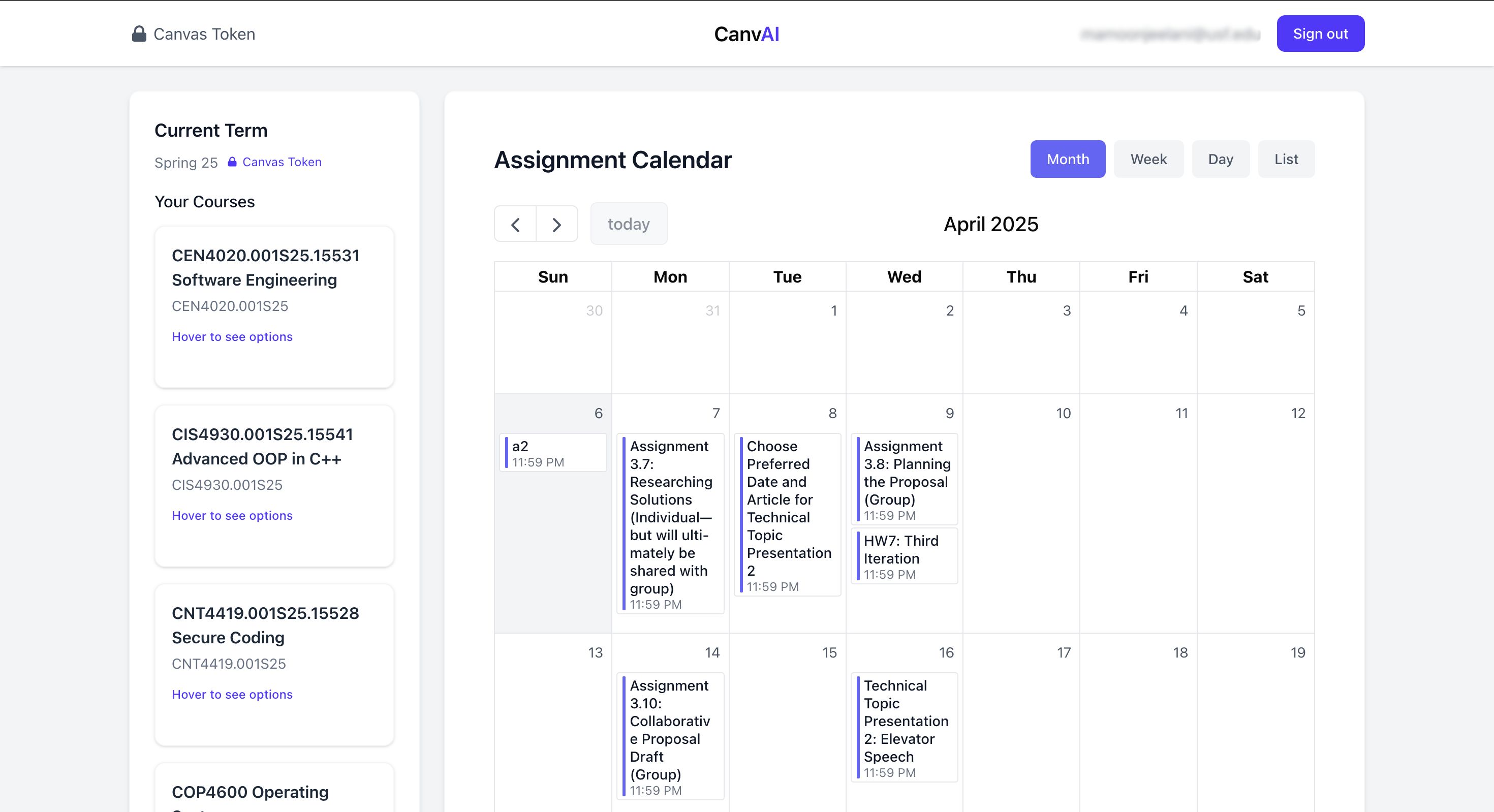
Main Page
-
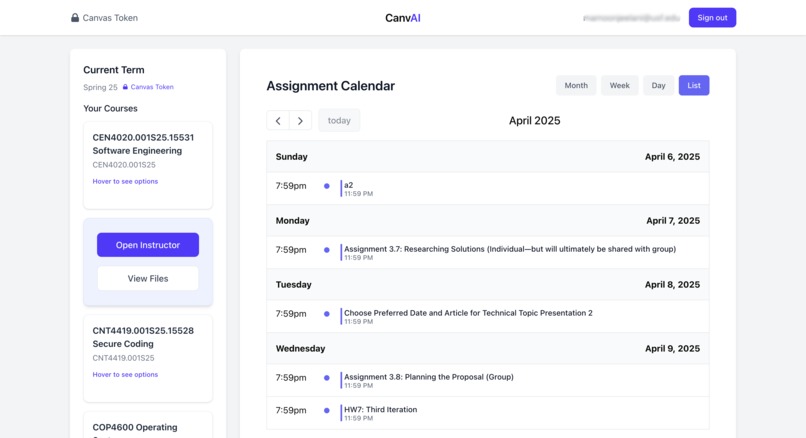
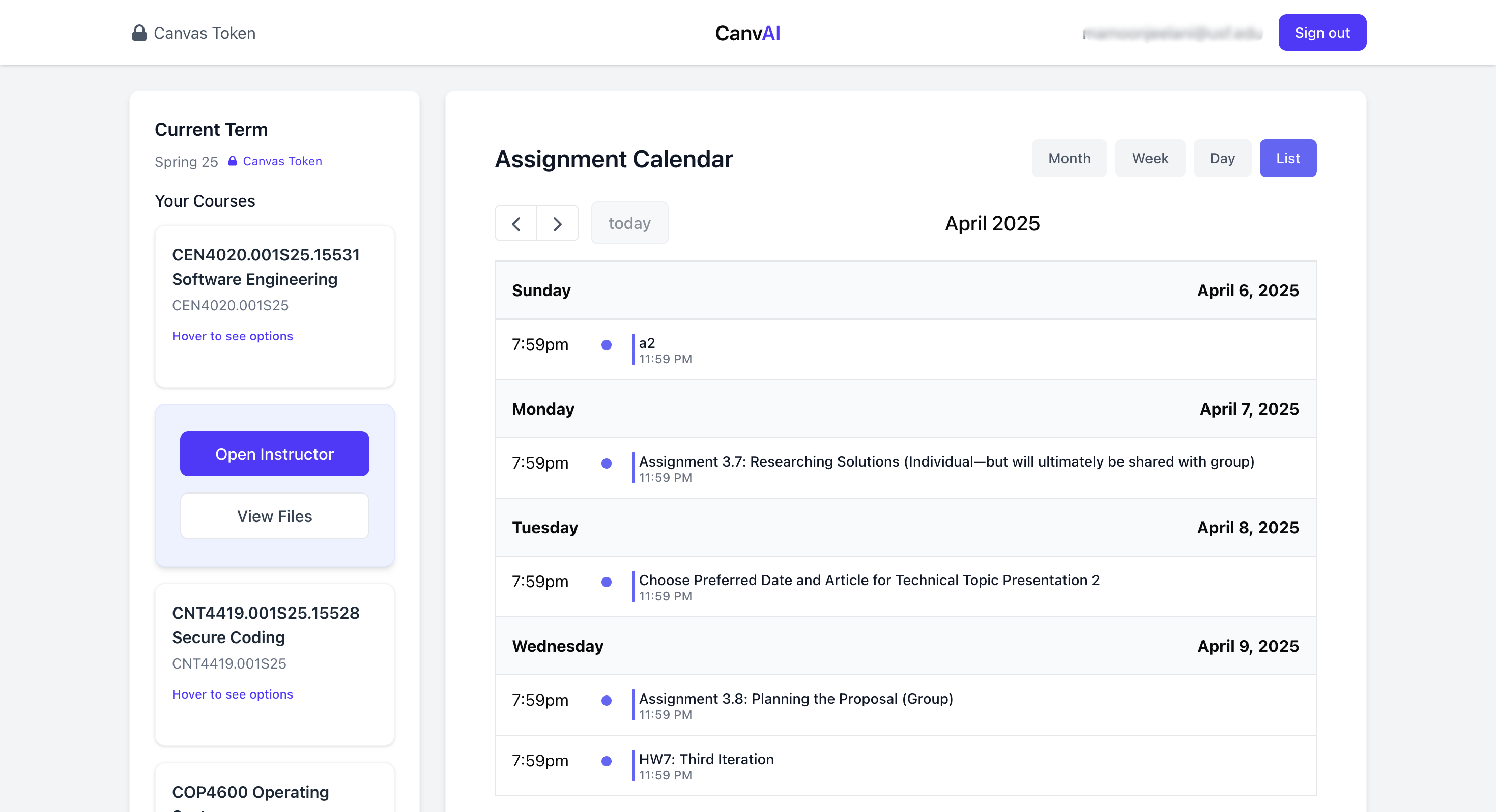
Main page with List View
-
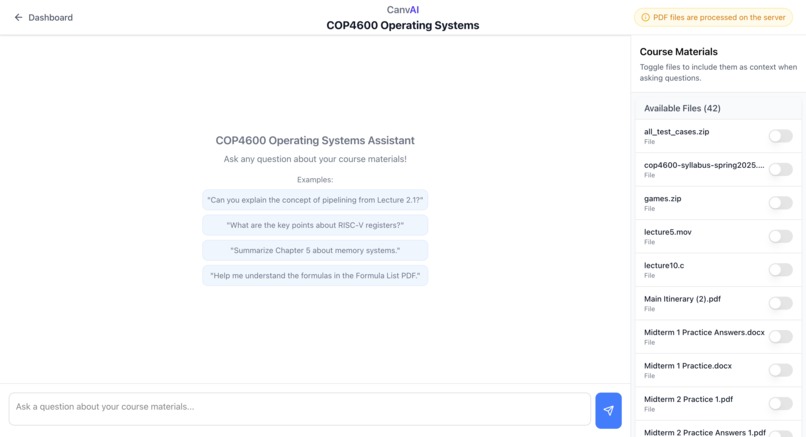
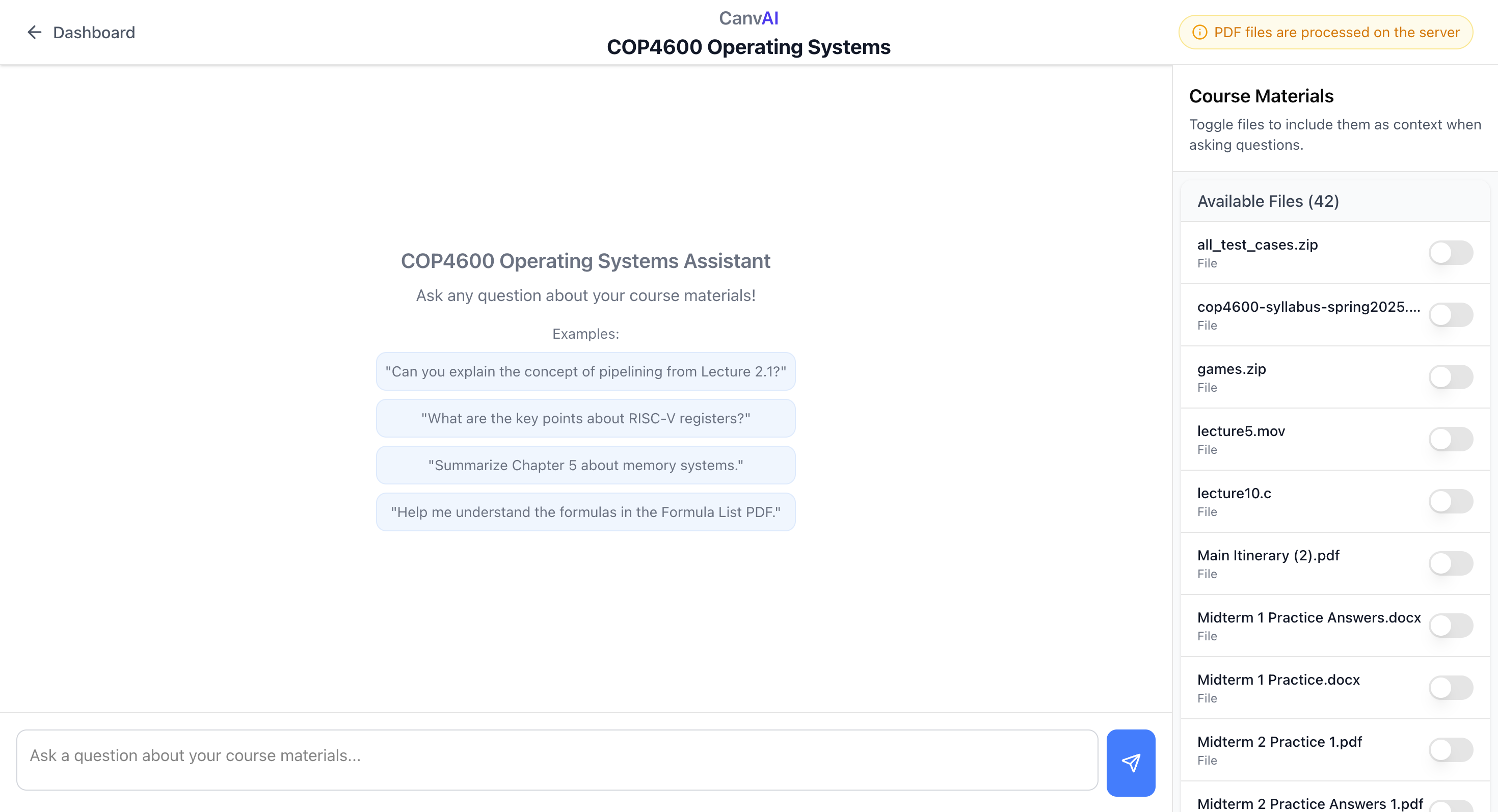
AI instructor with access to Canvas Files
-
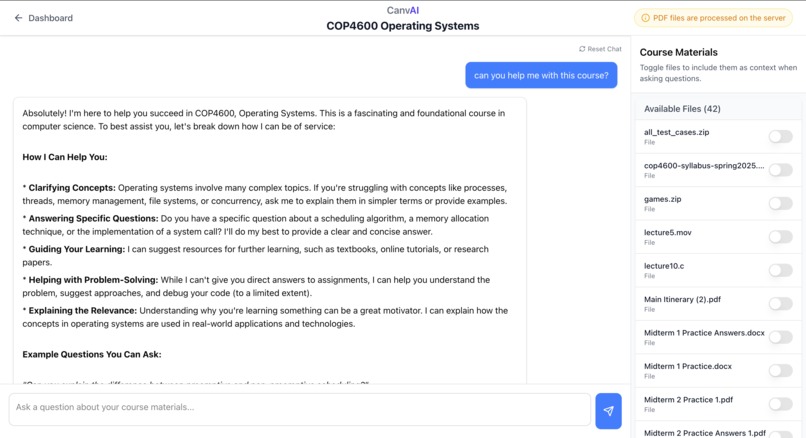
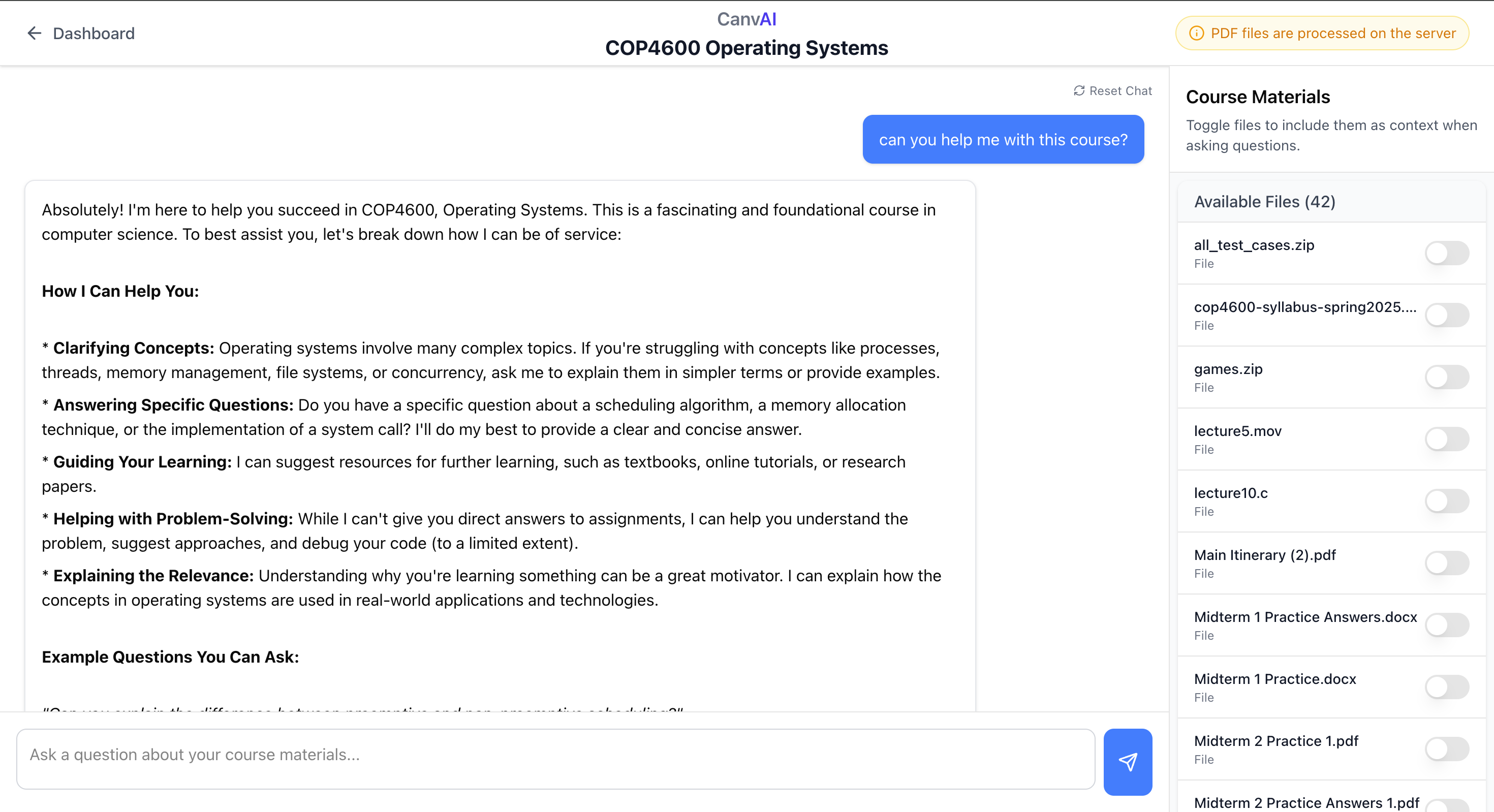
AI instructor Demo
Inspiration
As students navigating the complex world of online education, we often found ourselves overwhelmed by the sheer volume of course materials, assignments, and announcements in Canvas. While Canvas LMS provides a solid foundation, we noticed that students lacked tools to effectively analyze and understand their course content. This inspired us to create CanvAI - a solution that combines the power of AI with academic management to help students better understand and organize their coursework.
What it does
CanvAI is an intelligent academic dashboard that seamlessly integrates with Canvas LMS. It provides students with: A centralized view of all courses, assignments, and announcements AI-powered analysis of course materials using Gemini Smart summarization of documents and PDFs Personalized insights and recommendations An intuitive calendar for tracking deadlines Secure file management and analysis
How we built it
We built CanvAI using a modern tech stack: Frontend: Next.js 14 with TypeScript and Tailwind CSS Authentication: Supabase for secure user management Canvas Integration: Custom API proxy for Canvas LMS AI Processing: Gemini AI for content analysis State Management: React Context and custom hooks The development process involved: Setting up the Next.js project with TypeScript Implementing authentication with Supabase Creating the dashboard interface Integrating Canvas LMS API Adding Gemini AI for content analysis Building the file management system Implementing the calendar and assignment tracking features
Challenges we ran into
API Integration: Working with the Canvas LMS API required careful handling of authentication and rate limits. We solved this by implementing a robust API proxy with proper error handling and retry mechanisms.
File Processing: Different file types (especially PDFs) required specialized handling. We developed a document parser that could handle various formats and implemented special processing for PDFs using AI.
State Management: Managing complex state across multiple components while maintaining performance was challenging. We solved this by implementing a well-structured context system and custom hooks.
Security: Ensuring proper authentication and authorization while maintaining a smooth user experience required careful implementation of middleware and secure credential storage.
AI Integration: Making Gemini AI work effectively with different types of course materials required extensive prompt engineering and error handling.
Accomplishments that we're proud of
- Successfully integrating three major systems (Canvas LMS, Supabase, and Gemini AI) into a seamless user experience.
- Creating an intuitive interface that makes complex AI features accessible to students
- Implementing robust error handling and security measures
- Developing a scalable architecture that can handle various file types and sizes
- Building a system that genuinely helps students better understand their course materials
What we learned
- Full-Stack Development: Gained deep experience with Next.js, TypeScript, and modern web development practices
- AI Integration: Learned how to effectively integrate and utilize large language models in a practical application
- Authentication & Security: Mastered secure authentication flows and credential management
- API Design: Developed skills in creating robust API proxies and handling third-party integrations
- User Experience: Learned how to make complex AI features accessible and useful to end-users
What's next for CanvAI
Enhanced AI Features: More sophisticated document analysis Personalized study recommendations Automated assignment planning Mobile Experience: Native mobile app development Push notifications for deadlines Offline access to materials
Collaboration Features: Study group formation Shared notes and insights Peer learning tools Analytics Dashboard: Performance tracking Study habit analysis Progress visualization
Integration Expansion: Support for more LMS platforms Integration with popular study tools Calendar sync with other platforms
For testing the web app use this to sign in if you do not want to create your own acc: Email: [email protected] Pass: 123456
Built With
- next.js
- supabase
- tailwindcss


Log in or sign up for Devpost to join the conversation.