-
-
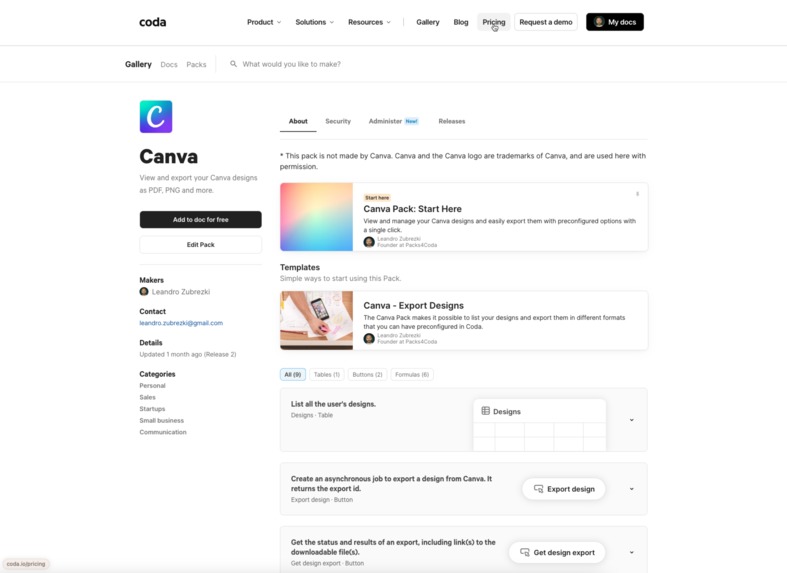
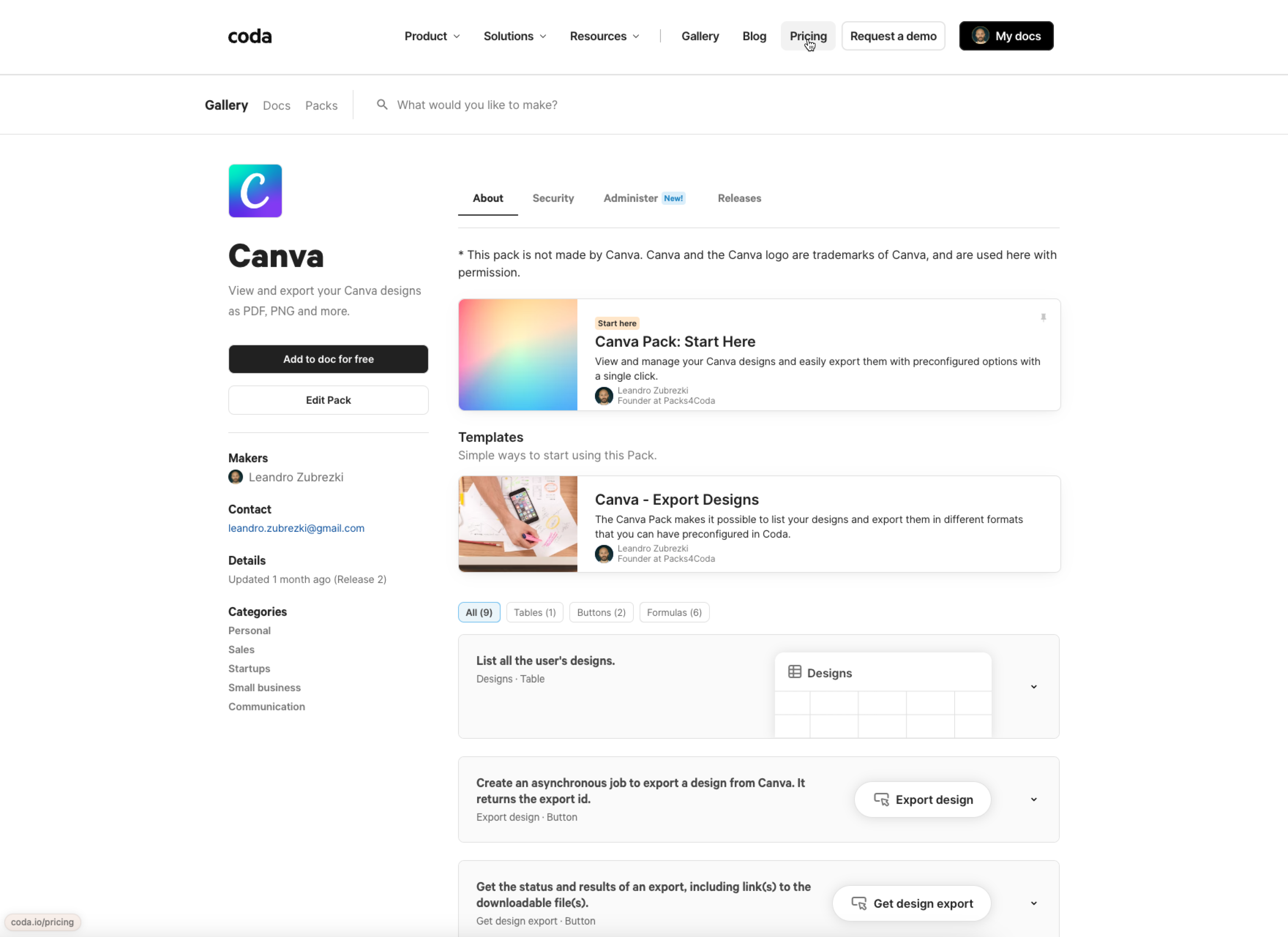
Canva Pack listing in the Coda Marketplace.
-
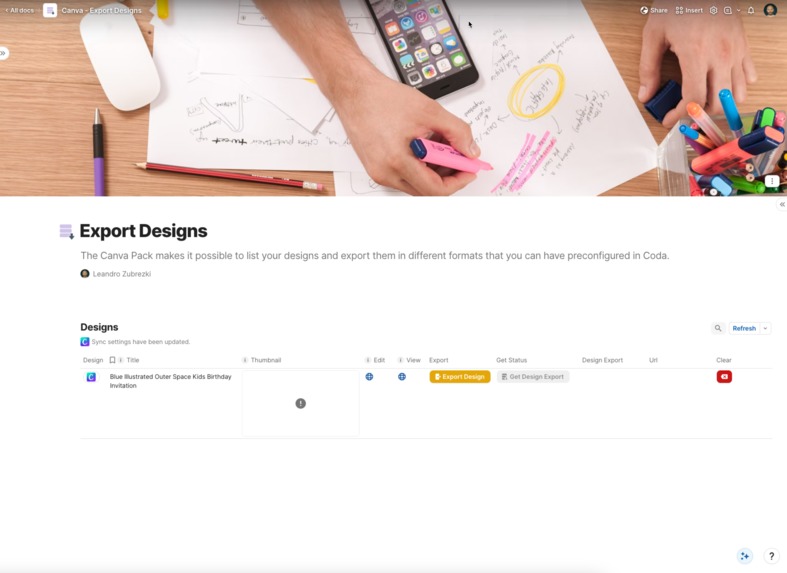
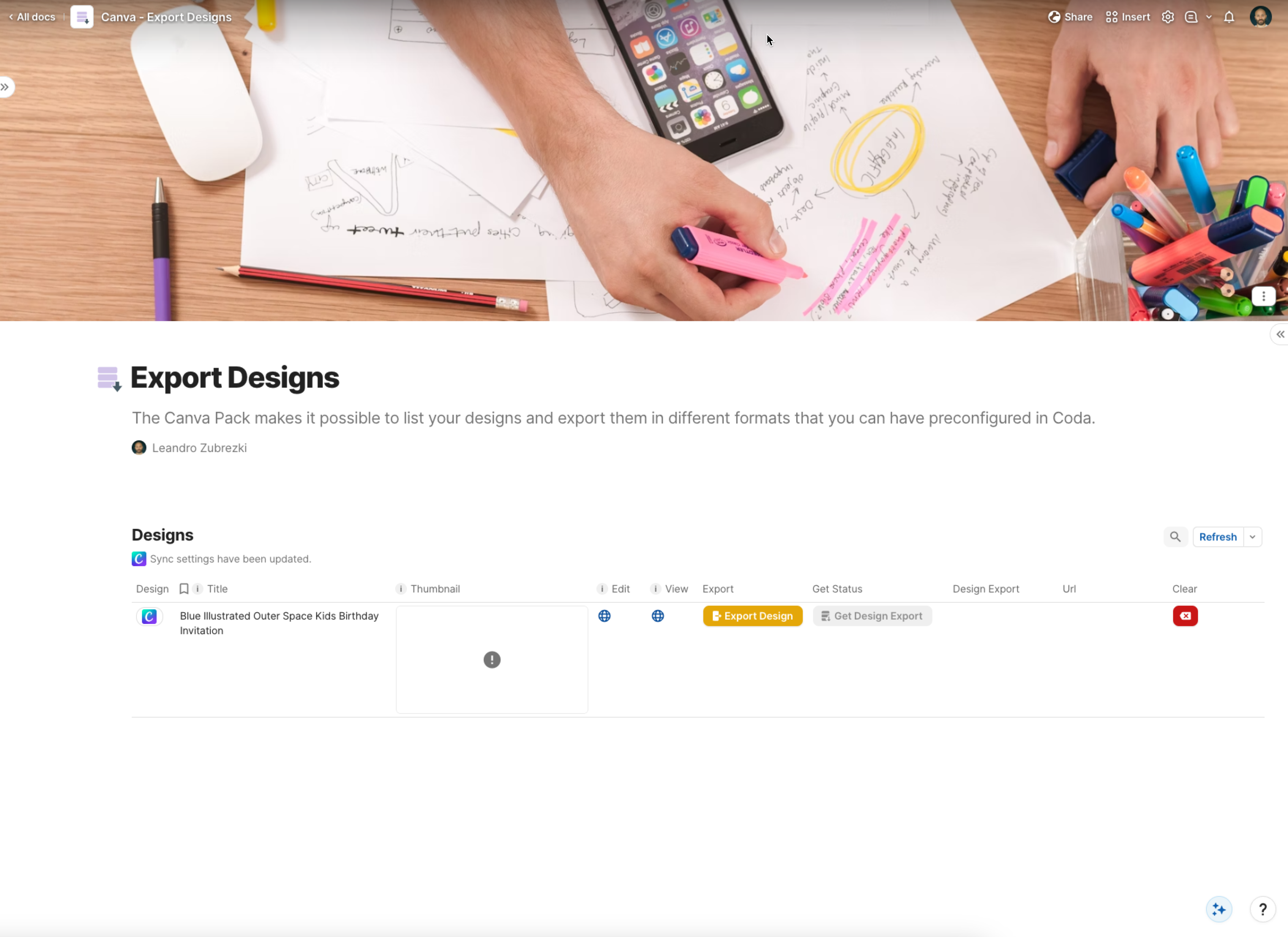
Coda Template so users can easily get started and export their designs.
-
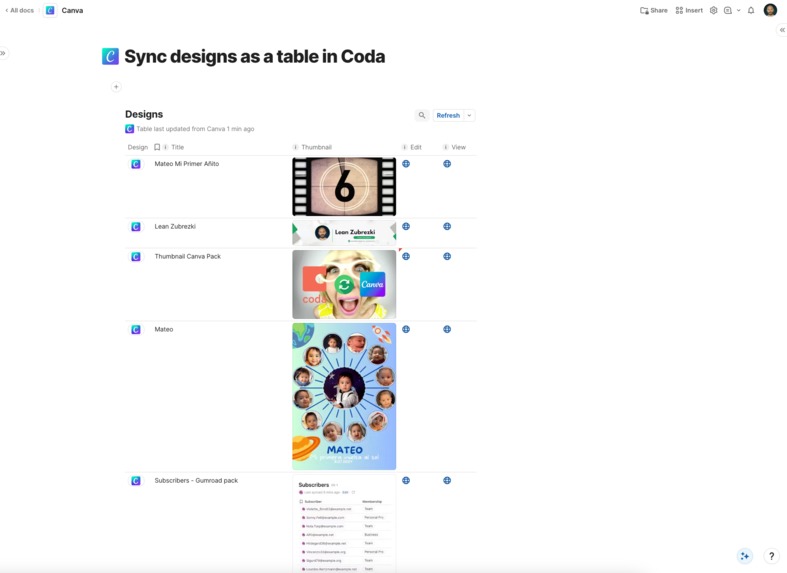
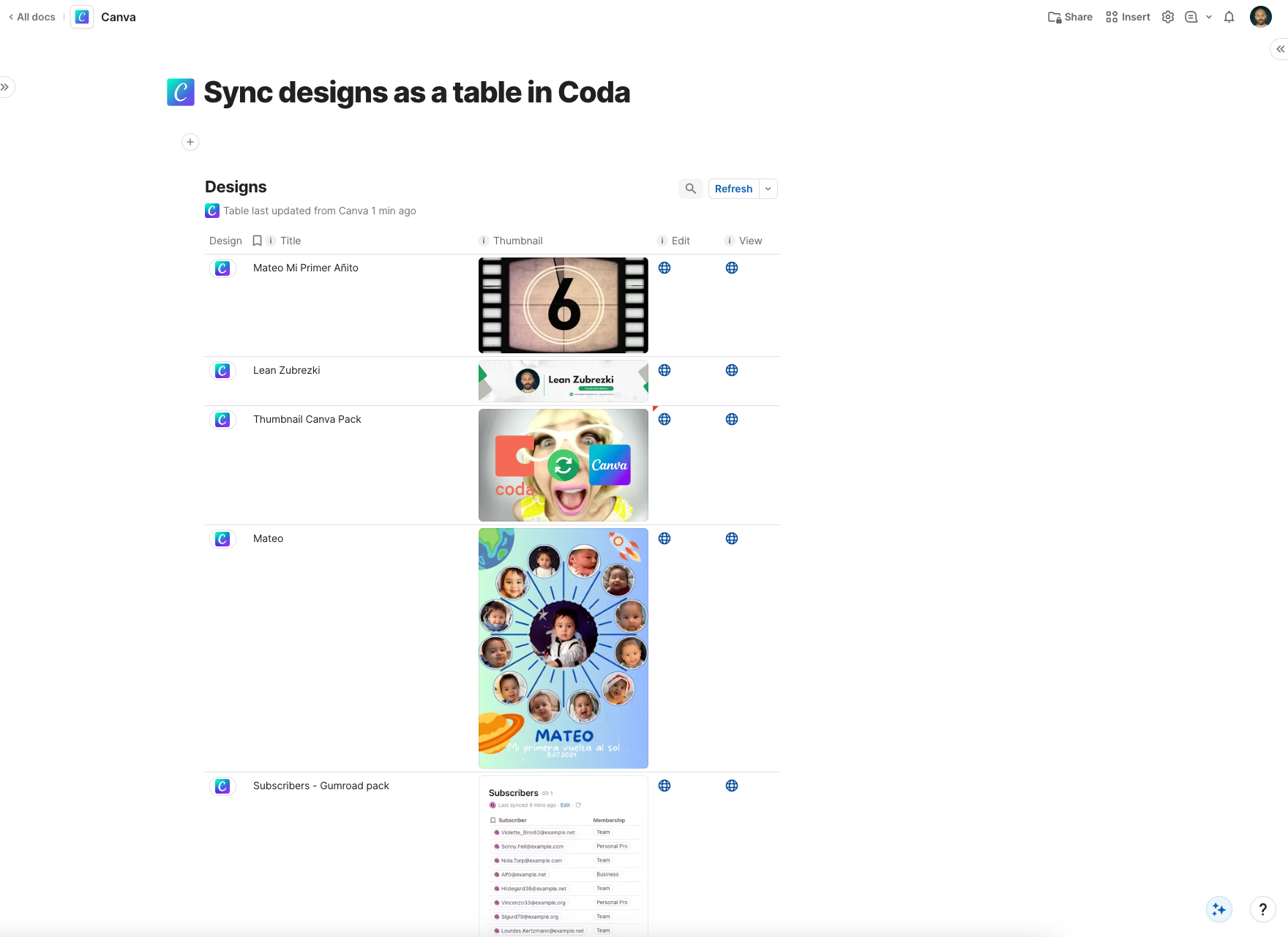
Canva Designs as a table in Coda.
Inspiration
I worked as a freelance software developer for 8 years before deciding three years ago to build my own products. One of the projects I've undertaken is developing Packs (integrations) for Coda, an all-in-one platform that blends docs, spreadsheets, and apps. I've built Packs for Airtable, Notion, and Webflow. When Canva announced the general availability of their Connect API, I was thrilled and immediately set out to create a Canva Pack for Coda.
What it does
The Canva Pack for Coda enables users to sync and manage their Canva designs directly within Coda documents and also allows them to export these designs in various preconfigured formats. This functionality is particularly beneficial for team collaboration and design management.
How we built it
The Pack was built using Typescript and the Coda Packs SDK.
Challenges we ran into
Exporting designs presented a challenge, as it required handling various formats and parameters. Developing an intuitive method within Coda was difficult, but we achieved a clear and functional result that enhanced the visibility of the available options.
Accomplishments that we're proud of
I am extremely proud of the functionality we've managed to expose through the Pack; it is clear, concise, and performs excellently.
What we learned
I learned that the Autofill API is available only to Canva Enterprise customers, a limitation I hope can be changed in the future.
What's next for Canva Pack for Coda
Integrating the Autofill API into the Pack would be a significant enhancement, allowing users to automate asset generation in Canva using Coda tables to populate templates, thereby saving considerable time.
Built With
- coda
- javasscript
- typescript





Log in or sign up for Devpost to join the conversation.