-
-
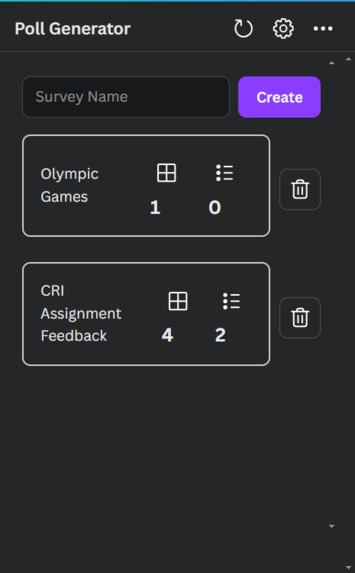
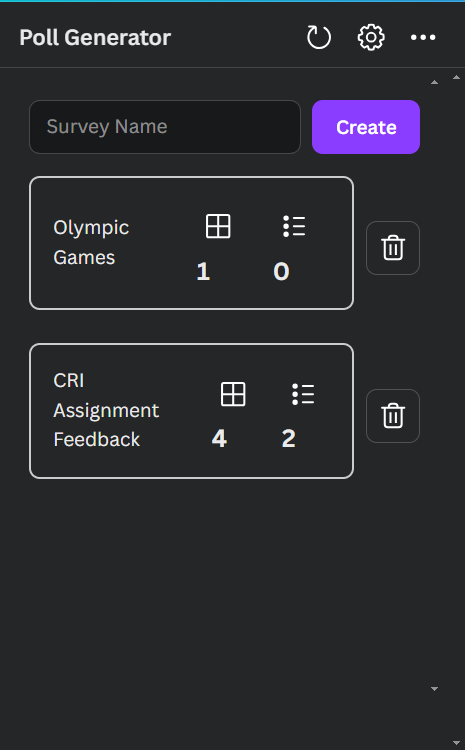
Survey Management
-
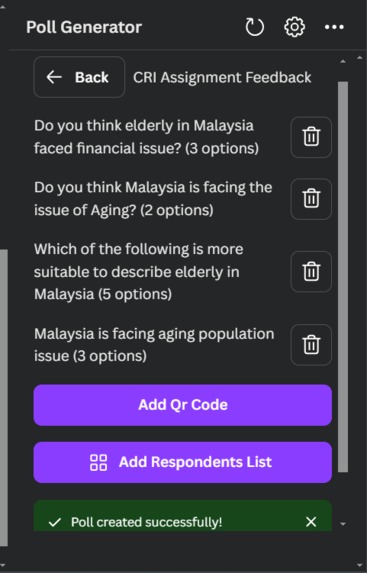
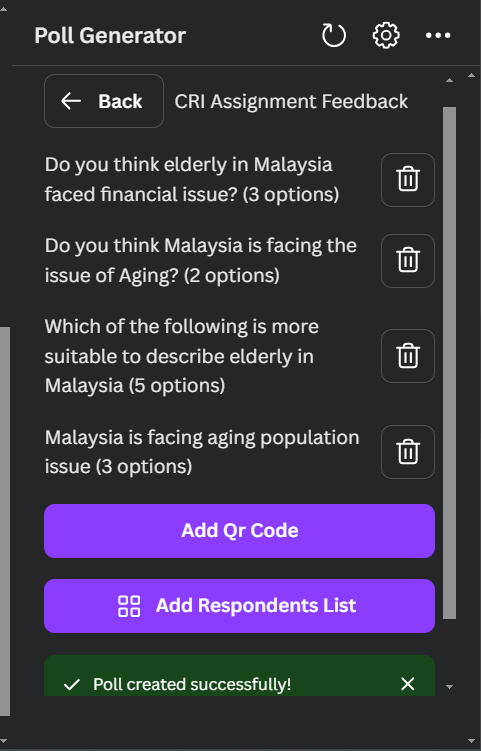
Poll Management
-
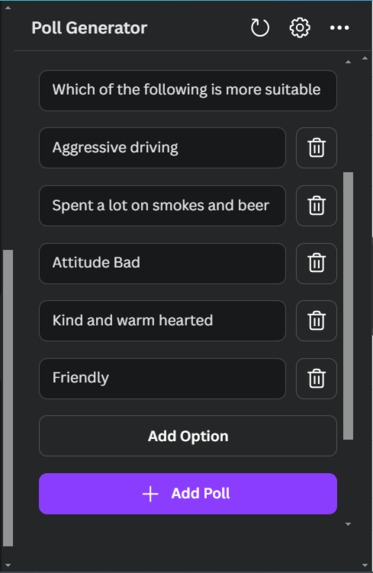
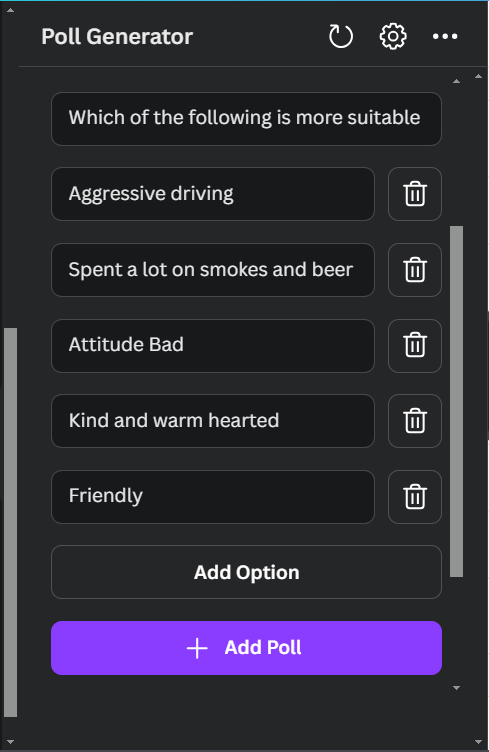
Adding Poll
-
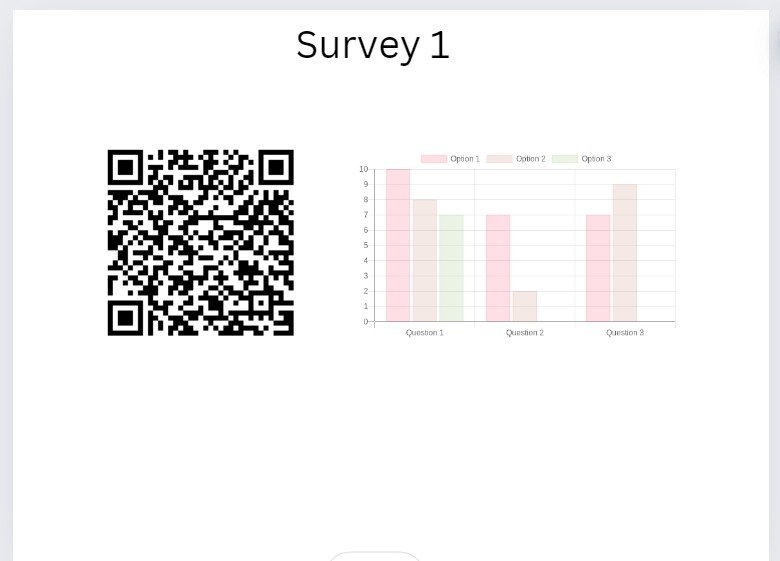
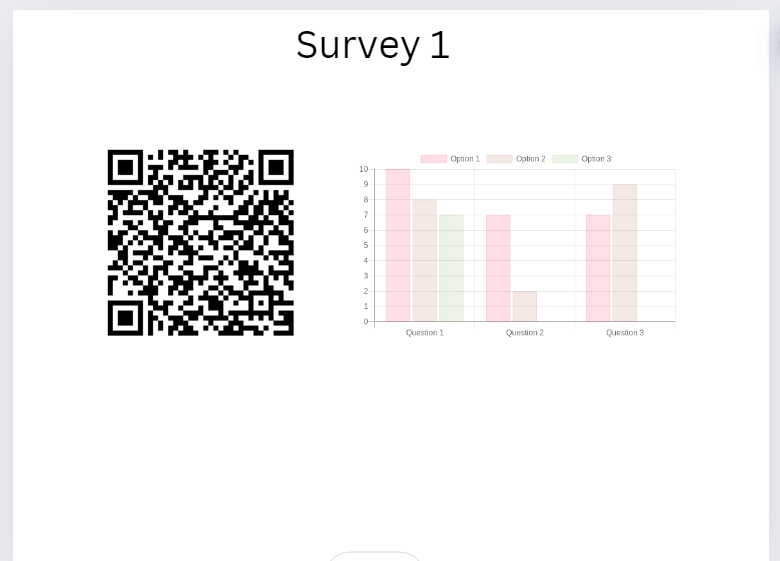
Qr code and Response in Graph
-
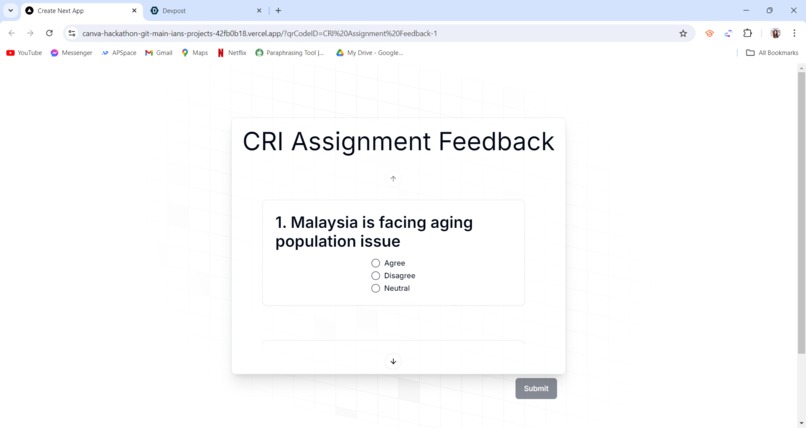
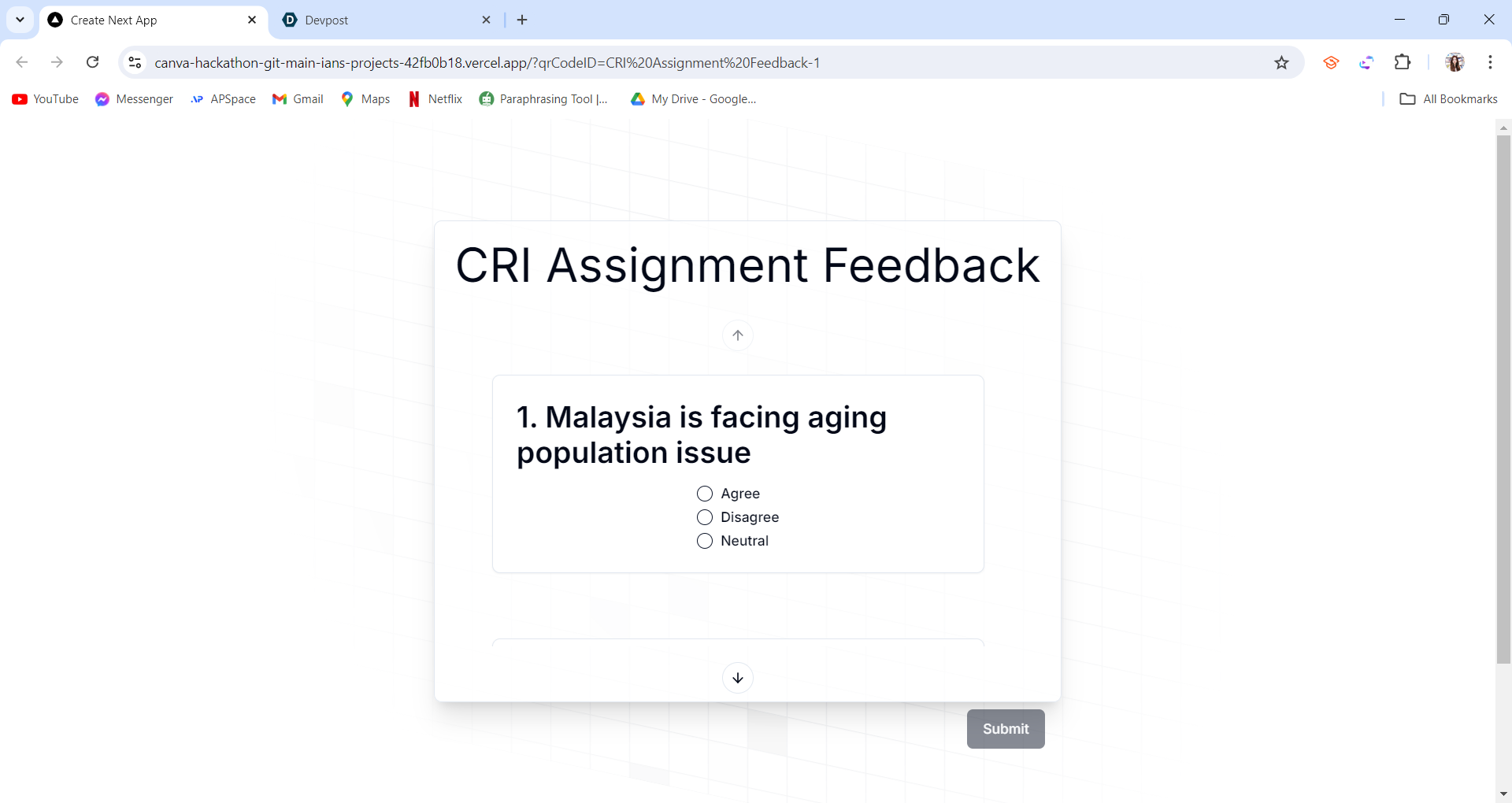
Once scan the QR will direct user to a another page to submit form.
-
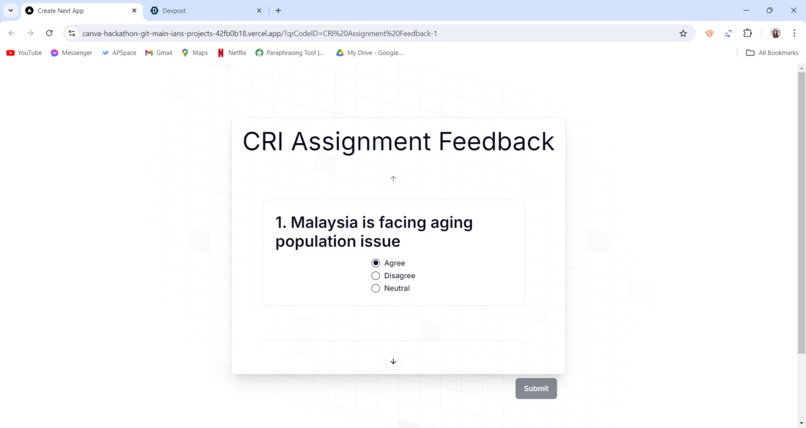
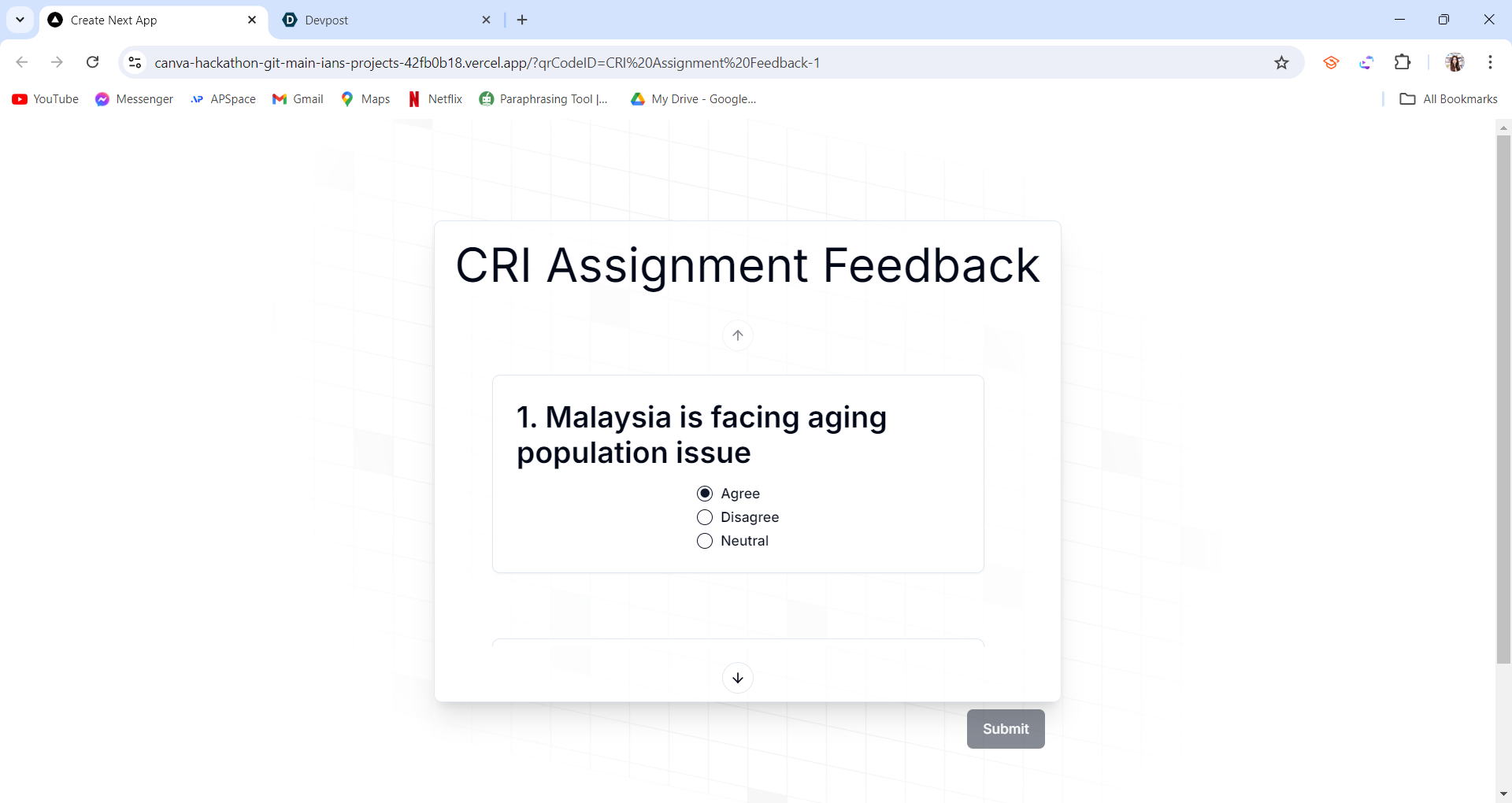
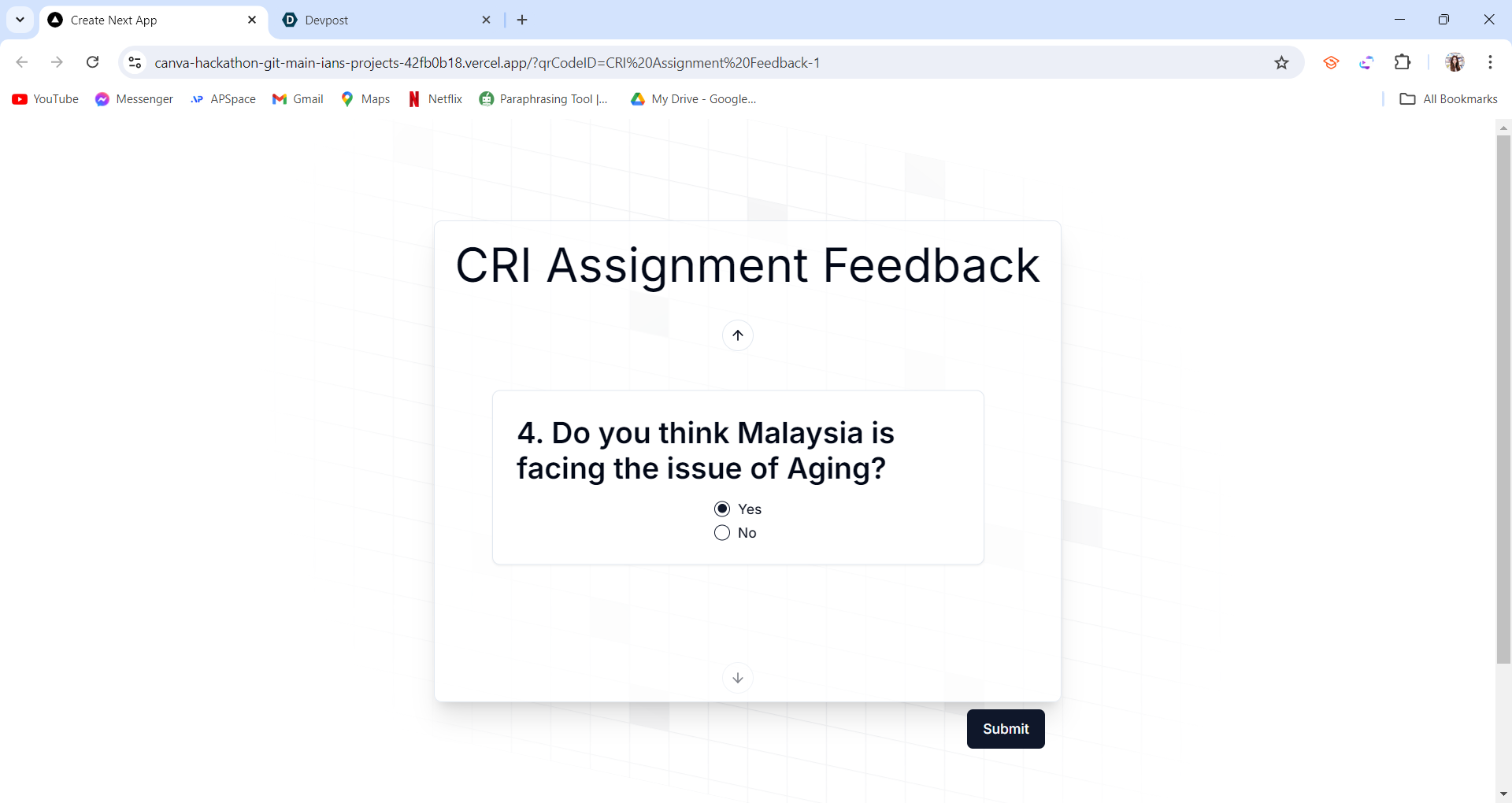
First page will show the survey name and question title with options. User could select any option.
-
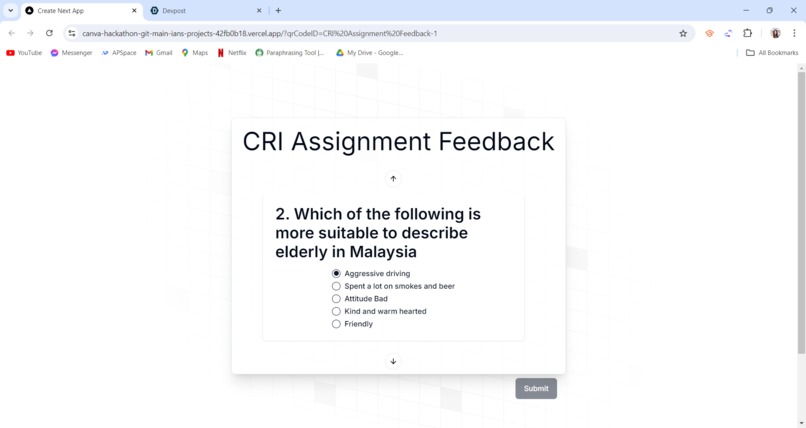
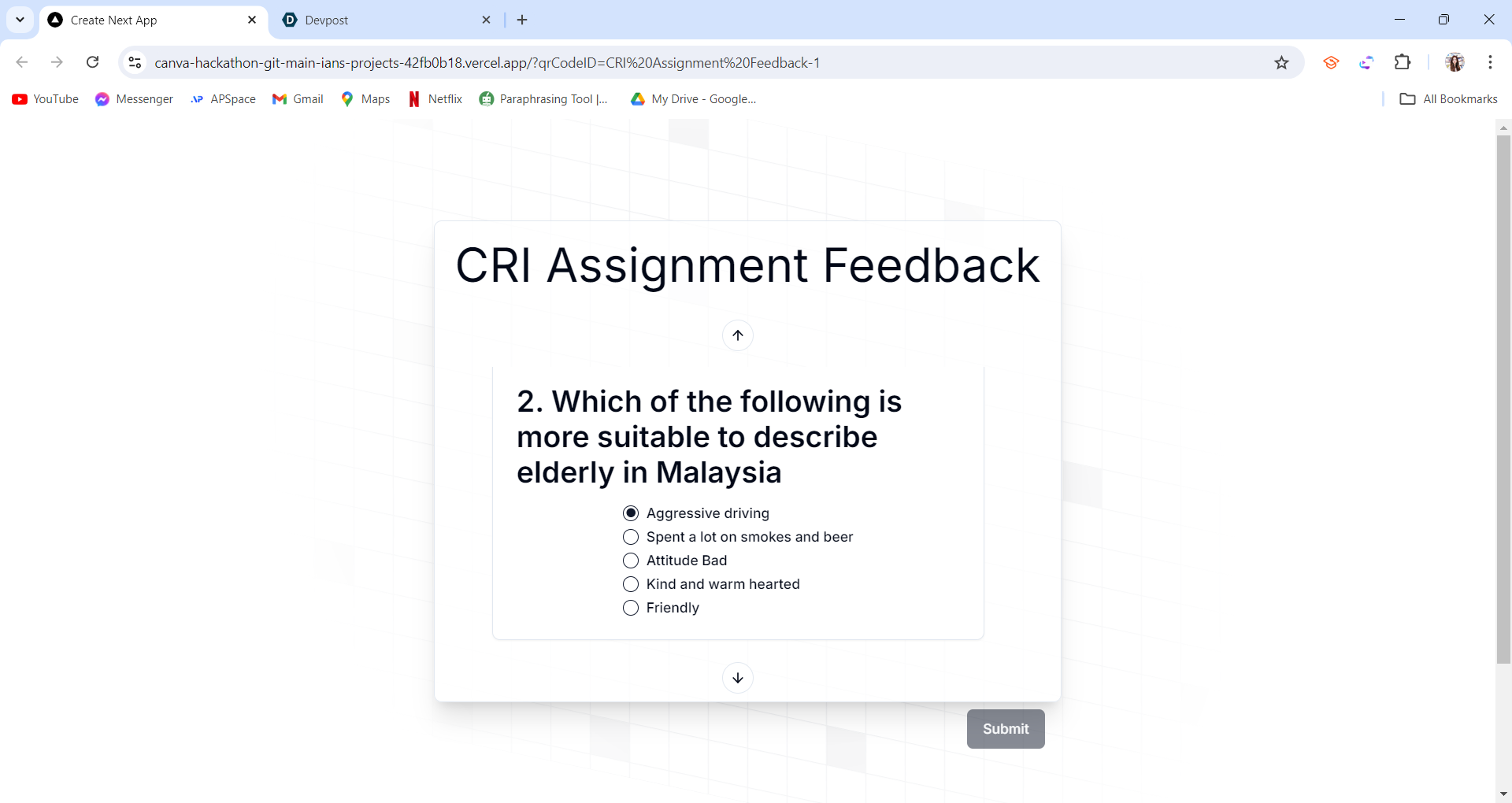
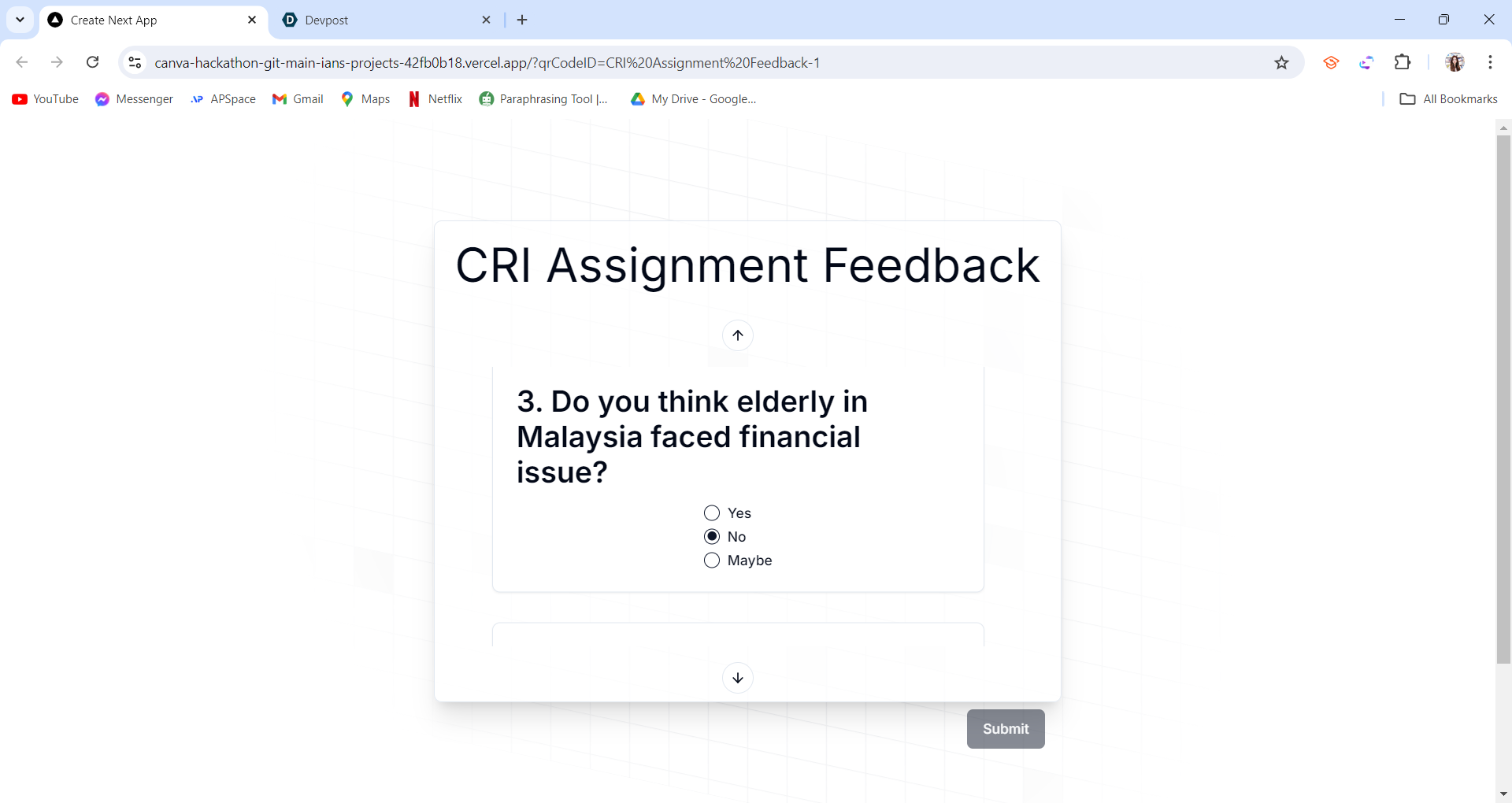
Scroll feature works in mobile. In desktop version user could click the back or next button to another question.
-
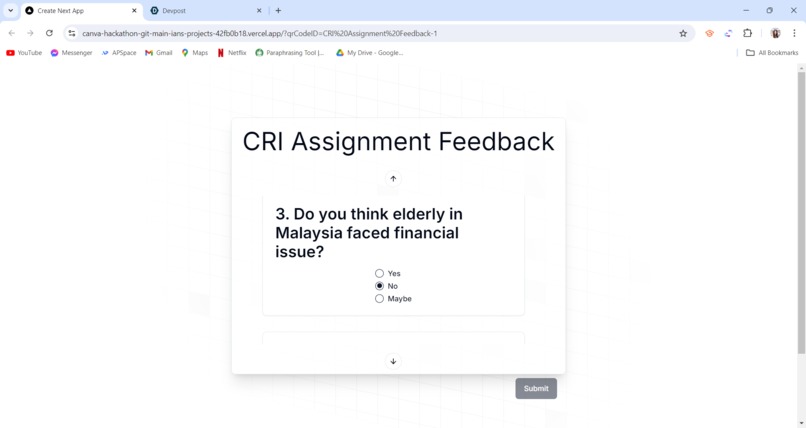
The submit button also disabled since user did not select all options for each questions.
-
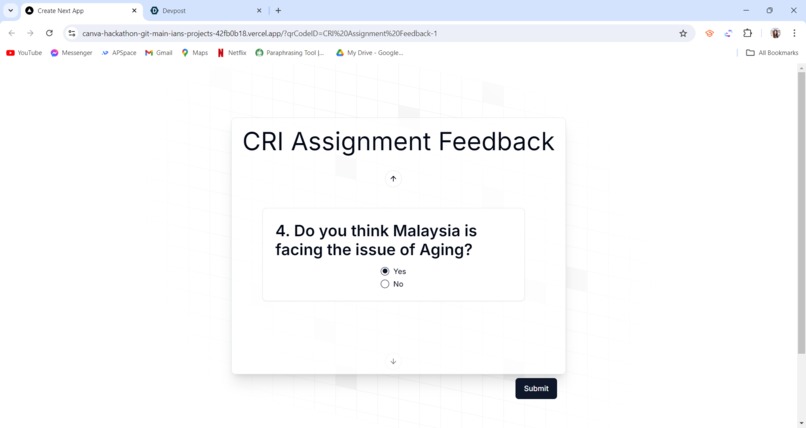
The button is enable back after user select all options. click the submit button to submit the form.
-
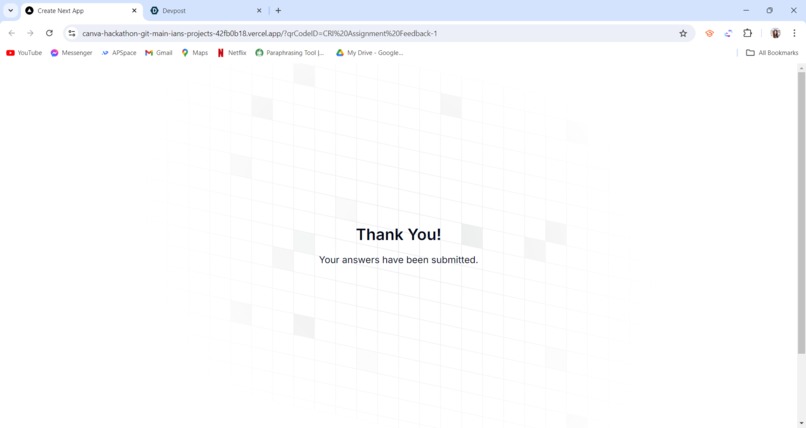
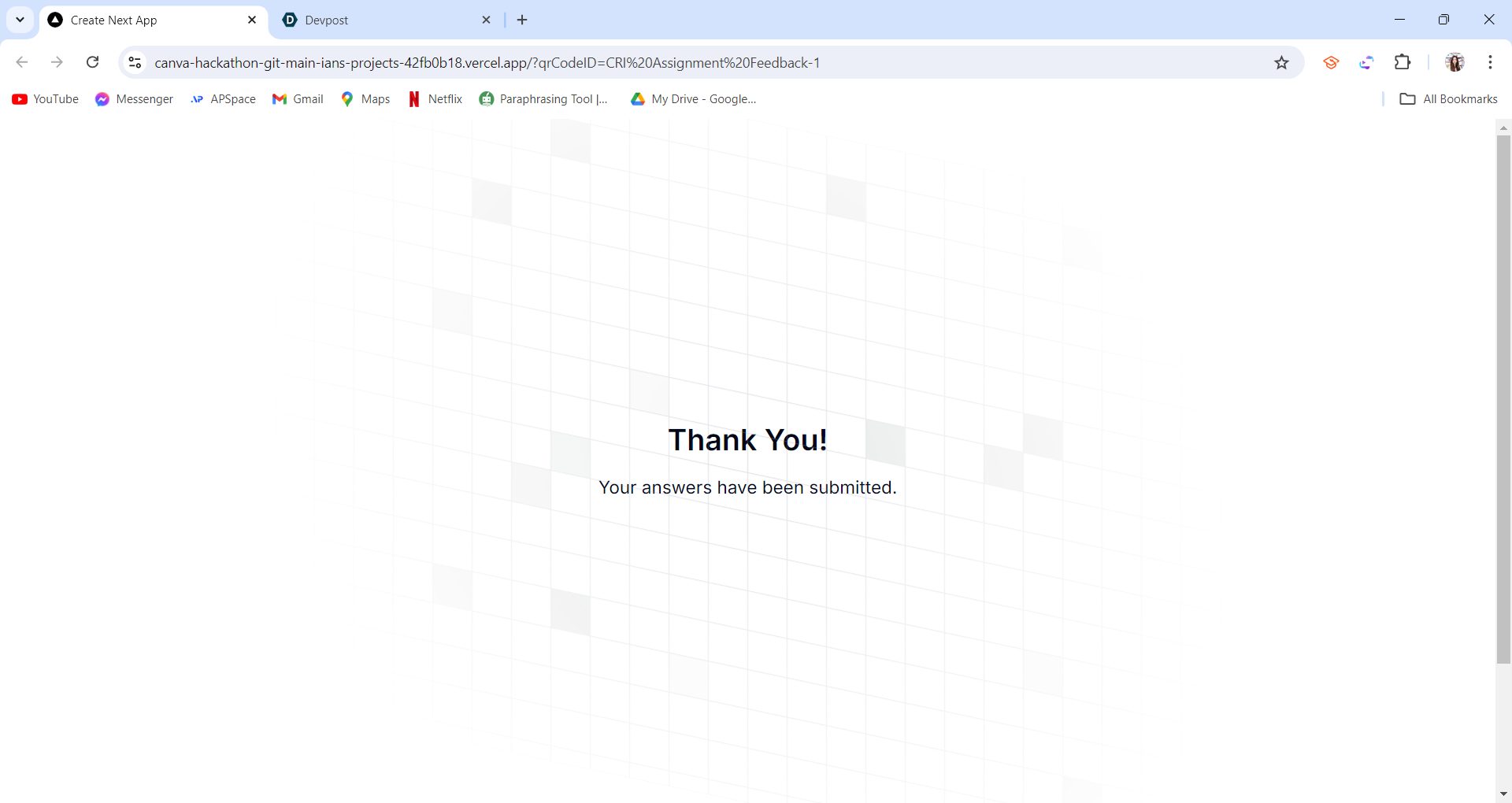
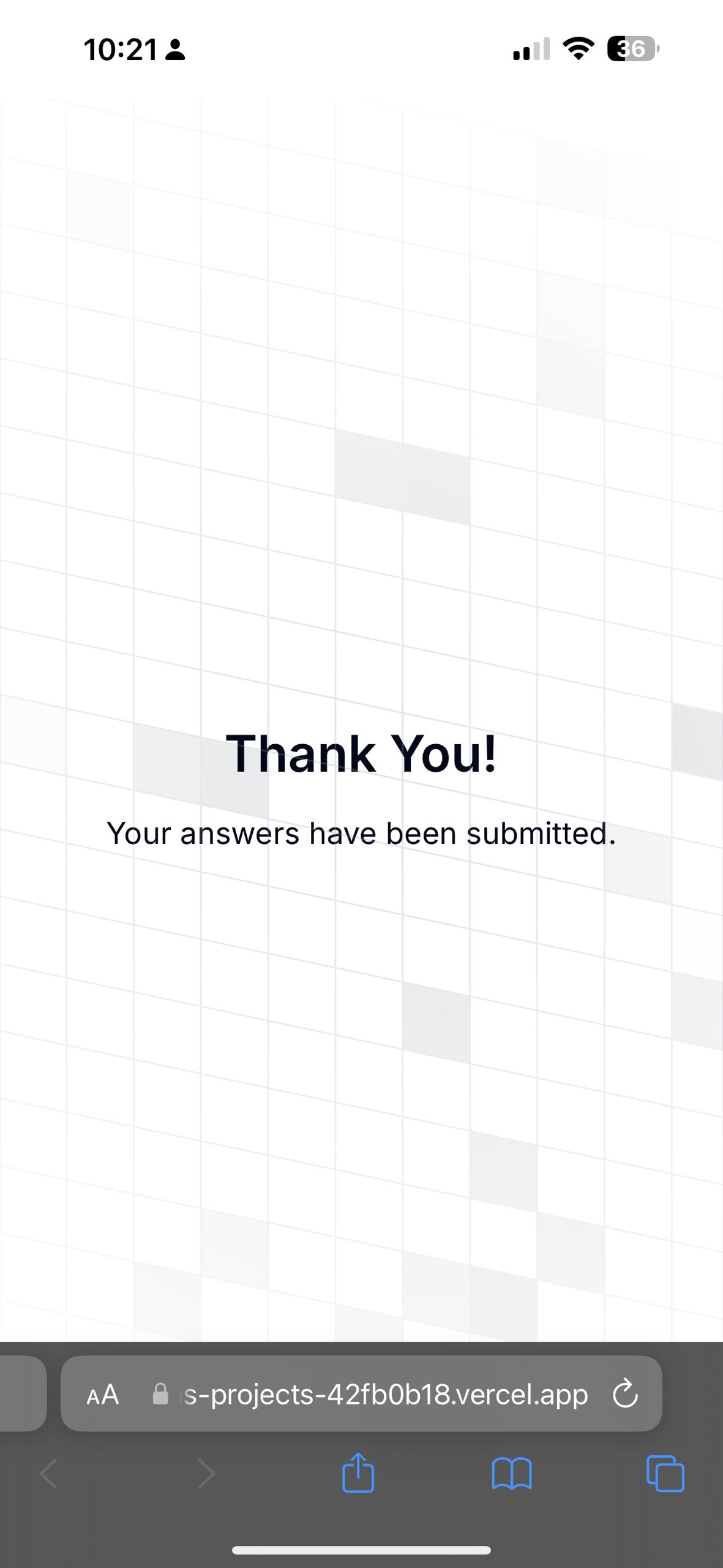
After submit, it will prompt a Thank you user interface.
-
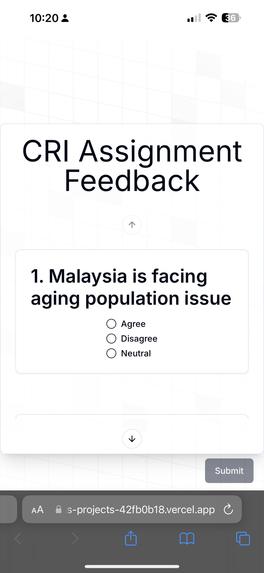
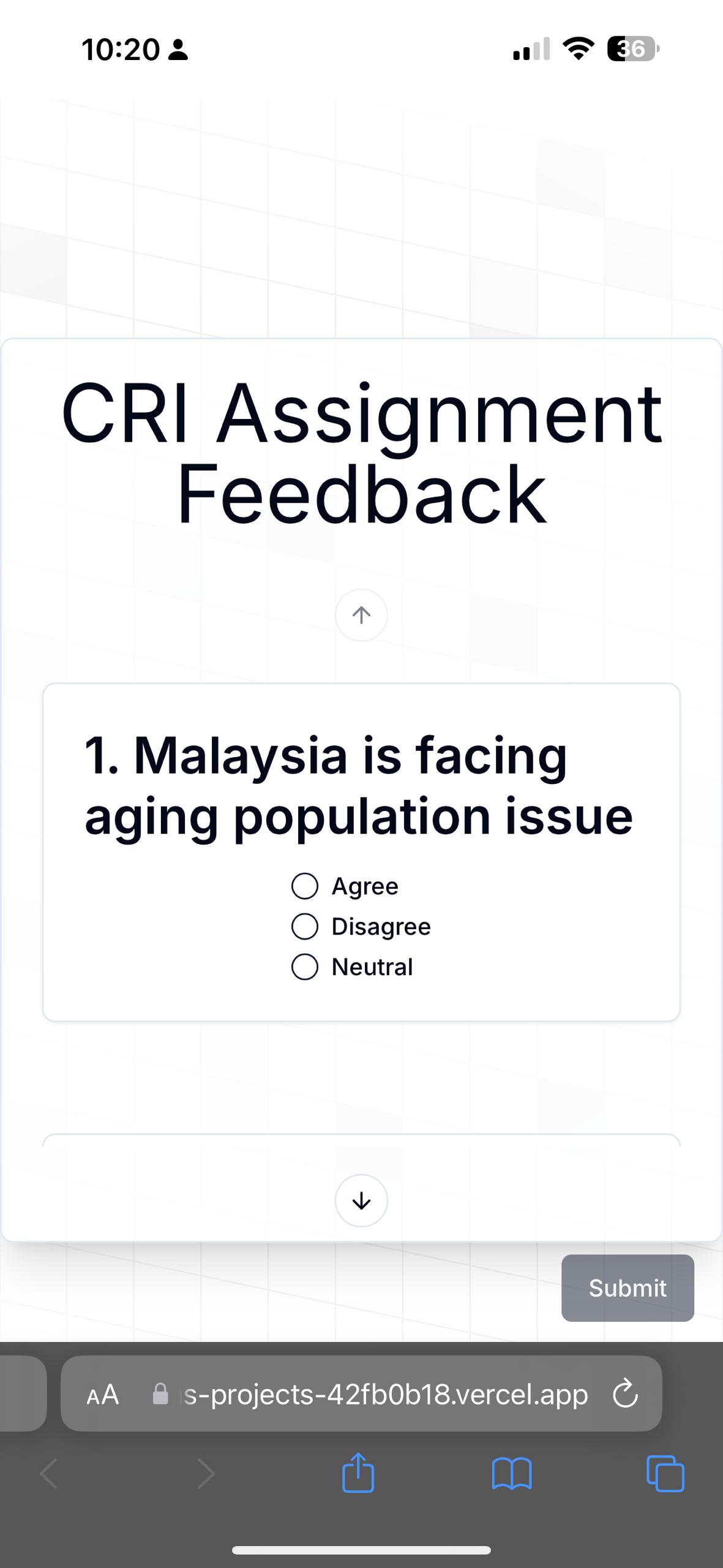
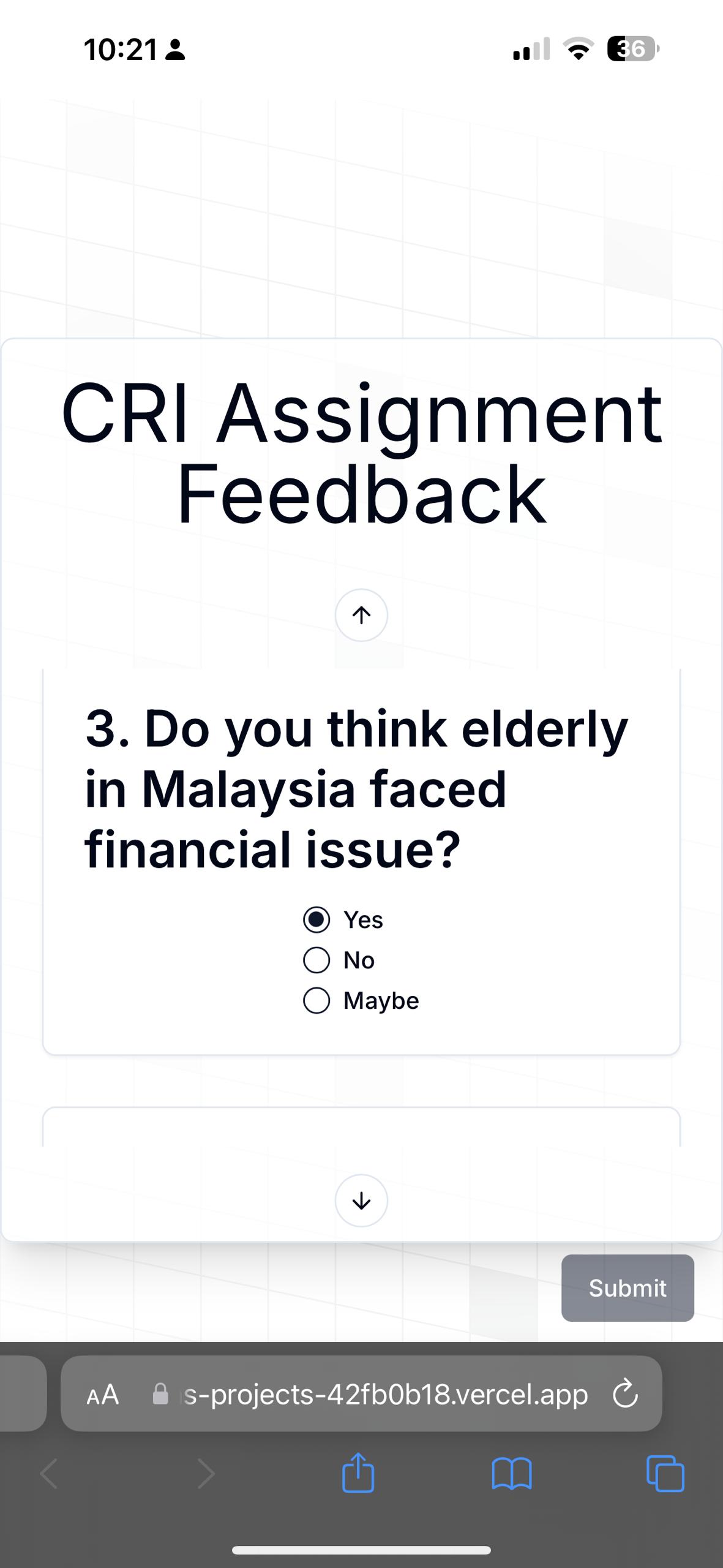
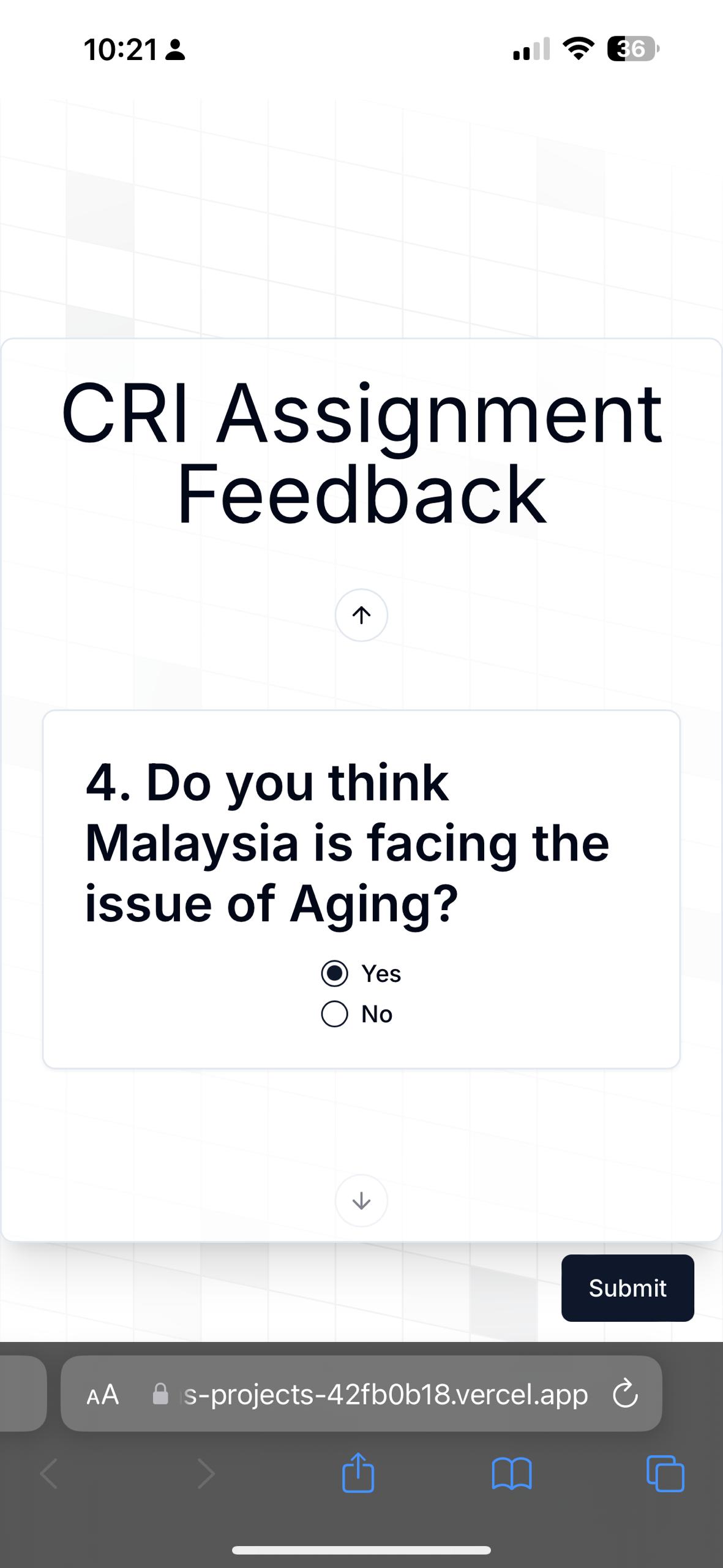
This is Mobile UI version.
-
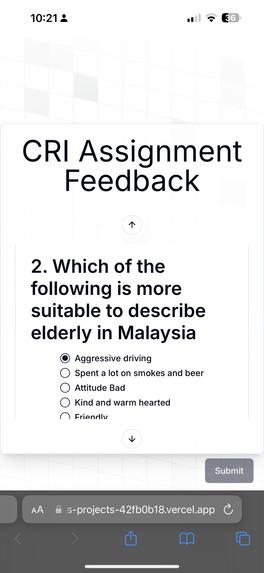
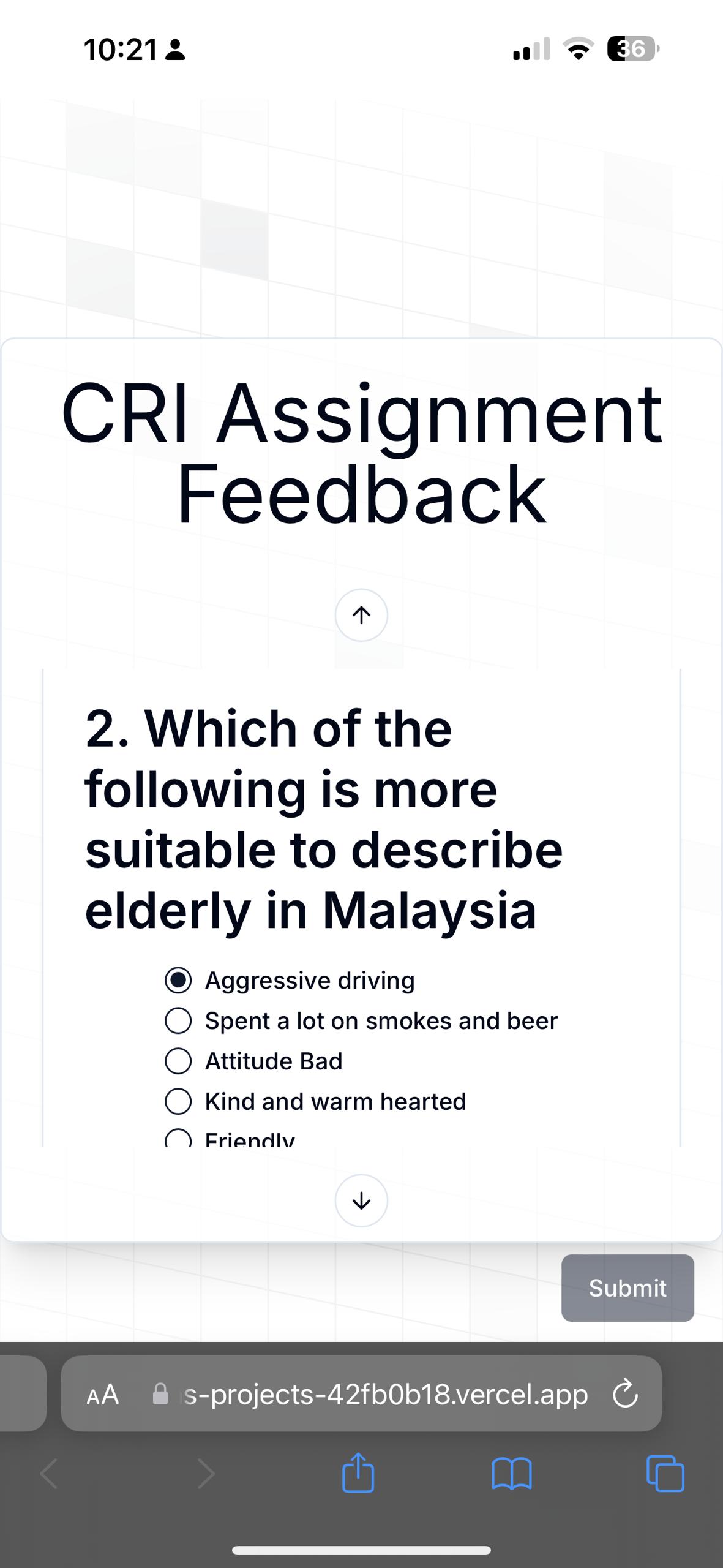
This is question 2 in mobile UI.
-
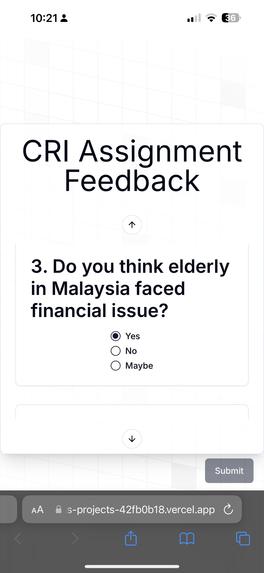
Question 3 select first option in mobile UI.
-
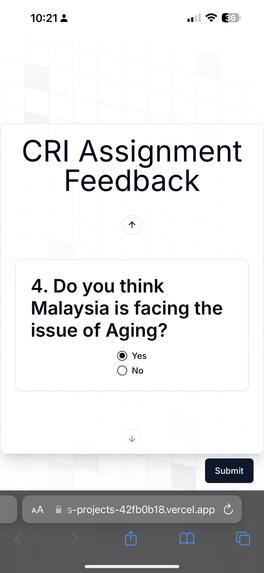
Question 4 in mobile UI
-
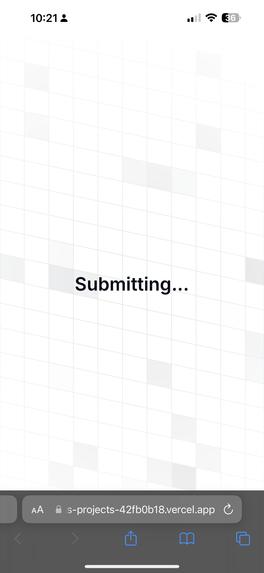
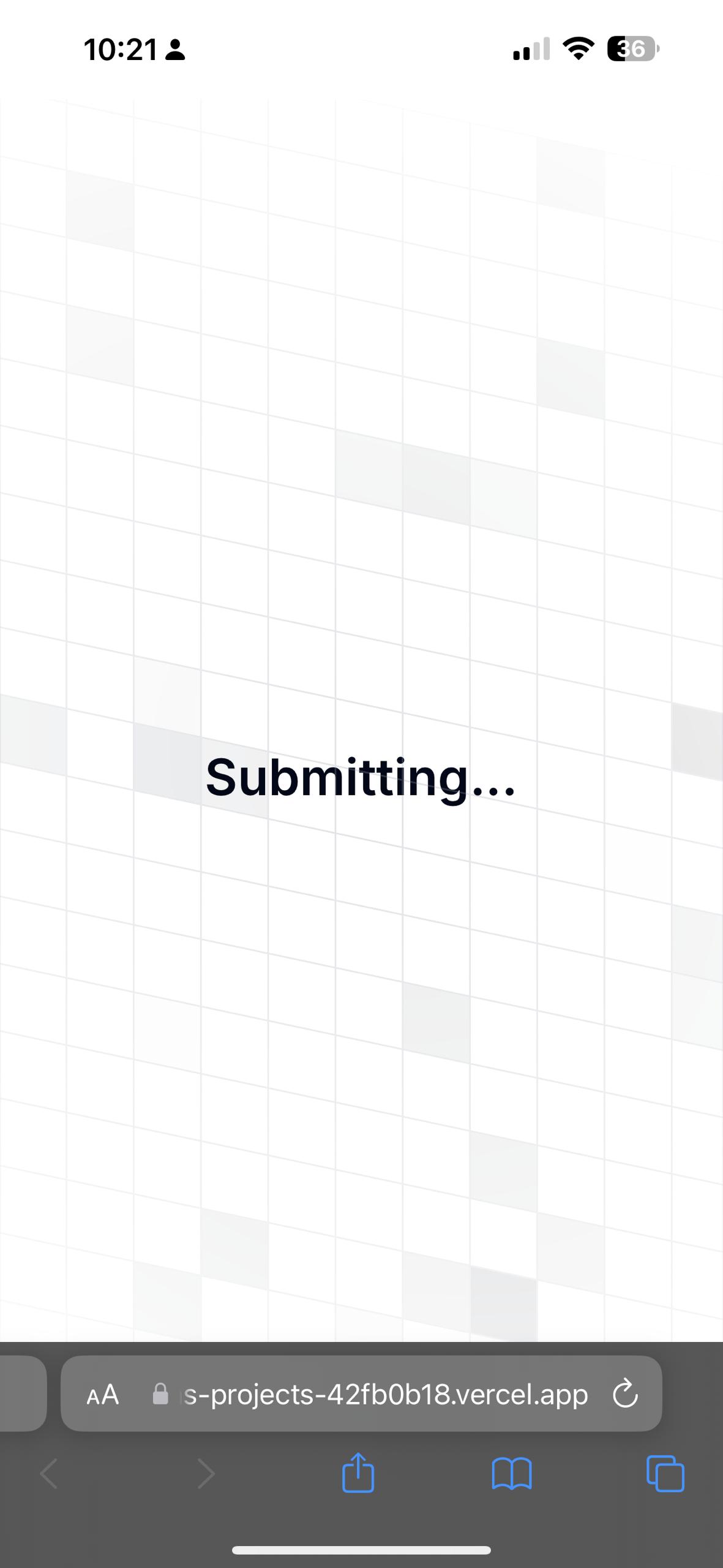
This is the submitting UI
-
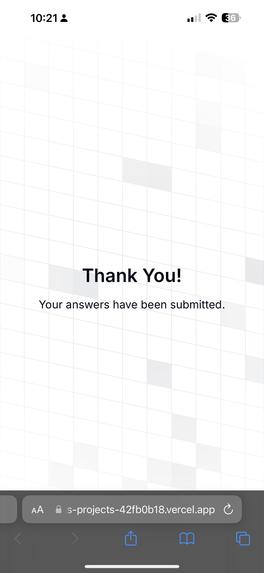
This is after user submit it will prompt a Thank you user interface.
Inspiration
We were frustrated by the inconvenience lecturers often face when managing polls and surveys. Relying on third-party platforms requires switching between different applications, creating unnecessary steps and disrupting workflow. We envisioned a solution that seamlessly integrates poll and survey creation within a familiar design tool, Canva. By eliminating the need to open multiple tabs and manage separate platforms, we aim to streamline the process and enhance the overall user experience for educators.
What it does
Poll Generator is a Canva-integrated platform that simplifies poll and survey creation while providing real-time data visualization. Users can design visually appealing surveys, distribute them via QR codes or a dedicated website, and instantly see response trends. Multiple polls can be included in a single survey for comprehensive data collection.
How we built it
We leveraged Canva's App SDK to create a seamless integration for survey design within the platform. To provide a customized respondent experience, we developed a React-based website. It was hosted using vercal platform with a free domain. This allowed us to create a user-friendly interface for answering questions and submitting responses. The backend was implemented using a few public API such as quickchart, poll api and qr code api to store and generate the data we want.
Technologies Used
- Frontend: React, NextJs
- Canva App SDK: Integrates survey design with Canva
- Charting API: quickchart API
- QR Code API: qrcode API
- Poll API: Poll API
- Cloud: Amazon AWS
- No Database
Challenges we ran into
Integrating Canva's API and Canva App SDK presented some initial challenges due to its complexity. Ensuring real-time data accuracy and performance while handling a large number of responses was another hurdle. Balancing the visual appeal of Canva with the need for efficient data processing required careful consideration.
Accomplishments that we're proud of
We successfully created a platform that merges design and data analysis seamlessly. The real-time visualization feature provides valuable insights at a glance. We're proud of the user-friendly interface and the ability to create engaging surveys effortlessly.
What we learned
We gained a deep understanding of API integration, Canva App SDK, and the importance of user experience. The project is coded in React which our team has no experience at all and had to go through some introduction and beginner guidance on React programming language tutorial.
What's next for Poll Generator
We plan to expand Poll Generator's capabilities by incorporating advanced data analysis features, such as predictive analytics and sentiment analysis. We also aim to integrate with popular collaboration tools and explore machine learning for personalized survey recommendations. Additionally, we'll focus on enhancing the platform's accessibility and scalability.
Built With
- amazon-ec2
- amazon-web-services
- api
- app
- canva
- cloud
- css
- ec2
- javascript
- nextjs
- pollapi
- postman
- qrcode
- quickchart
- react
- sdk


Log in or sign up for Devpost to join the conversation.