-
-
Canopy-Optimizer
Inspiration
Every engineering team we've worked with has the same invisible problem. CI/CD pipelines accumulate waste silently - dependencies reinstalling from scratch on every run, integration tests firing on documentation commits, Docker builds spinning up on feature branches that will never deploy. Nobody measures it. Nobody fixes it. Not because they don't care, but because the cost is diffuse and the attribution is hard.
We started asking a simple question: what if there was a teammate whose only job was to watch your pipelines and fix the waste automatically?
That question became Canopy.
What We Built
Canopy is an AI agent built on the GitLab Duo Agent Platform, powered by Anthropic Claude. It triggers on a single mention in any GitLab issue, analyzes your CI/CD pipeline telemetry, identifies waste patterns, and opens a production-ready Merge Request with the exact .gitlab-ci.yml fixes - without any human intervention.
A typical run looks like this:
@ai-canopy-optimizer-gitlab-ai-hackathon please analyze our pipeline
Within 90 seconds, Canopy has:
- Read the pipeline configuration
- Fetched recent pipeline runs via the GitLab REST API
- Analyzed job durations, cache configuration, and trigger rules
- Generated and validated YAML fixes using the GitLab CI linter
- Opened an MR with a savings table and full diff
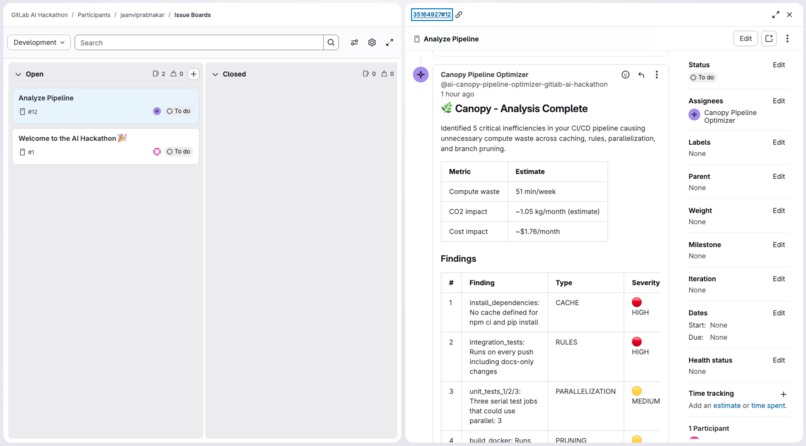
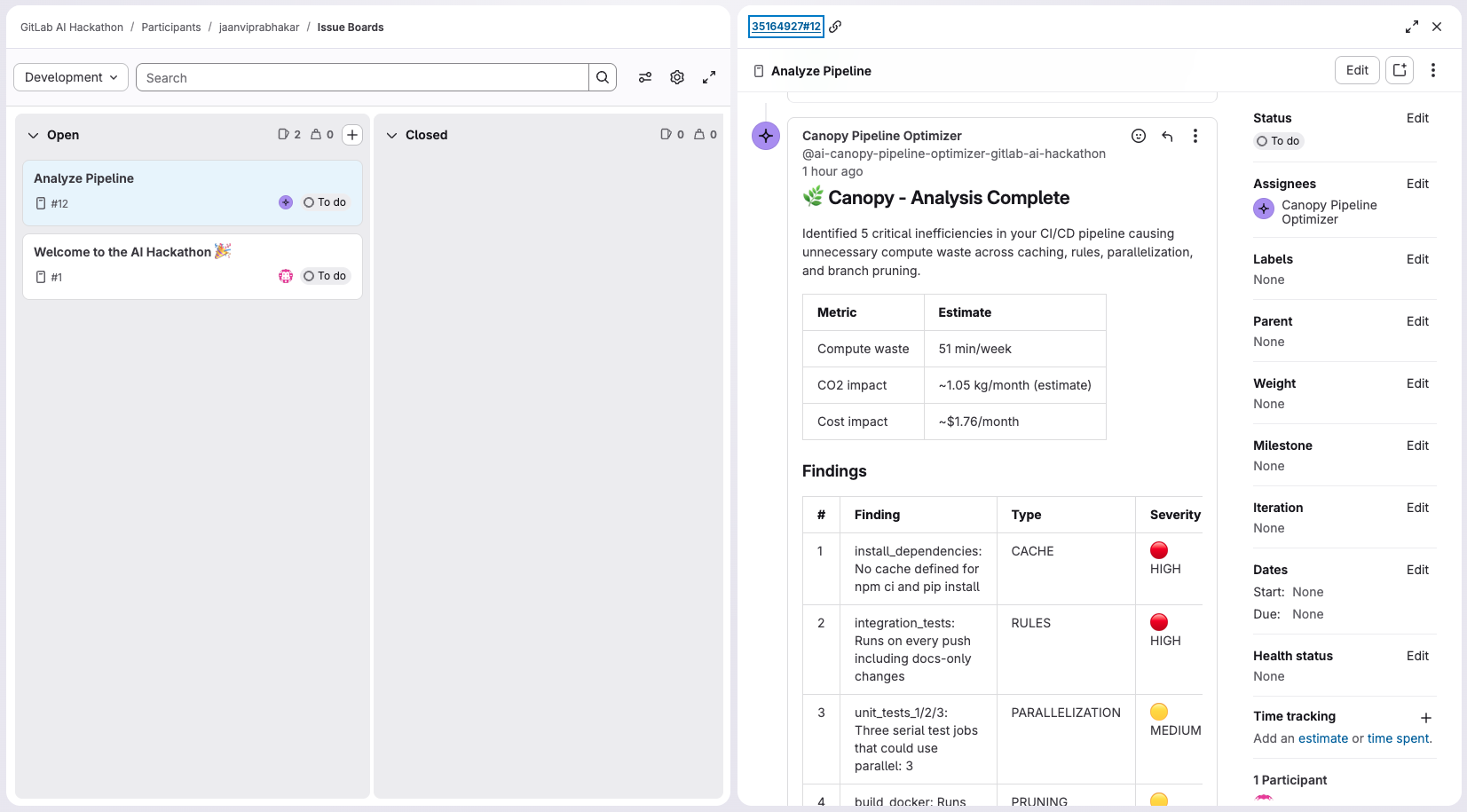
- Posted a structured summary comment on the triggering issue
How We Built It
The architecture is deliberately minimal. One agent definition, one flow, no external servers.
The agent (agents/canopy.yml) defines Canopy's persona and toolset - read_file, gitlab_api_get, create_commit, create_merge_request, ci_linter, and create_issue_note.
The flow (flows/canopy-optimizer.yml) is a single-component ambient flow. We initially designed a 4-step pipeline (collect → analyze → generate MR → post summary), but discovered that the GitLab Duo Agent Platform's ambient environment runs each component as a standalone session without chaining. Collapsing everything into one agent with a structured multi-step prompt solved this and produced cleaner, more coherent output.
Claude as the reasoning engine - the prompt instructs Claude to execute five sequential steps, each building on the last. The savings estimation uses conservative proxy metrics:
Compute savings: avg_job_duration × runs_per_week × waste_fraction (minutes/week)
Carbon estimate: (compute_minutes × 0.475 / 1000) × 4.33 kg CO₂/month
Cost estimate: compute_minutes × 0.008 USD/month
Where:
t_job= average job duration in minutesr_week= estimated weekly pipeline runs (default: 10)f_waste= waste fraction per finding type- Carbon uses EU average grid intensity of 475g CO₂/kWh
- Cost uses GitLab shared runner pricing of $0.008/min
Challenges
The {{project_id}} variable problem was our biggest debugging session. Every template variable we tried - {{project_id}}, {{namespace_id}}, {{current_user}} - either resolved to the issue IID number or caused silent template rendering failures that aborted the session with zero output. We spent hours reading raw job logs before realising that invalid template variables fail without any error message. The fix was to hardcode the project ID directly in the prompt text and use gitlab_api_get with an explicit URL.
Multi-step flow chaining does not work in ambient mode. The platform treats each AgentComponent as an independent invocation. Context does not automatically pass between steps the way we expected. Collapsing to a single agent with explicit sequential step instructions in the prompt was the correct architecture for this environment.
YAML patch generation requires precision. Claude occasionally produced structurally valid but semantically incorrect YAML - for example, updating a needs: array to reference a renamed job without catching the rename. Adding ci_linter as a mandatory validation gate before any commit prevented broken pipeline configs from being pushed.
Tool name discovery. The GitLab AI catalog tool_mapping.json was the ground truth for valid tool names. Several tools we assumed existed (list_pipelines, create_branch, update_file) did not - requiring replacements with gitlab_api_get with explicit REST paths, create_commit with start_branch, and edit_file respectively.
What We Learned
Building on a brand-new agent platform means debugging the platform as much as your own code. The most valuable skill was reading raw job execution logs - the websocket stream, checkpoint events, and the approved_tools=[] line that confirmed tools were loading correctly. Documentation covers the happy path. Logs tell you what's actually happening.
We also learned that prompt architecture matters as much as prompt content. A well-structured prompt that sequences steps explicitly, forbids Claude from asking the user for anything, and includes validation gates at the right moments produces dramatically more reliable output than a detailed prompt with ambiguous structure.
What's Next
- Dynamic project detection - replace the hardcoded project ID with a path-based lookup so Canopy works on any project without configuration
- Historical trending - track savings over time and post weekly digest comments
- Expanded waste patterns - flaky test detection, redundant artifact uploads, oversized Docker layers
- Multi-project support - enable Canopy across an entire GitLab group from a single agent registration
Built With
- agent
- anthropic
- claude
- flows
- gitlab
- yaml


Log in or sign up for Devpost to join the conversation.