-
-
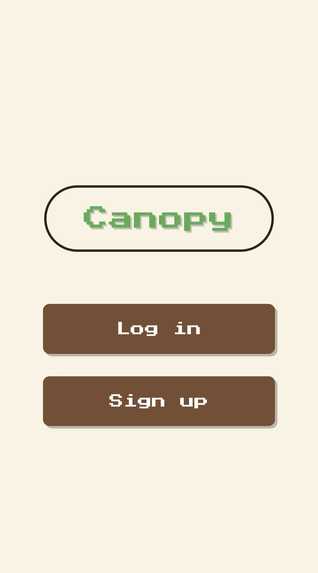
Sign in
-
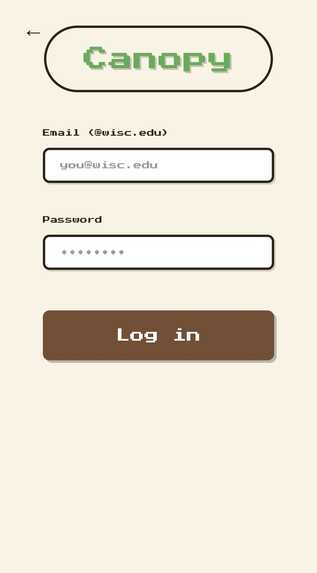
Log in
-
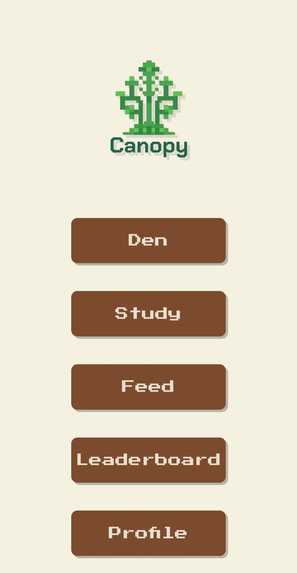
Home Page
-
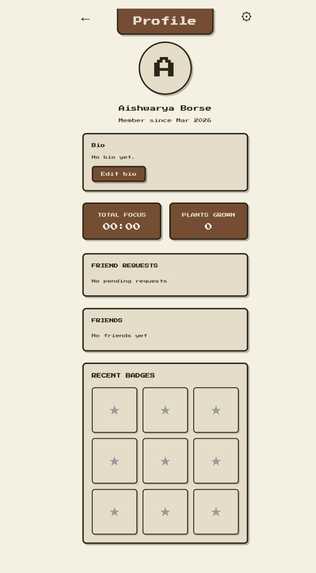
Profile
-
Feed
-
Sign up
-
Study
-
Den
-
Leaderboard
Inspiration
The idea for Canopy started when we reflected about our time in the crowded libraries at UW-Madison. Every time we went, we realized everyone was doing the exact same thing—grinding through coursework—yet we were all in our own isolated bubbles. Standard study apps felt like spreadsheets: cold, clinical, and solitary. We wanted to build a bridge between the productivity we needed and the connection we were missing. We set out to create a "digital third space"—a place that swapped stressful and mundane progress bars for a cozy, pixel-art den. We chose a nature-inspired aesthetic inspired by Animal Crossing to lower the "study anxiety" and implemented a 50-km geolocation feature to turn random users into nearby neighbors, creating a flourishing community. The challenge? Making it feel like a game while keeping it a high-performance web app. We opted for a Vanilla JS architecture to keep the experience snappy and navigated the complexities of Real-time Firestore listeners to ensure that when you message a "critter" nearby, the connection happens instantly. We built Canopy because we believe focusing is easier when you aren't doing it alone. It’s not just about earning coins; it’s about growing a community, one plant and one study session at a time.
What it does
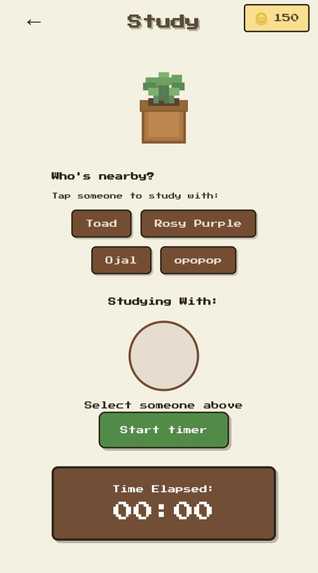
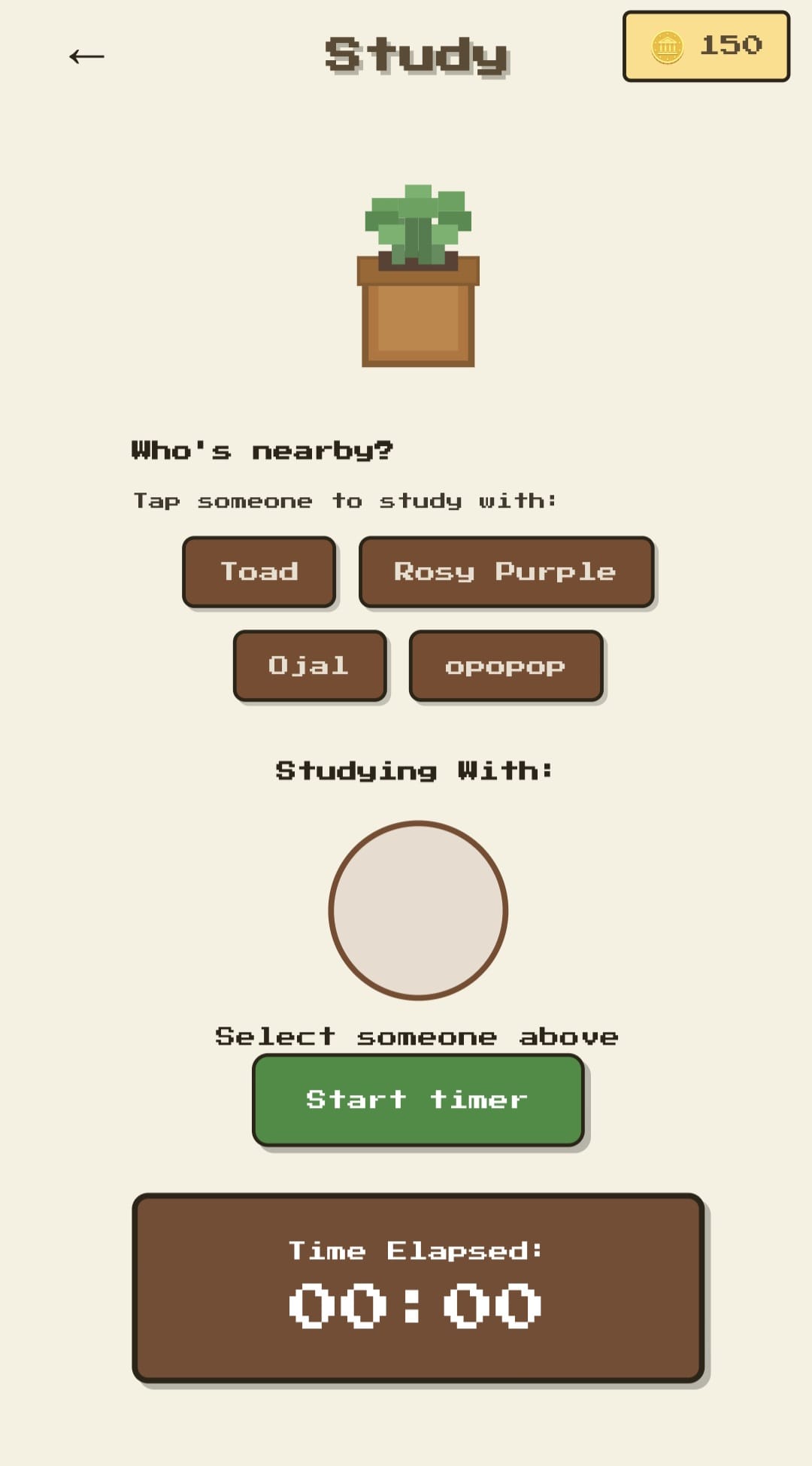
- Study with a timer — Pick a buddy from “Who’s nearby?” and start a focus session. Earn 1 coin per minute and watch your total focus time climb on your profile and the leaderboard.
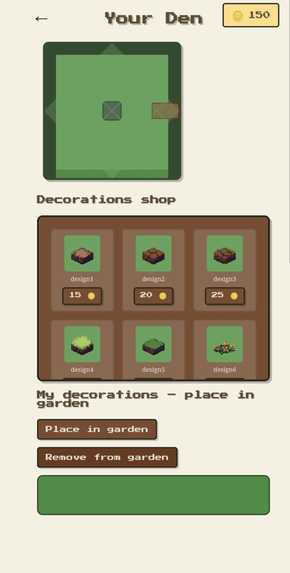
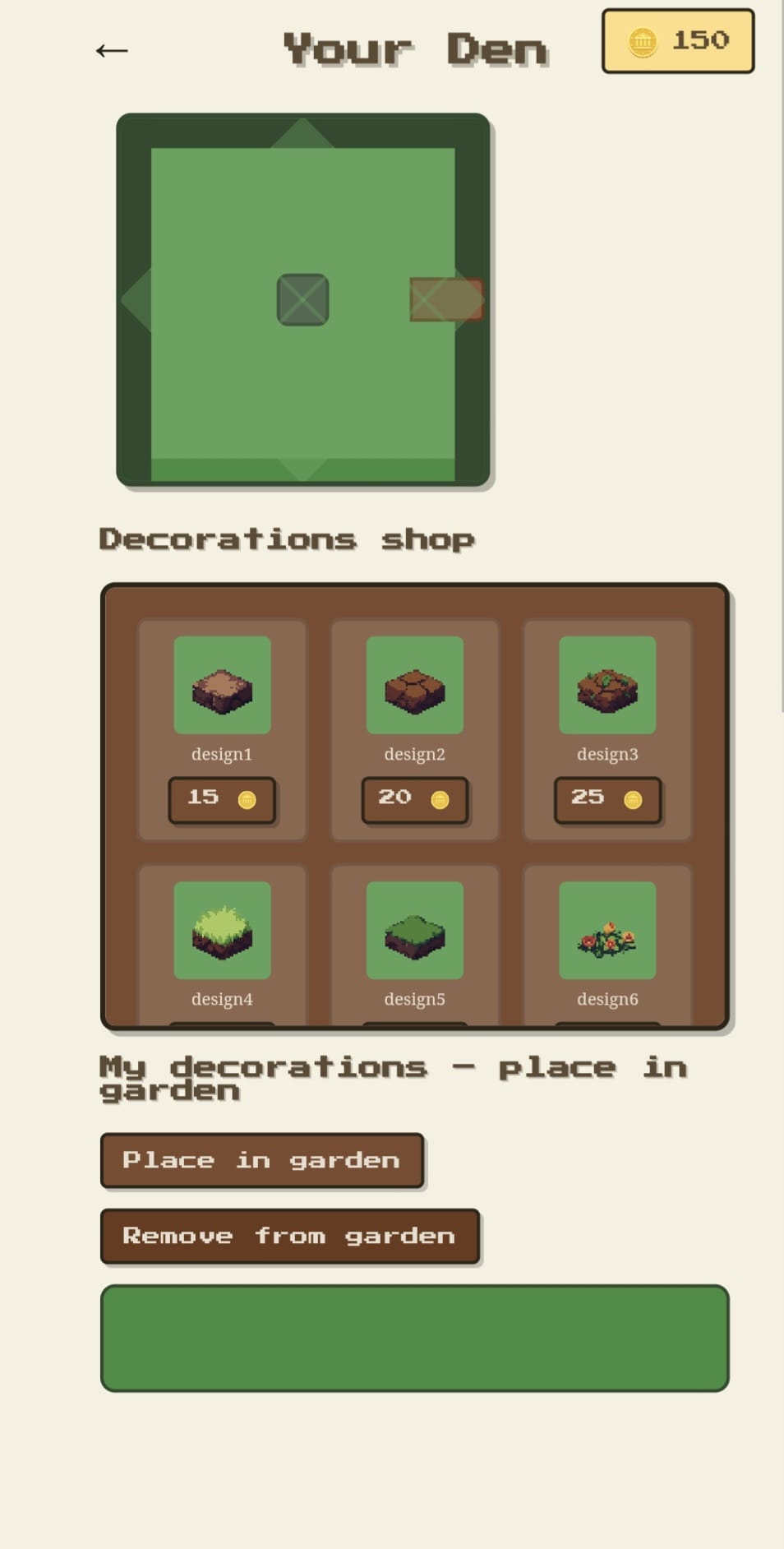
- Your Den — Spend coins in the decorations shop and place items on a 6×6 garden grid (ground layer + on top). Remove and rearrange anytime. No repurchasing—buy once, place forever.
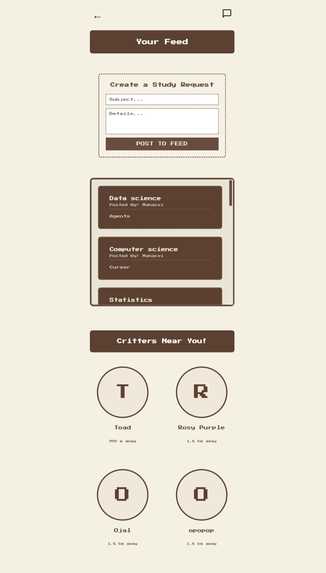
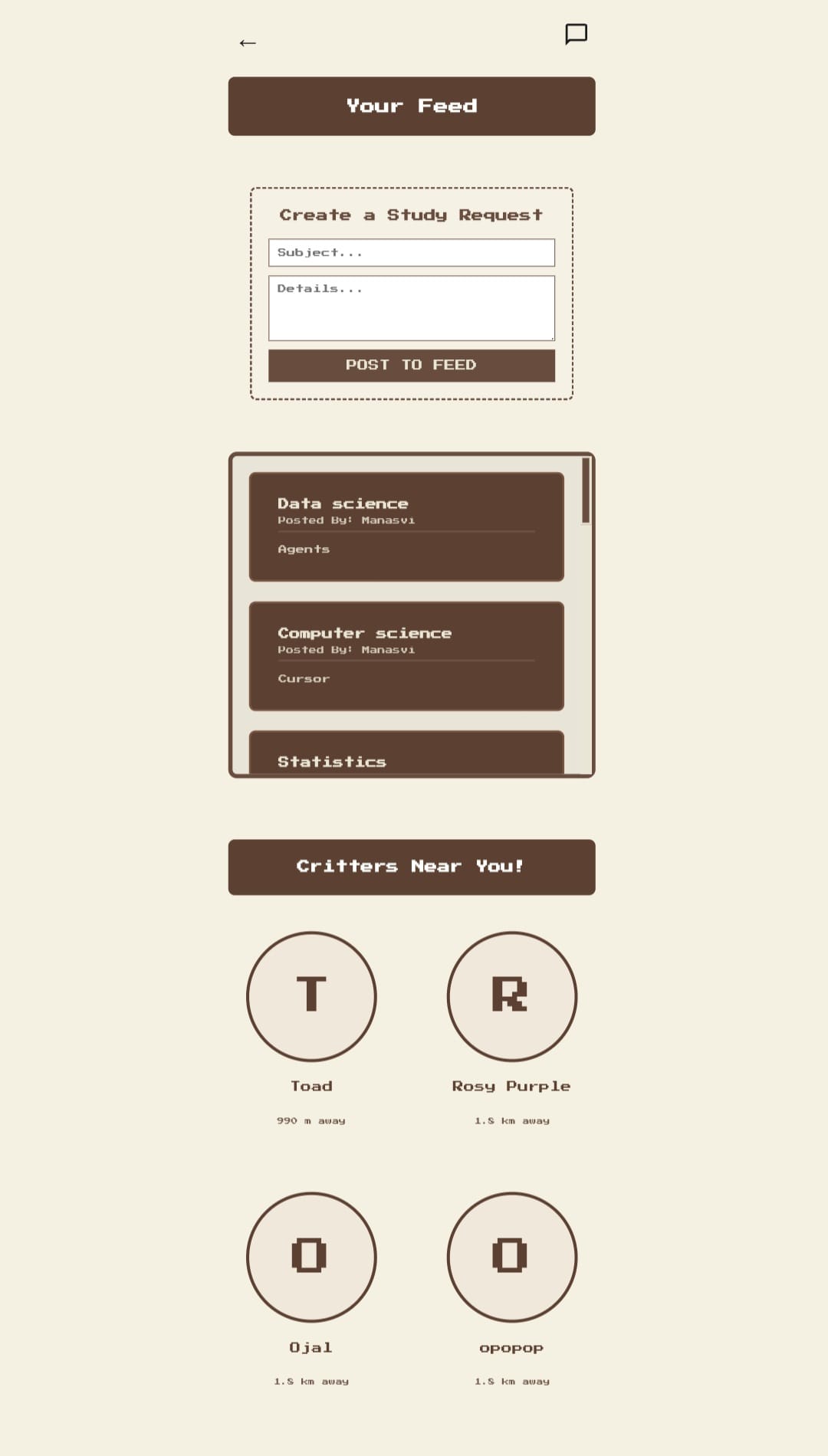
- Critters Near You — See other users within ~50 km (location-based). Tap to view their profile, add them as a friend, message them, or jump into a Study together session.
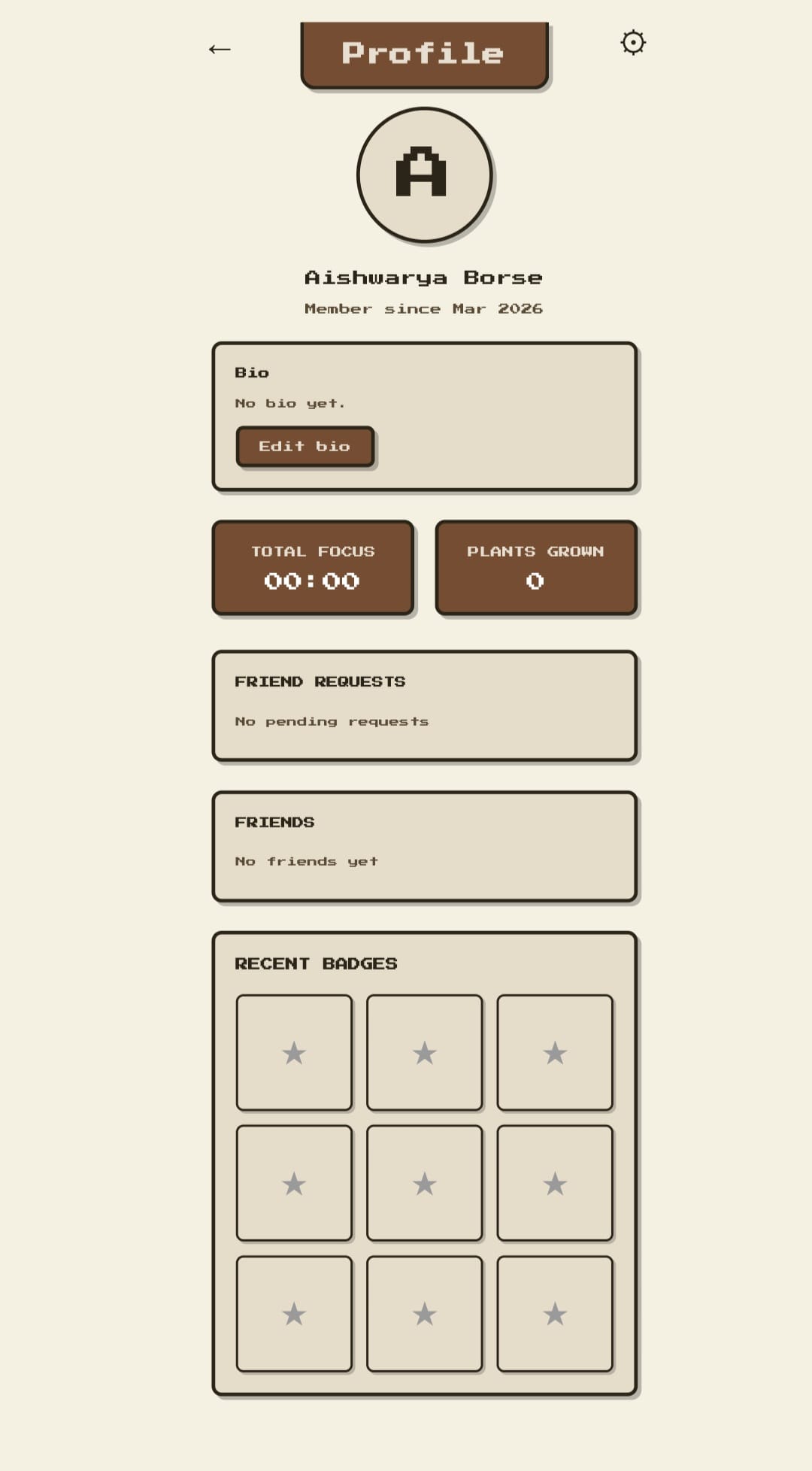
- Friends — Send friend requests from the feed; accept or decline on your profile. Your friends list lives on your profile page.
- Real-time messaging — Open Messages from the feed, start a chat with anyone you’ve talked to or from their profile. Conversations and messages update in real time with Firebase.
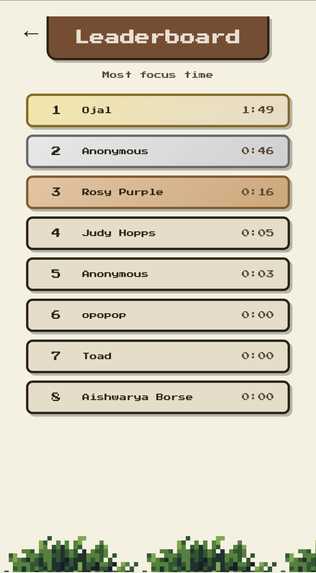
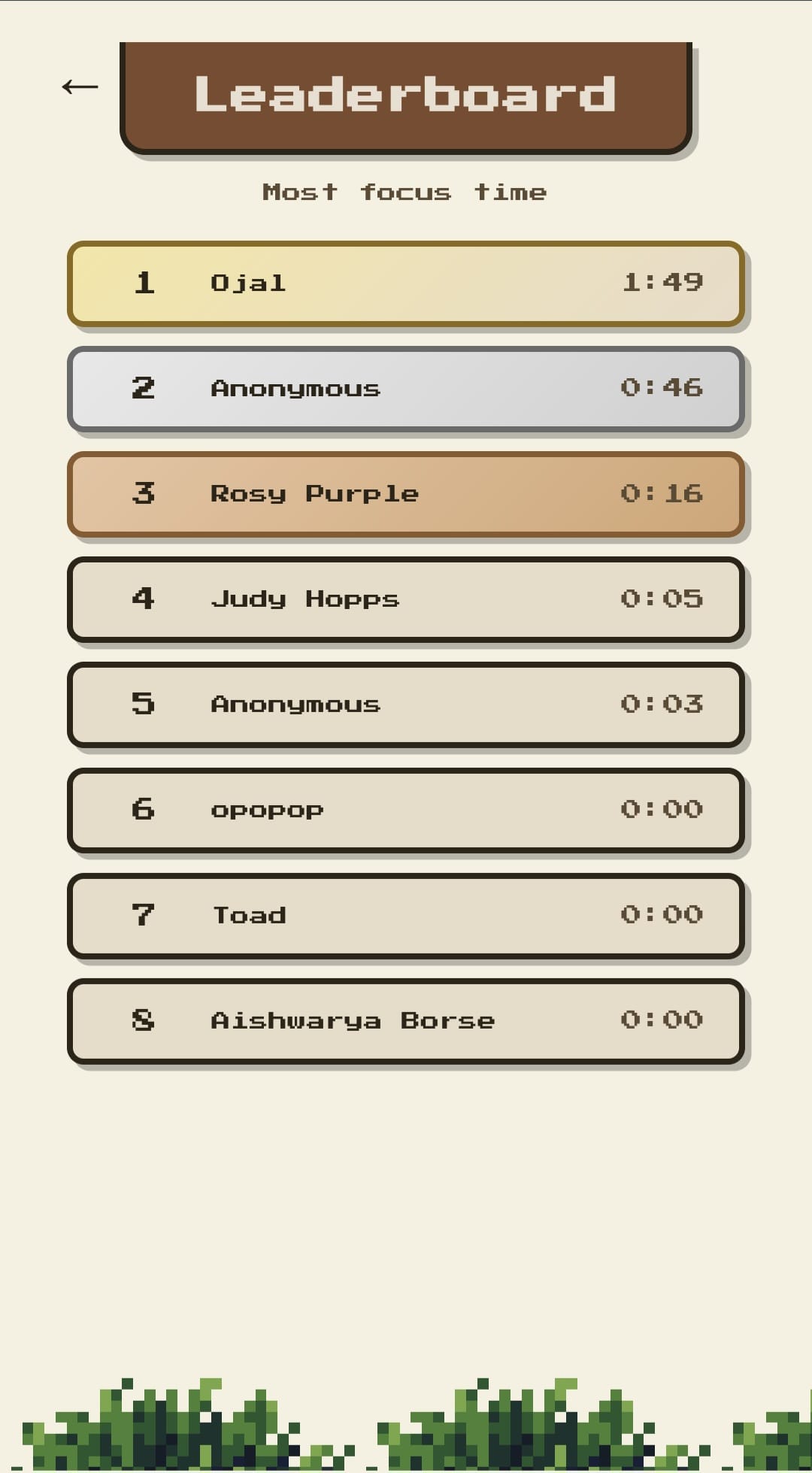
- Leaderboard — Ranked by total focus time. See who’s been grinding the most and climb the board by studying.
- Profile — Avatar (photo or initial), bio (editable), total focus time, plants grown, friend requests, and friends list—all in one place.
How we built it
- Frontend: Plain HTML, CSS, and JavaScript (no framework). Pixel-art aesthetic with Press Start 2P and a brown/cream color palette.
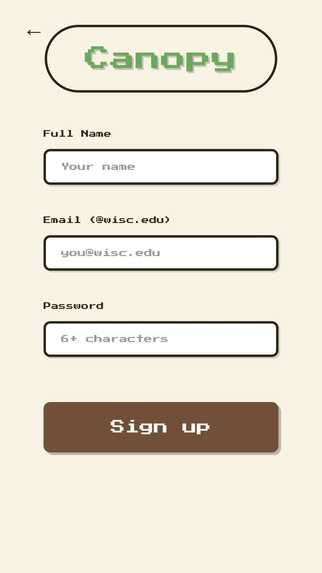
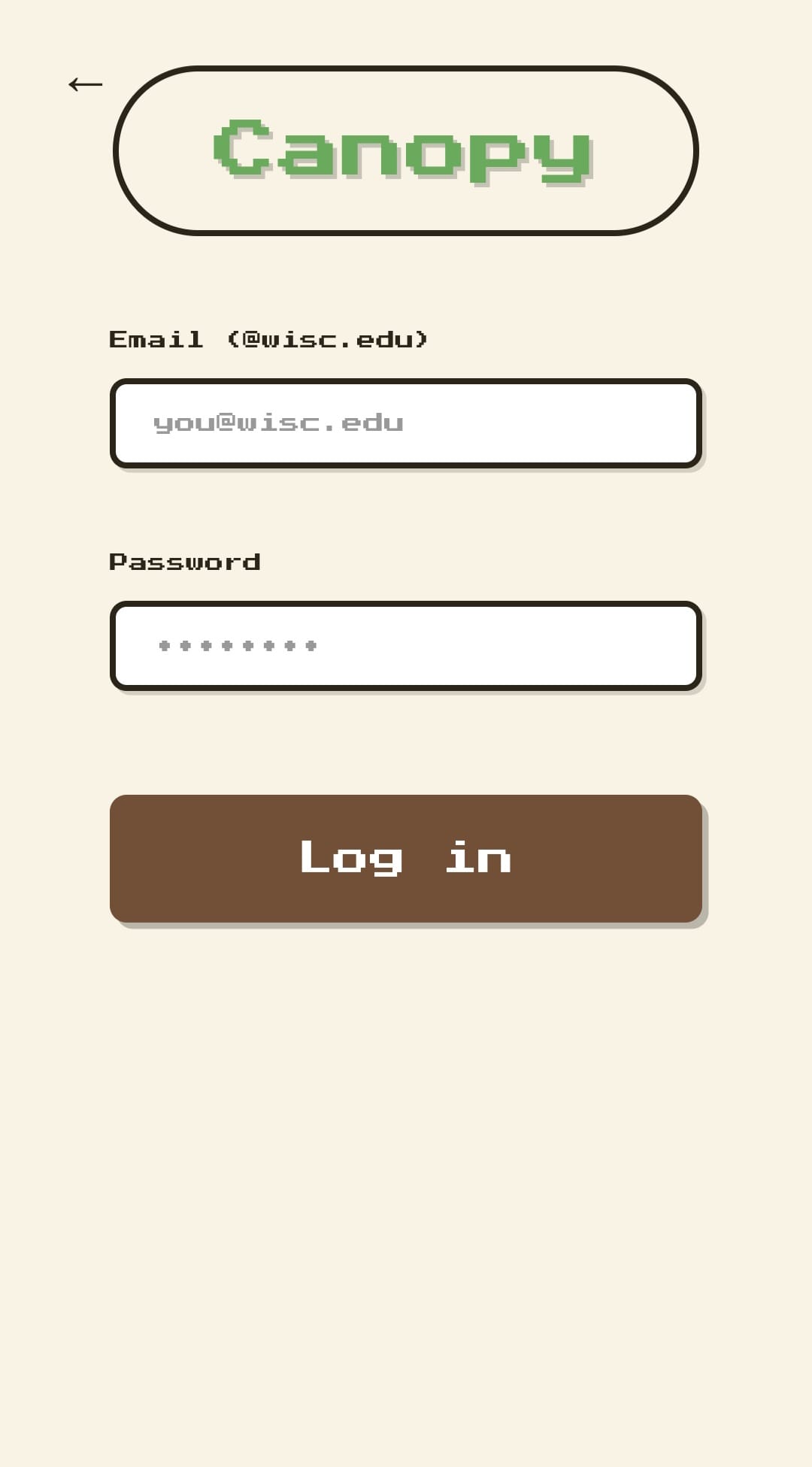
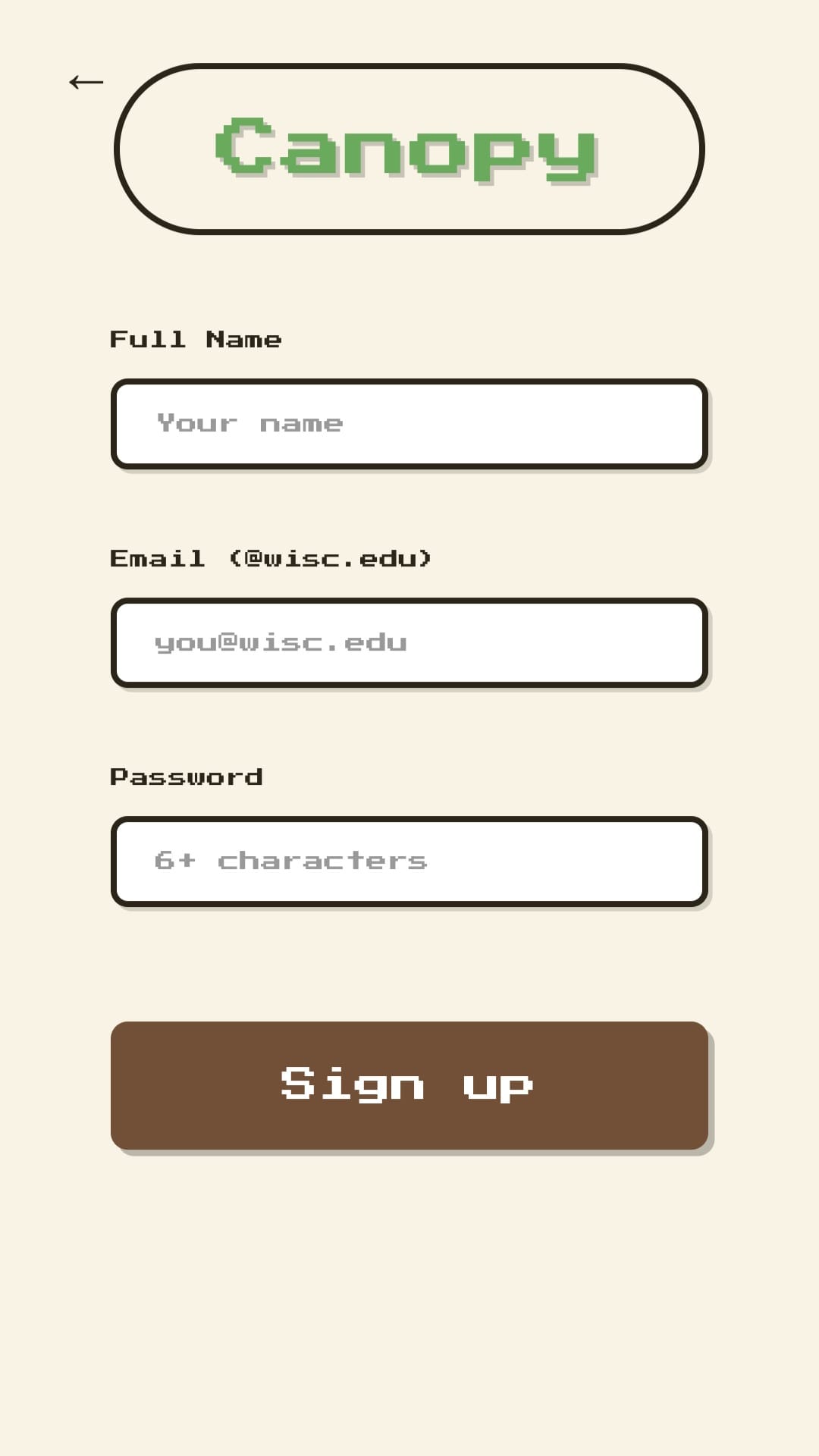
- Backend & auth: Firebase — Email/Password auth (restricted to @wisc.edu), plus Firestore for all persistent data.
- Data model:
- users — Profile (displayName, email, bio, photoURL), location (GeoPoint),
totalFocusSeconds,friendsarray. - posts — Feed study requests (title, description, author, createdAt).
- friendRequests — Pending requests (fromUid, toUid, status); accept adds both to each other’s
friends. - conversations — One doc per pair (participants, lastMessage, lastAt); subcollection messages (fromUid, text, createdAt) for real-time chat.
- users — Profile (displayName, email, bio, photoURL), location (GeoPoint),
- Geolocation — Browser geolocation + haversine distance to find users within 50 km; location stored in Firestore and used on both Feed (“Critters Near You”) and Study (“Who’s nearby?”).
- Coins & den state — Stored in localStorage (shared between Den and Study) so the den stays client-side and fast; focus time is synced to Firestore for leaderboard and profile.
Challenges we ran into
- Firestore indexes — The messages list originally used
orderBy('lastAt', 'desc')witharray-contains, which required a composite index. We switched to sorting in memory after the query so the app works without extra index setup. - Friend + message flow — Wiring “Add friend” and “Message” from the feed profile modal while keeping a single source of truth for friend status (pending_sent, pending_received, friend) took some care in friends.js and the modal UI.
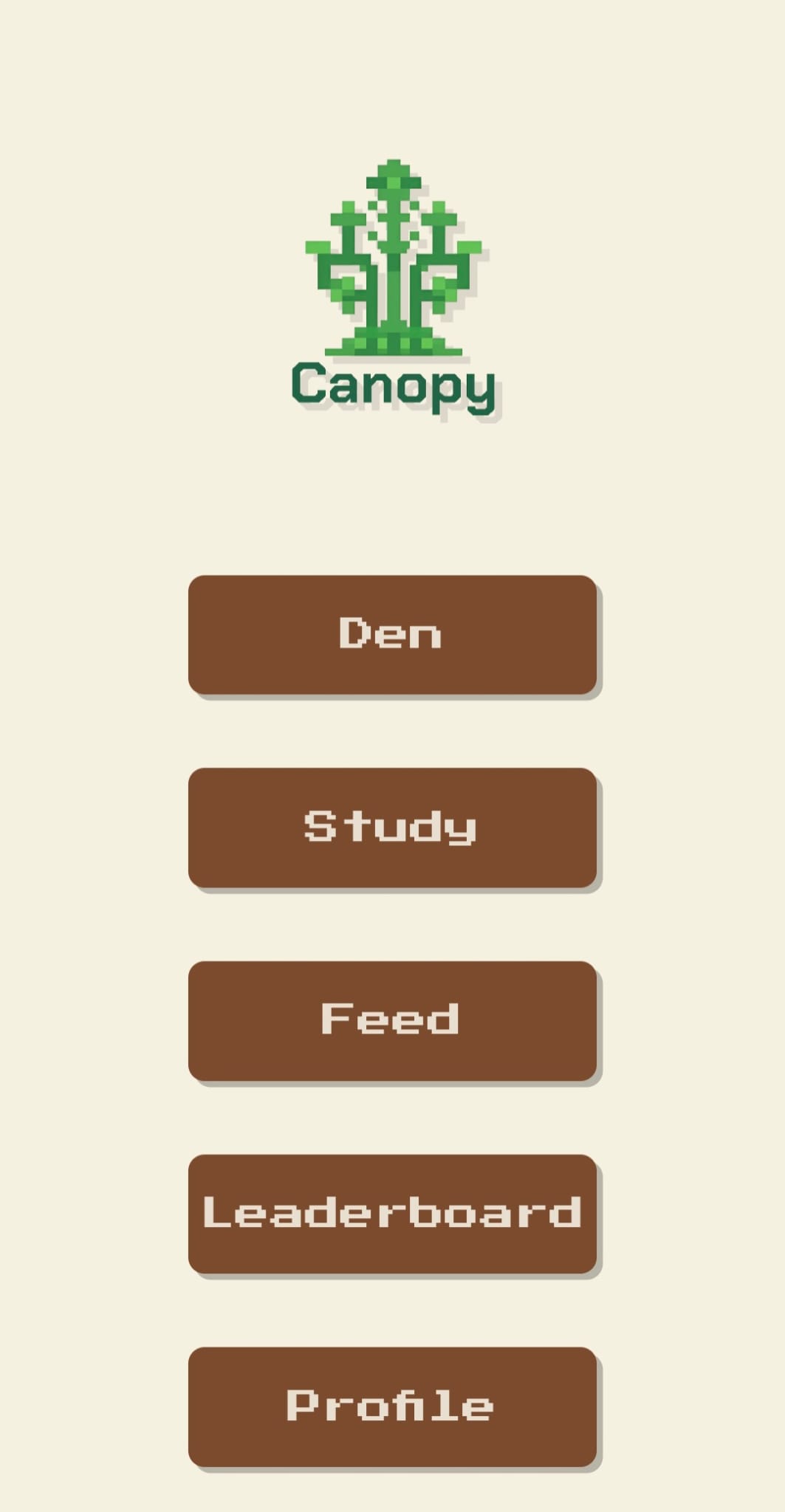
- Consistent look — Keeping the pixel/nature style and Press Start 2P consistent across login, home, den, study, feed, leaderboard, profile, messages, and chat required shared CSS variables and per-page styles.
Accomplishments that we're proud of
- End-to-end flow: sign up → study with timer → earn coins → decorate den → see leaderboard and profile.
- Real-time messaging with Firestore
onSnapshotso new messages appear without refresh. - Location-based “Critters Near You” and “Who’s nearby?” using the same data and logic for Feed and Study.
- Full friend lifecycle: send request, accept/decline, and friends list on profile—all backed by Firestore.
What we learned
- Using Firebase compat SDK (script tags, no modules) for auth and Firestore in a vanilla JS app.
- Designing Firestore collections for conversations and messages so the list and chat stay in sync in real time.
- Sharing one coin balance (localStorage) between Study (earn) and Den (spend) and syncing only focus time to the cloud.
What's next for Canopy
- Push notifications for new messages and friend requests.
- Integrate with Canvas (Learning management system used by university) to fetch information about the student's classes and assignments and then use AI to create a study schedule for them.
- Integrate more study techniques (like pomodoro) and encourage students to talk in between breaks.
- Reward users with coins for helping others who have posted for help in the feed.
Built With
- css
- firebase
- firestore
- html
- javascript

Log in or sign up for Devpost to join the conversation.