Inspiration## Inspiration
Cancer prevention information can feel overwhelming when it's spread across different websites or written in complicated language. I wanted to create something that makes learning about prevention feel more approachable, welcoming, and easier to share with others.
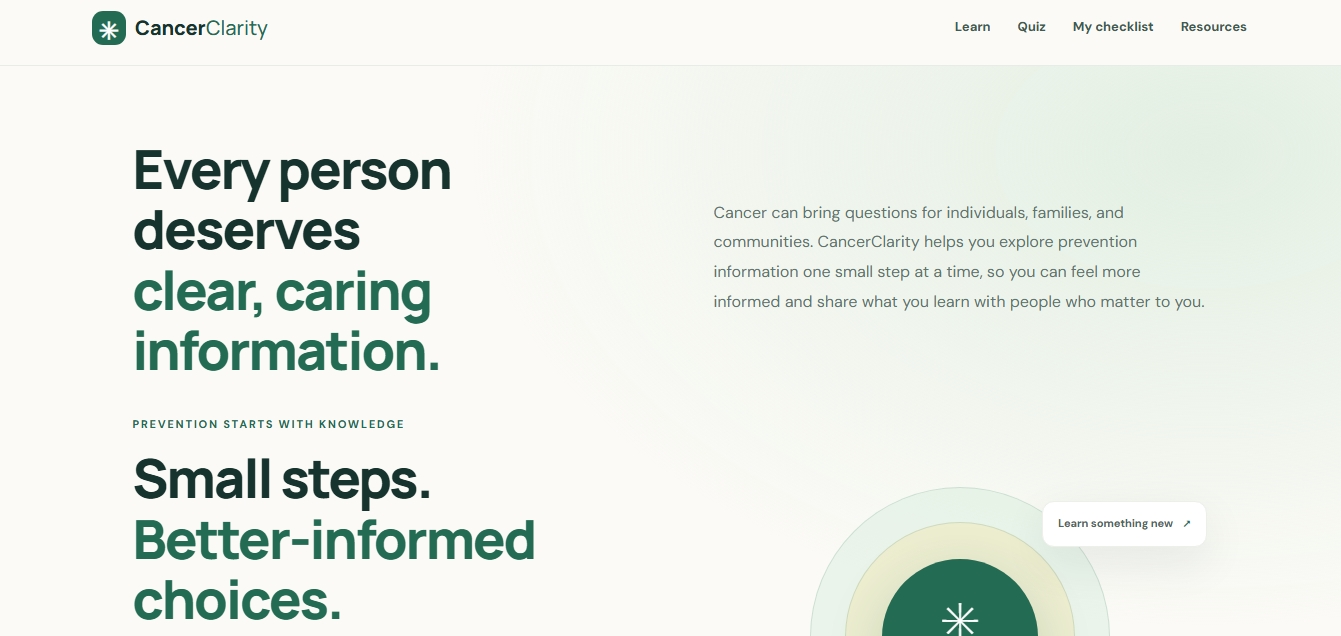
That idea inspired CancerClarity — a simple educational website built around a belief that understanding health information should feel less intimidating and that small steps toward learning can make a difference.
What it does
CancerClarity brings cancer-prevention education into one accessible, beginner-friendly experience. Users can explore short lessons about tobacco, UV protection, vaccination, and screening awareness. They can test their understanding with an interactive myth-or-fact quiz, track their learning with a checklist saved in their browser, and use community conversation prompts to help start meaningful discussions with friends, family, and others.
The website also directs users to trusted resources, including the Centers for Disease Control and Prevention (CDC) and the National Cancer Institute (NCI).
CancerClarity is an educational tool, not a diagnostic service or a substitute for professional medical advice.
How I built it
I built CancerClarity using HTML, CSS, and JavaScript. HTML provides the structure, CSS creates the responsive layout and calm, neutral visual design, and JavaScript powers the quiz, learning checklist, and community conversation feature.
I used browser local storage to help users retain their checklist progress and quiz results between visits on the same browser. I developed the project in GitHub Codespaces, stored the source code in GitHub, and published the live website using GitHub Pages.
Challenges I faced
As a beginner developer, one of my biggest challenges was bringing separate features together into a website that felt consistent and easy to use. I had to work through the structure of the pages, the styling, JavaScript interactions, and publishing the project online.
I also wanted the experience to feel human and welcoming rather than overly technical or intimidating. That influenced my decision to use neutral colors, straightforward language, and community-focused features.
What I learned
Through this project, I gained practical experience connecting HTML, CSS, and JavaScript, building interactive browser features, using local storage, organizing a GitHub repository, and deploying a live website.
Most importantly, I learned that building a useful project is about more than making something work. It also means thinking about the people who will use it, the questions they may have, and how design can make information easier to approach.
What's next
I hope to continue improving CancerClarity by refining accessibility, expanding its educational resources, and gathering feedback on how to make the experience more useful to learners and communities.
CancerClarity: Learn. Share. Take Action.
What it does
How we built it
Challenges we ran into
Accomplishments that we're proud of
What we learned
What's next for CancerClarity
Built With
- css
- development
- education
- github
- health
- html
- javascript
- pages
- web

Log in or sign up for Devpost to join the conversation.