Inspiration
We missed the simple joy of classic carnival shooting galleries—the kind where you line up your sights and knock down targets for a prize. We wanted to bring that arcade excitement into the real world, turning any living room, park, or office into a dynamic 360-degree shooting range. Can Smash AR was born from the desire to create a stress-busting, "pick-up-and-play" FPS experience that utilizes the user's physical environment as the game level.
What it does
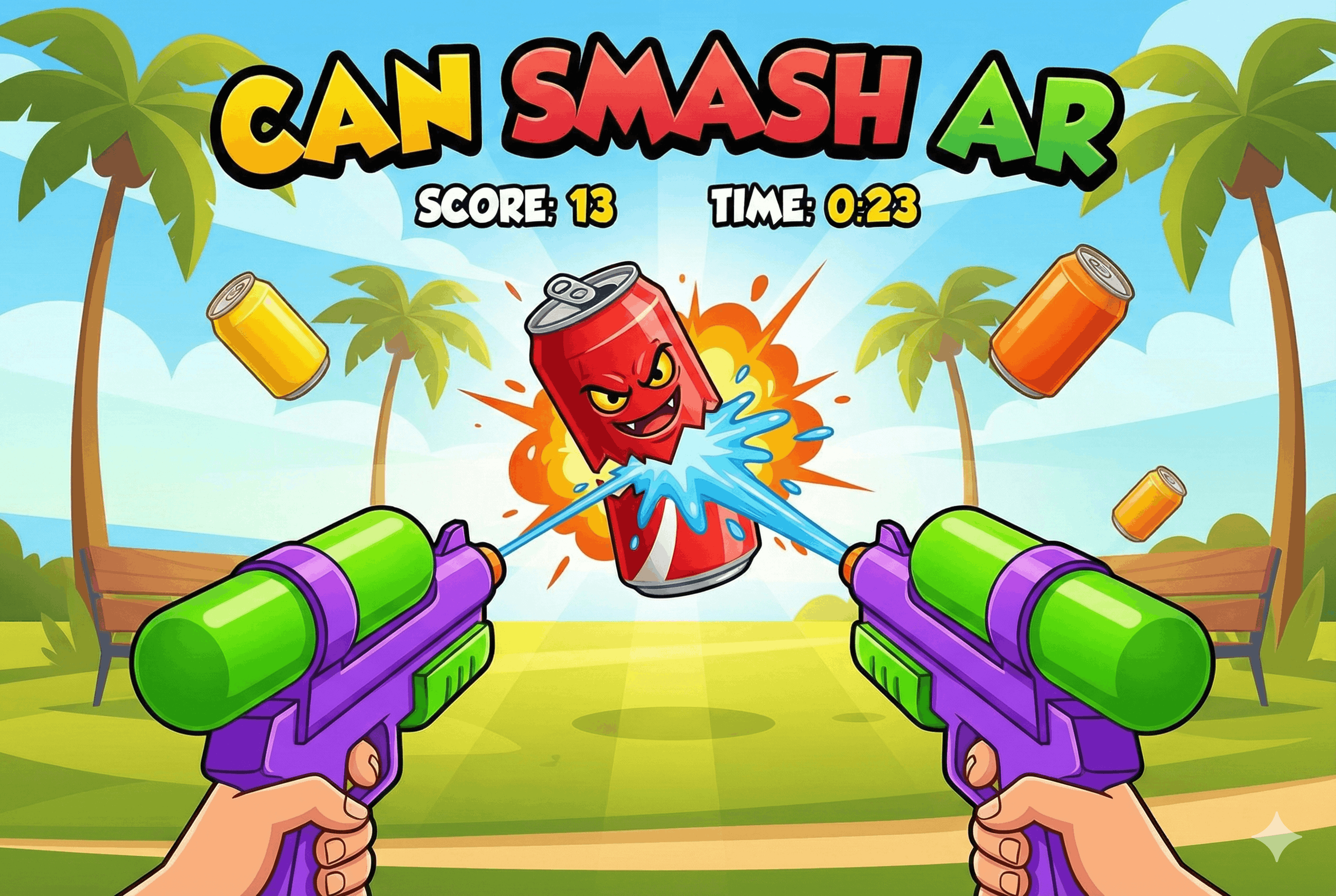
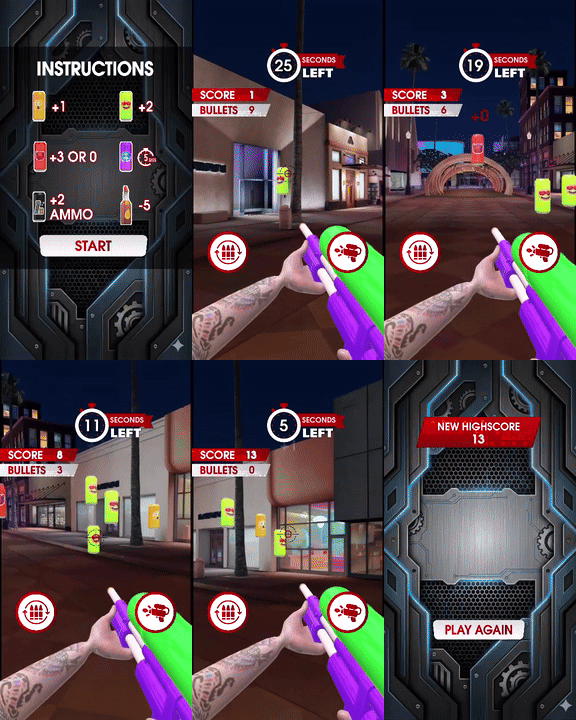
Can Smash AR is a first-person shooter that spawns floating, emotive soda cans around the user in 360-degree Augmented Reality.
- Immersive Aiming: The player must physically turn and look around to find targets floating in the air. The gun tracks with the device's movement, mimicking a real weapon.
- Global Competition: A Real-Time Leaderboard tracks the highest scores globally. Players aren't just shooting cans; they are fighting for the top spot against other friends in real-time.
- Resource Management: It's not just about tapping fast. The player has a limited clip of 10 bullets. When empty, they must hit the "Reload" button, triggering a realistic weapon sway animation that adds tension to the gameplay.
- Dynamic Scoring: Different targets offer different rewards (e.g., standard cans vs. special bonus targets) with visual pop-ups like "+2" for high-value hits.
How we built it
- Raycasting Mechanics: We implemented a Raycast system from the center of the screen (the crosshair) to detect hits. When the "Shoot" button is tapped, a ray checks for collision with the "Can" objects.
- Cloud Storage & Leaderboards: We utilized Snap's Cloud Storage Module to persist user high scores. The lens fetches and sorts global player data asynchronously to populate the leaderboard UI at the end of every round.
- Spawning Logic: We wrote a custom script to spawn cans at random
vec3coordinates within a sphere around the camera, ensuring they don't overlap and appear at varying heights to force the user to look up and down. - State Machine: The gun logic handles multiple states:
Idle,Firing, andReloading. We used tweens to animate the hand and gun rotation during the reload phase to give visual feedback.
Challenges we ran into
- Data Synchronization: Implementing the leaderboard required handling latency. We had to ensure the "Game Over" screen didn't freeze while waiting for the latest global scores to download from the cloud.
- Hit Detection Accuracy: Initially, the raycast was too precise, making it hard to hit moving targets on a mobile screen. We had to implement a slightly larger "hitbox" around the cans to make the shooting feel fair and satisfying (aim assist).
- 360 Orientation: Ensuring the cans spawned in front of the user initially, rather than behind them, required careful calculation of the camera's forward vector at the start of the game.
Accomplishments that we're proud of
- Live Social Features: Successfully integrating a real-time leaderboard adds a massive replayability factor that standalone AR lenses often lack.
- The "Game Feel": The combination of the recoil animation, the sound effects, and the "pop" particle effect when a can is destroyed makes the shooting mechanic feel incredibly tactile and punchy.
- Visual Clarity: The UI is bold and readable without obscuring the AR view, allowing players to focus on the targets while keeping an eye on their ammo.
What we learned
We deepened our knowledge of Scriptable Animation in Lens Studio, specifically how to chain animations (fire -> recoil -> return) without using complex animator controllers. We also mastered the Cloud Storage API, learning how to read/write persistent data to create a connected experience.
What's next for Can Smash AR
- Special Weapons: Adding a shotgun or laser blaster with different spread patterns.
- Boss Battles: Implementing the "Cat" character seen in testing as a moving boss target that requires multiple hits to defeat.
- Combos: A multiplier system that increases score for hitting cans in rapid succession without missing.
Built With
- javascript
- lensstudio

Log in or sign up for Devpost to join the conversation.