-
-
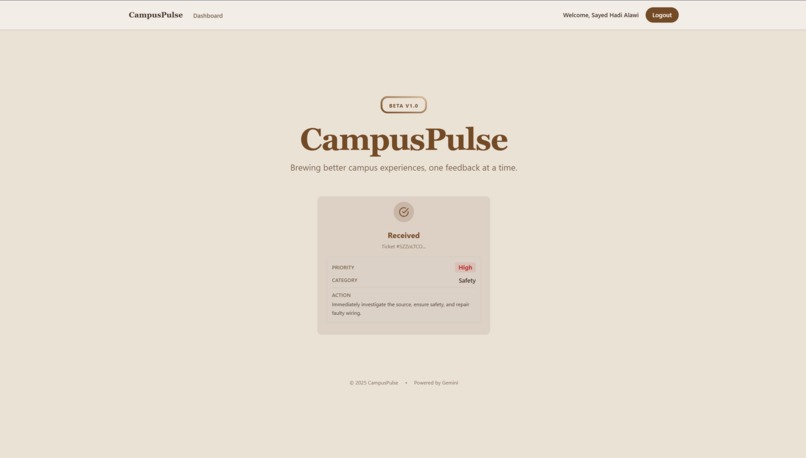
Submitting
-
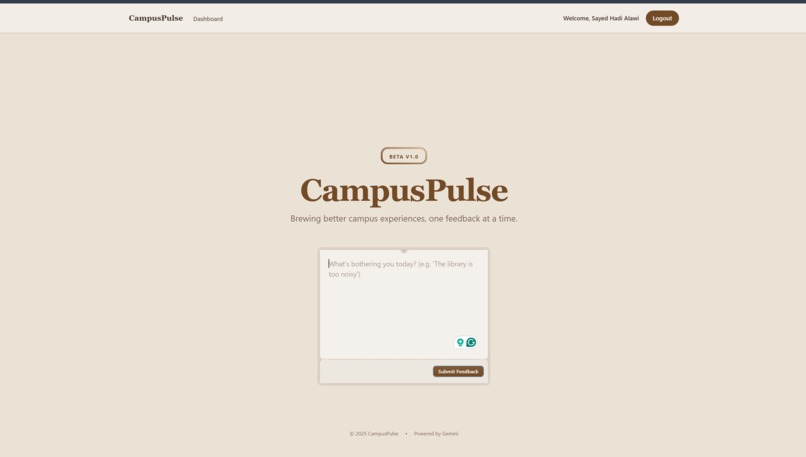
Adding complaint
-
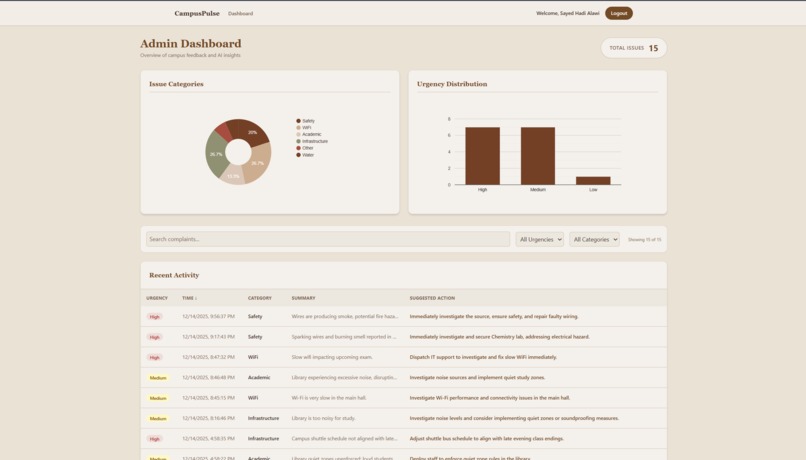
Admin Page
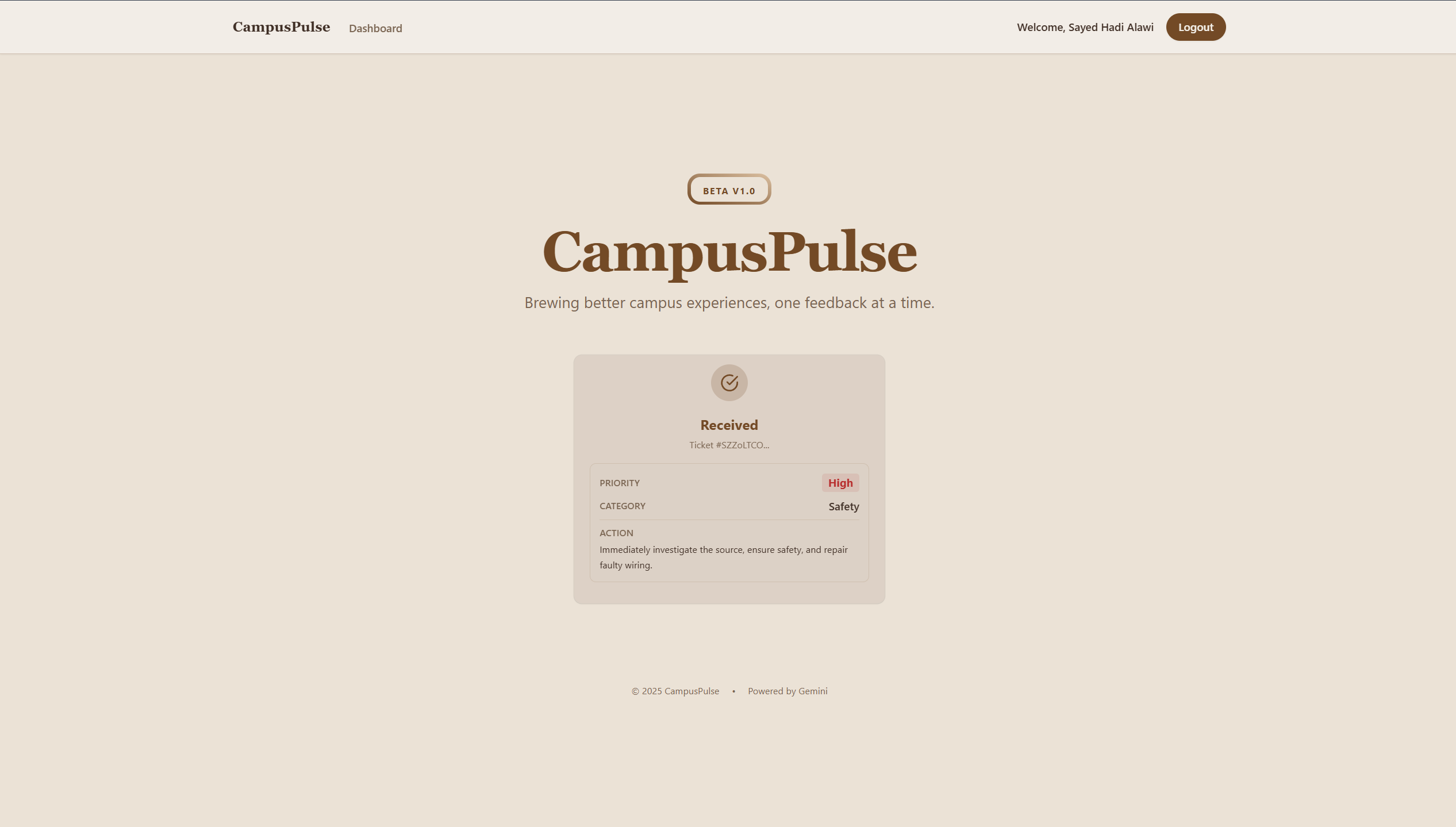


Inspiration
The inspiration for CampusPulse AI came from a personal frustration I witnessed daily on campus. Students constantly faced issues—like broken lab equipment, safety hazards, or facility maintenance problems—but hesitated to report them. Why? Because the existing systems were opaque, slow, and intimidating.
On the other side, administrators were overwhelmed by a flood of disorganized emails, making it impossible to distinguish between a critical safety risk and a minor complaint. I realized that this "communication gap" wasn't just an inconvenience; it was a barrier to a better campus life.
I wanted to build a bridge. I wanted to use the power of Google's Generative AI to listen to the "pulse" of the campus, turning chaotic student feedback into clear, actionable, and prioritized data for admins.
What it does
CampusPulse AI is an intelligent complaint management system that connects students and administrators seamlessly.
- For Students: It offers a safe, privacy-focused space (with Username protection) to report issues naturally. They don't need to fill out complex forms; they just describe the problem.
- For Admins: It provides a real-time "Coffee Shop" themed dashboard that visualizes campus health.
- The AI Brain: Using the Google Gemini API, the app instantly analyzes every complaint to:
- Categorize it (e.g., Infrastructure, Safety, Academic).
- Assess Urgency (High, Medium, Low).
- Summarize the issue.
- Suggest Actions for resolution.
How we built it
We built CampusPulse AI using a modern, scalable tech stack centered around Google Technologies:
- Frontend: We used React.js with Vite for a blazing-fast performance. For styling, we utilized Tailwind CSS to create a custom "Coffee Shop" aesthetic (warm beiges and browns) that feels approachable and stress-free.
- Backend: The core logic runs on a FastAPI (Python) server. This serves as the bridge between our frontend and the AI.
- AI Engine: We integrated Google Gemini 2.0 Flash. This model is the heart of our application, performing sophisticated text analysis and entity extraction in milliseconds.
- Database & Auth: We leveraged Firebase Firestore for its real-time capabilities—ensuring that when a student hits "Submit", the Admin dashboard updates instantly without a refresh. Firebase Authentication handles secure and easy user management.
Challenges we faced
- AI Consistency: Getting the LLM to return strictly formatted JSON data for our database was initially tricky. We had to refine our prompt engineering to ensure consistent output for categories and urgency levels.
- Real-time Sync: Ensuring the admin dashboard reflected changes instantly required carefully structuring our Firestore listeners.
- Privacy vs. Transparency: We wanted students to be accountable but safe. Implementing a "Username" system that hides emails requires modifying our entire authentication flow to support user profile updates.
Accomplishments that we're proud of
- The AI Integration: Watching the system automatically flag a "sparking wire" as "High Urgency" without any human intervention felt like magic.
- The UI Design: Moving away from sterile corporate dashboards to a warm, "Coffee Shop" vibe made the tool feel community-centric.
- Speed: The entire process from submission to admin visibility takes less than 2 seconds.
What we learned
- The Power of Gemini: We learned how versatile Google's Gemini API is for structural tasks, not just creative writing.
- User-Centric Design: We learned that technical functionality isn't enough; the user experience (like privacy features and visual comfort) determines whether a tool gets adopted.

Log in or sign up for Devpost to join the conversation.