About the Project
Inspiration
The idea came from watching friends panic before exams. Everyone scrambles at the last minute, flipping through three different apps to check when their exam is, whether they have enough attendance, and what assignments are pending. Attendance drops below the required threshold only when it's too late, and nobody actually plans their revision properly — they just hope for the best.
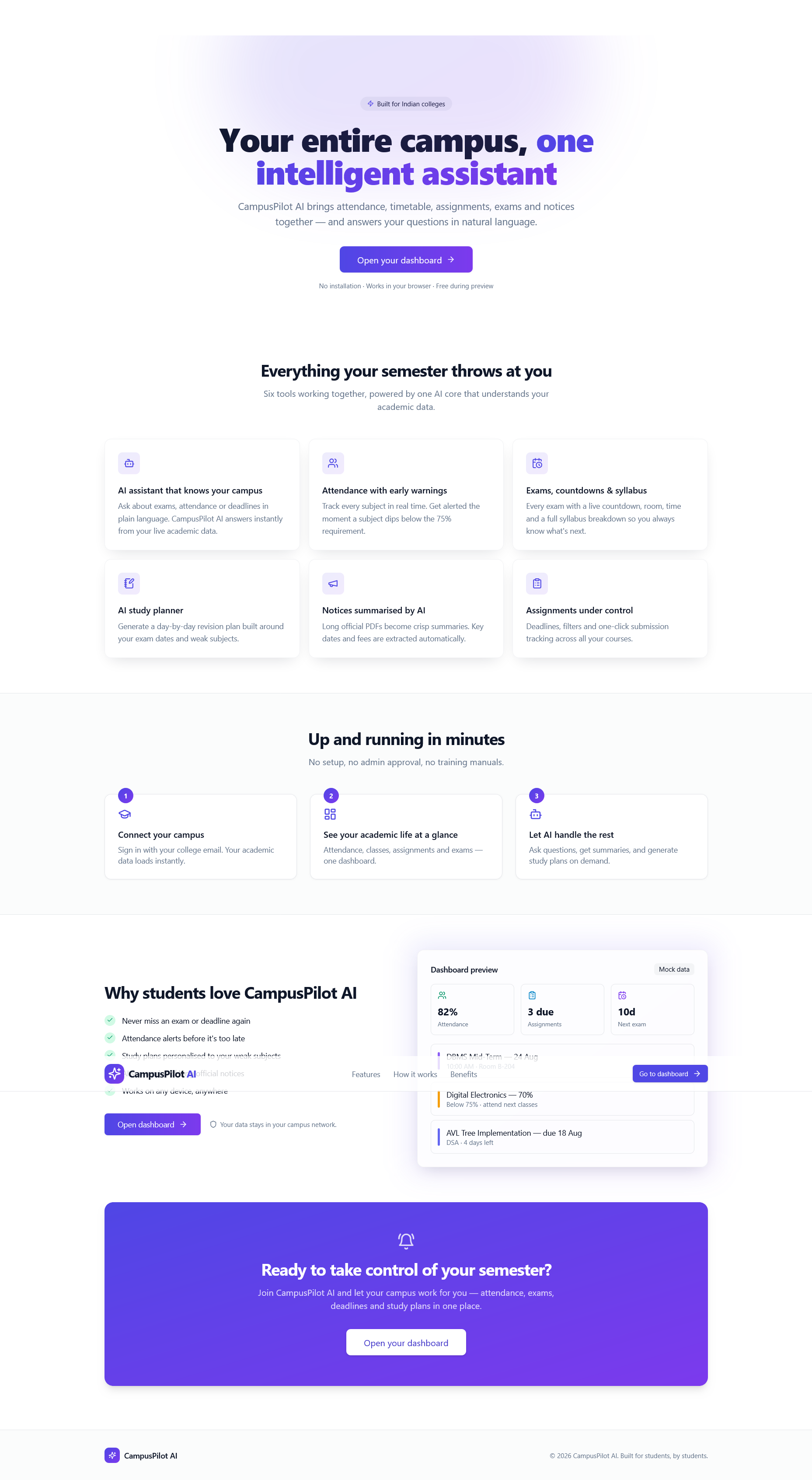
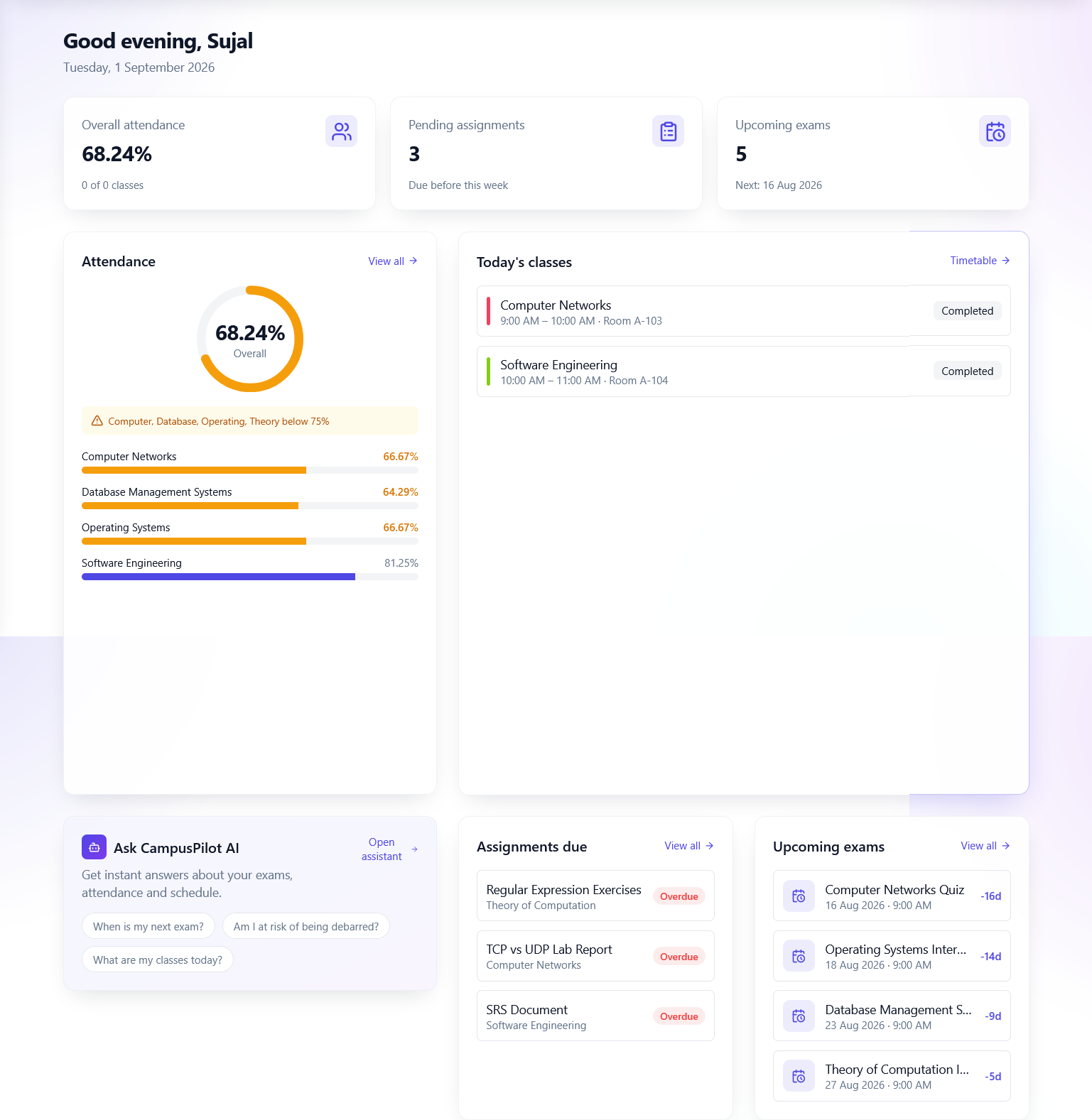
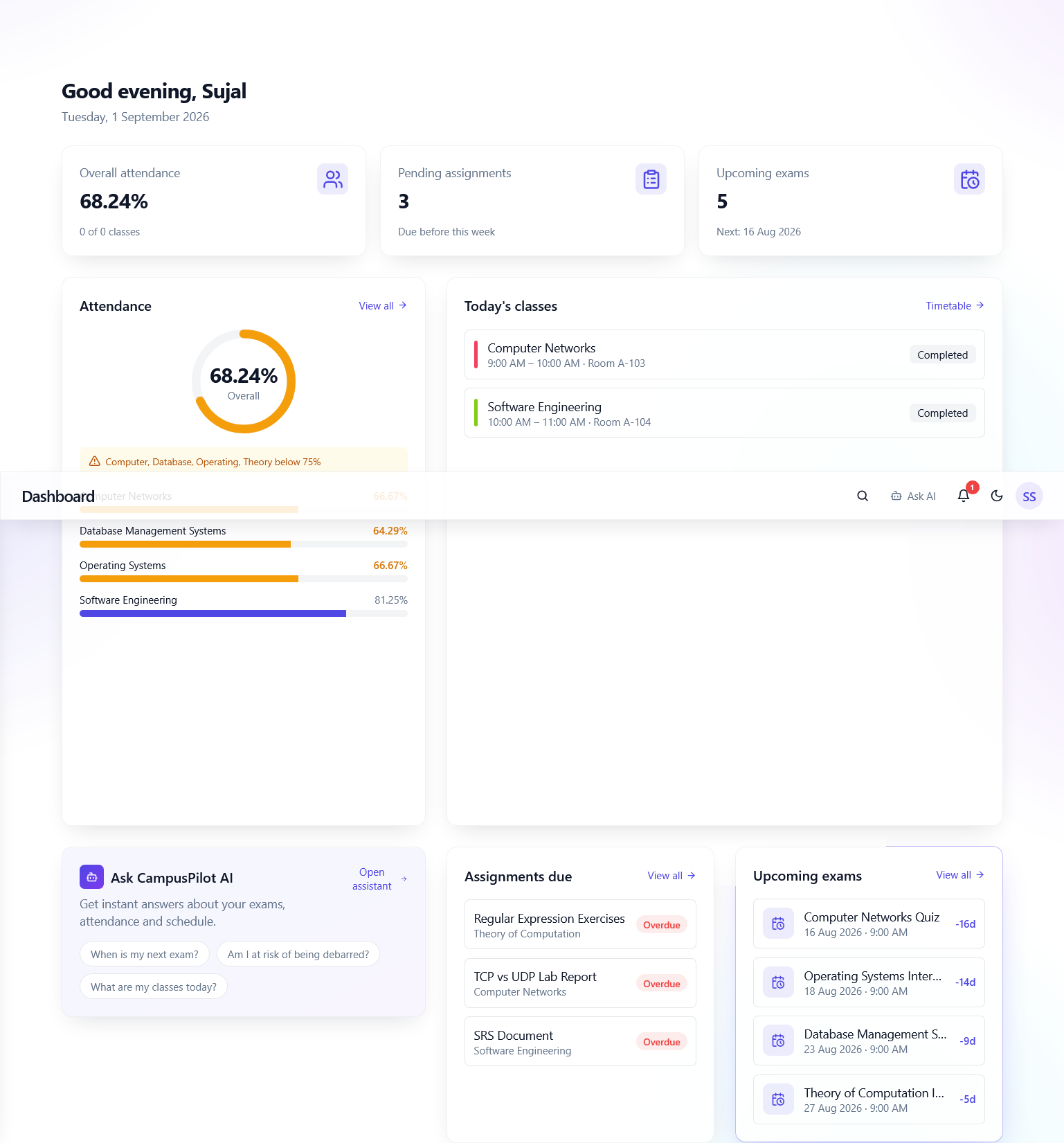
I realized the problem isn't a lack of information. The information exists, it's just scattered across notice boards, spreadsheets, and disconnected portals. There was no single place where a student could see their whole academic life at a glance.
What I Learned
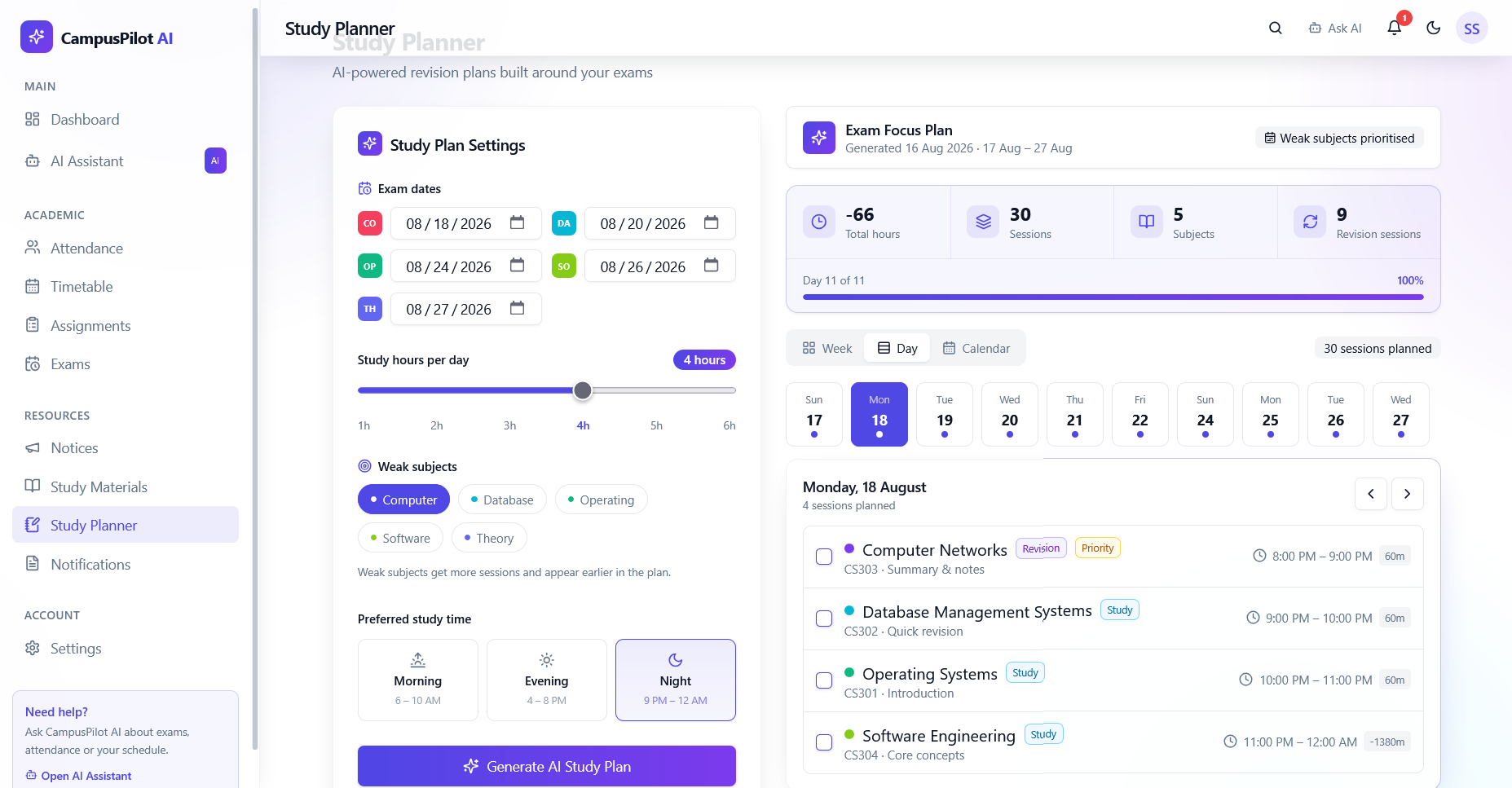
Building this project taught me that the hardest part of any management system isn't the technology — it's getting the data model right. My first version of the study planner had a subtle bug: once a subject's exam passed, it kept scheduling "revision" sessions forever because I was checking exam_date - today <= 1 without accounting for negative days. Every finished subject turned into endless revision, and the plan looked completely wrong.
That bug taught me more than any feature I shipped. Edge cases around time and state transitions are where real engineering happens.
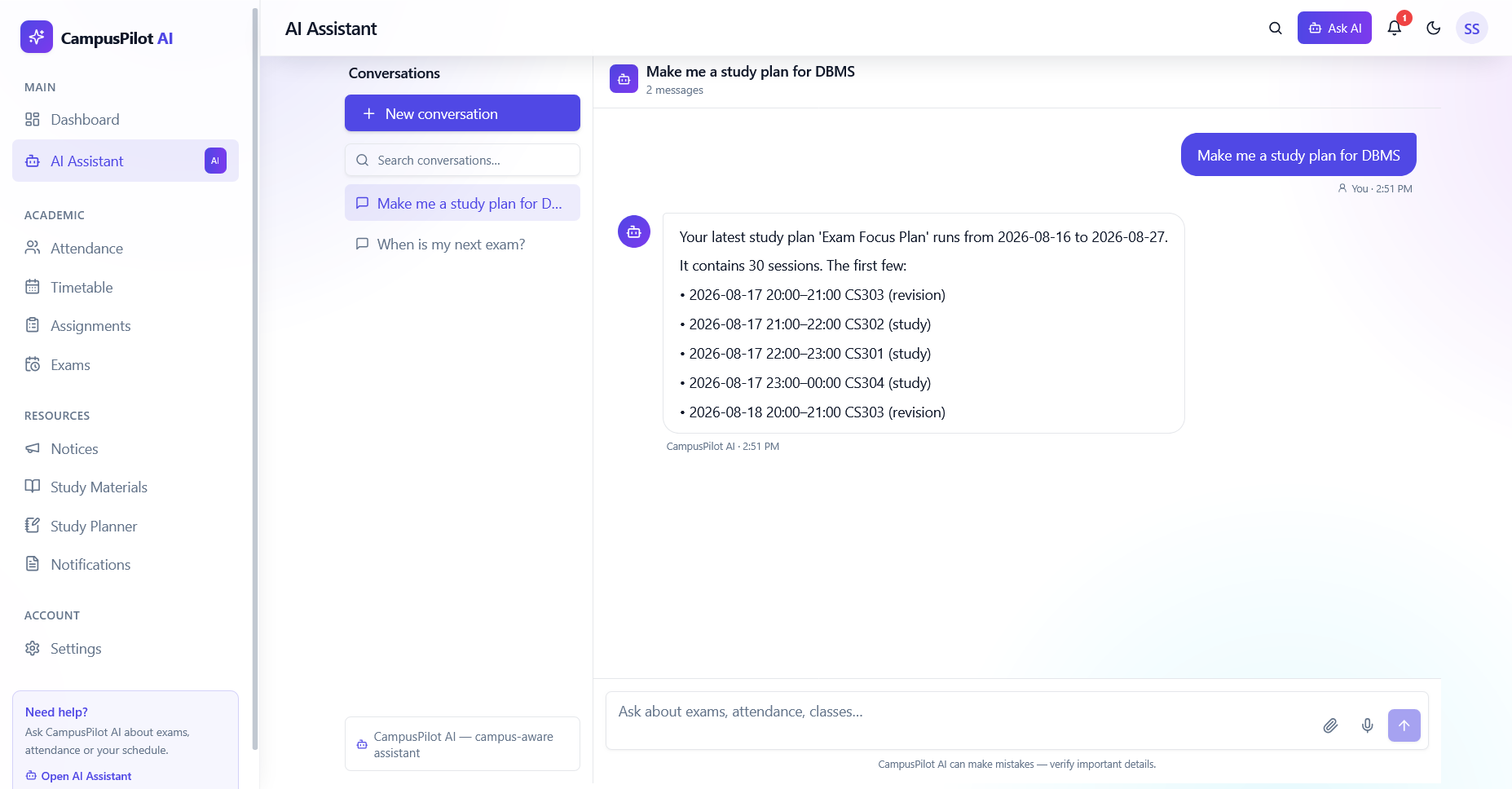
On the AI side, I learned that retrieval beats generation for factual answers. Instead of having the model hallucinate a student's attendance, I classify the intent, query PostgreSQL for the real records, and format a grounded response. The AI is only useful when it's actually telling the truth.
How I Built It
I started with the database schema —14 tables covering users, students, faculty, subjects, timetable, attendance, exams, assignments, submissions, notices, materials, study plans, and notifications. Getting this right first saved me from rewriting everything later.
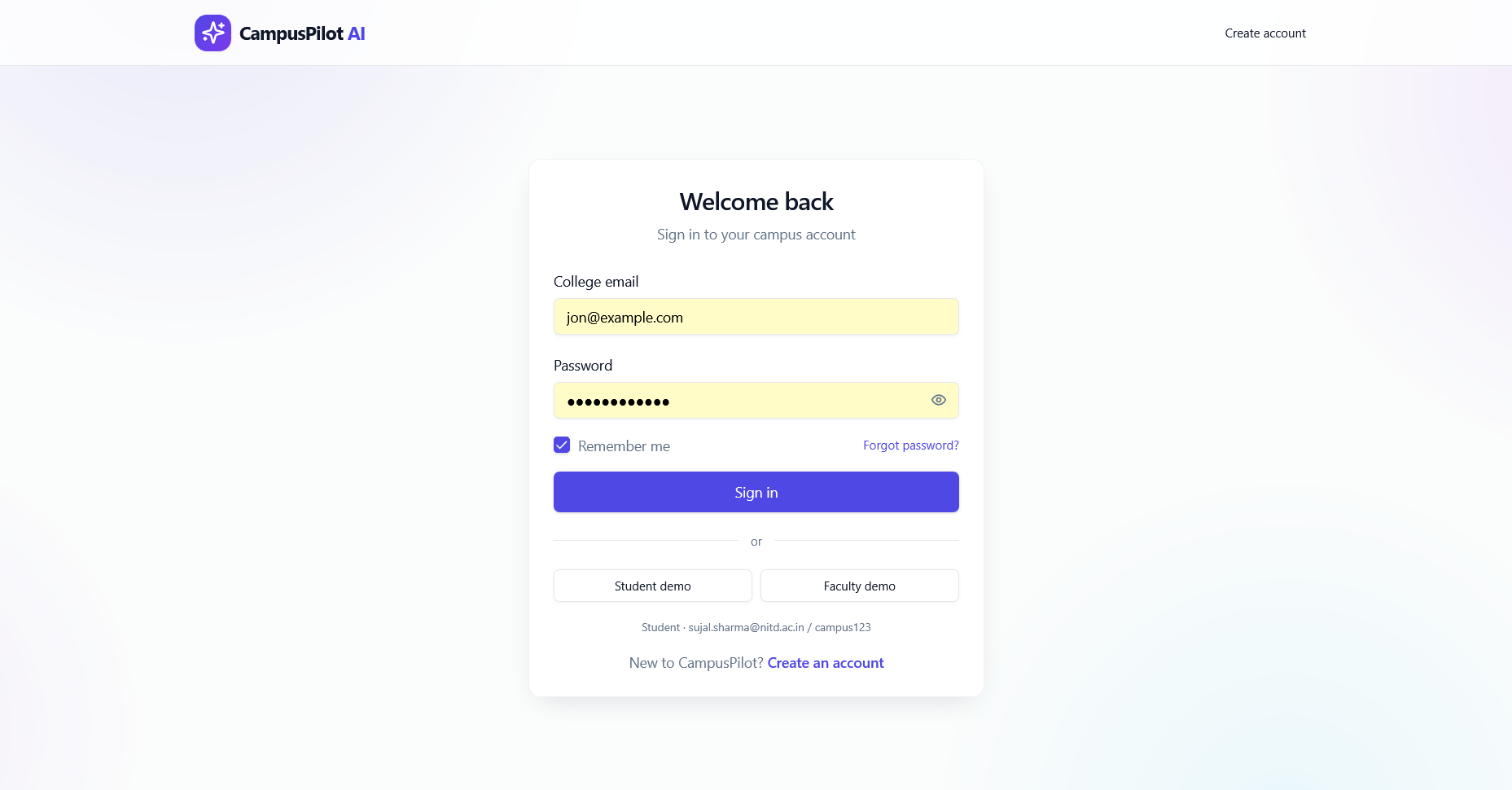
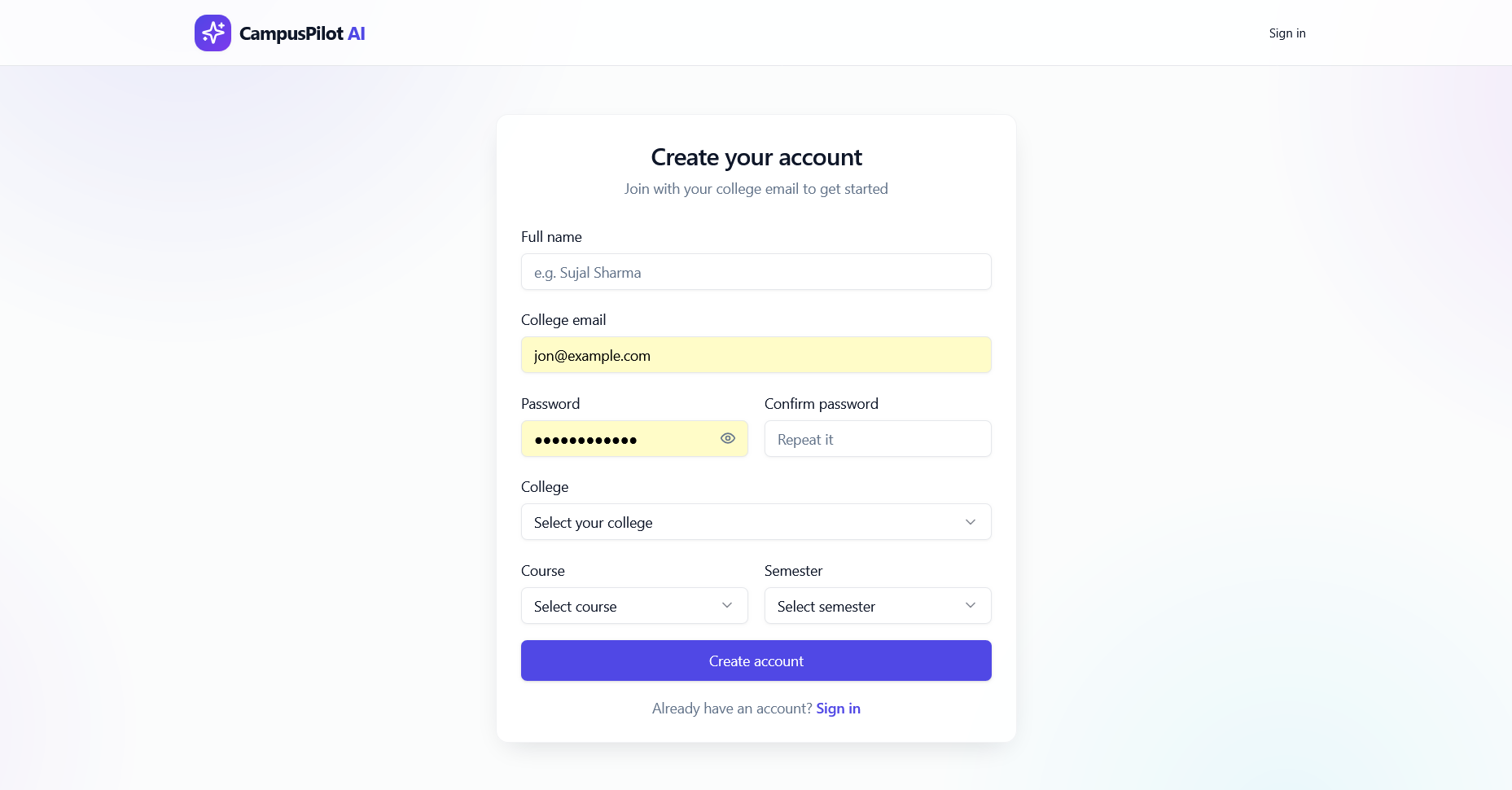
The backend is FastAPI with SQLAlchemy ORM and PostgreSQL. Authentication uses JWT with bcrypt hashing and role-based access control across three user types.
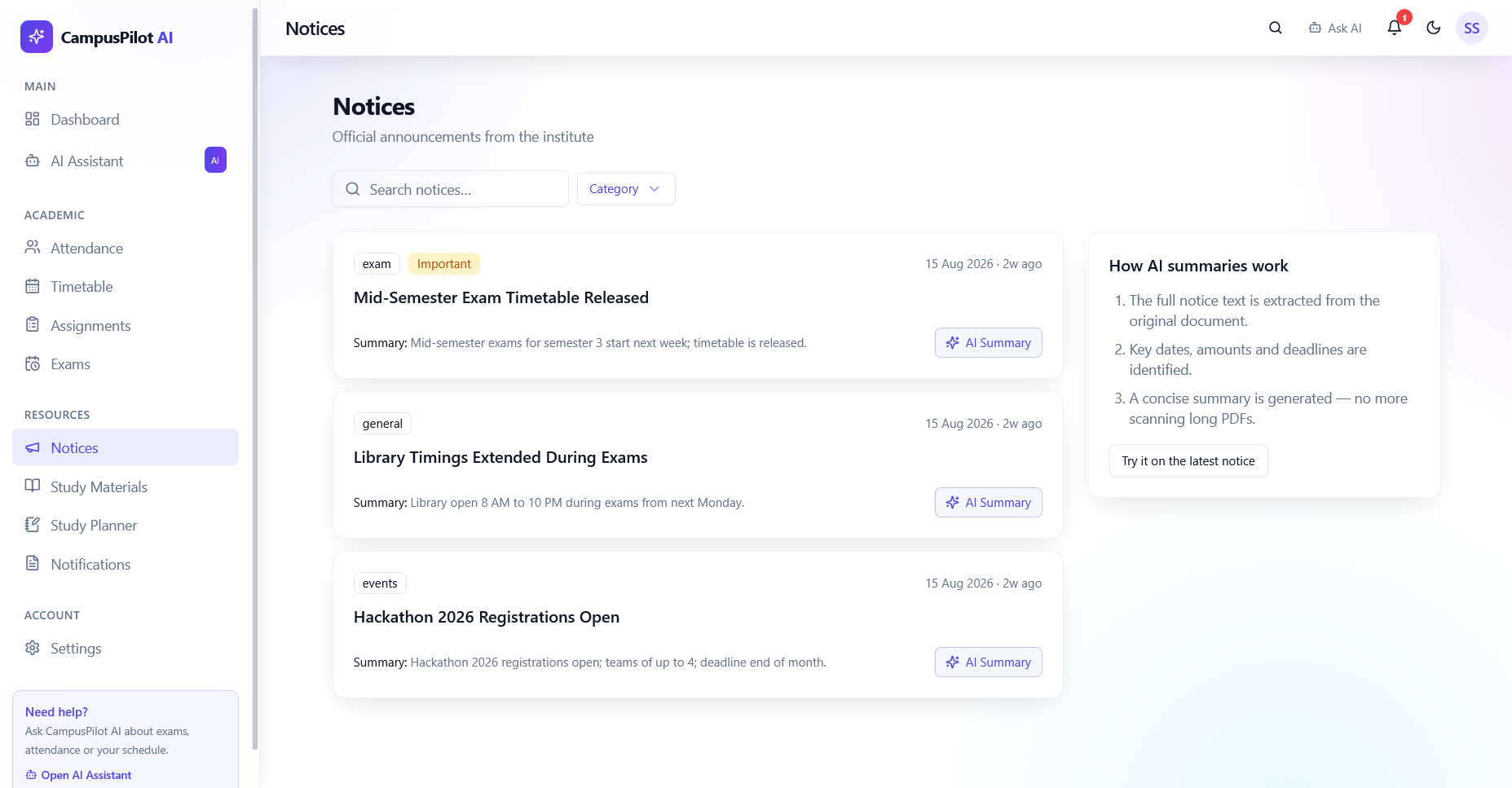
The frontend is Next.js with TypeScript in strict mode, styled with Tailwind CSS and shadcn/ui. I built a custom useApi hook that adds a 60-second in-memory cache with in-flight request deduplication, so switching between tabs doesn't refetch everything.
The AI assistant classifies intent using TF-IDF vectorization and cosine similarity, then queries the live database to produce grounded answers about schedules, attendance, exams, and assignments.
Challenges I Faced
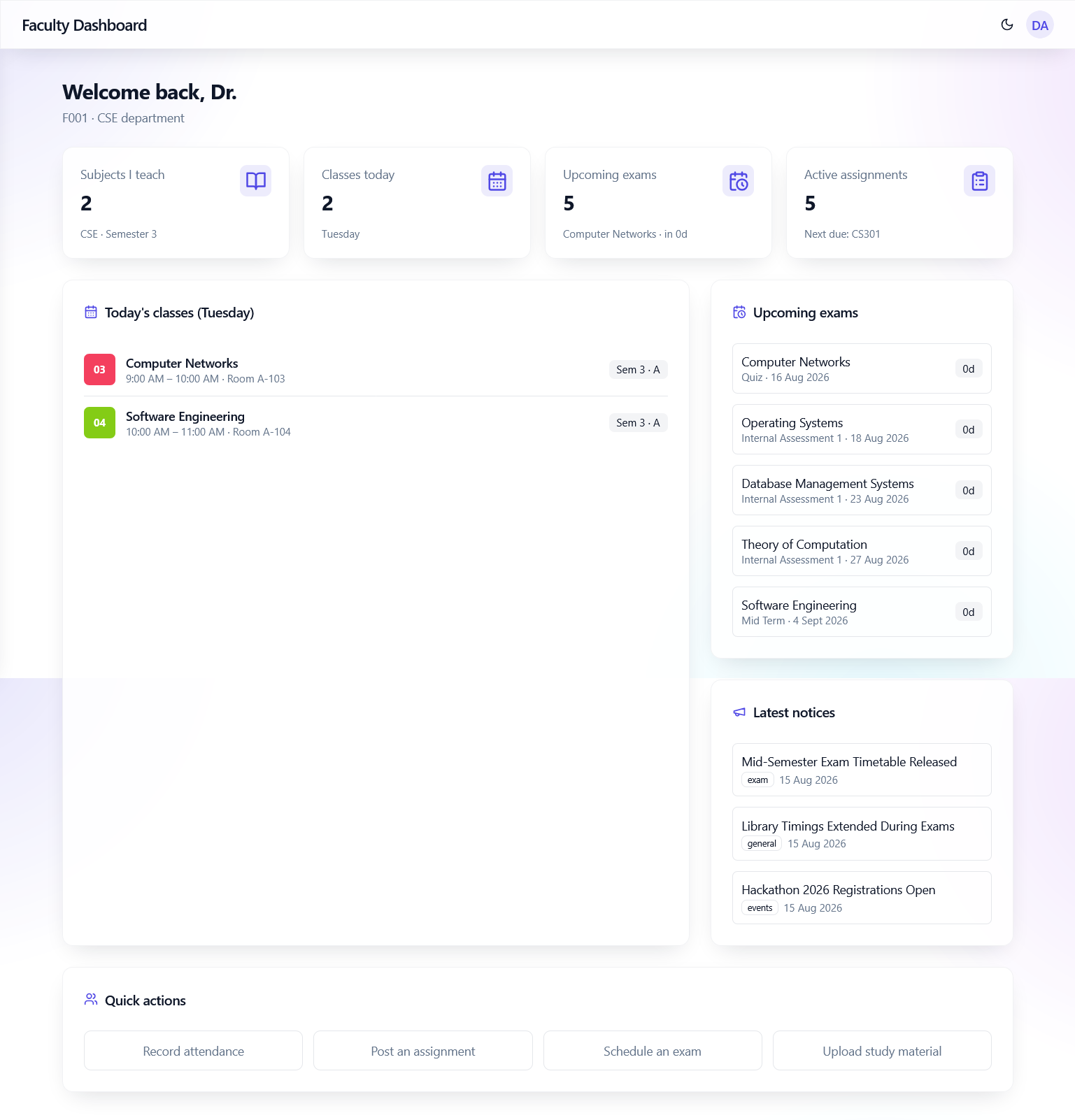
Performance on OneDrive. The backend took 11.7 seconds to start because pandas and pytesseract were imported at module load. Moving them to lazy imports cut cold start to 7.7 seconds. The dashboard endpoint was at 683ms until I replaced seven separate timetable queries with a single query using eager-loaded relations and added notification deduplication — it's now 130ms.
A race condition that only showed up for faculty. The attendance page fetched students for subject ID 0 before the subject list had loaded, producing a 404 error flash on every visit. The fix was simple once I understood it: only fetch when a real subject is selected, and auto-load the first subject's students.
Learning when not to use the dev server. Running next dev on OneDrive was painfully slow because of constant recompilation. Switching to production mode (npm run build && npm run start) made everything instant.
What's Next
Real-time push notifications instead of polling, a mobile app for attendance marking, and predictive analytics that can flag at-risk students before their attendance drops below the threshold.
Built With
- fastapi
- jwt
- machine-learning
- nextjs
- postgresql
- sqlalchemy
- tailwind-css
- typescript


Log in or sign up for Devpost to join the conversation.