CampusPilot AI — Your AI-Powered Study Companion
Inspiration
As a university student, managing assignments, deadlines, quizzes, and exam preparation can become overwhelming. Students often use different apps or rely on memory to keep track of everything, making it easy to forget tasks or struggle with deciding what to do first.
I wanted to build a simple, AI-powered assistant that helps students organize their academic lives in one place. This idea led to CampusPilot AI, a study companion designed to make task management and study planning easier, smarter, and more accessible.
What It Does
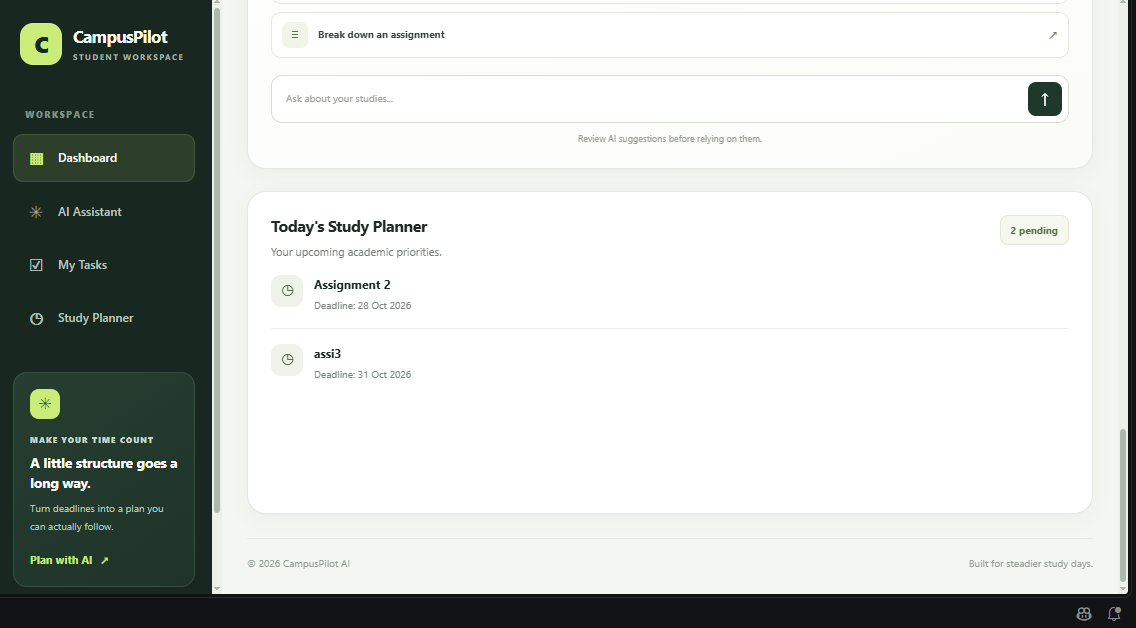
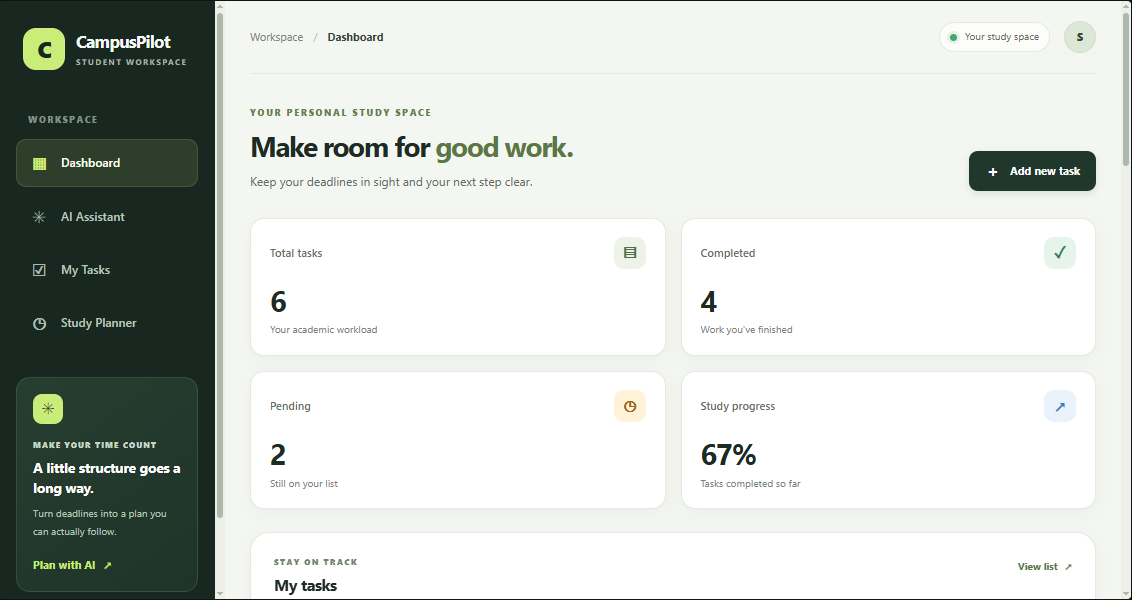
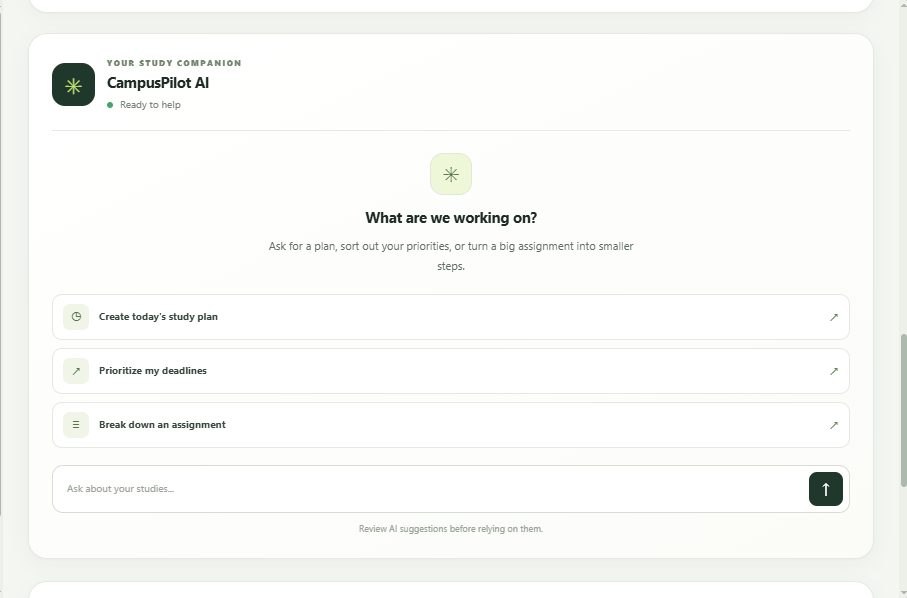
CampusPilot AI combines task management with an AI-powered chat assistant to help students stay organized and productive.
Its core features include:
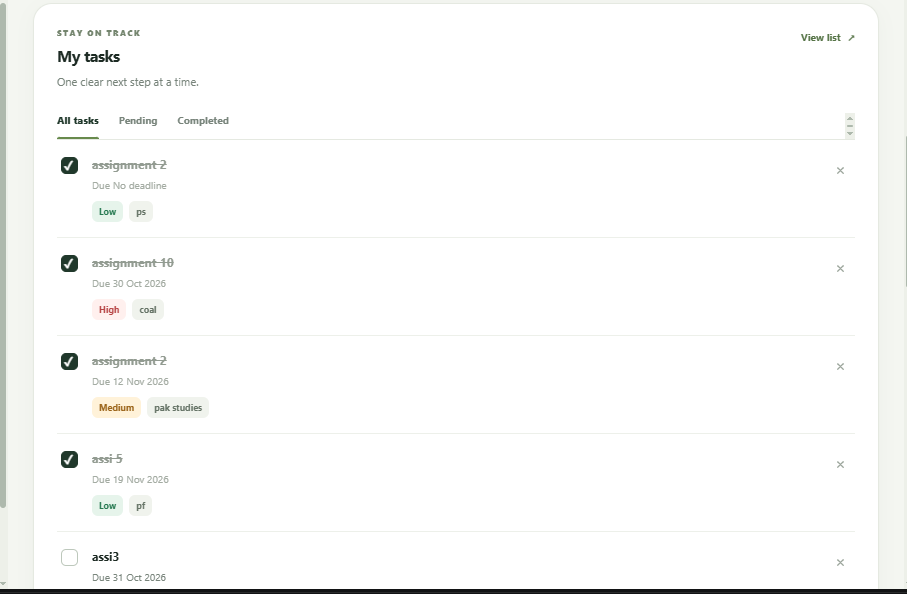
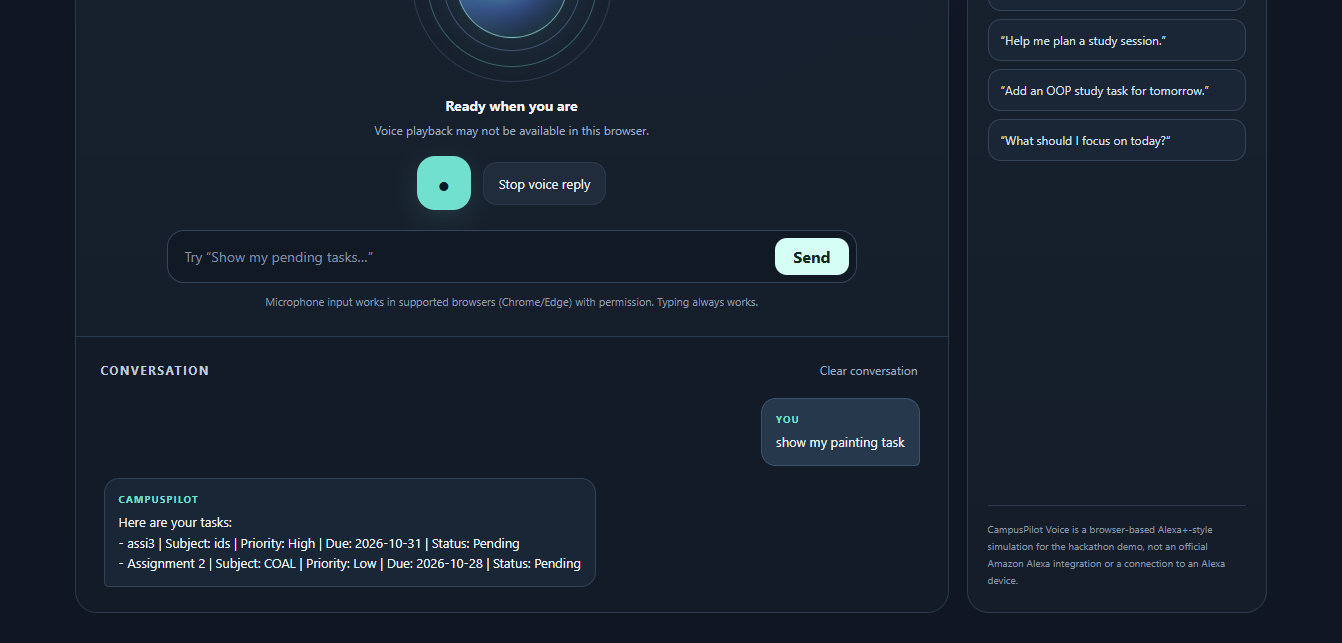
- Task Management: Create, view, complete, reopen, and delete tasks.
- AI Study Assistance: Chat with an AI assistant for help with planning and organizing academic work.
- Persistent Storage: Store tasks in a local SQLite database so they remain available between sessions.
- Backend API: Use a FastAPI backend to connect the frontend, task database, and AI assistant.
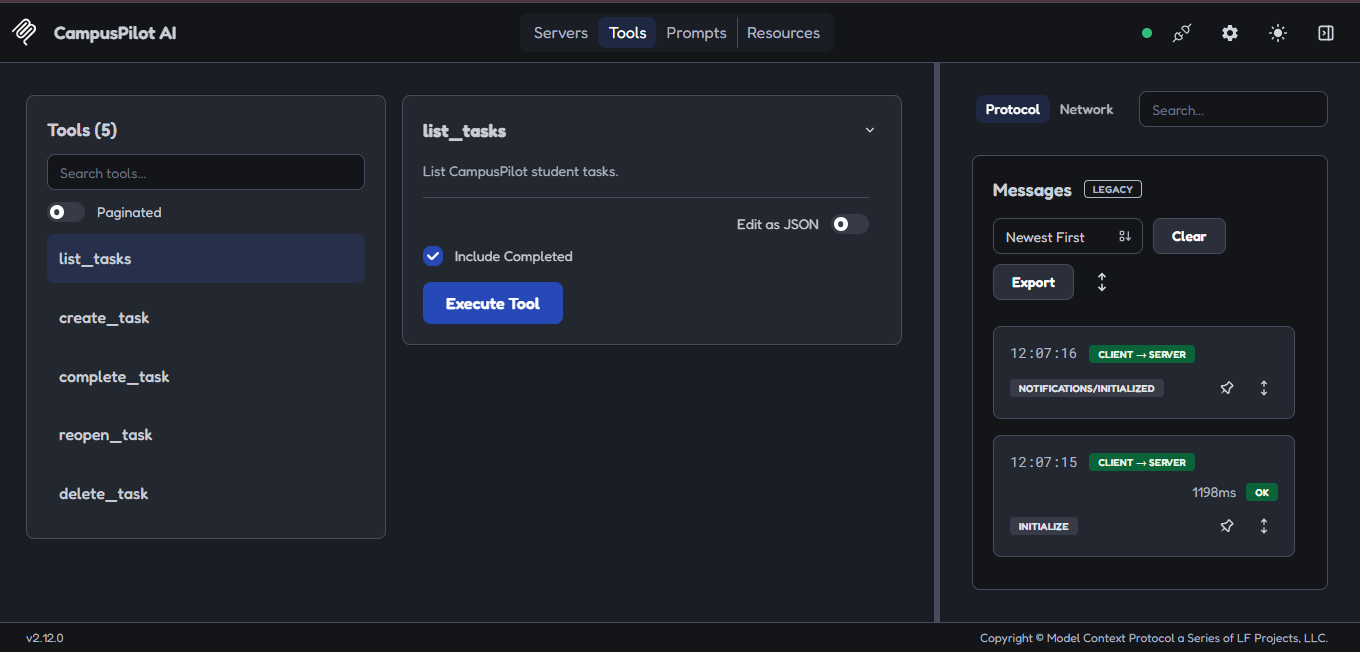
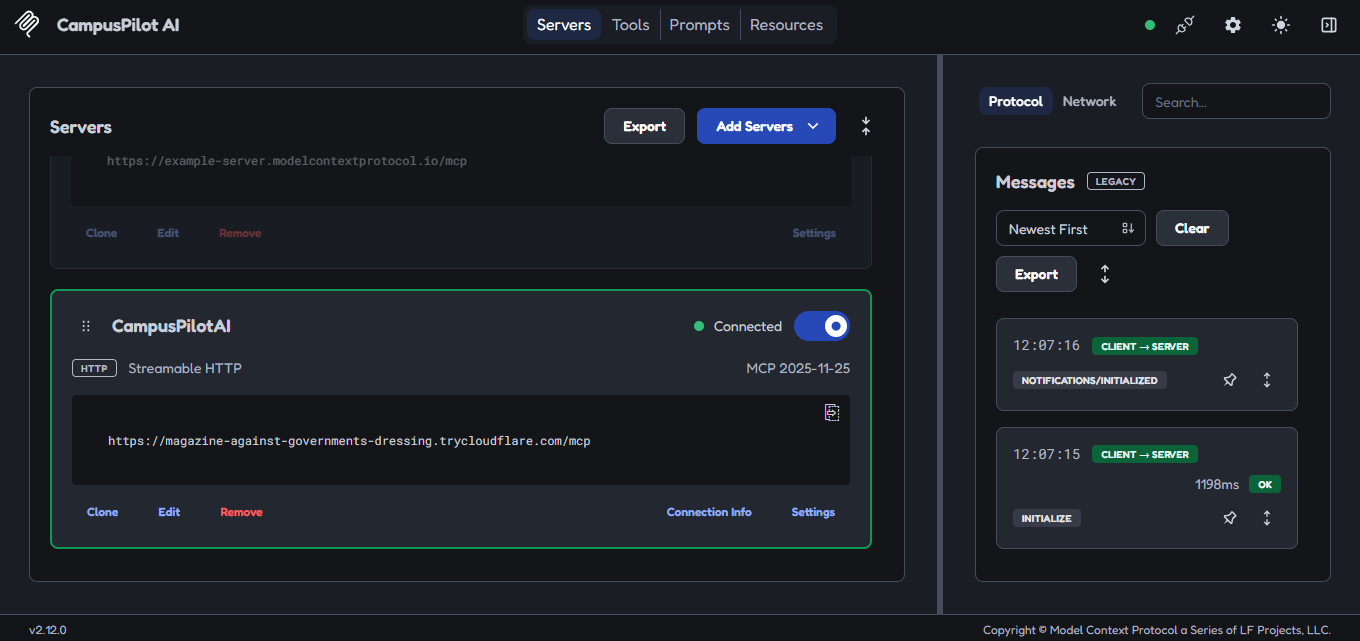
- MCP Integration: Explore how the Model Context Protocol (MCP) can make task-management tools available to AI systems.
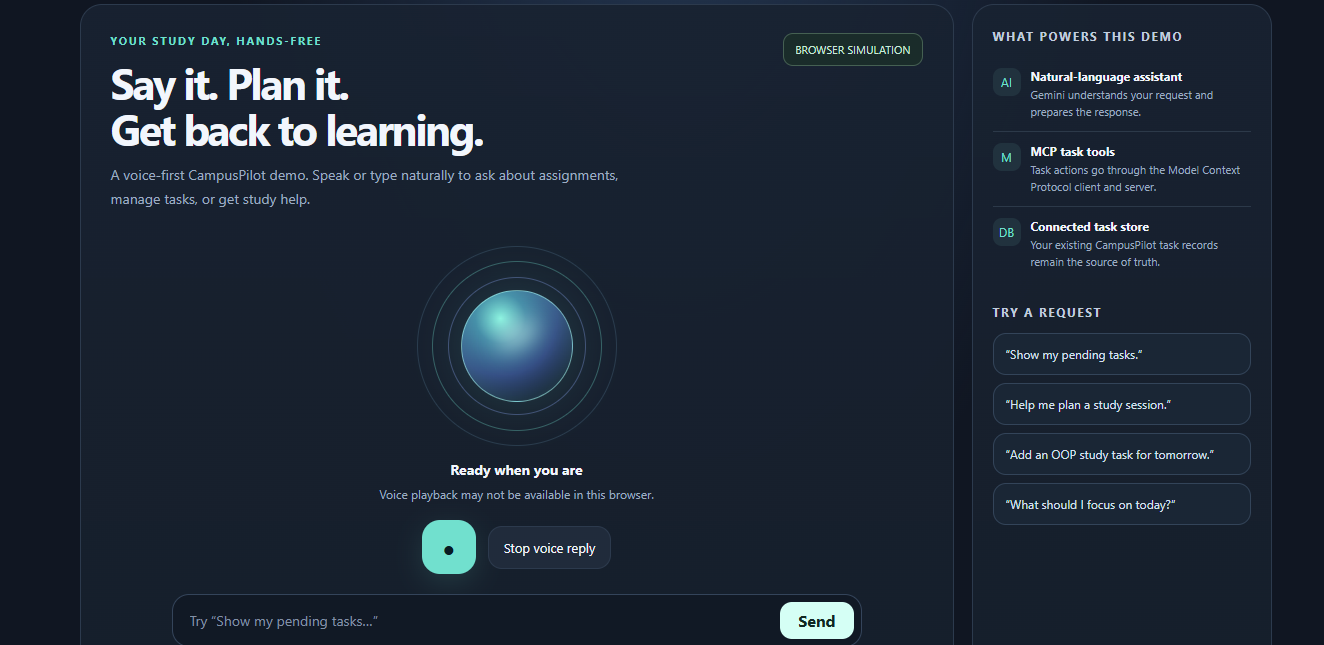
- Alexa-Inspired Experience: Demonstrate a voice-assistant-inspired interaction concept for a more natural way to interact with a study companion.
The goal is to bring task organization and AI assistance together in one student-friendly application.
How I Built It
I built CampusPilot AI using a combination of web technologies and Python.
- Frontend: HTML, CSS, and JavaScript for the user interface and interactions.
- Backend: Python and FastAPI for application logic and API endpoints.
- Database: SQLite for storing and managing tasks.
- AI: Gemini API for AI-powered chat assistance.
- MCP: Python MCP tools to explore connecting AI assistants with task-management functionality.
I developed the project incrementally, starting with the backend and database, then connecting the frontend and AI assistant. After implementing the core task operations, I explored MCP integration and created an Alexa-inspired demonstration experience.
Challenges I Faced
One of the biggest challenges was connecting multiple components into a working application. I had to understand how the frontend communicates with a FastAPI backend, how API endpoints interact with a database, and how an AI assistant can work alongside application tools.
I also encountered issues with API reliability, dependencies, and MCP integration. Debugging these problems helped me understand the importance of testing individual components before combining them. Another challenge was keeping the project simple enough for students while still exploring newer technologies such as MCP.
What I Learned
Building CampusPilot AI helped me gain practical experience with REST APIs, Python backend development, database operations, frontend-backend integration, AI API usage, and MCP concepts. I also learned how to debug integration problems and use Git to manage my project.
Most importantly, I learned that building an AI application involves more than connecting a model to a chat interface. A useful assistant needs reliable tools, persistent data, clear interactions, and a real problem to solve.
What's Next
I want to improve CampusPilot AI by adding smarter deadline prioritization, personalized study schedules, reminders, and more natural voice interactions. I also want to explore deeper integration with the Alexa ecosystem and make the application easier to deploy and use.
CampusPilot AI is my step toward making academic planning less stressful and helping students focus on what matters most: learning.

Log in or sign up for Devpost to join the conversation.