-
-
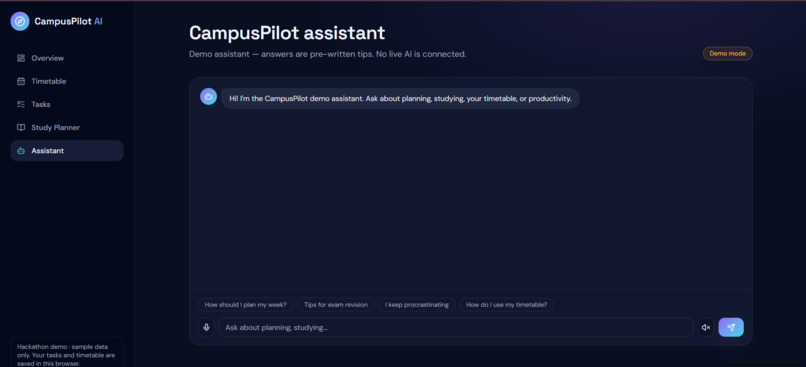
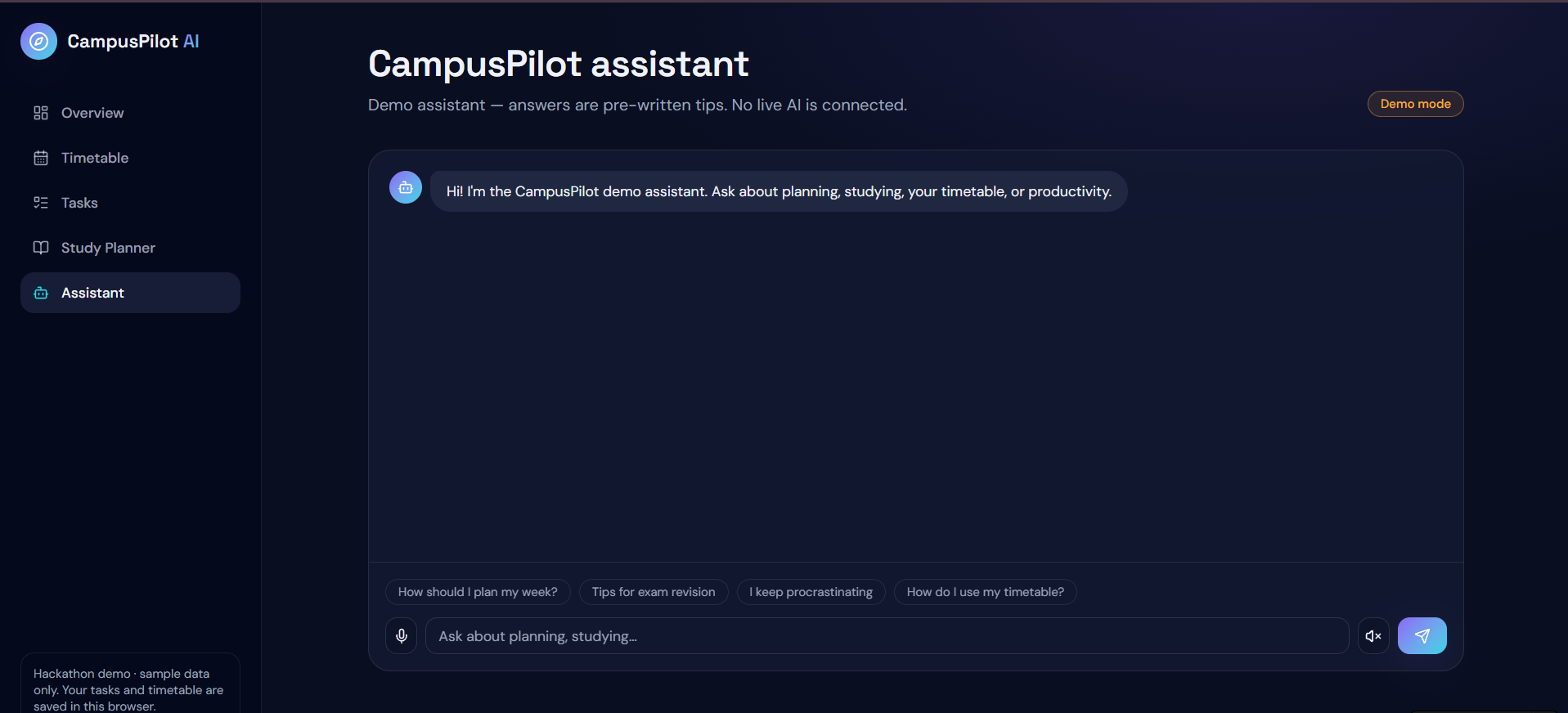
Ai Assistant
-
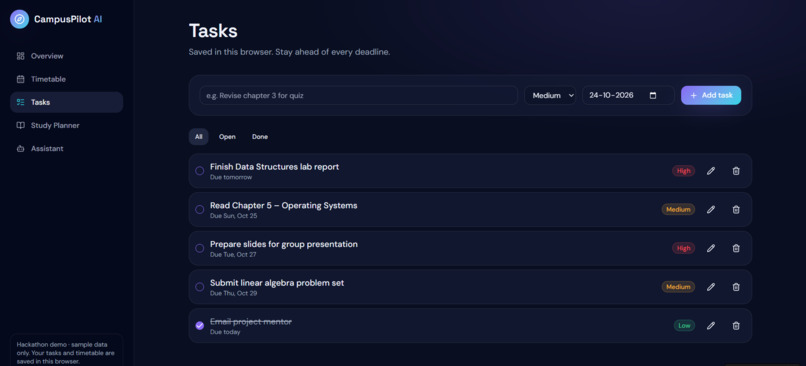
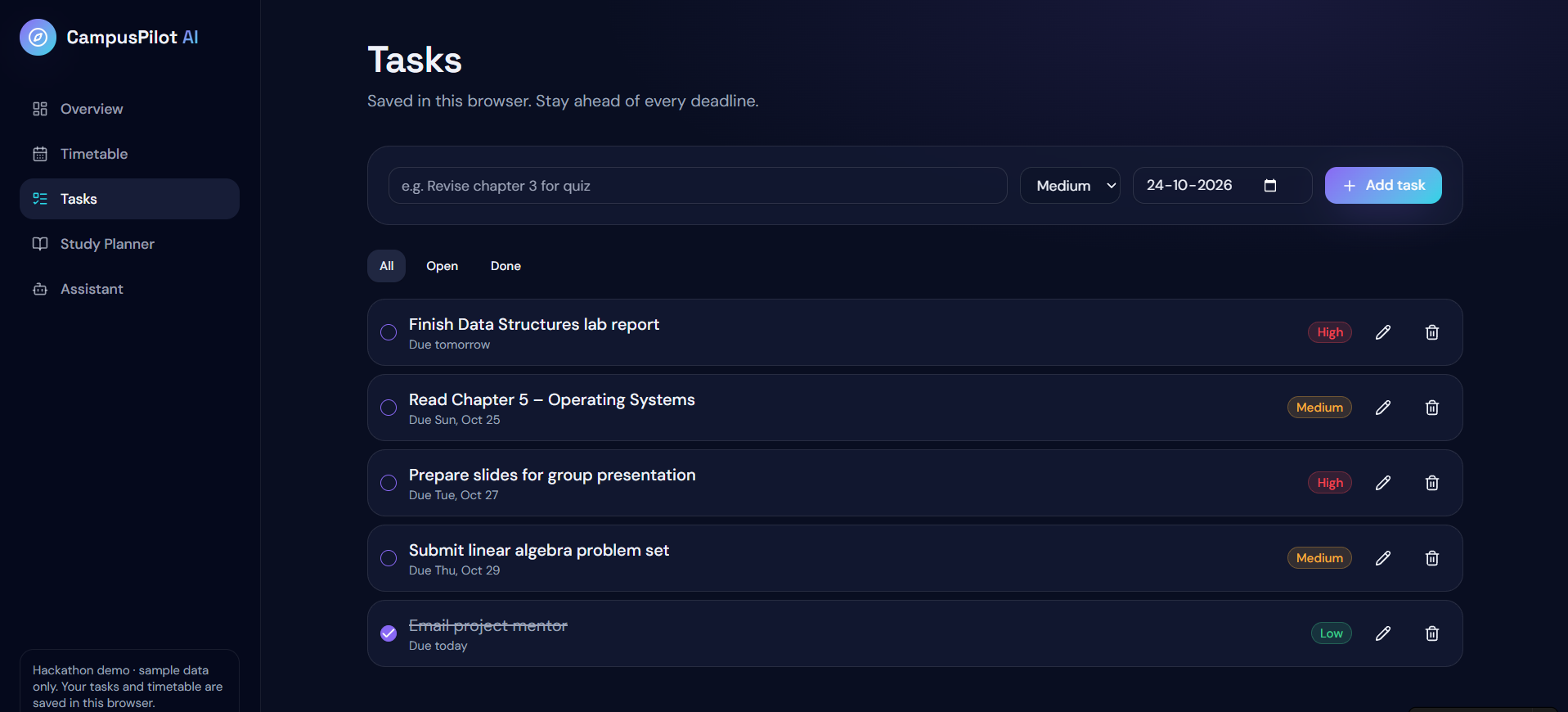
Task
-
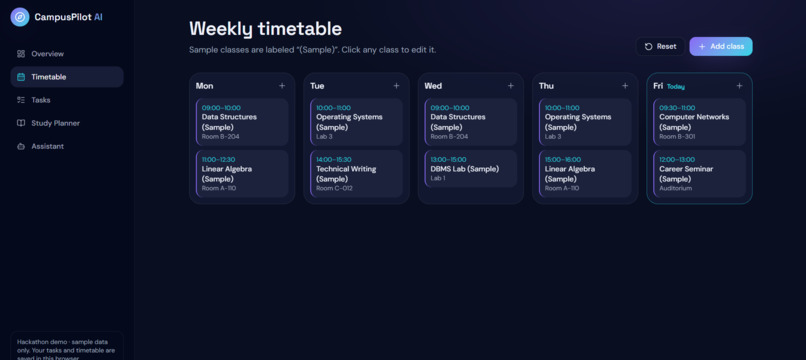
Time-table
-
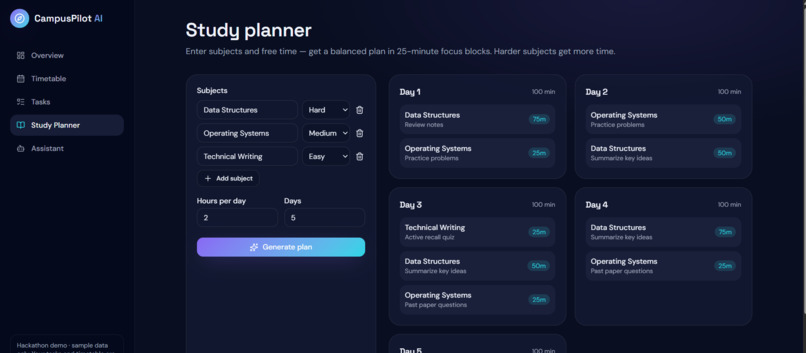
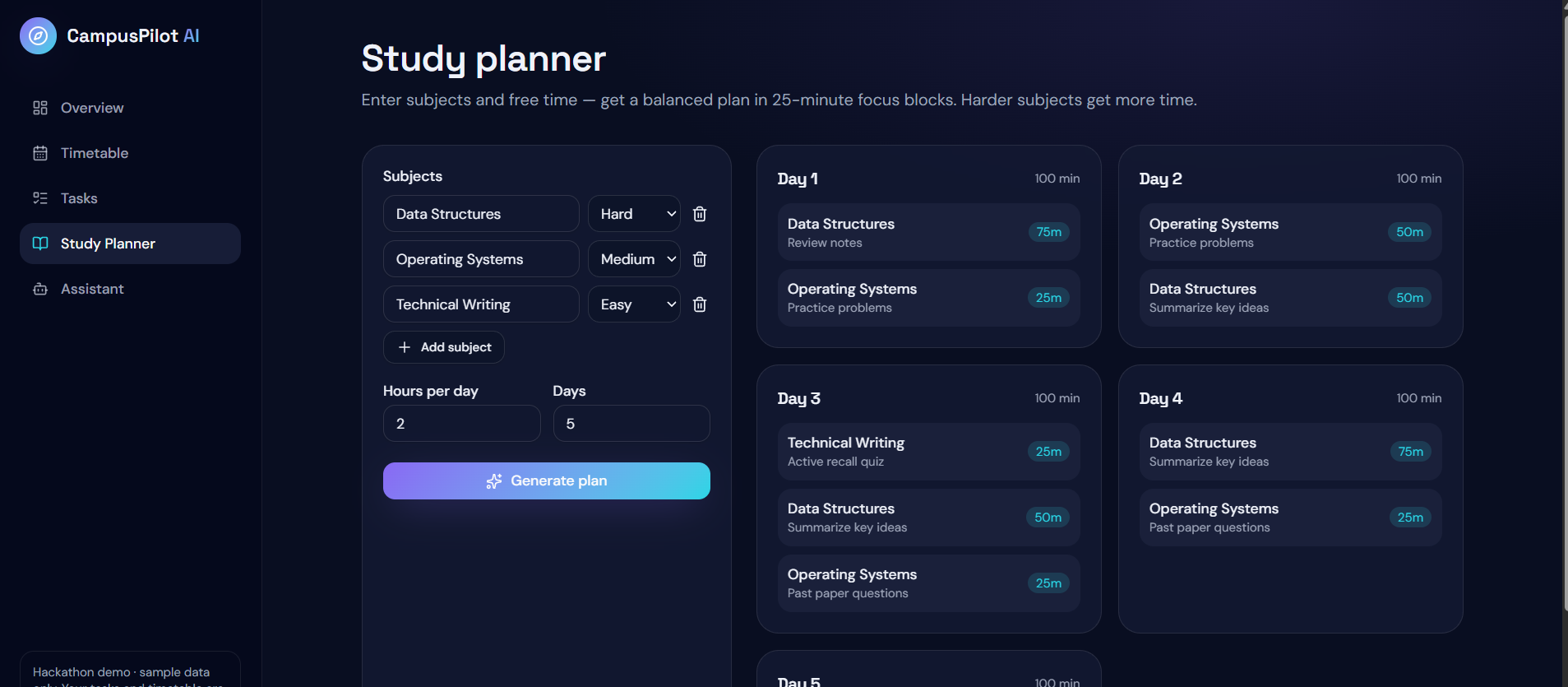
Ai generated study planner
-
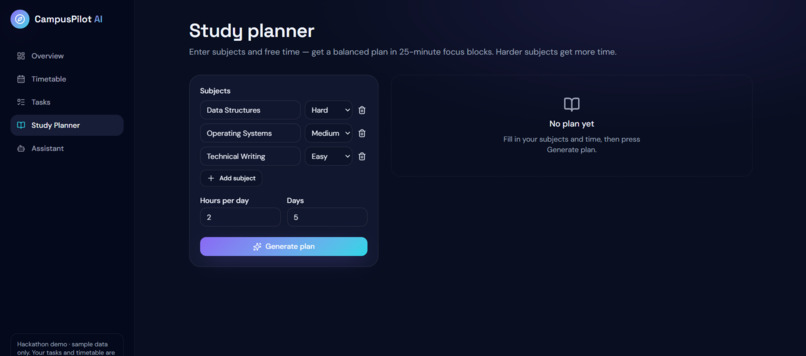
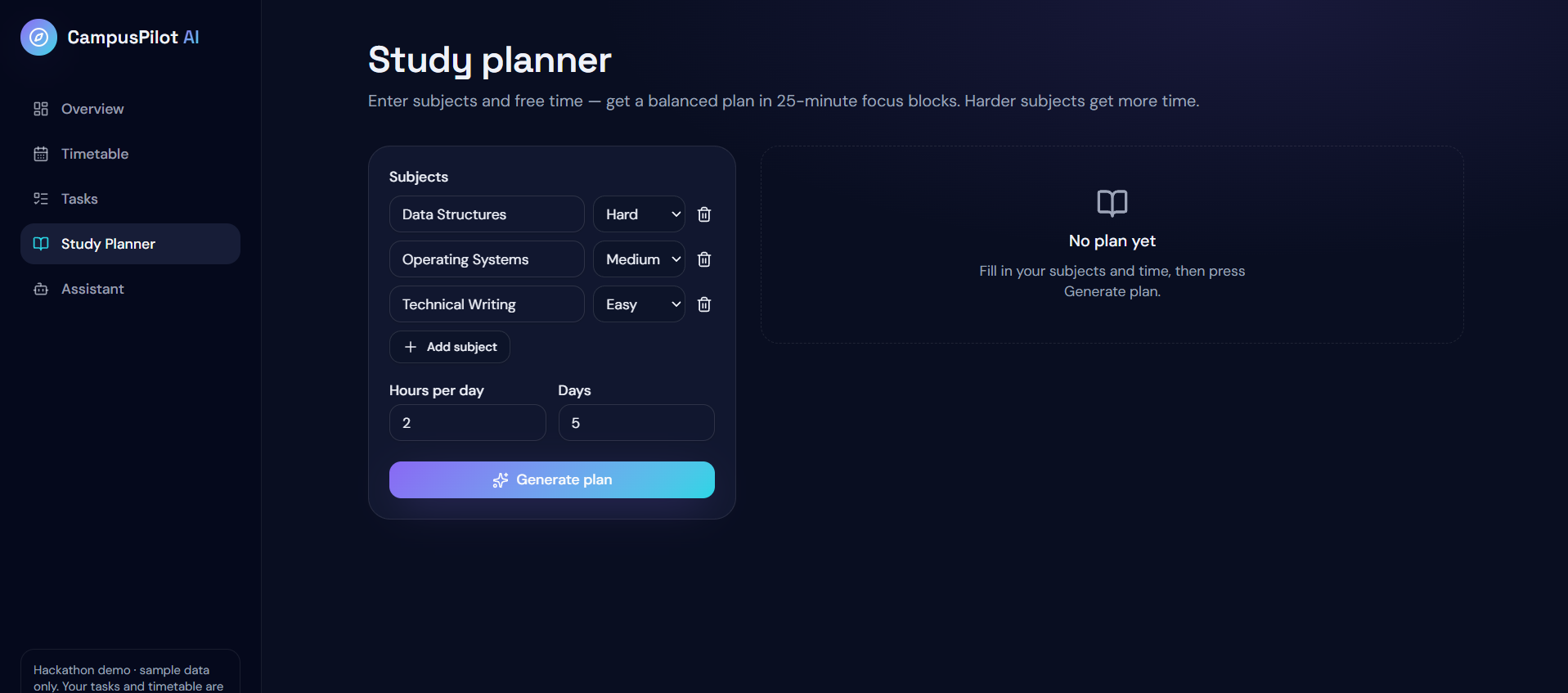
Study Planner
-
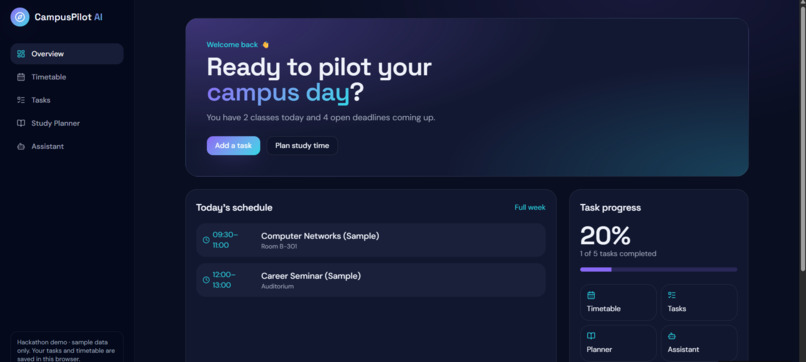
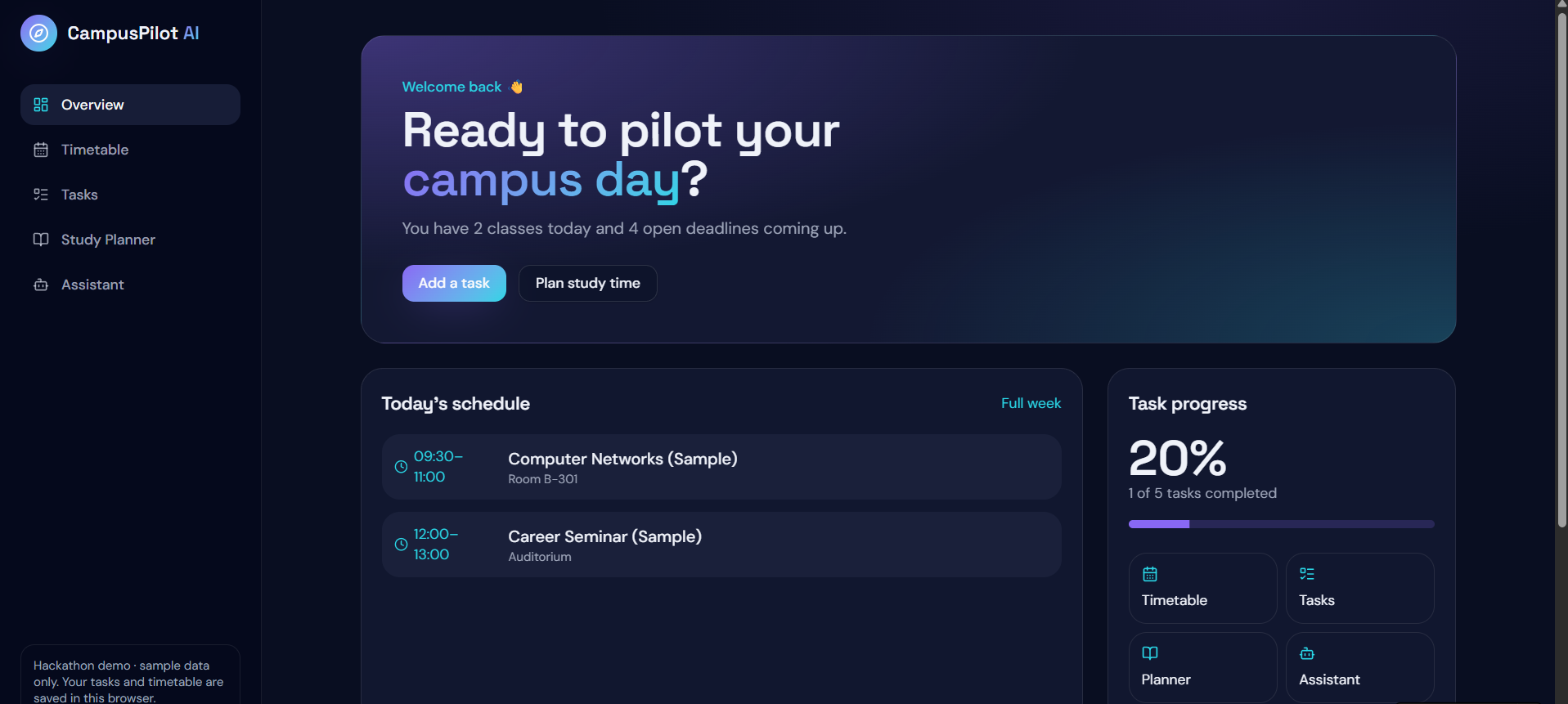
Overview
CampusPilot AI — Your Smart Campus Companion
Inspiration
Student life involves balancing lectures, assignments, deadlines, study plans, and personal goals. Important tasks can easily be forgotten when students have to switch between multiple apps and tools. We wanted to explore a simpler solution: a single, intelligent campus companion that helps students stay organized and productive.
This inspired us to build CampusPilot AI, a student-focused dashboard that brings essential academic tools together and introduces a voice-enabled assistant for a more natural, accessible experience.
What We Built
CampusPilot AI is a web-based student companion developed using React, JavaScript, CSS, and Vite. Its interface is designed around a modern dashboard that brings academic organization into one place.
The current prototype includes:
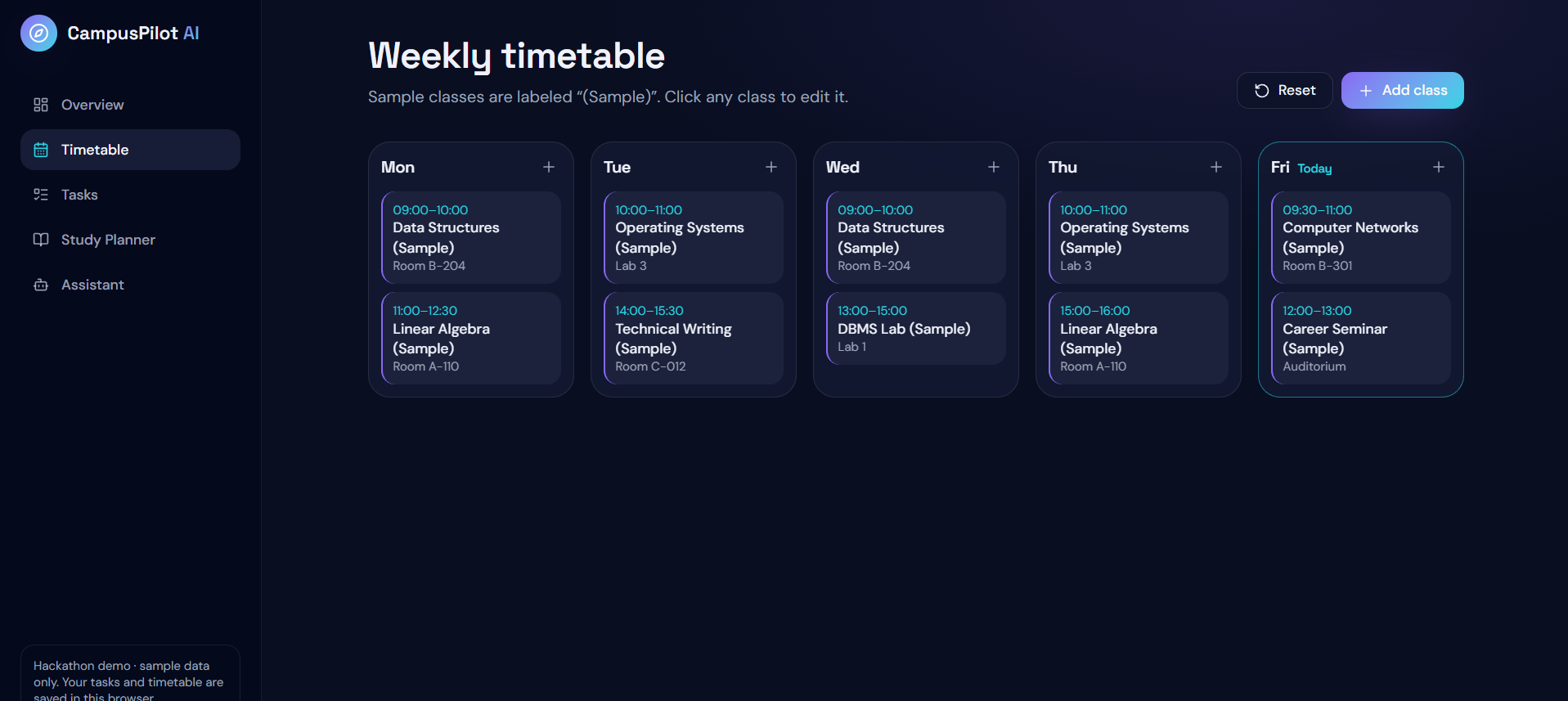
Student Dashboard: A central overview of academic activities. Timetable: A place to view a sample daily class schedule. Task Manager: Add, complete, and manage student tasks. AI Assistant Interface: A conversational interface for asking questions about study planning, tasks, and timetable information. Voice Interaction: Browser-based speech recognition and text-to-speech capabilities, where supported by the browser.
Our goal is to make academic organization easier through an intuitive interface that can be expanded with more intelligent features in the future.
How We Built It
We started by creating a React application using Vite and setting up the development environment in Visual Studio Code. We then developed the dashboard interface and organized its components around the main needs of a student.
React state management supports interactive features such as adding tasks and navigating between sections. CSS provides the dark visual theme, purple highlights, responsive layout, and dashboard styling.
We also began implementing browser-based voice interaction using speech recognition APIs. This allows us to explore how students might interact with their academic assistant without always needing to type.
The current assistant uses local demo logic for supported questions. A live AI backend and integration with real college timetables are future development goals rather than completed features.
Challenges We Faced
One of our initial challenges was configuring the development environment. We encountered command-line and PowerShell execution-policy issues while setting up npm. Resolving these issues helped us understand the importance of correct terminal usage, project directories, and development dependencies.
Another challenge was integrating microphone interaction with the React interface. Making a microphone button visible is
Built With
- artificialintelligence
- css
- html
- javascript
- productivity
- react
- vite

Log in or sign up for Devpost to join the conversation.