-
-
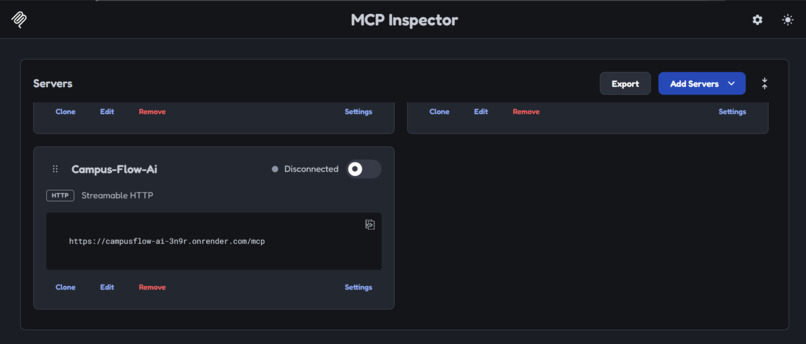
CampusFlow AI’s MCP server uses Streamable HTTP to connect productivity tools with MCP-compatible clients for task management
-
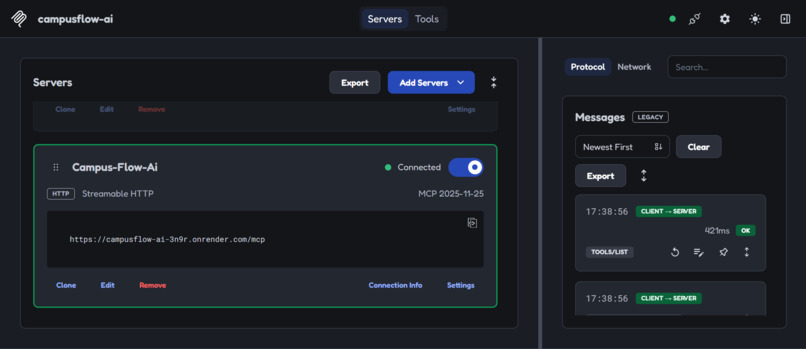
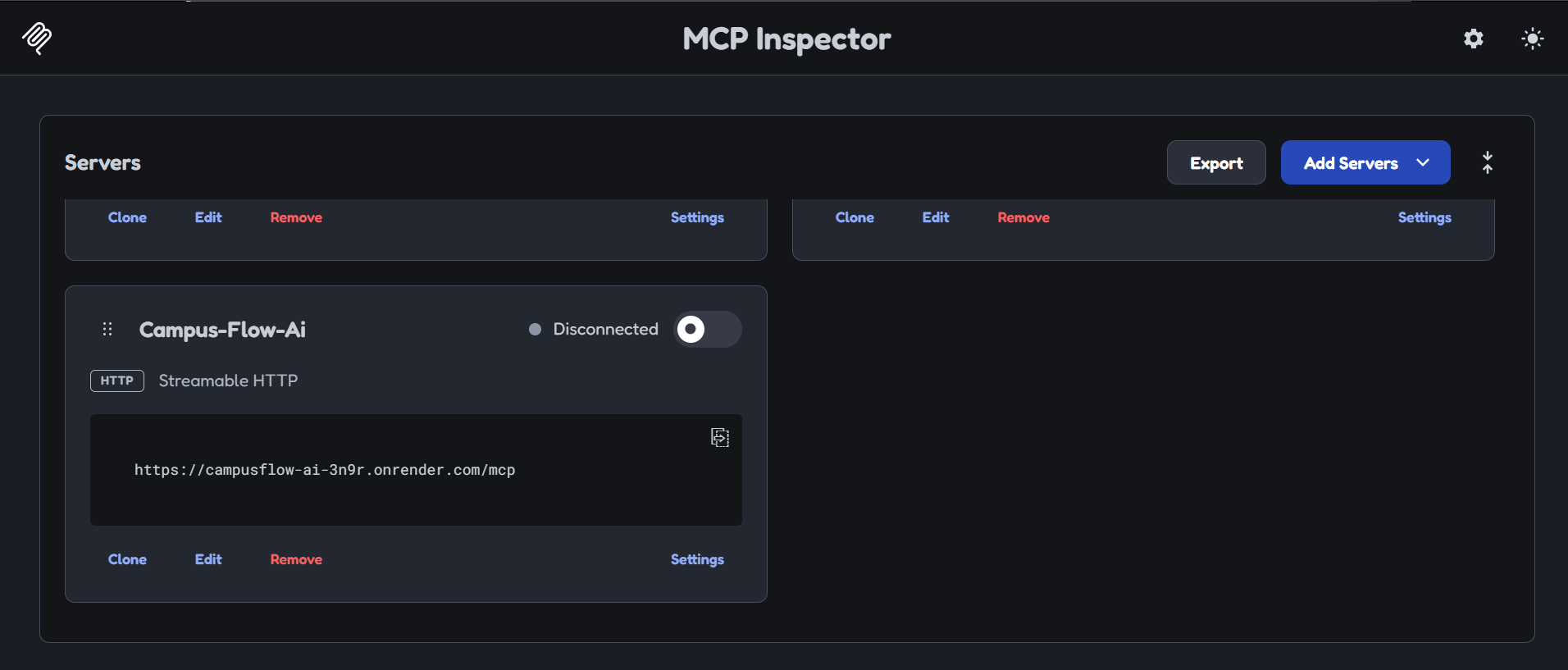
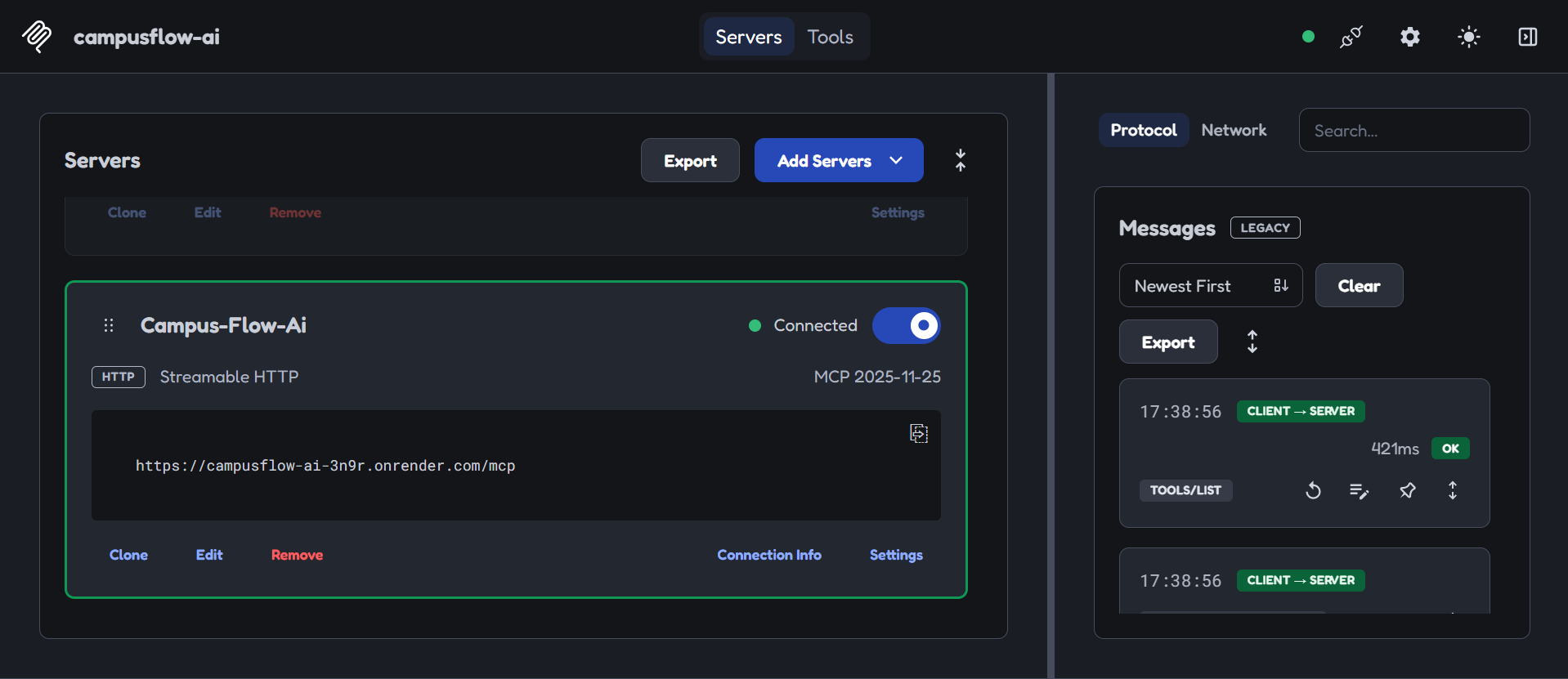
CampusFlow AI successfully connects to its deployed MCP server using Streamable HTTP, with MCP Inspector confirming connectivity
-
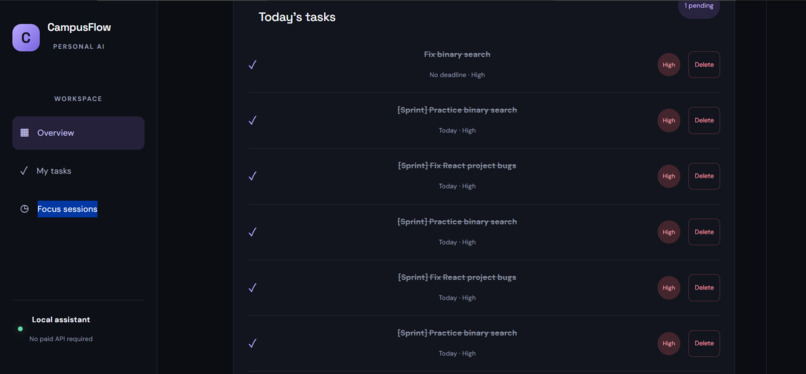
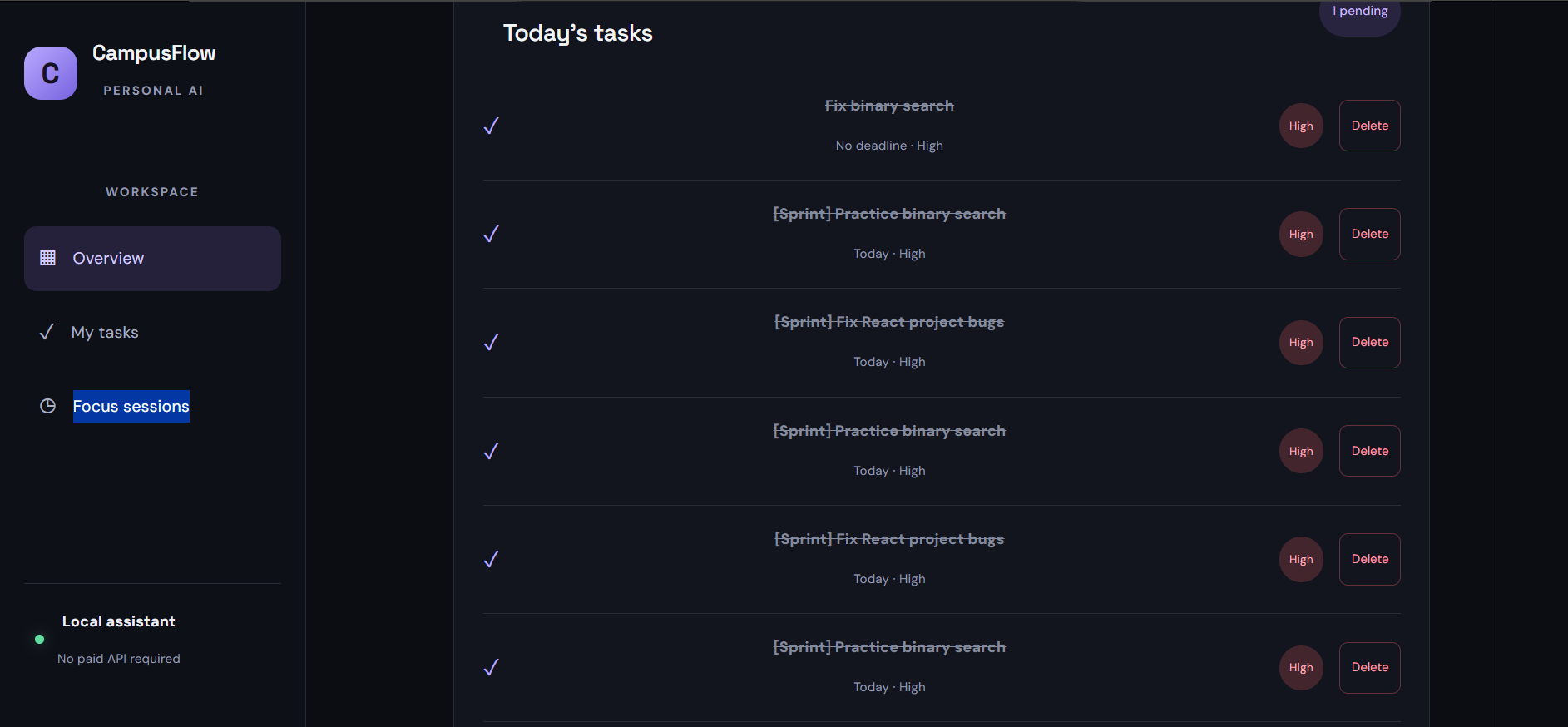
CampusFlow AI simplifies task management with priority labels, deadlines, and quick task completion.
-
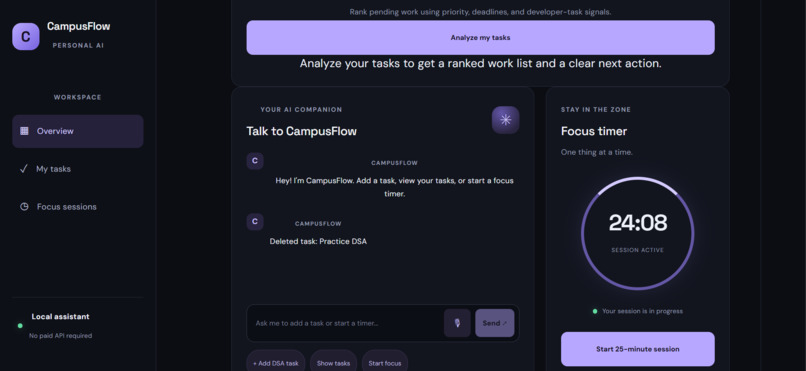
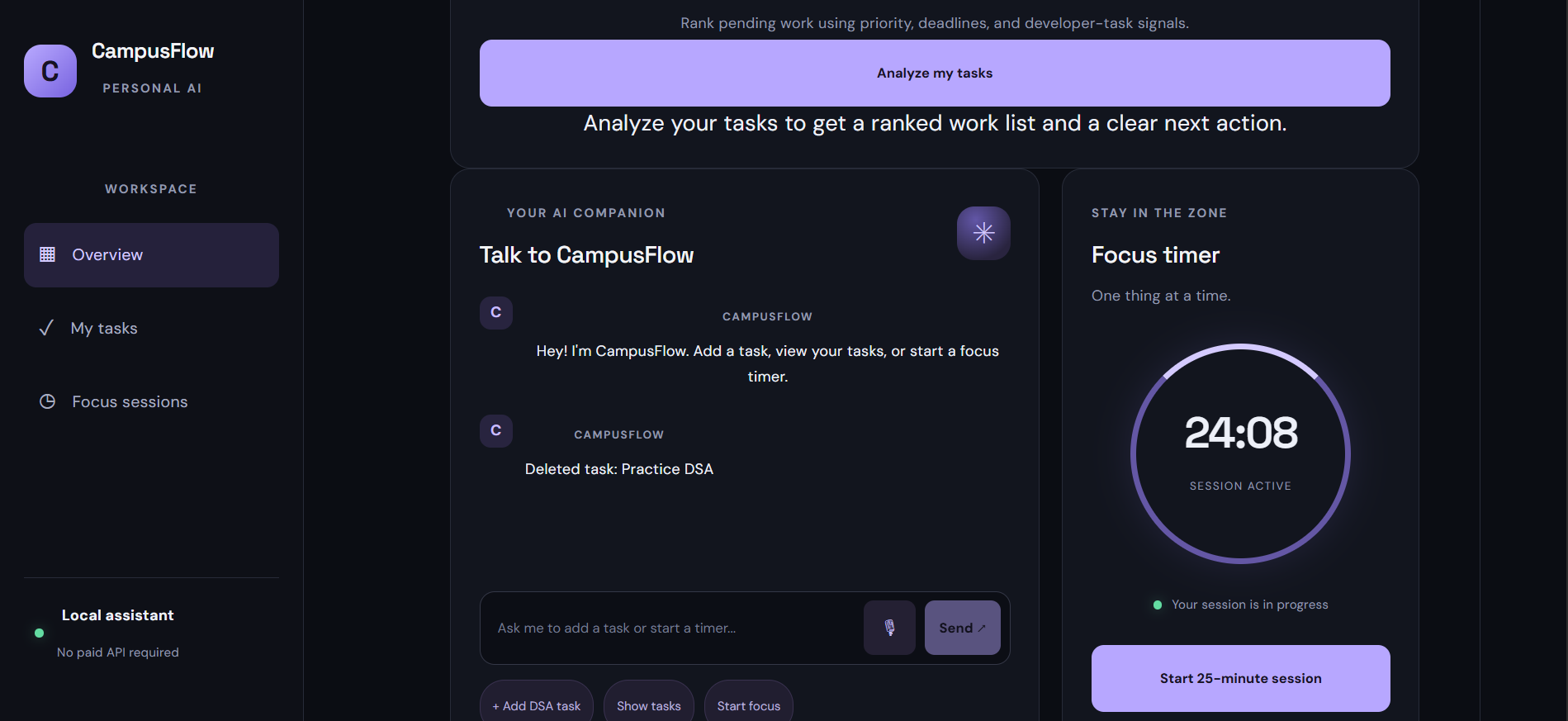
CampusFlow AI combines task prioritization, a conversational assistant, and a focus timer to boost productivity.
-
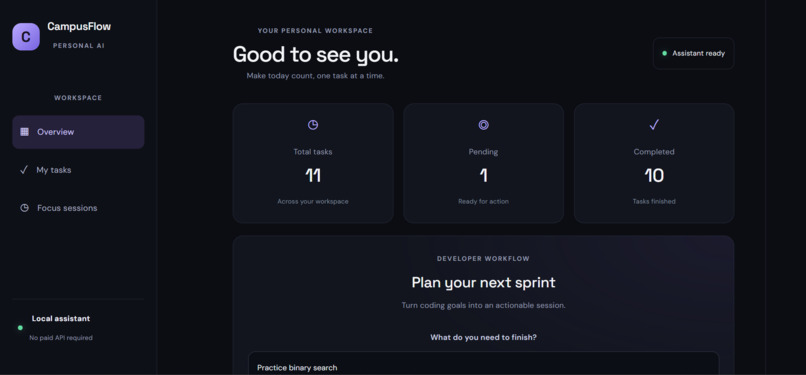
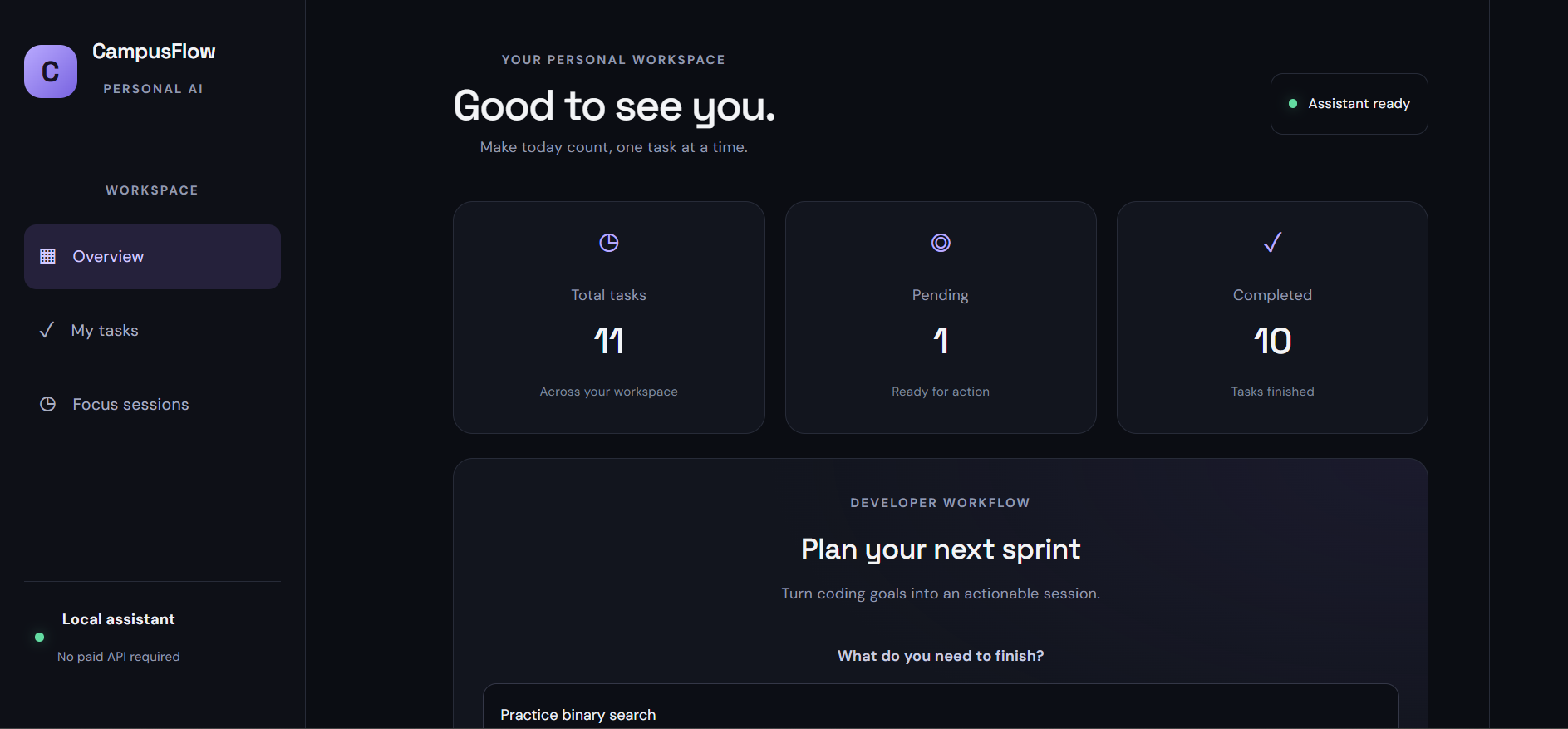
CampusFlow AI dashboard showing task statistics, productivity insights, and sprint planning in one workspace.
-
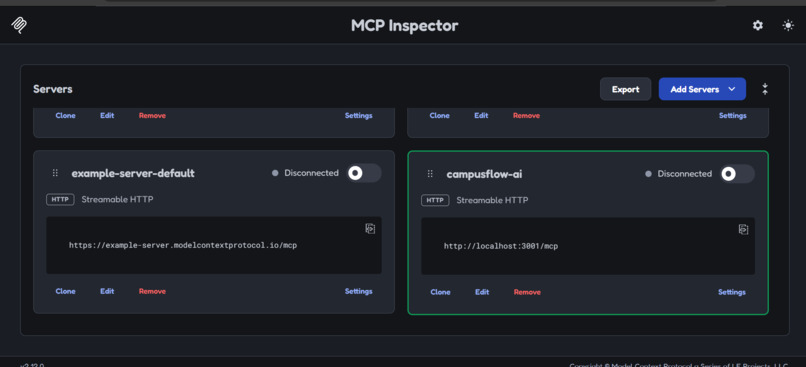
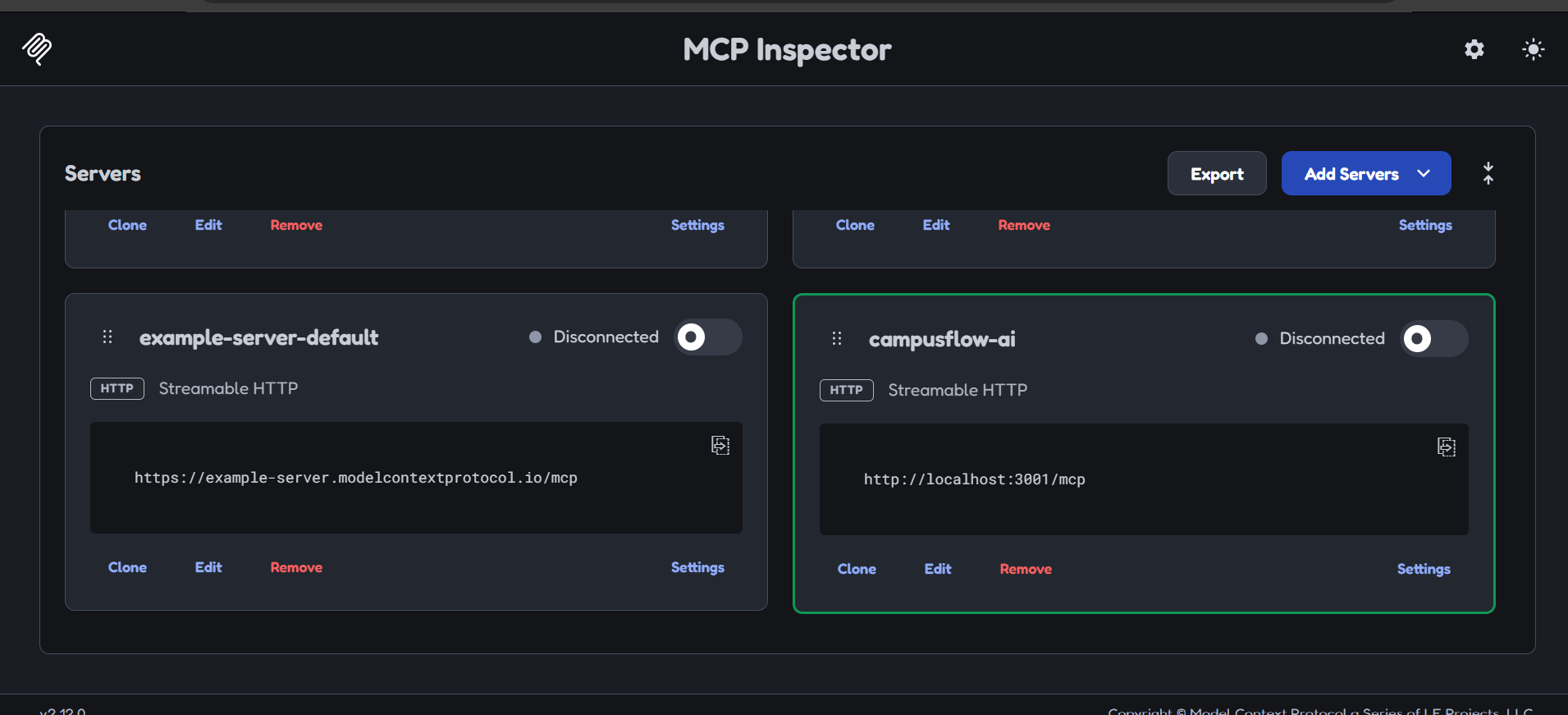
CampusFlow AI MCP server configured for local testing through MCP Inspector.
-
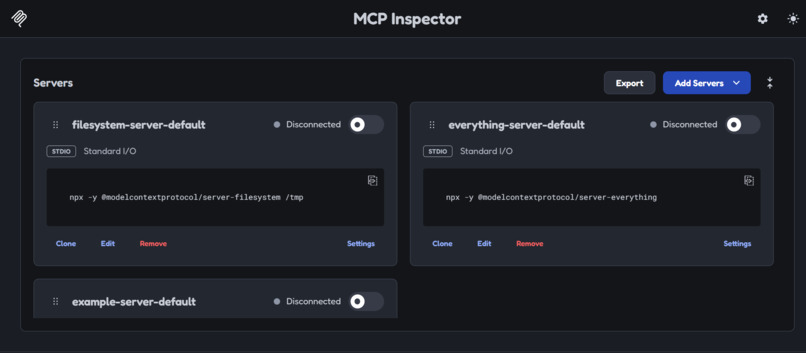
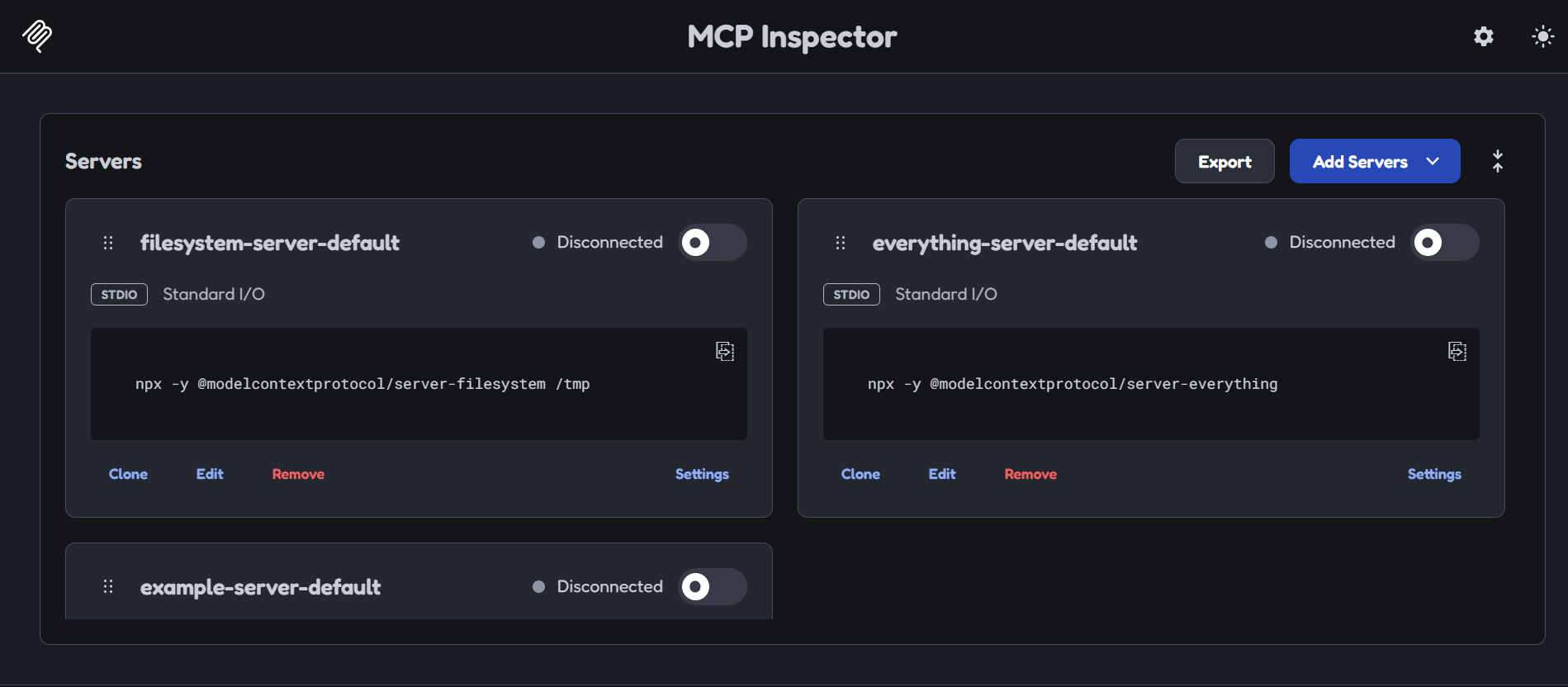
MCP Inspector provides access to standard servers and tools for testing CampusFlow AI integrations.
CampusFlow AI — An MCP-Powered Developer Productivity Workspace
Inspiration
Developers often juggle coding tasks, deadlines, project bugs, learning goals, and time management. It can be difficult to decide what to work on next while keeping everything organized.
I built CampusFlow AI to bring these activities into one developer-focused workspace. The goal was to create more than a basic to-do list: a productivity assistant that helps developers organize tasks, prioritize important work, plan coding sessions, and stay focused.
The project was developed for the Alexa+ Simulated Experience track of the Amazon Developer Hackathon.
What It Does
CampusFlow AI combines task management, developer intelligence, sprint planning, and focus sessions in one web application.
Key Features
- Smart Task Management: Create, complete, and delete tasks while tracking pending and completed work.
- Developer Intelligence: Rank pending tasks using priority, deadline urgency, task category, and task age, with explanations for recommendations.
- Developer Sprint Planner: Turn coding goals into a structured work schedule based on available time.
- Focus Timer: Start focused work sessions to help maintain concentration.
- Conversational Assistant: Enter supported commands through a chat interface and use voice input in compatible browsers.
- MCP Tool Integration: Expose productivity operations through a Model Context Protocol (MCP) server using Streamable HTTP transport.
How I Built It
I built the frontend using React, Vite, and CSS, creating a dashboard that brings task management, sprint planning, developer insights, the conversational assistant, and the focus timer together.
The backend uses Node.js and Express.js to provide REST API endpoints and host the MCP server. The MCP server exposes tools for adding, listing, completing, and deleting tasks, starting focus timers, prioritizing pending work, and recommending the next action.
The backend uses the MCP SDK and Zod to register tools and validate their input schemas. The assistant and other backend workflows invoke MCP tools to perform supported operations.
The application is deployed with Vercel for the frontend and Render for the backend. I used the MCP Inspector to connect to the deployed Streamable HTTP endpoint, inspect the available tools, and test tool execution.
How MCP Fits Into the Project
MCP is an important part of CampusFlow AI's architecture. Instead of exposing productivity functionality only through the user interface, the project makes core operations available as standardized tools.
The available tools include:
add_tasklist_taskscomplete_taskdelete_taskstart_timerprioritize_tasksget_next_action
This architecture demonstrates how a productivity application can expose its capabilities through a tool interface that an MCP-compatible client can discover and invoke.
Challenges I Faced
One challenge was connecting the React frontend to a separately deployed backend and ensuring that the application worked outside the local development environment.
Another challenge was implementing the MCP server and client flow, registering tools with the correct input schemas, and verifying that the deployed endpoint could execute real tool calls.
I also worked on integrating multiple workflows—task management, prioritization, sprint creation, and focus sessions—into a single application while keeping the interface straightforward to use.
Testing the deployed MCP server with MCP Inspector helped me verify the available tools and their responses.
What I Learned
Building CampusFlow AI helped me gain practical experience with:
- Building and deploying a full-stack React and Node.js application.
- Designing REST API endpoints and connecting frontend and backend services.
- Implementing MCP tools using the MCP SDK and Streamable HTTP transport.
- Validating tool inputs and handling errors.
- Building rule-based task prioritization and developer workflow features.
- Testing a deployed MCP endpoint using MCP Inspector.
Most importantly, I learned how MCP can make application functionality accessible through a standardized tool interface rather than limiting it to a traditional user interface.
What's Next
Future improvements could include persistent database storage, richer natural-language command interpretation, user authentication, task history, and more advanced sprint scheduling.
Try CampusFlow AI
Live Application: https://campus-flow-ai-fawn.vercel.app/
MCP Endpoint: https://campusflow-ai-3n9r.onrender.com/mcp
Demo Video: Add the recorded walkthrough link here.
Source Code: Add the GitHub repository URL here.
Built With
- css
- developer-tools
- express.js
- html
- javascript
- mcp
- model-context-protocol
- node.js
- react
- render
- rest-api
- vercel
- vite
- zod

Log in or sign up for Devpost to join the conversation.