-
-
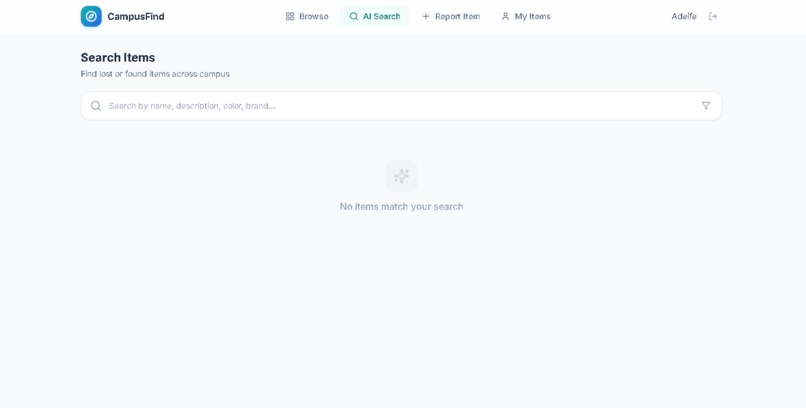
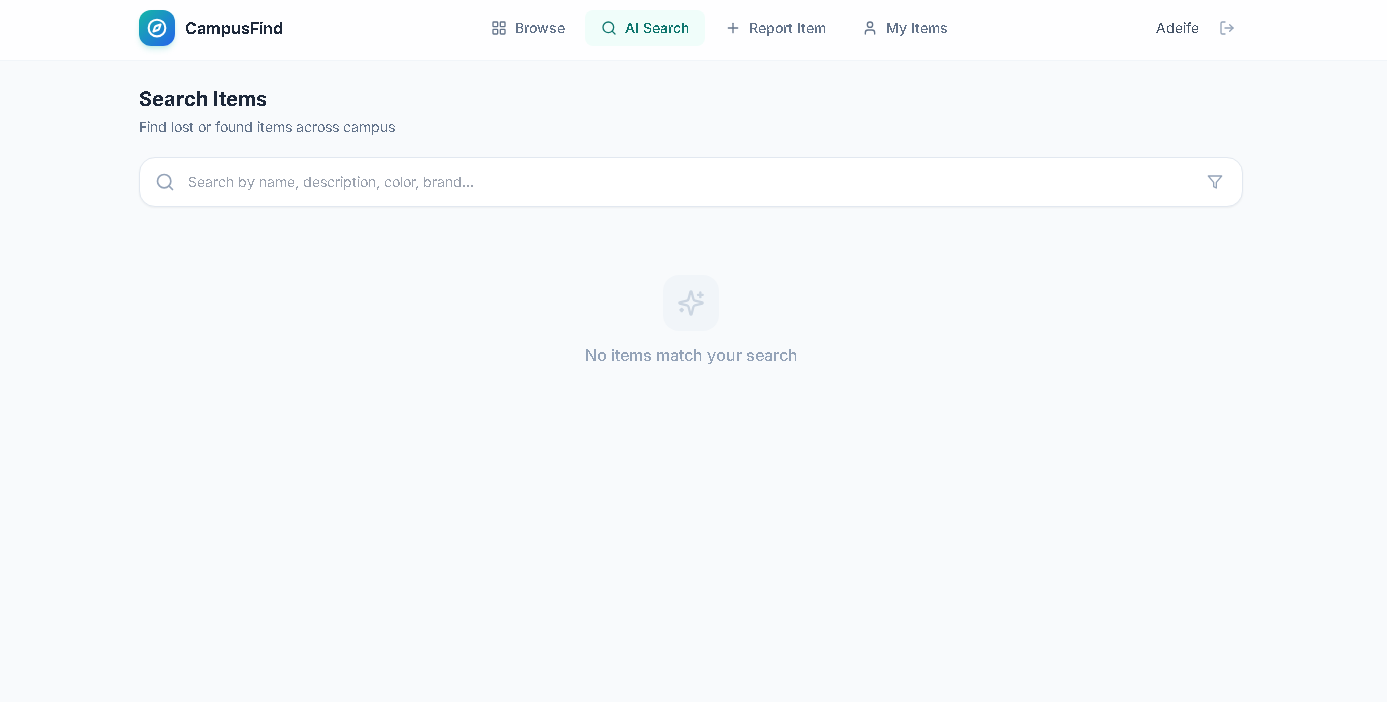
AI-SEARCH PAGE
-
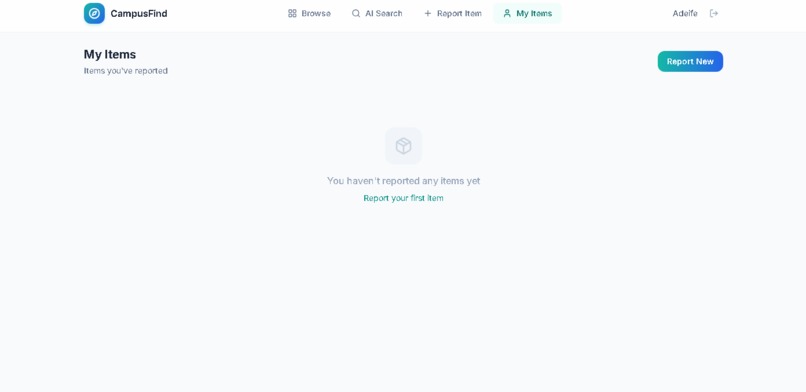
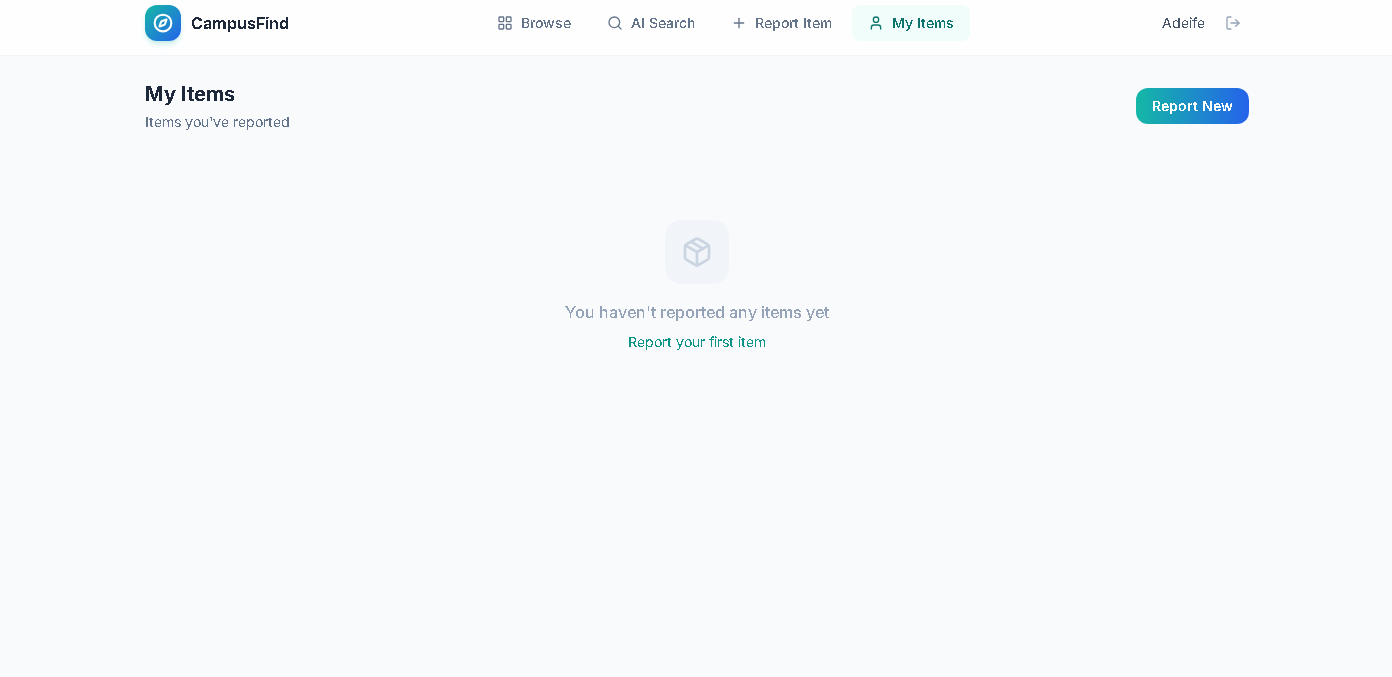
MY-ITEMS PAGE
-
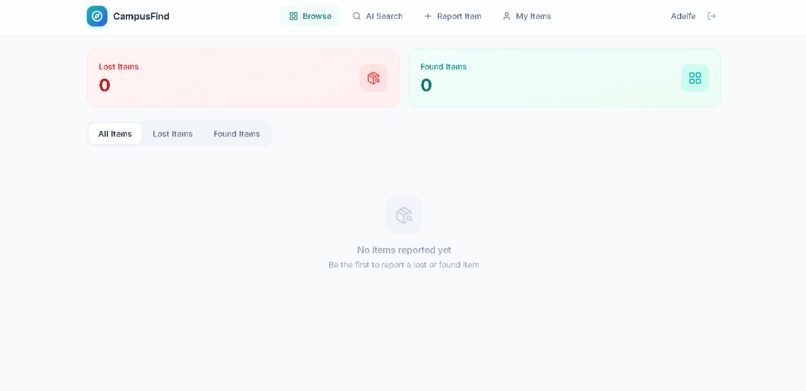
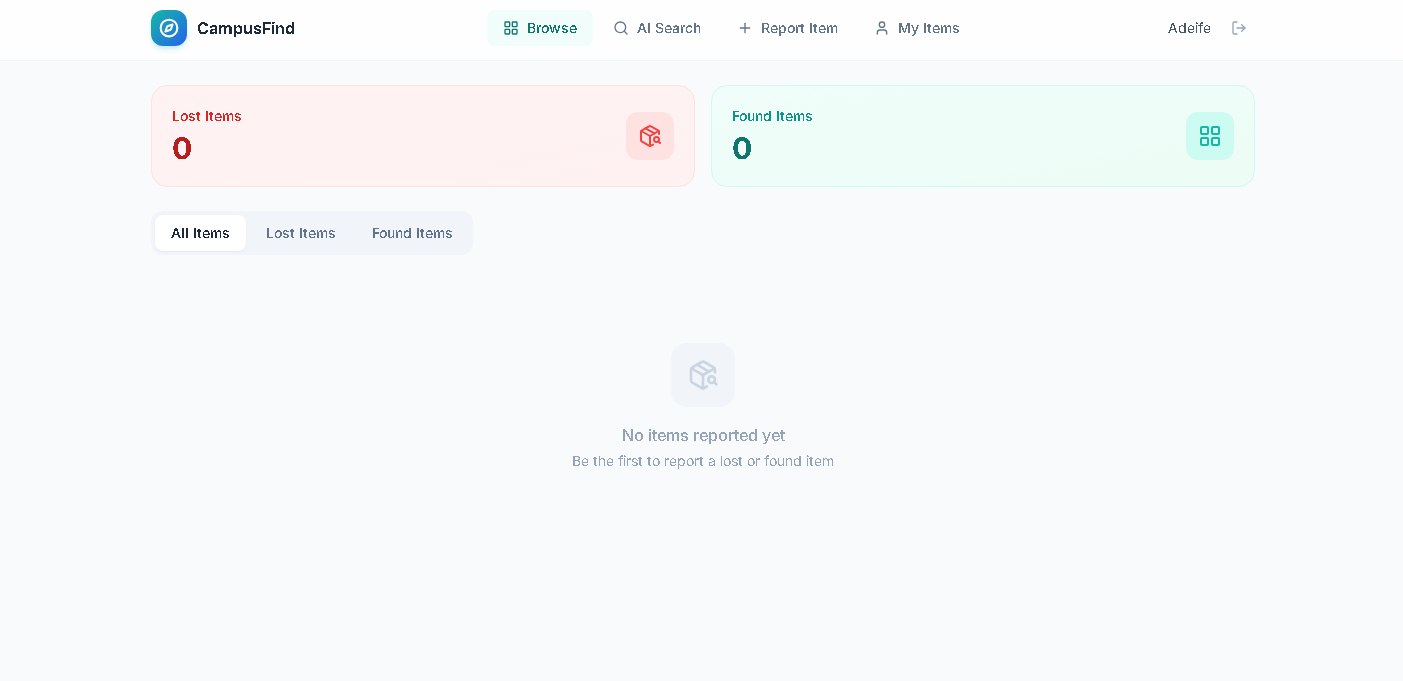
BROWSE PAGE
-
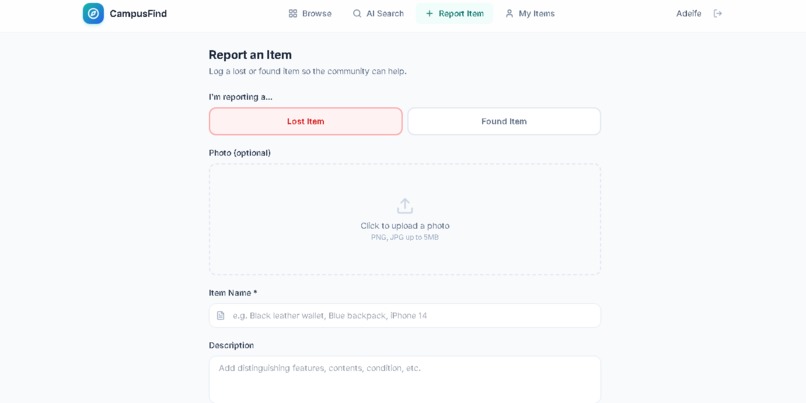
REPORT-ITEMS PAGE
-
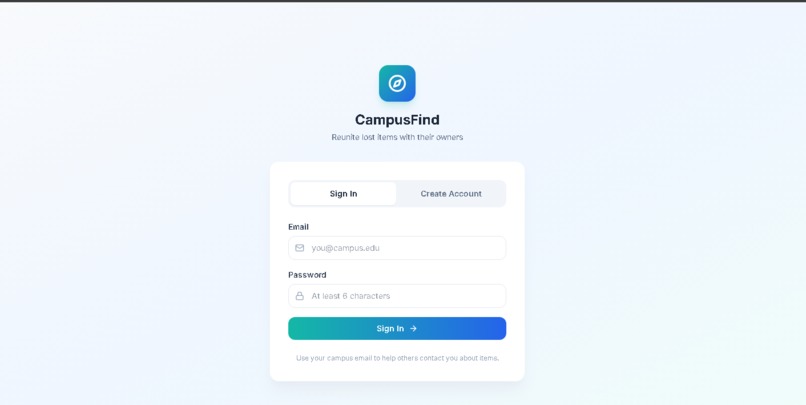
SIGN-IN PAGE
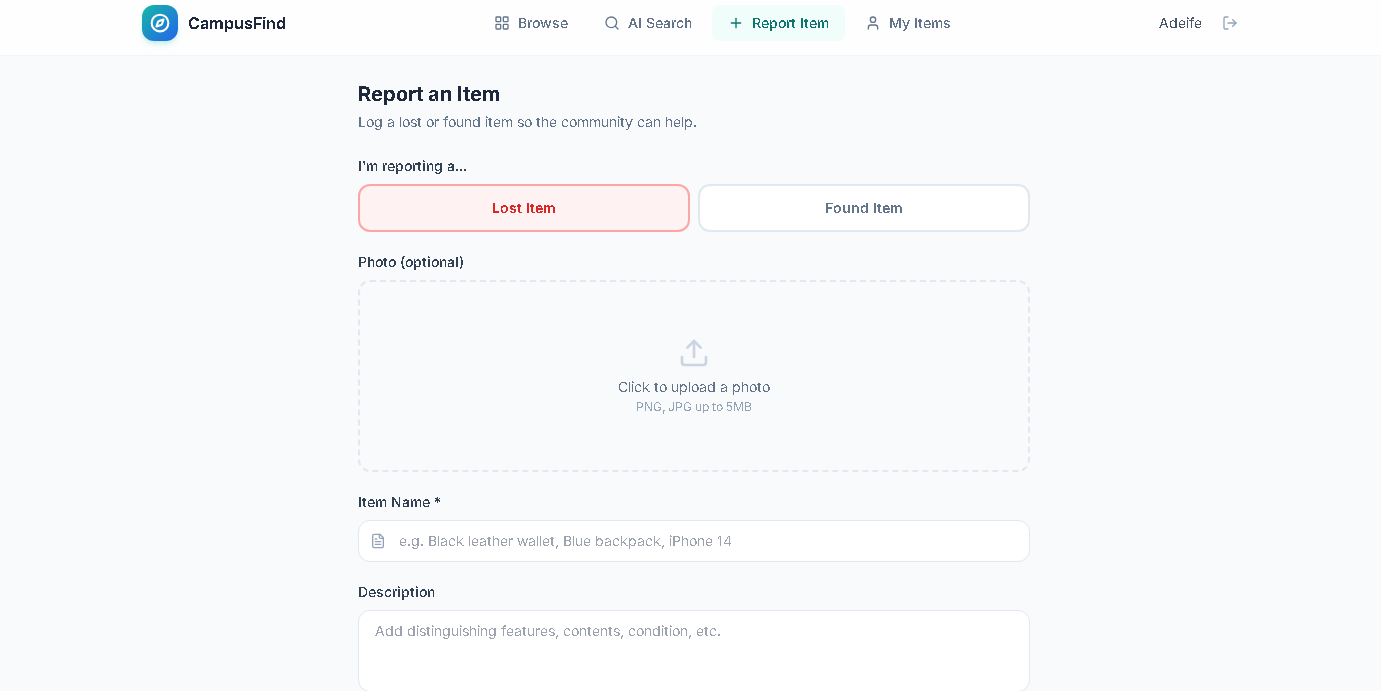
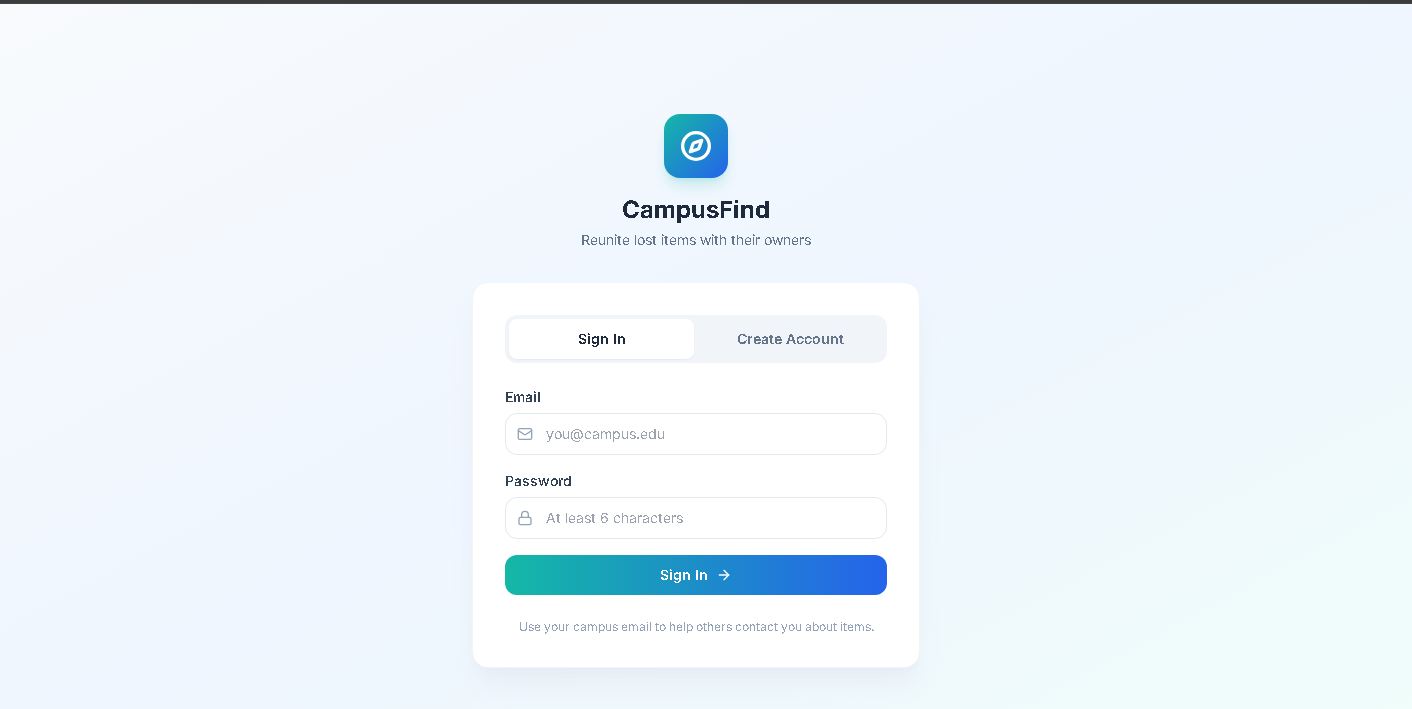
Inspiration
Every semester, campus lost-and-found desks drown in unclaimed water bottles, earbuds, student IDs, and backpacks. The problem isn't that items aren't found — it's that the person who lost something and the person who found something never connect. A traditional lost-and-found bulletin board is passive: you have to walk to an office, browse a bin, and hope. I wanted to build something that actively bridges the gap — a system where the moment someone logs a found item, the AI starts looking for its owner (and vice versa).
The inspiration came from three places:
- University subreddits — students constantly post "Found this in the library, whose is it?" and "Lost my black wallet near the science building." These posts are scattered, unsearchable, and disappear in a day.
- Dating-app matching logic — if Tinder can match two people based on overlapping attributes, the same idea can match a lost wallet to a found wallet based on overlapping descriptors.
- TF-IDF search — the information-retrieval techniques used in search engines, adapted to a much smaller, structured domain.
What it does
Have you ever wondered why majority of students dislike their colleges, aside from the fact that some lecturers are trash, it's because of their items being stolen or misplaced, i am here to tackle the problem of finding misplaced properties. I created this website so as to help and assist students like you and i can log in items that have been found in unknown locations or locate items that has been misplaced. This is CampusFind, a safe and reliable space for locating what truly is yours.
CampusFind is a working, end-to-end lost-and-found platform where the AI doesn't just search — it proactively connects people who have lost something with people who have found something, using a transparent, explainable scoring system that tells you exactly why two items might be the same.
How we built it
Database Schema Three tables plus a storage bucket:
profiles — auto-created on signup via a trigger, stores full name and phone. items — the core table. Each row is a lost or found item with type, title, description, category, color, brand, location, date, image url, status, contact preference, and user d (defaults to auth.uid()). matches — stores AI-generated pairings with a score (0–1), explanation, and status (pending/confirmed/dismissed). All tables have RLS enabled. Items are readable by all authenticated users (campus-wide visibility) but only editable by the owner. Matches are readable by all, but only the lost-item owner can confirm or dismiss them.
The AI Matching Algorithm This is the heart of the project. When a user clicks "Find AI Matches" on an item, the frontend calls the ai-match edge function, which:
- Fetches the source item (lost or found).
- Fetches all active items of the opposite type.
- Computes a similarity score for each pair.
- Filters out anything below a 0.25 threshold.
- Sorts by score, takes the top 10, and persists them to the matches table.
Challenges we ran into
The "empty app" RLS trap The very first migration had TO authenticated on all policies. In testing, the app appeared to have zero items even though the database had rows. The root cause: the Bolt Database client uses the anon key, and without a SELECT policy that includes the anon role (or an authenticated session), queries return nothing. The fix was ensuring the auth flow was fully built before testing data access — the skill documentation's warning about this was spot-on.
SQL syntax errors in migration The initial migration had a DROP POLICY statement missing a semicolon, causing a cascade of syntax errors. Because apply migration can time out after committing, I had to make the re-run idempotent and fix the SQL without renaming the migration file (which would create duplicate migration records).
Match persistence vs. freshness The first design didn't persist matches — it computed them on the fly every time the detail page loaded. This was slow (re-scanning all items on every view) and meant users couldn't "confirm" or "dismiss" matches. The solution: the edge function deletes old matches for the source item and inserts fresh ones each time it runs, so the matches table always reflects the latest AI analysis while still being queryable for status updates.
Preventing self-matches The edge function filters out items owned by the same user so you don't get a match between your own lost item and your own found item — that would be noise.
Accomplishments that we're proud of
I am actually peoud of myself for completing this hackathon based on the fact that's it's actually my first hackathon ever.
What we learned
Weighted similarity is harder than it looks The naive approach — "just compare the text" — fails fast. A lost "black leather wallet" and a found "black leather wallet" are obviously the same, but what about "dark blue North Face backpack" vs. "navy backpack near the gym"? You need to decompose the comparison into multiple independent signals and weight them by how predictive each one is.
Color normalization is a rabbit hole "Maroon," "burgundy," "wine," and "scarlet" are all red. "Navy," "cerulean," "cobalt," and "azure" are all *blue." Without a normalization layer, two items that are clearly the same color get a near-zero color-similarity score. I built a mapping table of ~50 color synonyms to canonical colors before the matching felt right.
RLS is the difference between "works in dev" and "works in production" Bolt Database Row Level Security is powerful but easy to get wrong. A SELECT policy scoped to authenticated only returns zero rows to an anon-key client — the app looks empty even though the data is there. The key insight: decide the policy role before writing any policy. This app has a sign-in screen, so everything is authenticated-scoped with auth.uid() ownership checks.
Edge functions need idempotent migrations The apply migration tool can time out after the SQL has already committed server-side. Every migration must be safe to re-run — IF NOT EXISTS on tables, DROP POLICY IF EXISTS before CREATE POLICY. A timeout doesn't mean failure.
What's next for CampusFind
I actually don't know what is next but i am very much looking forward to what the future holds.
Built With
- css
- html
- lucide-react
- react-18
- tailwindcss
- typescript
- vite

Log in or sign up for Devpost to join the conversation.