-
-
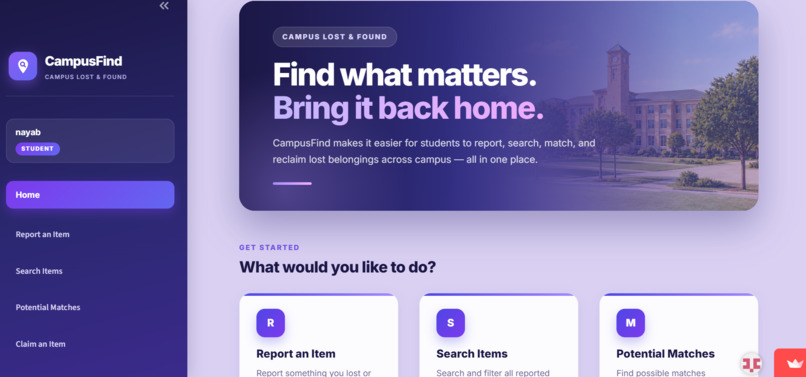
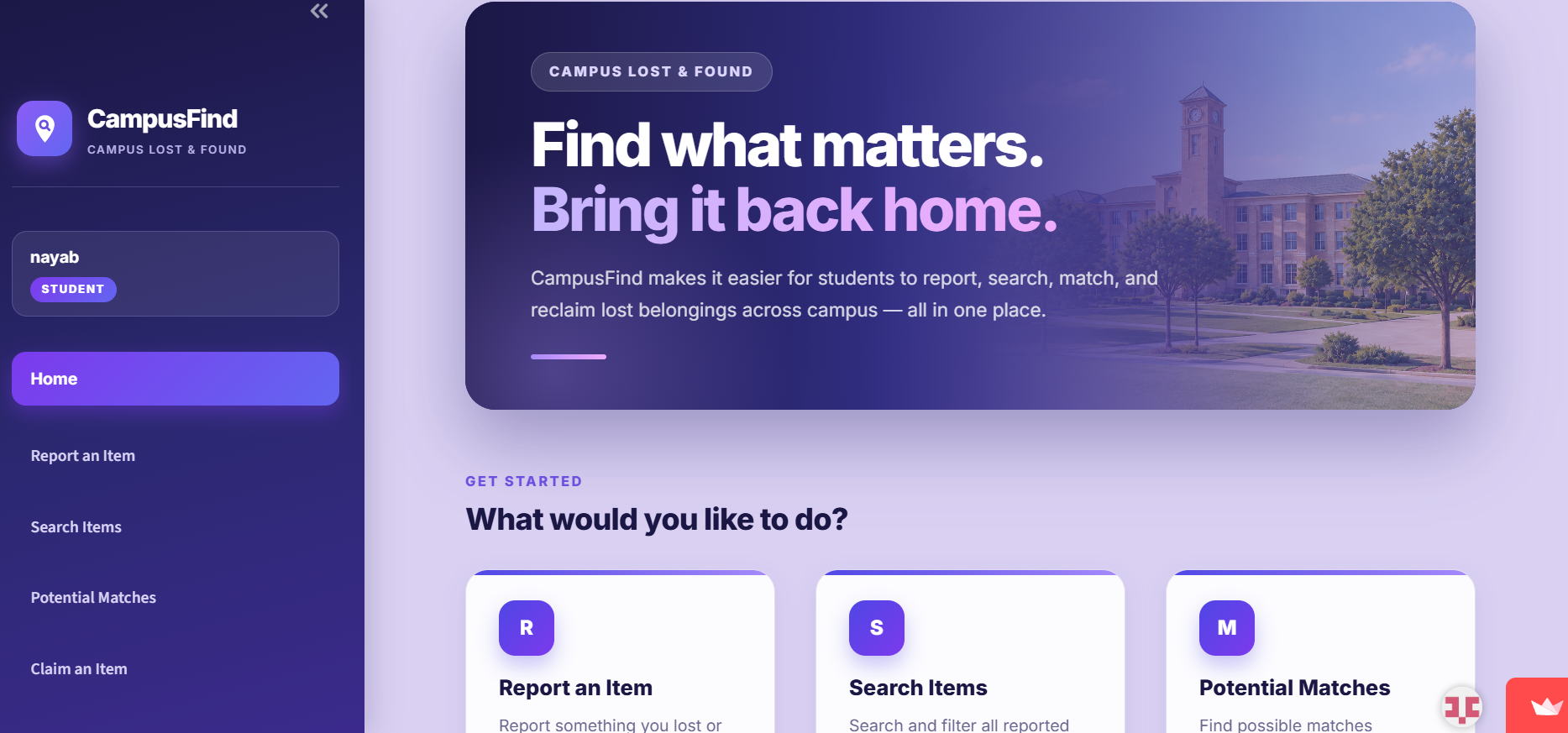
1. Home Page: CampusFind’s home page, providing easy access to all lost-and-found features.
-
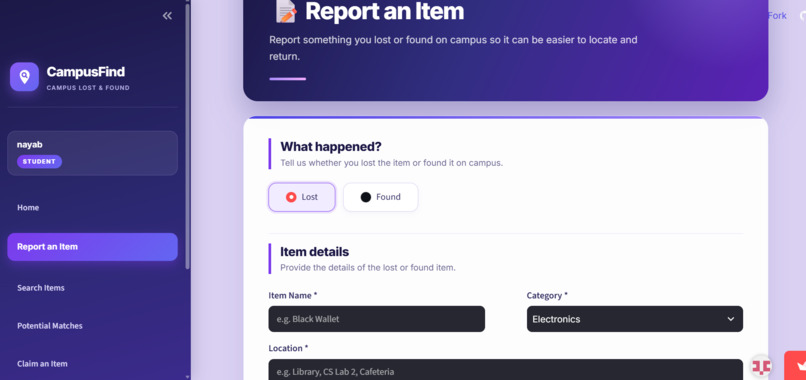
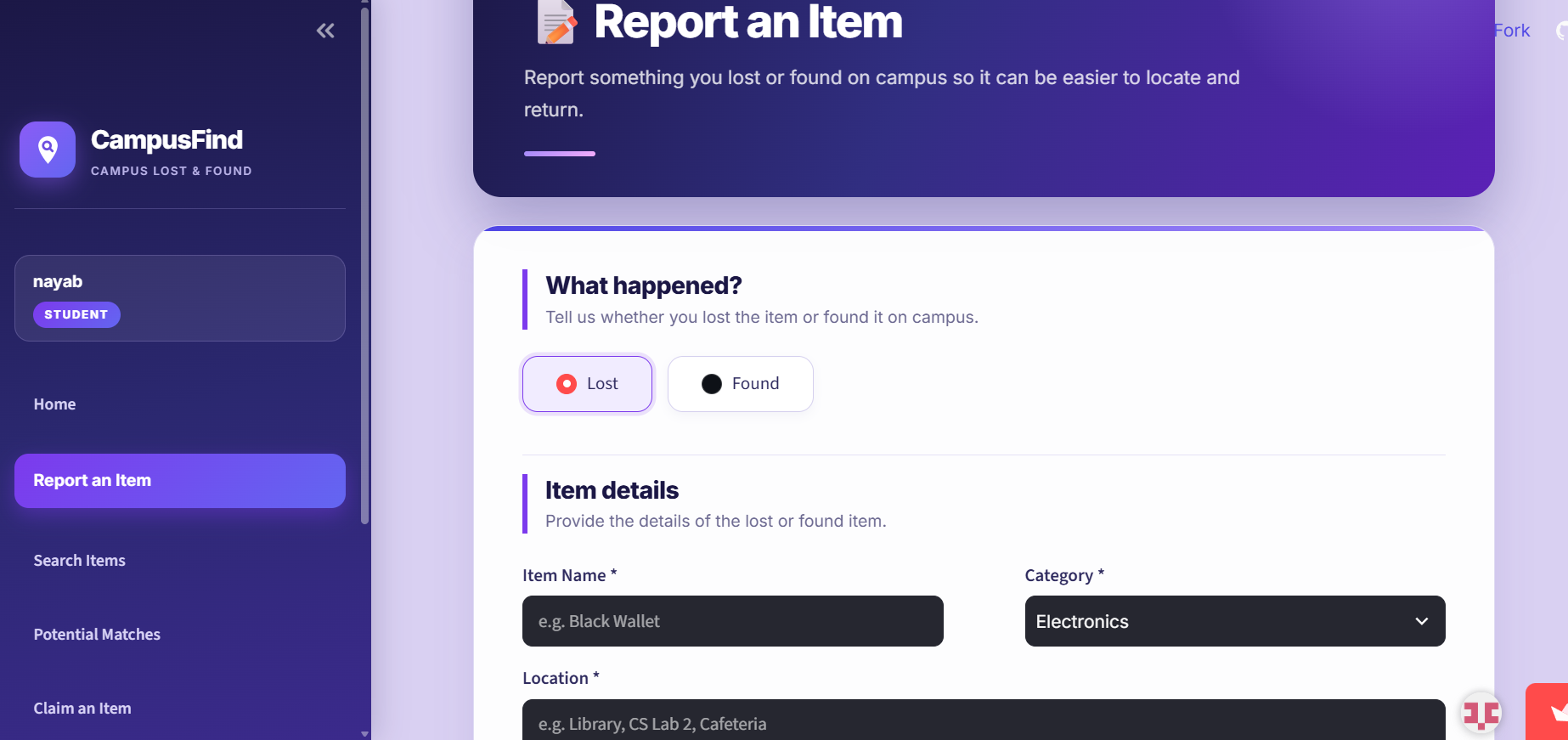
2. Report Item: Users can report lost or found items by submitting their item details.
-
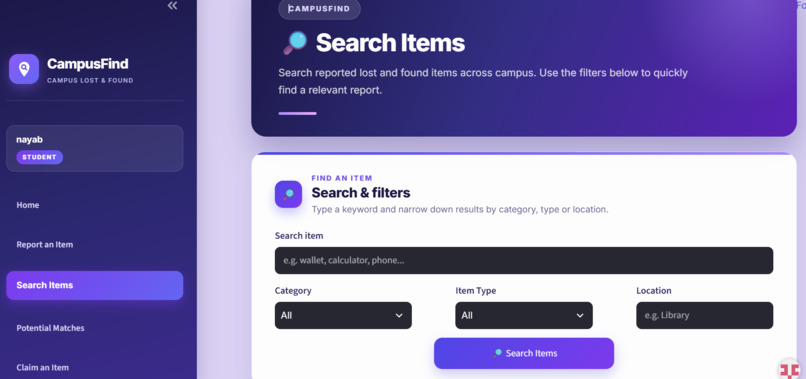
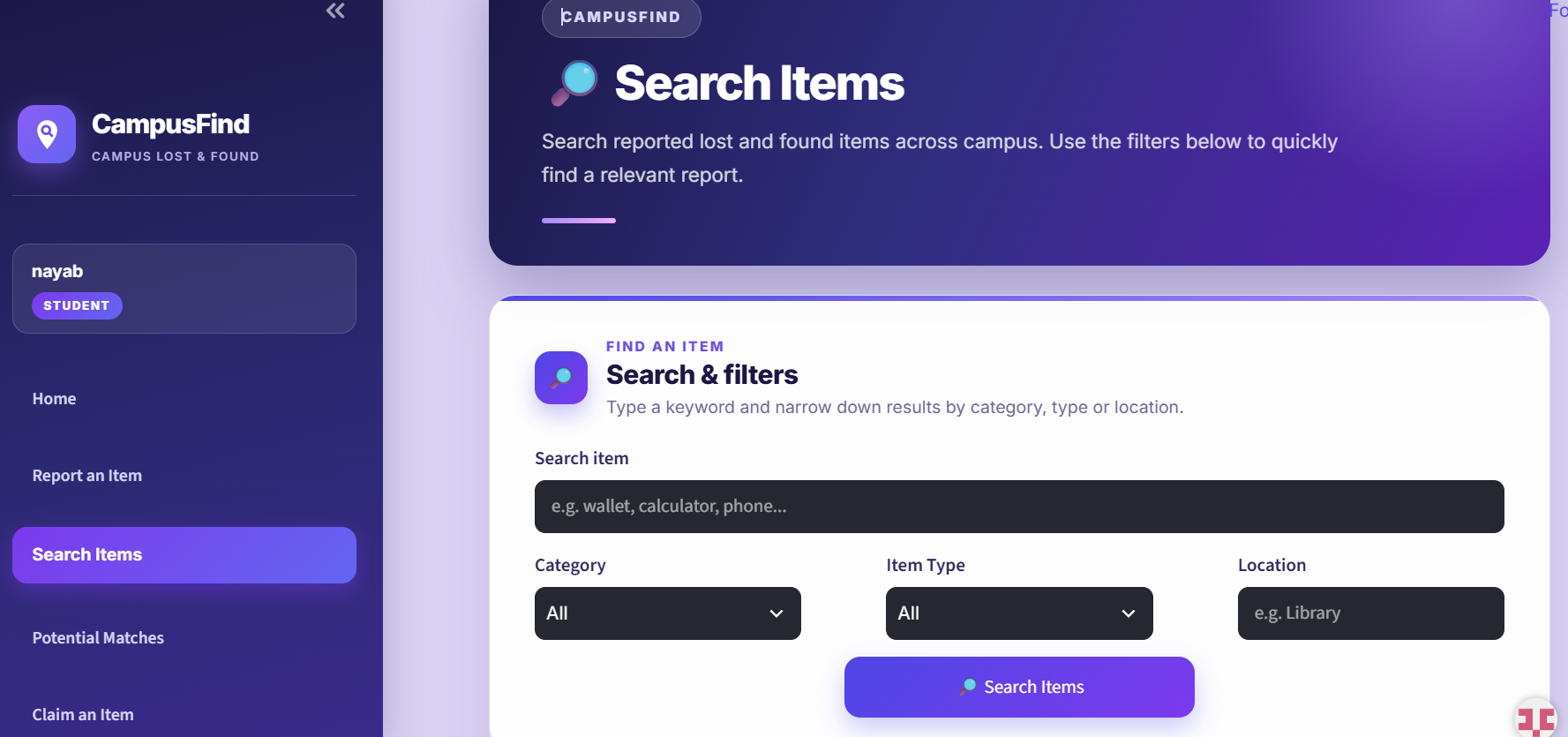
3. Search Items: Browse and search reported items to find misplaced belongings.
-
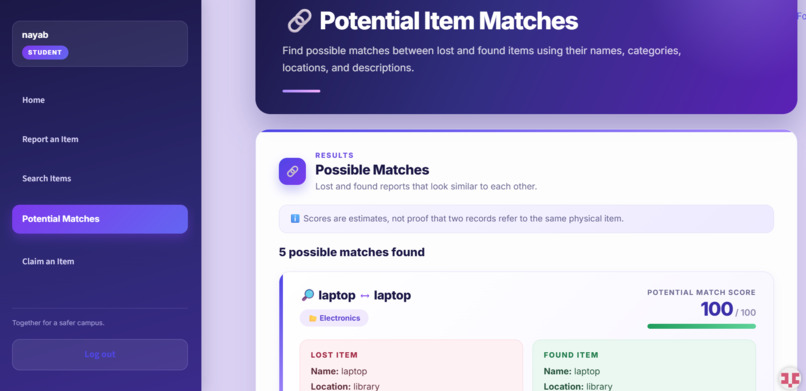
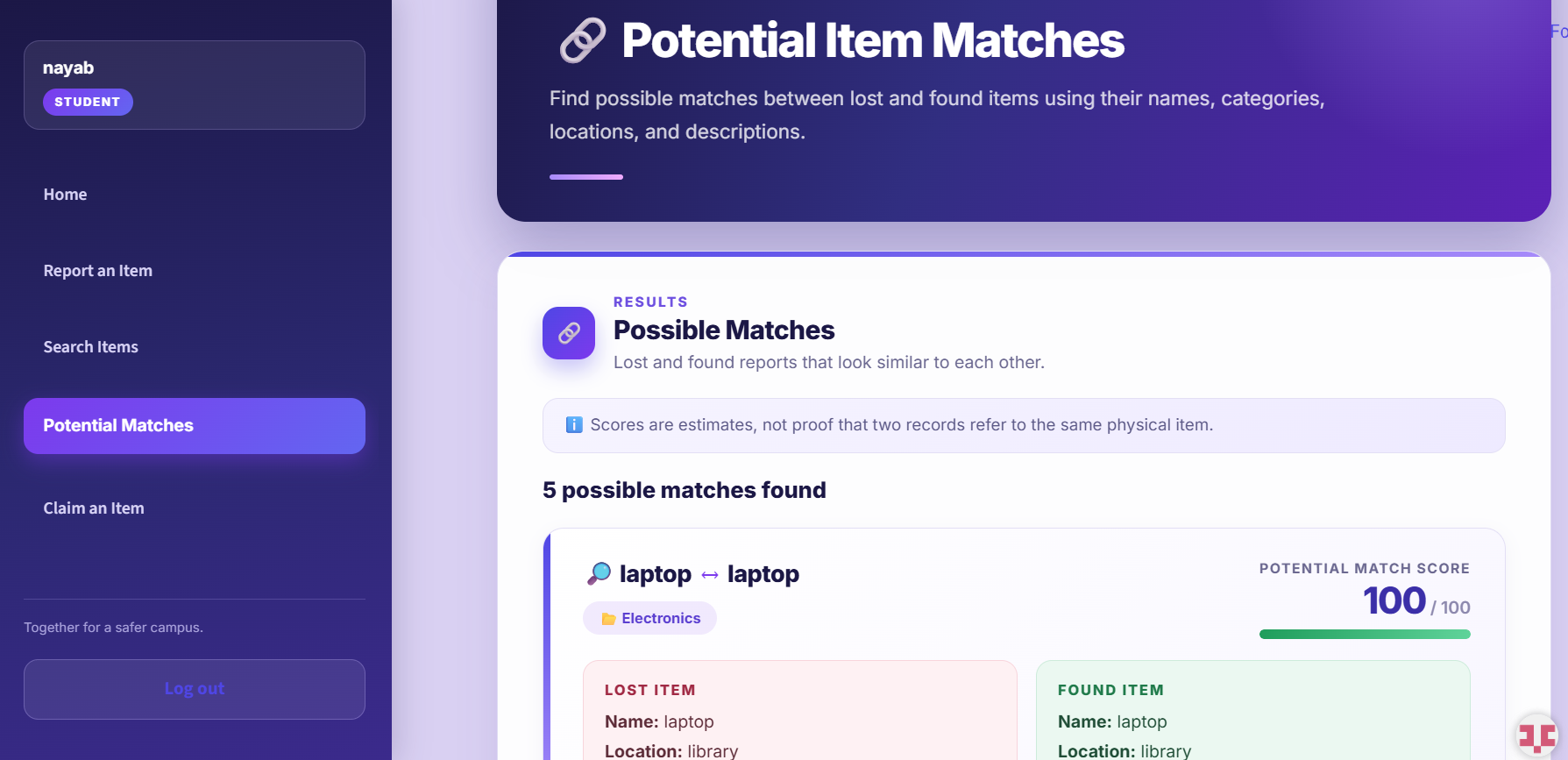
4. Potential4. Matches View: potential matches between lost and found item reports.
-
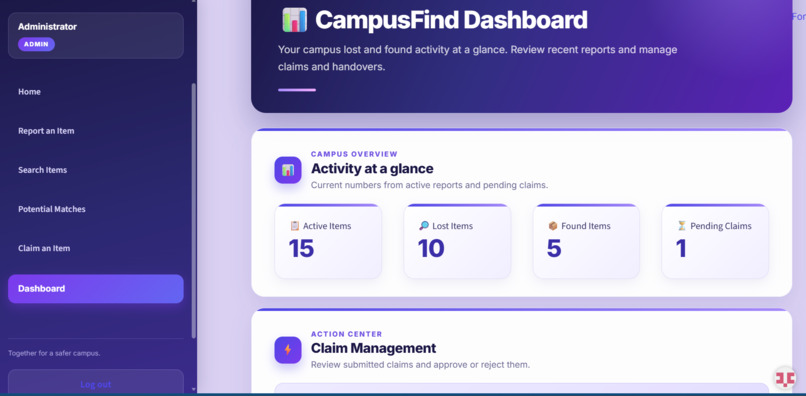
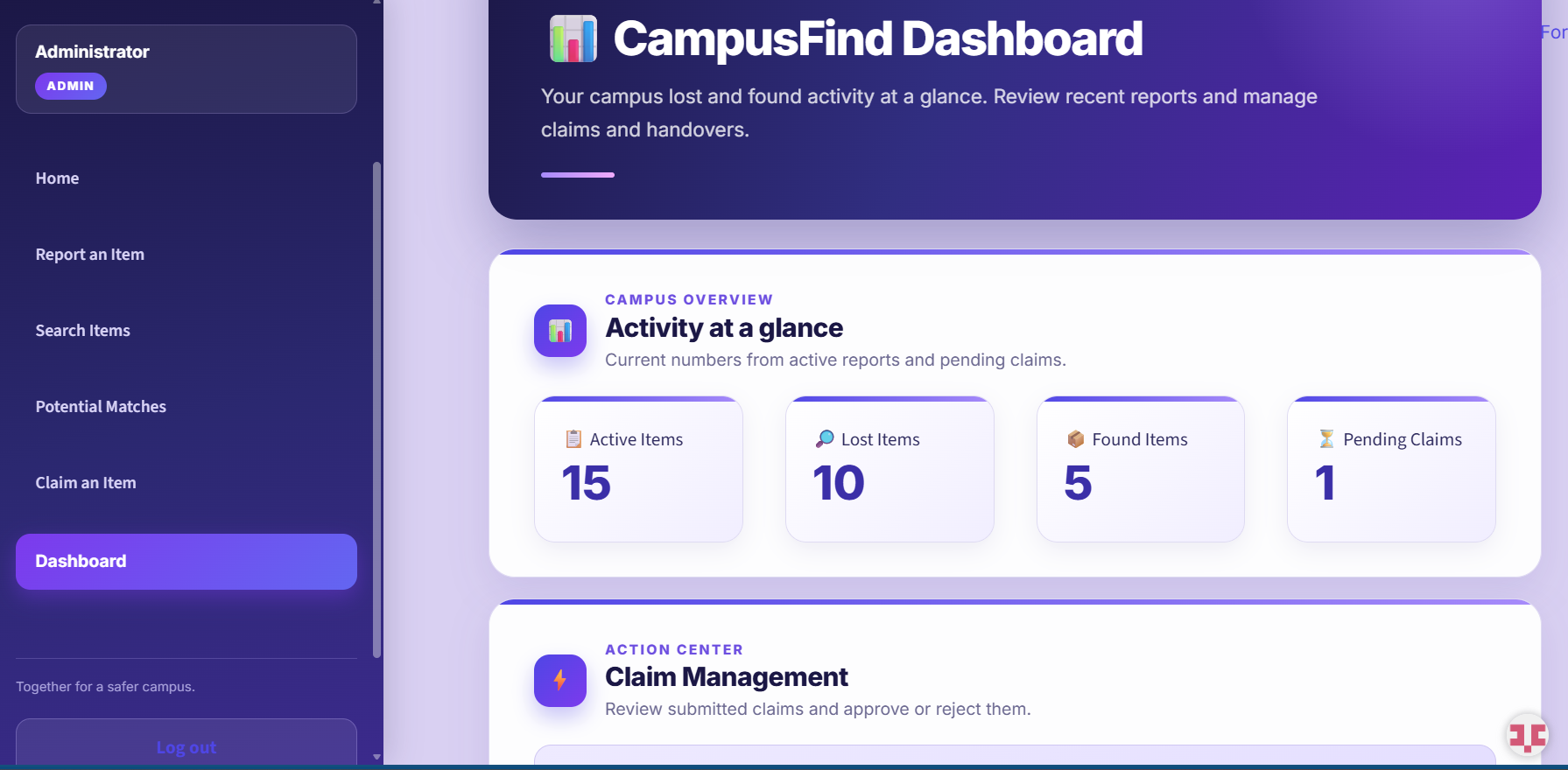
5. Dashboard :An overview of reported items and platform activity for administrators
-
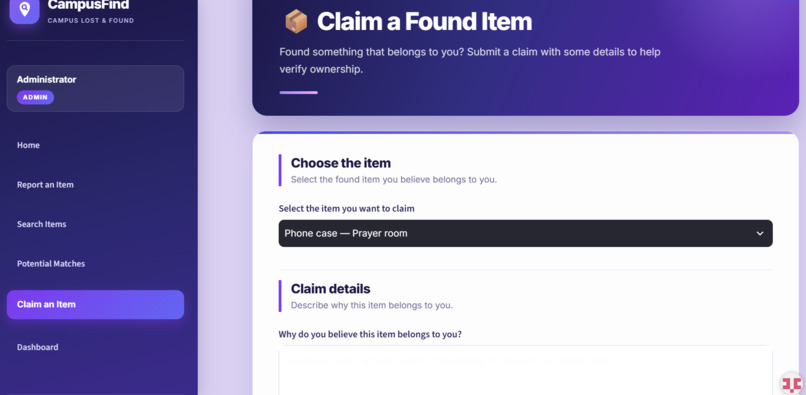
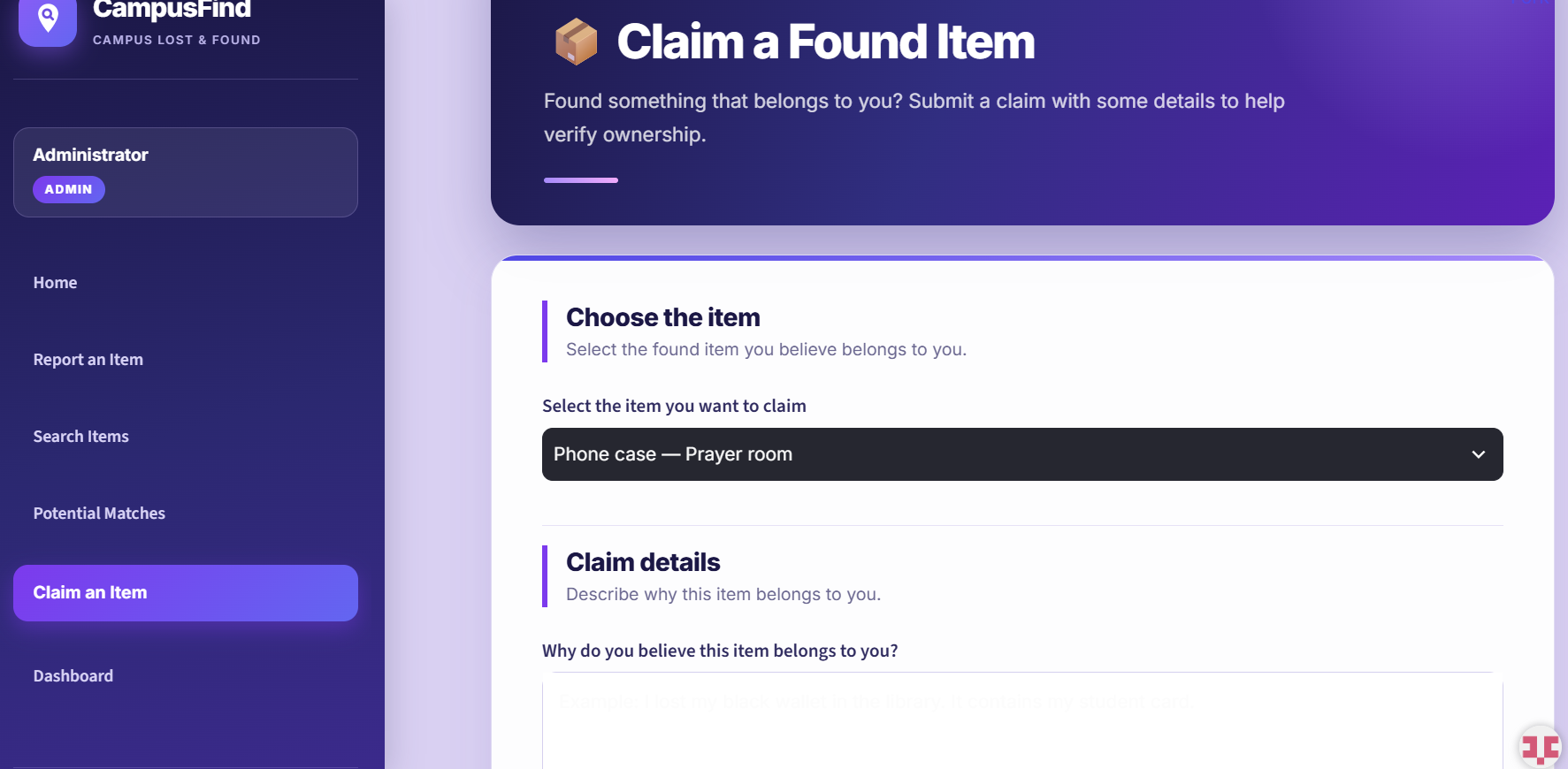
6. Claim Item: Users can submit claims to verify ownership of found items.
Inspiration
Losing personal belongings on campus is a common problem for students. Whether it is a wallet, calculator, notebook, or another everyday item, finding its owner can be difficult without a centralized place to report and search for missing belongings.
This inspired us to build CampusFind, a digital lost-and-found platform that makes reporting, searching for, and claiming lost items easier and more organized.
What it does
CampusFind provides students with a centralized platform to:
- Report lost and found items.
- Search through reported belongings.
- View potential matches between lost and found reports.
- Submit claims for items they believe belong to them.
- Manage claims through an admin dashboard.
The goal is to make the process of reconnecting students with their belongings more accessible and convenient.
How we built it
CampusFind was developed using Python and Streamlit for the application interface, with a database to store and manage users, reported items, claims, and potential matches.
We used SQL Server during local development and migrated the database to PostgreSQL for online deployment.
The application includes separate pages for reporting items, searching, viewing potential matches, submitting claims, and managing claims through the admin dashboard.
Challenges we ran into
One of our main challenges was designing a clear process for both lost and found items so users could report and search for belongings without confusion.
We also faced challenges with database connectivity, managing item records and claims, and adapting the application for online deployment.
Moving from a local SQL Server setup to a cloud-hosted PostgreSQL database was another important part of the development process.
Accomplishments that we're proud of
We are proud to have turned a real-world campus problem into a working web application.
Some of our key accomplishments include:
- Developing a functional lost-and-found platform.
- Implementing item reporting and search functionality.
- Creating a potential matching feature.
- Building a claim management system with an admin dashboard.
- Successfully deploying CampusFind online.
What we learned
Building CampusFind gave us practical experience with Python, Streamlit, SQL, database integration, application development, and cloud deployment.
We also learned how to approach a real-world problem, divide it into smaller components, troubleshoot technical issues, and turn an initial idea into a working application.
What's next for CampusFind – Campus Lost & Found
We see CampusFind as a project that can continue to grow. Some possible future improvements include:
- More advanced item-matching capabilities.
- Email notifications for potential matches and claim updates.
- Improved user authentication and account management.
- Image-based item search.
- Expanding the platform to support multiple campuses.

Log in or sign up for Devpost to join the conversation.