Campus Retrieve is built entirely with plain HTML, CSS, and Vanilla JavaScript — no frameworks, no libraries, no backend whatsoever. The entire app runs in the browser, making it lightweight, fast, and deployable anywhere without any server setup. Styling is handled through a custom CSS variable system that powers the three switchable themes (Dark, Light, Ocean) along with smooth animations, backdrop blur effects, and a noise texture overlay that give the UI its premium feel. Typography is loaded from Google Fonts using three carefully chosen typefaces — Syne for headings, Plus Jakarta Sans for body text, and JetBrains Mono for labels and badges. Image uploads are processed through the browser's native File Reader API, converting photos to base64 directly on the client side. All data lives in a JavaScript array in memory, and the CSV export feature uses the Blob API to generate downloadable files without any server involvement. Clean, minimal, and built from scratch — just the web doing what it does best.
Campus Retrieve
Why I Built This
Losing something on campus is genuinely frustrating. You leave your water bottle on a library desk for two minutes, come back, and it's gone. Or someone finds a wallet near the canteen and has no idea who to hand it to. The usual options — posting in the college WhatsApp group, sticking a note on the notice board — honestly just don't work. The message gets buried, nobody sees it, and the item never makes it back to its owner.
I built Campus Retrieve to fix that. It's a lost and found platform made specifically for college campuses, where students can report lost or found items, browse what's been posted, and actually get their stuff back — with a proper verification system so the right person always gets the right item.
What It Does
At its core, Campus Retrieve is a shared board where students post about things they've lost or found. But it goes a few steps further than just a basic listing page.
Every report is tied to a student account, so nothing is anonymous. Found items require a photo upload as proof. And when someone wants to claim an item, they can't just say "that's mine" — there's a secret verification key involved that only the real owner would know to ask for. More on that below.
How It Actually Works
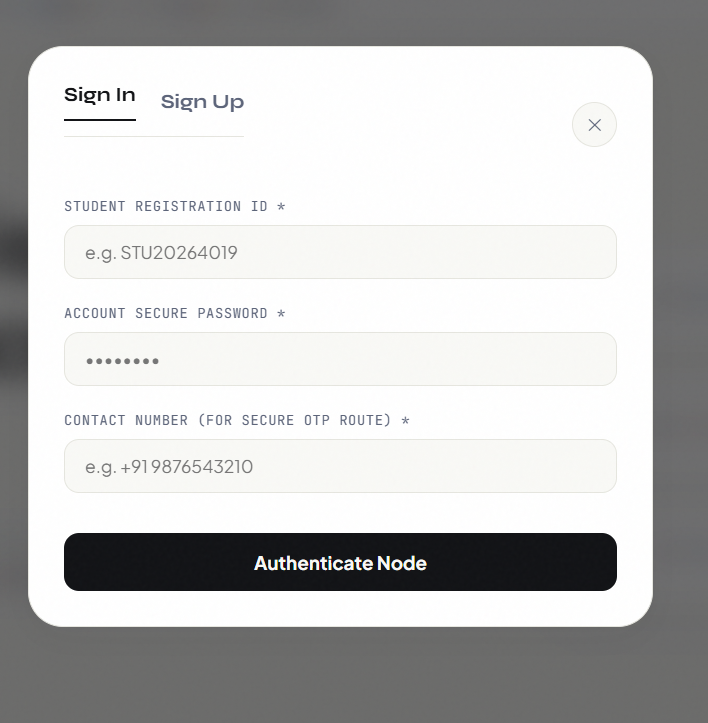
Signing In
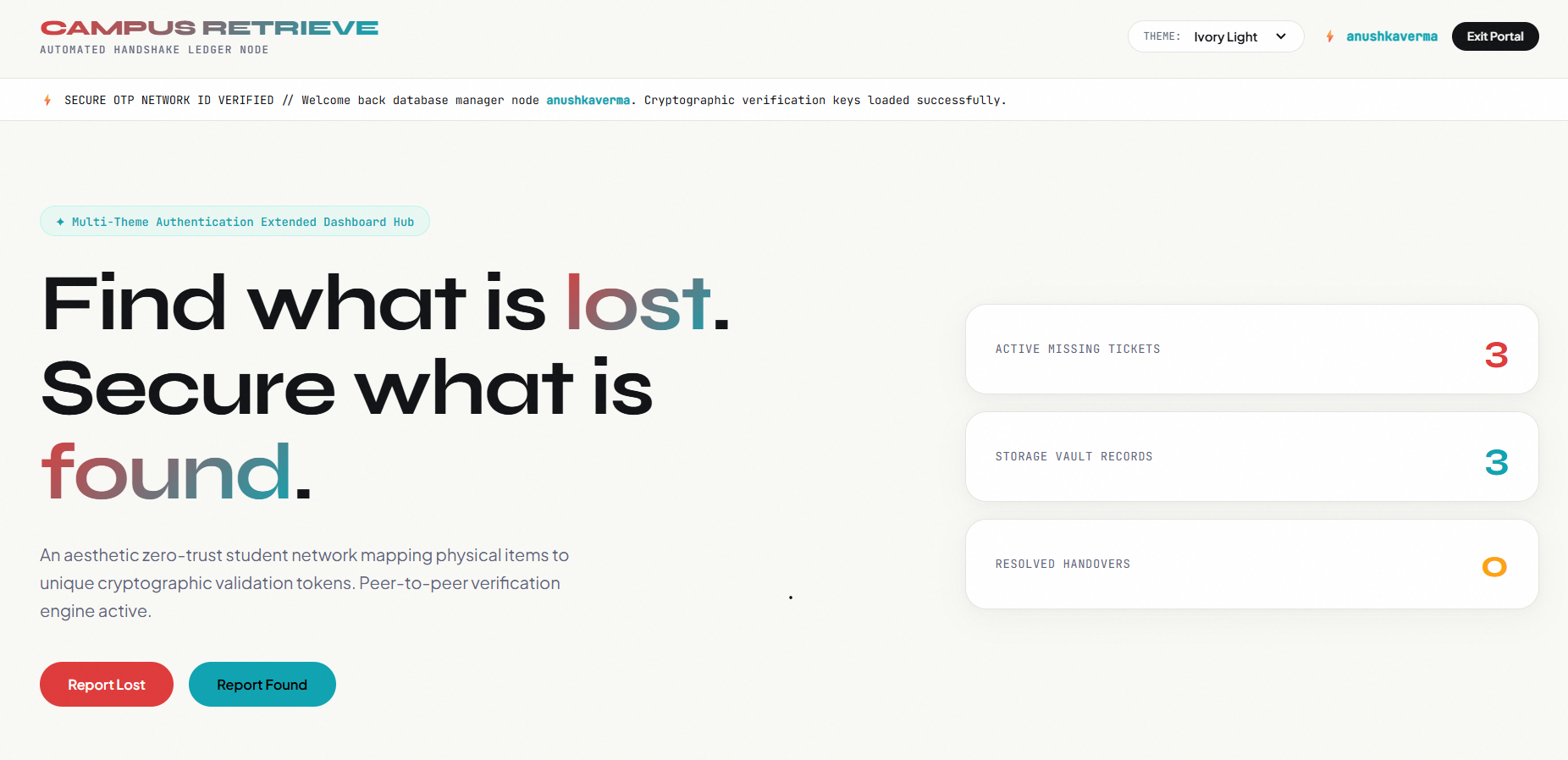
Students log in with their Student ID before they can post anything. This is intentional — it keeps things accountable and makes sure every report has a real person behind it. Once you're signed in, your ID shows up in the header and you're good to go.
If You Lost Something
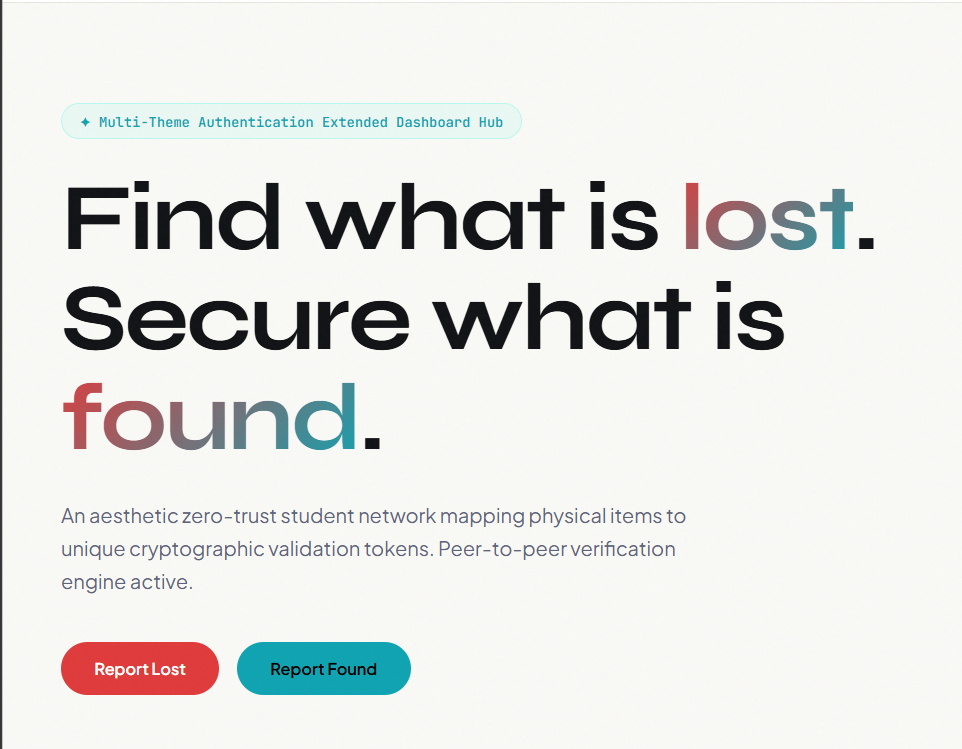
Hit the "Report Lost" button. You'll fill in what the item is, describe it in as much detail as you can — color, brand, any markings, maybe a scratch or a sticker — and mention where you last had it. Your contact info gets pulled in automatically from your account.
Once you submit, the item appears on the main board as a red card, visible to everyone on campus. If someone has found it, they'll see your post and reach out or log it on their end.
If You Found Something
Click "Report Found." Fill in the details, add the location where you found it, and upload a clear photo of the item. The photo is mandatory — it proves you actually have the thing and aren't just posting randomly.
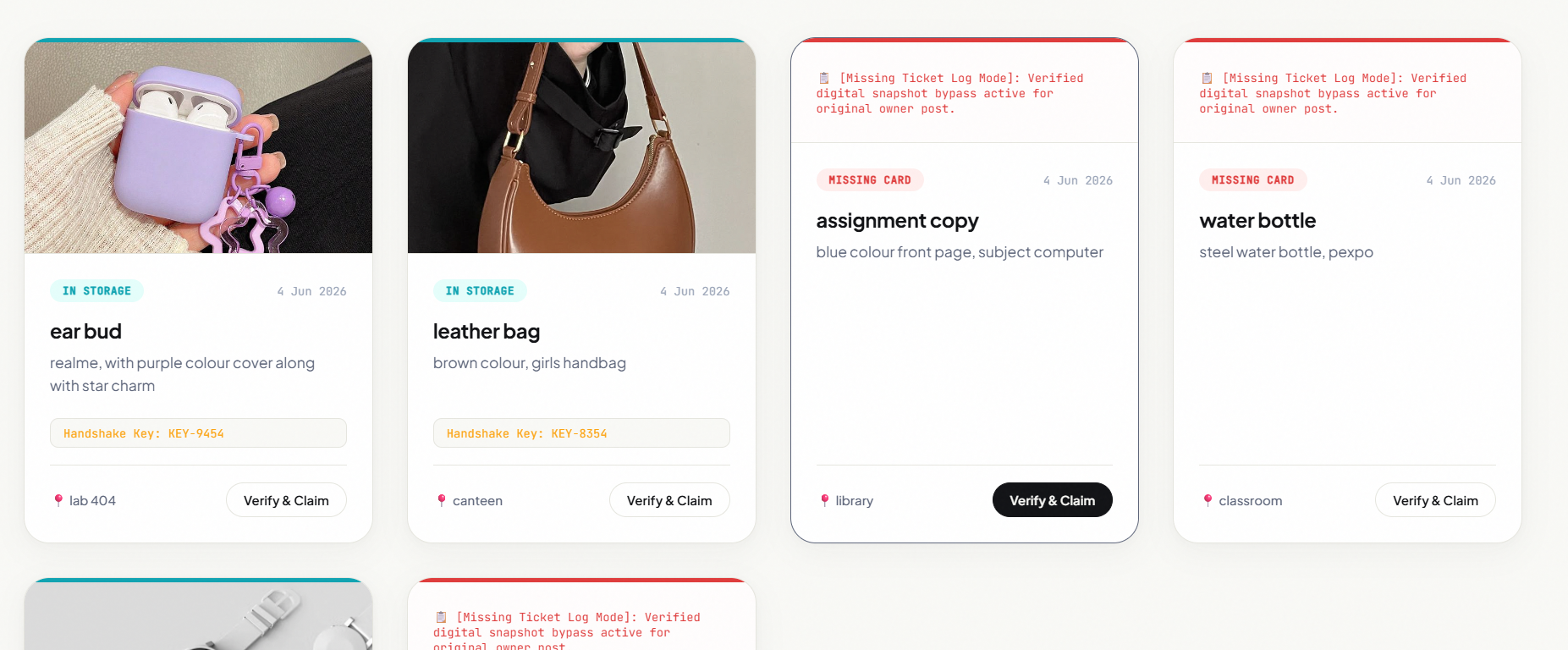
After you submit, the system generates a secret verification key, something like KEY-5892. This key is shown to you once at that moment. The found item shows up on the board as a teal card, and anyone who thinks it's theirs can try to claim it.
Claiming Your Item — The Verification Part
This is the part I'm most proud of. When someone sees their lost item listed as found, they click "Verify & Claim" on the card. A prompt asks them for the verification key.
The key was generated when the item was logged. The finder has it. So the process is — the owner reaches out to the finder, proves they know what the item looks like and can describe it, and the finder shares the key with them privately. They enter it on the site, it matches, and the item status flips to "Handed Over." If the key is wrong, access is denied.
It's simple but it works really well. Nobody can randomly claim something that isn't theirs.
The Main Board
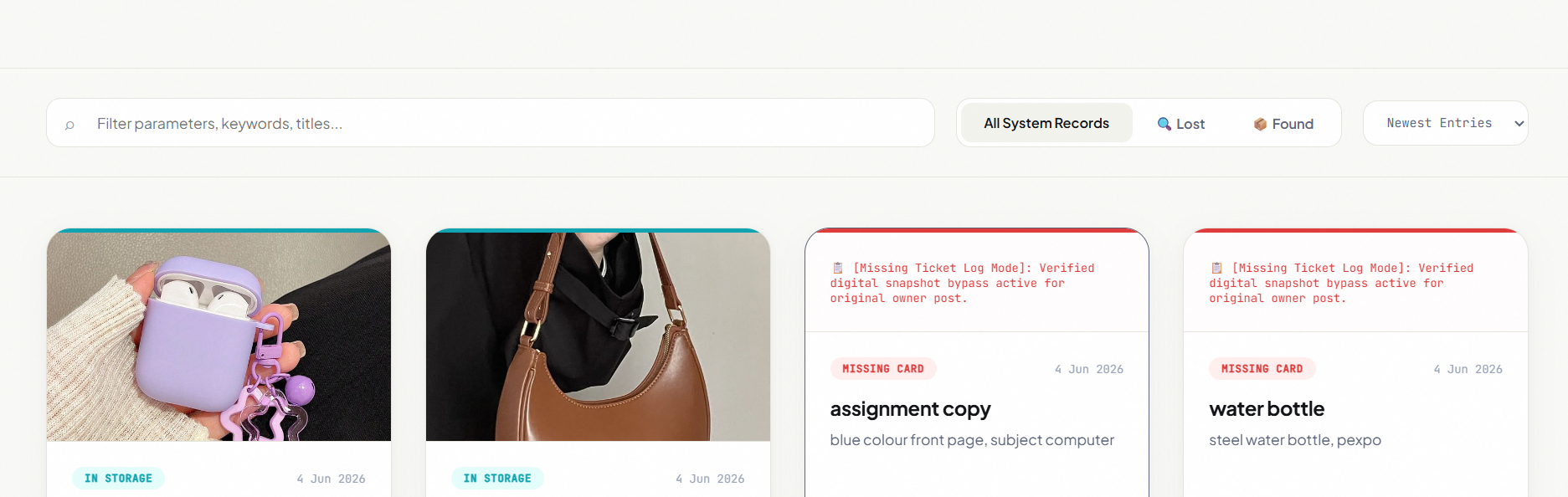
The board shows all active records — lost items, found items, and resolved ones. You can search by keyword, filter by type, and sort by newest or oldest. Each card shows the item name, a short description, the location, the date it was posted, and a photo if one was uploaded. The color stripe at the top of every card tells you at a glance what you're looking at — red for lost, teal for found, yellow for resolved.
The Stats on the Homepage
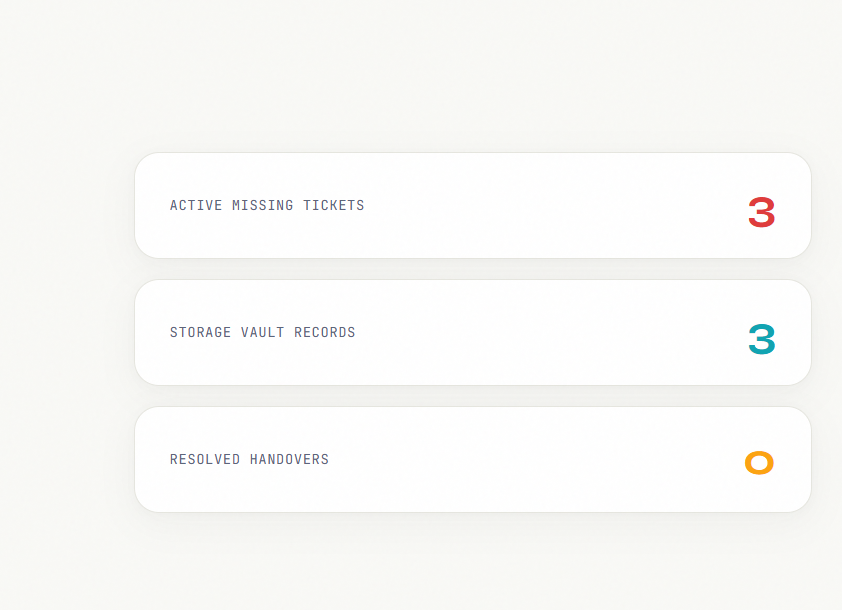
Just below the hero section, there are three live counters: how many items are currently reported missing, how many found items are sitting unclaimed in the system, and how many have been successfully returned. These update in real time as new reports come in or items get resolved.
Admin Panel
There's also an admin dashboard that staff or coordinators can use. It shows the same data but from a management perspective — a full table of every record, the ability to mark items as resolved or delete outdated entries, a visual breakdown of the lost/found/resolved split, a live activity log of everything happening on the platform, and a CSV export option for record keeping.
The Themes
The site has three color themes you can switch between at any time: a dark slate default, a clean light paper theme, and a deep ocean blue. All three carry through consistently across every part of the site. Small thing but it makes the whole experience feel a lot more considered.
What Makes It Different
A lot of colleges just have a lost and found box in the admin office that nobody uses. Campus Retrieve is built around the actual behavior of students — they're online, they're on their phones, and they want answers fast.
The verification key system means items can only go back to their real owner. The photo requirement means found reports are credible. The student login means nothing is anonymous or unaccountable. And because the whole thing lives in a browser with no backend required, it can be deployed on any campus without any server setup.
It's not trying to be complicated. It's trying to actually work.
Campus Retrieve — Find what is lost. Secure what is found.