-
-
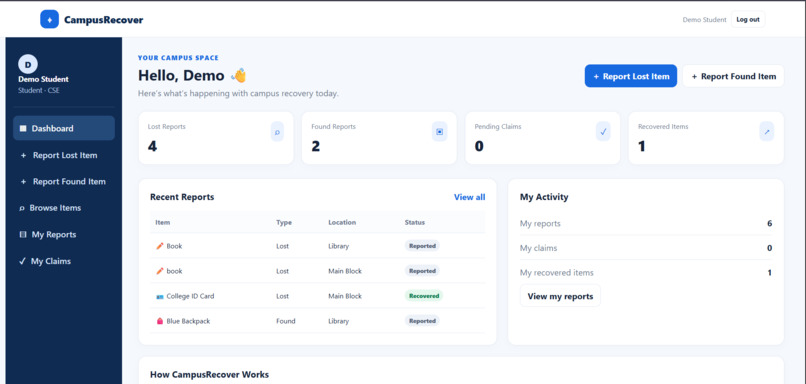
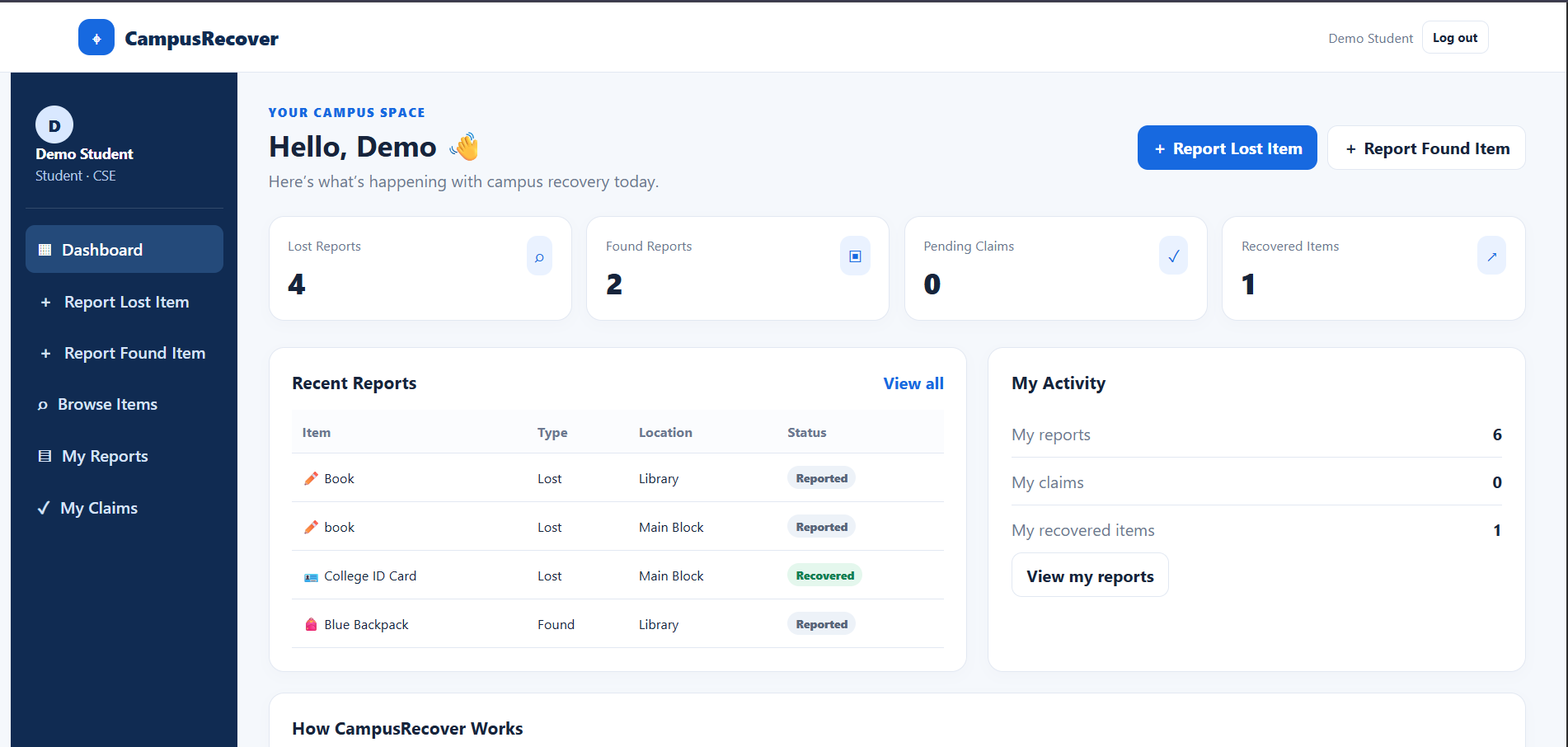
Main Dashboard
-
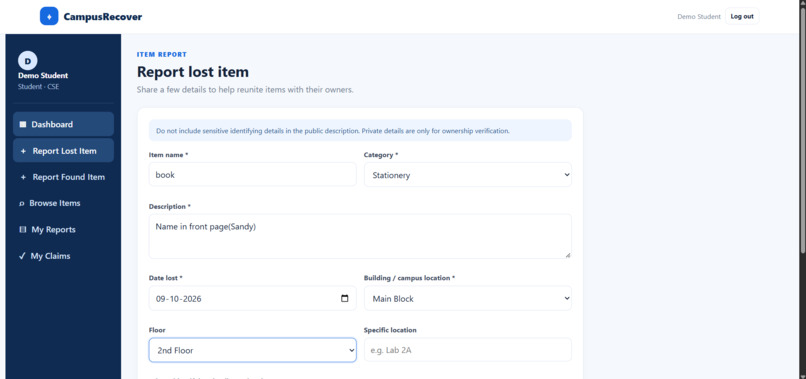
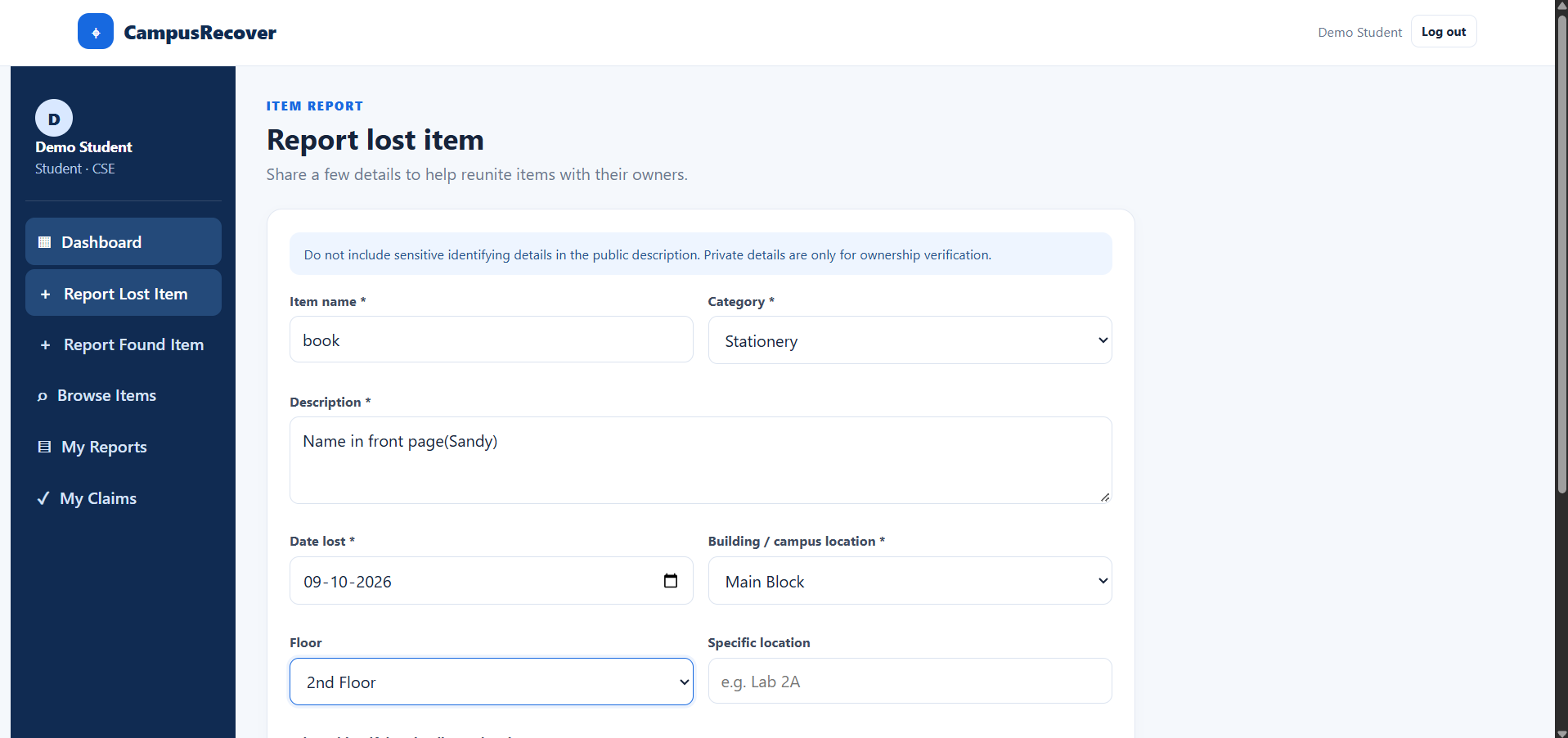
Report Lost items
-
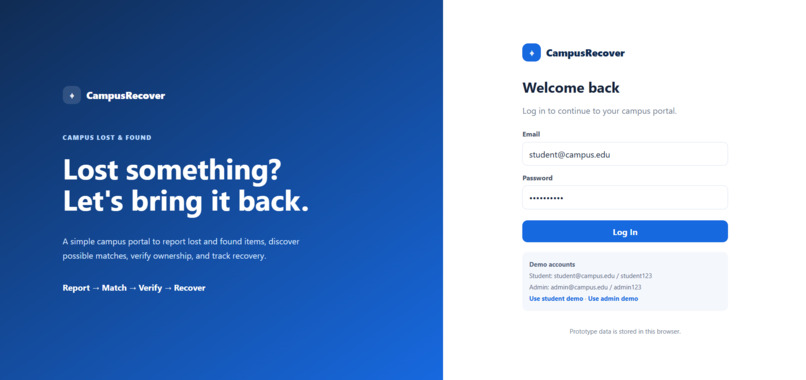
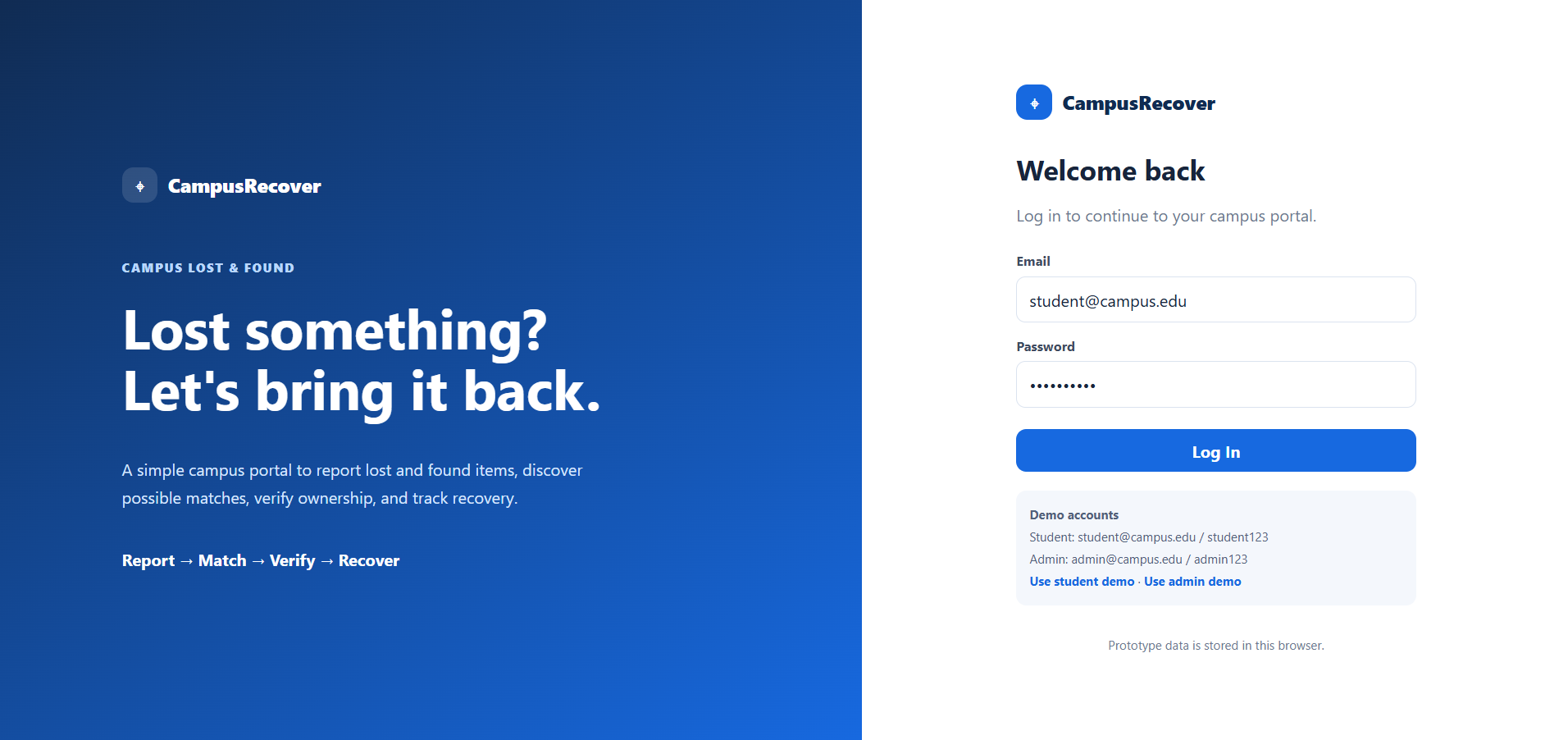
Login Page
-
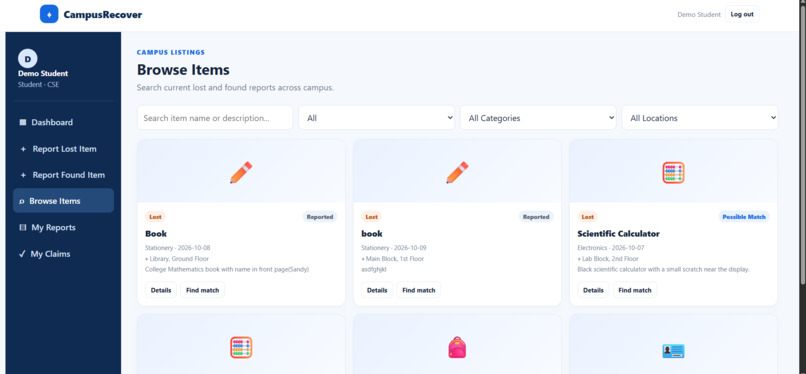
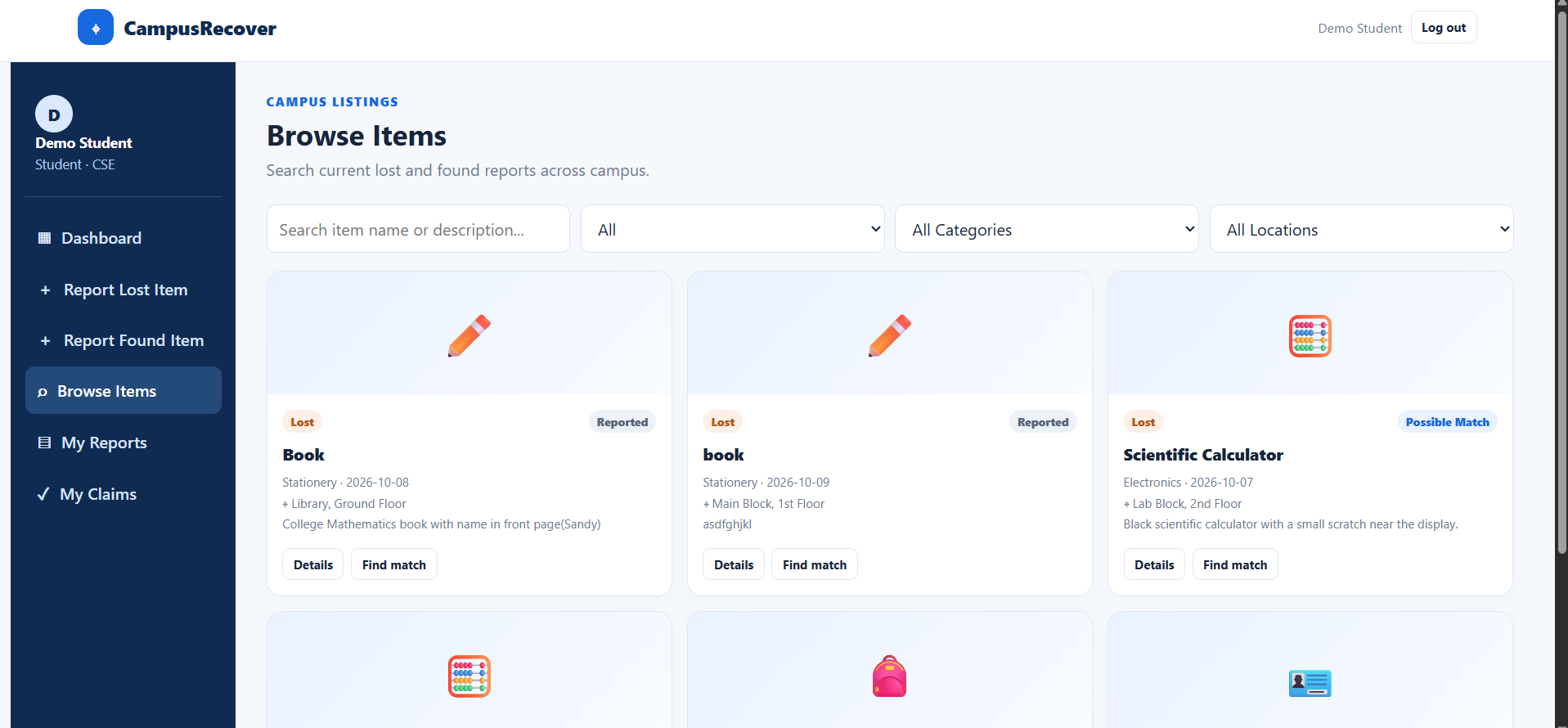
Browse items
CampusRecover – Campus Lost, Find and Recovery Platform
Inspiration
Losing personal belongings such as ID cards, calculators, books, and bags is a common problem on college campuses. Information about lost and found items is often scattered across WhatsApp groups, class groups, and verbal communication, making recovery difficult.
This inspired us to build CampusRecover, a centralized platform that helps students report lost and found items, identify possible matches, and track the recovery process. Our goal is to make campus item recovery more organized, reliable, and convenient.
What It Does
CampusRecover provides a common platform for students and administrators to manage lost and found items.
- Report Items: Submit details about lost or found belongings.
- Search Items: Browse and filter reports by category and location.
- Find Possible Matches: Compare item descriptions and other details to identify potential matches.
- Verify Ownership: Allow users to submit identifying evidence for administrator review.
- Track Recovery: Follow an item through reporting, verification, handover, and recovery.
- Admin Dashboard: Manage reports, review claims, and update recovery statuses.
How We Built It
We developed the initial working prototype using HTML, CSS, and JavaScript. We designed a clean, responsive interface with dashboards, item cards, reporting forms, search filters, and status indicators.
The prototype connects the main stages of the recovery process, from submitting an item report to reviewing a claim and recording a completed handover. We used browser-based storage to retain demonstration data and make it possible to explore the basic workflow.
Challenges We Faced
Our main challenge was going beyond a simple lost-and-found listing. Finding a possible match does not guarantee that an item reaches its rightful owner. We therefore included claim submission, private identifying details, administrator verification, and recovery status tracking.
We also considered privacy when designing item reports. Public descriptions should help users recognize possible matches without revealing all the details needed to prove ownership.
Another challenge was keeping the application simple while connecting its different features into one understandable workflow.
What We Learned
Through this project, we learned the basics of web development, user interface design, form validation, data handling, and implementing a simple item-matching algorithm. We also learned why privacy, verification, and clear status tracking are important when developing applications that solve real-world problems.
Most importantly, we learned to focus on the complete user journey rather than building isolated features.
What's Next?
We plan to improve CampusRecover by adding secure authentication, a shared database, image uploads, and more effective item matching. We also aim to explore AI-assisted description matching and campus-level analytics to help identify locations where belongings are frequently lost.
Our vision is to make CampusRecover a practical platform that helps college communities recover lost belongings through a more organized and accountable process.
Built With
- css
- design
- development
- frontend
- html
- interface
- javascript
- local
- responsive
- storage
- user
- web
- workflow

Log in or sign up for Devpost to join the conversation.