Inspiration
Students spend much more time organizing their material than learning from it. Notes are stored as PDFs, slides, web pages or recordings, and to turn this into something they can revise from takes hours. Teachers suffer the opposite issue, since sharing the material to a class involves chats and files all over the place. The solution is a single source where a student has to drop sources to create study material in any format for them and a teacher or classmate can share.
What it does
Learn&Share has two parts.
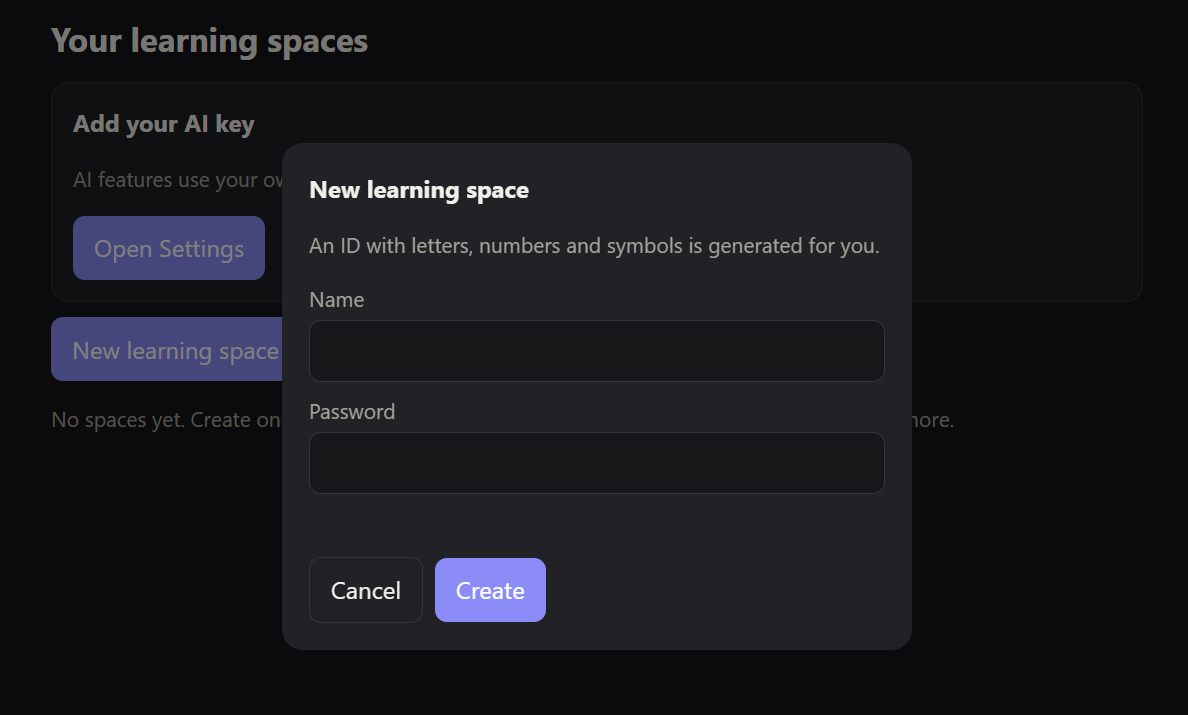
Learn: A student creates a learning space, which gets an ID and a password. They add sources (files, pasted text, web addresses) and the AI filters out anything not useful to learning it with a reason and a "keep anyway" override. From the sources they picked, they can then create:
- a mind map
- a video
- a podcast
- a quiz
- a presentation
- a summary
Each has options such as length, format (revision, exam, research, learning), language and areas to focus on. These results open in their own viewers: a zoomable mind map, a video player, an audio player, quiz and slides as a slide-by-slide view, and the summary in a small window.
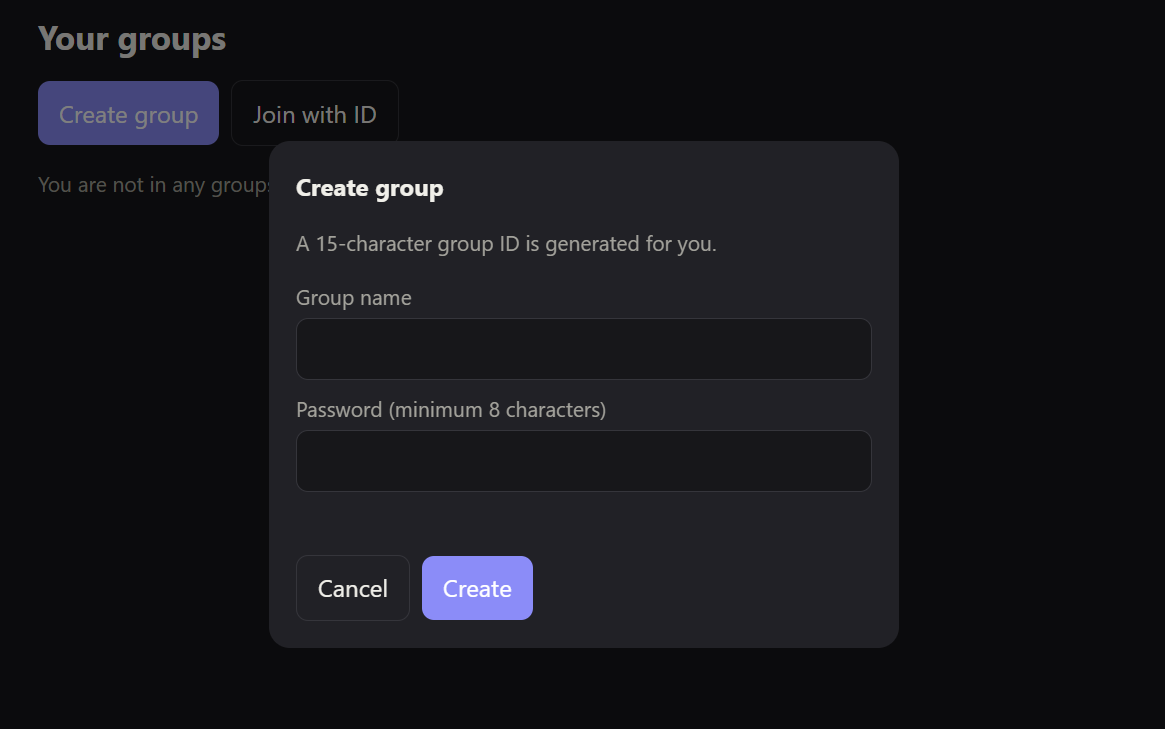
Share: Students create or join groups with an ID and password. Members can chat text, voice, audio, video and documents and share learning spaces. New members only see messages sent after they joined.
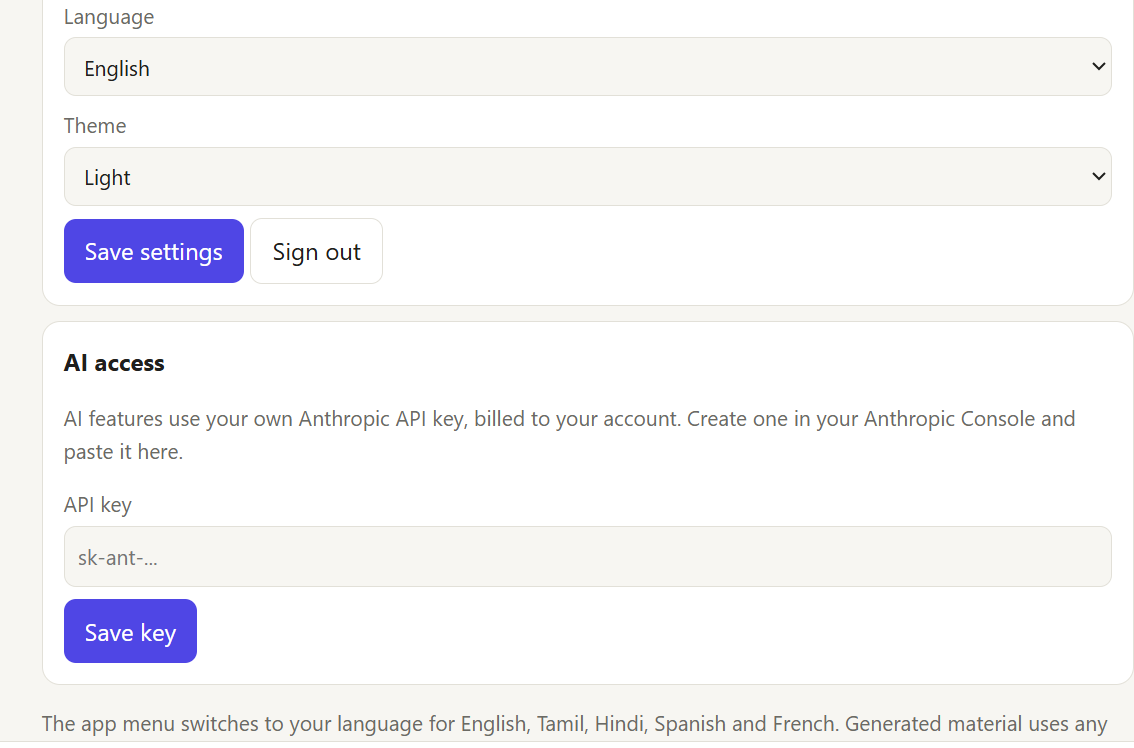
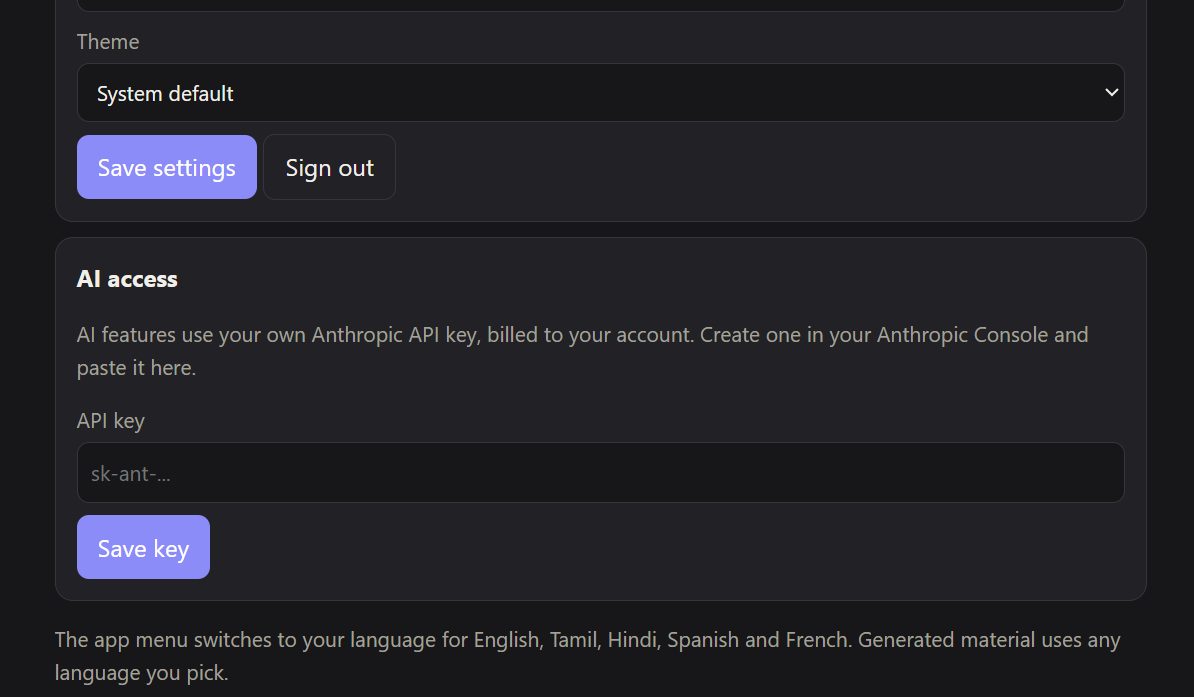
A guided tour walks new users through the first steps. Settings, downloads, themes and several languages are included.
How we built it
- Front end: single-file web app in plain HTML, CSS and JavaScript, no framework.
- AI: Claude does the source filtering, reading of scanned documents and images and the creation of all the study material.
- Libraries: PDF.js and Mammoth for reading PDFs and Word files, and PptxGenJS for real PowerPoint downloads.
- Backend: Node.js, Express and Postgres. Passwords are hashed with bcrypt, OTP codes are sent by email and AI generation runs as background jobs.
- Bring-your-own-key: each student adds their own Anthropic API key, which is encrypted on the server, so AI use is billed to them and not to us.
- Two builds: a standalone version that runs inside Claude, and the full server version.
Challenges we ran into
- Sandbox limits: the version running inside Claude can't use the microphone, call outside servers or send email, so those features needed a real backend.
- Wrong first designs: our first mind map was just a collapsible outline and our first video was just a storyboard, which were both redone.
- Quiet bugs: group IDs had characters that the database rejected, and a number error made IDs shorter than specified, which were both found by testing.
- Cost: unlimited AI for every student would be unaffordable for us, which led to the bring-your-own-key design.
- A bad patch: one update silently overwrote some of its own changes, so some described features weren't there until we caught it.
Accomplishments that we're proud of
- Every feature in the original spec is covered, from sign-in to the six material types to groups and downloads.
- We caught real bugs by running the app in a simulated browser, with a fake server standing in for the real one.
- A new student is walked from sign-up to their first quiz without reading instructions.
- The AI cost model is workable: students pay only for what they use.
What we learned
- Testing early matters. Our biggest problems were things that looked finished but weren't.
- Interactive material needs real viewers. A text answer isn't a mind map, and a list of scenes isn't a video.
- Deciding who pays for AI is a design decision, not an afterthought.
- Browser sandboxes have firm limits, so some features belong on a server.
What's next for Learn&Share
- Run the backend end to end against a real database, email account and Anthropic account, and then fix what turns up.
- Google, Microsoft and GitHub sign-in.
- Instant group chat instead of checking every 3 seconds.
- Real recorded audio for podcasts, and sound in downloaded videos.
- Per-user rate limits, virus scanning of uploads, and cloud file storage.
- Support for PowerPoint and Excel files as sources.
- A teacher view for sharing a space with a whole class and seeing quiz results.


Log in or sign up for Devpost to join the conversation.