-
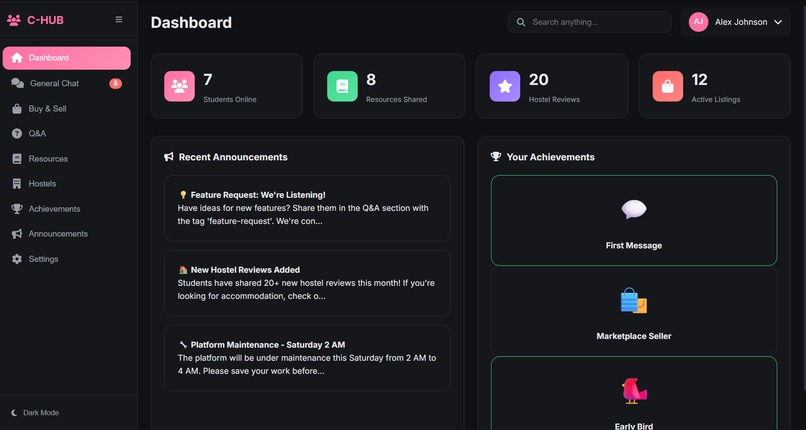
our dashboard
Inspiration
When we first stepped into college life, everything felt overwhelming—new city, new campus, new people. And hidden behind all the excitement was a quiet kind of confusion. Everyone around us had the same problems… but no place to ask, no place to share, no place to belong.
We saw juniors wandering lost, seniors searching endlessly for study resources, students struggling with hostel choices, and many wasting money on things they could’ve bought second-hand. Everyone wanted help, but no central place existed where students could simply talk, learn, support, and grow together.
One night, while discussing our own struggles, one line changed everything: “If we feel this lost, what about the thousands coming after us?”
That’s when Campus Hub was born— a place where students don’t feel alone, a place where real community exists, a place built from our own experiences and pain points. Campus Hub isn’t just a project. It’s our way of giving future students what we never had.
What it does
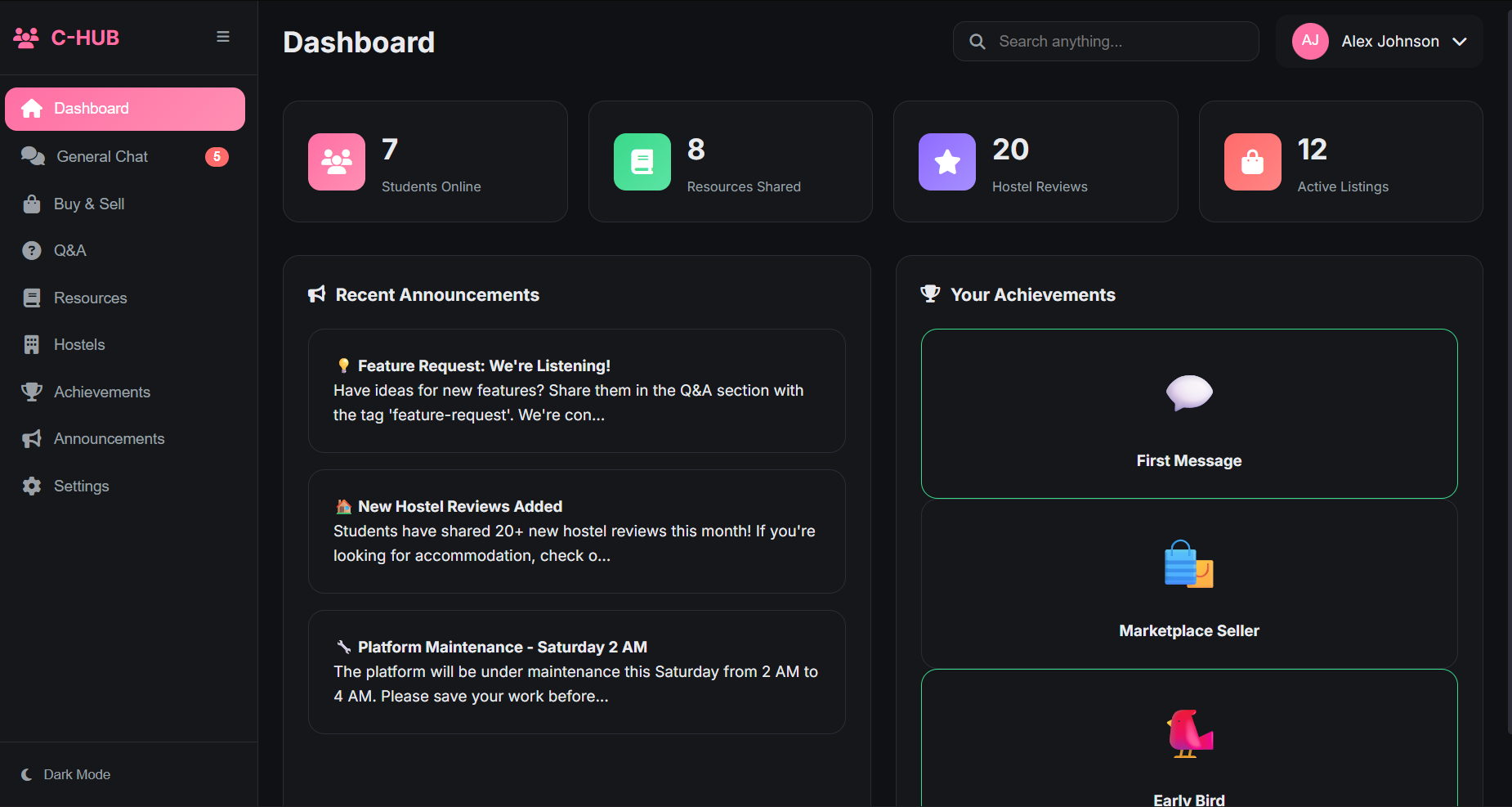
Campus Hub is an all-in-one digital community for students. It brings together features students genuinely need: General Chat to connect, discuss and clear doubts in seconds. Buy & Sell to trade books, notes, electronics, and essentials easily. Q&A Forum where students ask questions and get real answers from peers. Resources Hub with YouTube links, websites, and downloadable PDFs. Hostel Reviews to help students choose safer and better accommodation. Announcements, Ratings, and Achievements for updates and motivation. Everything in one place — simple, fast, student-friendly.
How we built it
We built Campus Hub in just 12 hours with nothing but teamwork, planning, and smart use of AI technology. We started by designing a clean, simple UI with HTML, CSS, and JavaScript. Used localStorage to save chat, listings, questions, and resources so data stays even after refresh. Created multiple pages inside one single-page frontend, toggled using JavaScript. Simulated real-time chat using timed incoming messages. Used mock data for hostel reviews, study resources, announcements, and users. Even though we had limited coding experience, using AI intelligently helped us generate boilerplate code, debug errors, and structure the entire project quickly. We focused on logic, flow, and user experience—AI handled the rest.
Challenges we ran into
Every project has struggles, and ours had plenty: None of us were experienced developers, so even basics felt difficult. Time limit of 12 hours forced us to think fast and build faster. Managing multiple features inside one codebase without backend was tricky. Making chat feel real-time without server communication was a challenge. Handling images and data using localStorage required creative thinking. Designing a clean UI that looks modern but is still simple took time. But with every problem, we learned to break tasks into smaller steps, use AI effectively, and support each other.
Accomplishments that we're proud of
We built a working student community platform from scratch in one night. Our chat system, marketplace, Q&A section and resources actually work smoothly. Team members who “didn’t know coding” are now confident in HTML/CSS/JS basics. We converted a real student problem into a real product. We stayed unified as a team, helped each other, and finished strong. Most importantly: We built something meaningful for students like us.
What we learned
This project taught us more than any classroom: How to break a big idea into small features. How to use AI as a tool instead of fearing it. How to build UI, write clean code, and use localStorage. How to test quickly and improve under time pressure.
What's next for Campus Hub
Campus Hub is just the beginning. We want to expand it into a fully scalable platform: Add real login & authentication Create real-time chat with backend Allow students to upload notes, PDFs, and share verified study material Add college-wise communities Partner with hostels for verified listing and safety ratings Add events, internships, and opportunity board Release a proper Android & iOS app

Log in or sign up for Devpost to join the conversation.