Inspiration
Every day on campus, we noticed small problems piling up—lost items, unanswered doubts, confusing notices, last-minute announcements, and no proper system for students, teachers, and success coaches to stay connected. We wanted to build something simple but powerful: a single app that actually makes college life easier. That’s where Campus GO started.
What it does
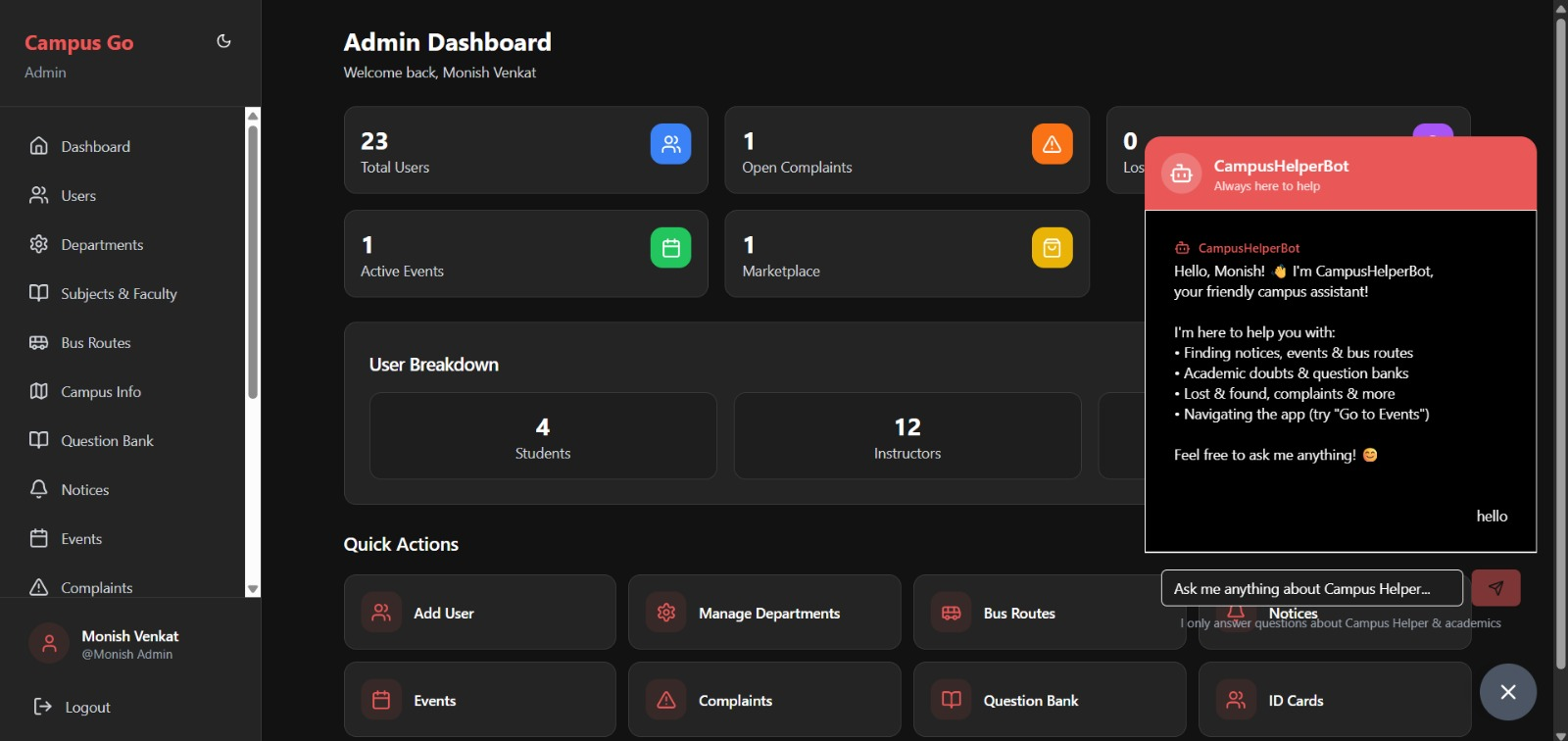
Campus GO brings a lot of different campus needs into one place. Some of the core features include:
AI Chatbot that helps with navigation, FAQs, faculty info, and academic queries
Lost & Found with a proper solve/claim flow
Doubts to Faculty with image support and solved tracking
Notices + Events combined into one clean space with detailed view
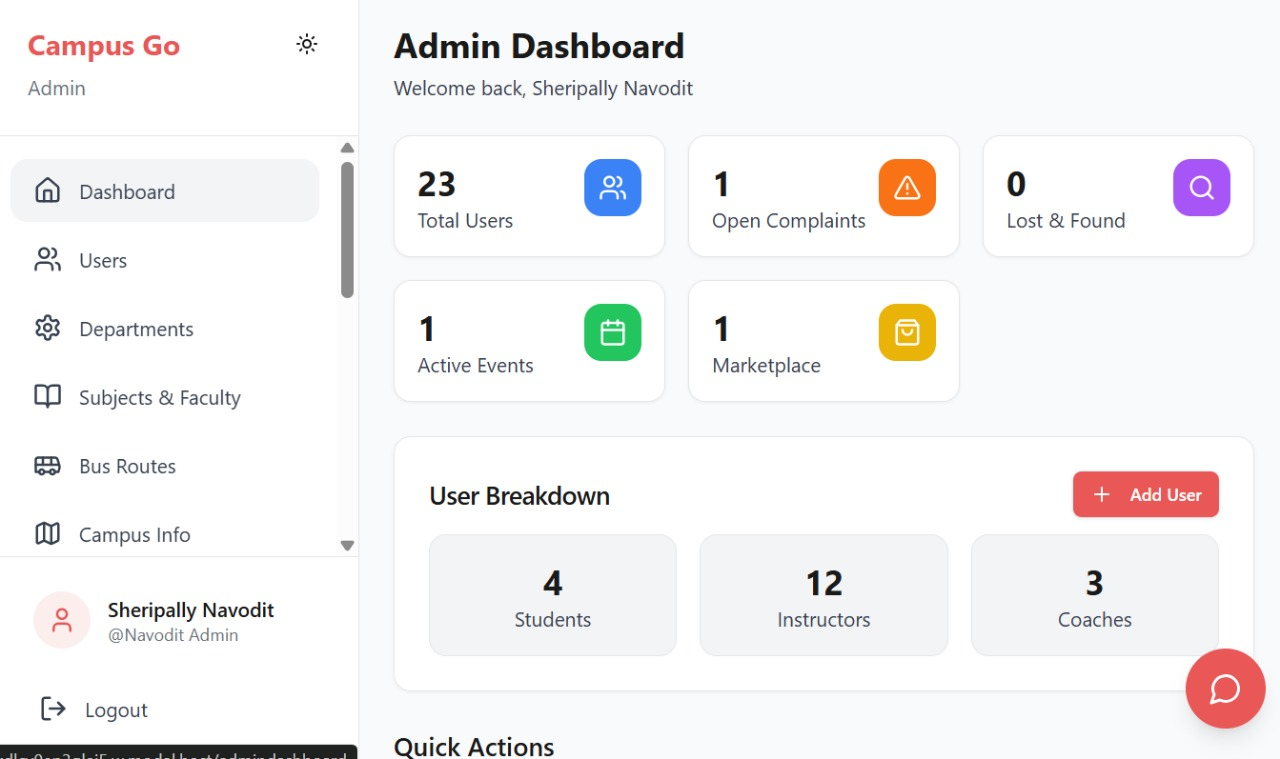
Success Coach dashboard that shows assigned students, complaints, events, and notices
Question Banks organized by subject and semester
Skill Exchange with anonymous contact until both sides accept
Marketplace for selling or buying items on campus
Study Groups where students can join, post, and collaborate
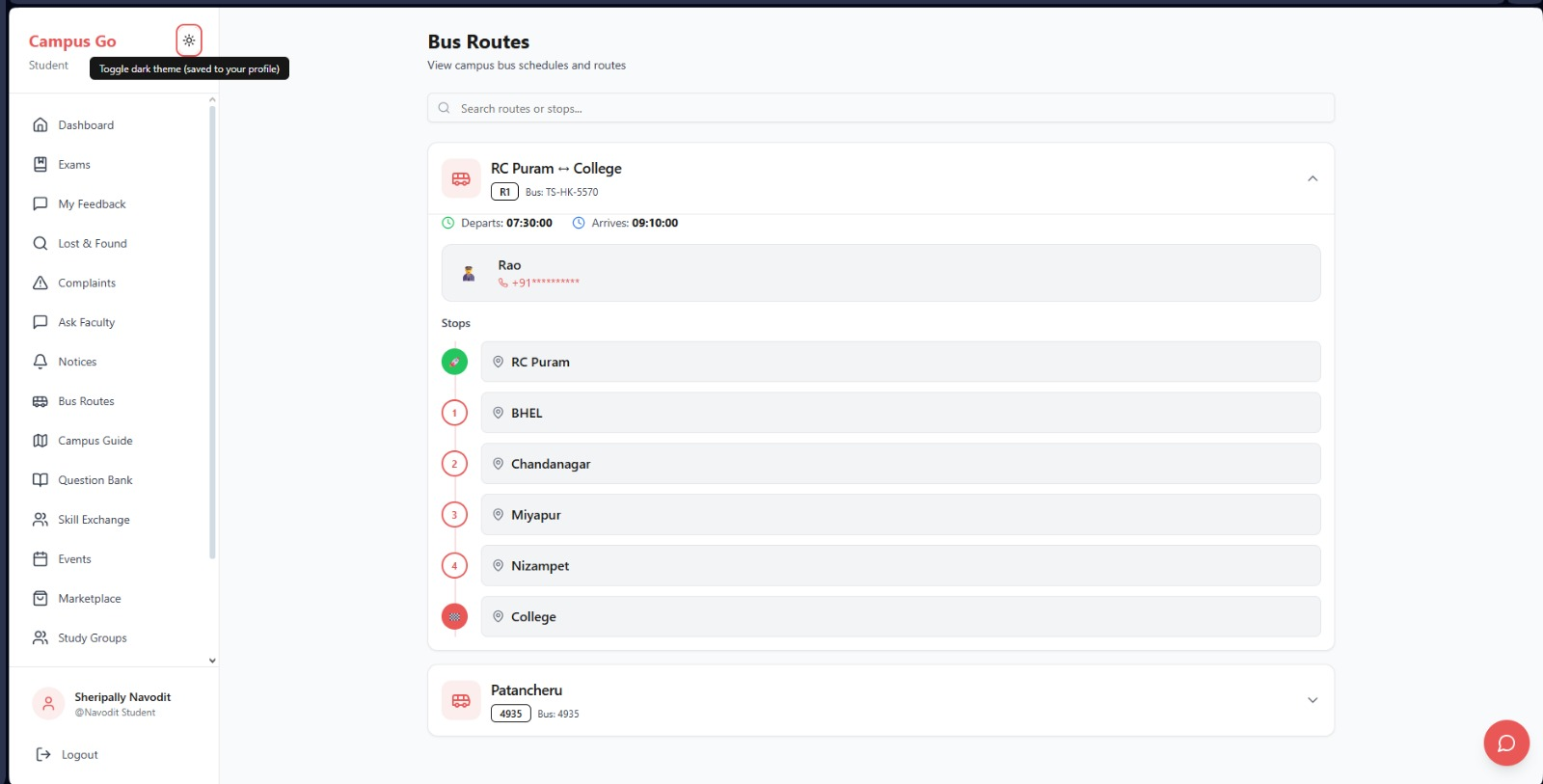
Digital Smart ID Card with QR and a working dark mode toggle
Campus Guide for newcomers (buildings, hostels, rules, timings, etc.)
A fully mobile-first UI and strict role-based permissions
Everything is customizable, so any college can use it without changing the code.
How we built it
We built Campus GO using a modular architecture so each feature works independently. Some key things we focused on:
Clean UI with mobile-first design
Role-based access using secure authentication
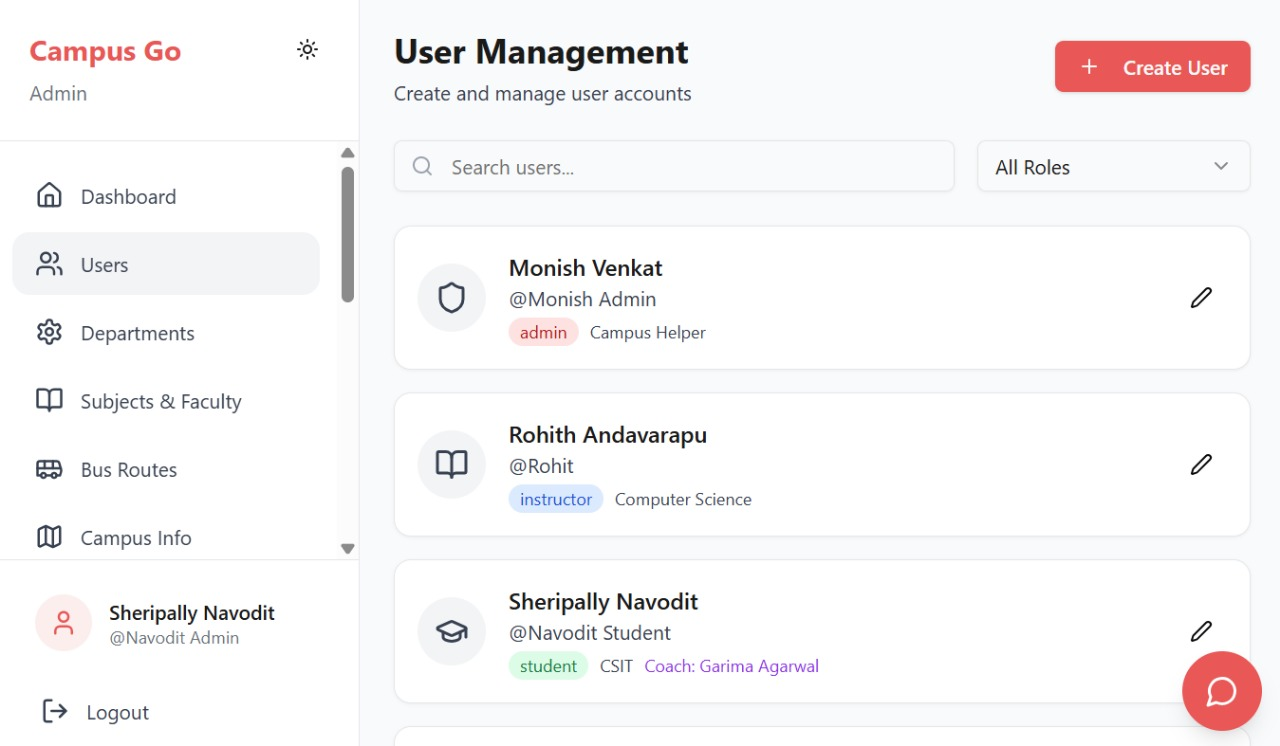
A single users database that links students, instructors, and success coaches
Real-time updates for doubts, claims, marketplace listings, and solved cases
Image and file uploads that work smoothly on all devices
AI responses that stay tied to information inside the app
A global dark mode system using theme tokens
Most of the work was making all these systems feel like one app instead of many separate tools.
Challenges we ran into
Keeping role-based permissions strict without breaking user experience
Making dark mode consistent across every card, dashboard, and chat element
Getting success coach assignments to sync correctly from the admin side
Making sure the app works perfectly on mobile (where most students use it)
Designing a simple interface for a huge number of features
Accomplishments that we're proud of
Building a proper Lost & Found solve/claim system
Creating a clean, unified UI that works smoothly on mobile
Making a Smart ID Card system with theme toggle
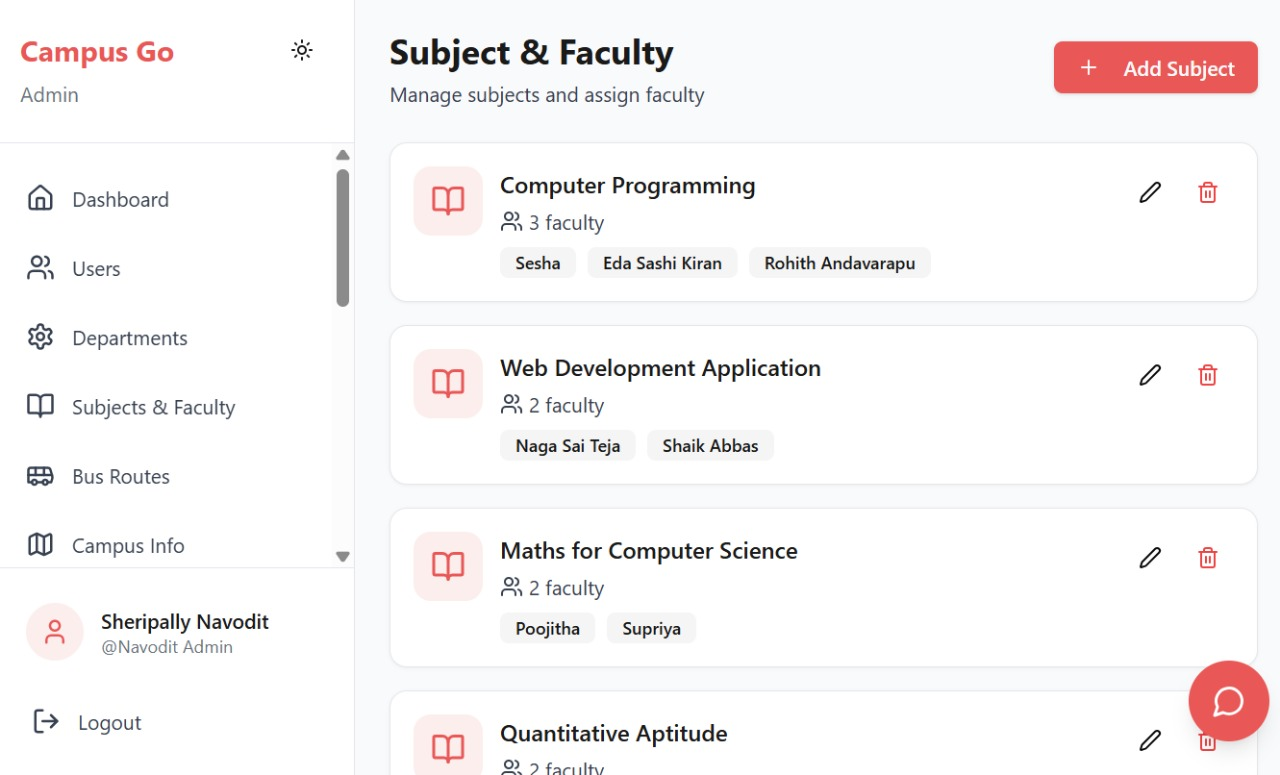
Creating admin dashboards that control the entire campus ecosystem
Making the whole platform modular and deployable for any college
What we learned
Structuring large apps with many roles and modules
Handling real-time data and syncing dashboards
Making user interfaces that feel simple even when the system is complex
Debugging UI edge cases
Collaborating on a project with many moving parts
What's next for Campus GO
A more advanced AI assistant that helps with academics, schedules, and tasks
Integration with campus hardware (library systems, ID scanners, etc.)
More community features (clubs, fests, campus events)
Scalable deployment so multiple colleges can adopt the platform
A better working
Built With
- base44


Log in or sign up for Devpost to join the conversation.