-
UI
-
Home
-
About
-
Lost
-
Report
-
Contact
🧭🎓 CampusFinder – Smart College Navigation Web App
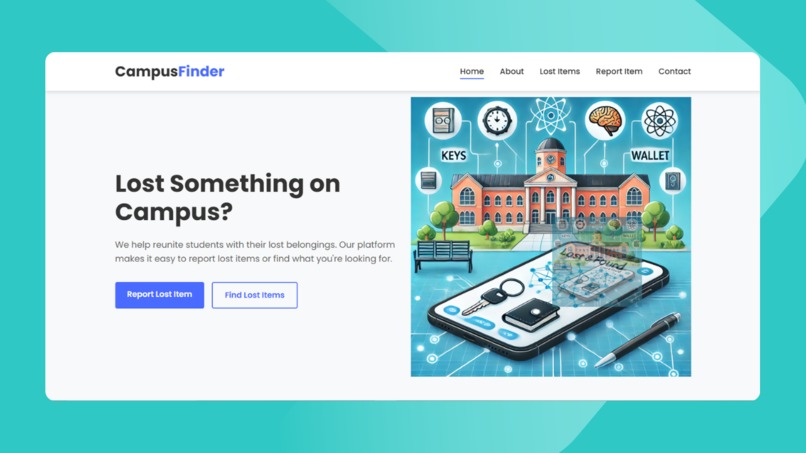
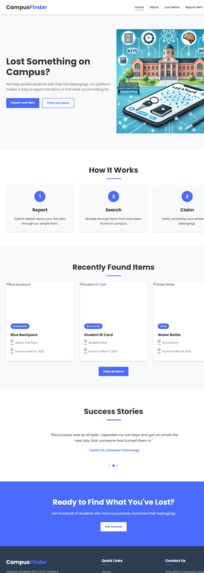
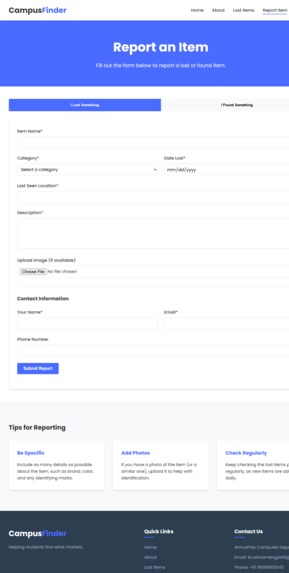
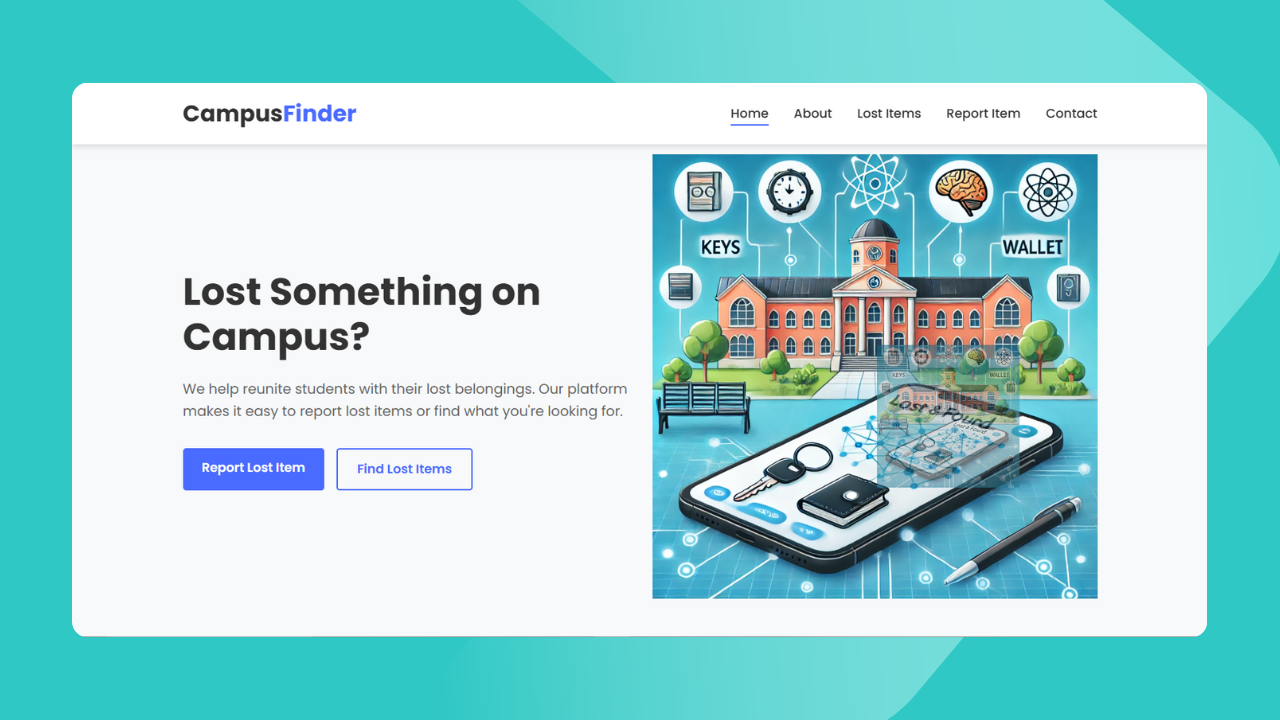
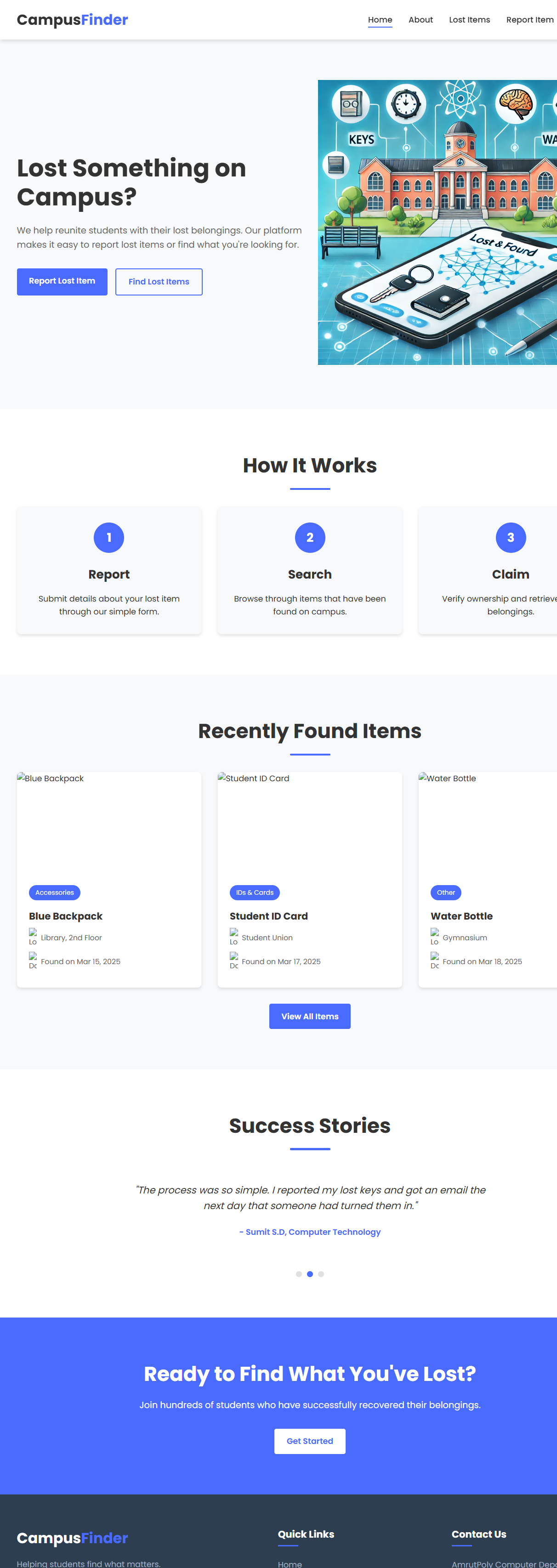
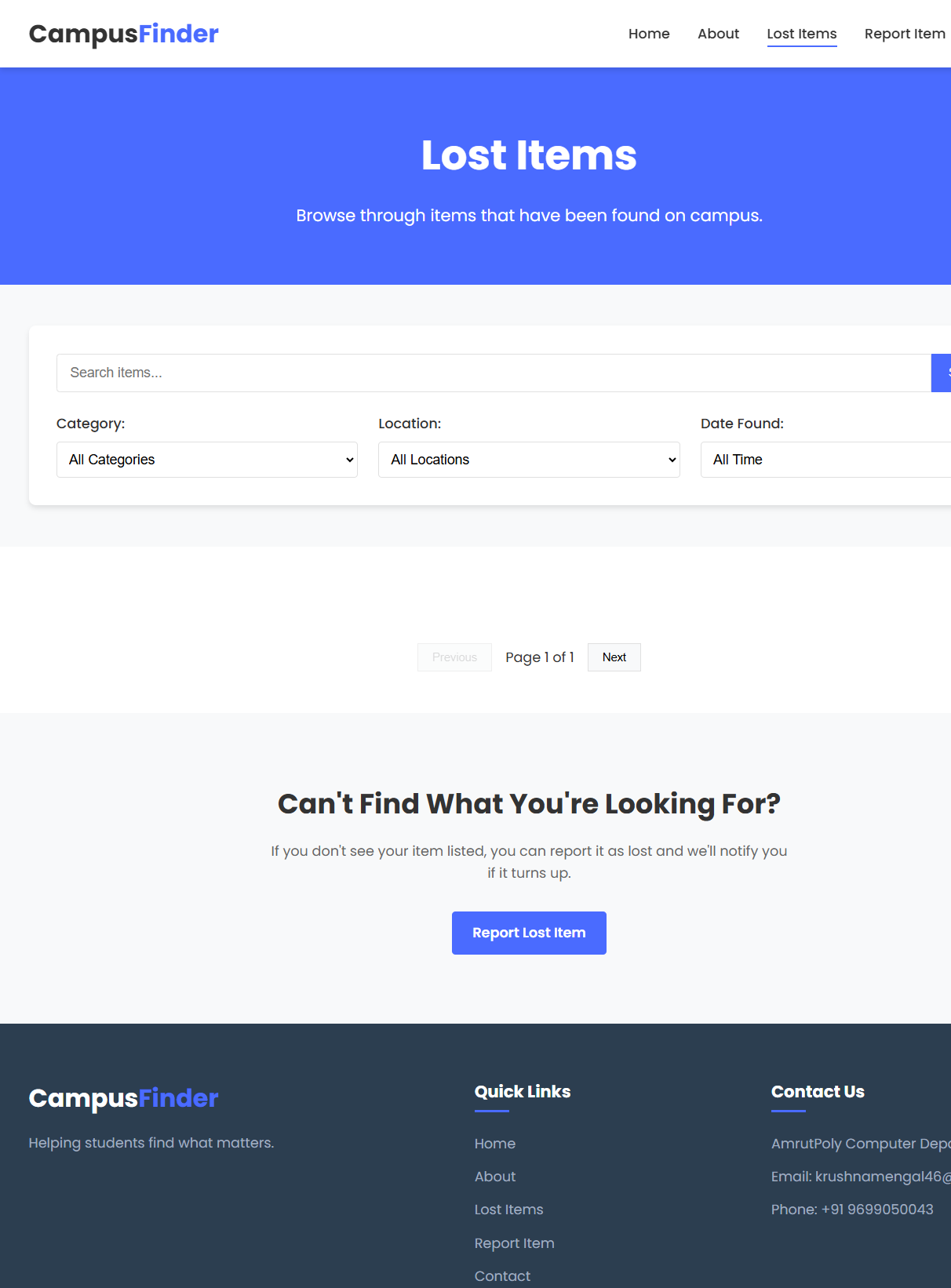
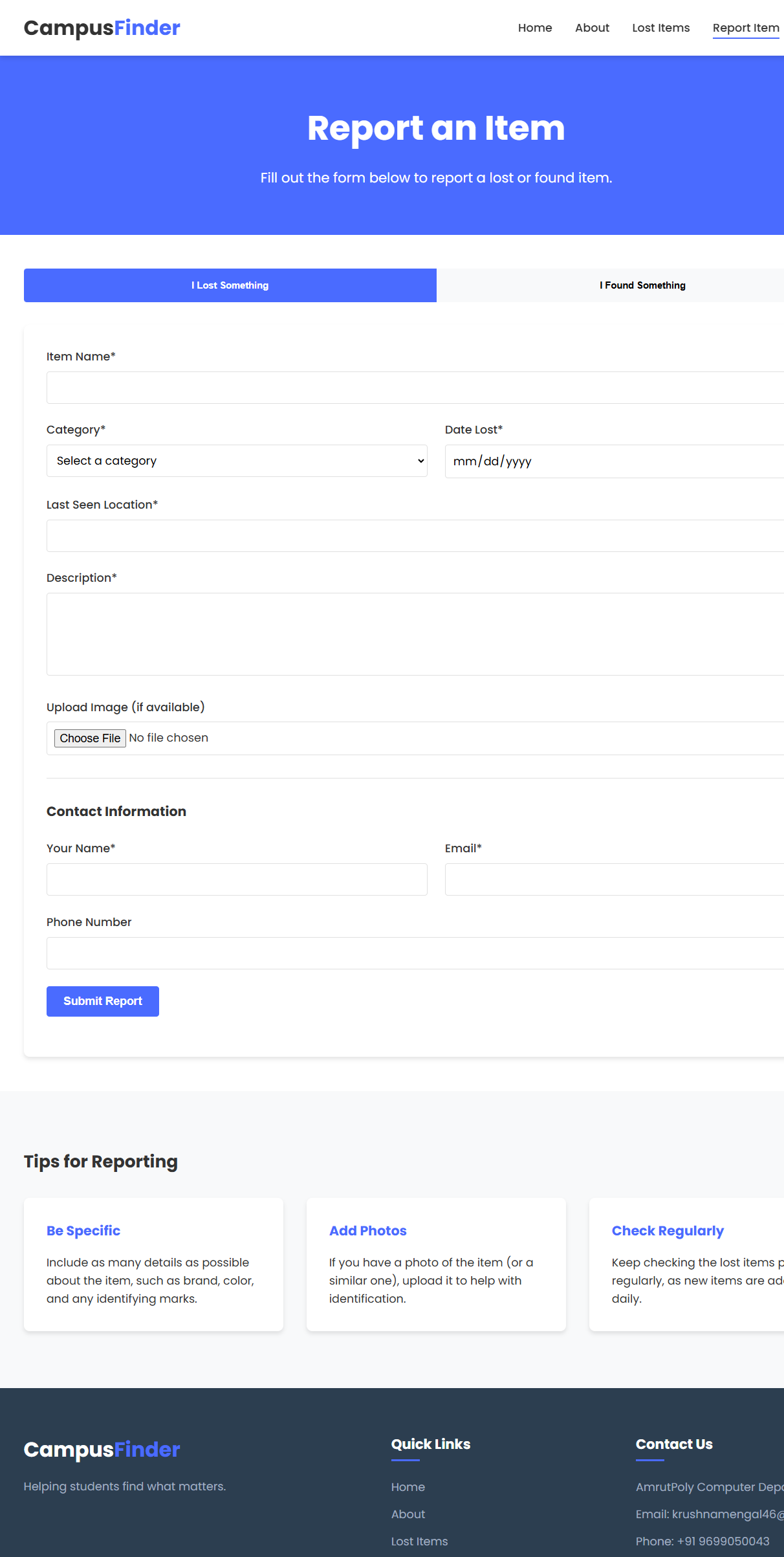
A web-based platform to help students and staff report and recover lost items on campus. The platform allows users to report lost or found items, browse listings, and contact the reporter to return items.
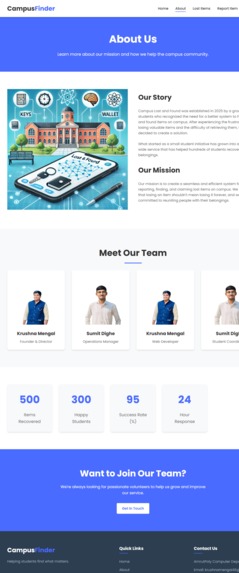
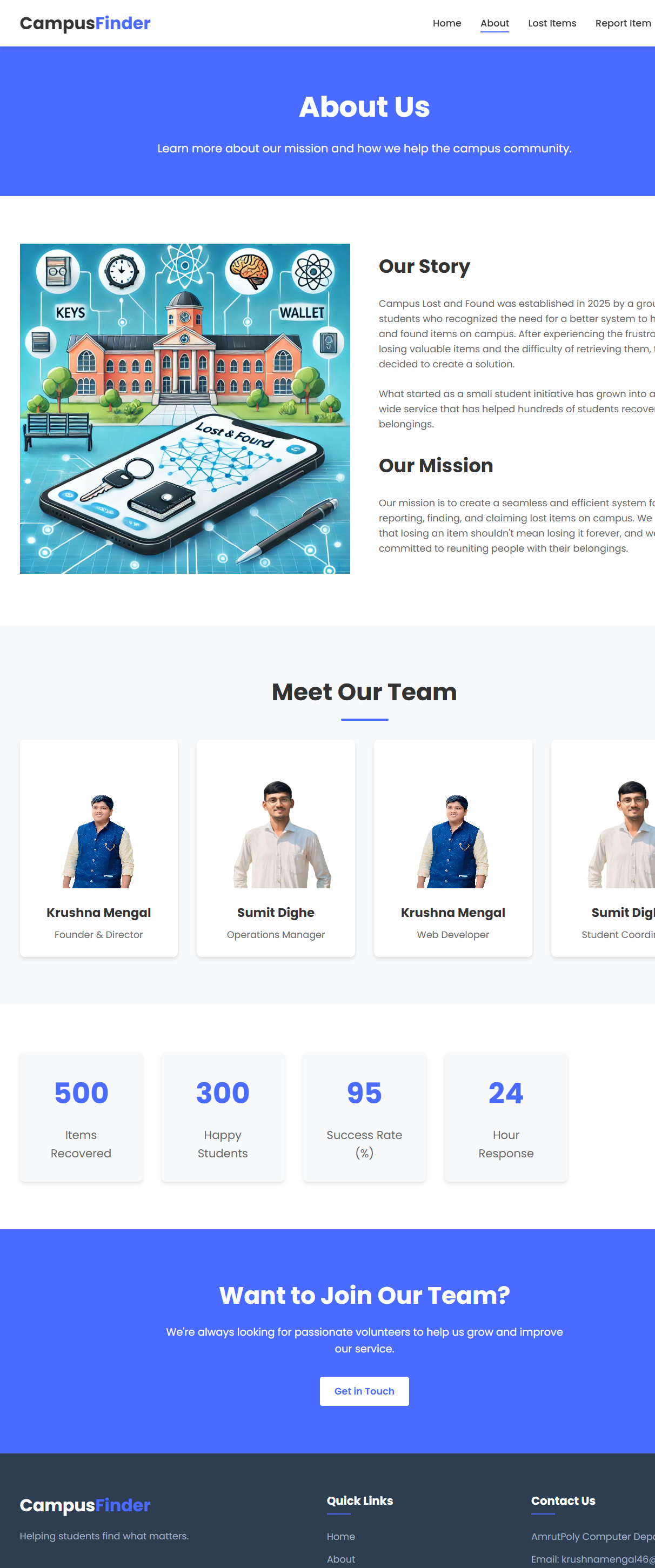
Our Story
Campus Lost and Found was established in 2025 by a group of students who recognized the need for a better system to handle lost and found items on campus. After experiencing the frustration of losing valuable items and the difficulty of retrieving them, they decided to create a solution.
What started as a small student initiative has grown into a campus-wide service that has helped hundreds of students recover their lost belongings.
Our Mission
Our mission is to create a seamless and efficient system for reporting, finding, and claiming lost items on campus. We believe that losing an item shouldn't mean losing it forever, and we're committed to reuniting people with their belongings.
🌍 Project Repository
🎯 Purpose of project
CampusFinder is a smart web application designed to help students, visitors, and staff easily navigate a college or university campus. It provides interactive maps, building information, and smart search features to locate departments, classrooms, facilities, and events — all in one place. The goal is to simplify campus exploration and improve accessibility using modern web technologies.
🚀 Features
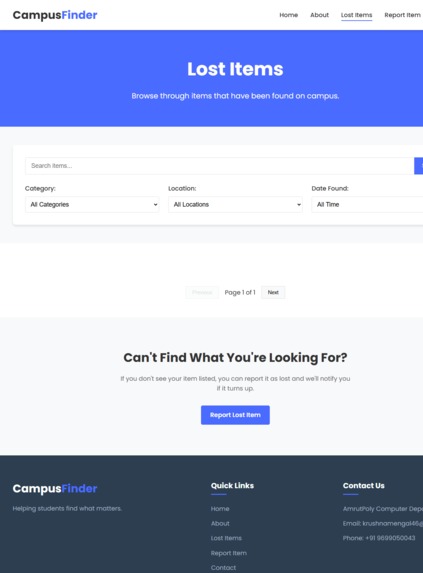
Report lost and found items. Browse reported items. Contact the reporter directly. User-friendly interface with real-time updates.
🚀 Project Overview
CampusFinder allows users to:
- 📍 Report lost/found items with details like location, time, description, and images.
- 🧠 Use AI to automatically match lost and found items via keywords, images, and location.
- 📢 Get real-time notifications when a matching item is reported.
- 🔐 Ensure a secure, admin-monitored process for item verification and return.
💡 Core Features
| Feature | Description |
|---|---|
| 📸 Image-Based Search | Upload an image; AI finds similar-looking reported items. |
| 🧠 AI-Based Matching | Matches item descriptions and images using NLP and image recognition. |
| 🌍 Geolocation Tracking | Tag lost/found locations and display items on a campus map. |
| 📢 Real-Time Notifications | Alerts users when a match is found or status changes. |
| 🛠️ Admin Dashboard | Campus staff can manage claims and disputes securely. |
| 🏷️ Categorization & Tagging | Items categorized by type with AI-suggested tags. |
🤖 AI-Powered Matching
- Image Recognition: Uses deep learning to compare lost and found item images.
- NLP Matching: Understands and matches similar descriptions using AI.
- Example: "Lost black wallet" can match with "found dark leather wallet".
🔍 Image-Based Search
- Upload an image to search for matches.
- Visual item comparison (like Google Lens).
- Helpful for items with distinct appearances.
🌍 Geolocation-Based Tracking
- GPS tagging for lost/found locations.
- Interactive campus map to view nearby items.
- Filters:
- 📆 Date
- 📍 Location
- 🗃️ Item Category
📢 Real-Time Notifications
- Email or push alerts for:
- Matching item found
- Status changes (e.g. claimed, verified)
🚀 Features
- Report lost and found items.
- Browse reported items.
- Contact the reporter directly.
- User-friendly interface with real-time updates.
🛠️ Technologies Used
- HTML – Structure
- CSS – Styling
- JavaScript – Functionality
🌱 Future Enhancements
- 🔁 QR code tagging for ID cards, keys, etc.
- ⭐ Return rating system to build trust.
- 🕵️ Anonymous found item reporting.
🎯 Potential Impact
- 🔻 Fewer lost items on campus
- ⏱️ Saves time and money
- 💬 Builds a helpful, honest campus culture
🛡️ Admin Dashboard
- Campus staff can:
- Review all reported items
- Approve/reject claims
- Resolve disputes to avoid misuse
🏷️ Categorization & Tagging
- Users can classify items into:
- Electronics, Books, Accessories, Clothing, Others
- AI auto-suggests tags from description/images
🔥 Innovative Edge
- ✅ Smart AI text + image matching
- ✅ Real-time map and alerts
- ✅ Secure claiming with admin verification
- ✅ Mobile-optimized, clean UI
🛠️ Tech Stack
| Component | Technology Suggestions |
|---|---|
| Frontend | React.js or Next.js |
| Backend | Node.js (Express) or Django (Python) |
| Database | MongoDB or PostgreSQL |
| AI Models | TensorFlow (Image Matching) + NLP Model |
| Geolocation | Google Maps API / OpenStreetMap |
| Notifications | Firebase / Twilio |
📂 File Structure
├── index.html          # Home page
├── report.html         # Report item page
├── items.html          # Browse items page
├── styles.css          # Styling
└── script.js           # Core functionality
🧑💻 Developer
Krushna Mengal
📧 [email protected]
🔗 GitHub Profile
💡 How to Use
- Clone the repository:
bash git clone https://github.com/krushna001m/CampusFinder.git - Open
index.htmlin your browser. - Report or browse items seamlessly!


Log in or sign up for Devpost to join the conversation.