Inspiration
The inspiration for creating Campus Cart came from everyday challenges faced by students on campus—long queues, limited vendor access, and lack of a streamlined way to order essentials. Observing how time-consuming and inefficient it was to buy basic items, especially during busy schedules or bad weather, sparked the idea to build a platform that simplifies campus shopping, supports local vendors, and enhances student convenience.
What it does
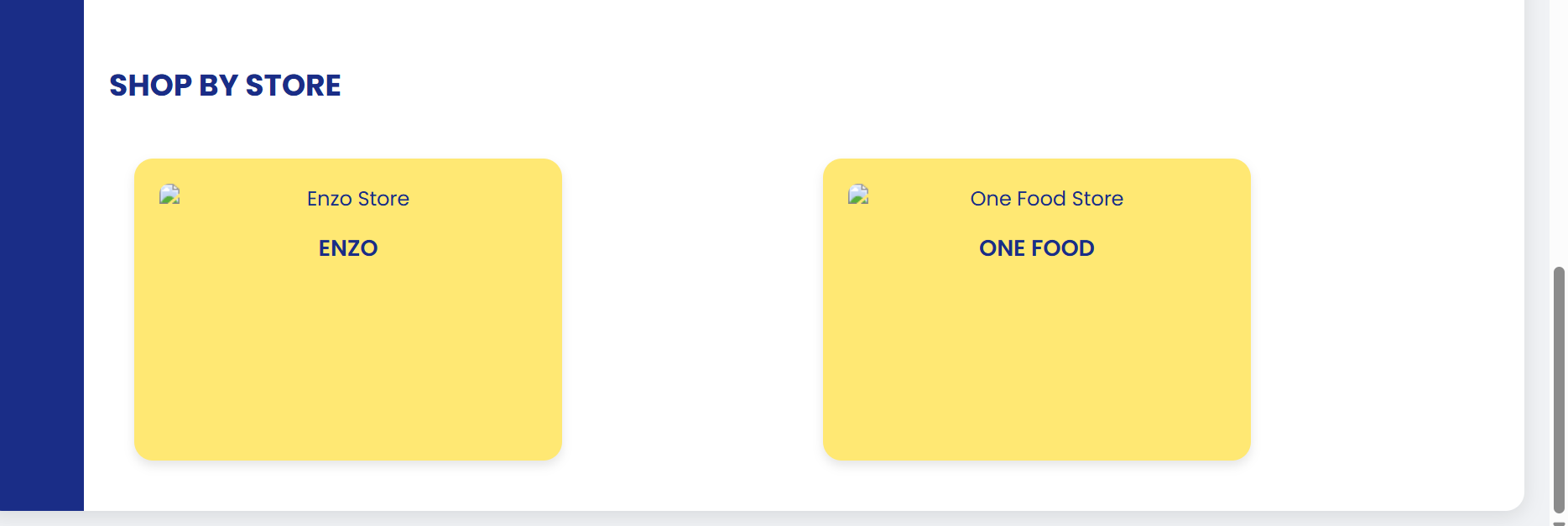
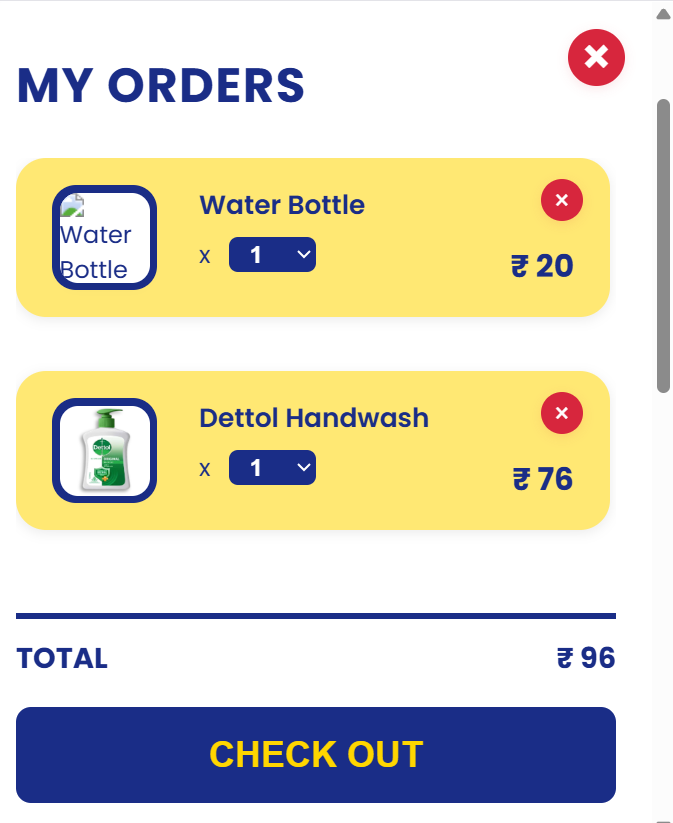
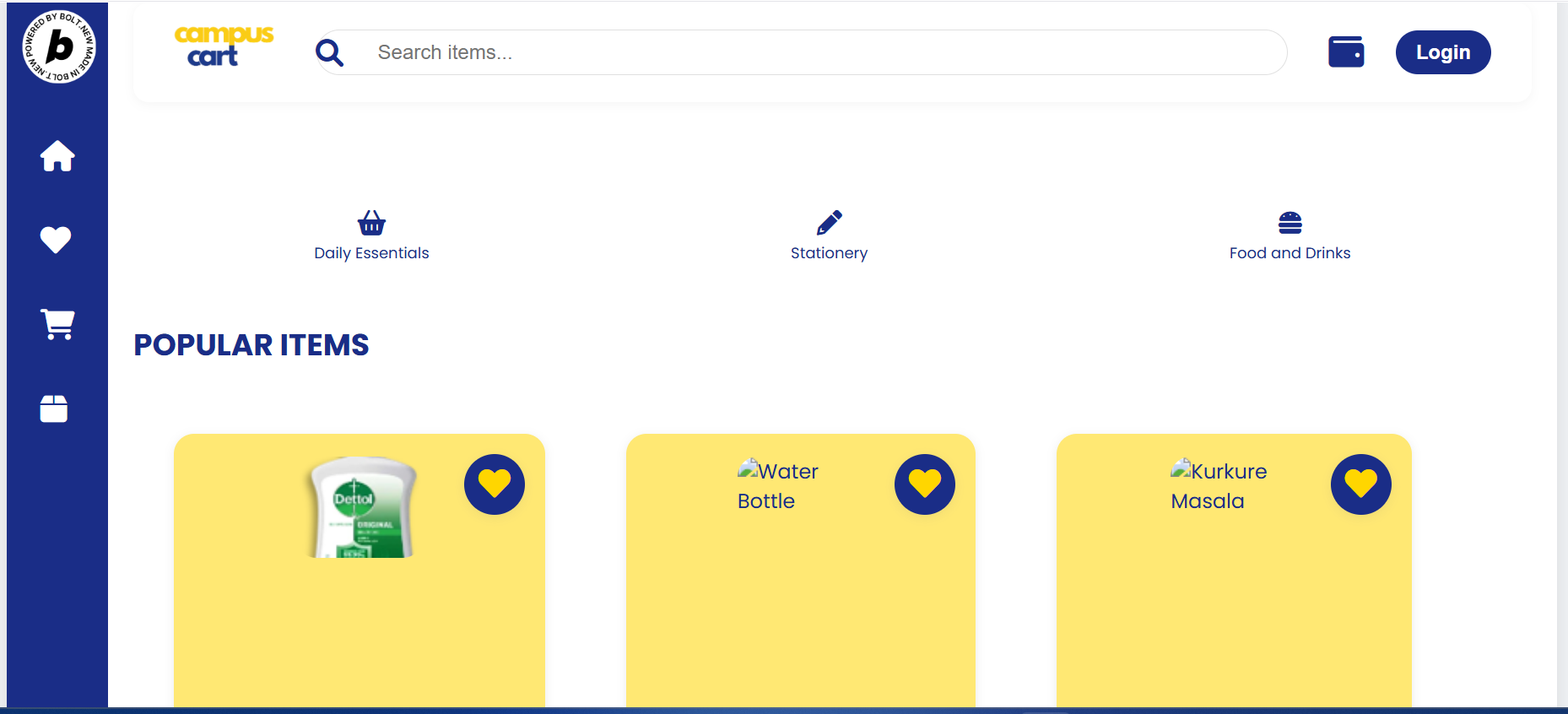
Campus Cart is a web-based platform that connects students with on-campus vendors, allowing them to browse, order, and track essentials like food and stationery in real time. It streamlines the entire process of campus shopping by offering secure logins, a responsive user interface, vendor management tools, and order tracking. The platform helps students save time, avoid queues, and conveniently access products, while also helping vendors manage their inventory and reach more customers within the campus.
How we built it
I built Campus Cart using modern web development technologies. The frontend was developed using HTML, CSS, and JavaScript, with React.js for creating a responsive and interactive user interface with the help of Bolt.new . The backend was powered by Node.js and Express.js, handling user authentication, order processing, and vendor management. For the database, I used MongoDB to store user details, product listings, and order data. I also integrated Firebase Authentication for secure user login. The platform is fully responsive, ensuring smooth usage on both desktop and mobile devices, and was deployed using Netlify for frontend and Render for the backend.
Challenges we ran into
Some key challenges we ran into while building Campus Cart included:
Designing a smooth user flow: Ensuring the ordering process was simple yet efficient for both students and vendors required multiple UI/UX iterations.
Real-time updates: Implementing real-time order tracking and status updates was technically challenging and required careful backend logic.
Authentication & security: Setting up secure login and data protection for different user roles (students and vendors) took extra time and effort.
Vendor-side management: Creating an intuitive interface for vendors to manage inventory and orders while keeping it lightweight was complex.
Time constraints: Balancing feature development with deadlines, especially during a hackathon, made prioritization essential.
Accomplishments that we're proud of
Some accomplishments we’re proud of while building Campus Cart include:
Developing a fully functional MVP within a limited timeframe, with core features like ordering, cart management, and vendor dashboard.
Implementing real-time order tracking and role-based authentication, which added both functionality and security.
Designing a clean, responsive UI that works seamlessly on both desktop and mobile devices.
Creating value for both users and vendors, making campus shopping easier for students and operations smoother for sellers.
Collaborating effectively as a team, dividing tasks smartly and overcoming challenges under pressure.
What we learned
While building Campus Cart, we learned:
End-to-end web development: From frontend design to backend logic and database integration, we gained hands-on experience in building a complete web app.
User-centric design: We realized the importance of simple, intuitive UI/UX for both students and vendors.
Team collaboration: Working in sync, dividing responsibilities, and managing tasks under tight deadlines improved our teamwork and communication.
Debugging & testing: We learned to troubleshoot issues efficiently and ensure our app runs smoothly across different devices.
Deployment & hosting: We gained experience in deploying full-stack applications using platforms like Netlify and Render.
What's next for Campus Cart
Next for Campus Cart, we plan to:
Add online payment integration to allow seamless digital transactions through UPI, cards, or wallets.
Introduce order notifications via SMS or email for better real-time updates.
Develop a mobile app for Android and iOS to enhance accessibility and usability.
Enable vendor analytics, helping sellers track orders, revenue, and customer behavior.
Expand to multiple campuses, customizing the platform for different institutions and vendor ecosystems.
Gather user feedback to continuously improve features and user experience.
Built With
- bolt.new
- chatgpt
- cursor
- perplexity

Log in or sign up for Devpost to join the conversation.