Inspiration
This app will not generate groundbreaking art. But you might.
This writing tool helps people write incredible fiction. I call it Ember Glow to evoke telling stories around a campfire and represent a kindling of creativity.
The app has a slew of AI-focused features, all of which are optional. I very much enjoy writing creative fiction (I have a college creative fiction top award, a previous career in journalism, and a couple of unpublished novels under my belt). Often I have an extremely specific vision and mull over every word, and have no desire to use AI at all. And sometimes I just want to play around with story concepts and see different versions of AI fleshing out story outlines and characters, with me often taking it in an entirely different direction, but it was nice to get the juices flowing. And other times I just have AI generate an entire story for fun to see where things fall.
What it does
In the end, I want to respect writers who just want to write, no AI bells and whistles, but also creatives who want to explore and tinker with AI for themselves. So we have three levels of AI.
Level 1: None
Even with no AI at all, you get (free):
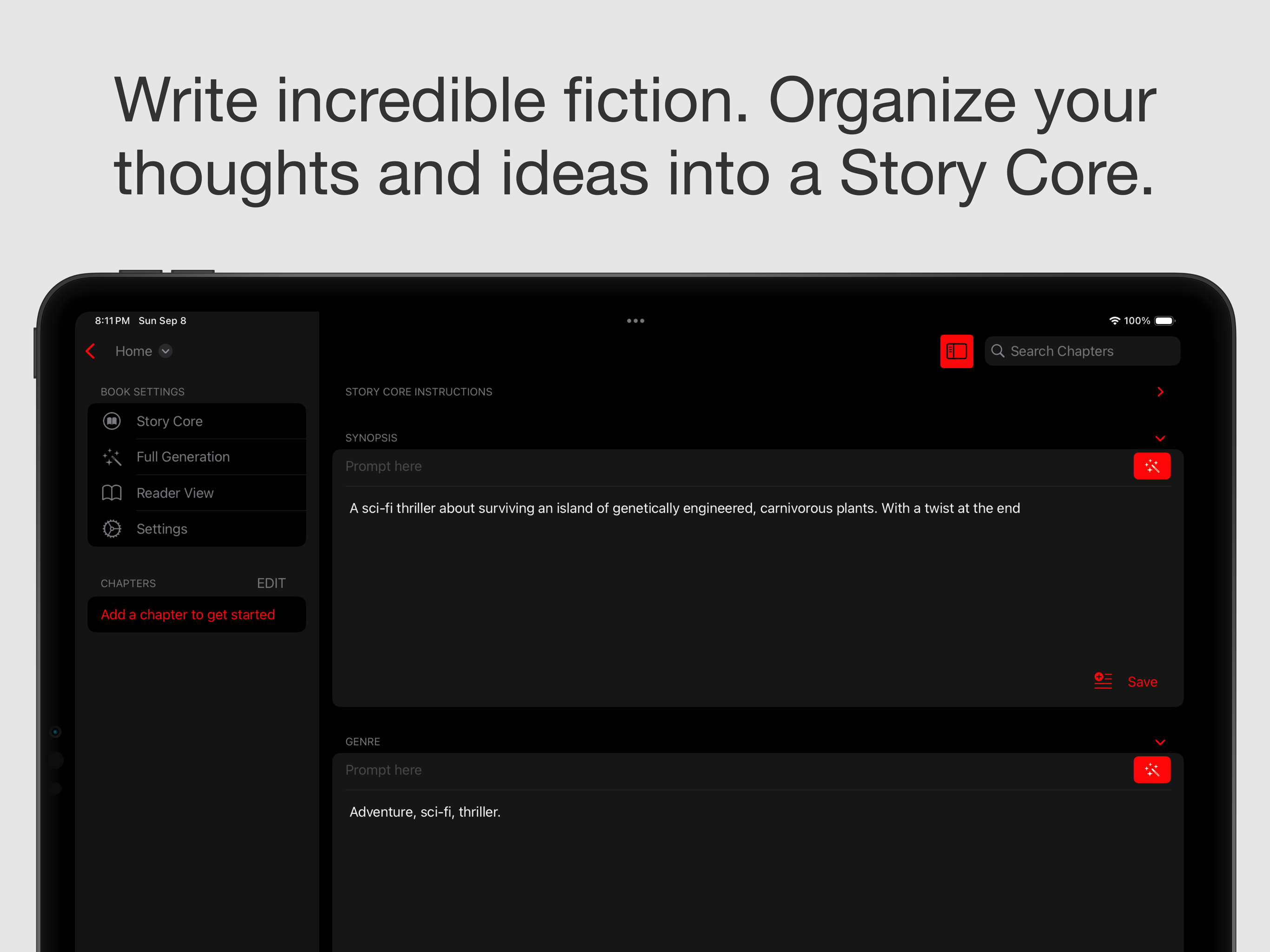
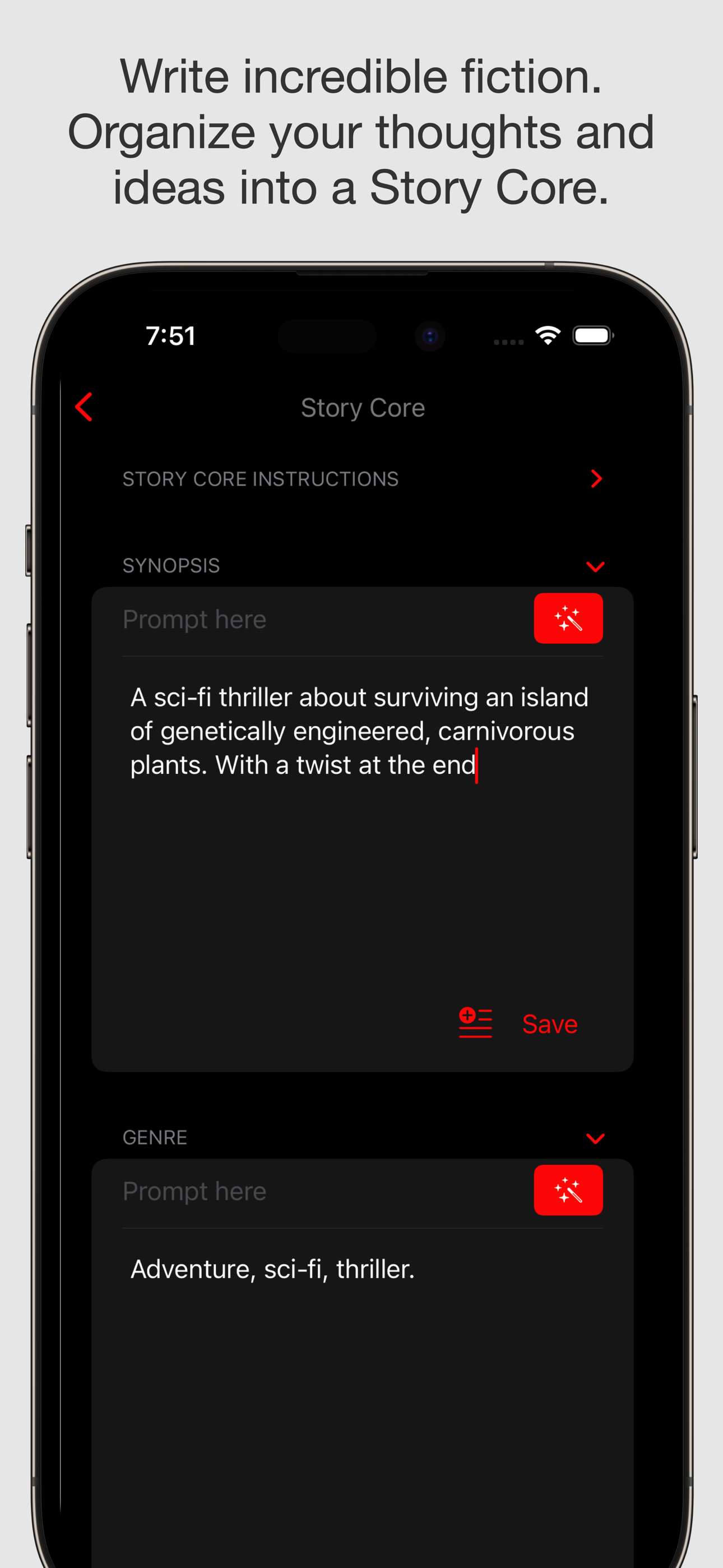
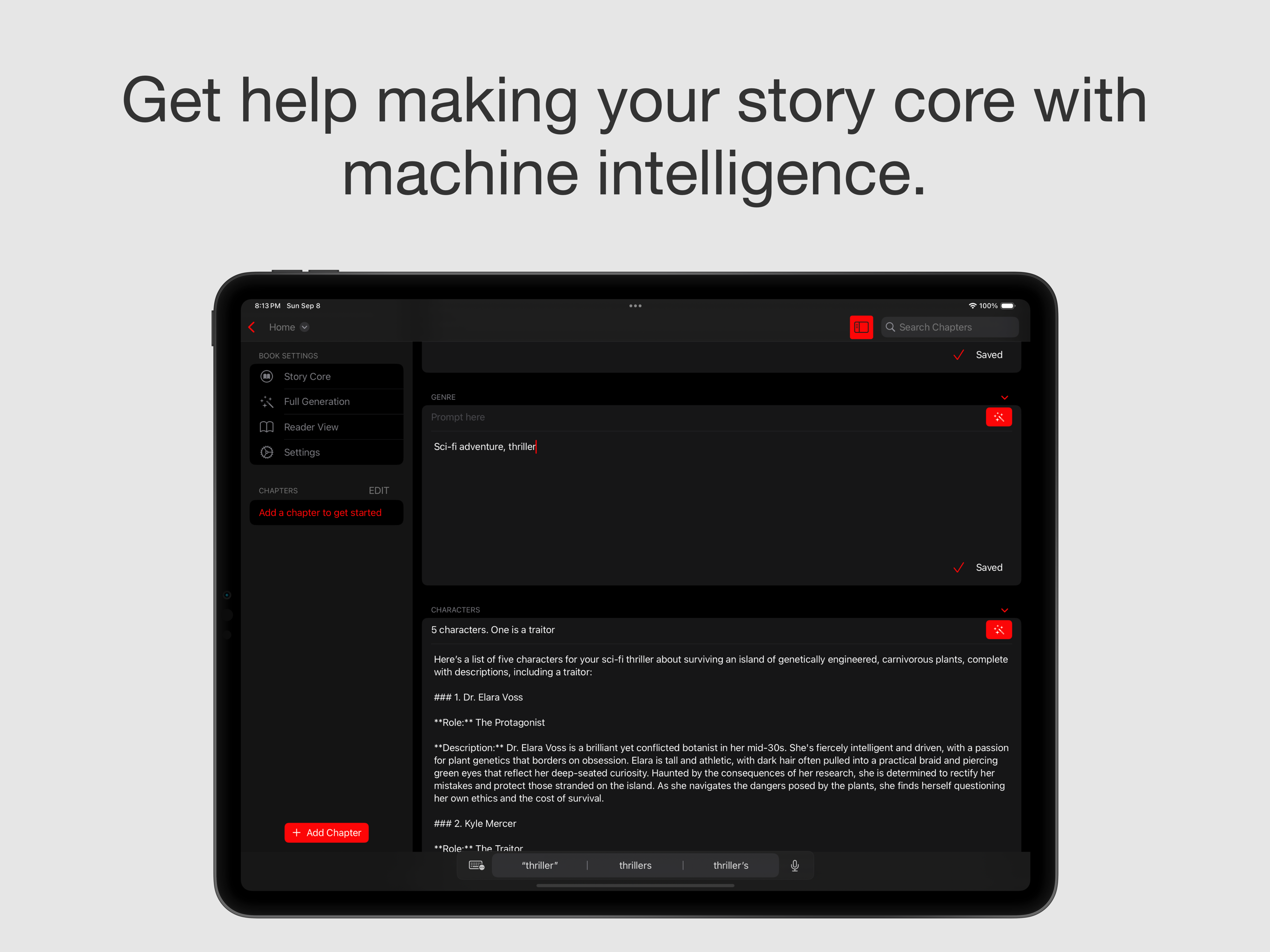
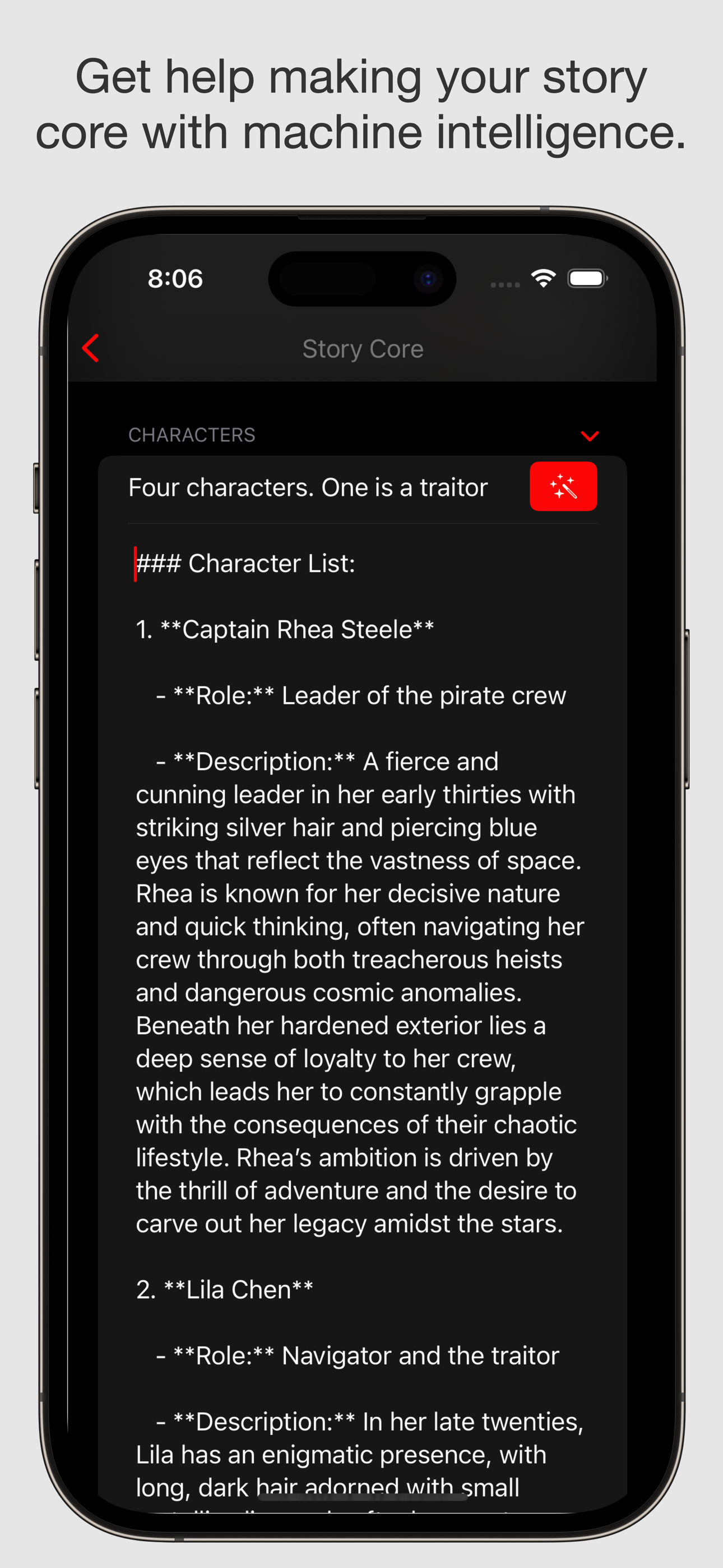
- An outline you can fill out to brainstorm and keep track of your thoughts, the Story Core. There you fill out the list of characters, the plot outline, world building, and so on.
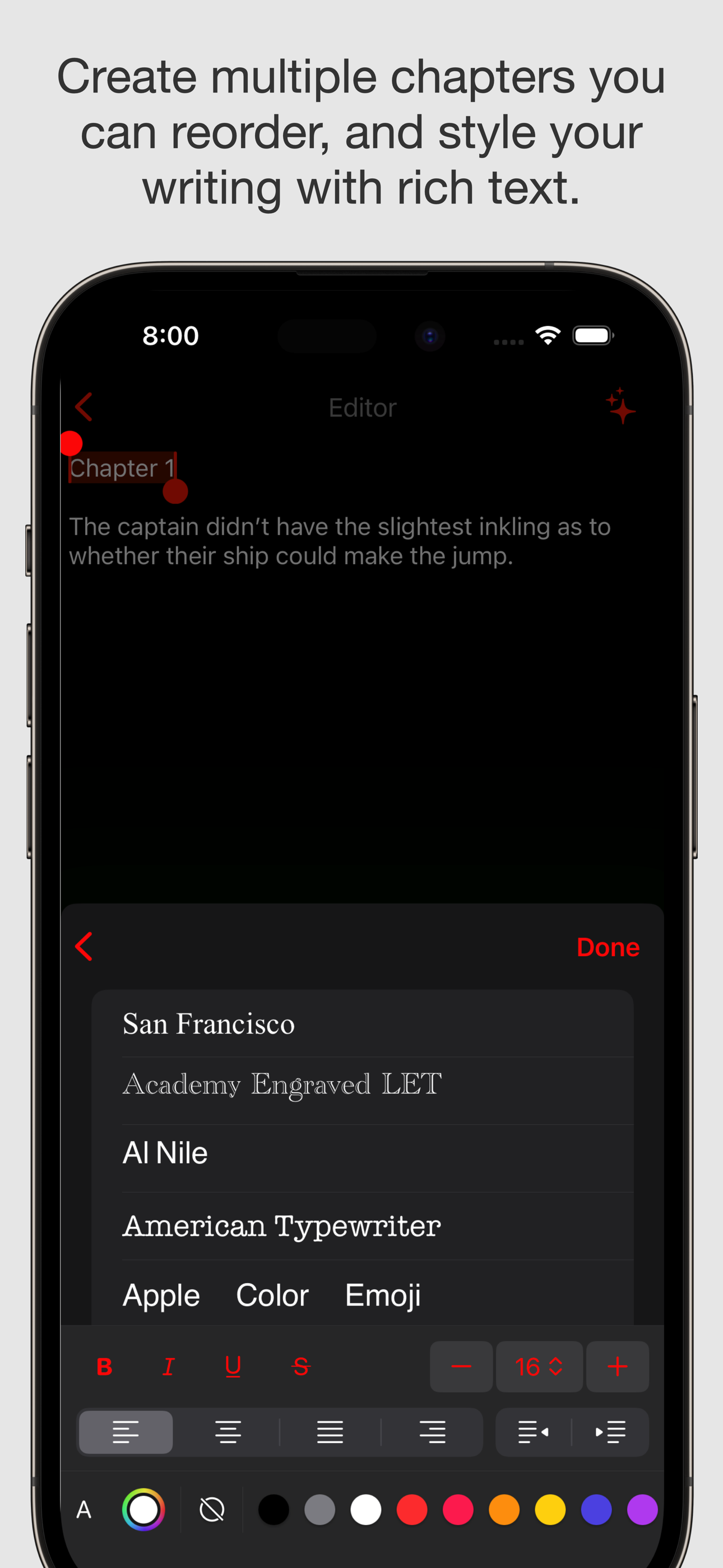
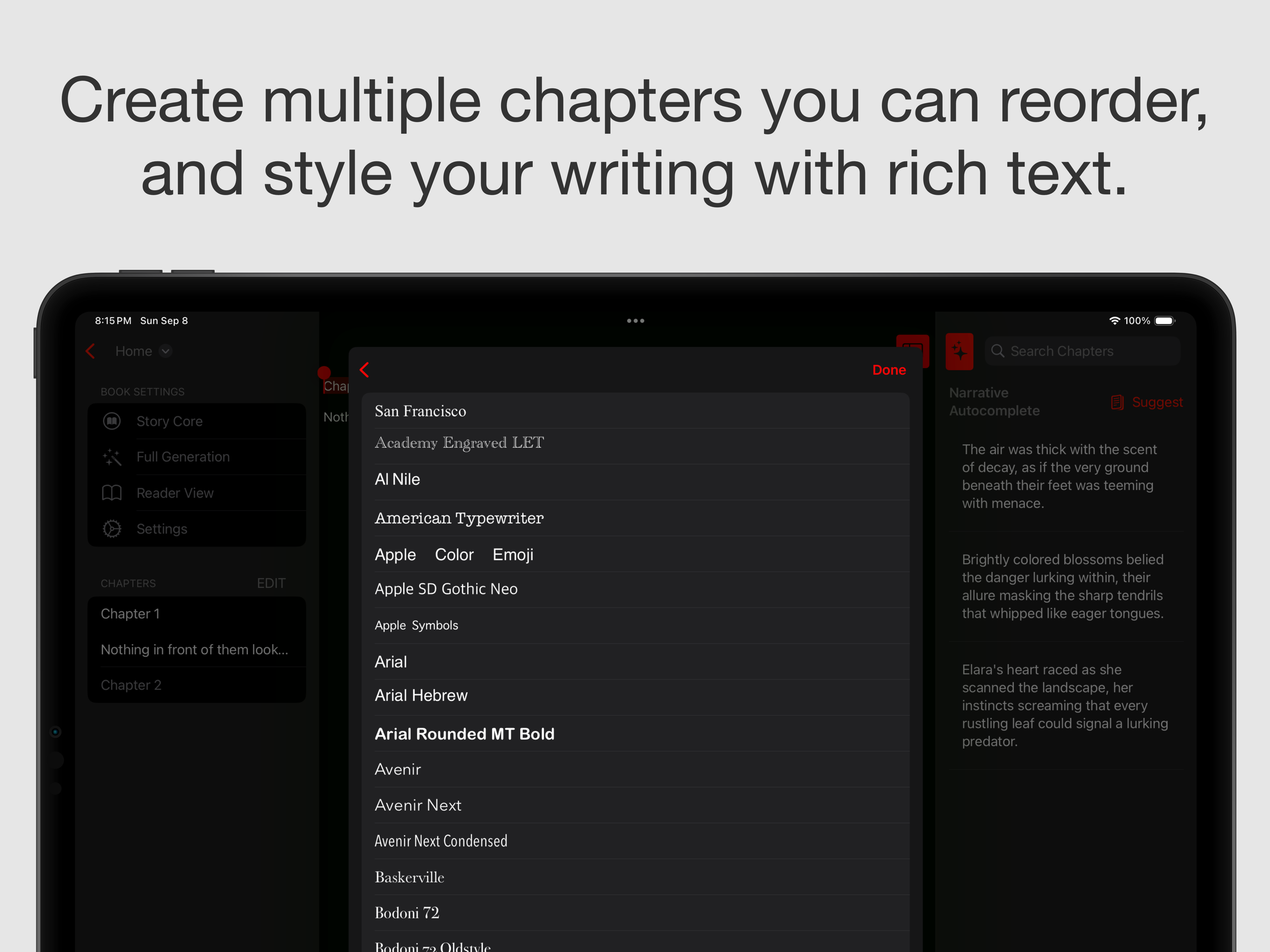
- A fully-featured rich text editor.
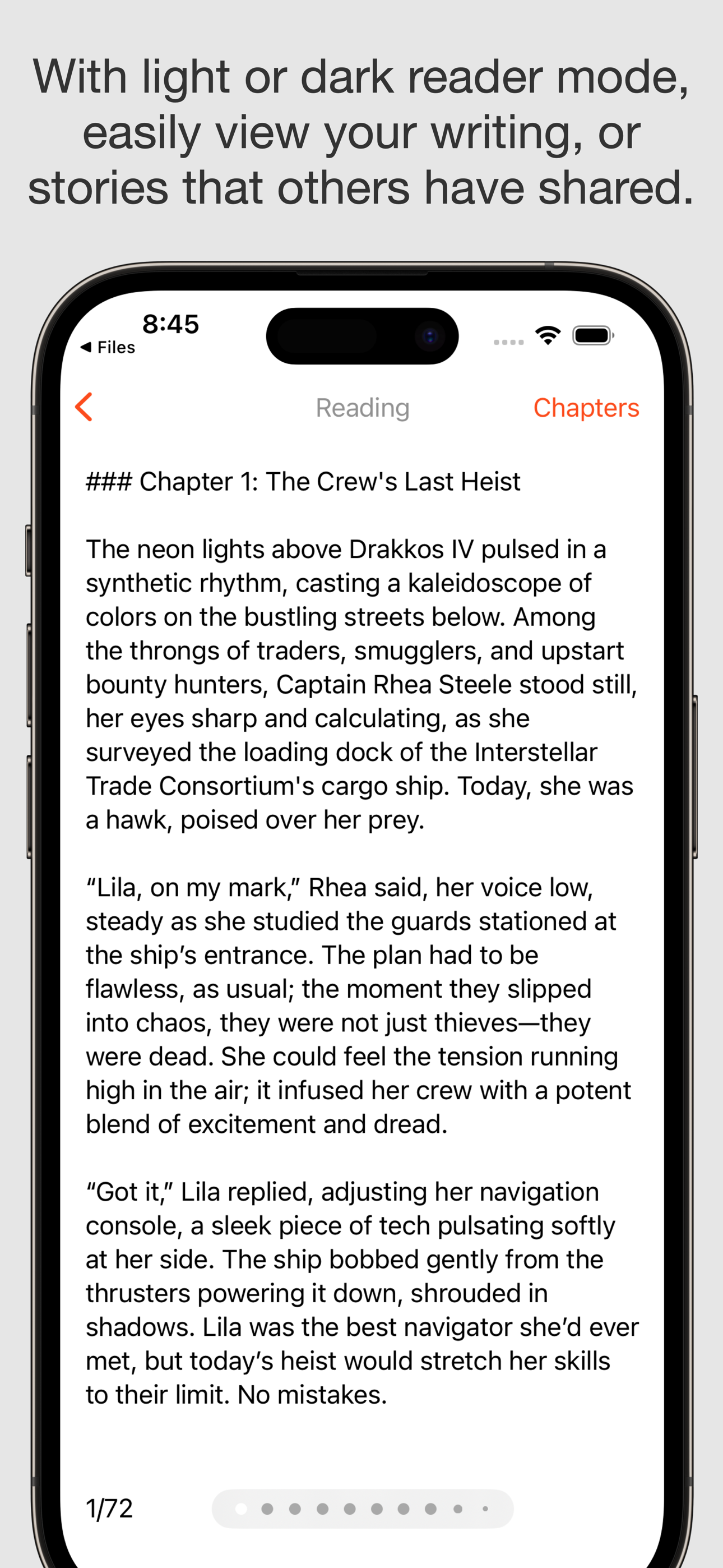
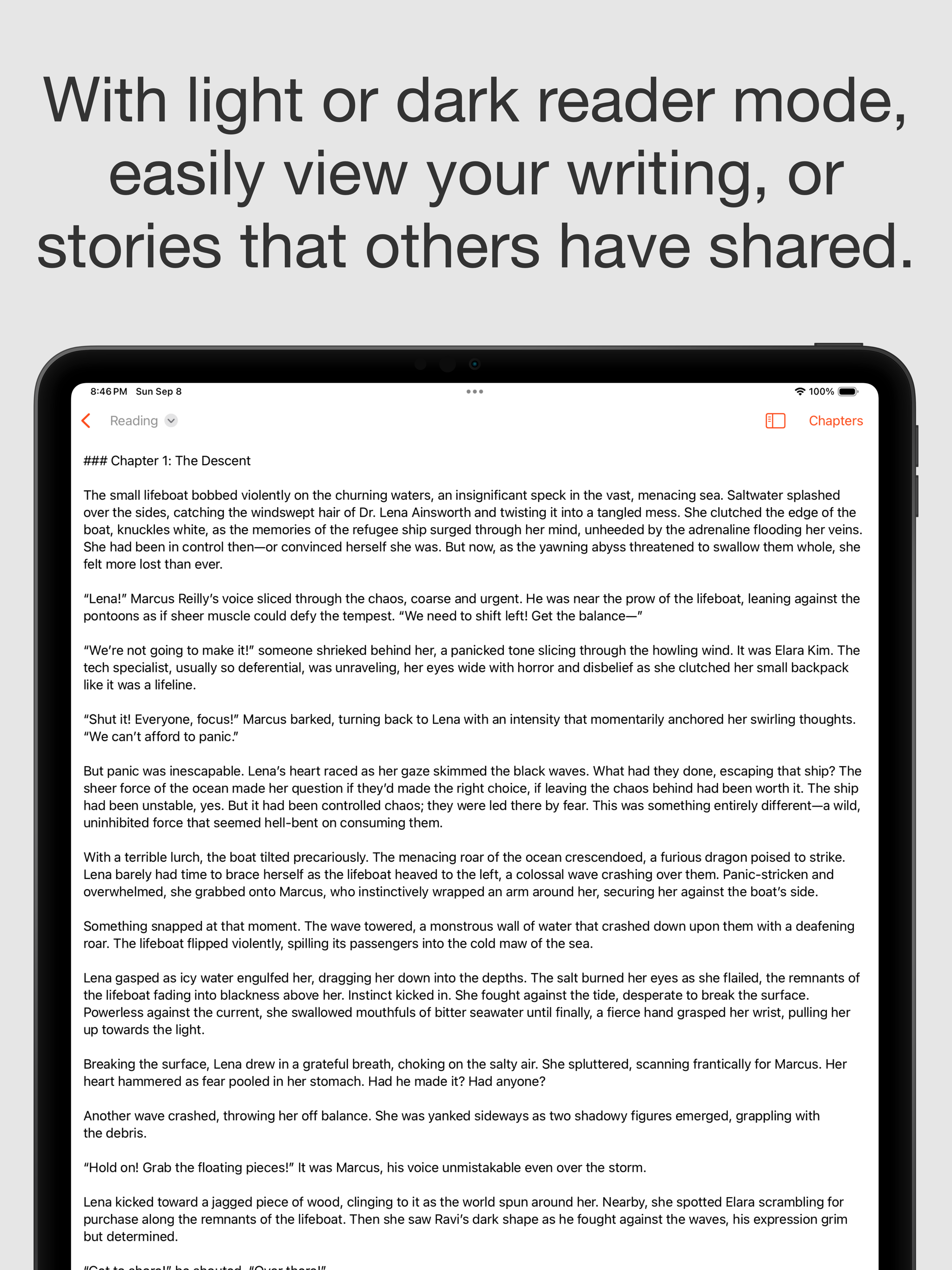
- A nice reader mode that picks up where you left off, divides your work into pages and let’s you jump quickly to chapters.
- The ability to transform your book into a PDF.
- Organization of your work into chapters that you can rearrange.
- You can remove the sidebars on iPad for a focused, full-screen writing experience.
- You can store your books anywhere: on your device, in the cloud, you can share them with others, and others can share them with you in a file type made for the app.
Level 2: Some
Each section of the Story Core lets you provide a prompt where to generate that portion of the core. And it's all editable afterwards.
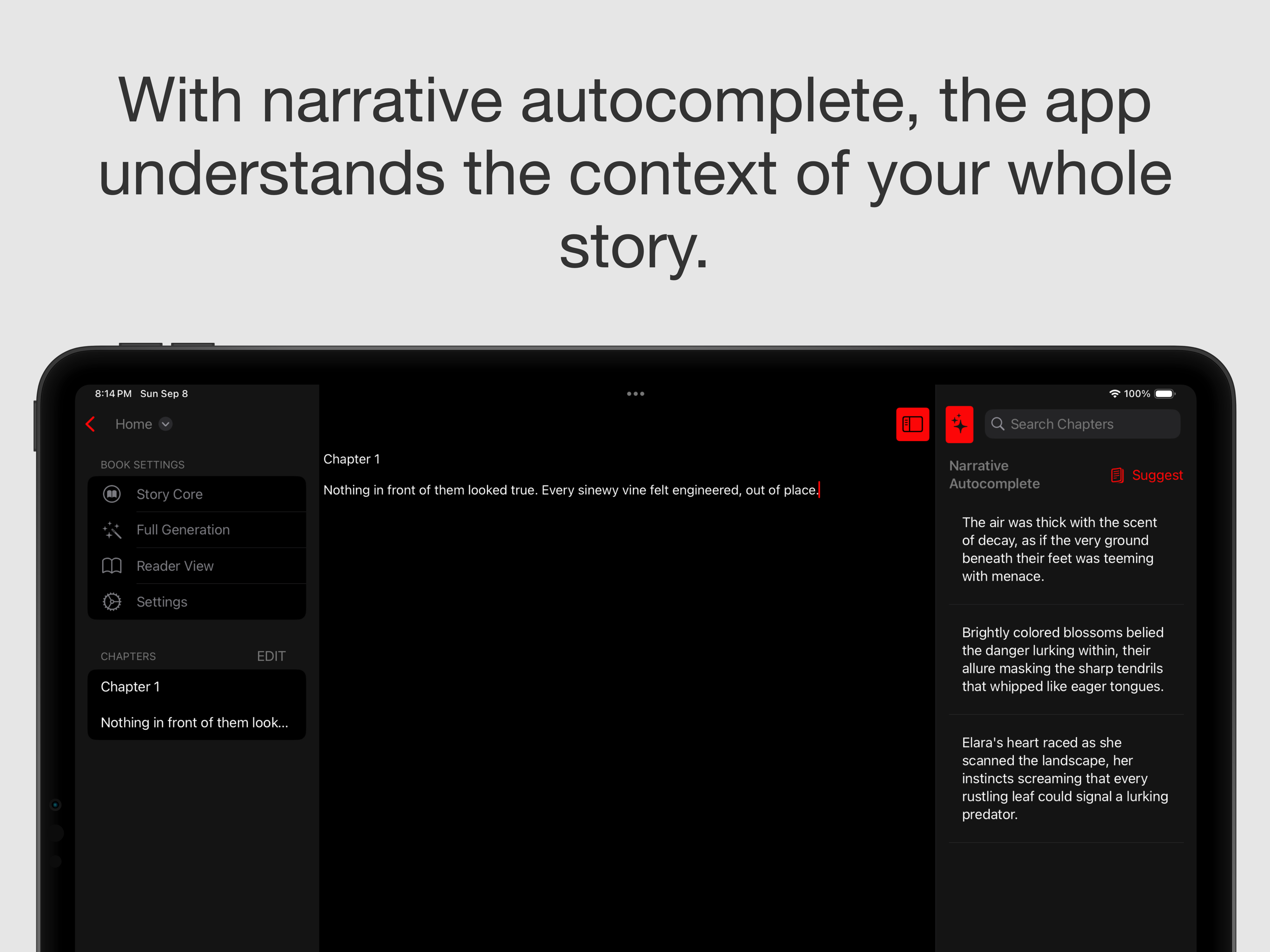
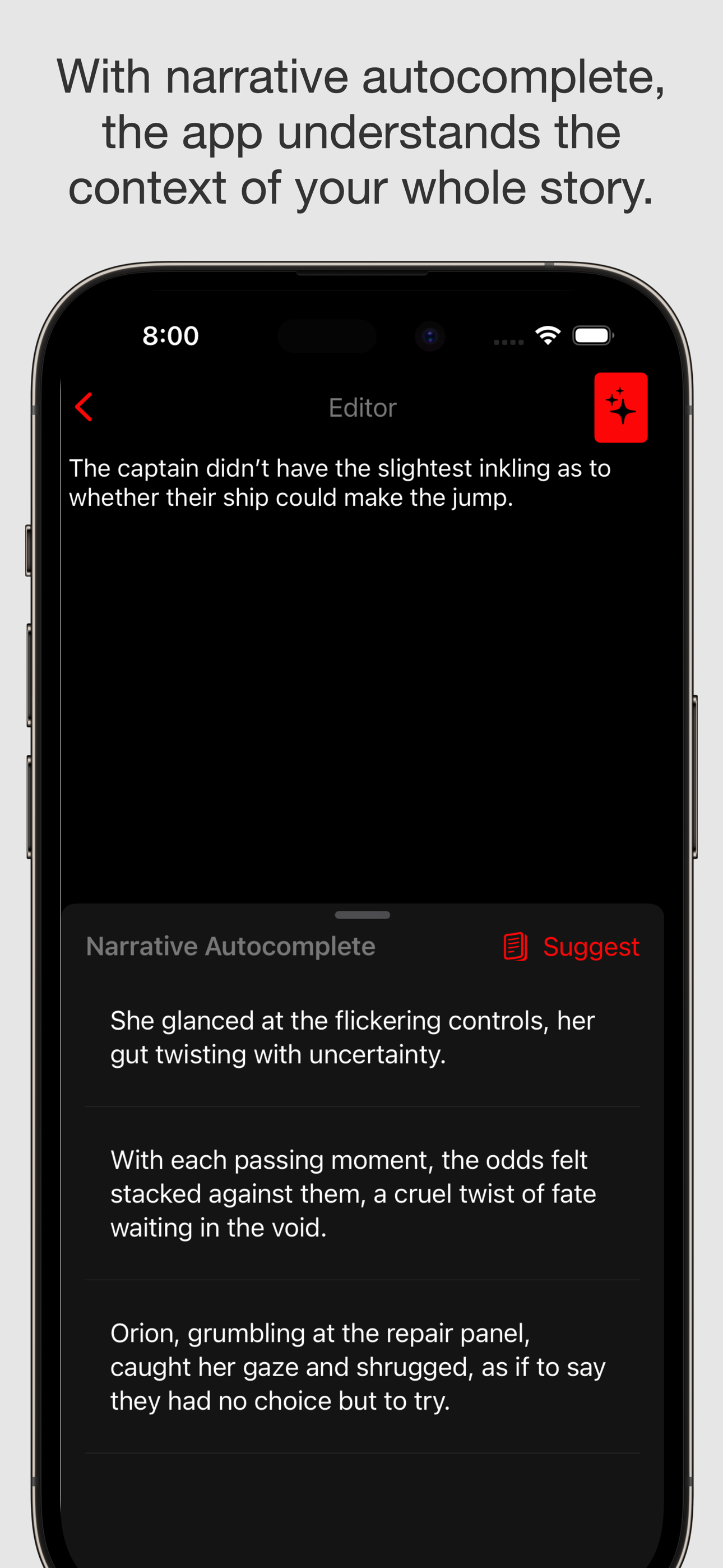
You also get a section of the app that provides narrative autocomplete, meaning the app understands the whole context of all you have written, including the Story Core and summaries of your writing thus far, to help unblock you or give you ideas of what to write (or if you will, use them as ideas of what not to write; going against all the generative suggestions is very much an option).
Level 3: Full
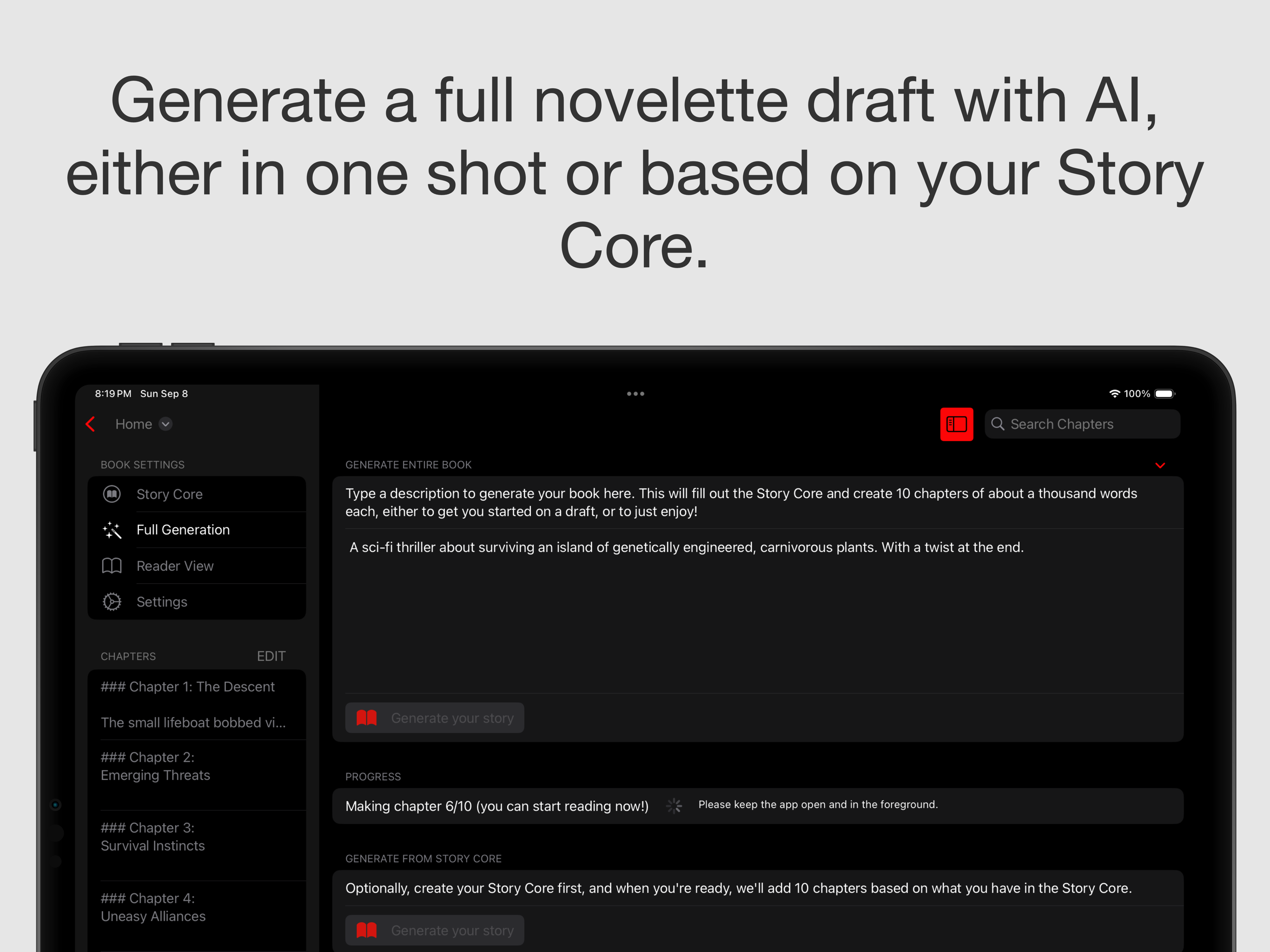
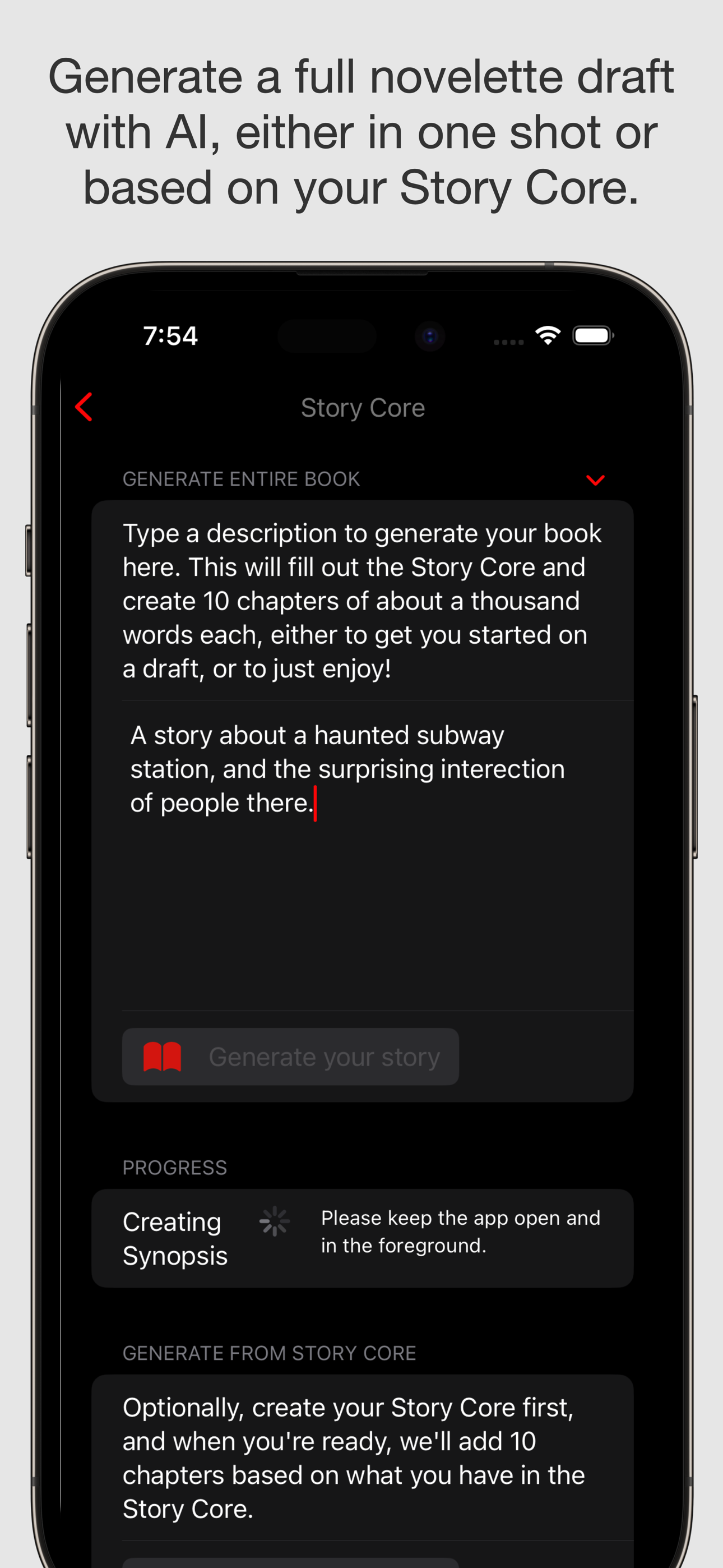
Here we generate 10-chapter novelette. They're meant for you to either enjoy on your own, or to flesh out into a richer story. They're not meant for spamming publishers, in other words.
You can either create the novelette from a single description, or you can fill out your story core first and generate it that way.
How we built it
We used SwiftUI and RevenueCat's Paywall from their SDK for the payments. I made a small Swift Vapor server to act as a relay for the ChatGPT API. I made it a Document app, using DocumentGroup, to get a whole bunch of stuff for free: placing the book/document anywhere you like, with full system tagging, renaming, folders, etc.
Challenges we ran into
One issue is just the need to stream down the results. Even though I don't display the results as they come in, because you're generating a lot of text, you have to use a streaming API on the relay server, or you'll hit timeouts. So that's one thing to keep in mind.
Another issue is that DocumentGroup, while it gives you a lot of cool stuff for free (especially with the new splashy introduction setup in iOS 18, which I look forward to implementing), is very limiting. For instance, I need to navigate through lots of different chapters. Which means that a NavigationSplitView should be great, but DocumentGroup already comes with a NavigationStack preemptively. So I rebuilt a lot of sidebar navigation basics from scratch, and had to put a lot of my navigation controls inside the existing navigation view. It's a brittle setup, and I have ideas about what to do better in the future, but it was very tricky.
Accomplishments that we're proud of
There was also an issue of wanting to have a nice reader mode, but not having the time to implement a full epub conversion from the user's book to an ePub format. (There are ePub parsers, even in Swift, but they don't convert to ePub, only making an ePub reader). So we made a nice little reader that takes chapters and paginates them according to the size of the user's view, responsively. It was cool.
In general, making this app work nicely on the iPhone for good consumption, and also work great on the iPad for focused creation, was just really nice.
Also, even though ChatGPT is core, the app is less of a ChatGPT wrapper and more of a ChatGPT orchestra. Making sure that the right set of context was given at the right time was no small feat. I experimented with making summaries of chapters as context, summary of the Story Core, and all kinds of combinations before arriving at a set of prompts and context that gave solid results.
For instance filling out the Story Core, you want to use what is already in the Story Core. And doing the narrative autocomplete, you don't want only the context of the chapter up to the end of the chapter. You'll want to know other things the user has written in case they autocomplete in the middle of a chapter. Or if they're rewriting a previous chapter.
What we learned
One thing I learned is that the size of the story is key. A novelette (longer than a long short story, shorter than a novella even) is a great size. It's manageable enough to read and enjoy. And it feels substantial enough of a story to get invested in.
What's next for Ember Glow
One major hurdle for me is just finding time to read. Hence so much of my reading is audio books on walks. So getting things tied to good text-to-speech is the key next step.

Log in or sign up for Devpost to join the conversation.