-

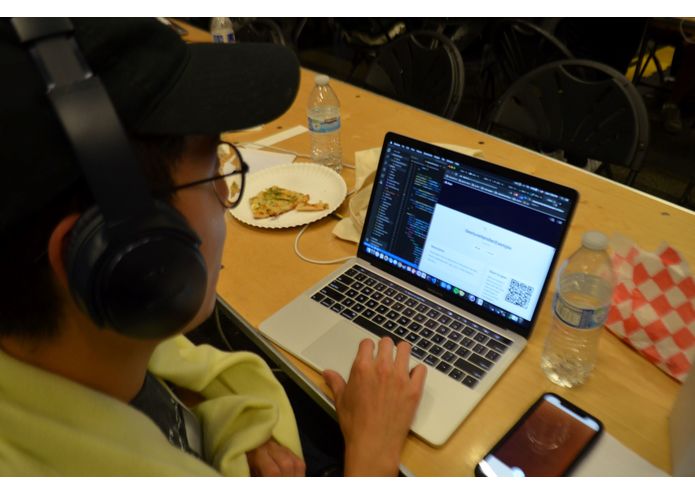
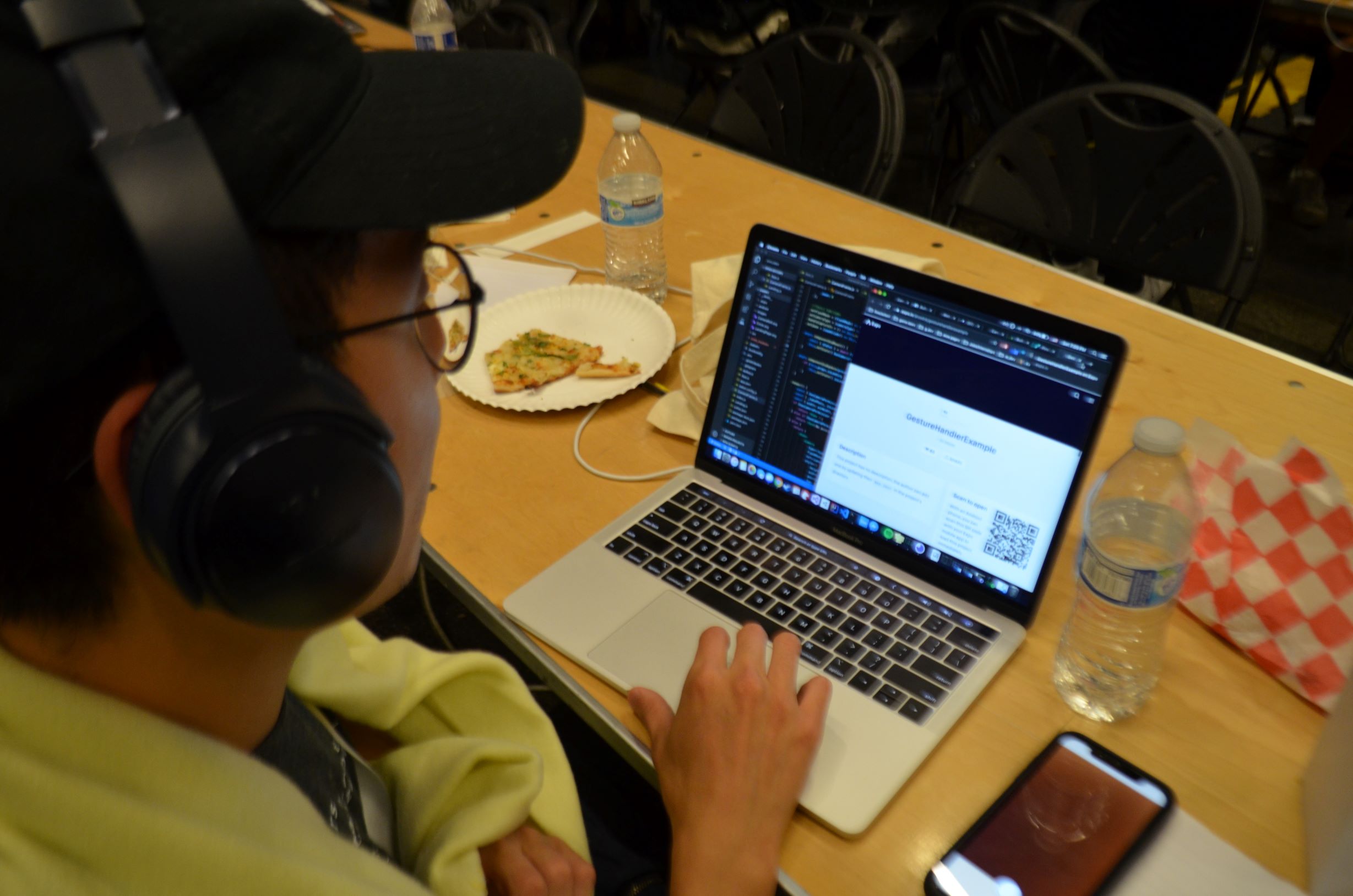
Hard at work!
-

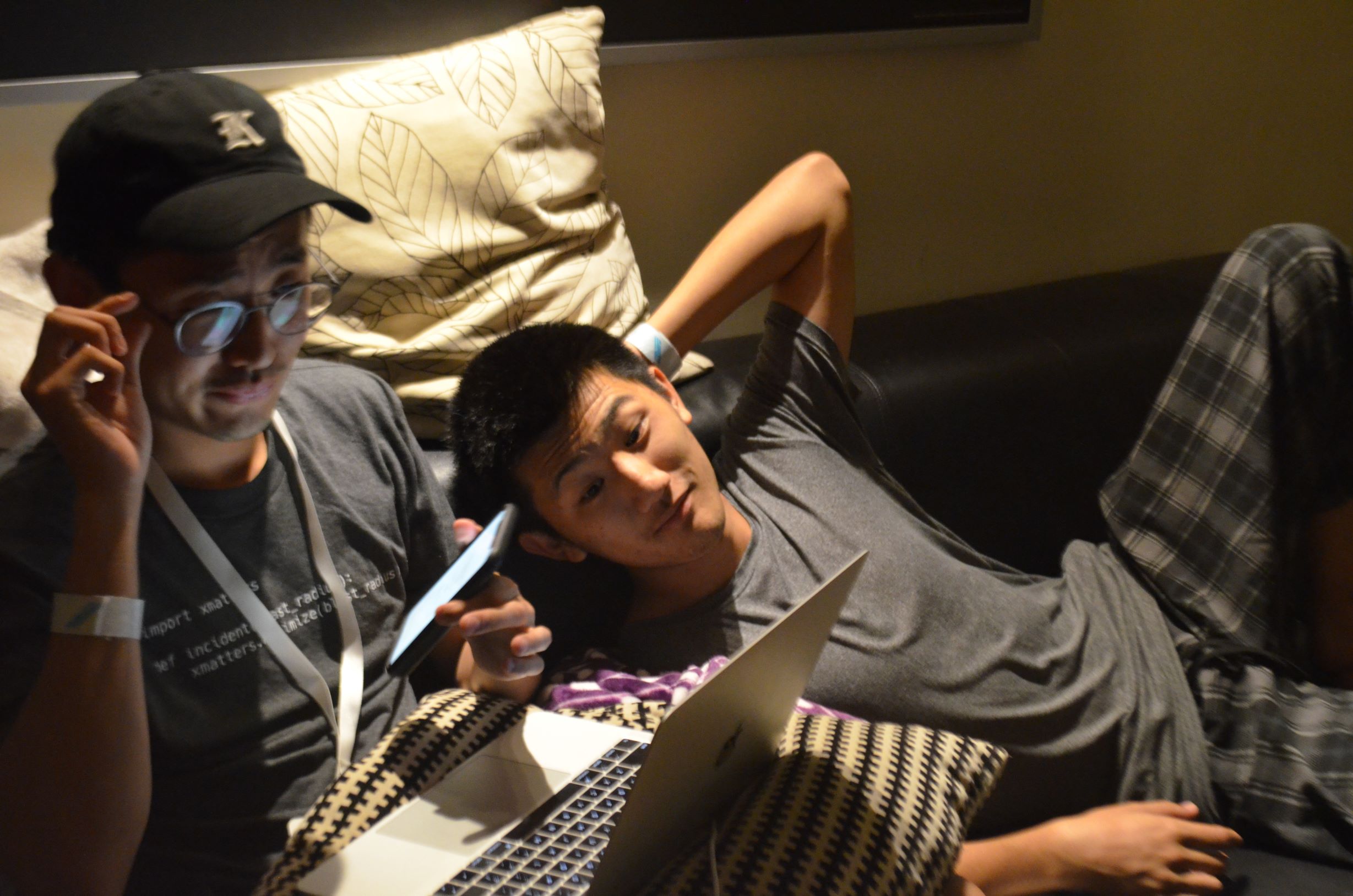
Having fun!
-
*struggling intensifies*
-
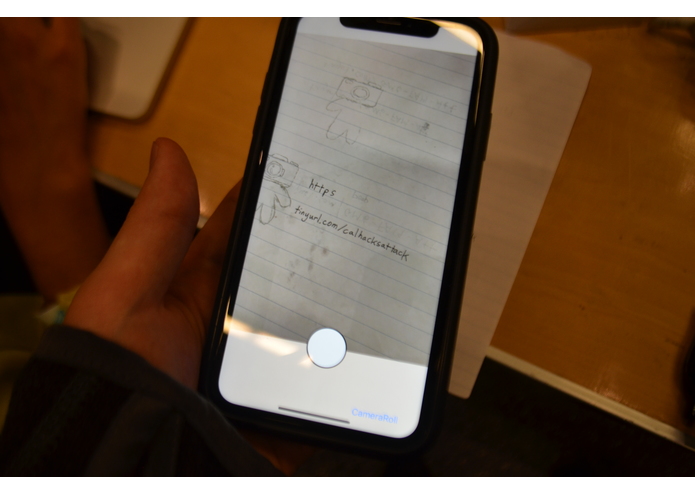
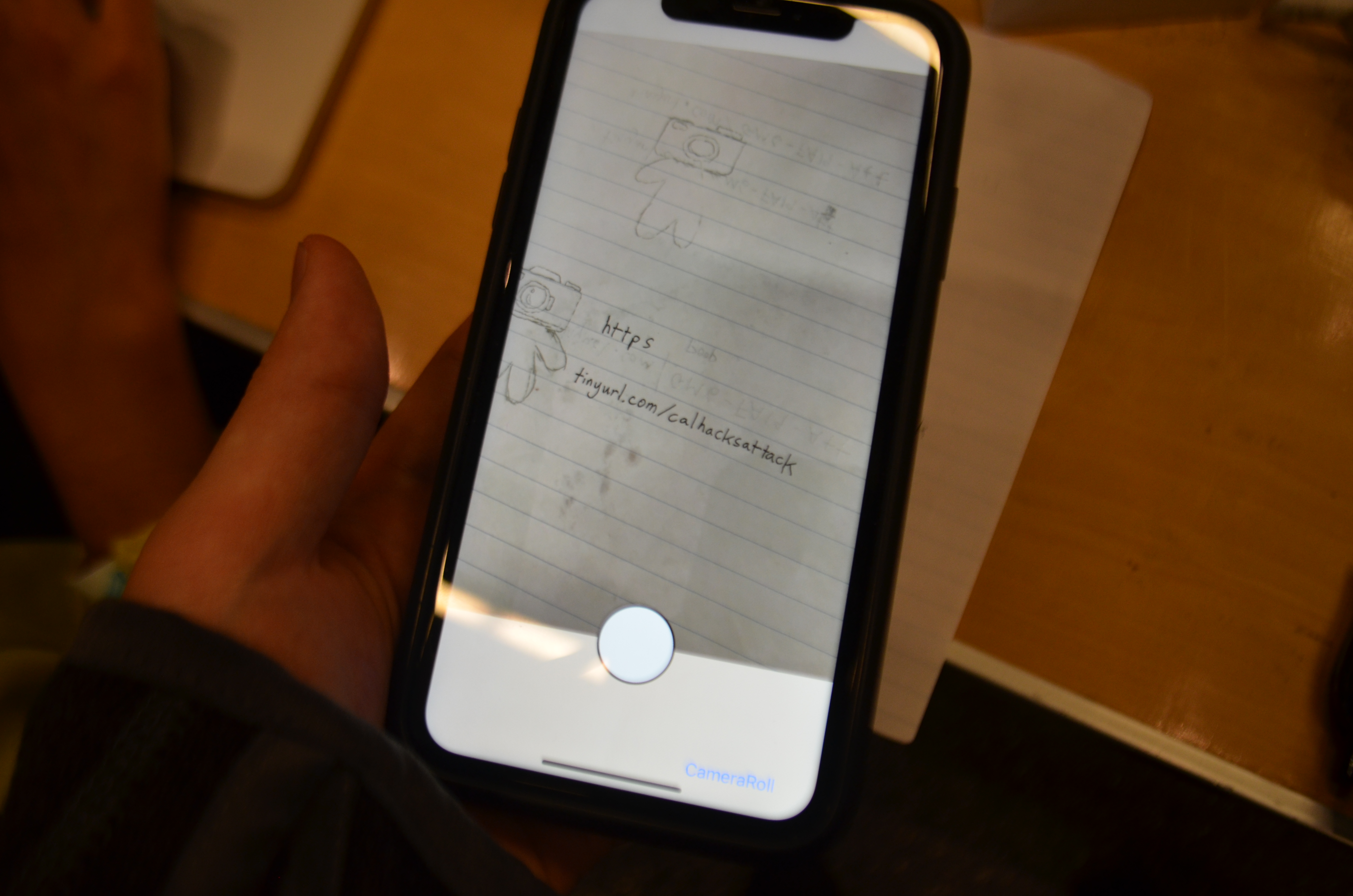
MVP up and running!
-
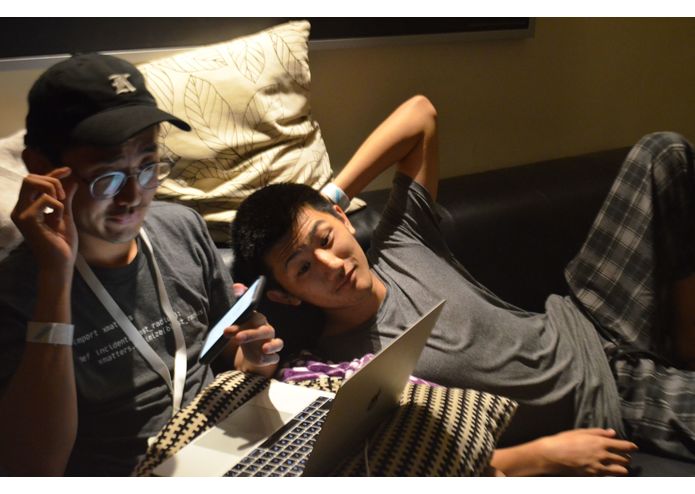
The results speak for themselves :o
-
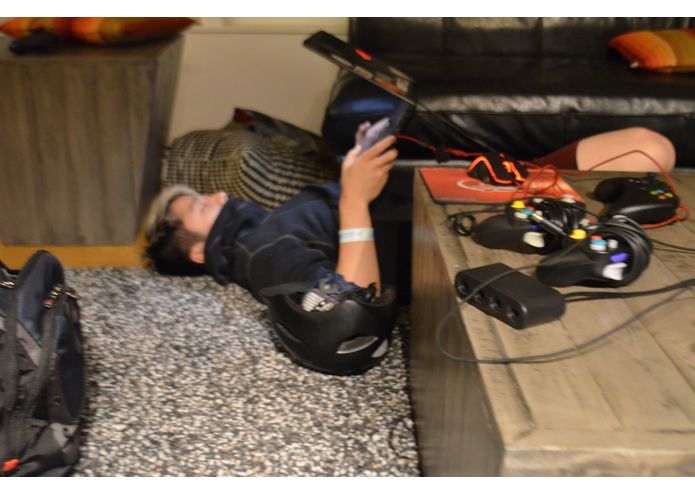
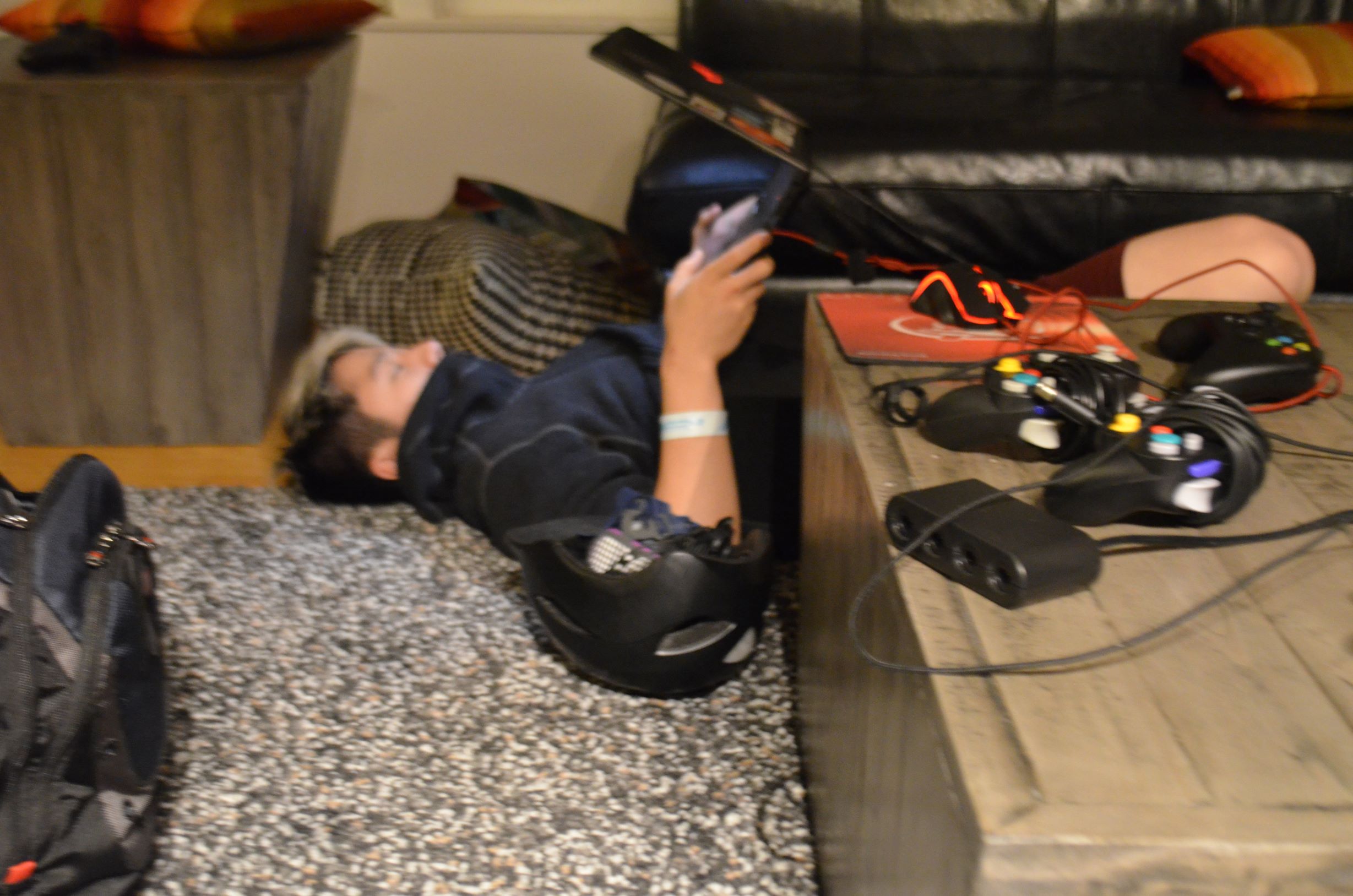
One with the floor


Inspiration
As students, all of us have experienced the mad scramble of jotting down URL links to record attendance. It's inconvenient and inefficient, requiring us to open a browser and painstakingly copy down the link. Just how nice would it be if we could simplify the process?
What it does
Our solution implements Google's Vision API and react-native libraries to take photos using a mobile device's camera app, read information, and open URLs within the photo. The use-case would be utilizing this mobile app to take a photo of a written link, and open it automatically in your default browser.
How we built it
First, we learned how to code (with react-native)! After that, we implemented the Google Vision API in tandem with the expo camera library, ensuring that taken photos can be automatically parsing and going to identified links in the default browser in the mobile device.
Challenges we ran into
The bulk of the challenges we faced were issues with compatibility. There were a lot of nuances to work out with the Vision API, in addition to various challenges in customizing the user experience of our app to be as efficient, yet sleek as possible.
Accomplishments that we're proud of
We're proud of every step of the way! Bridging the gap between functionality and simplicity was challenging, but very rewarding. We all take great pride in bringing a tool into existence which we would actually want to use in the real world.
What's next for Cammy
We plan on further developing the features and user experience of the app (such as improving the ability to distinguish URLs from unrelated text and creating a loading screen), with the ultimate aim to publish onto the app store so that other students can benefit from this tool!
Built With
- expo.io
- google-vision
- react-native
- xcode


Log in or sign up for Devpost to join the conversation.