Inspiration
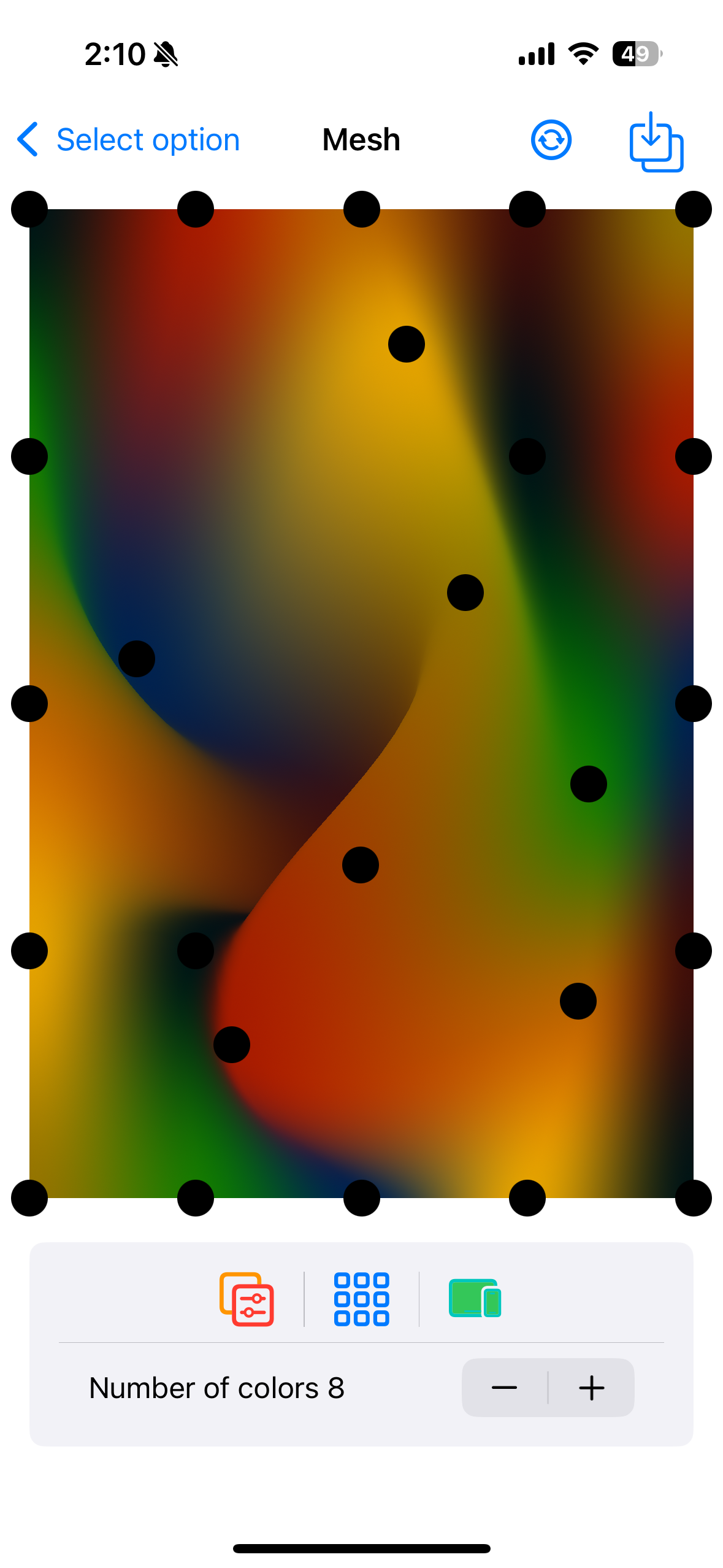
The inspiration behind Mesh Cam is from my fascination with visual effects and the way gradients can dramatically transform an image. I’ve always been drawn to the beauty of subtle transitions between colors, especially how they enhance photos. The idea was to take something as simple as a photo and use dynamic gradients to bring it to life, giving users the ability to create wallpapers and social media-ready images in seconds. The power of iOS 18’s MeshGradient API, which allows manipulation of mesh points to generate unique color patterns, was the key driver behind this idea.
What it does
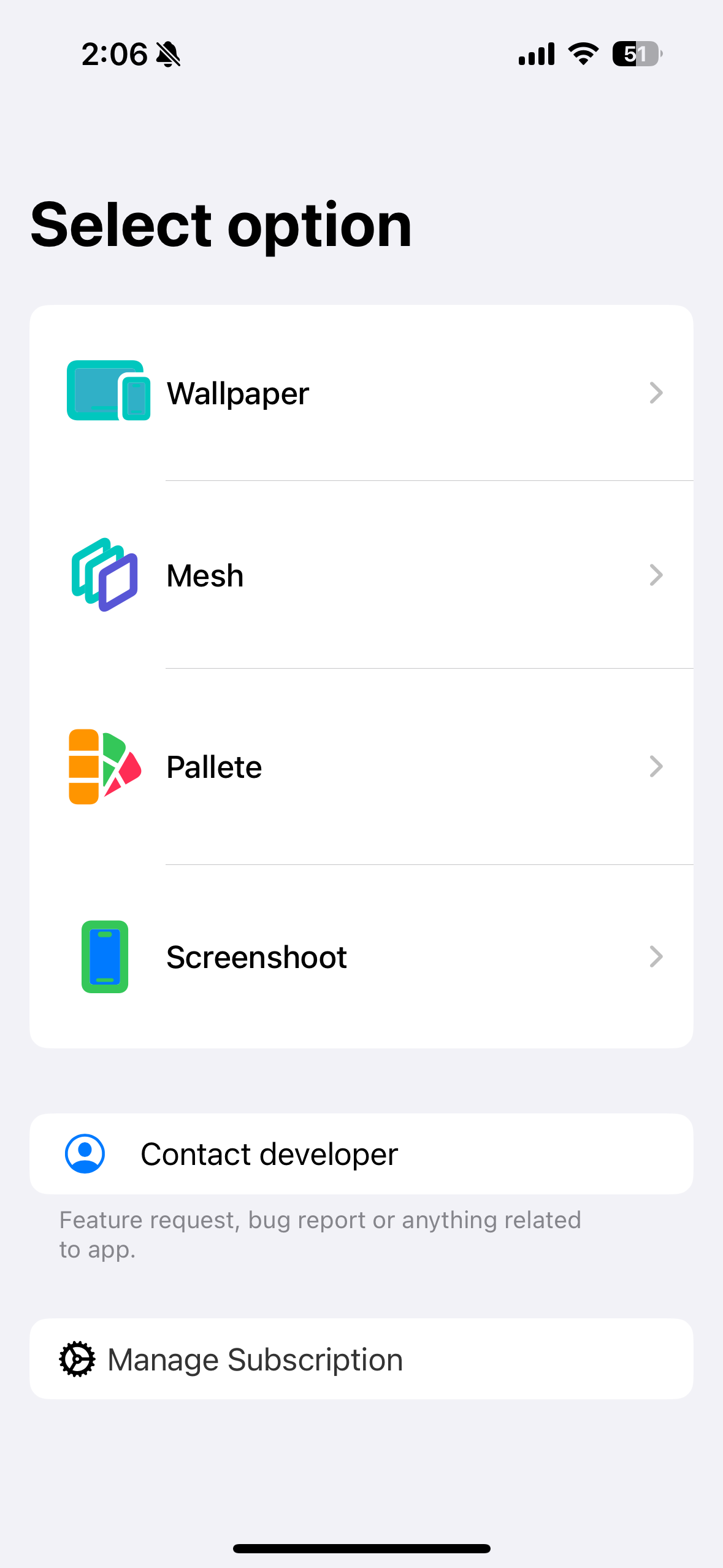
    • Ultimate Mesh Wallpapers: Capture a photo and transform it into unique, eye-catching mesh gradients.
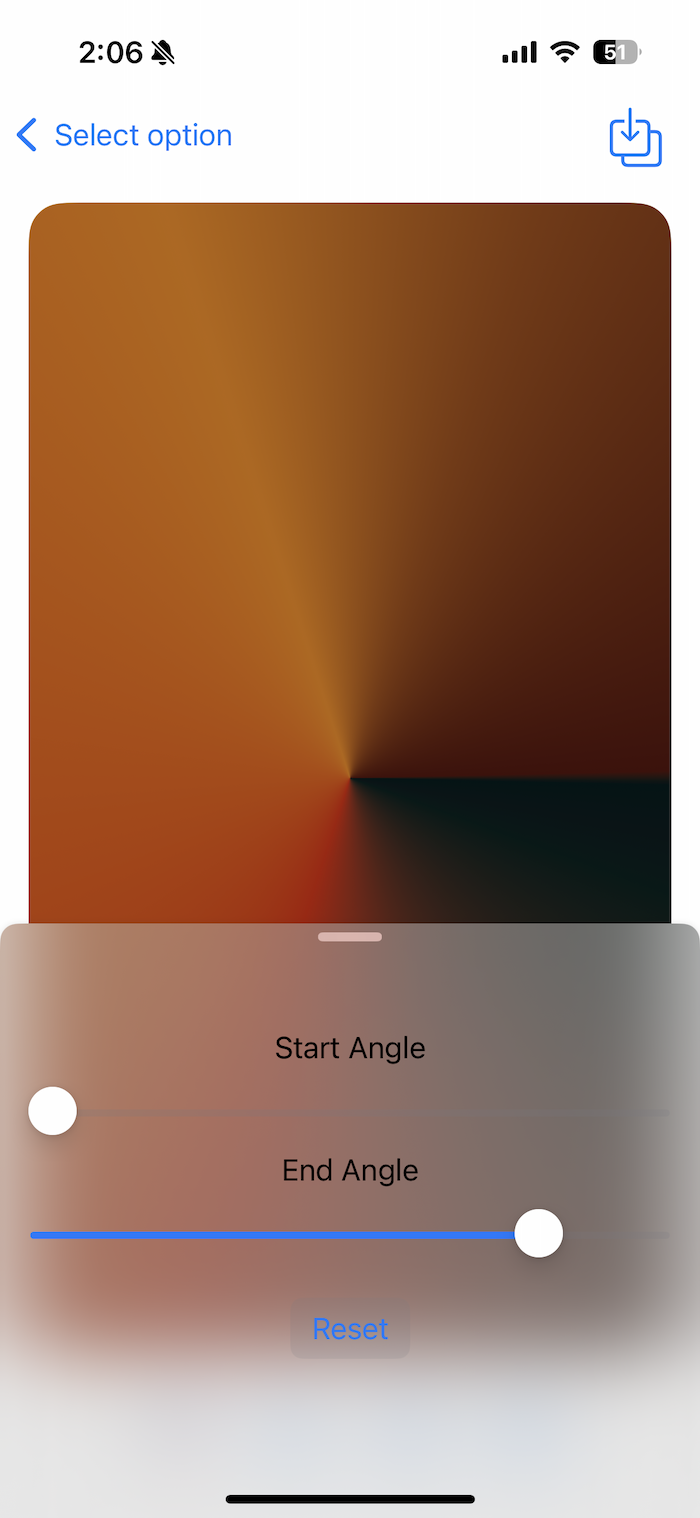
• Gradient Customization: Choose from a variety of gradient types—angular, radial, horizontal, and vertical—to suit your style.
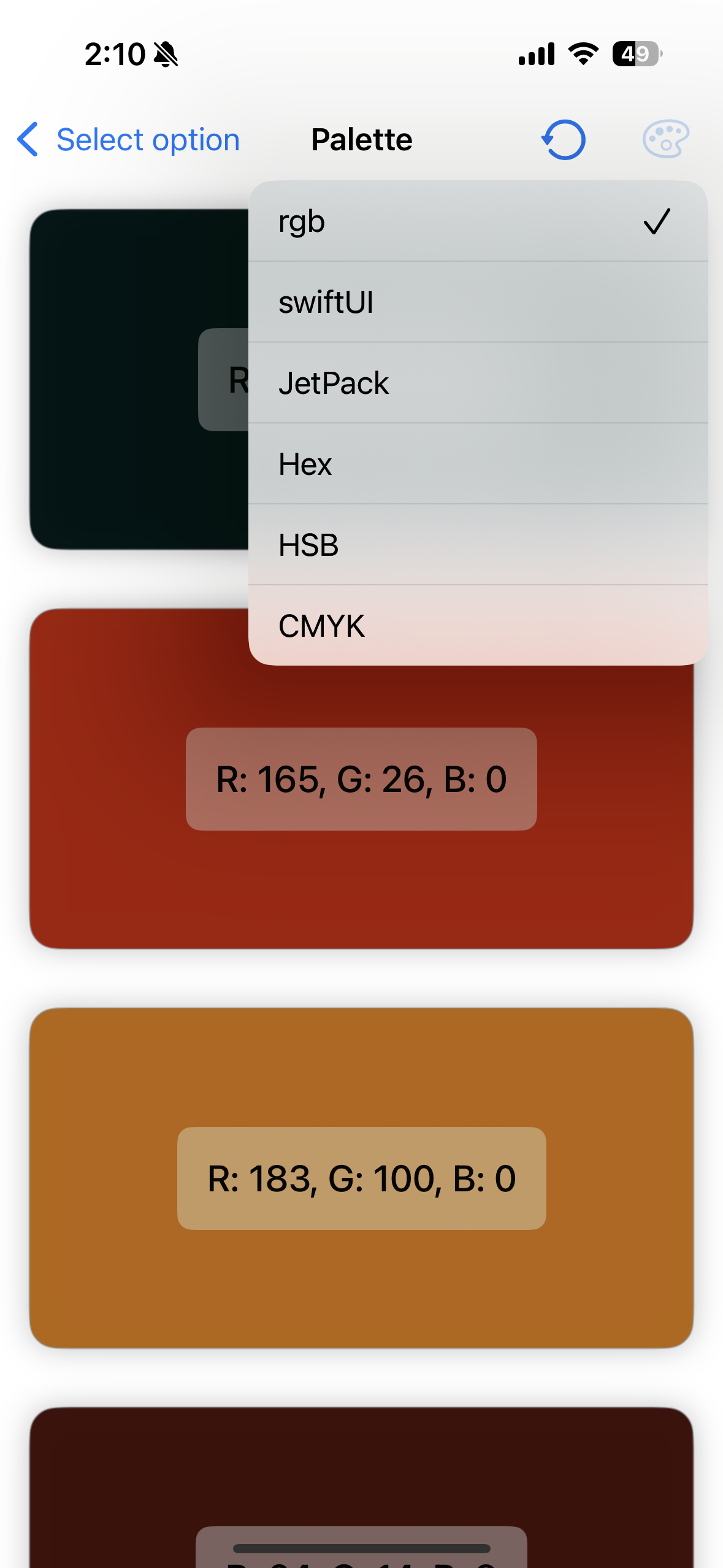
• Turn Your Photos into Art: Select a picture, and Mesh Cam extracts the most prominent colors, seamlessly blending them into stunning gradient wallpapers.
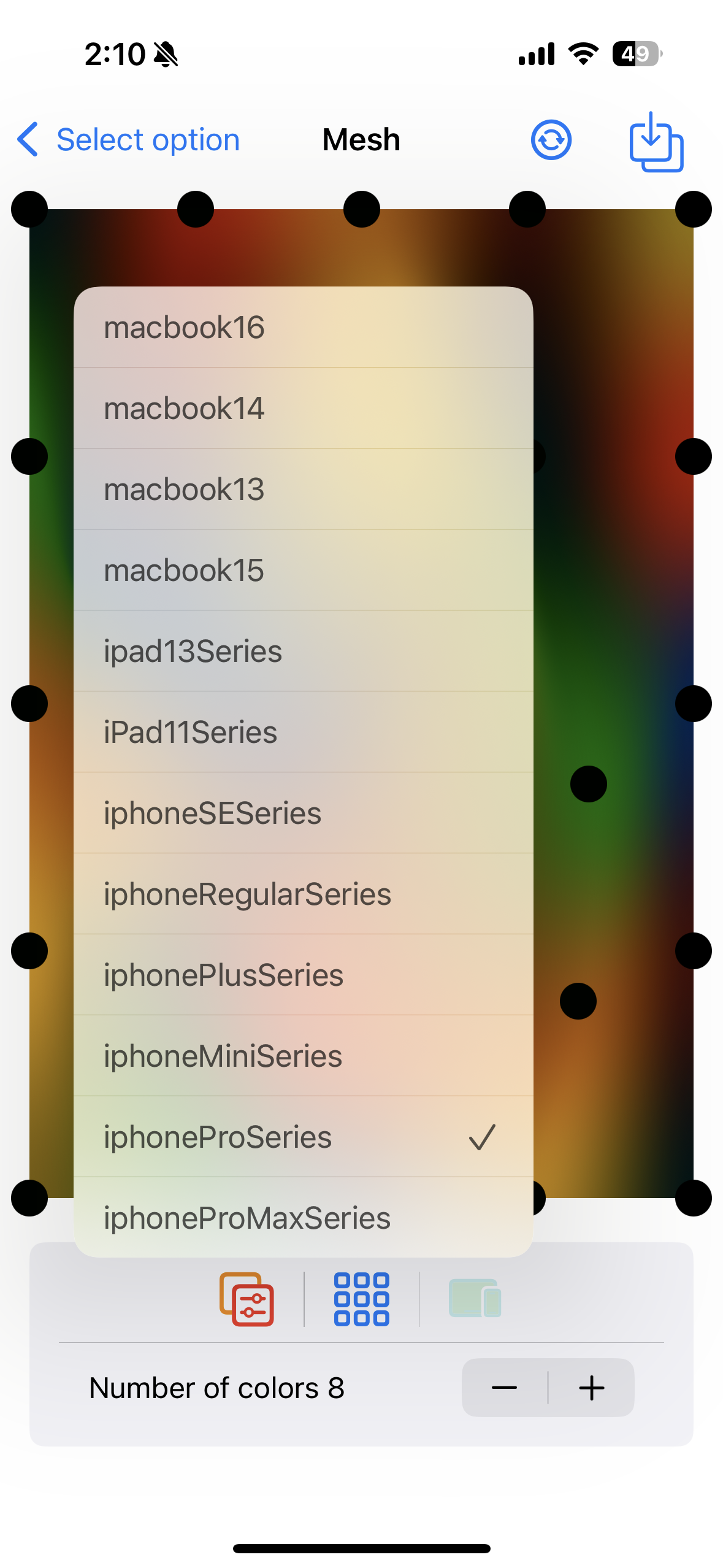
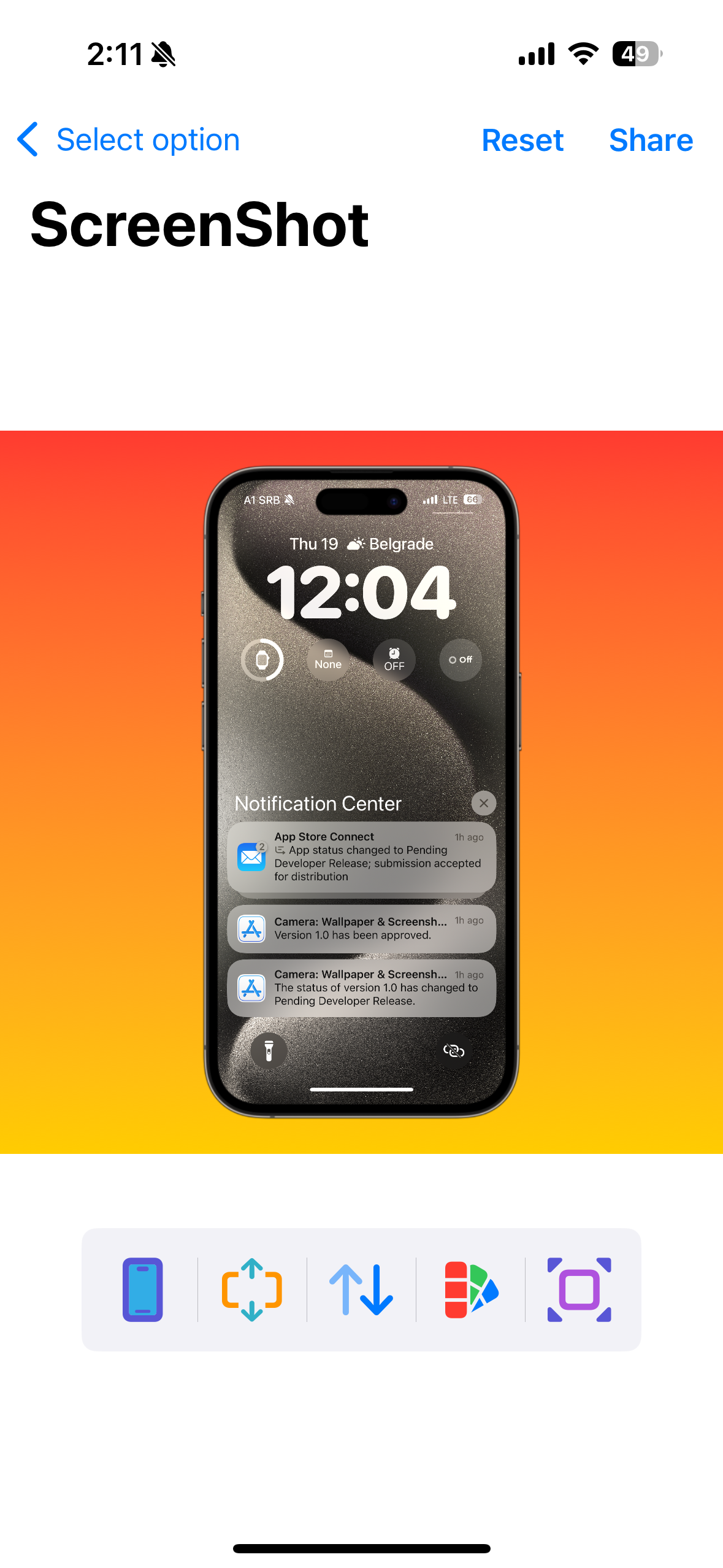
• Screenshot Magic: Make your screenshots pop! Instantly enhance them with stunning background effects, frame in any device, and share them with friends or on social media.
How we built it
Using SwiftUI, I built an interface where users can pick images from their gallery, see them in real-time with gradient overlays, and tweak the mesh points. This allowed users to control not just the image but also the exact appearance of the gradient. Wallpaper and Screenshot Framing: Another core feature was the ability to frame a screenshot or image inside different devices (iPhone, iPad). When an image didn’t match the aspect ratio of the frame, I implemented a feature where users could choose a background, similar to how Xnapper works. This gave more control over customization and resulted in a polished final output. MeshGradient API: I used this new API to create a grid of points that could be manipulated to alter the gradient overlaid on a user’s photo. The points in this grid were draggable, allowing users to fine-tune the mesh colors interactively.
Challenges we ran into
One of the biggest challenges I faced was getting the gradients to behave the way I wanted in real-time. The MeshGradient API, while powerful, required precise manipulation of points to achieve the right aesthetic. There were performance concerns when applying these effects to large images, particularly on older devices.
What we learned
Working on Mesh Cam was a great learning experience. I dove deep into iOS 18’s MeshGradient API, which was new territory for me. I learned how to build an interactive gradient manipulation, each controlling part of the mesh gradient. Understanding how to combine this with user-generated images helped me understand the flexibility and power of SwiftUI and its integrations with CoreImage.

Log in or sign up for Devpost to join the conversation.