-
-

app icon
-
-
-
-
-
-
-
-
-
-
-
-

-
-
-

Inspiration
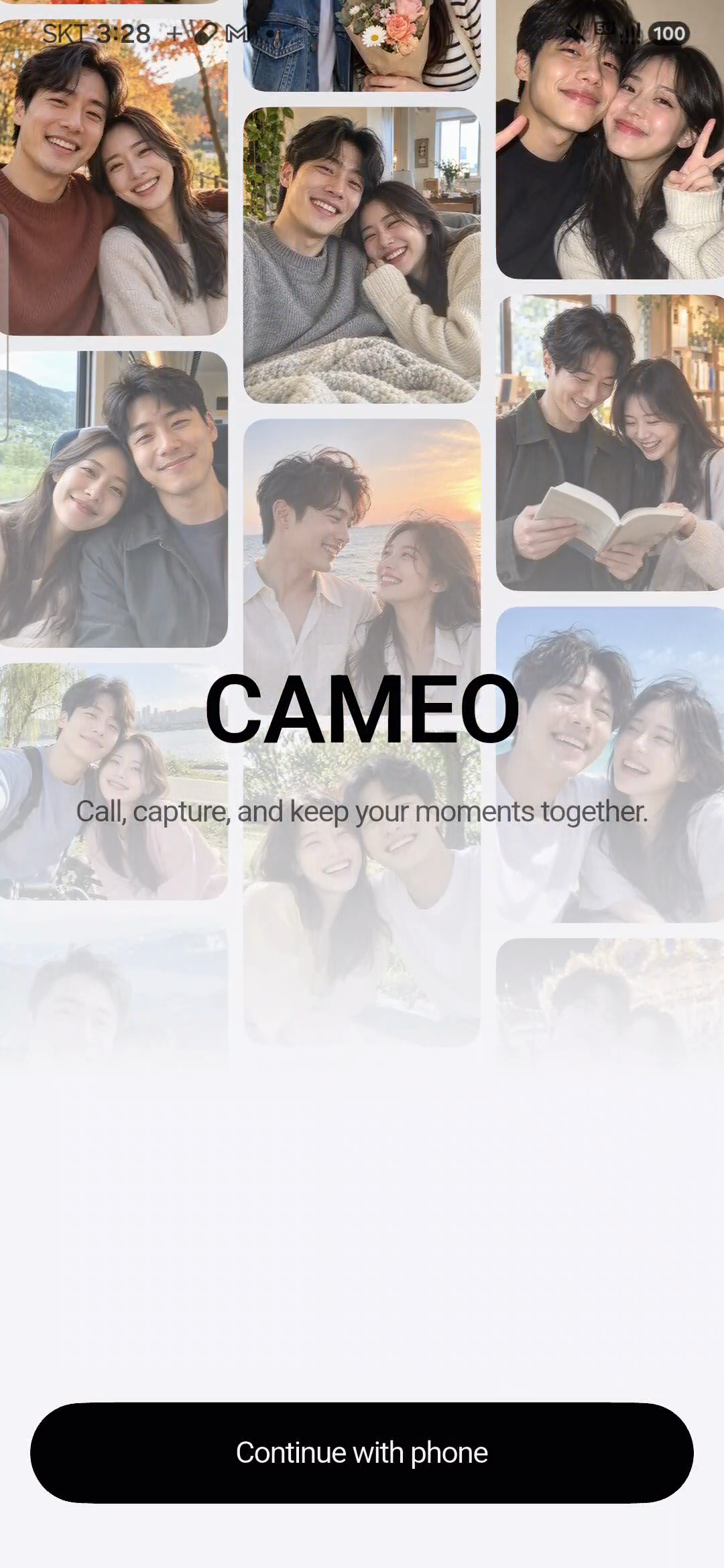
A couple's memories are not made only on special occasions. They also live in ordinary moments: saying "Look at this" during a call, laughing at a photo together, or hearing each other's voice while talking about an uneventful day.
But revisiting a photo does not always bring back the conversation around it. The image remains, while the reaction, the laughter, and the things we were saying gradually become harder to remember.
Cameo began with a question: What if revisiting a photo also let us hear the moment we shared it?
We wanted to turn things couples already do - sharing photos and short videos, talking, and showing each other their day - into a shared record. Our goal is to help everyday moments become memories without making remembering feel like another task.
What it does
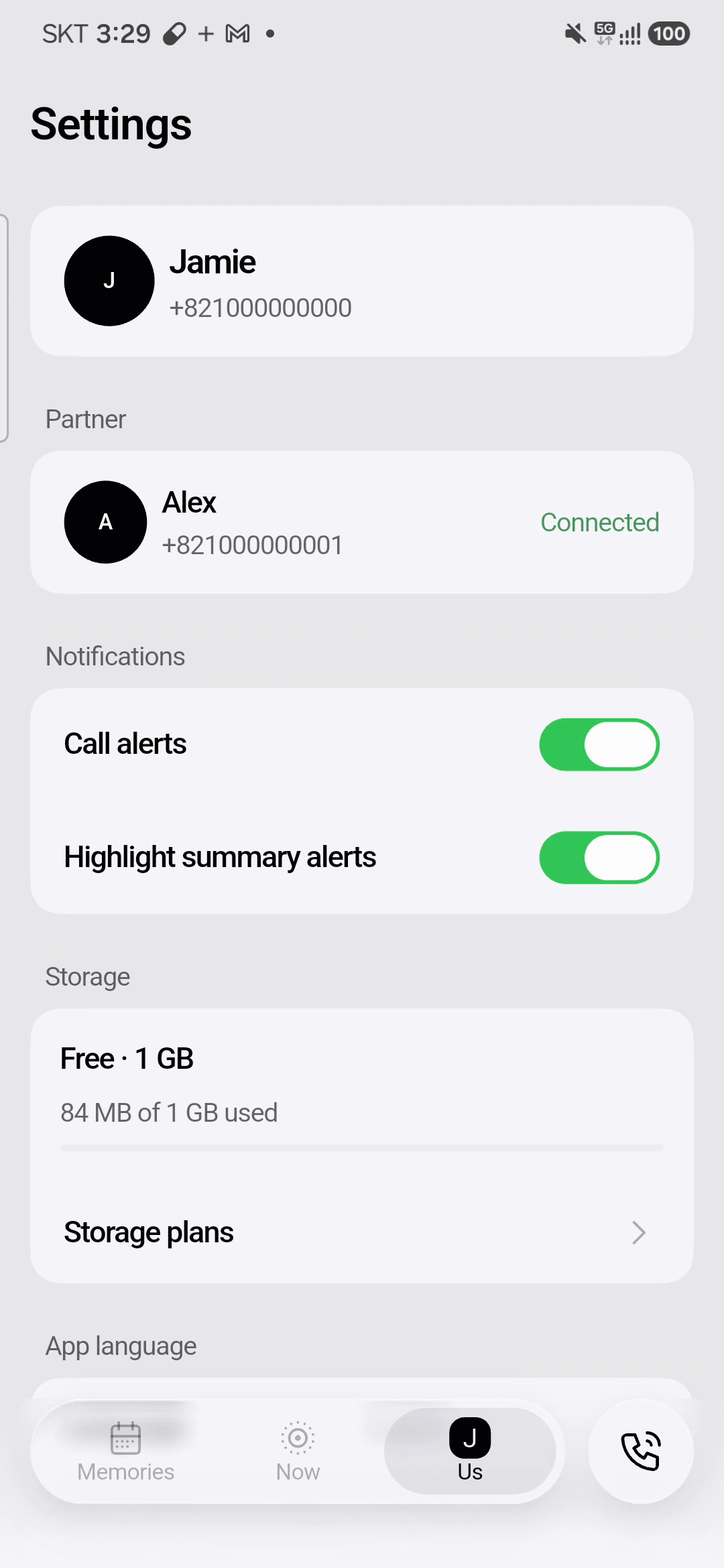
Cameo is a couples memory app designed for two connected partners to share everyday life through photos and short videos, talk over voice calls, and revisit those moments through the images and voices they shared.
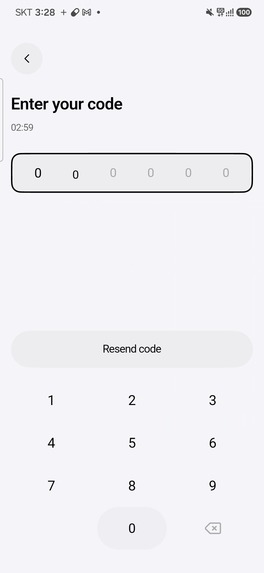
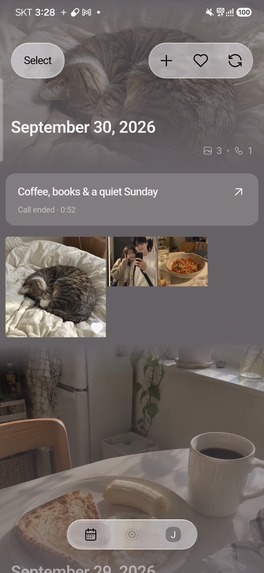
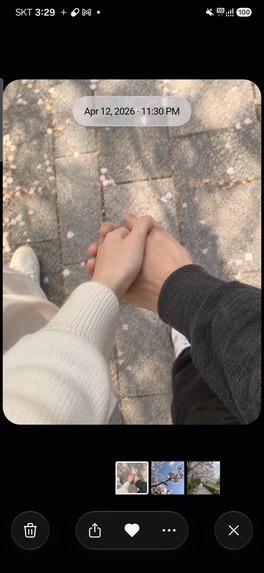
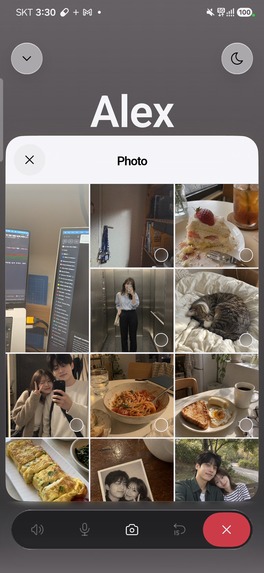
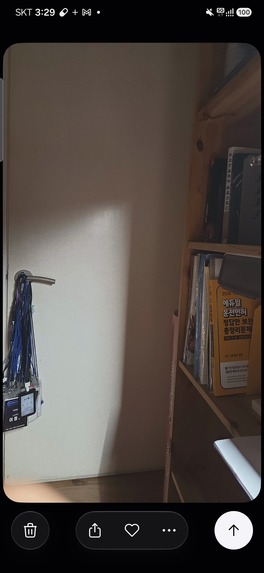
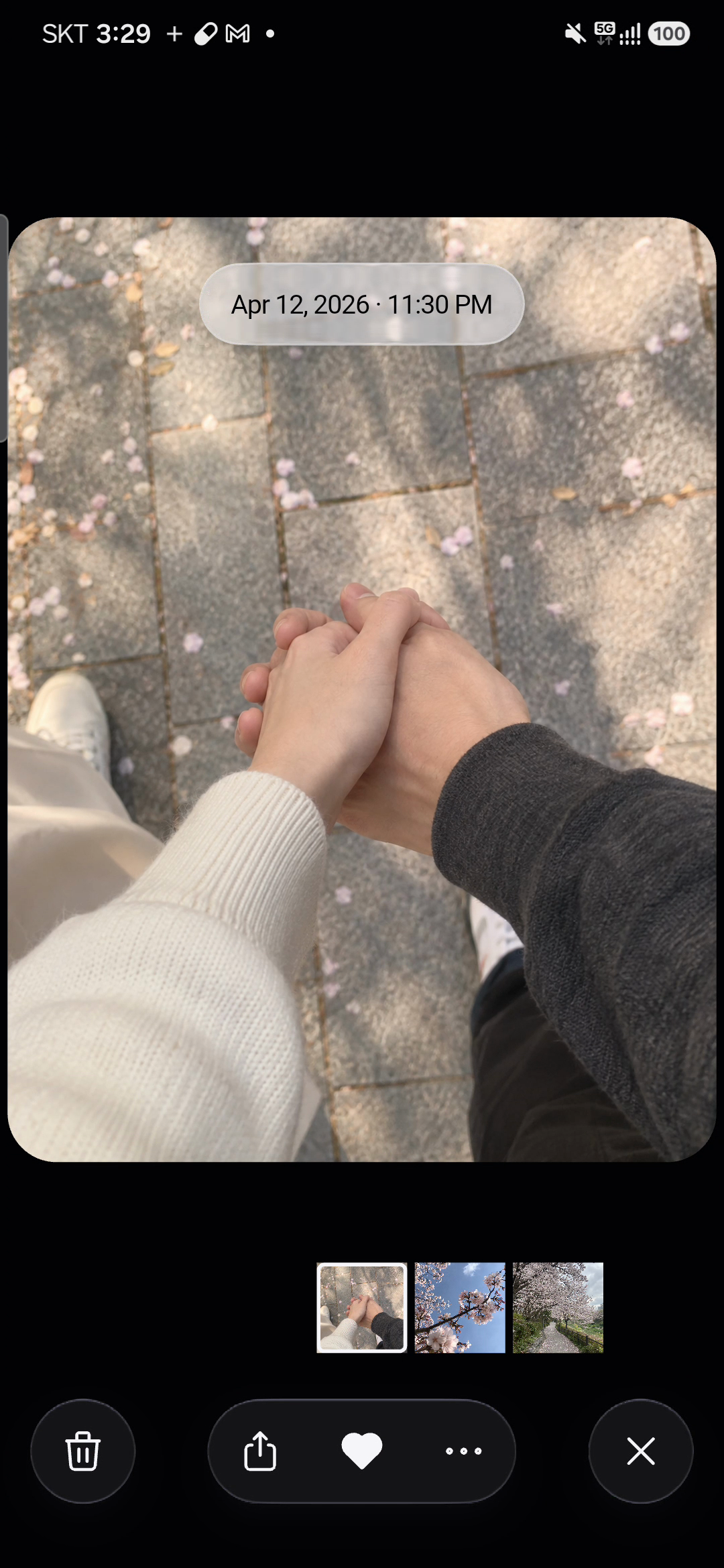
Two people connect through a pairing code. From there, they can share everyday moments using the in-app camera or media from their library, and return to those memories in a shared album. Photos and short videos offer different ways to capture a day, from a single scene to a small moment in motion.
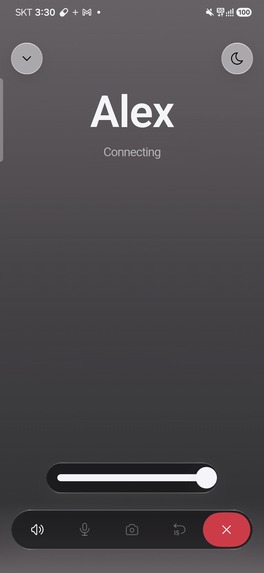
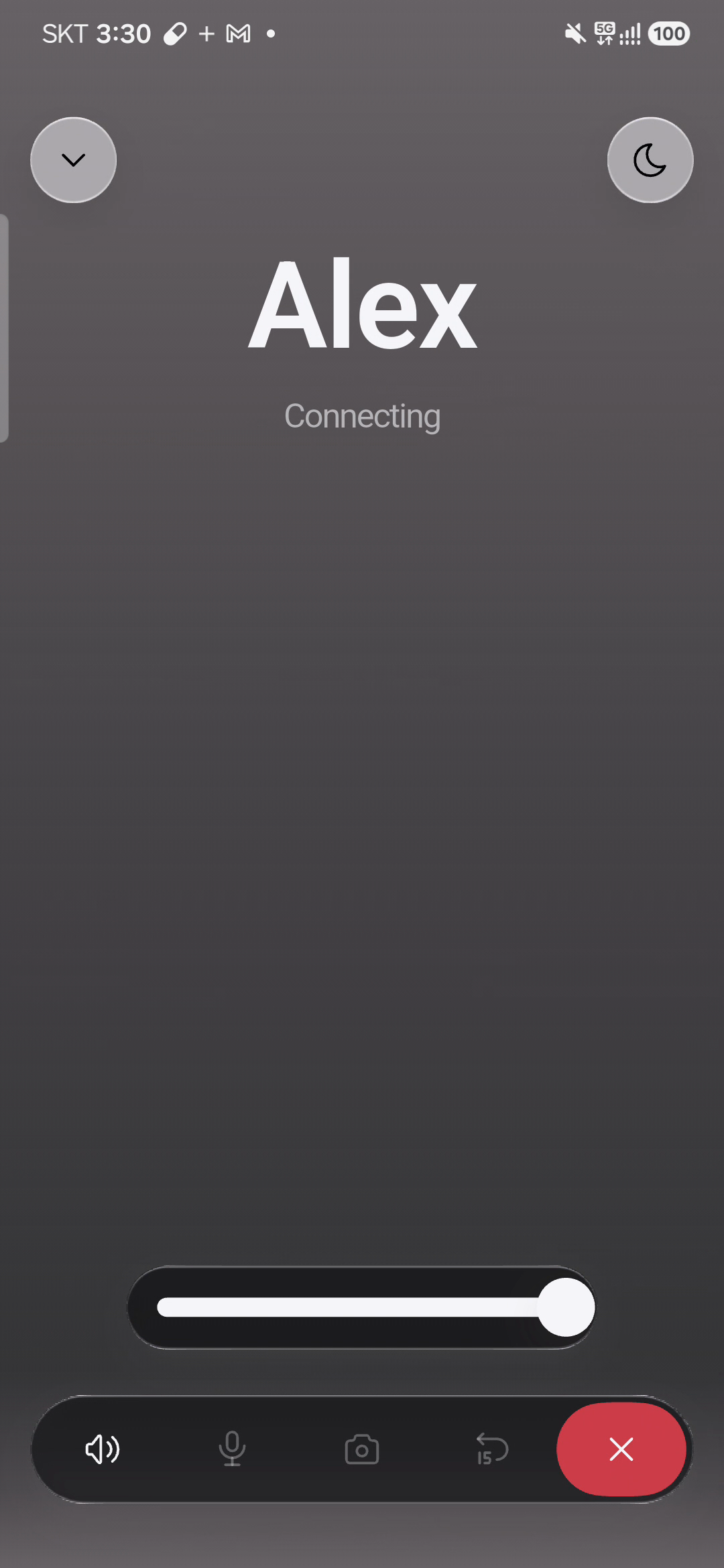
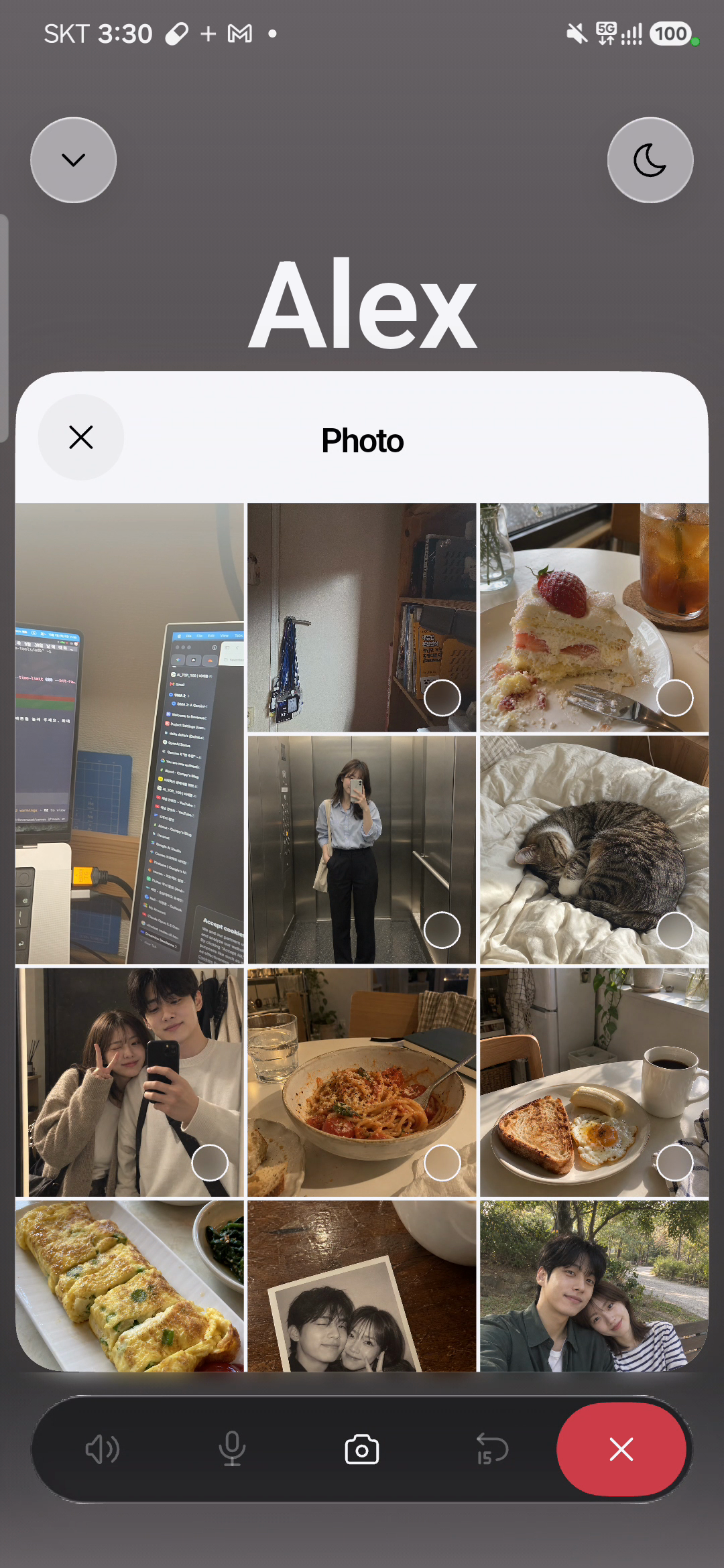
The central interaction is sharing photos during a call. When someone wants to show their partner something, they can take or select a photo from the call interface. The couple can look at the photo and keep talking within the same experience.
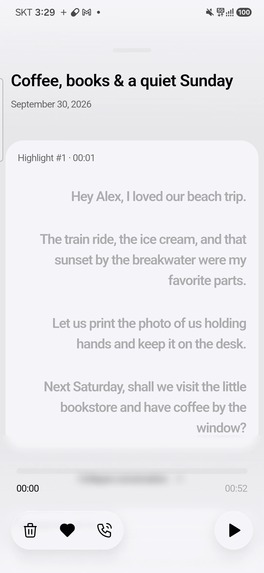
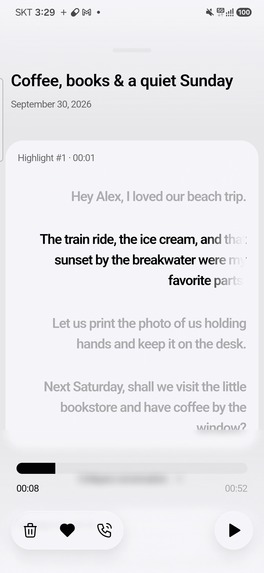
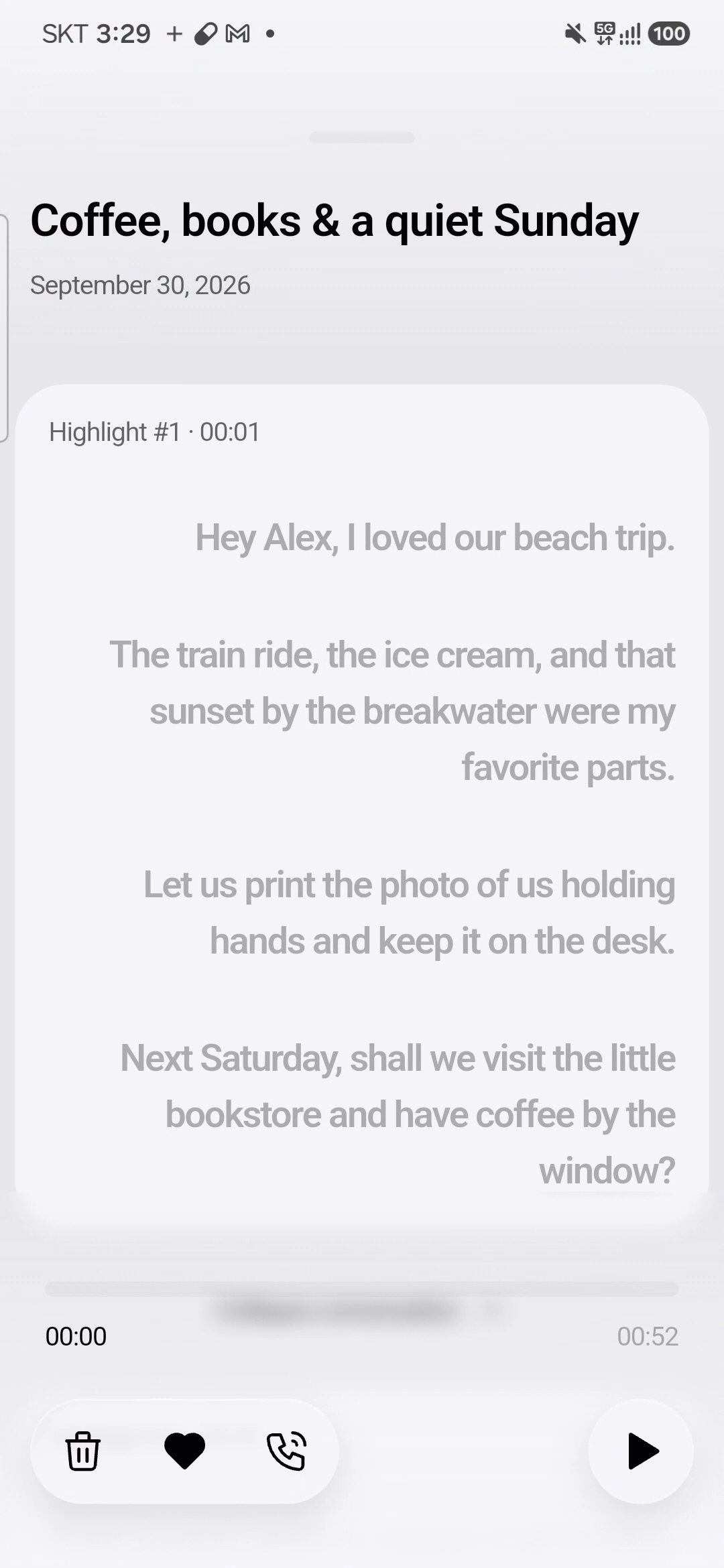
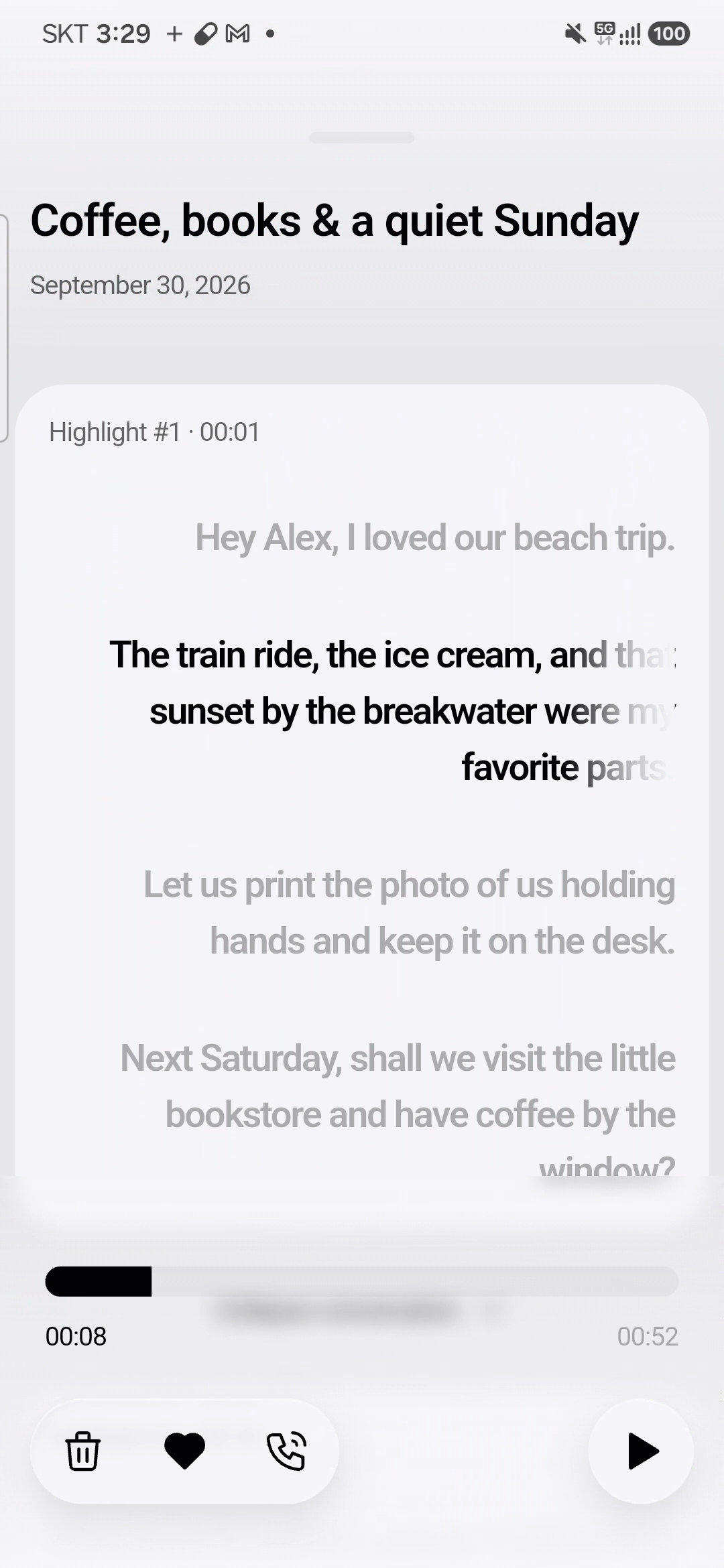
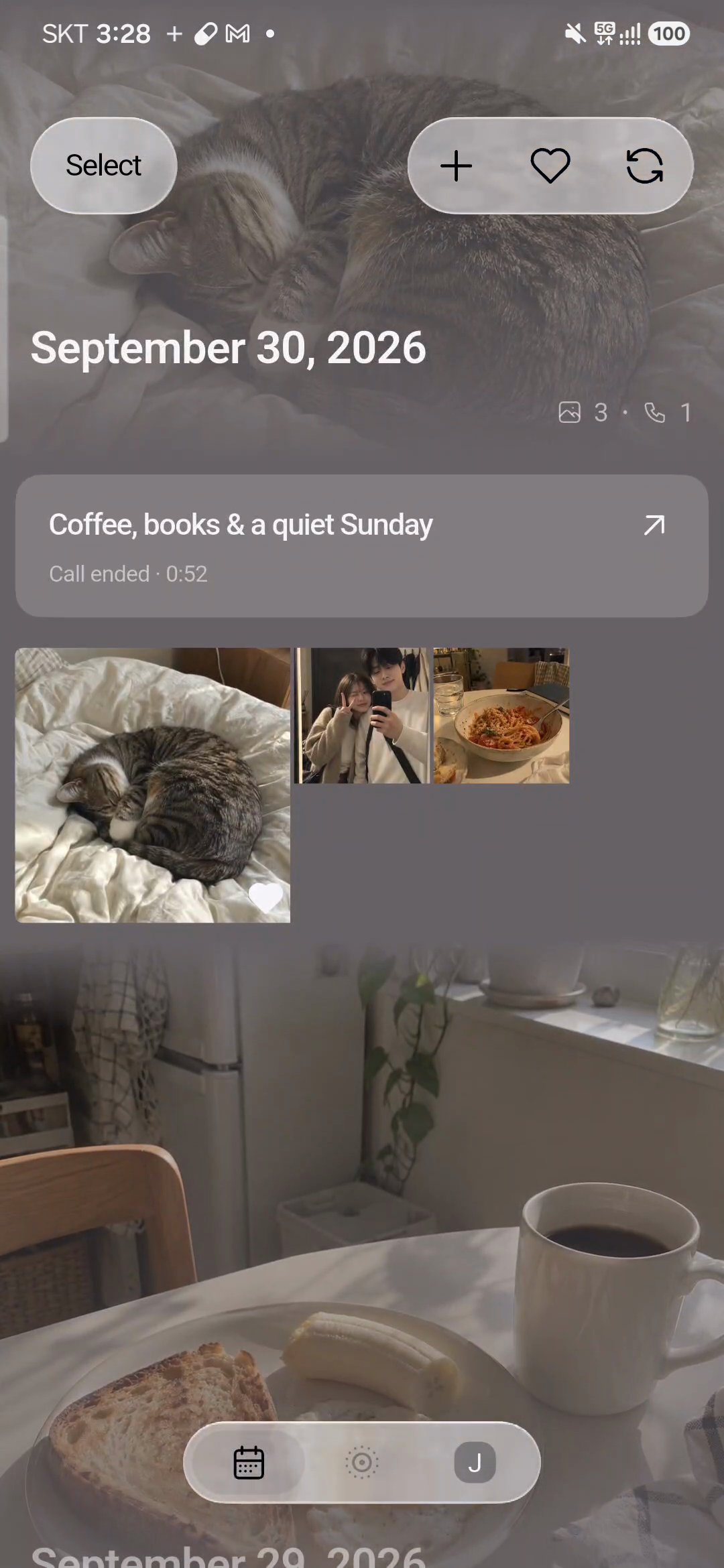
A photo shared during a call can be associated with that call, preserving the relationship between the image and the conversation. Highlights mark moments within the call, while recorded audio and timestamped transcripts provide ways to revisit what was said.
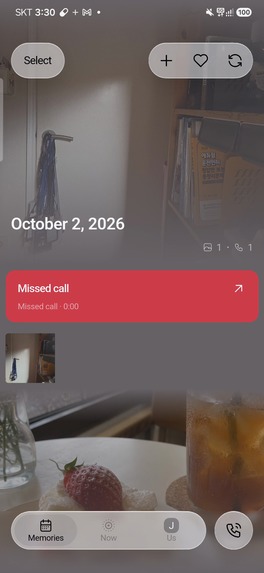
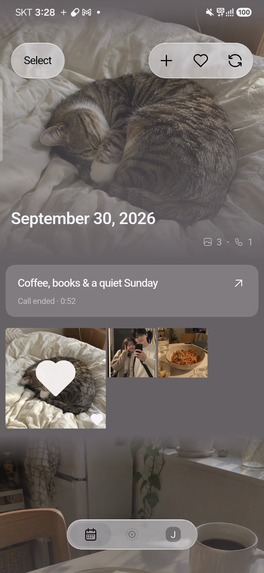
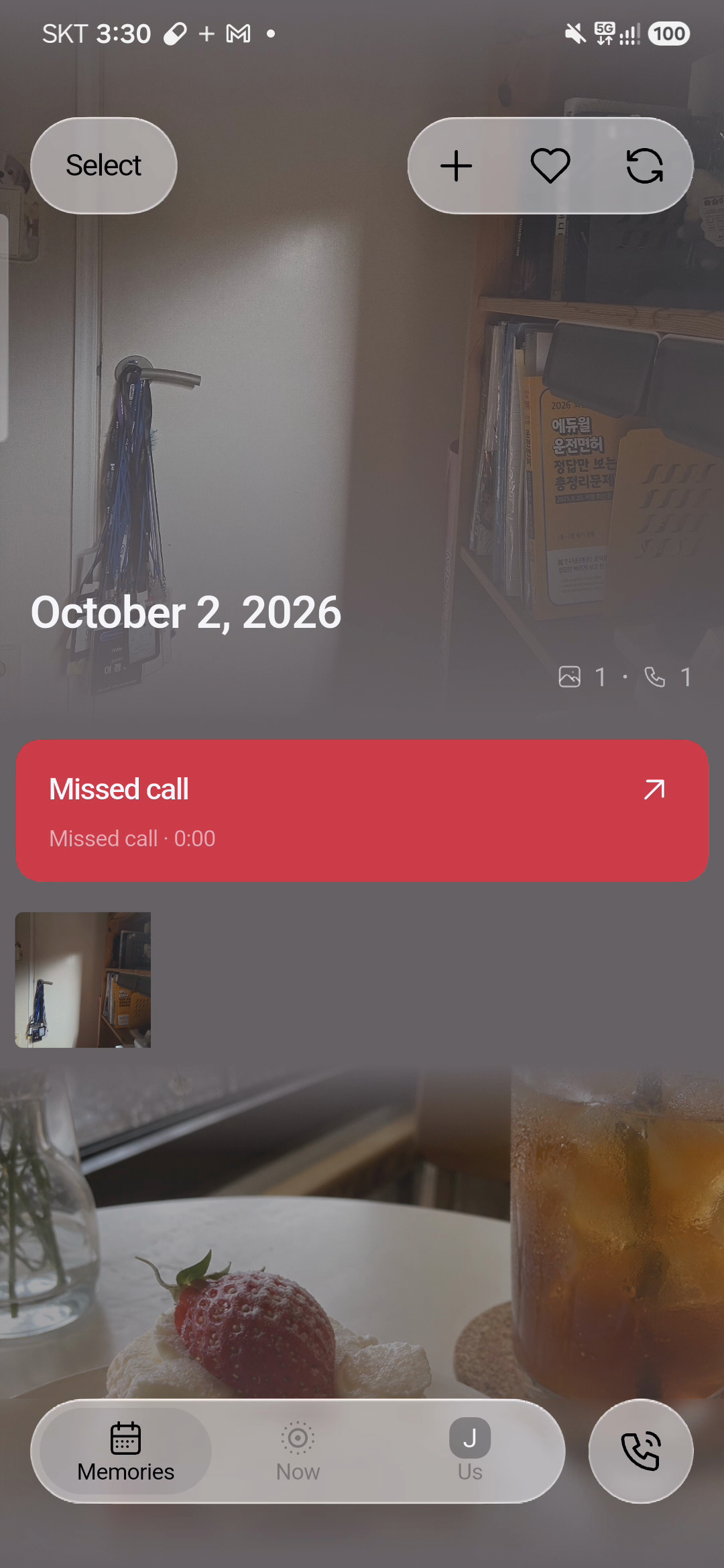
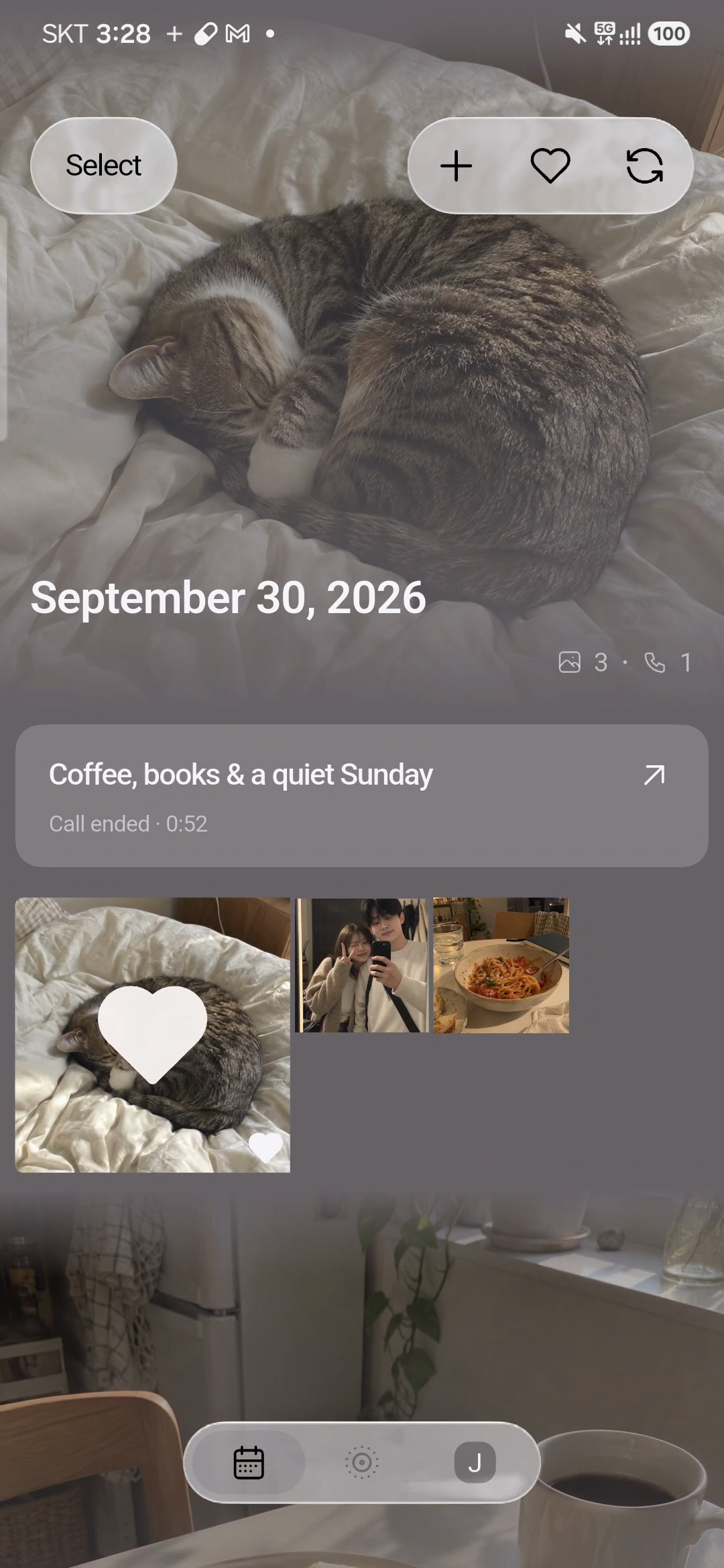
The shared album organizes media and call records by day. The backend also generates conversation titles and summaries to help describe those records. Together, these elements keep the context of a day connected to the moments the couple shared.
Cameo helps couples remember both what they captured and how they experienced that moment together.
How we built it
We approached Cameo as one continuous user journey rather than a camera, a calling app, and an album placed side by side.
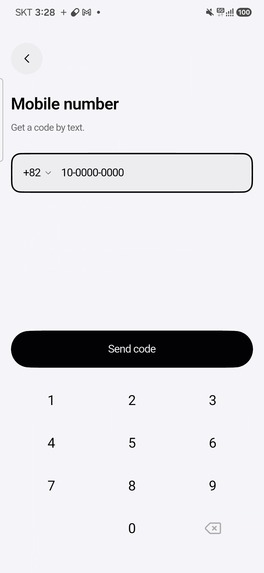
In Figma, we developed the screens and interactions for onboarding, partner pairing, permission requests, photo and short-video sharing, in-call interactions, and revisiting memories. Our visual direction puts the couple's content and presence first, with controls that are clear and available when needed.
We refined these flows through UI/UX testing and internal QA, reviewing how the screens worked together in the implemented app. This iterative process helped us resolve the main UX challenges and improve the continuity between sharing, calling, and returning to the album.
We are developing Cameo for iOS and Android. Our goal is to keep the central experience consistent so that couples can participate in the same shared space even when they use different operating systems.
We designed the record structure around the relationships between days, calls, and shared media. A photo shared during a call can reference that call, while highlights store positions on the call timeline. These relationships connect images and conversations and support the experience of revisiting them together.
Technology stack:
The app is built with Flutter and Dart for iOS and Android, with native Swift and Kotlin code for platform-specific behavior. We designed the interface in Figma and use Node.js scripts to generate design tokens and icon resources for Flutter.
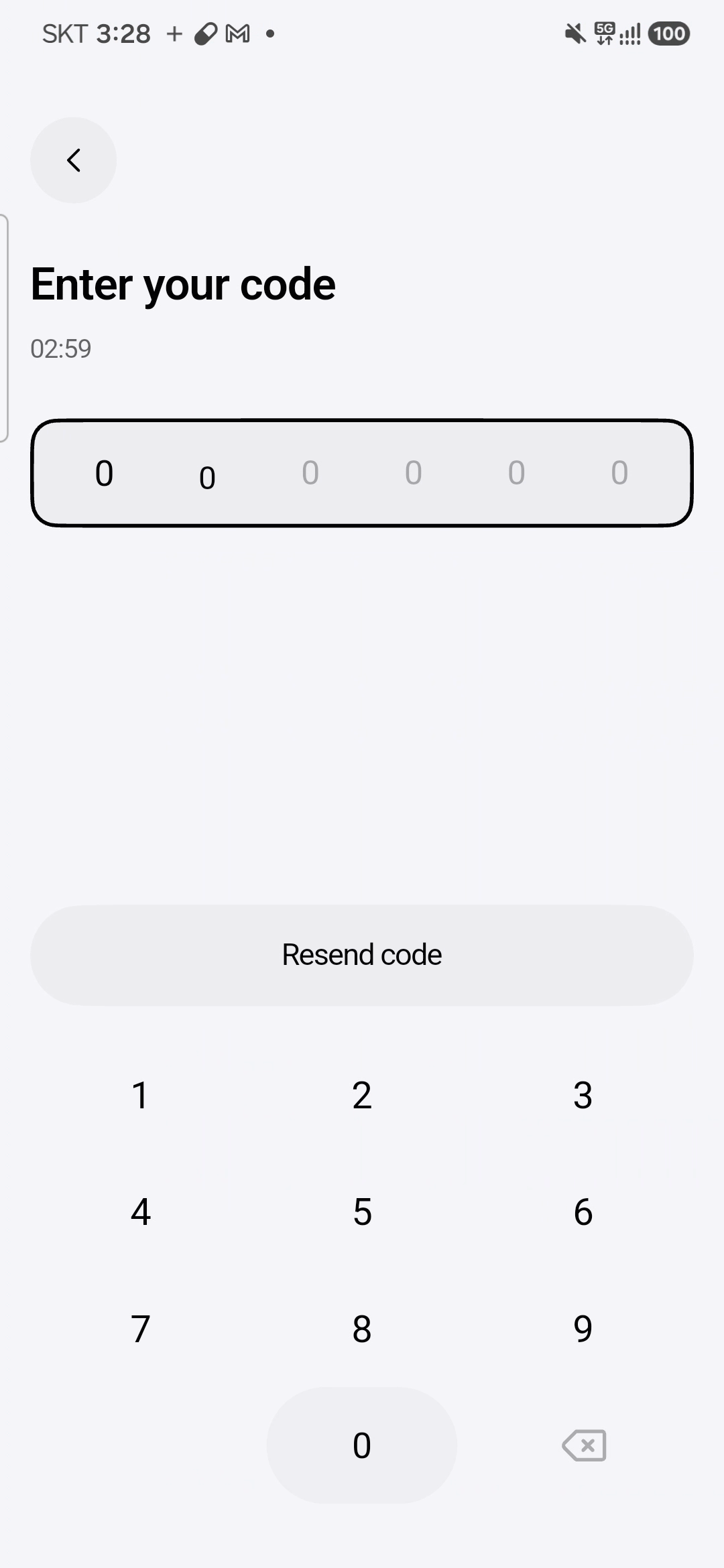
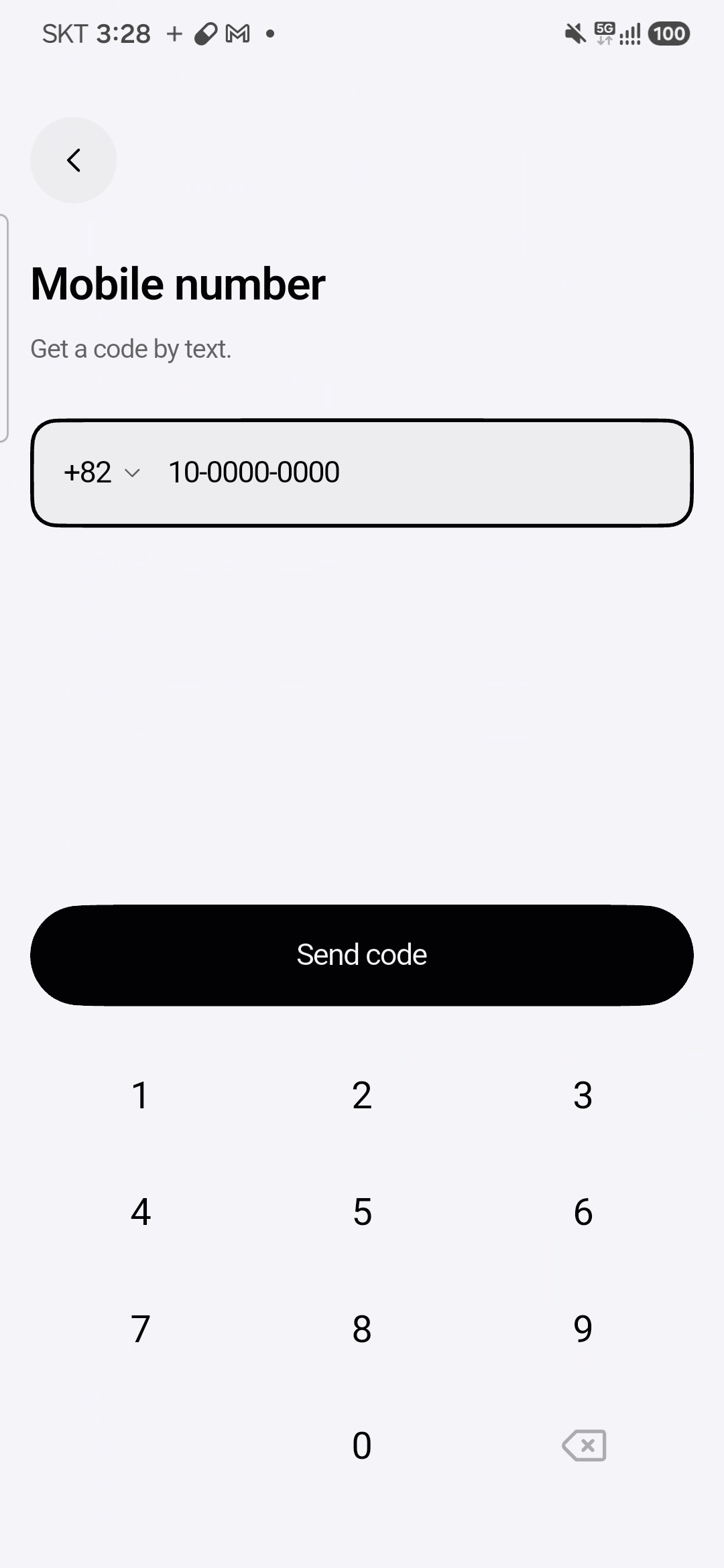
The backend uses Go and the chi router. PostgreSQL stores accounts, couple relationships, photos, calls, and highlights; an ent fork and pgx handle data access, while Atlas manages database migrations. Twilio Verify provides the phone-number verification integration.
Voice calls use Flutter WebRTC on the client and Pion WebRTC on the server, with WebSocket signaling to coordinate the connection. The server relays audio and records each participant's track. FFmpeg aligns and mixes the tracks for playback. Our processing pipeline uses OpenAI's transcription API, with Whisper as the default model, to produce timestamped transcripts, and the Responses API to generate titles and summaries informed by the couple's marked highlights. On iOS, CallKit, PushKit, and APNs support system-call and notification integration.
Photos, short videos, and processed recordings are stored in S3-compatible storage backed by Versity Gateway, with time-limited URLs for uploads and downloads. Docker Compose defines the backend services, Traefik handles HTTPS routing, and OpenAPI documents the contract between the app and server.
RevenueCat integration:
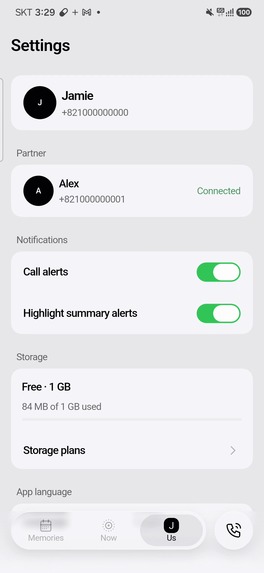
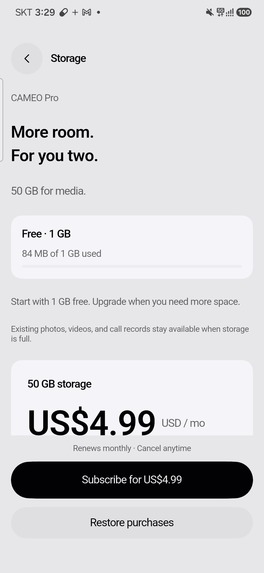
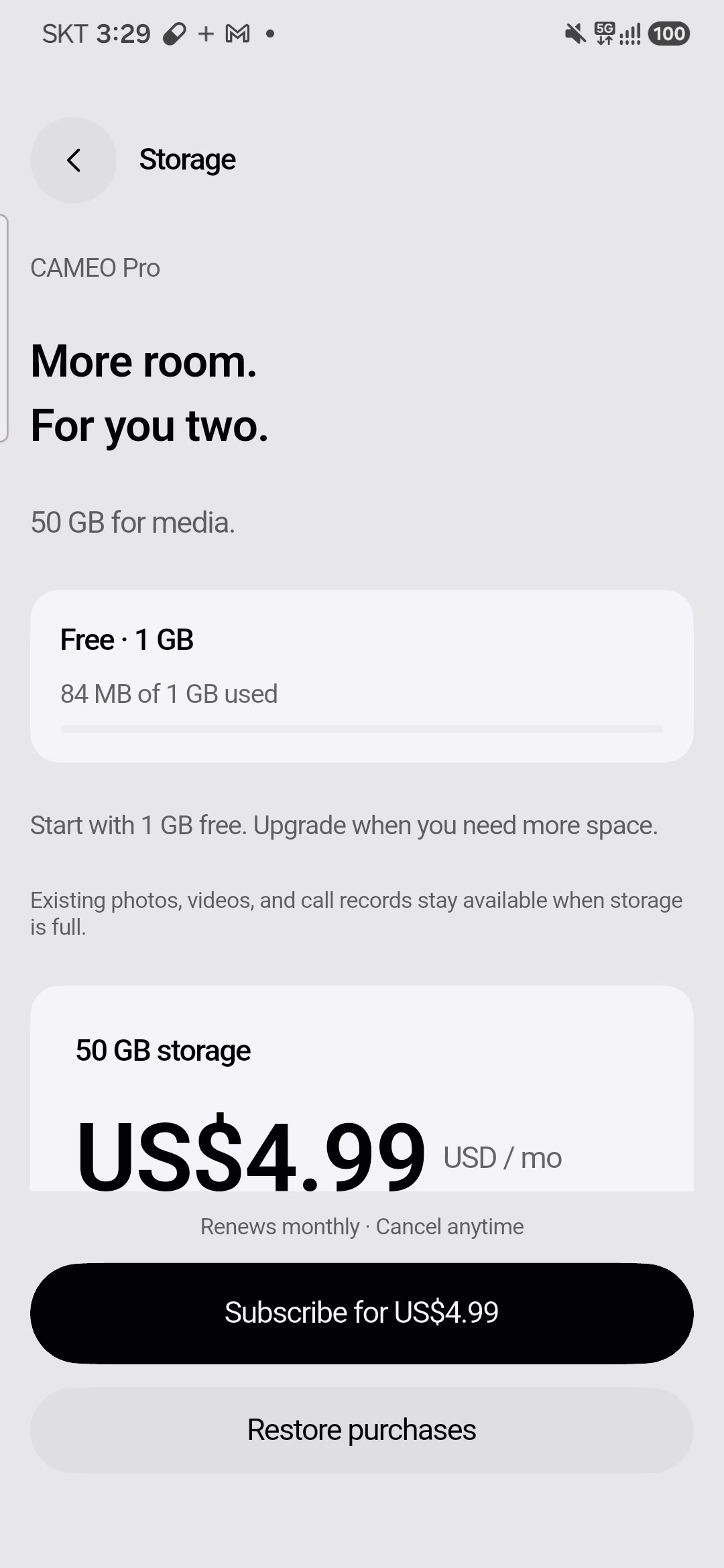
RevenueCat powers shared-storage subscriptions and a separate one-time data-restoration purchase. The monthly subscription product, monthly_pur, is linked to the cameo_pro entitlement and increases the couple's storage allowance. The consumable product, cameo_recovery, provides a credit to restore eligible photos and call records when the same two people reconnect after an earlier pairing. Core features remain available within the base storage allowance.
The Flutter SDK associates purchases with the signed-in Cameo account. The backend synchronizes subscriber information through RevenueCat's REST API and webhooks, then applies the highest active storage tier available to either partner. Both people therefore benefit from the same shared allowance. Storage limits and restoration credits are checked on the server, so access does not depend solely on what one device reports.
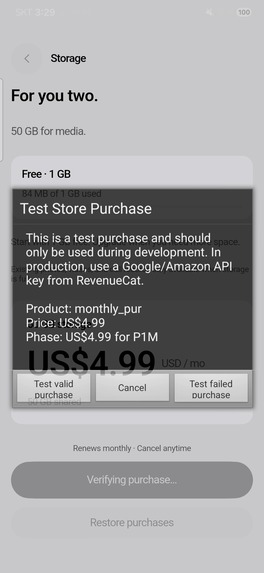
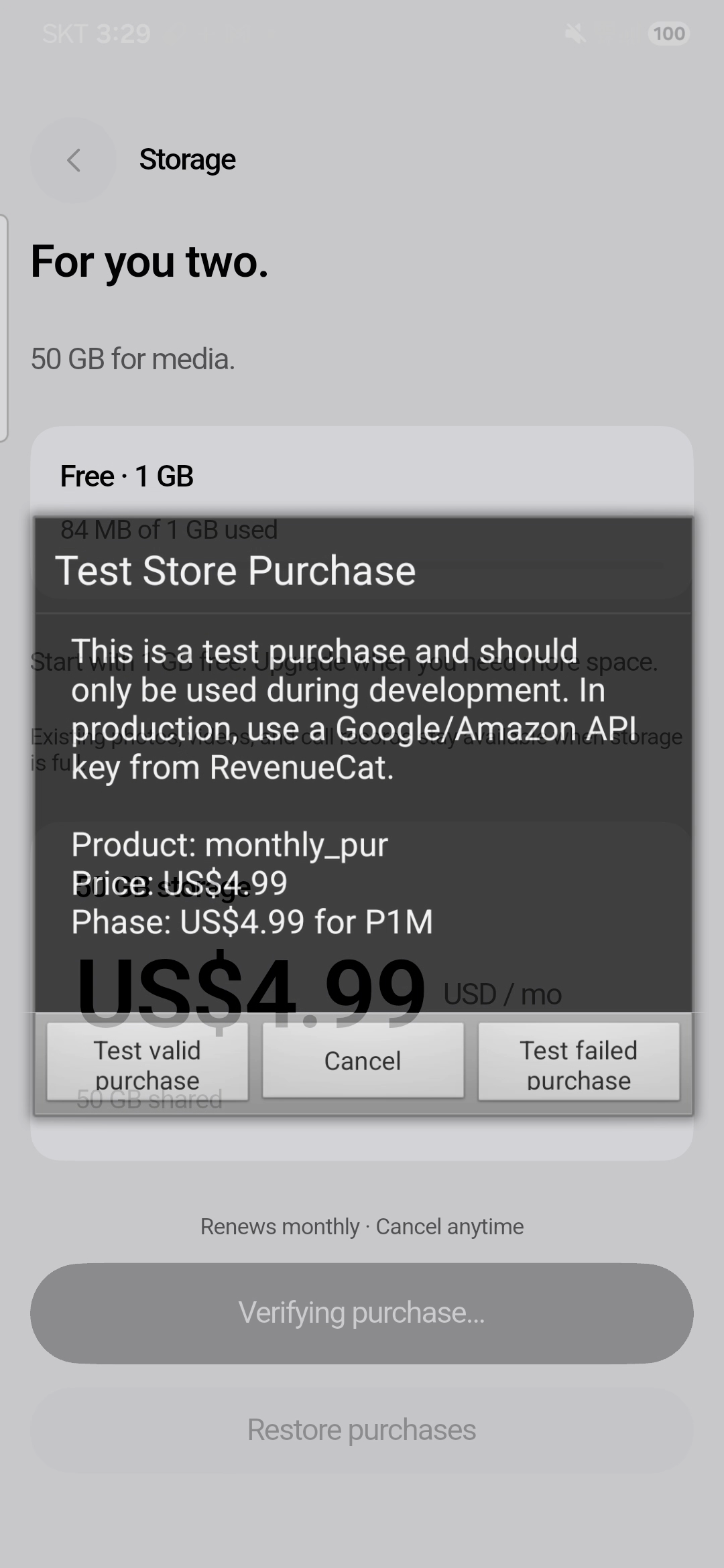
The development integration supports RevenueCat Test Store and defaults to sandbox-only purchasing. This configuration allows the purchase flow and backend synchronization to be developed without initiating real-money checkout.
Challenges we ran into
The most difficult part of building Cameo was UX design: making everyday sharing, calling, and revisiting memories feel like one natural experience. Each activity asks something different of the user. Sharing a photo or short video should feel quick and spontaneous. During a call, attention should stay on the partner. When returning to the album, the user should be able to understand what happened and find a memory without having to reconstruct the day from separate screens. Connecting these needs was the central design challenge.
This was especially important in the call experience. The interface has to support conversation while keeping photo sharing and highlights easy to reach. Too many visible choices can pull attention away from the person on the other end; controls that are too difficult to find can interrupt the moment in a different way. We had to think carefully about what belonged on the main screen, what could appear when needed, and how someone would return to the conversation after taking an action.
The album presented a related challenge. Photos, short videos, call recordings, and transcripts have different viewing and playback needs, but they all belong to the couple's shared history. We needed a clear hierarchy that helped people understand the relationship between these records. The design had to make room for the memory itself while keeping navigation and playback understandable.
We worked through these challenges with UI/UX testing and our own internal QA. We reviewed the experience as a sequence of actions, considering how one screen led into the next and whether the purpose of each interaction was clear. Our focus was on practical questions: Could someone recognize the next action? Was the result of sharing understandable? Could they move between a conversation and its related media without losing their place? These questions helped us evaluate the design beyond its appearance in a static layout.
Testing and QA became part of an iterative design process. We revisited the screen structure, visual hierarchy, transitions, and feedback, then reviewed the revised flow again. UI/UX testing helped us judge clarity and ease of use, while internal QA helped us check whether the implemented interactions behaved consistently with the intended experience. This process helped us resolve the main UX issues and bring the individual features together into a more coherent journey.
The result was a clearer relationship between sharing a moment, talking about it, and returning to it later. We also learned how important it is to balance an intimate visual atmosphere with understandable controls and feedback. Working through the design in use gave us a stronger foundation for Cameo and a repeatable way to assess future changes through continued testing and QA.
Accomplishments that we're proud of
We are most proud of turning a clear product idea - connecting everyday images and voices as one memory - into a connected app experience.
Photos and short videos give couples ways to share daily life, while calls and their related records preserve more of the context around those moments. Bringing these parts together gave the camera, call interface, and shared album a common purpose.
We are also proud of the progress we made through UI/UX testing and internal QA. Resolving the main UX challenges required us to revisit the flow across screens, refine how actions and feedback were presented, and review the changes in the implemented app. That process made the experience more coherent and helped the design serve the way people would actually move through it.
Our visual direction keeps the couple's content at the center, with photo-focused layouts and consistent controls. The achievement we value most is the connection between the first moment two people pair their accounts and the later moment when they return to something they shared.
What we learned
We learned that context makes a memory easier to revisit. A collection of photos and short videos preserves what happened, while voices and conversations can bring back how the moment felt. Connecting these records gives the shared album more meaning.
We also learned that UX design continues after a screen looks finished. A layout can appear clear on its own while still leaving questions about the next action, the result of sharing, or how to return to a previous activity. UI/UX testing and internal QA helped us evaluate those connections and refine the flow through repeated review.
The process taught us to consider visual design and interaction behavior together. An intimate atmosphere depends on clear feedback and predictable navigation as much as it does on colors, images, and motion.
Working on a product for personal relationships also reinforced the importance of consent and control. People need to understand what is being shared or recorded and how their personal memories are handled. These remain central priorities as we continue improving the experience.
What's next for Cameo
Building on our UI/UX testing and internal QA, our next step is to observe real couples using Cameo's central flow and continue refining the experience. We want to understand where sharing a photo or short video, continuing a call, or revisiting a memory still requires unnecessary effort.
On the technical side, we plan to focus on photo delivery, call reliability, permission handling, and behavior across app-state changes on iOS and Android. Before expanding the feature set, we want the everyday experience to be dependable enough for two people to return to it regularly.
We also plan to refine conversation summaries and the review of plans mentioned during calls, while making the ways to retain, export, and delete personal records clear. These improvements will support our preparation for a public release.
In the long term, we do not want Cameo to become just another place to store photos. We want it to become a shared space where two people can return to both the scene they captured and the voices they shared around it.


Log in or sign up for Devpost to join the conversation.