-
-
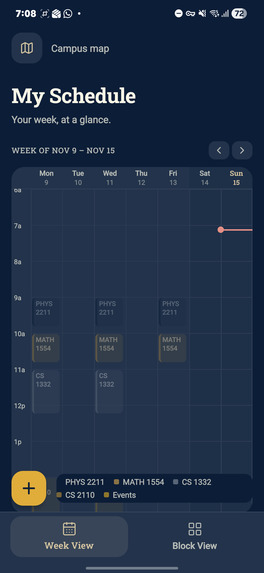
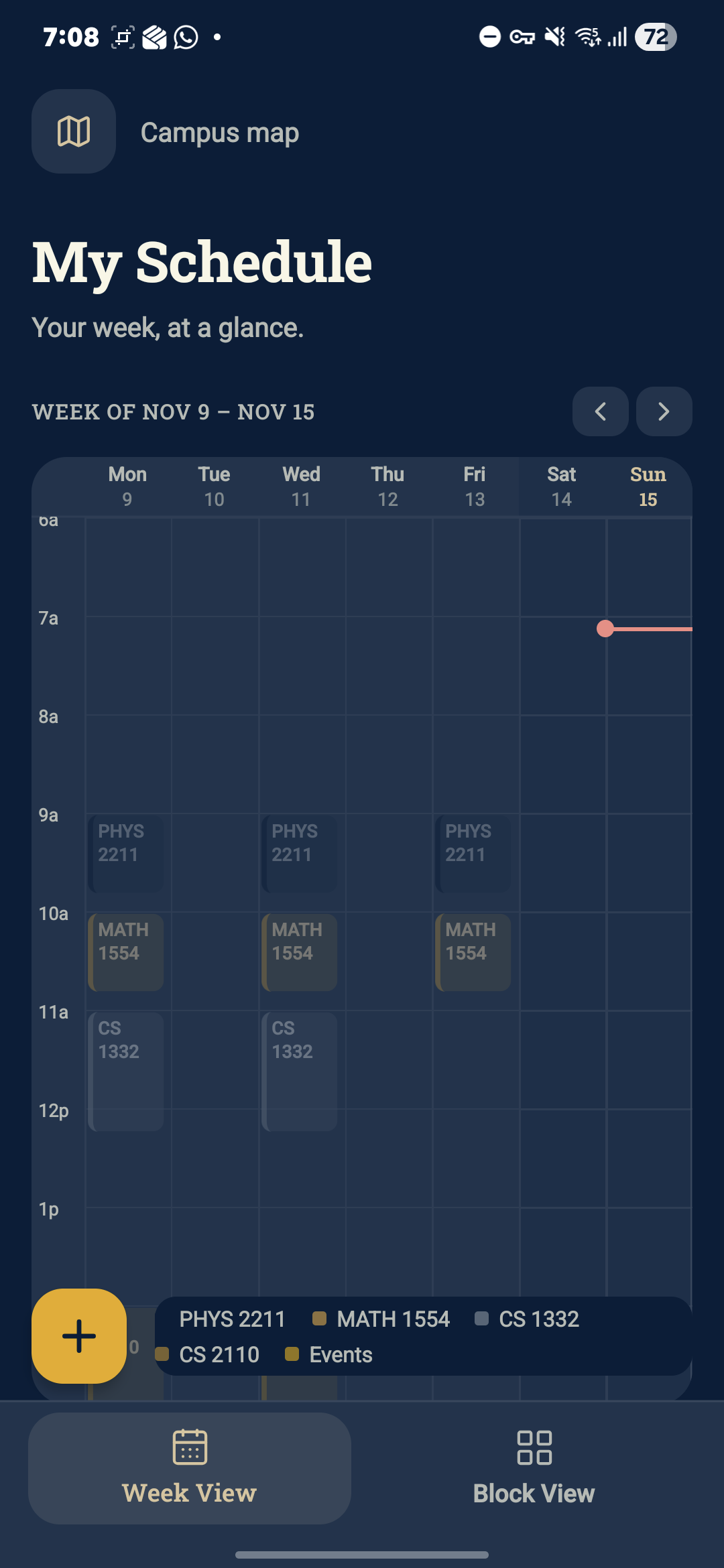
My Schedule screen - Calendar view (dark mode)
-
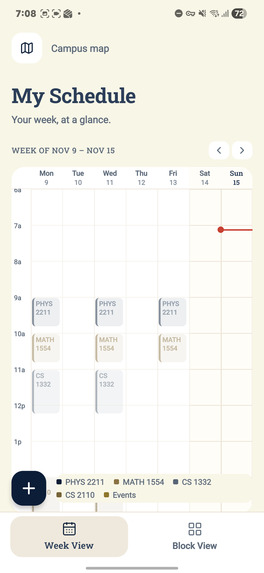
My Schedule screen - Calendar view (light mode)
-
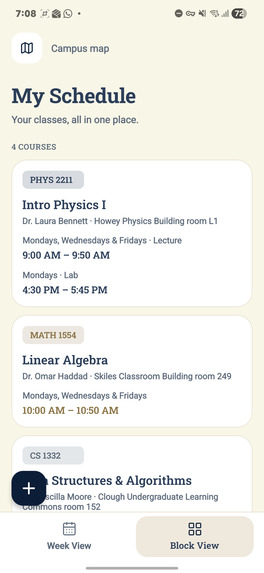
My Schedule screen - Blocks view (light mode)
-
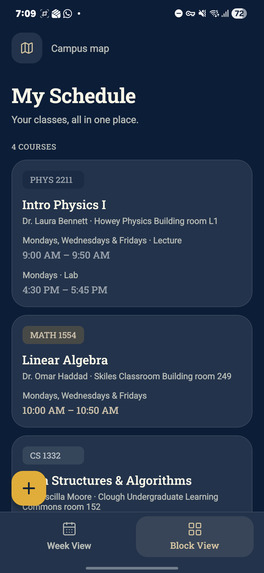
My Schedule screen - Blocks view (dark mode)
-
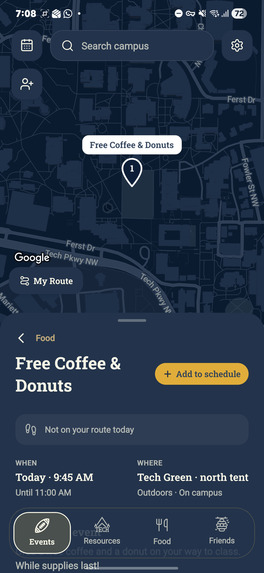
Event specific filter (dark mode)
-
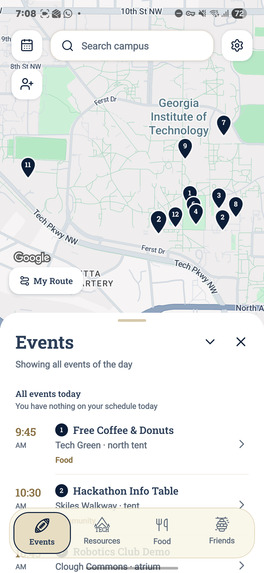
Events filter (light mode)
-
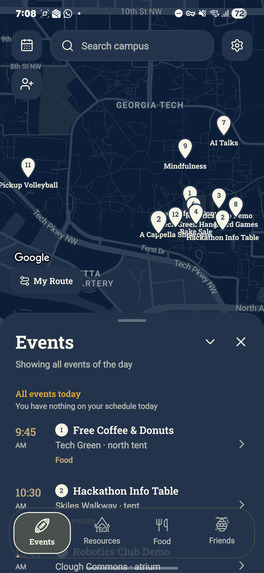
Events filter (dark mode)
-
 GIF
Loading screen - Login screen - Homescreen

CamBuzz
What it does
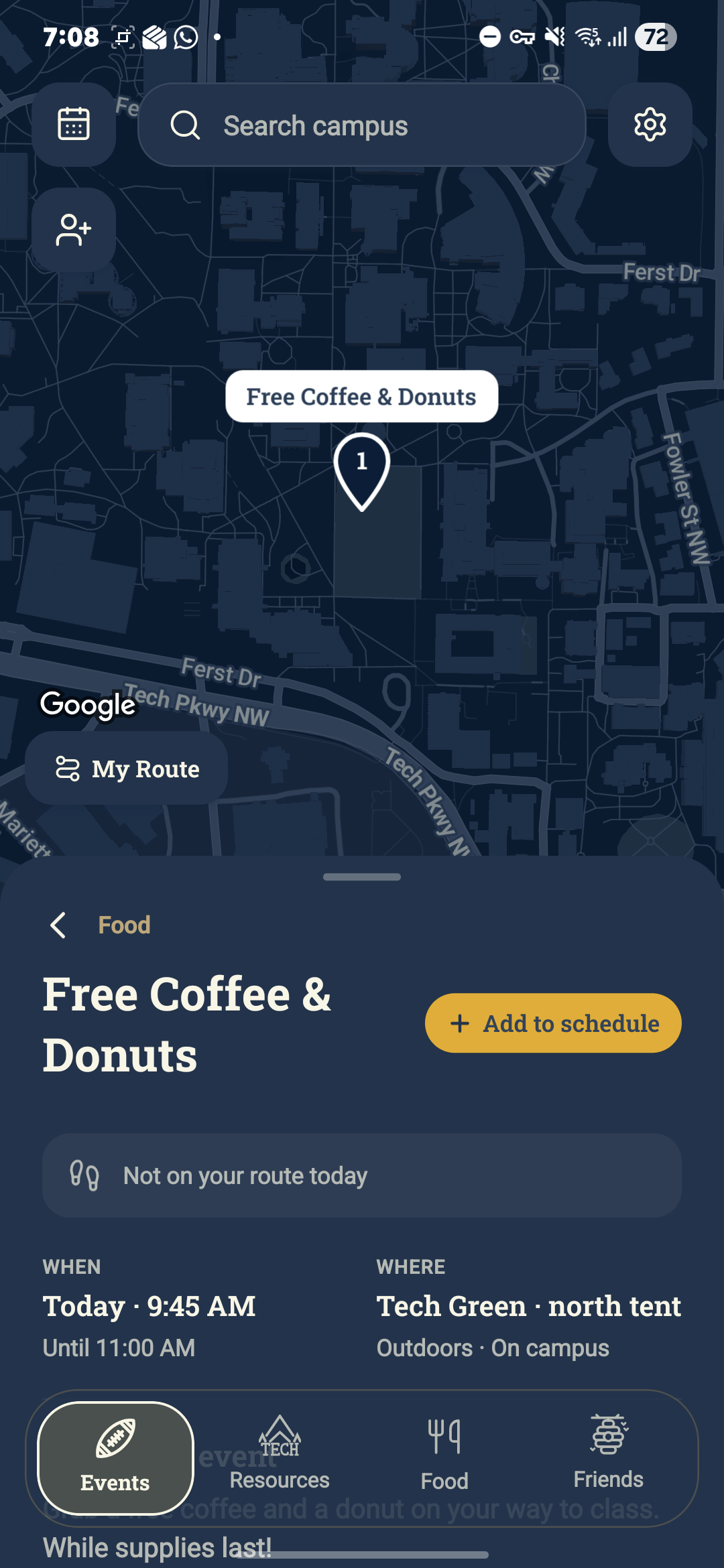
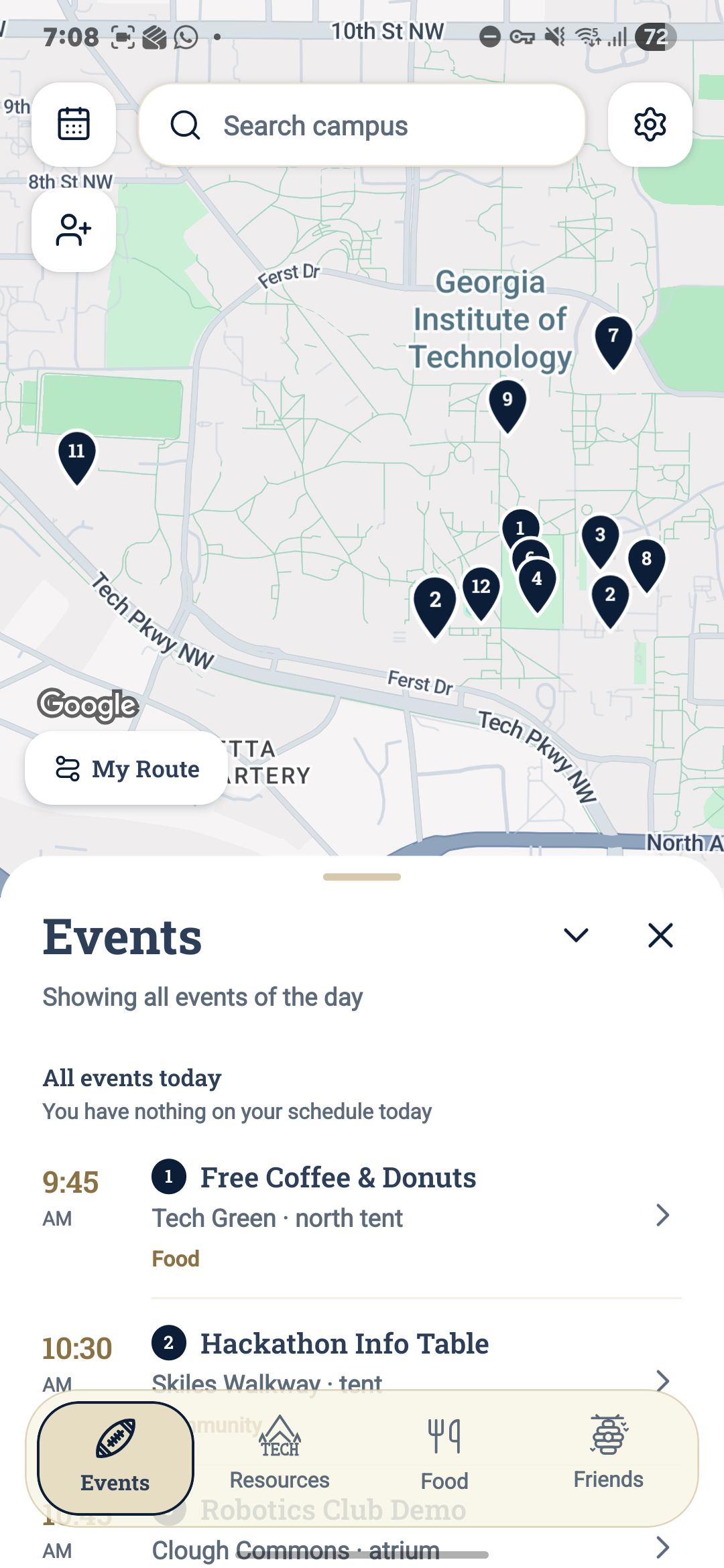
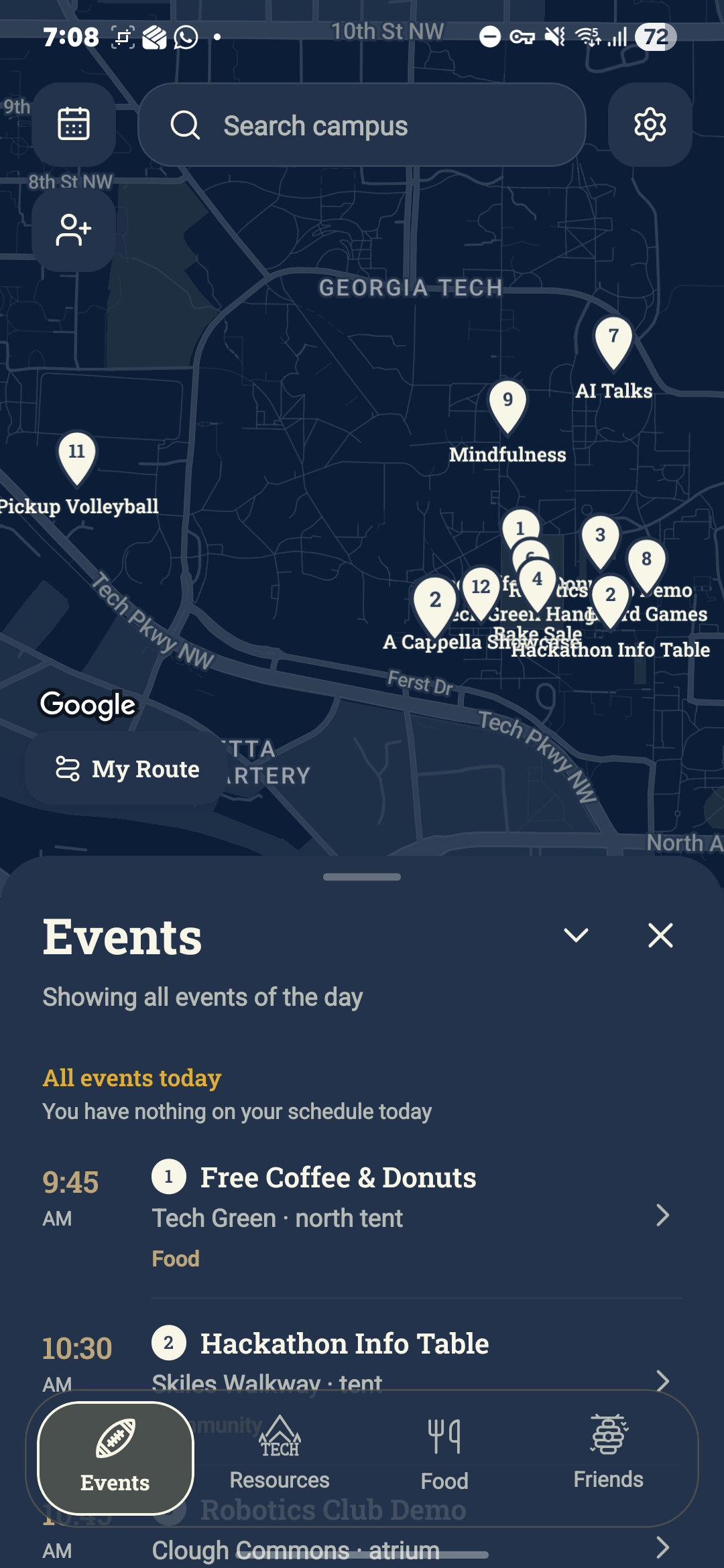
CamBuzz is a smarter campus map for Georgia Tech students. After entering their class schedule, students open the app and see the Georgia Tech map with their path for the day highlighted, from one class to the next. A floating filter bar at the bottom opens a panel that slides up over part of the screen while the map stays large, so students can explore what is around them without losing sight of their route.
The Events filter finds events near the student's path that happen while they are passing by, such as in the gap between two classes. It considers distance from the route, walking time, and whether enough time is left to enjoy the event before the next lecture. The Friends filter shows each friend's route in its own color, where they are now and where they are headed next. With Events and Friends on together, CamBuzz reveals which events a student could attend with a friend and how long they would be there together. Friends can be added through a personal invite link or by email.
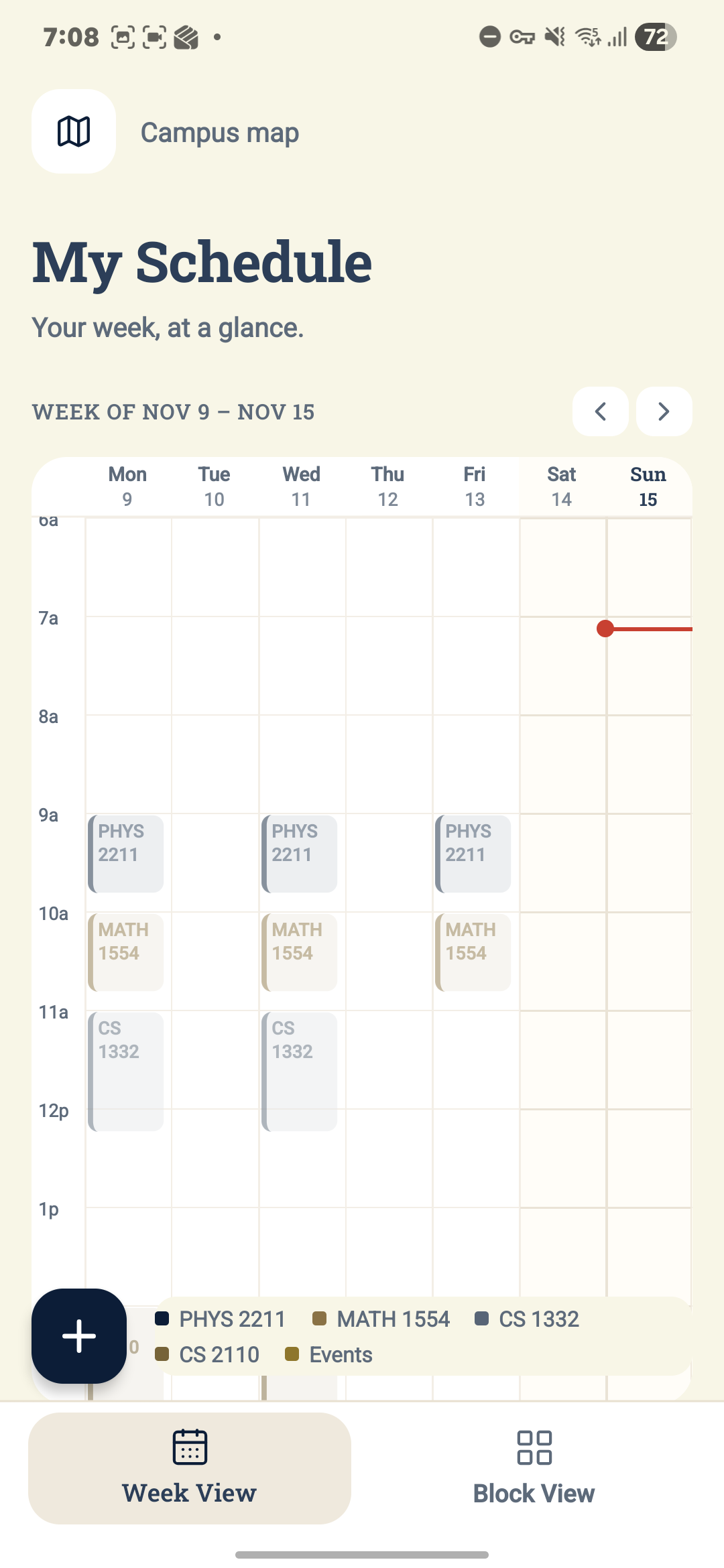
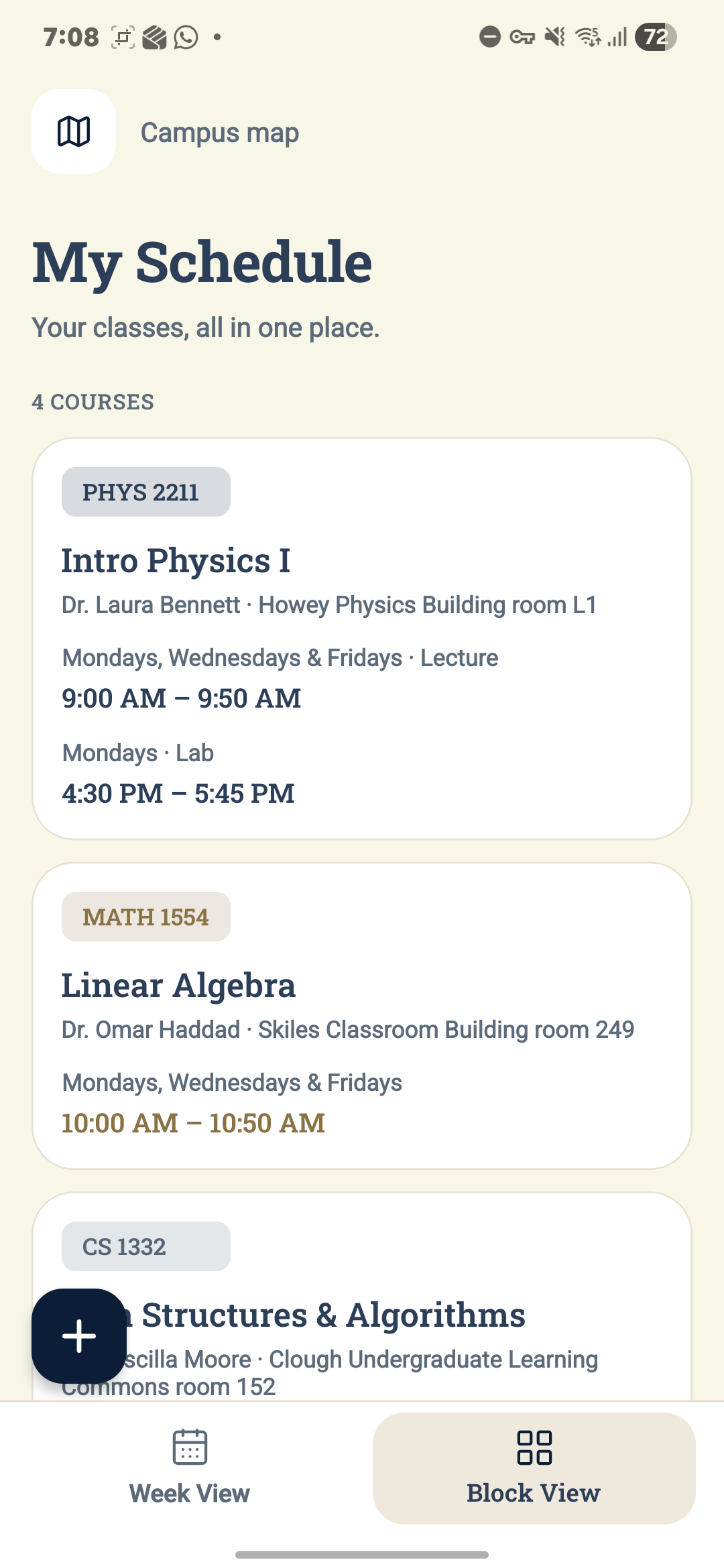
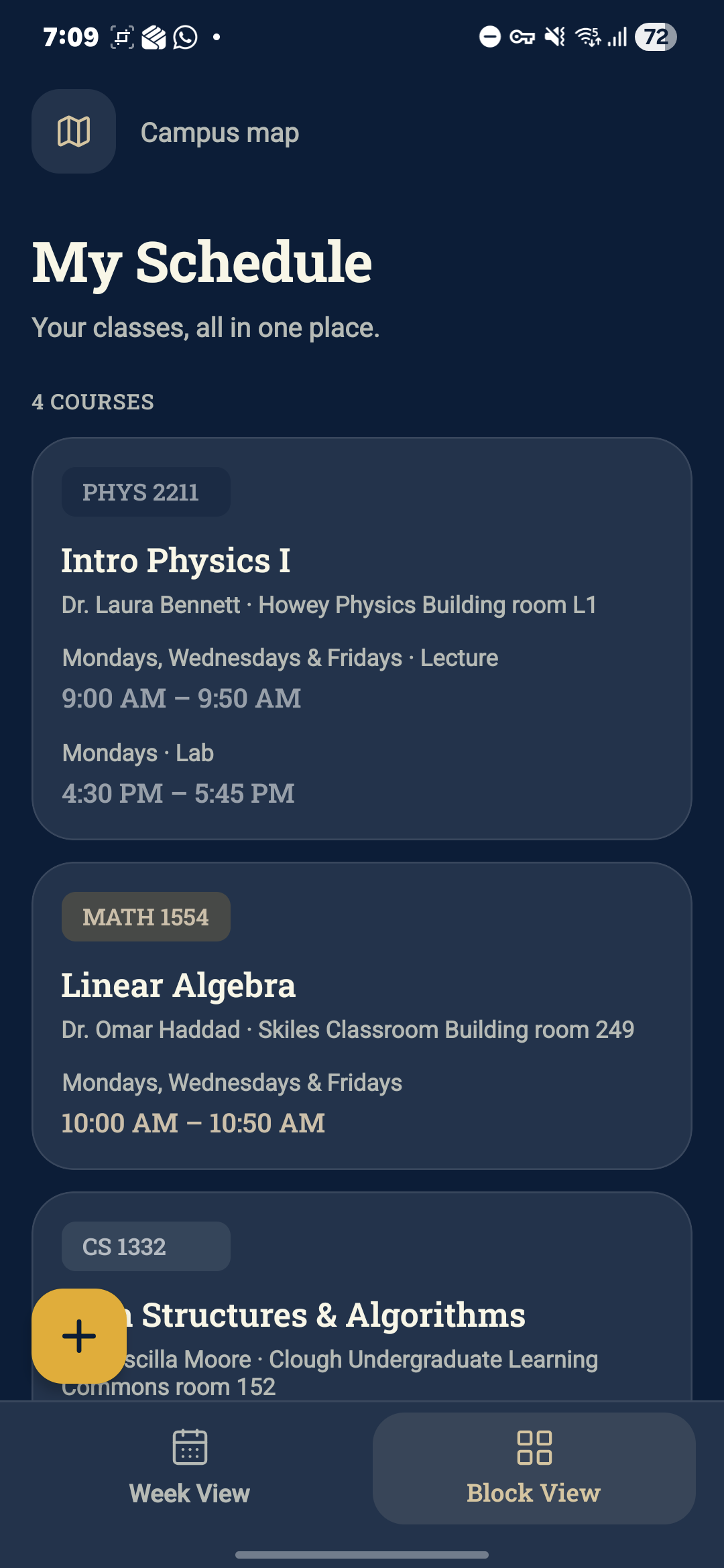
The Food filter lists every dining hall and its daily menu, restaurant and coffee shop on campus, in the Student Center and in Tech Square, with weekly hours, open or closed status, and whether they accept Dining Dollars or BuzzCard funds. The Resources filter maps libraries, printers and the CRC, including how busy a building is on each floor. A "Search campus" bar finds friends, classes, food, resources, events and buildings in one place. The My Schedule screen offers week and block views for adding courses and personal events, warns about conflicts, and lets students invite friends while seeing whether they are free or busy.
What inspired us
We are freshmen, and we noticed that we did not know how, or could not get, as involved on campus as we wanted. Talking to upperclassmen, we saw that they also wished they had spent their time better, outside of classes and in the gaps between them, so that they could make the most of their time as Yellow Jackets.
We also knew that students and the Georgia Tech community had already created many amazing tools for different needs. The issue was that not all of them had the popularity they deserved: many students and faculty did not know about their usefulness, or even their existence. CamBuzz was born to bring that value together on a single map.
How we built it
We began with brainstorming and market research, talking with Georgia Tech students, especially first-years and fourth-years, to understand their pain points, and searching for tools already created for different tasks, such as Waitz, Engage and GT Scheduler. We planned the project in Lucidchart, designed the UI/UX in Figma and Affinity, and put special care into front-end design. The app was coded in VS Code with React Native, tested on real phones through Expo Go, and managed with GitHub and Git. We also relied on prompt engineering and AI Agents to move quickly.
Along the way, we faced real challenges. Debugging was the biggest one, and it taught us that in a world of AI, the differentiator for a good software engineer is being a good debugger. We also had to use tools to code, design and plan that we were not completely familiar with before. Finally, there were several differences between Android and iOS that we had to deal with, always aiming for a similar experience for both kinds of users.
What we learned
We learned market research, React Native, Figma, front-end design, UX/UI, Raspberry Pi, GitHub and Git, branding, and npm and Node.js. We learned how to brainstorm together and how to give and receive constructive criticism. In many discussions we found disagreements, but we used them to improve the project rather than arguing. Planning in Lucidchart, progress tracking and organization taught us to move logically, step by step, toward the goal. Collaboration showed us how to combine our individual skills and expertise.
Accomplishments that we're proud of
We are proud of the tools we learned how to use, and of realizing how accessible it is to innovate and create useful and impactful products. We came to understand the important role students play in the quality of life and education at Georgia Tech. Above all, we are proud of creating a way to give back to the community that supports us every day.
What's next for CamBuzz
Next, we plan to develop a backend that communicates with a login API, along with a network system for the Friends feature. We want to add and connect the Engage, Waitz and dining.gatech.edu tools to the app, and use a Raspberry Pi to run all these features in the software. We also plan to add more features, such as study room reservations and a photo printer.
Built With
- affinity
- antigravity
- expo-go
- figma
- git
- github
- lucidchart
- node.js
- npm
- openrouteservice
- react-native
- vscode


