-
-
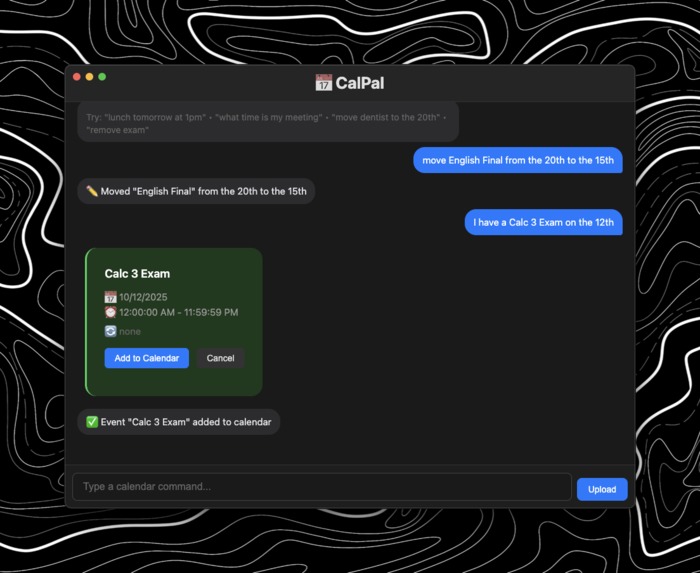
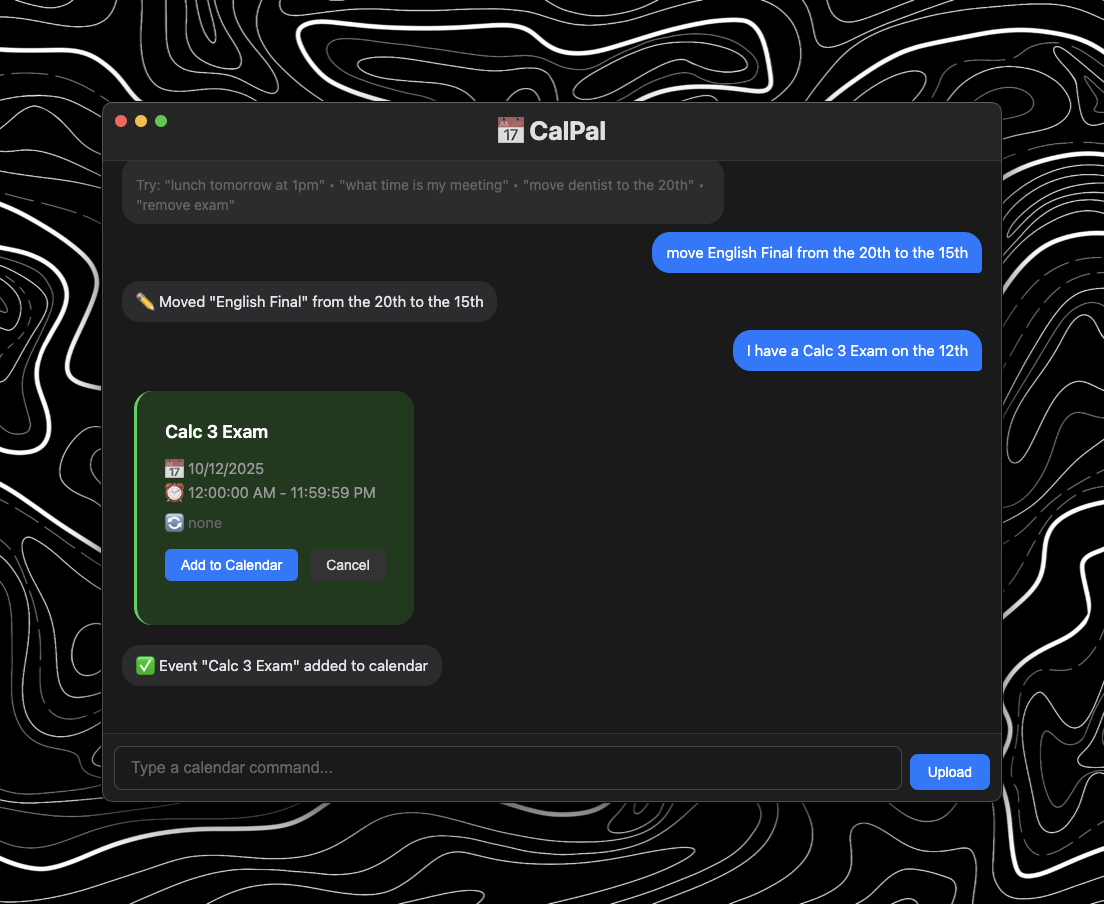
An example of a conversation you would have
-
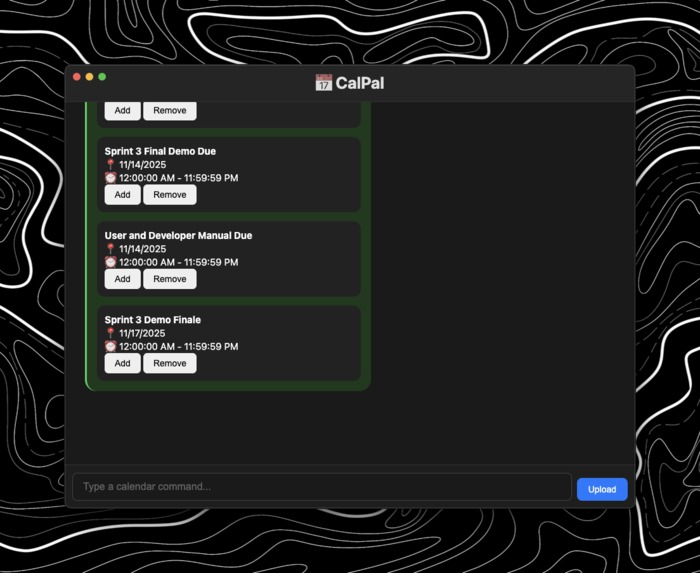
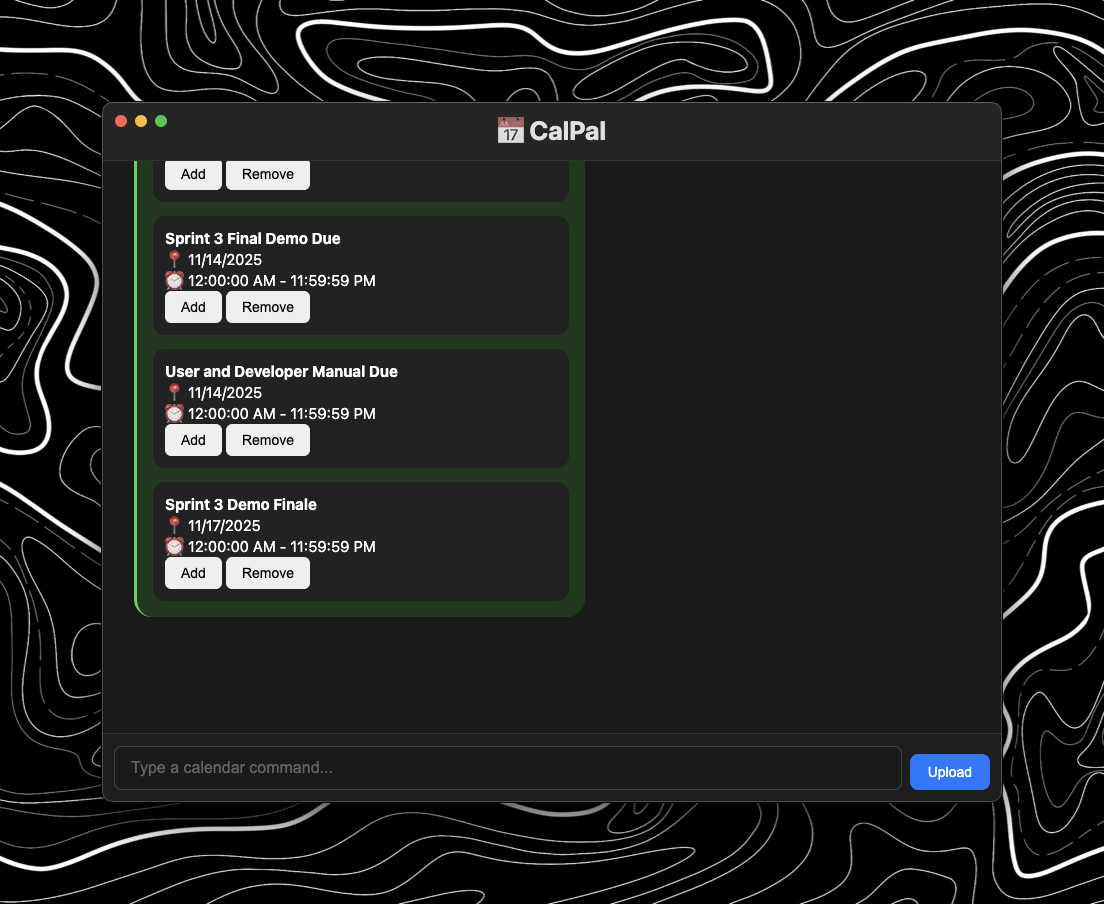
Upload feature with a school schedule
Inspiration
I’ve always loved using calendars to stay organized, but I struggled to keep up with them consistently. The process of manually adding, deleting, and updating events felt clunky and time-consuming. I wanted a simpler way to manage my schedule — something that could understand me naturally and keep my calendar as up to date as I needed it to be. That frustration turned into the spark for building CalPal.
What it does
CalPal is an AI-powered assistant that makes managing your calendar effortless. Instead of navigating through multiple clicks or menus, you can simply type natural text commands like “add a meeting with John tomorrow at 3” or “delete my dentist appointment on Friday,” and CalPal updates your calendar instantly. It’s designed to save time, reduce scheduling stress, and help people stay on top of their commitments without the usual hassle of calendar management.
How I built it
I built CalPal as a lightweight calendar automation system using TypeScript on the backend with Node.js/Express. The system parses natural language input with custom functions like parseNaturalDate to interpret commands such as “next Friday” or “tomorrow at 3.” Once the date and time are extracted, CalPal maps those into structured objects ({ year, month, day }) and routes them into specific actions like adding, updating, or deleting events.
For the frontend, I used a simple HTML/JavaScript interface that lets users type calendar commands into an input box. Event actions are then sent to the backend for processing. I also experimented with connecting CalPal to existing calendars (like Apple/Google) so typed commands could directly update real schedules, but the main focus was on building the natural text-to-calendar pipeline.
Challenges I ran into
One of the biggest challenges was parsing natural language reliably. People describe dates and times in so many ways (“next Friday,” “tomorrow at 3,” “Oct 5th,” etc.), and turning those into structured data was tricky. I had to refine my parseNaturalDate function several times to handle edge cases.
Another hurdle was working with TypeScript type errors. For example, mapping between JavaScript Date objects and my custom { year, month, day } objects caused issues that forced me to rethink how I structured the code.
I also ran into challenges when experimenting with calendar integrations. Connecting to APIs like Google or Apple Calendar wasn’t straightforward — authentication, permissions, and API limits slowed things down. Debugging these connections took more time than expected.
Finally, just designing a clean frontend workflow for typing and processing commands was harder than it seemed. Making sure input listeners worked properly, avoiding crashes, and syncing updates back to the UI required careful testing.
Accomplishments that I'm proud of
I’m proud that I was able to take the idea of a conversational calendar assistant and actually make it functional. The biggest milestone was getting the natural language parser working — the moment I could type something like “add a meeting tomorrow at 2” and see it translate into a structured event felt like a huge win.
I’m also proud of how much I learned about API integration and TypeScript debugging along the way. Even when I ran into roadblocks, I pushed through and got the core features running. CalPal may still be a work in progress, but having a prototype that can reliably interpret text commands and update events is something I consider a major accomplishment.
What I learned
Through building CalPal, I learned how powerful and tricky natural language processing can be — even something as simple as interpreting dates has a lot of edge cases to consider. I also gained hands-on experience with TypeScript and learned how to better handle type safety between custom objects and built-in classes like Date.
Another big takeaway was the complexity of calendar integrations. Working with APIs like Google and Apple Calendar gave me insight into authentication flows, permissions, and how real-world data syncing works.
On top of the technical skills, I also learned a lot about project design and iteration. I realized the importance of starting small, testing features early, and refining as I go instead of trying to make everything perfect from the start.
What's next for CalPal
The next step for CalPal is to expand beyond a prototype and integrate more deeply with existing calendar ecosystems like Google Calendar and Apple Calendar, making it seamless for users to manage events across platforms. I also want to improve the natural language parser so it can handle more complex phrases, recurring events, and different ways people talk about dates and times.
On the user side, I’d like to design a cleaner UI/UX with better event visualization, so users can not only create and delete events but also quickly see and manage their schedule.
In the future, CalPal could evolve into a personal productivity assistant — not just handling calendar events, but also sending reminders, syncing across devices, and maybe even suggesting optimal scheduling based on habits.
Built With
- css
- electron
- html
- javascript
- mastra
- openai
- typescript

