-
-
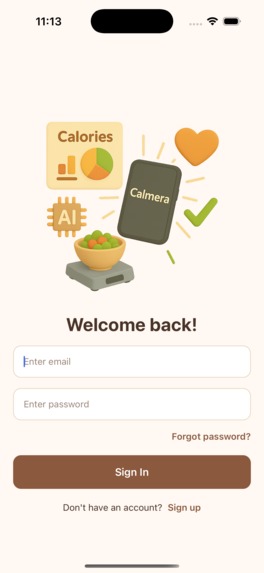
Welcome and user log in
-
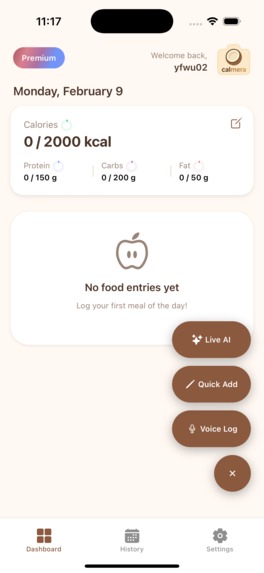
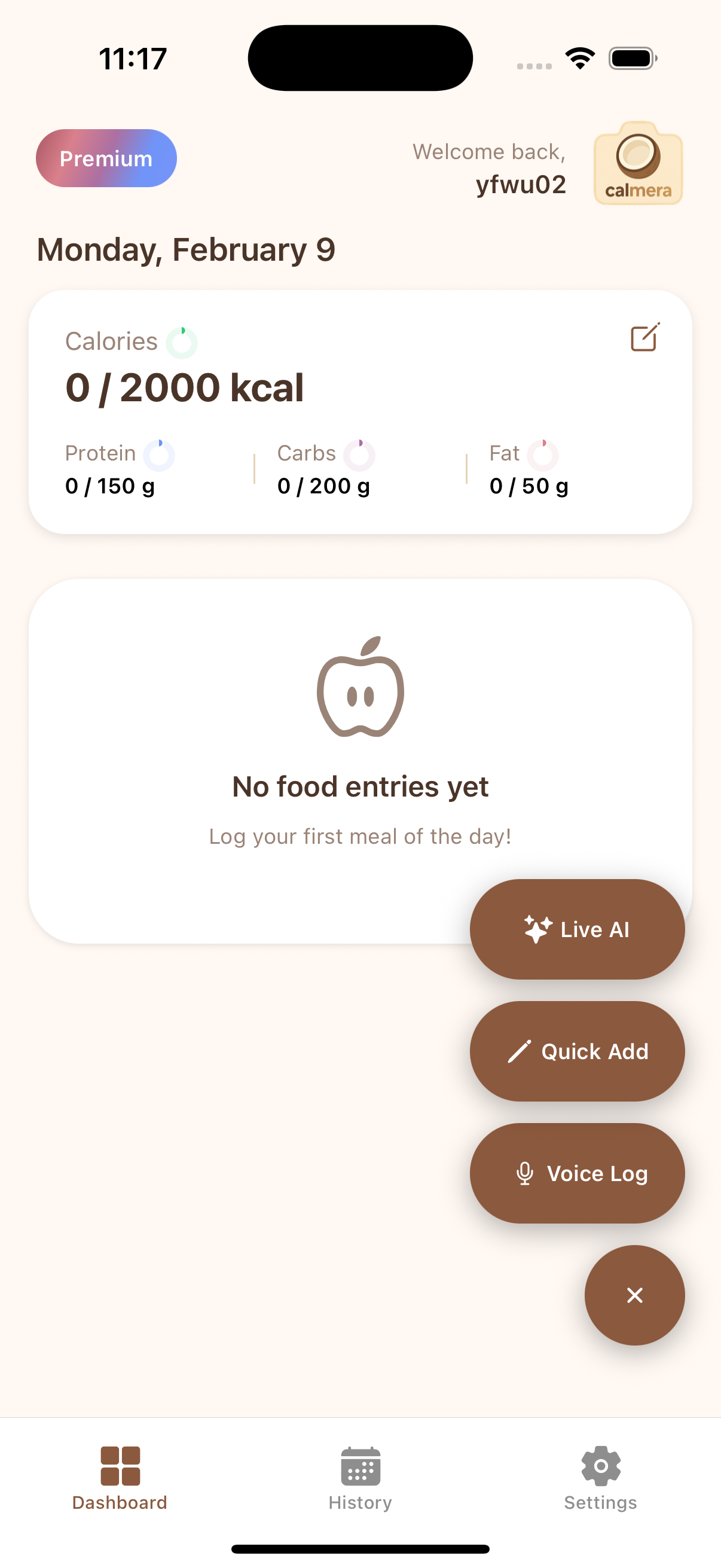
Three ways to log: Live AI, Voice, or Text/Manual
-
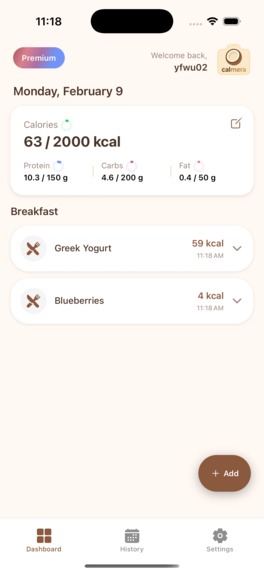
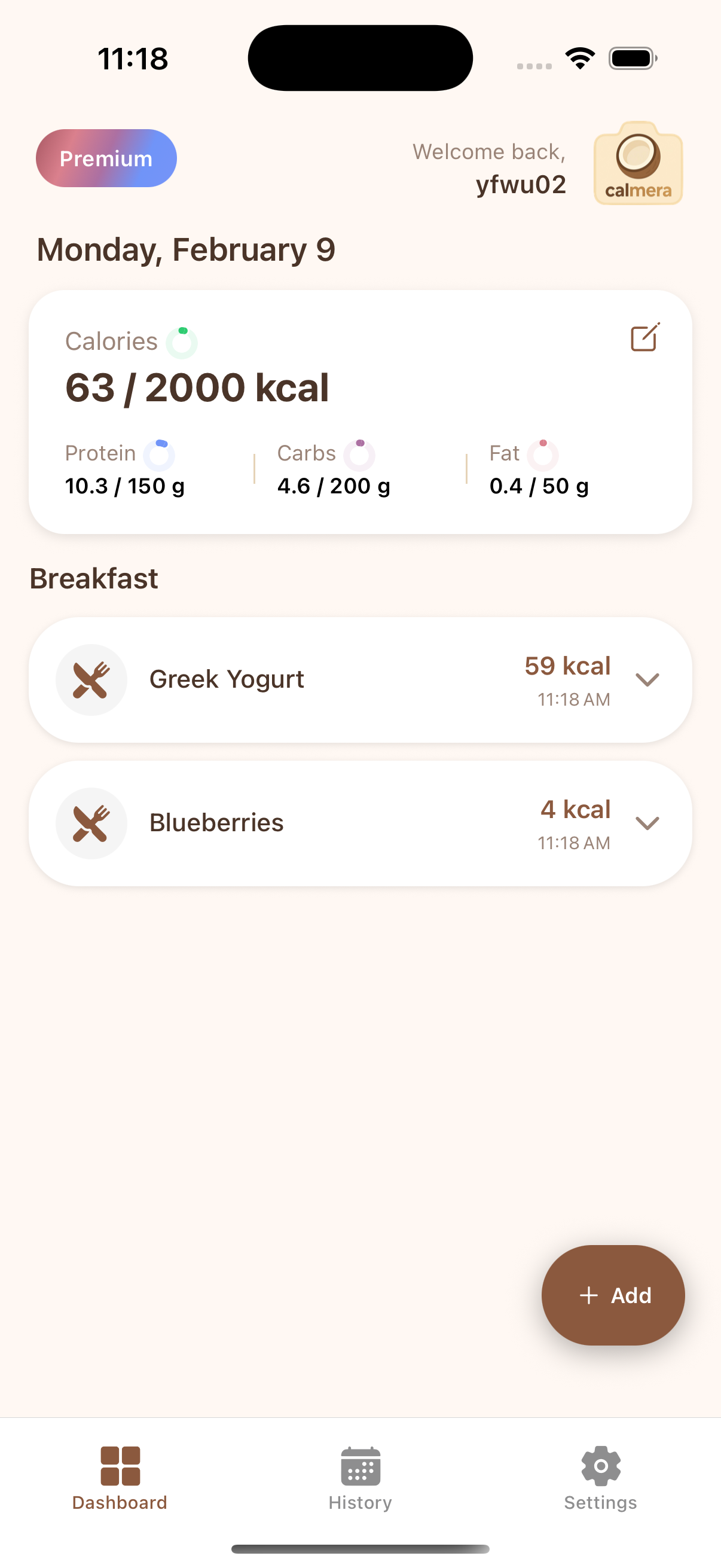
Home page (after logging some breakfast)
-
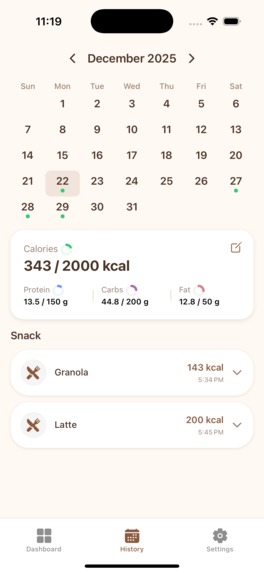
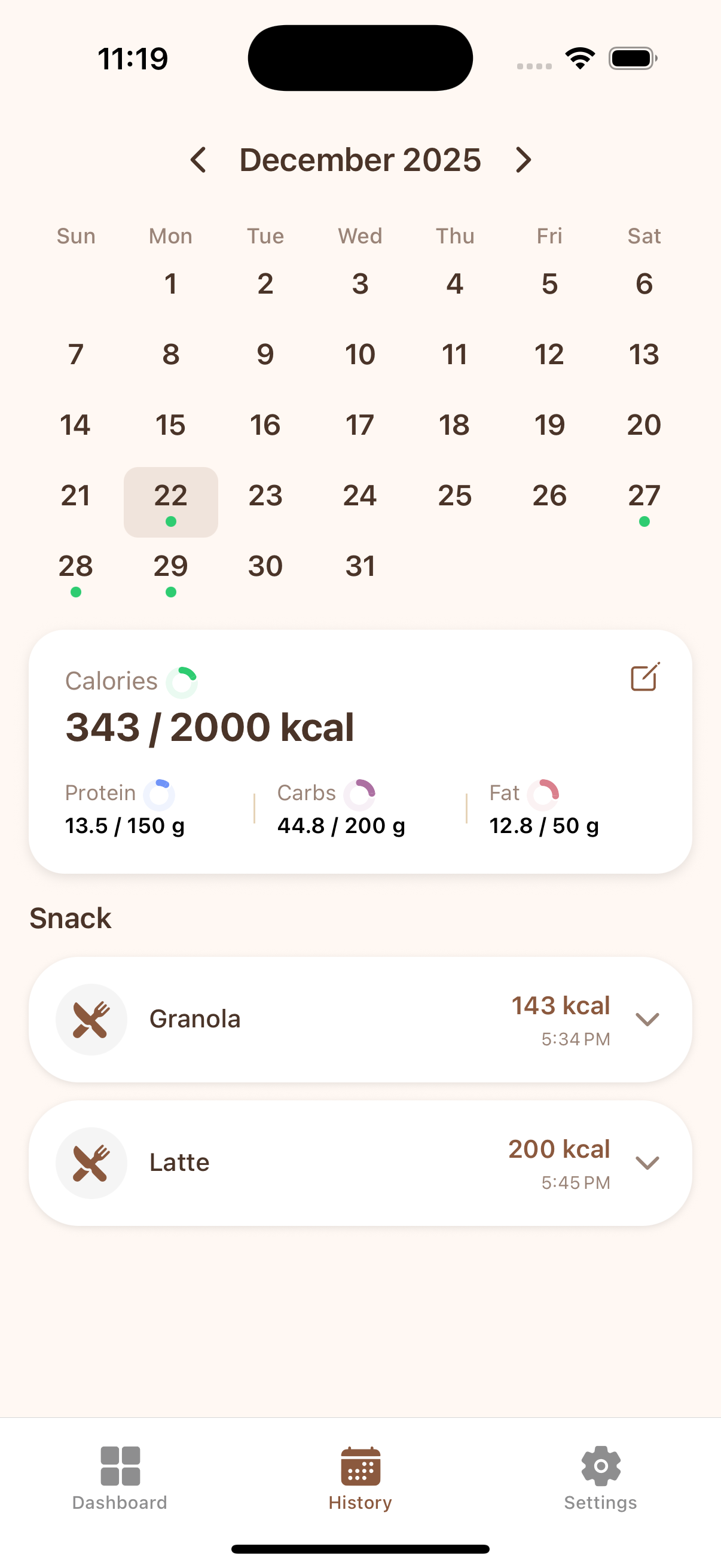
History page, shows in a calendar view.
-
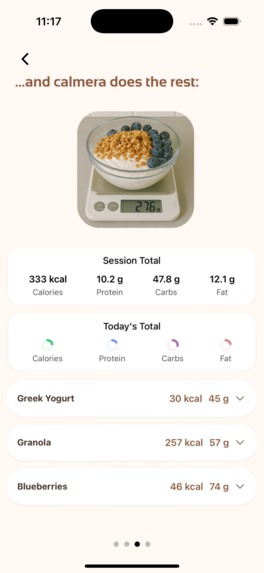
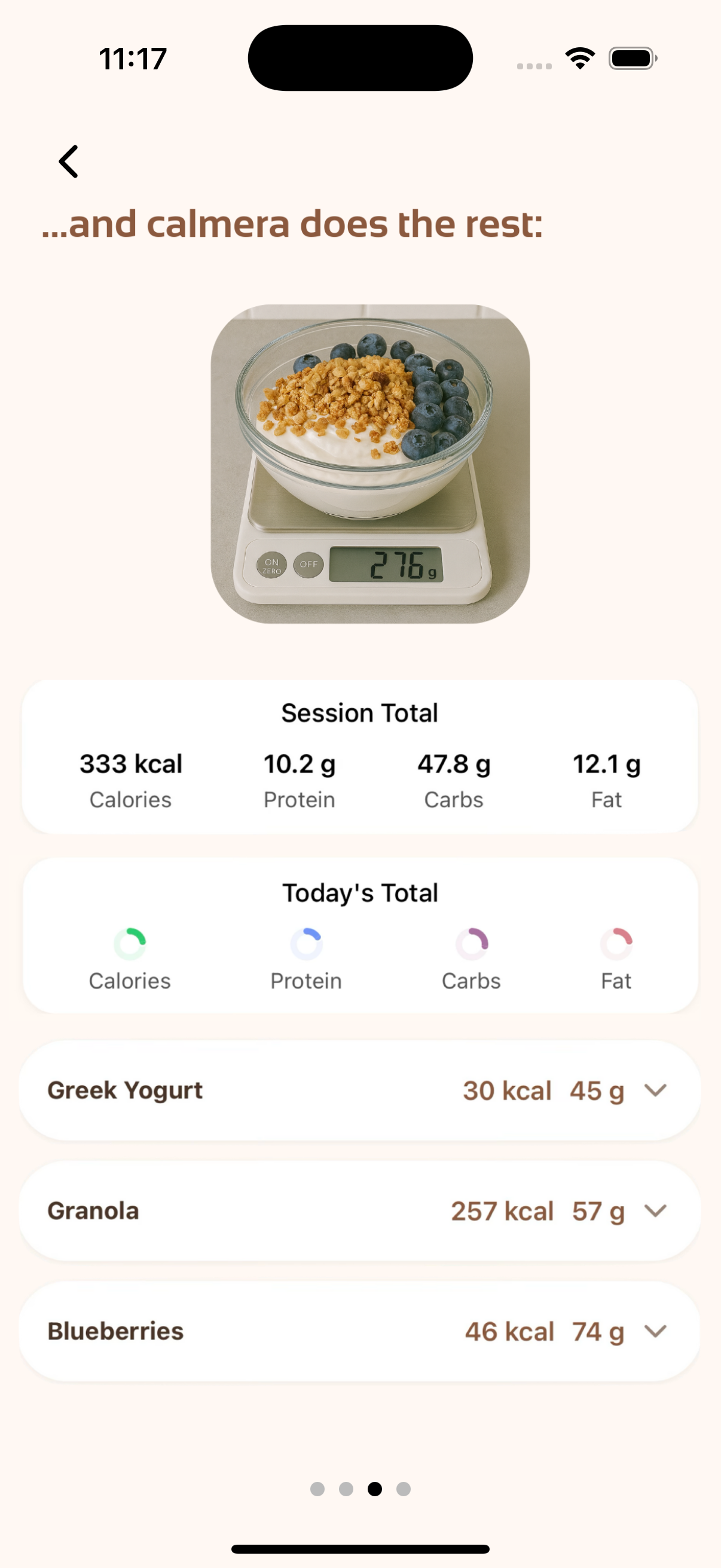
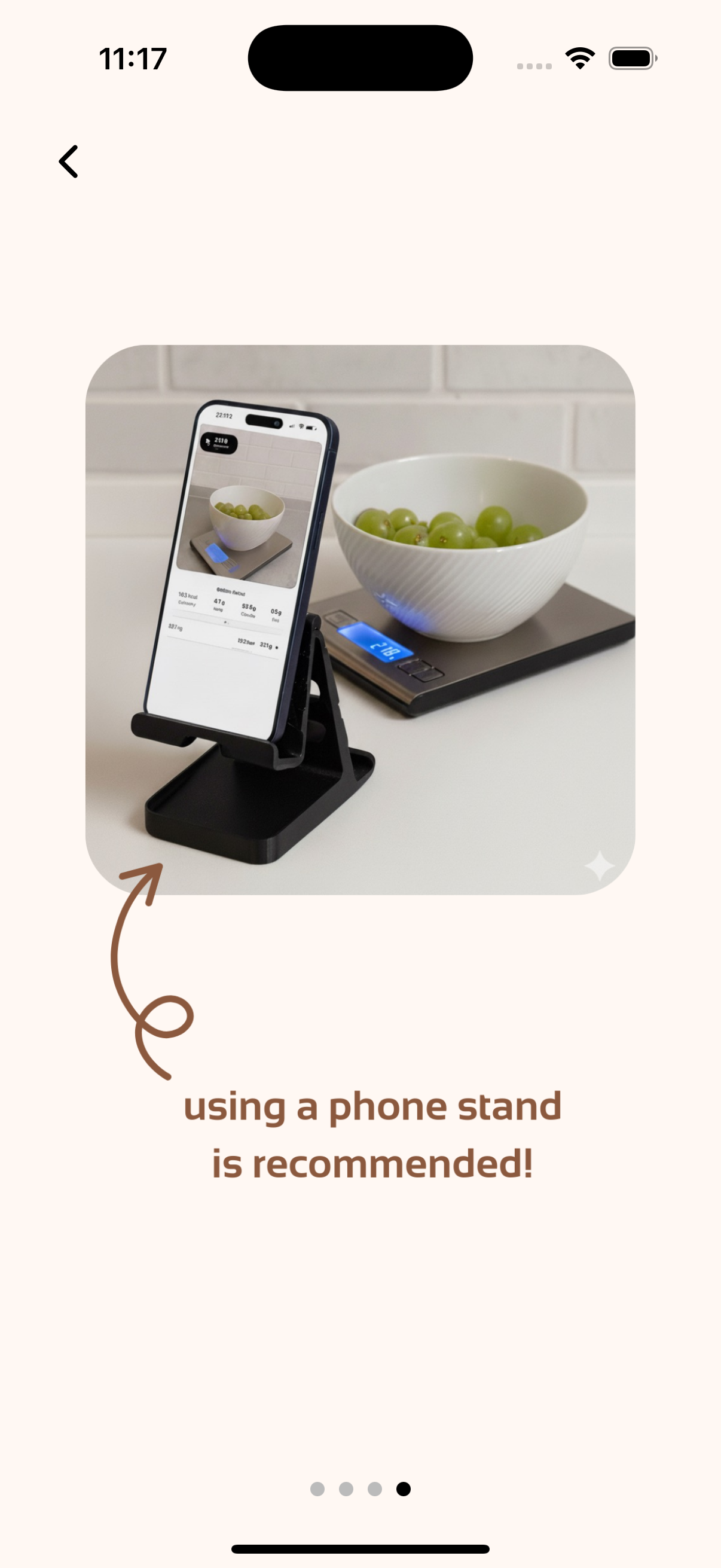
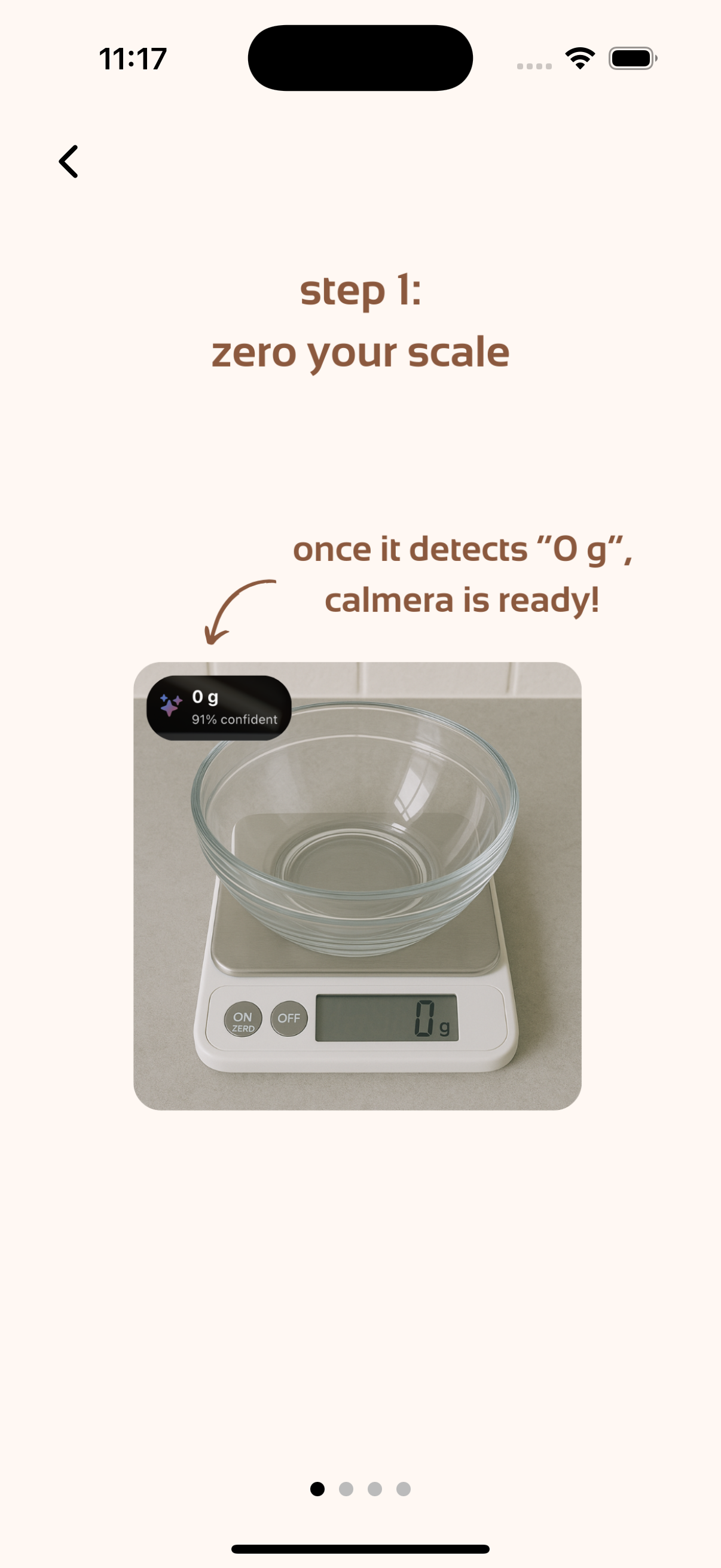
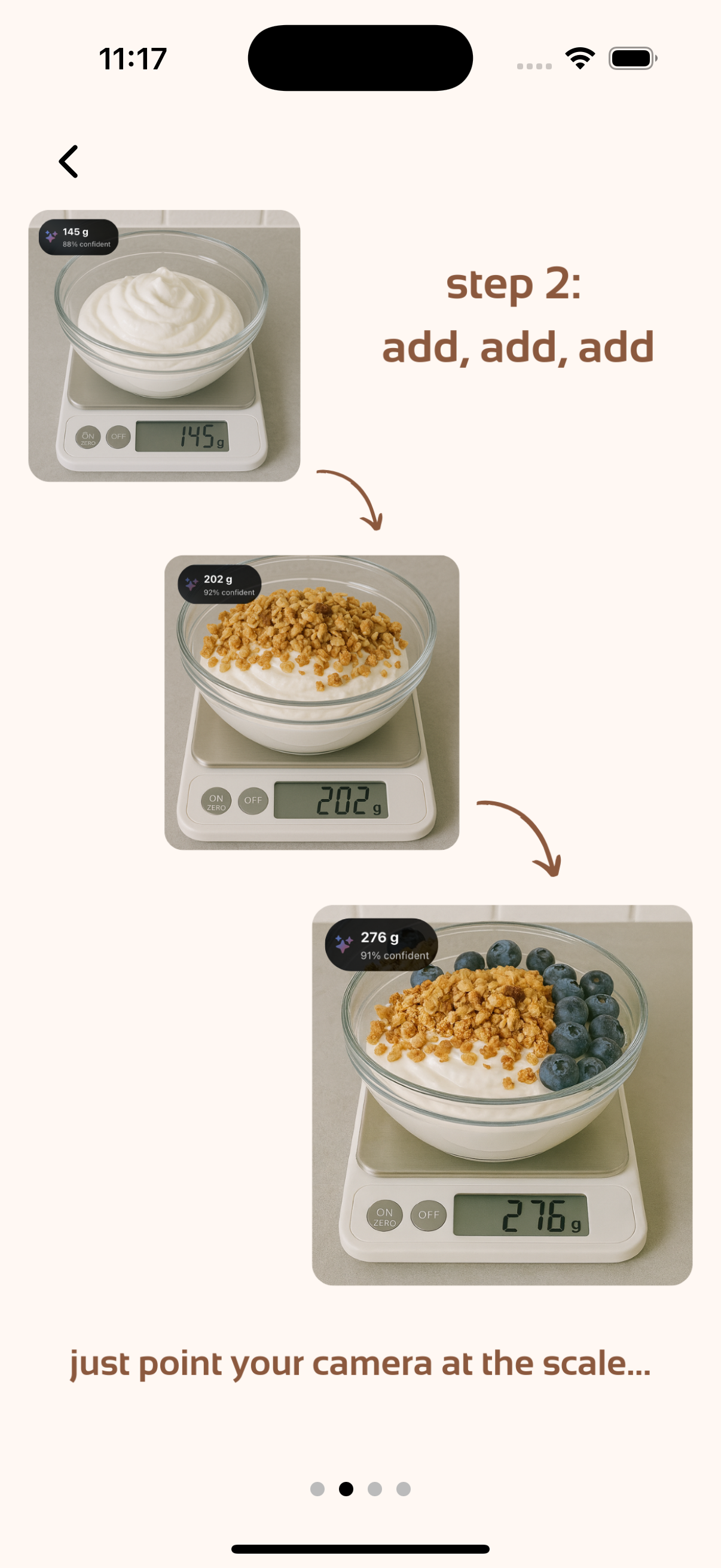
Guide on how to use the Live AI mode - part 3
-
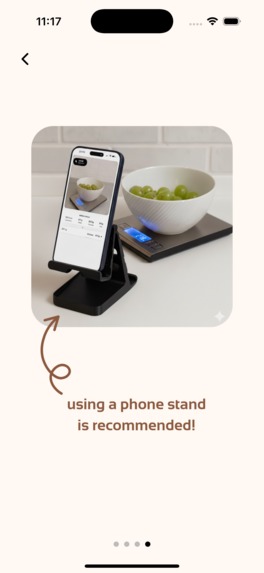
Guide on how to use the Live AI mode - part 4
-
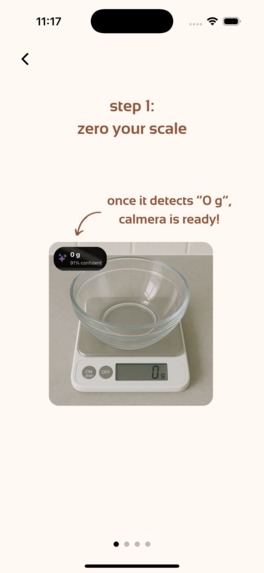
Guide on how to use the Live AI mode - part 1
-
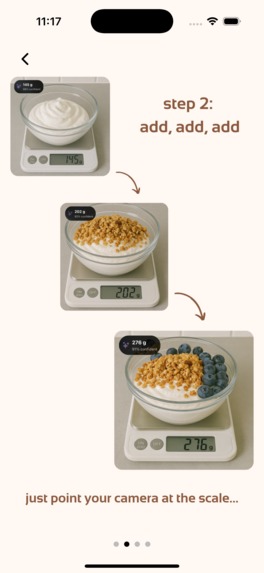
Guide on how to use the Live AI mode - part 2

Inspiration
I was trying to lose weight last year, and my friends recommended using apps to track calorie intake. However, existing apps in the market, such as MyFitnessPal and Cal AI, estimate calories from a photo. But these estimates can be misleading: a photo doesn't show how much each food item weighs, and if the app isn't smart enough to recognize how "big" the item is, the estimates can be far off!
One time, I tried using the app to log my breakfast, which has half a bagel, but it logged a full bagel. These inaccuracies add up. During weight loss, we usually aim for a 200-400 calorie deficit per day. But if one estimate can be off by 100 calories or more, then what's the point of tracking?
What it does
Therefore, I built Calmera, an iOS app that uses visual intelligence to track calories accurately and hands-free. It's built for bodybuilders, athletes, or simply anyone who wants to understand their dietary intake better and become healthier.
For example, when cooking at home, here's how I use Calmera: say I'm building a salad. I find an empty bowl and put it on a kitchen scale (any digital kitchen scale works). Then, I open the Calmera app and select "Live AI" mode. I can just point the camera toward the empty salad bowl and start my prep.
A few minutes later, I add some lettuce. Calmera uses a real-time visual system running locally on my phone to instantly detect that the reading on the digital scale has changed. Once the change stabilizes, Calmera sends two pictures to Gemini API: one before the weight change and one after I added the lettuce.
Gemini detects whether the weight change was caused by food (sometimes my hand accidentally rests on the scale, and these cases are ignored), and if so, by which food. Then, we use Gemini again to estimate the macronutrients of that food based on the weight information our system detected—for example, the calories, protein, fat, and carbs for 30g of lettuce.
I can keep adding things to the bowl: tomatoes, meat, quinoa... And Calmera tracks macros in real time (<2 seconds lag from detecting a weight change to getting back macro estimates from Gemini over 90% of the time).
Also, if I think I've added too much to my bowl, I can simply take some out, and Calmera is able to detect these events and subtract the right amount of macronutrients from its estimates.
Challenges I ran into
- In the first iteration, I tried to process digit detection on the cloud, so the user's device would send images to my backend in real time. It worked fine, but then I realized it wouldn't scale well as my active user base grows. The compute was too consuming and the network bandwidth was also expensive. So I learned how to compress the model and load it onto mobile phones, so that the real-time weight detection runs locally on users' devices. This runs more stably and helps me scale better in the future. Also, it helps me gain trust because users' pictures are either processed locally then deleted, or sent to the Gemini API—they're never saved on my own servers.
- Accuracy of food detection wasn't ideal. Sometimes the Gemini API would confuse what food actually caused the weight change. For example, if the user puts a spoon in the bowl, then the Gemini API shouldn't return any food item. I did some prompt engineering, and in particular, added some few-shot learning examples (I provided examples in the system prompt of what the model should return), and the accuracy is much better!
What's next for Calmera
User testing. I want to ask for feedback on how to make the UI and UX more intuitive. We need to study how people interact with our AI agents.


Log in or sign up for Devpost to join the conversation.