-
-
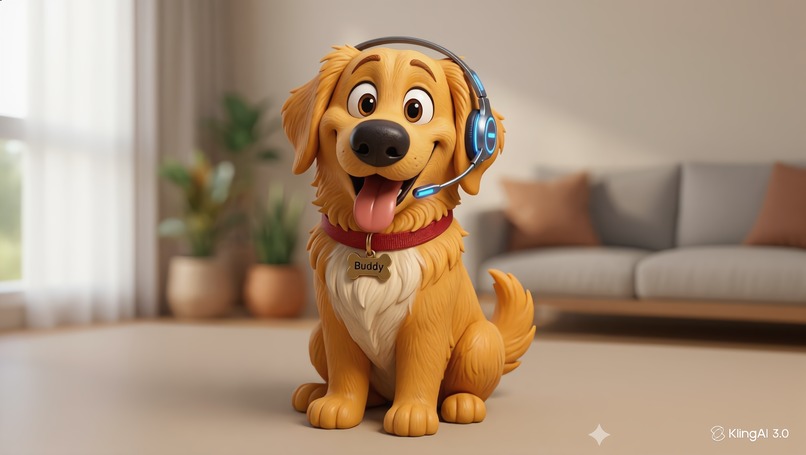
Buddy | AI Companion
-

Anh | User Character

CallBud is an AI-powered conversation coach that helps people prepare for and navigate difficult real-life calls - whether it's asking for a raise, having a hard conversation with a partner, or setting a boundary with a family member.
The core insight is that most people don't fail difficult conversations because they lack information — they fail because they freeze, get defensive, or lose track of their goal in the moment. CallBud keeps that goal visible and whispers the right nudge at the right time.
The Inspiration
Our journey started with a literal flood. After a pipe burst in our flat back in London, we found ourselves trapped in a cycle of high-stakes calls with building management and legal people. We were stressed and felt out of depth.
We tried everything to prepare for calls, using LLMs to draft pre-written scripts for every call to ensure we made our point and got all the information we needed. But the moment the call started, the plan fell apart. We were stuck "retrofitting" static notes into a dynamic conversation. There was no way to get live feedback or guidance as the dialogue shifted. We realised that in the most stressful moments of our lives, dealing with companies, lawyers, doctors or even emotional personal hurdles, we are forced to go it alone on the phone. We built CallBud to be the safety net we wish we had.
What We Learned
Building a real-time "co-pilot" for human speech taught us two major lessons:
The Latency Barrier: We learned that "real-time" is a high bar. To be useful, an AI can't just be smart; it has to be fast. Integrating live transcription with instant LLM analysis in a seamless loop is a massive technical hurdle.
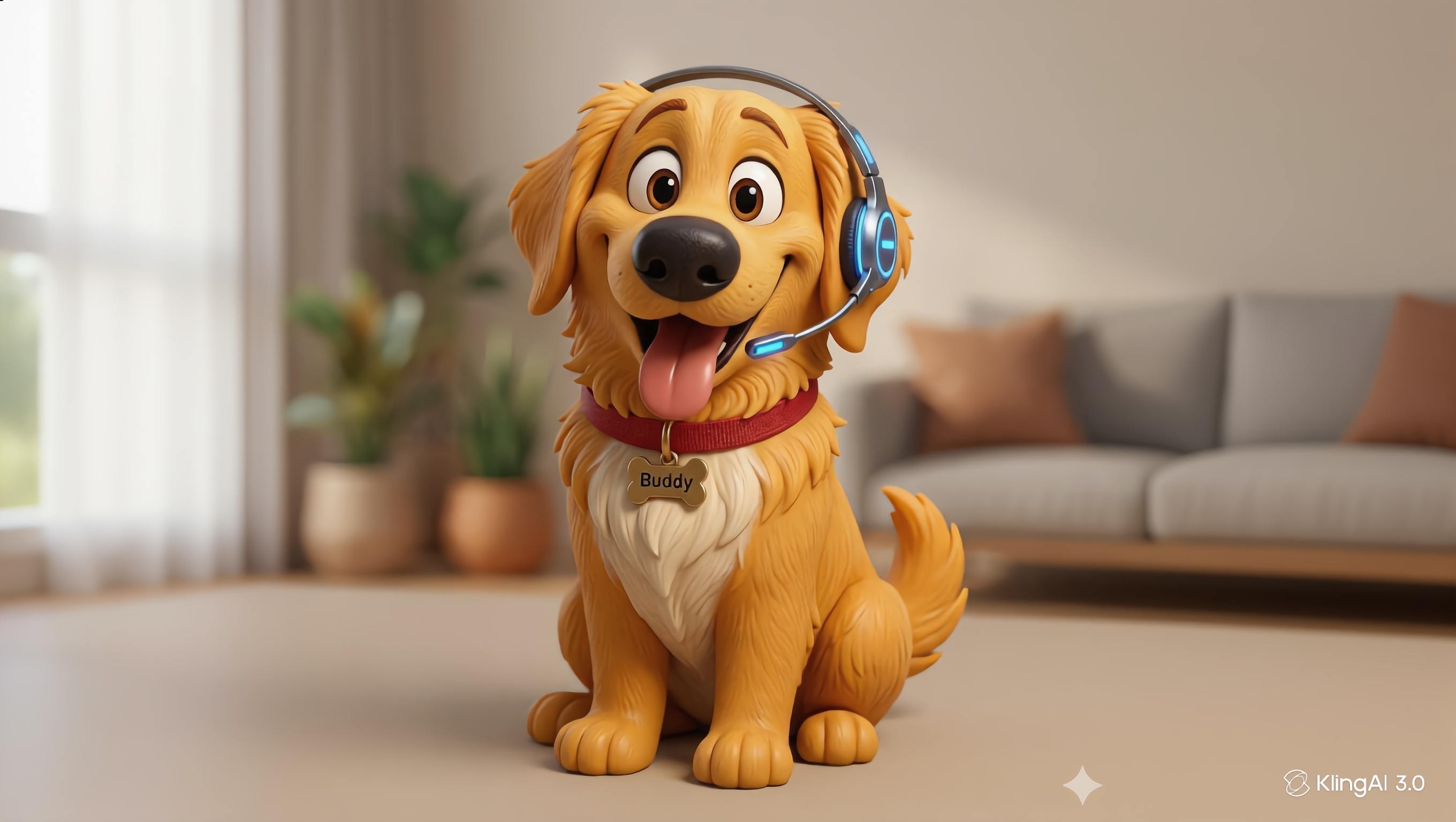
The Power of "Warm" Design: Because these calls are often sensitive, we realised the UI couldn't feel like a sterile "business tool." We dove deep into AI animation and character design to create an avatar that felt like a companion. We wanted to build a brand on warmth and security to allow users to lower their guard and actually trust the AI’s advice.
How We Built It
Before the call, users chat with Buddy — a friendly AI dog companion — to clarify what they want to achieve. During the live call, Buddy listens in real time and surfaces short, actionable suggestions at the right moments, helping the user stay focused and respond well under pressure.
To achieve this, we built upon the following tech stack:
- Trae IDE - although we hadn't heard of Trae before the hackathon, we installed it and used it to build the product. It was great to try a new tool - after previously using Cursor, Claude Code, and sometimes just ChatGPT.
- Agora RTC - chosen for its low-latency, production-grade real-time audio infrastructure. It handles the live voice channel between participants and gives us access to each participant's audio stream independently, which is essential for dual transcription.
- Agora Conversational AI - powers the pre-call Buddy chat. Rather than a text chat UI, users have a natural voice conversation to define their goal. Agora ConvAI handles the full speech → LLM → speech loop over the same RTC channel, making the experience feel seamless. We chose an OpenAI voice.
- OpenAI GPT-4o - used both as the brain behind Buddy's pre-call conversation and for real-time suggestion generation during the call. The model is given the call goal and live transcript and decides when to suggest and what to say.
- OpenAI Whisper - transcribes both sides of the call in rolling 4-second chunks with voice activity detection to skip silence, keeping costs low and latency acceptable.
- Next.js - lets us colocate API routes and the frontend in a single deployment, keeping the architecture simple while keeping API keys server-side.
- Kling.ai - allowed us to create the wonderful loyal companion - Buddy.
Challenges We Faced
Getting transcription right
OpenAI Whisper is trained heavily on YouTube data, which means silence or background noise would often produce confident hallucinations like "Thanks for watching" or "Please subscribe." We had to build a filtering layer to catch known garbage outputs, combined with voice activity
detection that measures audio amplitude before even sending a chunk to Whisper - skipping silent segments entirely. Finding the right chunk size was also a balancing act: too short and Whisper lacks context to transcribe accurately; too long and the feedback loop to the user feels sluggish. We landed on 4-second chunks for the live call and 6 seconds for the pre-call chat, where the user tends to speak in longer thoughts.
Managing API latency
Every suggestion involves a round-trip: audio chunk → Whisper transcription → GPT-4 analysis → decision on whether to surface a tip. Keeping that pipeline fast enough to feel responsive during a real conversation required careful debouncing - only triggering a suggestion request when there's no active suggestion already showing, and only based on the other person speaking, not the user themselves.
Dual transcription and overlapping audio Both sides of the call needed to be transcribed independently - the user's microphone and the remote audio stream - without the streams bleeding into each other or producing duplicate entries. Handling the remote audio stream as a separate MediaStream fed into its own Whisper pipeline, with deduplication to catch cases where the same phrase appeared in consecutive chunks.
Turn-taking in the pre-call chat Knowing when a user has finished speaking (versus just pausing mid-thought) was trickier than expected. We implemented a 2-second silence gap before Buddy responds, and had to handle the case where the user kept talking while Buddy was already speaking - queuing the input rather than dropping it.
Keeping the UI invisible The hardest UX challenge was making Buddy genuinely helpful without becoming a distraction from the actual conversation. Suggestions that are too long pull the user's attention away from what they're hearing. We capped suggestions at 15 words, added a 10-second auto-dismiss, and deliberately kept Buddy's visual presence large and expressive rather than text-heavy - so the user can absorb guidance at a glance without losing their train of thought.
Design From a design and animation perspective, there is a huge difference between the newest models and their previous generations. When animating with AI, you need ot balance direction, timing and still images to guide the AI to the outcome you want.
Try it out! Note 1: GitHub Repo is private but I can grant access as needed :) Note 2: To try it out, you'll need two users (preferably in separate rooms!). Both should go to https://callbud.vercel.app and fill in your names. One should be the "Caller" and one the "Callee". The caller is the main user of this app - they should tell Buddy what their goal is for the call and then join the call on the next page. The callee should join too. Then Buddy can help with your call suggestions!
Built With
- agora
- canva
- chatgpt
- elevenlabs
- figma
- gemini
- kling
- notion
- openai
- trae

Log in or sign up for Devpost to join the conversation.