-
-
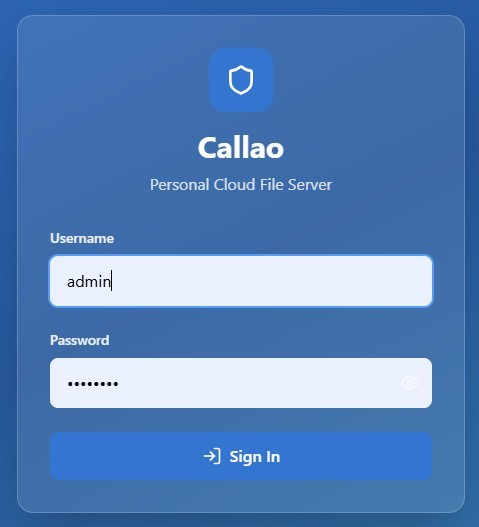
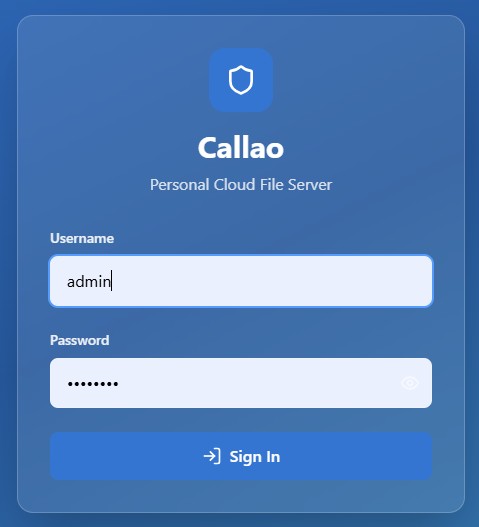
Callao Web Login
-
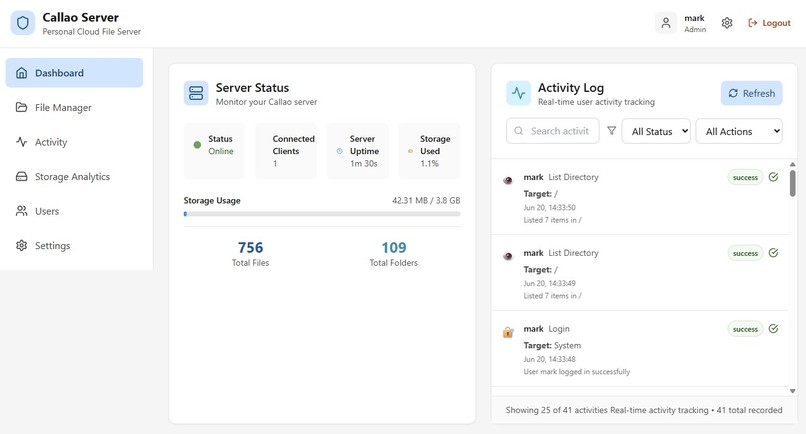
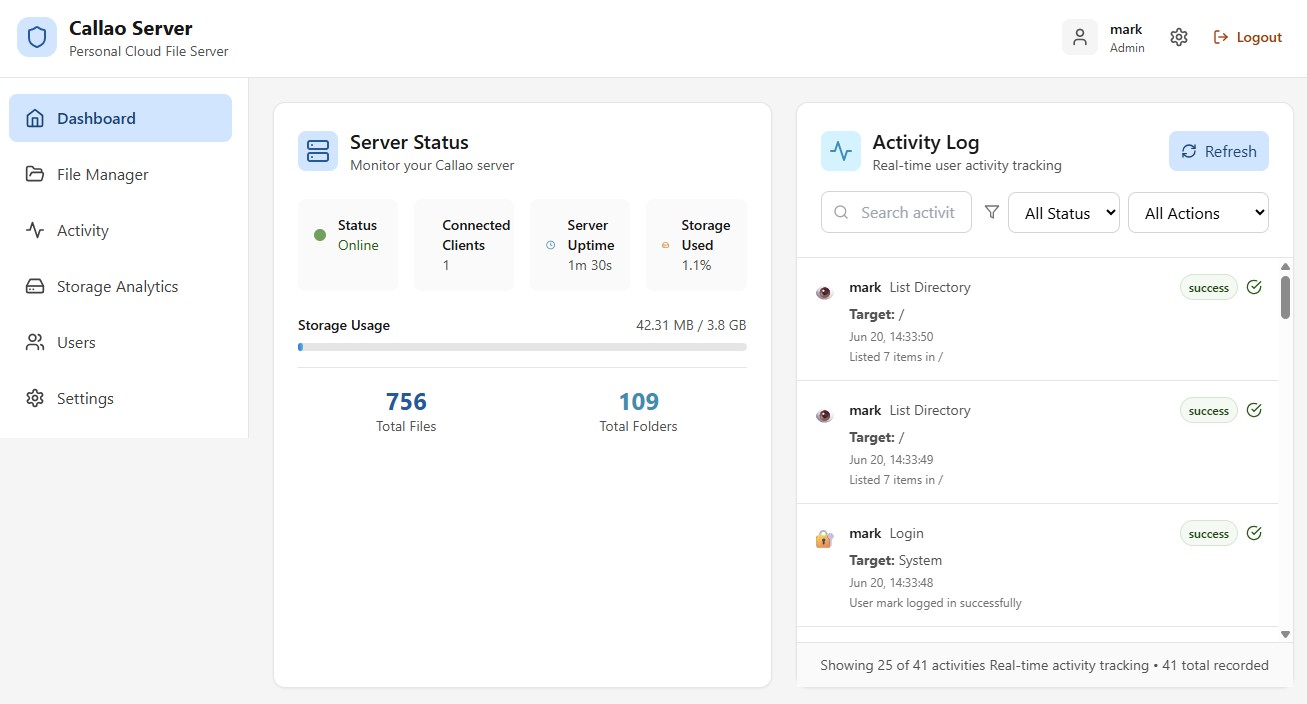
Callao Web Dashboard
-
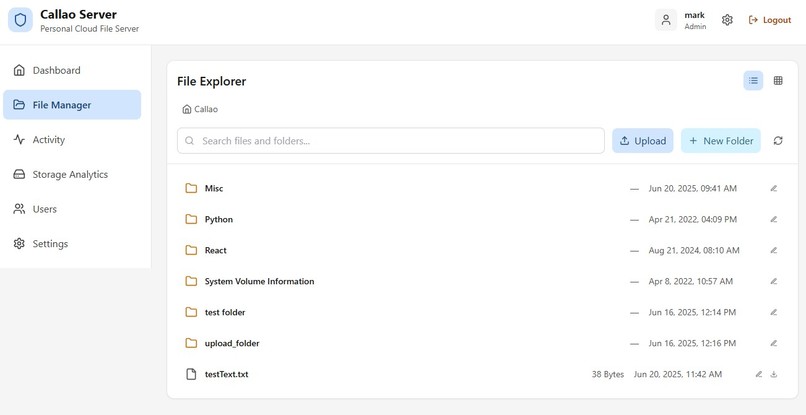
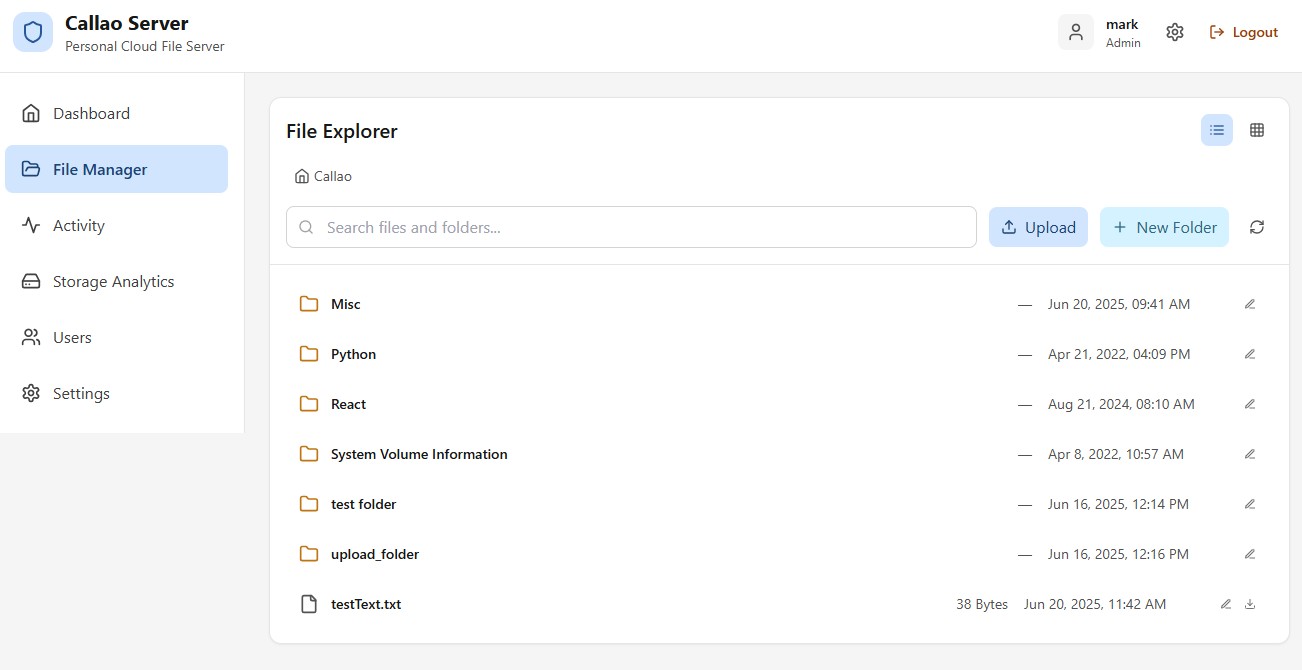
Callao Web File Manager
-
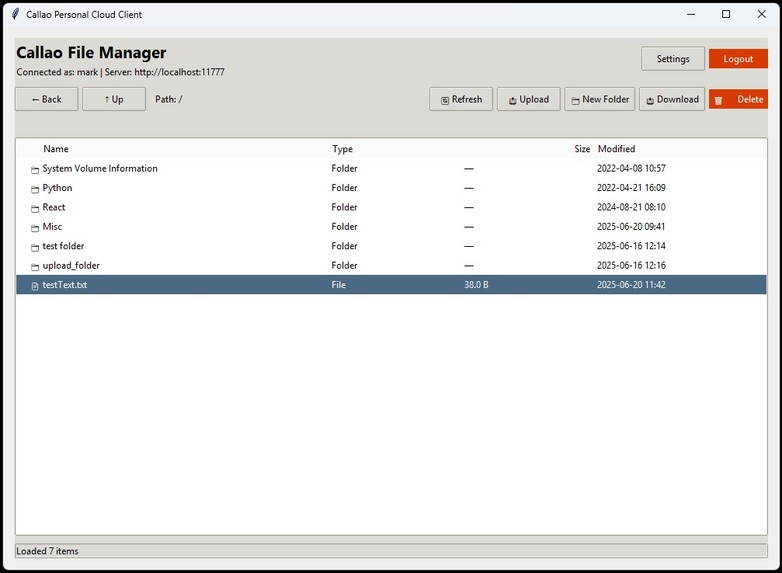
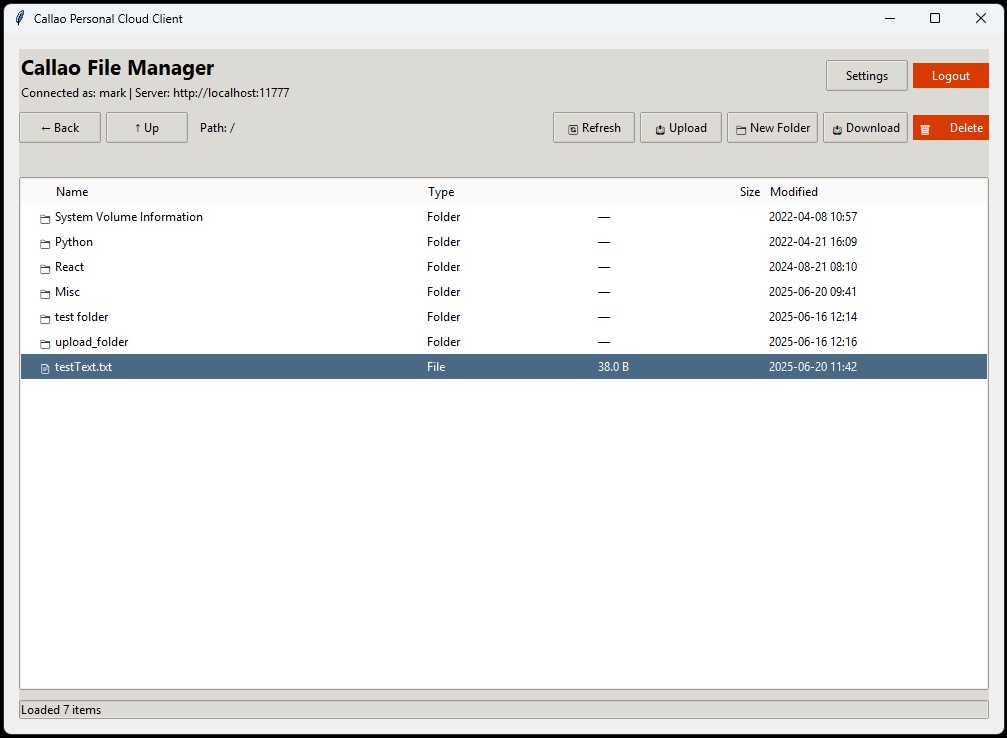
Callao Windows Desktop File Manager
Callao Personal Cloud - Project Story
Inspiration
I was inspired by the Lima personal cloud product, which was discontinued in 2019. Lima was a revolutionary device that transformed any external hard drive into a personal cloud, allowing secure remote access to your files from anywhere in the world. I loved having remote private access to the files on my 5TB drive at home - it was truly my own personal cloud, without relying on third-party services or paying monthly subscription fees.
Today, I still have that same 5TB drive connected to one of my Windows 11 PCs, and while I use it as a LAN file share, I've always longed for the days when I could access those files remotely without being physically connected to my home network. The convenience and privacy of having my own personal cloud server was something I missed dearly, and I knew there had to be a way to recreate that experience with modern technology.
What it does
Callao Personal Cloud brings back the magic of Lima by providing secure remote access to your local files through both a web client and a dedicated Windows 11 desktop application. The system consists of a server application that runs on your home Windows 11 PC, securely sharing your drive over the internet, and client applications that allow you to access those files from anywhere.
Key features include:
- Secure Authentication: Multi-user support with encrypted credentials and session management
- Full File Management: Browse, upload, download, rename, delete, and organize files remotely
- Dual Client Options: Both web-based and native Windows desktop clients for maximum flexibility
- Real-time Synchronization: Live updates and file transfer progress indicators
- Privacy-First Design: Your files stay on your hardware - no third-party cloud storage involved
- Professional Interface: Modern, intuitive UI that feels like a natural extension of Windows Explorer
How I built it
The entire project was built using Bolt.new through multiple iterative prompt sessions over several days. The initial comprehensive prompt was carefully crafted with assistance from Claude AI to ensure all technical requirements and features were properly specified.
Technical Stack:
- Frontend: React with Material-UI for modern, responsive interfaces
- Backend: Python with Flask for robust server-side operations
- Desktop Client: Python with tkinter/PyQt for native Windows 11 integration
- Database: SQLite for user management and activity logging
- Security: JWT tokens, bcrypt password hashing, and TLS encryption
- File Operations: Python filesystem APIs with proper error handling and chunked transfers
The development process involved creating three interconnected applications: the Python-based server component that manages file access and user authentication, the web client for browser-based access, and the Python desktop client for a native Windows experience.
Challenges I ran into
The primary challenge was working with Bolt.new's sometimes unpredictable behavior. Occasionally, Bolt would decide to completely restructure or change components that weren't part of the requested modifications, which could break working functionality. Learning to leverage the undo feature became crucial to maintaining development momentum.
Another significant challenge was finding the right balance between automated AI-generated code and manual refinements. While Bolt excelled at creating the overall architecture and major features, fine-tuning specific behaviors and small UI adjustments often required a more hands-on approach.
Network configuration and security implementation also presented challenges, particularly ensuring that the file sharing system was both accessible remotely and secure against potential threats. Balancing ease of use with robust security measures required careful consideration of authentication flows and data encryption.
Accomplishments that I'm proud of
Creating a professional-grade application suite with server, web client, and desktop client components in just days instead of months represents a major accomplishment. As a solo developer, I've managed to produce what appears to be the work of an entire development team, complete with polished interfaces, robust functionality, and enterprise-level security features.
The seamless integration between all three components - server, web client, and desktop application - creates a cohesive ecosystem that rivals commercial personal cloud solutions. The user experience is intuitive and familiar, making it easy for anyone to set up their own personal cloud server.
Most importantly, I've successfully recreated and modernized the Lima experience that I loved so much, bringing that same convenience and privacy to today's computing environment.
What I learned
The biggest lesson learned was understanding when to rely on AI assistance versus when to implement features manually. Small changes, UI tweaks, and specific behavioral modifications are often best handled through direct coding rather than prompting an AI system. This hybrid approach - using AI for rapid prototyping and major feature development, then refining manually - proved to be the most effective development strategy.
I also gained valuable experience in modern web technologies, Python backend development, desktop application development with Python GUI frameworks, and implementing security best practices for networked applications. The project reinforced the importance of iterative development and the power of AI-assisted coding when properly directed.
What's next for Callao
I'm actively using Callao Personal Cloud in my daily workflow, which provides real-world testing and feedback for continuous improvement. The next phase involves sharing this solution with the broader community, as I believe many people miss the simplicity and privacy that Lima provided.
Future enhancements planned include:
- Mobile companion apps for iOS and Android
- Advanced synchronization features with conflict resolution
- Enhanced security options including two-factor authentication
- Performance optimizations for large file transfers
- Plugin architecture for extending functionality
- Docker containerization for easier deployment across different platforms
The ultimate goal is to make Callao the go-to solution for anyone who wants the convenience of cloud storage with the privacy and control of keeping their data on their own hardware.

Log in or sign up for Devpost to join the conversation.