-
-
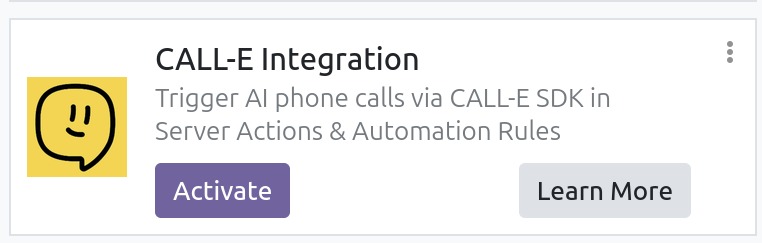
Call-E module
-
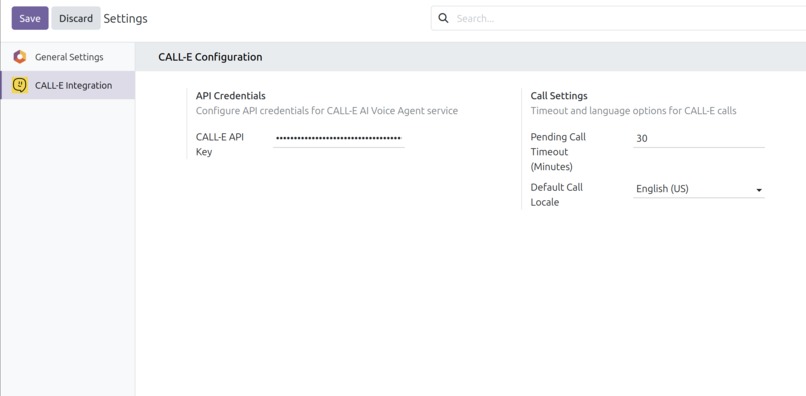
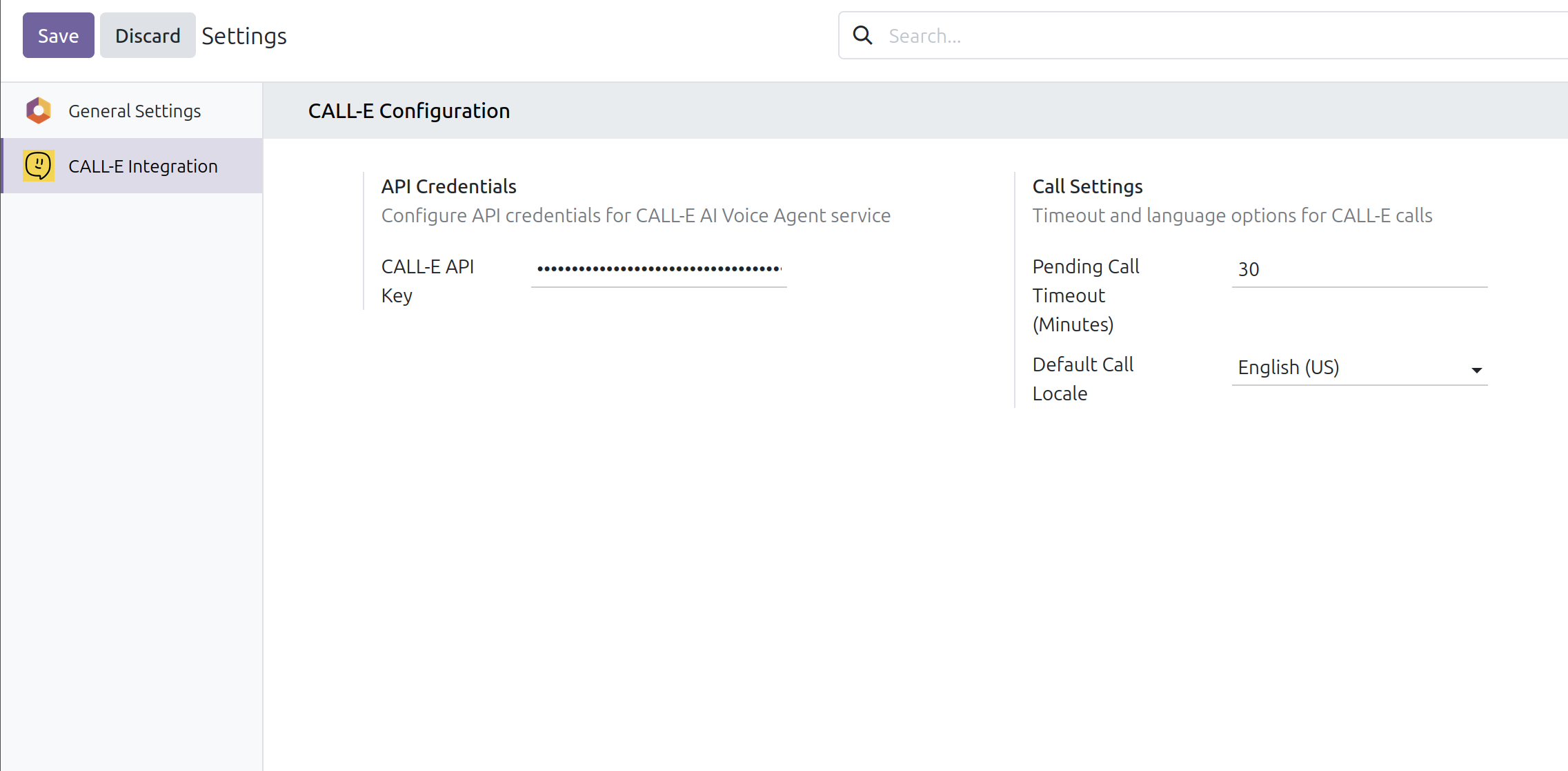
Call-E configuration
-
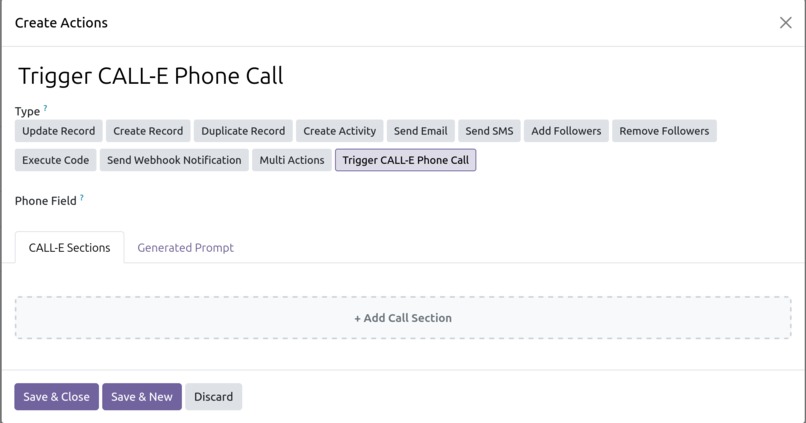
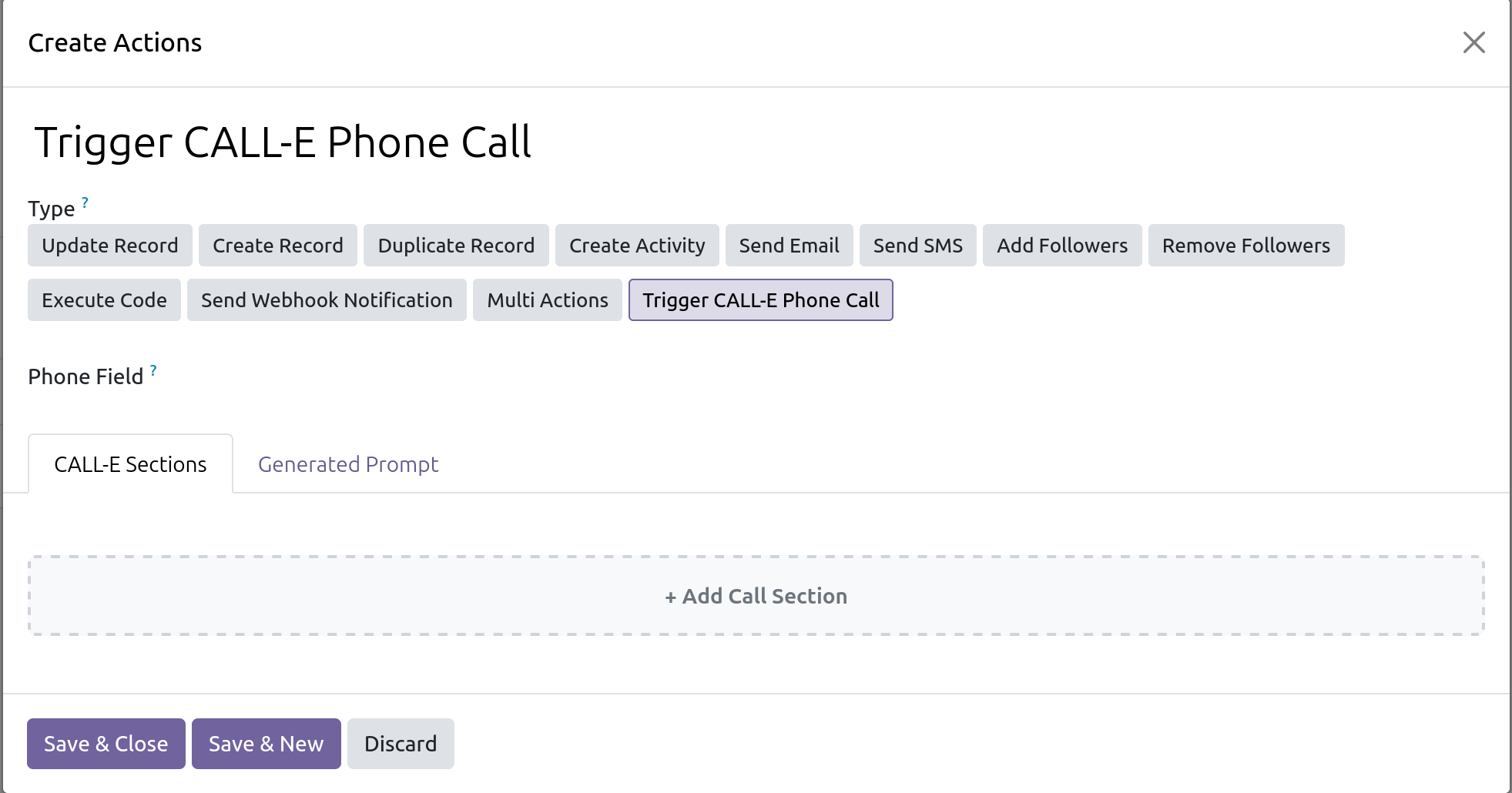
Call-E server action phone field, and dialogue builder
-
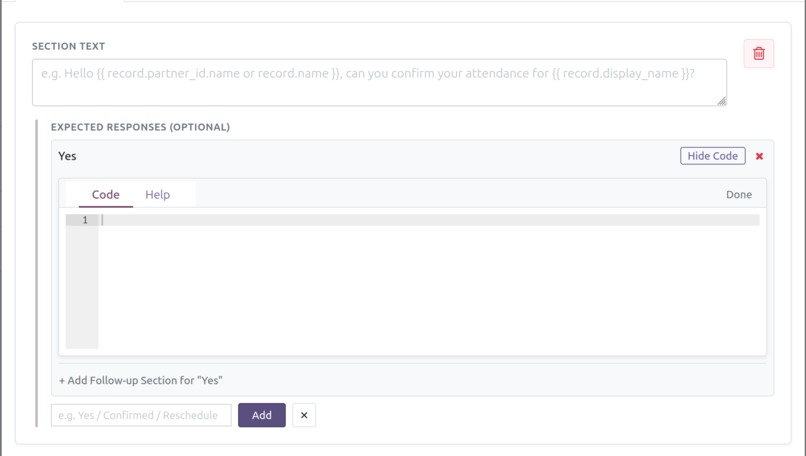
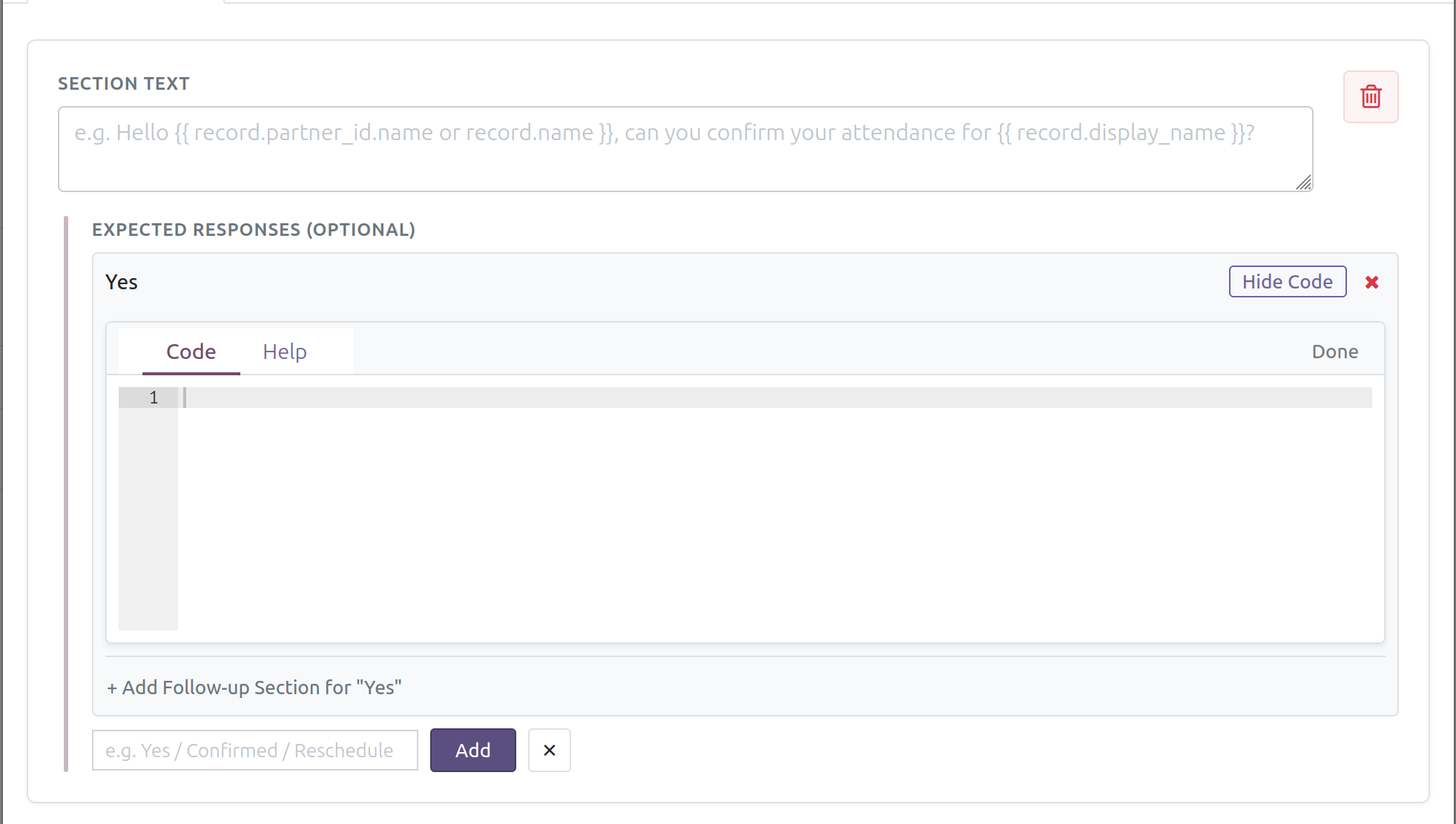
Call-E dialogue section with its expected response and python code to be executed based on that answer
-

Calls list with their status
-
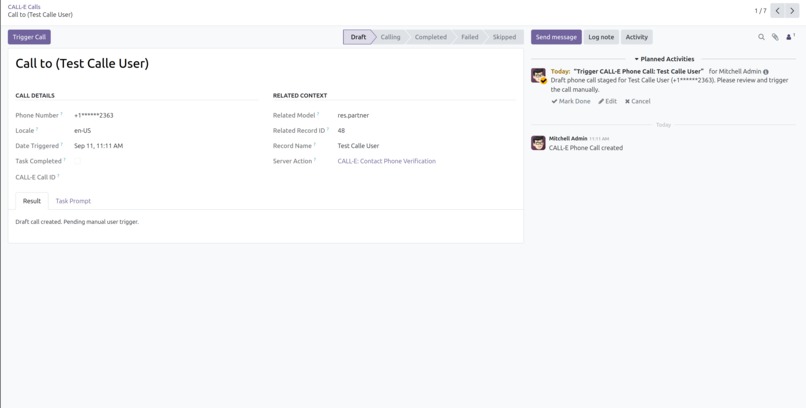
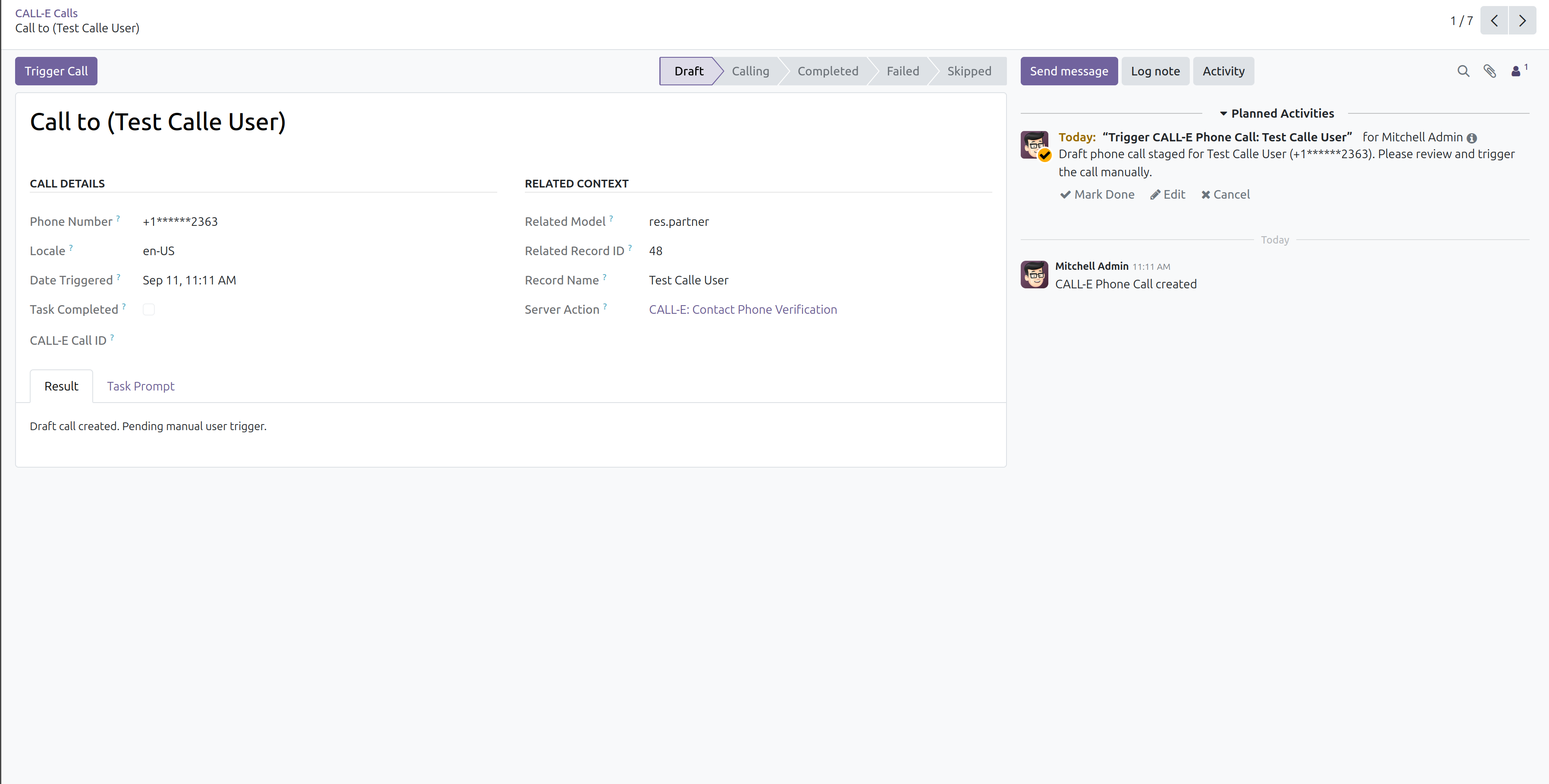
Call view
-
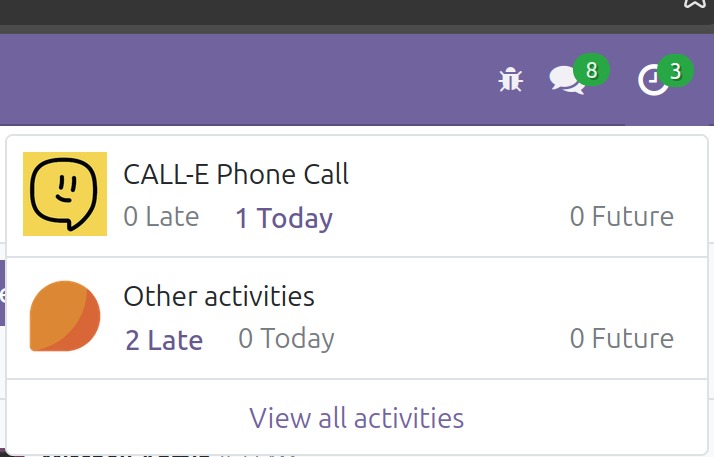
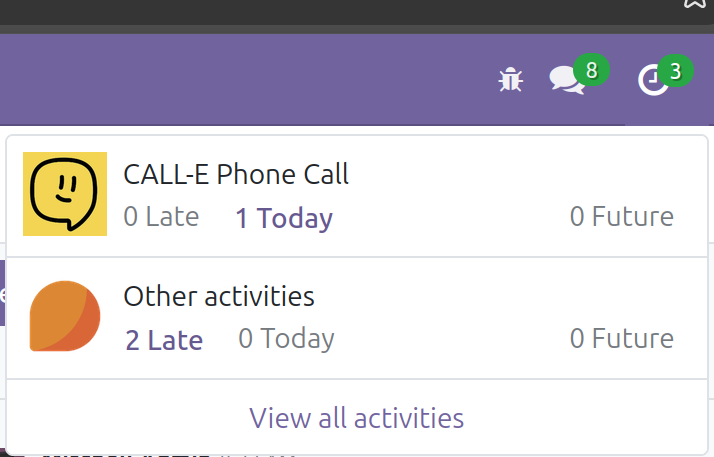
Activity created when Call-E action is trigger to inform the admin to trigger the call

Inspiration
Repetitive phone outreach across ERP workflows —like chasing past-due invoice balances, qualifying web leads, or confirming delivery orders— is manual and time-consuming. Because Odoo is easily customizable and highly modular, it provided the ideal foundation to build a native integration that bridges backend business data with conversational AI phone agents, eliminating the need for external tools or manual phone calls.
What it does
CALL-E Odoo 19 Integration is a workflow plugin that connects Odoo 19 with the CALL-E AI Voice Platform. It enables Odoo to trigger outbound phone calls directly from any model—such as Invoices, CRM Leads, Sales Orders, or HR Applicants—automatically conducting dialogue, capturing responses, and executing code based on responses.
How we built it
We built the plugin as a native Odoo 19 module by extending Odoo's built-in Server Actions to introduce a dedicated "Trigger CALL-E Phone Call" action type that integrates directly into standard Odoo Server Actions. Using Python and the official CALL-E SDK, we implemented dynamic template rendering to inject live record fields (such as customer names, invoice balances, or appointment dates) into spoken dialogue prompts. The engine normalizes target phone numbers to standard international formats and dispatches calls via the CALL-E SDK. Upon call completion, the system parses structured decisions and call evidence from the CALL-E SDK, running post-call Python actions to execute custom logic automatically based on call outcomes.
Challenges we ran into
CALL-E does not support phone calls to my country yet, so I navigated this challenge by using the testing AI number provided by CALL-E to verify call workflows and dialogue responses during development.
Accomplishments that we're proud of
Successfully building a seamless, modular Odoo 19 plugin that can be used from any model inside Odoo to transform voice phone conversations into executed code actions based on responses. We also created a call dialogue builder that enables users to configure multiple prompt sections and nested dialogue flows based on recipient answers.
What we learned
Gained valuable hands-on experience in open-source collaboration on GitHub and developer community.
What's next for CALL E Odoo 19 Integration
Expanding integration support to different Odoo versions (such as Odoo 17 and 18), adding pre-built workflow templates for more Odoo modules (like Helpdesk tickets and Field Service appointments), and building enhanced UI views for call history and dialogue analytics inside Odoo.

Log in or sign up for Devpost to join the conversation.