-
-
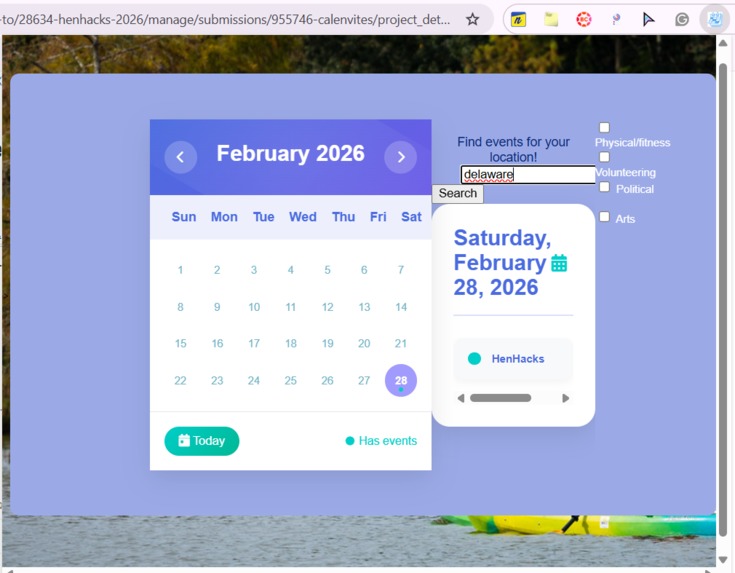
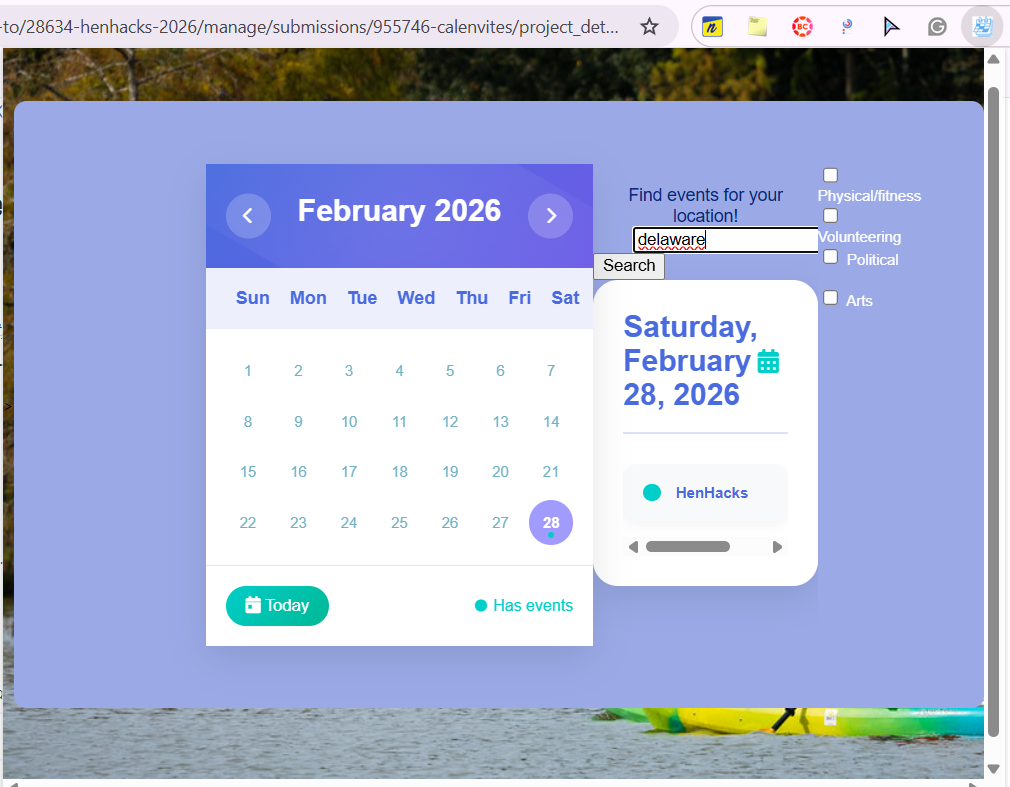
Screenshot of chrome extension when location is entered
-
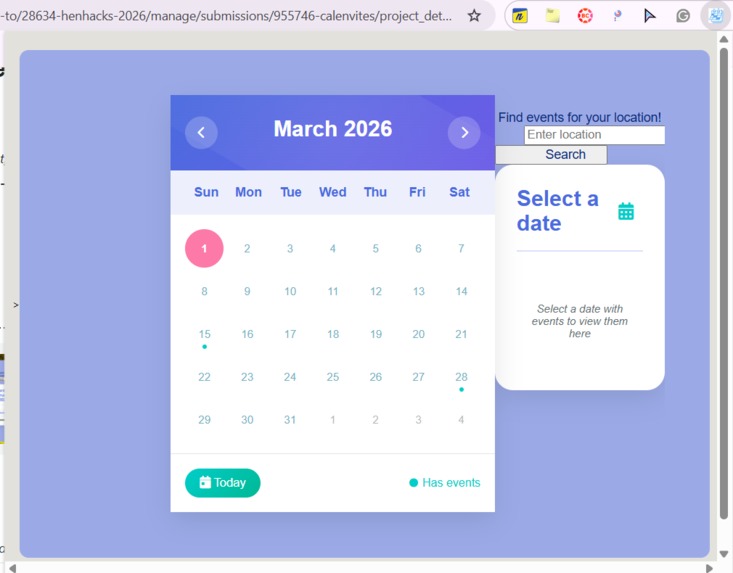
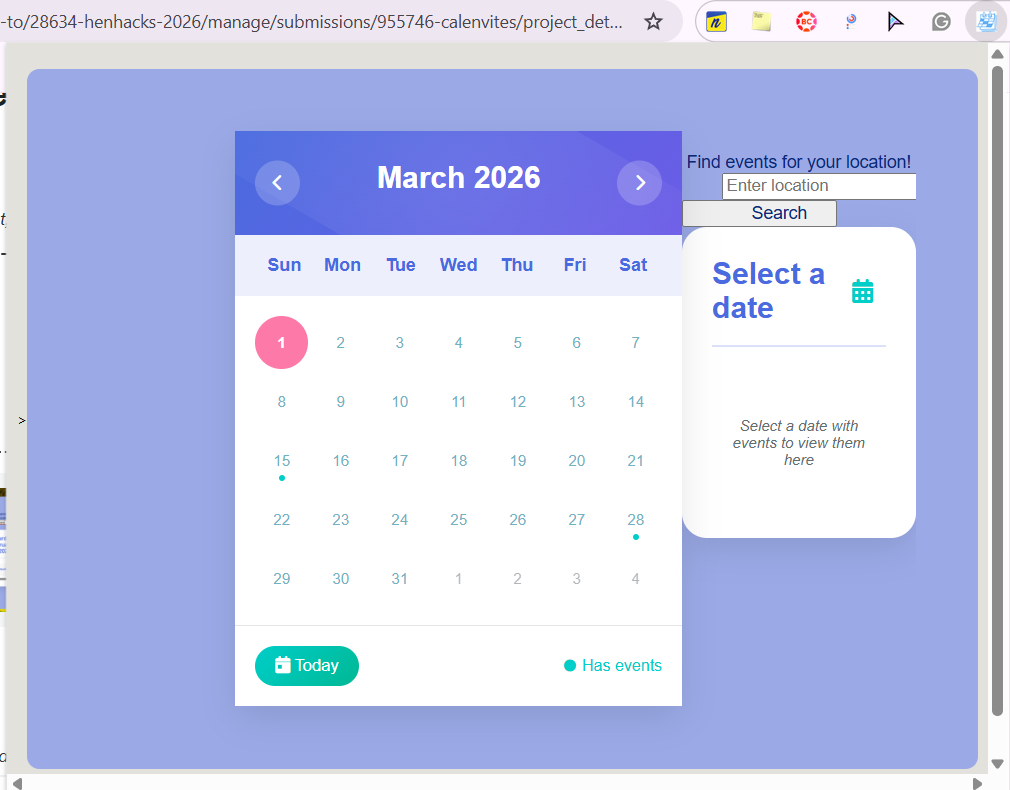
Screenshot of chrome extension when extension is first clicked
Inspiration
Visiting a new city and curious about local events when you're visiting? Wondering about ways to participate in your community and meet new people? With Calenvites, never miss out on a local event or happening in your community, including city hall meetings, service clean-ups, and arts! Social media and the internet were hailed as good ways to foster and maintain connections with people, laying out wide networks around the world, yet over time, it seems like people have become more isolated and forced into siloed communities. Thus, the inspiration behind Calenvites is to provide people an easier way to maintain and participate in physical communities locally.
What it does
Many counties and municipalities, or local organizations, have free, public events, essentially invitations for you to join them, and Calenvites posits taking that readily available public information in a calendar that is easily accessible on any webpage as a Chrome extension to keep you updated on events happening in your chosen area! After installing the Chrome extension, typing in your desired location, the calendar updates with information from the internet about local happenings with the data, time, and location.
How we built it
Using developer.chrome's tools for building an extension, and CSS, HTML, and Javascript, the UI and basic frontend properties were constructed.
Challenges we ran into
Integrating an AI agentic feature that could search the web for information on local, current events and populate the calendar with that information was difficult and unable to be implemented within the constraints of the Hack. The search button doesn't run any backend of API stuff to actually search for the inputted location and population with live events. Additionally, coding HTML for the appearance of a smaller Chrome extension was challenging, and the pop-up looked really wonky for a long time.
Accomplishments that we're proud of
The calendar pops up on the Chrome extension and has working, interactive buttons to toggle through different months, as well as select a data and see events for that date, and the ability to go to today's data. The search button also takes you to a different page that simulates that ability to actually change the calendar events with relevant details. I'm proud of getting the extension to look somewhat as intended.
What we learned
I learned a lot about how to build a Chrome extension, the different API's associated with them, as well MDN's. I wish I was able to learn more about how AI agents are incorporated into Chrome extensions as Chrome does have resources on them.
What's next for Calenvites
Figuring out how to polish the layout more and incorporate the AI feature.

Log in or sign up for Devpost to join the conversation.