-
-
-
-
-
-
-
-
1024×1024 App Icon
-
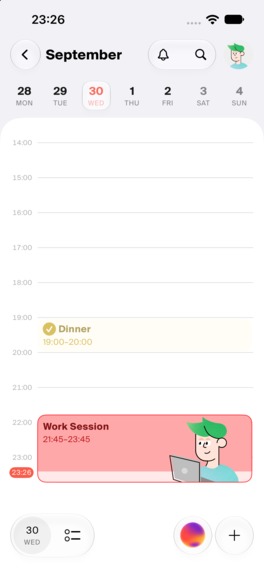
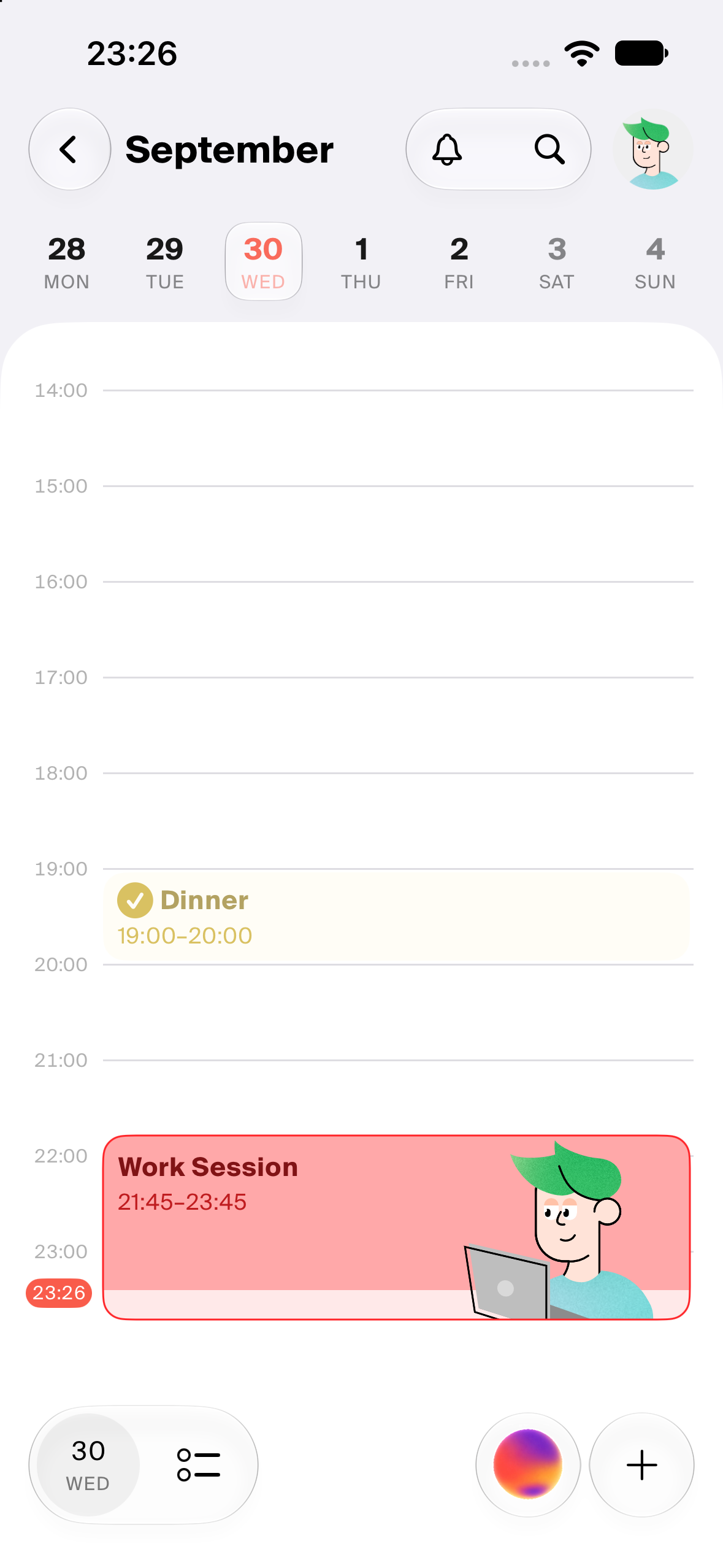
App Screenshot with no device frame
💡 Inspiration
Hi! My name is Anna. I'm a designer turned entrepreneur, and I use all kinds of planning tools every day. One day, while scrolling back through past days in my calendar, I realized my days hadn't actually looked like that. I could see how each day had been planned, but I knew for a fact that's not how it went.
After that, I began editing my calendar by hand at the end of every day: I started my workout 20 minutes late, dinner with friends ran an hour over, and a project took five hours instead of two because I hadn't realized how big it was… and so on.
In the end, I could clearly see how my days really went. My calendar had turned into a kind of diary. But then a new problem came up: I could no longer see how I had planned to spend my day. I could see that I'd watched a TV show the night before, but was that the plan? No. The plan was to study.
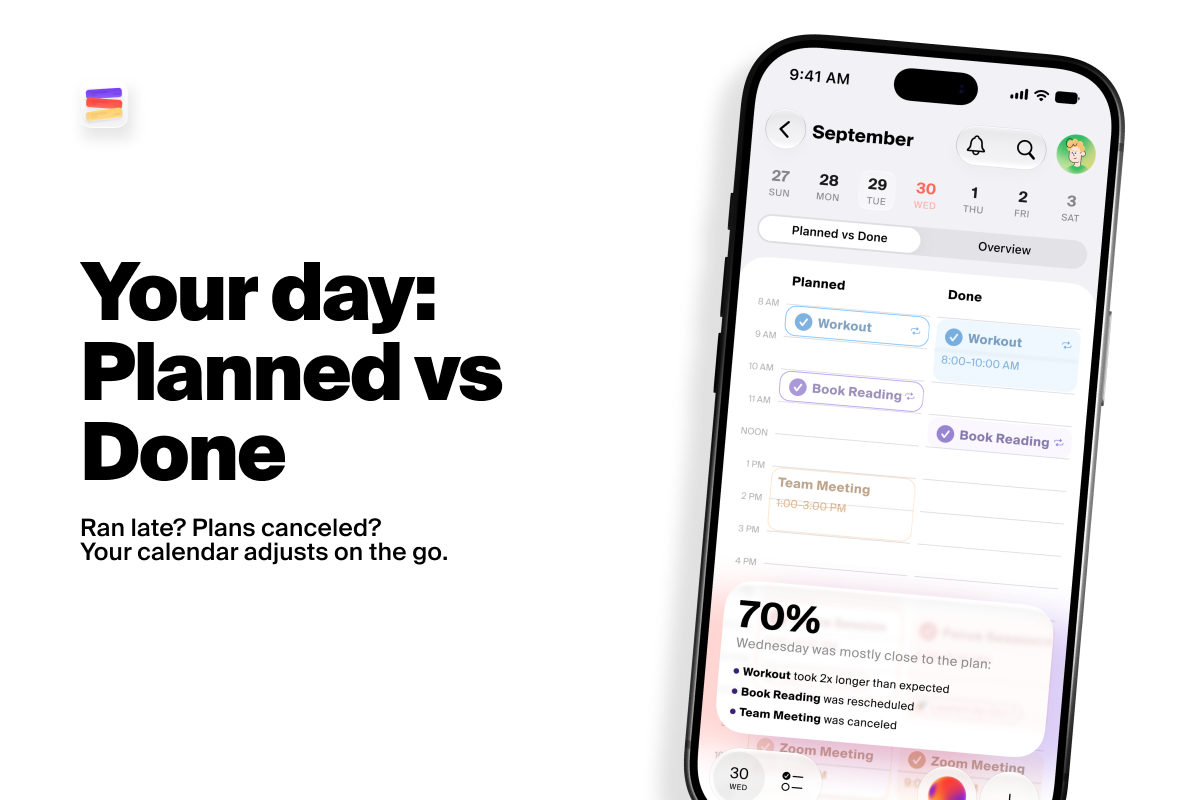
That's when it hit me: I want to see both my plan for the day and how the day actually went. That way I can spot patterns and… be honest with myself.
My husband, Timur, is a designer and developer, so I told him about it. From there, my idea of a "calendar with a plan vs. done view" grew into something bigger: Calendiary.
🗓 What it does
Calendiary helps you plan your days and stay on track with these features:
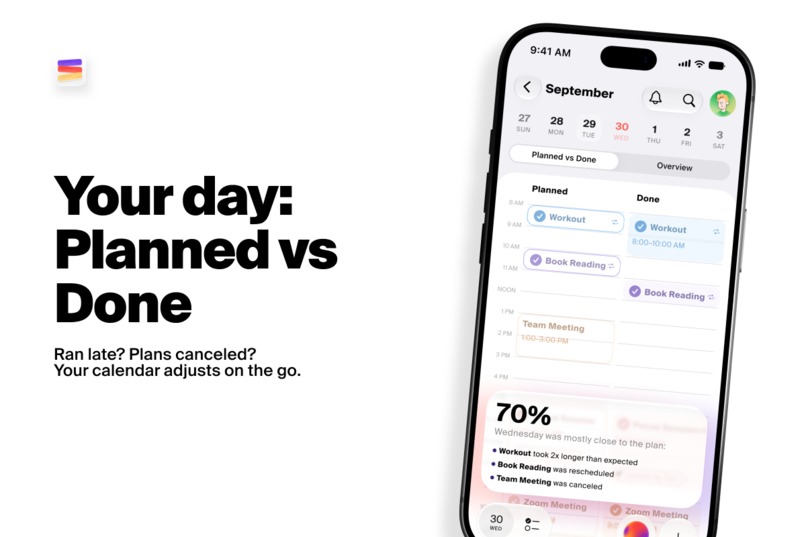
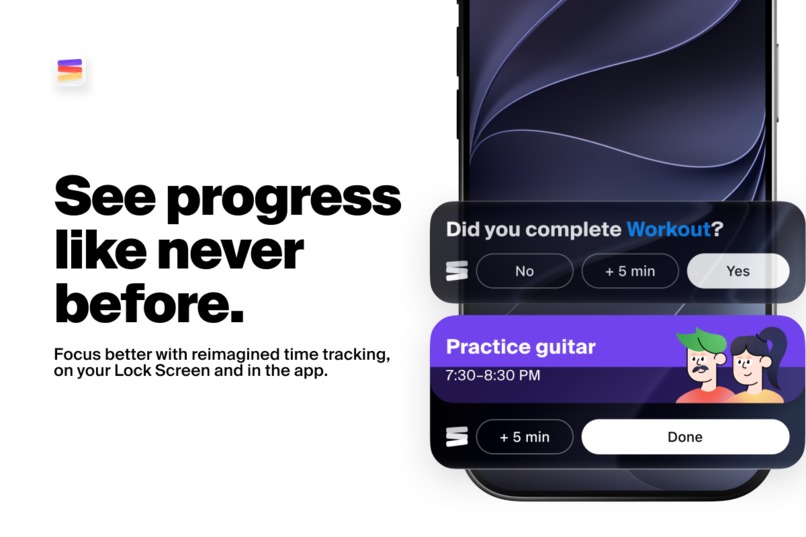
1. Planned vs. Done view: See what you actually got done each day, not just what you planned. Track how closely you followed your plan as a percentage.
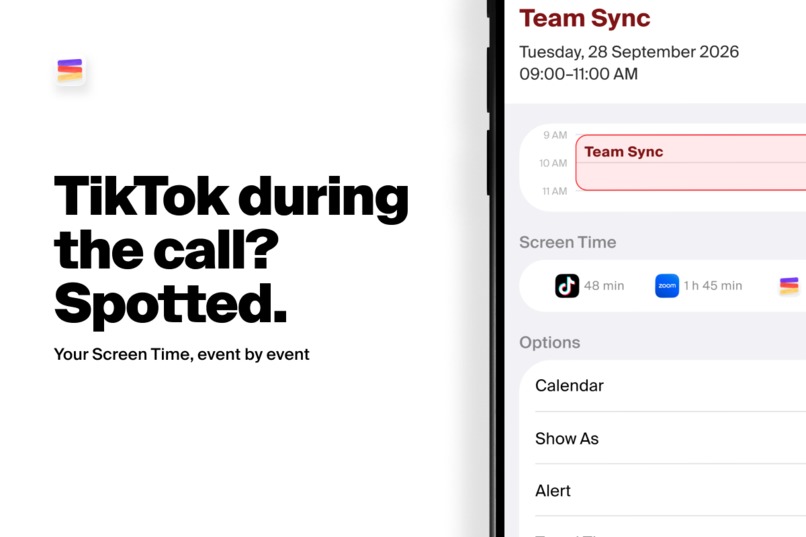
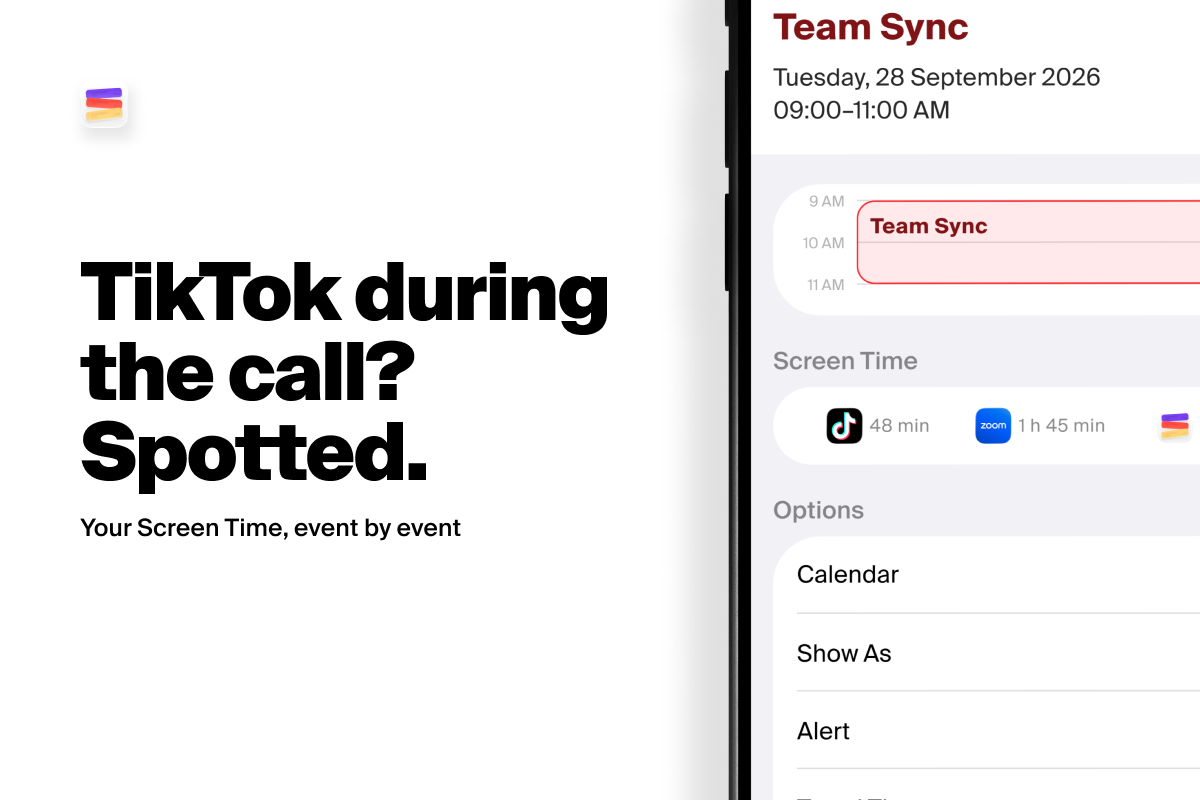
2. Screen Time per event: Your total daily Screen Time doesn't tell the whole story. Calendiary shows whether you actually stayed focused during your Study Project or Workout, or whether chatting and scrolling stole your attention.
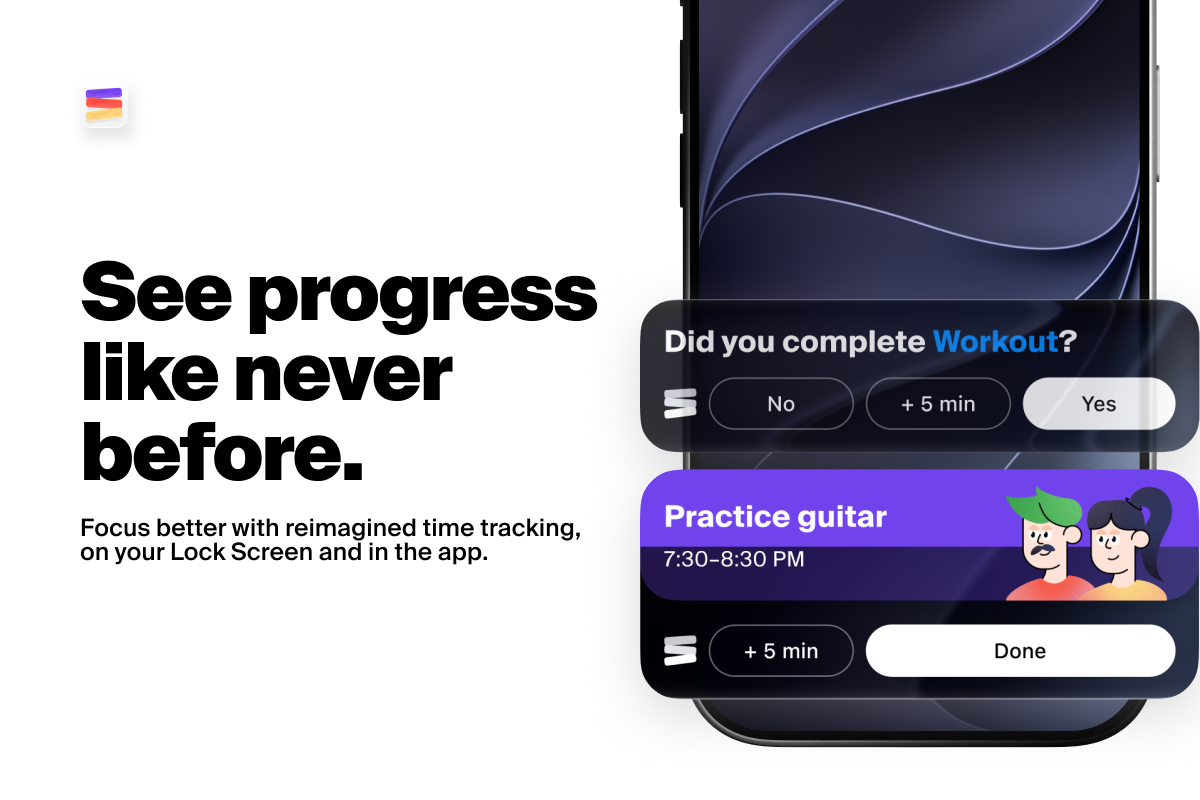
3. Dynamic fill: Each event appears in the app and on the Lock Screen with our reimagined progress bar, which fills the event with color as the Current Time Indicator moves forward.
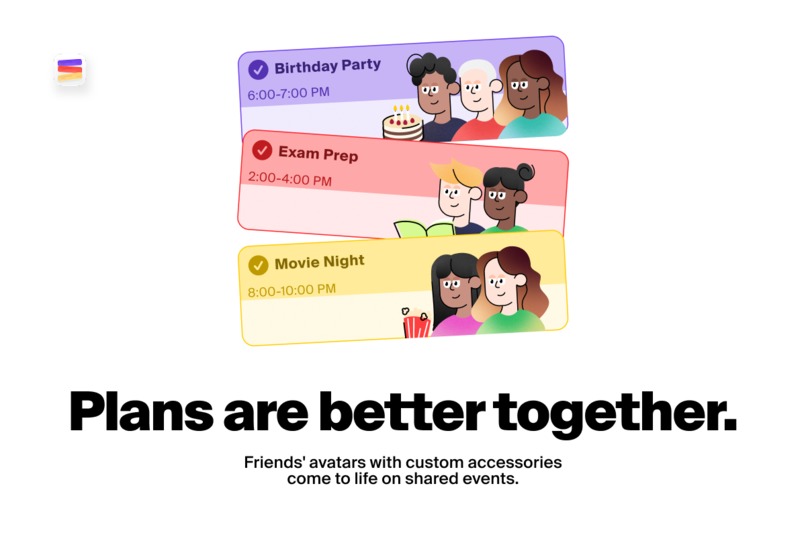
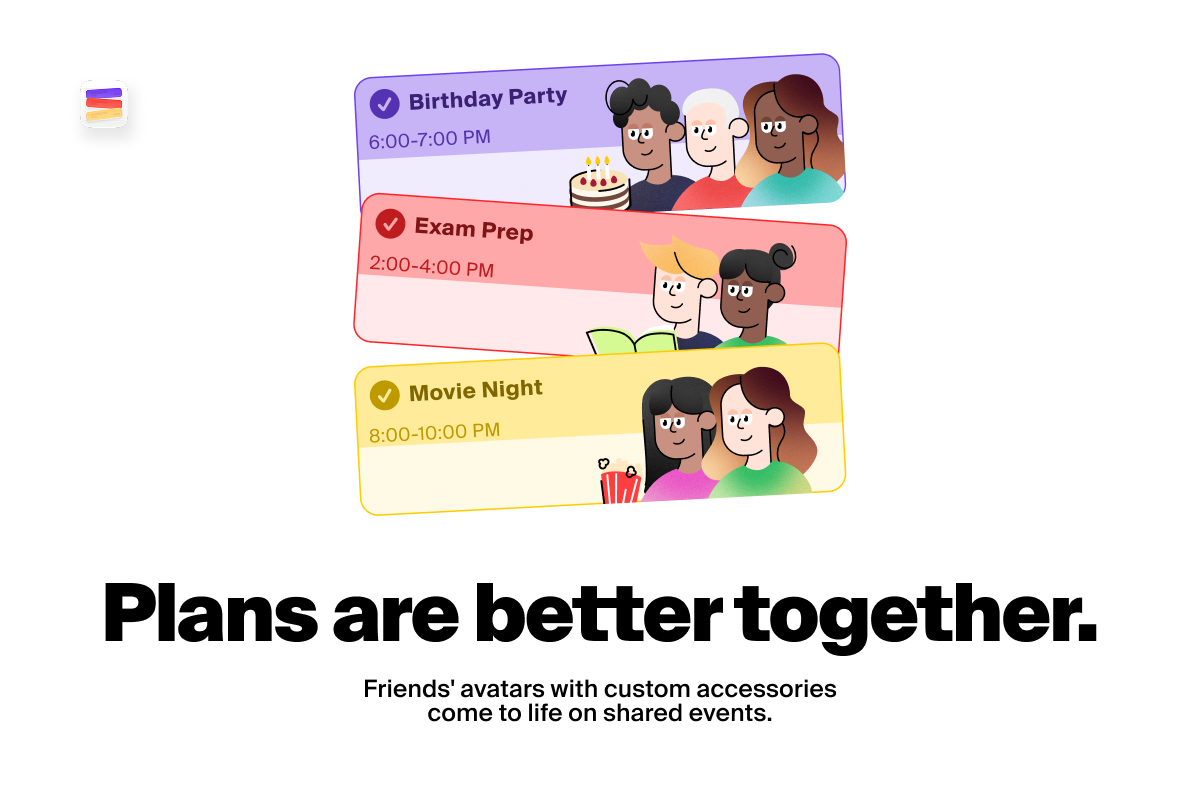
4. Animated avatars & custom accessories: Design your look in the avatar builder, invite friends to events, and watch your avatars work side by side, share popcorn during a movie, or grab coffee together, just like you do.
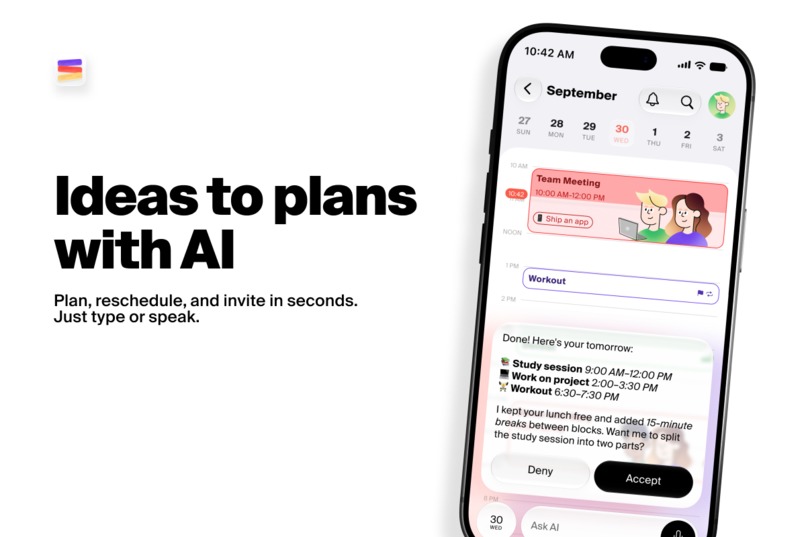
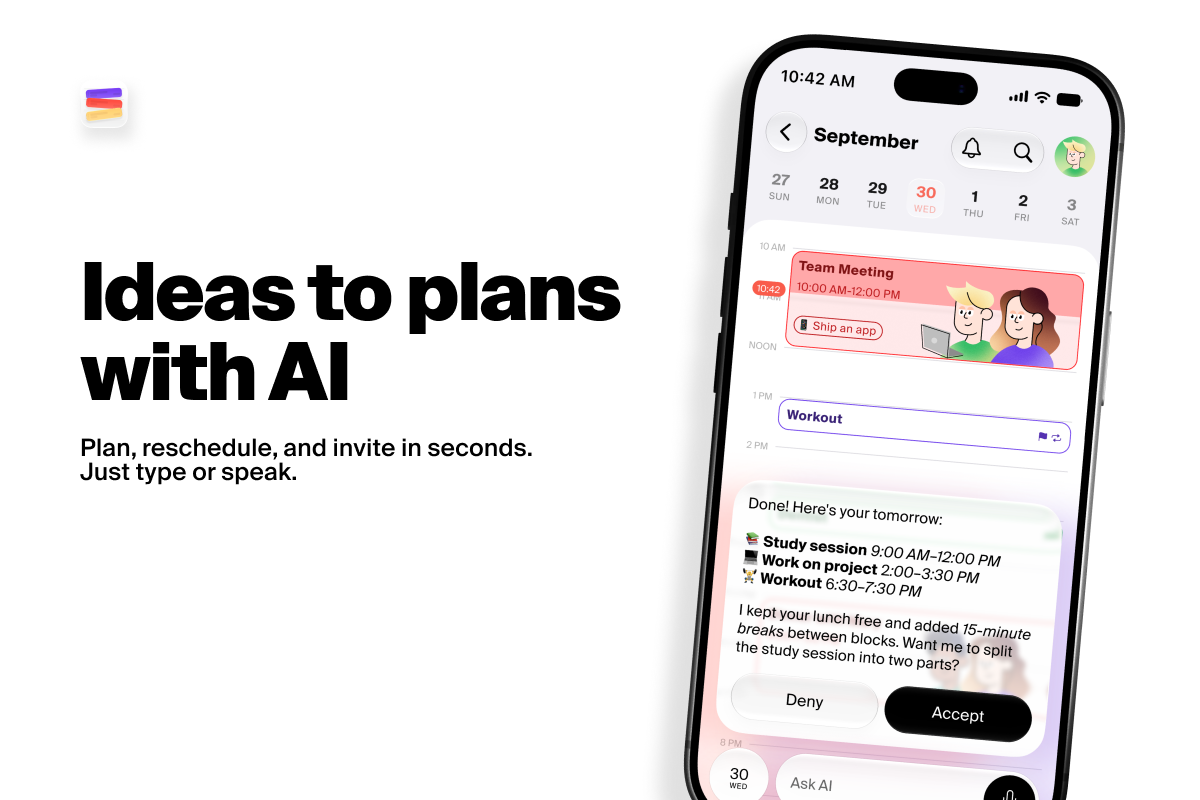
5. AI Assistant: Built for planning, it can reschedule your events and tasks when your day goes off track, and it suggests tasks from your to-do list when you have a free slot. It can also:
- Refine your goals
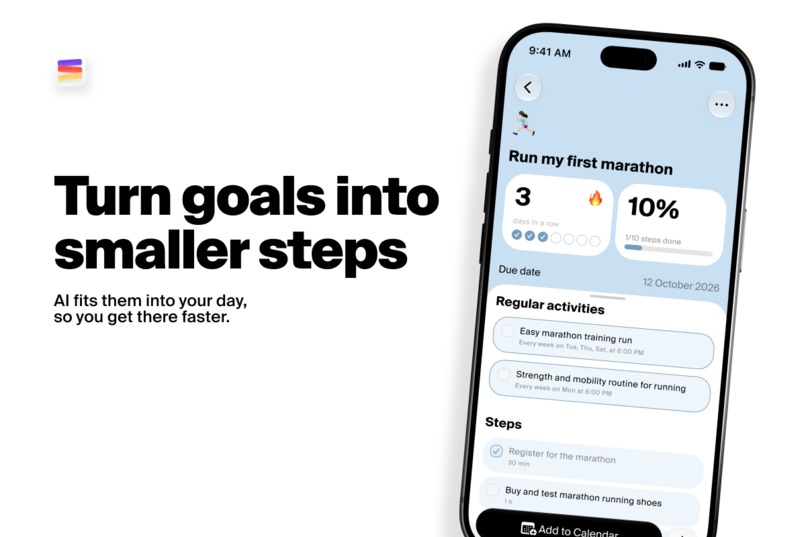
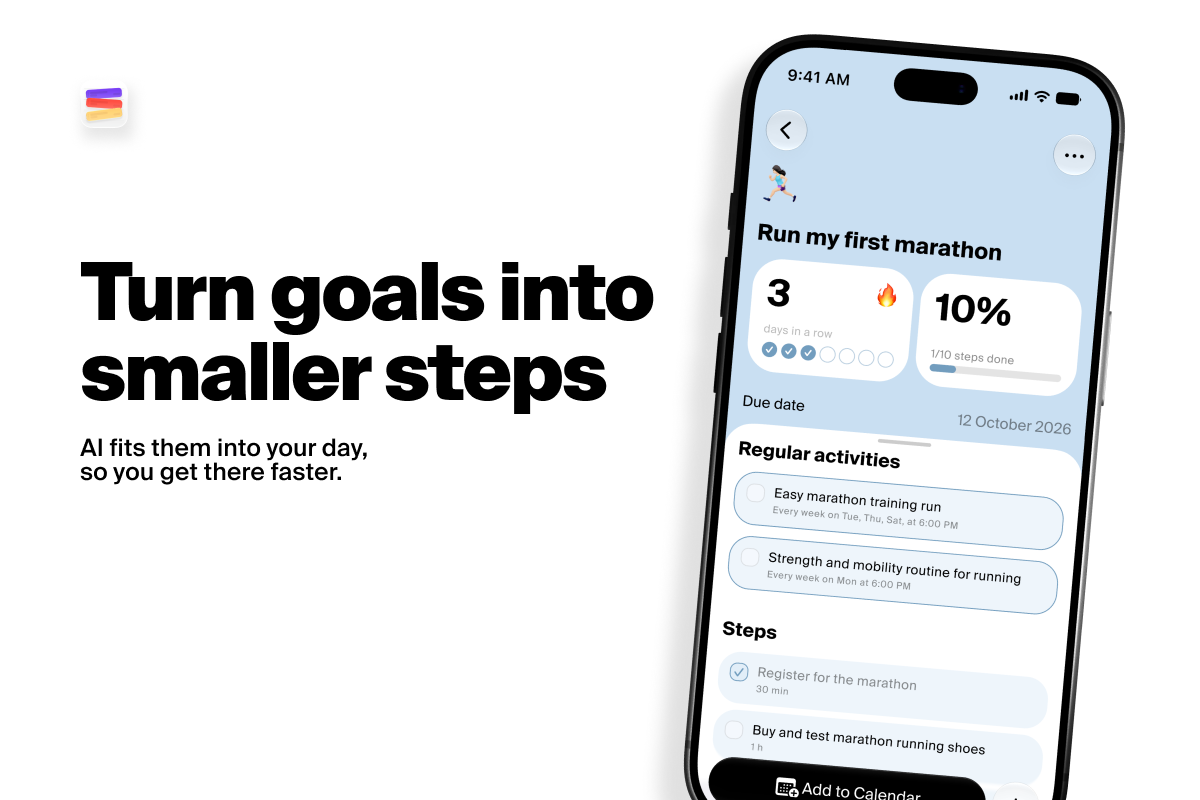
- Break goals into smaller steps
- Schedule those steps into free slots in your calendar
🏗 How we built it
Step 1. Design Thinking
We took this part of the project seriously. Following the Sprint method by Jake Knapp, we went from a raw idea on Monday to a prototype tested with potential users on Friday.
Step 2. Design
For about two weeks, we worked on wireframes, user flows, and visual design. Our goal was to preserve the familiar native Calendar experience while adding our own details and features on top. We built on that foundation with bold typography, vivid color-coding by event category, a dynamic progress fill for events, and handcrafted animated avatars.
The entire design system is tokenized. We also built a custom Figma plugin and an agent skill that automatically update the app's JSON theme file.
Step 3. Development
Choosing the stack:
We had some prior experience with React Native, so we started with an Expo project. But since our app integrates with HealthKit, EventKit, and Screen Time, we had to write native Swift modules for most of that functionality anyway. So we thought: if we're already writing Swift, why not go fully native? A quick proof of concept impressed us with the performance and native feel our React Native version was missing, so we decided to build Calendiary in Swift.
Calendiary is powered by:
- An Express.js backend that handles authentication, notifications, and more
- A Mastra agent service with about 25 tools for working with calendars
- A React admin panel for managing users and subscriptions
We use RevenueCat for subscription management and Mixpanel for product analytics.
💪🏻 Challenges we ran into
Screen Time API
At first, we wanted to use Screen Time app-usage data to generate AI recommendations. Unfortunately, the Screen Time API is sandboxed: apps can only display this data, not access it. Still, we found a way to show Screen Time usage for the duration of a specific event, like a particular hour, and we display it in the event details.
Live Activity
We wanted our Live Activity to fill progressively during an event, just like our event cards do in the app. That's when we discovered that in Live Activities, only the linear and circular progress bars can animate in sync with time. All other animations run on a best-effort basis, so they can't be relied on for anything time-sensitive.
So we came up with a little hack: we rotated the native progress bar and stretched it across the full width of the Live Activity. And it worked!
👏🏻 Accomplishments that we're proud of
- We went from the initial idea (July 11) to App Store release (September 8) in just under two months.
- Users have given us positive feedback at every stage, from prototype testing and the beta to the live app. They're especially excited about the AI Assistant that reschedules their day, the design, and the functionality.
- We have a 5.0 rating in five countries so far, a sign that people find the app genuinely useful.
✍🏻 What we learned
This is our first hackathon ever, and Calendiary is our very first released app. We're genuinely proud of how far we've come. The past two months were intense: beyond our usual design and development work, we had to figure out marketing, business, and legal matters on our own. The upside is that we learned a lot along the way, from ASO and the App Review process to building a native app in Swift.
🚀 What's next for Calendiary
We already have an extensive backlog, including:
- Further improvements to our AI Assistant
- AI insights based on the user's planning patterns
- Deeper Apple Health integration, with suggestions based on your sleep score and other health data
- App blocking to help you avoid distractions
- More hairstyles and accessories for our avatars, just in time for Halloween and Christmas
Built With
- figma
- mastra
- node.js
- react
- swift
- typescript


Log in or sign up for Devpost to join the conversation.