-
-
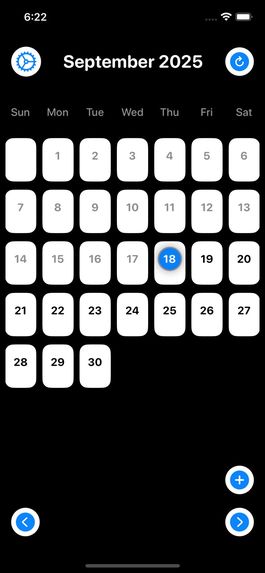
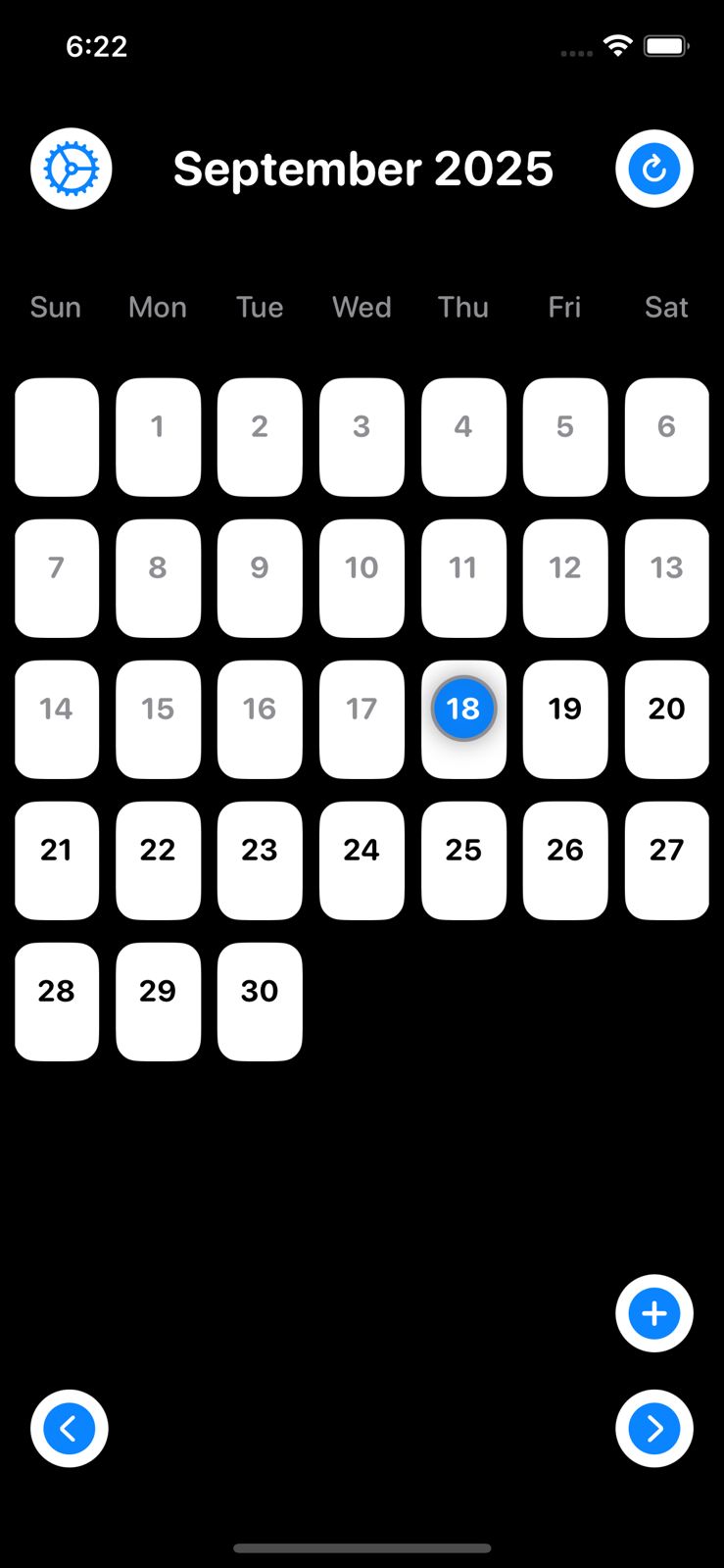
Home Screen, Tap on September 2025 to go on vault
-
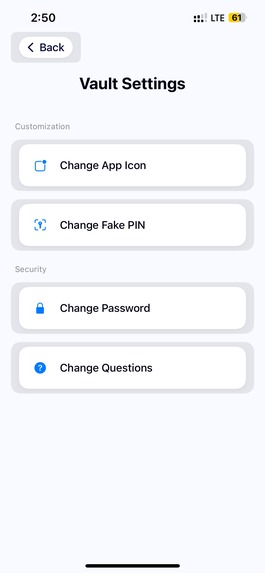
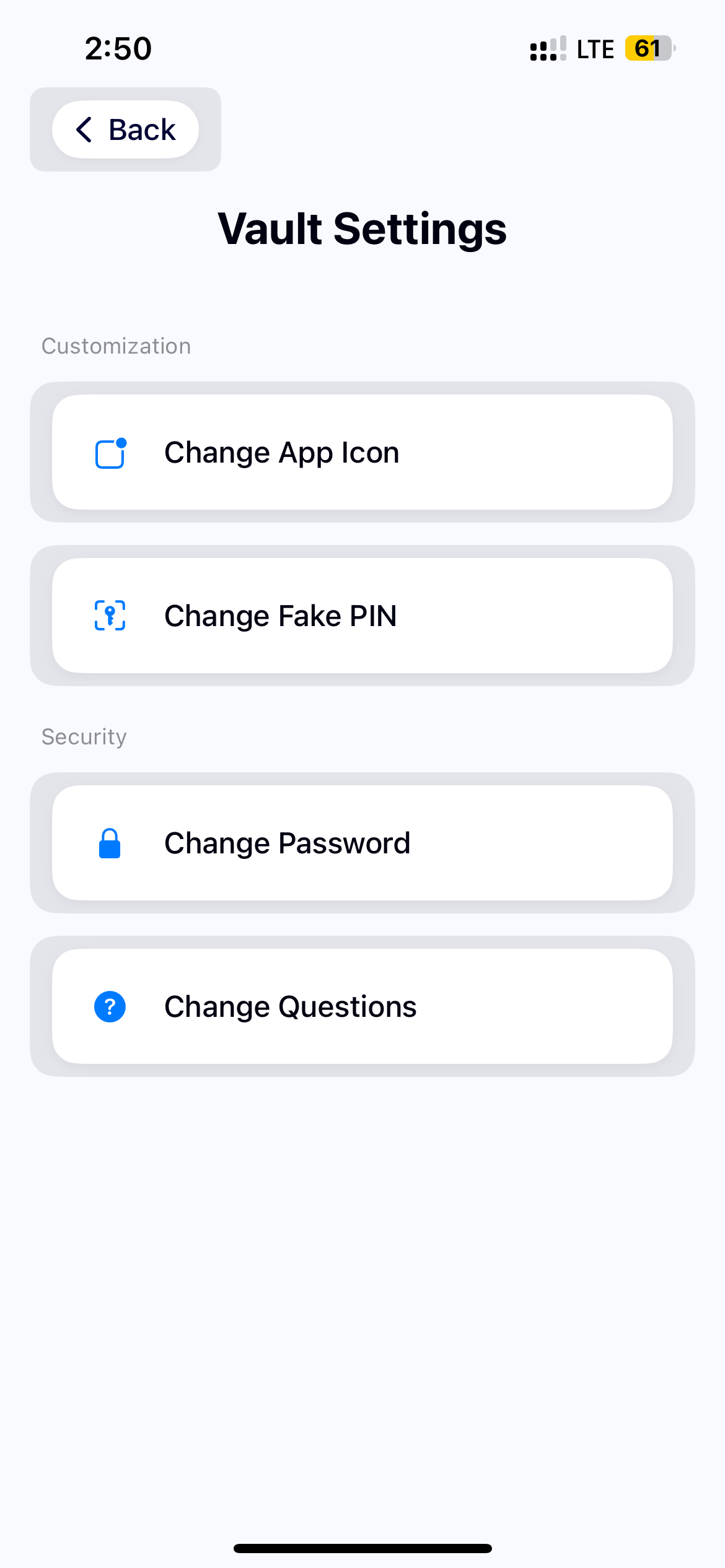
Vault Settings
-
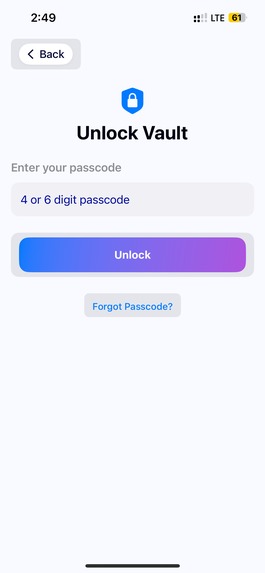
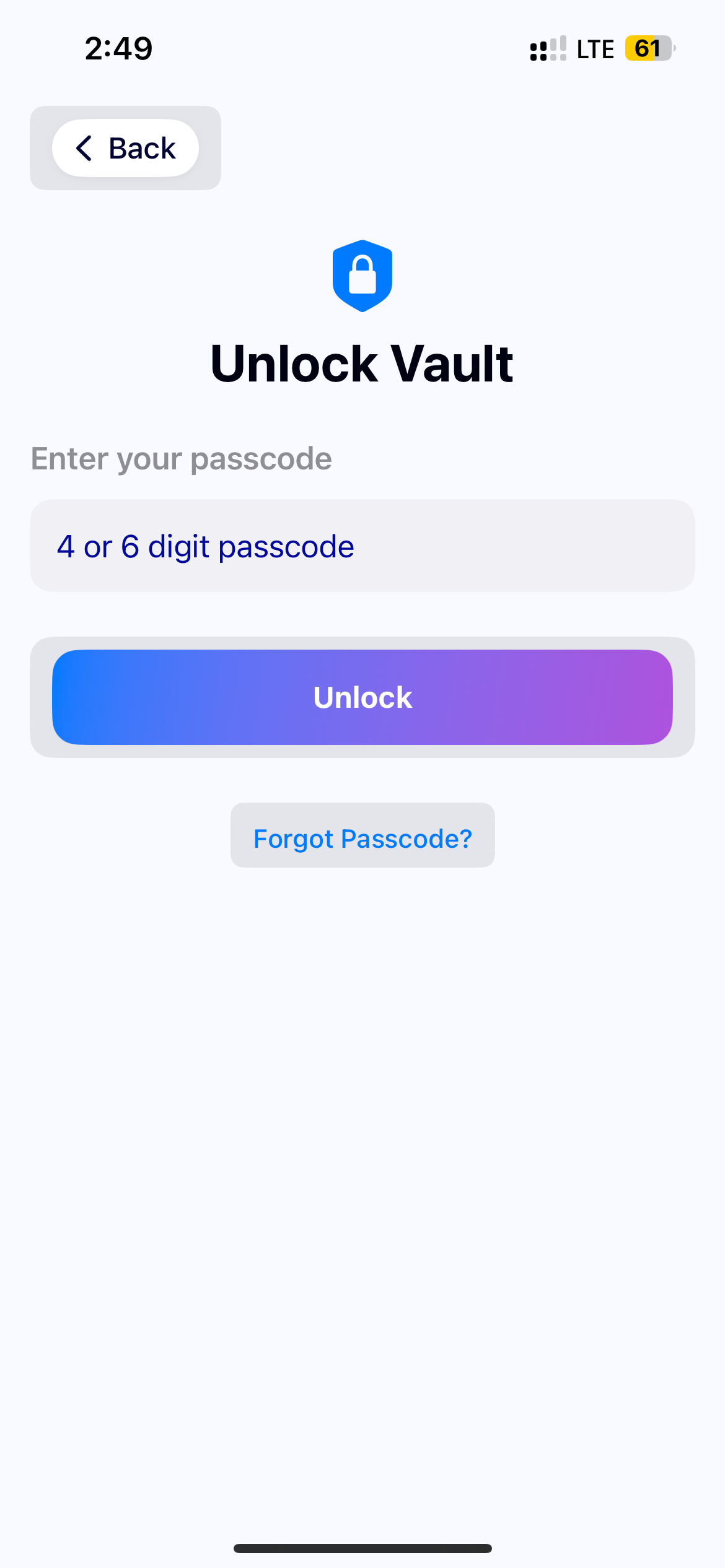
Password Screen
-
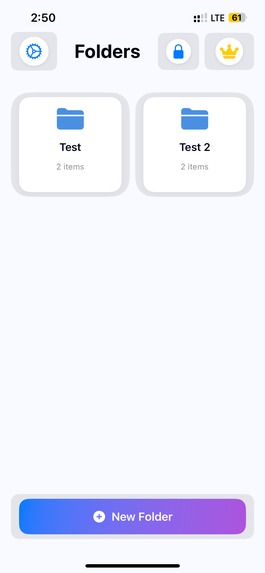
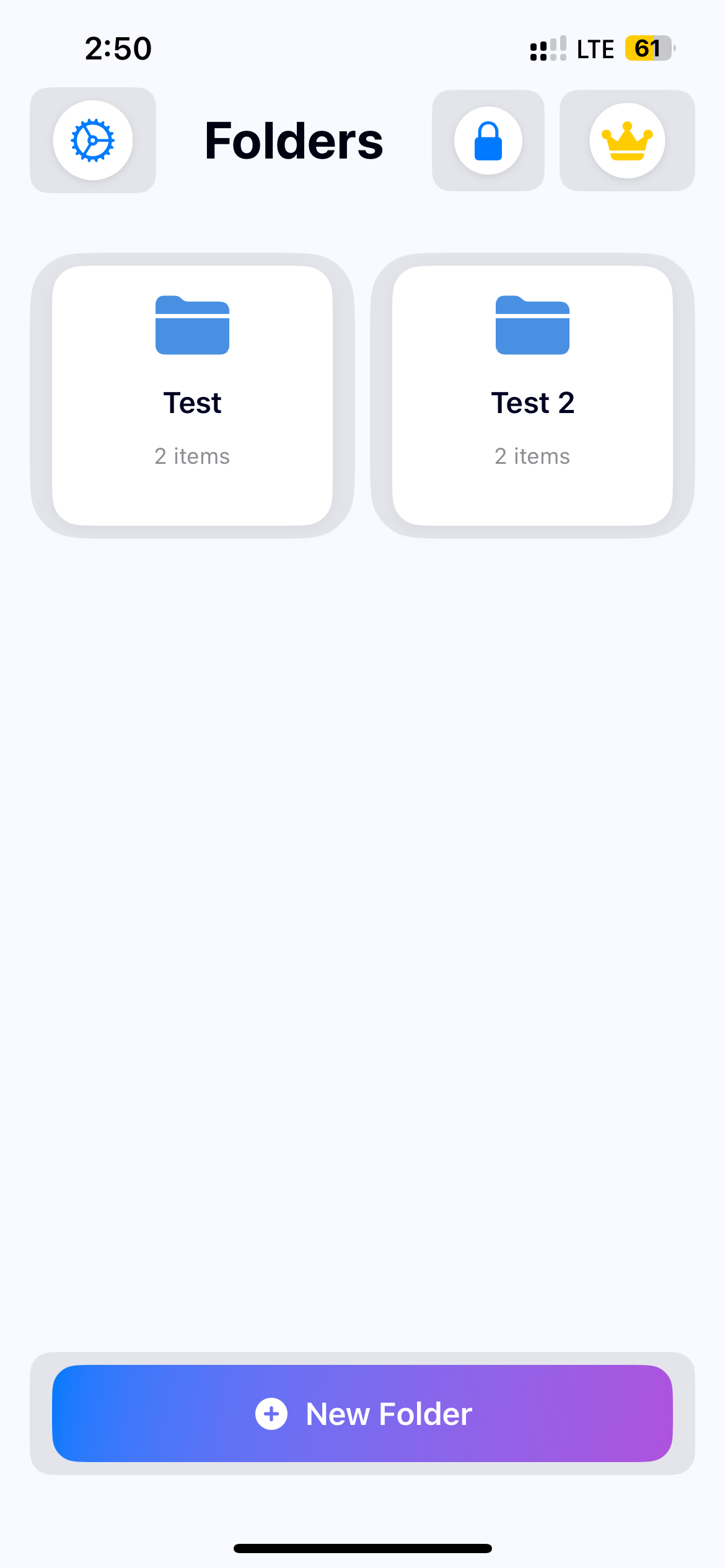
Users can hide data here
-
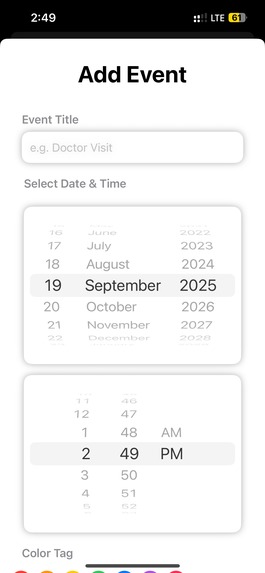
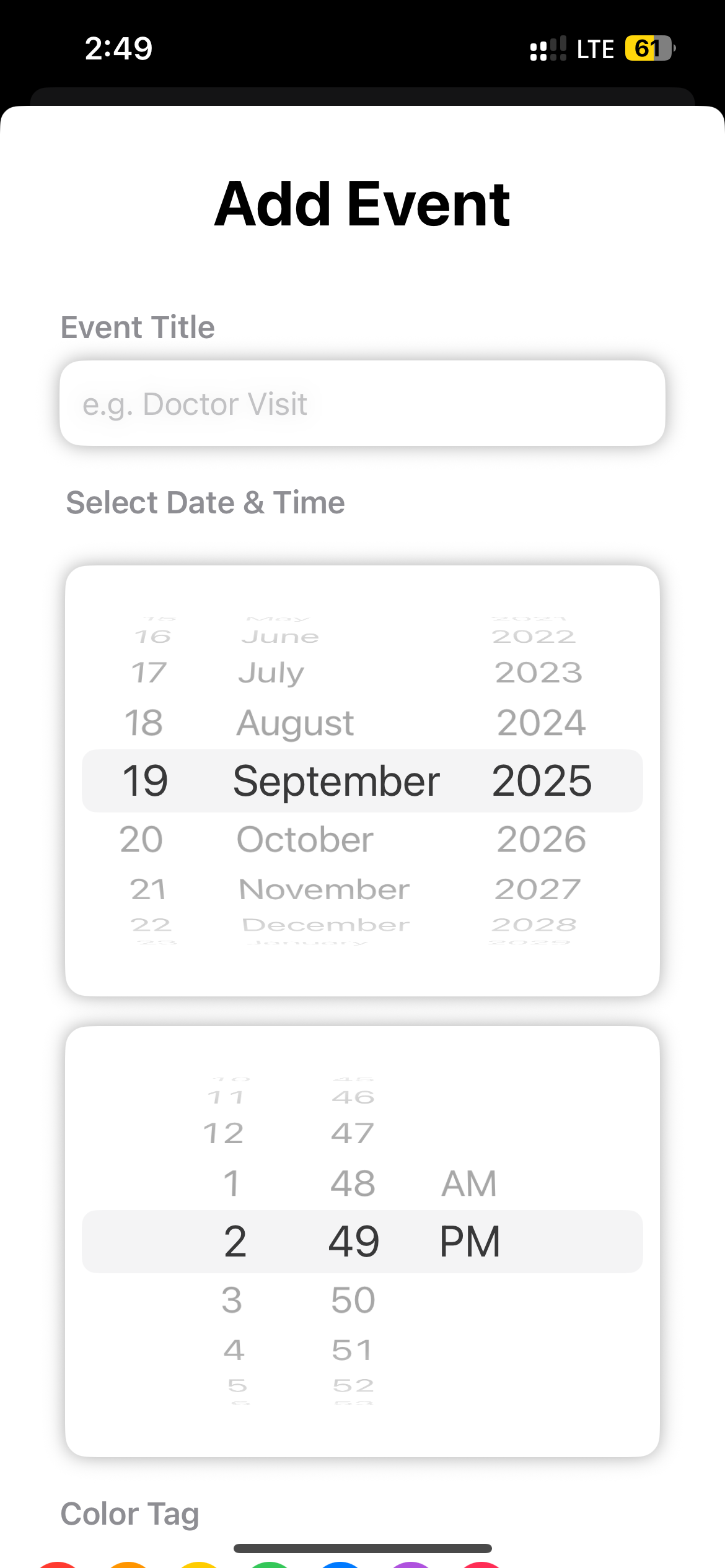
Users can use the Calendar to save events.
-
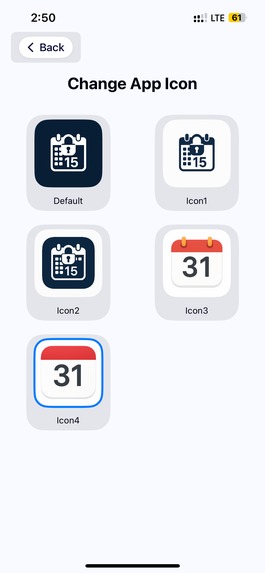
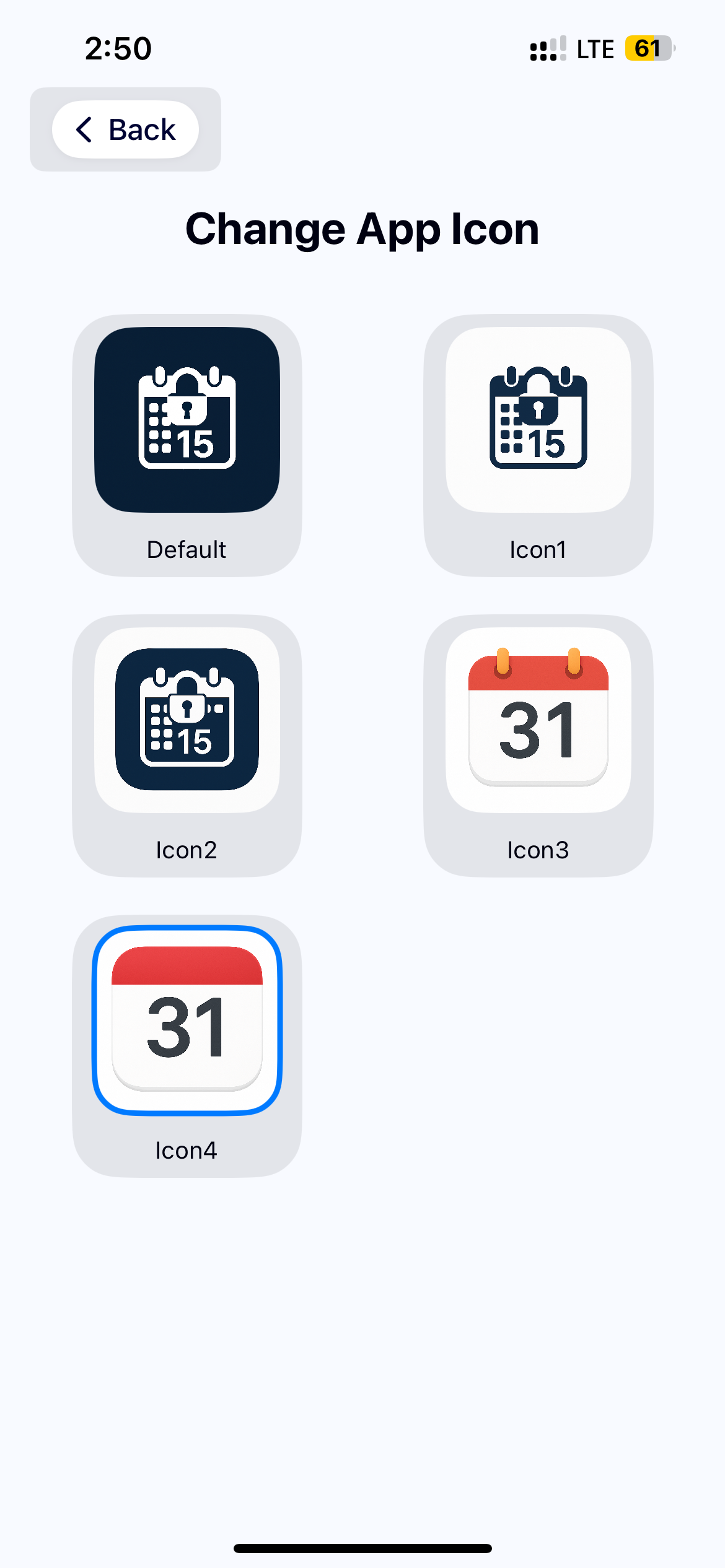
Change icon to real calendar
Inspiration
Today, privacy is fragile. Vault apps are too obvious — anyone snooping through your phone instantly knows where to look. It’s like locking your diary and labeling it “SECRET.”
What it does
Open the app, see a clean calendar interface. Tap and hold on a pre-set date, enter your PIN. Voilà! Your private media is revealed. Everything is encrypted, offline-accessible, and never backed up to cloud without your permission.
How we built it
Tech Stack: SwiftUI for modern, responsive UI CoreData & FileManager for secure local storage Strong Authentication (4 and 6 digit passcode)
Challenges we ran into
Designing a calendar UI that looks native yet functions as a vault was tricky. We had to make it both intuitive for users and completely unrecognizable as a security app to outsiders.
Accomplishments that we're proud of
Fully working MVP built in SwiftUI – modern, clean, and fully integrated with native iOS features. Innovative unlocking mechanism using date-tap sequences and Face ID—adds real stealth value beyond just a password lock. Decoy vault system for pressure situations—adds an extra layer of psychological and digital safety. End-to-end offline encryption – media stays local, encrypted, and inaccessible without proper unlock.
What we learned
How to build disguised apps that look like one thing but function entirely differently—a powerful approach for privacy-focused tools. How to leverage SwiftUI for complex gesture and calendar interactions, which is not its primary use case.
What's next for Calendar Vault
App Store launch with strong privacy-focused branding and education. App Store Optimization & stealth icon packs to blend the app further into other utilities on a user’s phone.
Built With
- swiftui

Log in or sign up for Devpost to join the conversation.