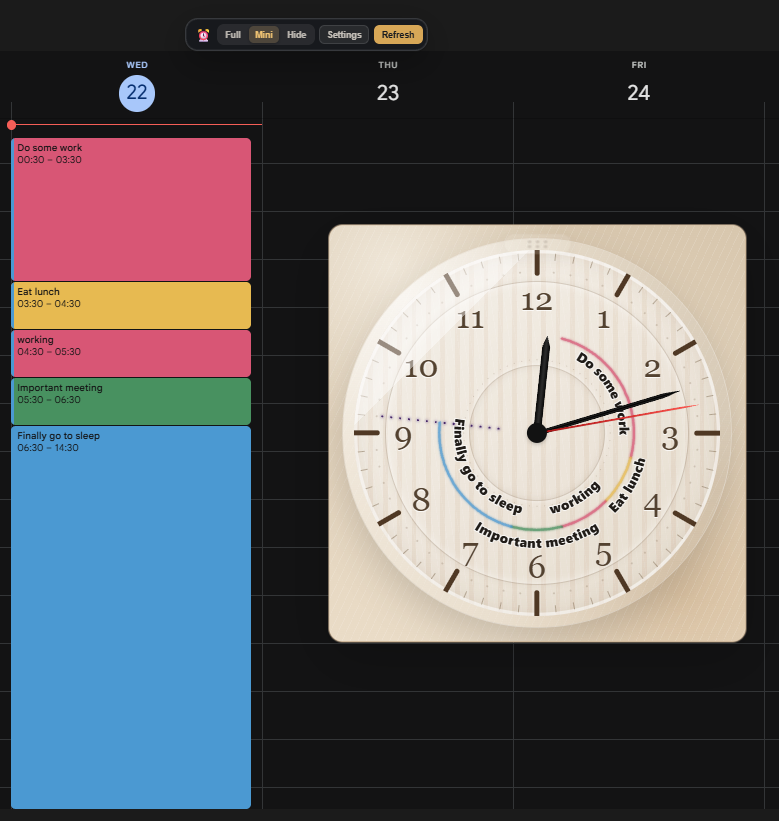
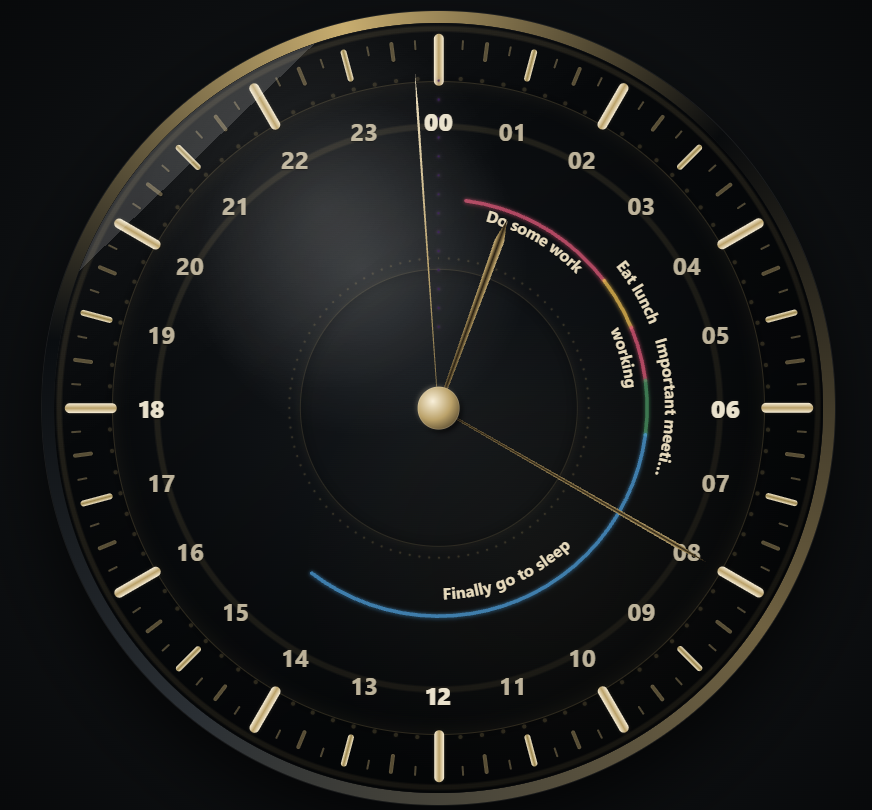
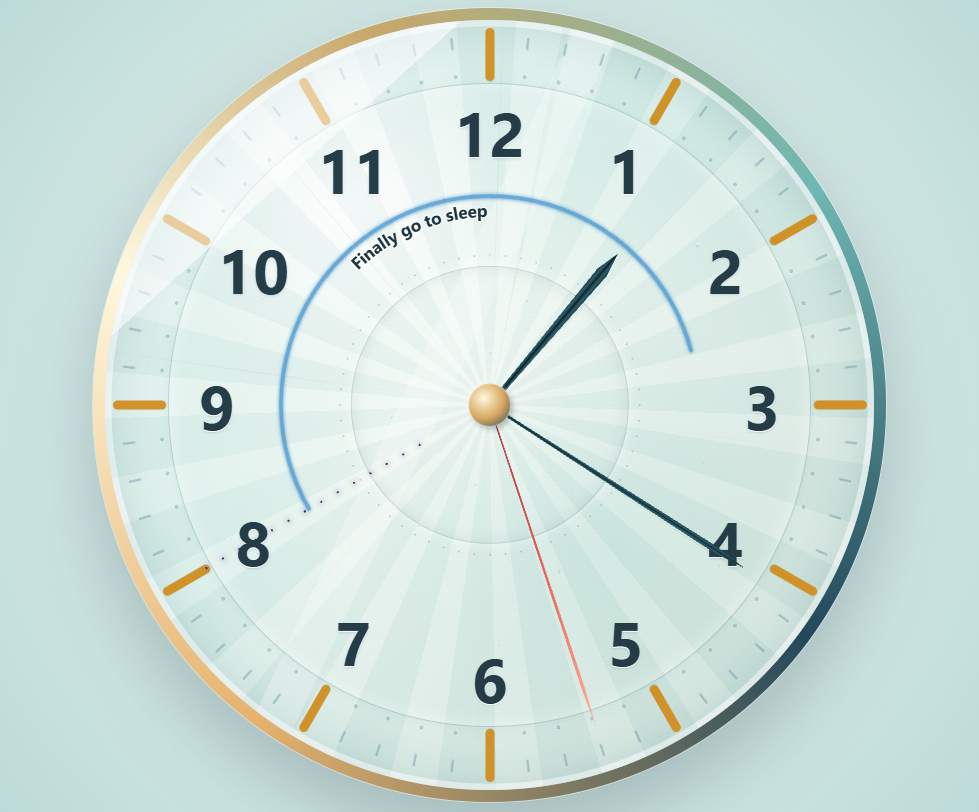
Inspiration I built Calendar Clock because I wanted to procrastinate less and use my time better. Sometimes I move too slowly or misjudge how long things will take. The radial display of an analog clock helps me see the passage of time and estimate it more accurately.
What it does
Open Google Calendar and it just works. The clock appears directly on the page. Each calendar event appears as an arc on the clock. For people who naturally read analog clocks, one glance provides a clear sense of the day: what is happening now and what comes next.
How I built it
This was not my first Chrome extension, so I already had a clear idea of what I wanted. I used Codex as my main development environment, mostly with GPT-5.6 Sol at different reasoning levels. I started with a standalone HTML clock and gradually turned it into a modular Manifest V3 extension.
I did not use Codex only to generate code. I used Browser Harness with an isolated Chrome for Testing profile, allowing Codex to interact with the same live Google Calendar page I was watching. It created realistic test events, inspected page-owned data and the DOM, reproduced bugs, verified visible results, and wrote focused regression tests.
Much of the development followed a feedback loop. I watched the extension working live, described anything that looked wrong, and asked Codex to reproduce, diagnose, fix, and test it again.
Challenges I ran into
Codex itself presented few challenges beyond the time required for long-running work. With persistence and iteration, it usually found a way forward. Google Calendar, however, is highly complex, and I had to address many edge cases. The main challenges I encountered during development were: Context switching: working across multiple threads and features at once was difficult. UI of multiple chats: when I work with many threads at once, they start to blur together because they all look similar in the interface. Tooling: I needed a browser environment that both the AI and I could use, including the ability to load the extension, which required separate tooling. Model selection: OpenAI released three GPT-5.6 models, but their ideal use cases are not always obvious. In some benchmarks, the smaller Luna model even outperforms Terra.
Accomplishments I'm proud of
Calendar Clock is a free and open-source extension that I now use myself. I am proud that it turns a complex calendar into something I can understand at a glance. I hope it helps other people stay aware of their time and become more productive. Even with a few hundred users, that benefit could scale meaningfully.
What I learned
GPT-5.6 Sol is especially capable when working on long, complex debugging tasks. I also learned that tooling and development workflows need to evolve continuously. Browser automation and agentic coding are still new, and the best ways to use them are still emerging.
What's next for Calendar Clock
Next steps include Outlook and other calendar integrations, per-tab state, and features requested by users.
Built With
- codex
- css
- gpt5.6
- html
- javascript

Log in or sign up for Devpost to join the conversation.