-
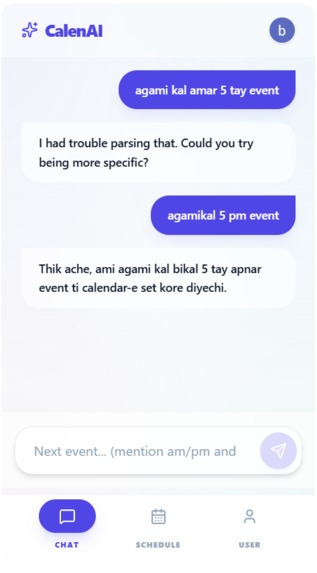
for android
-
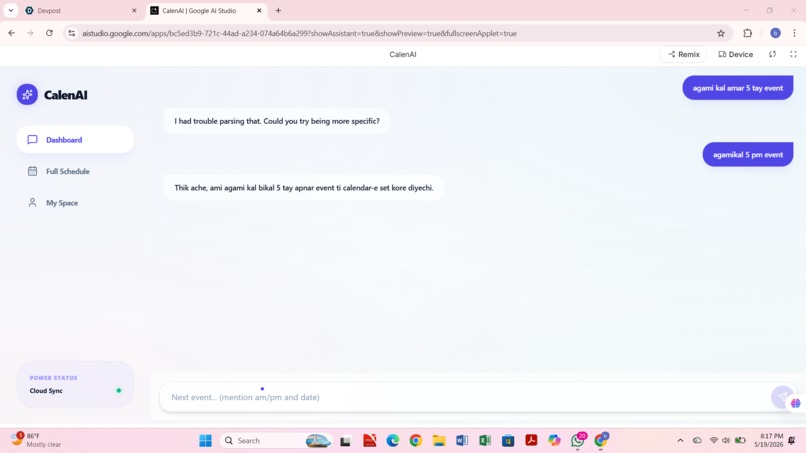
if i use banglish,it also response
-
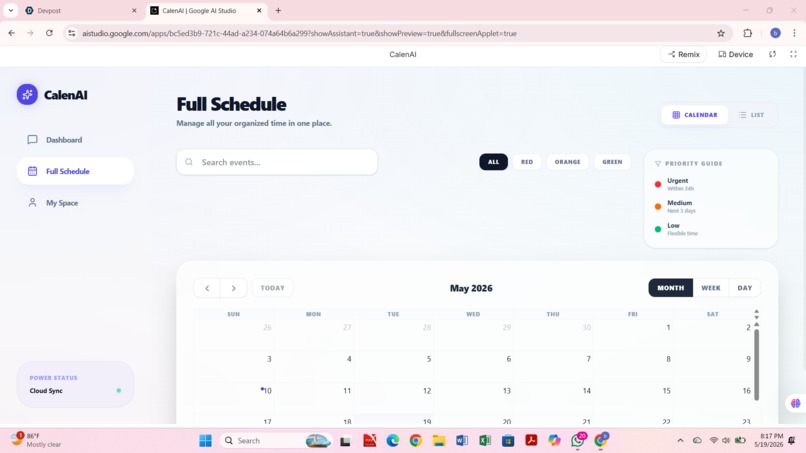
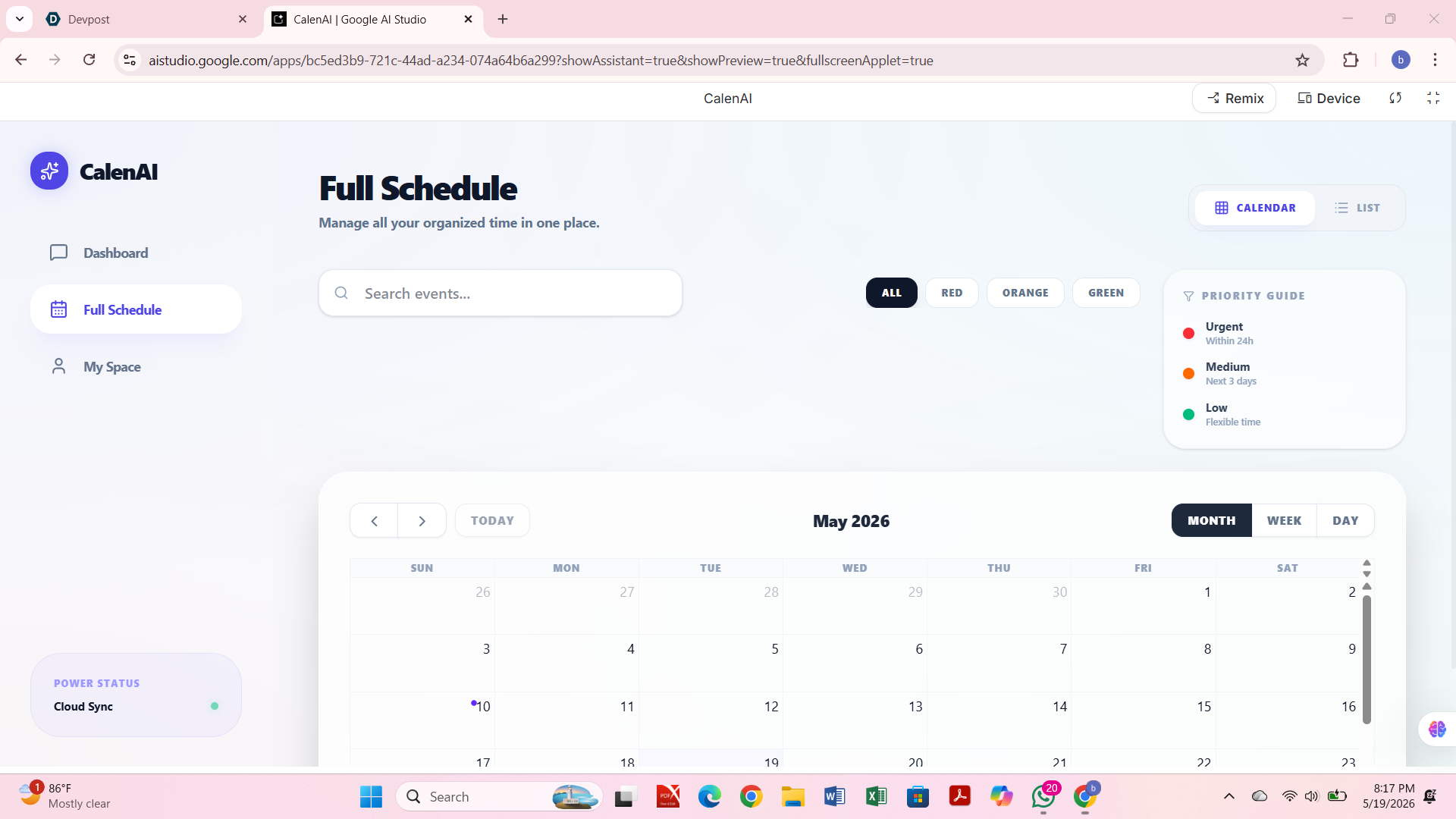
app calender,where user can update the event directly
-
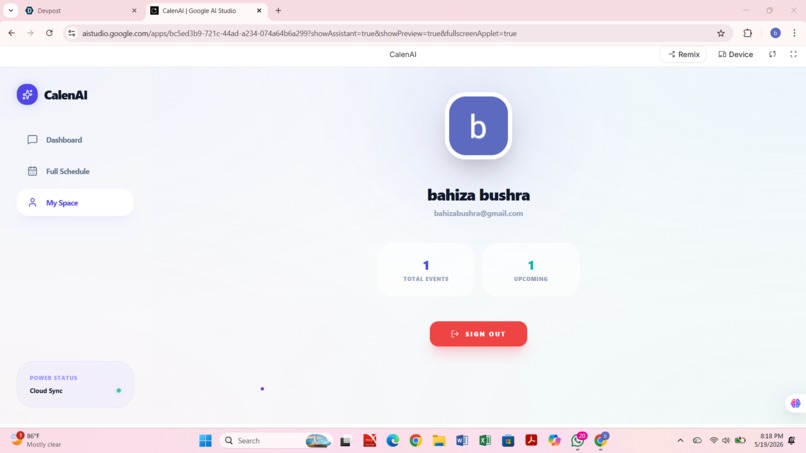
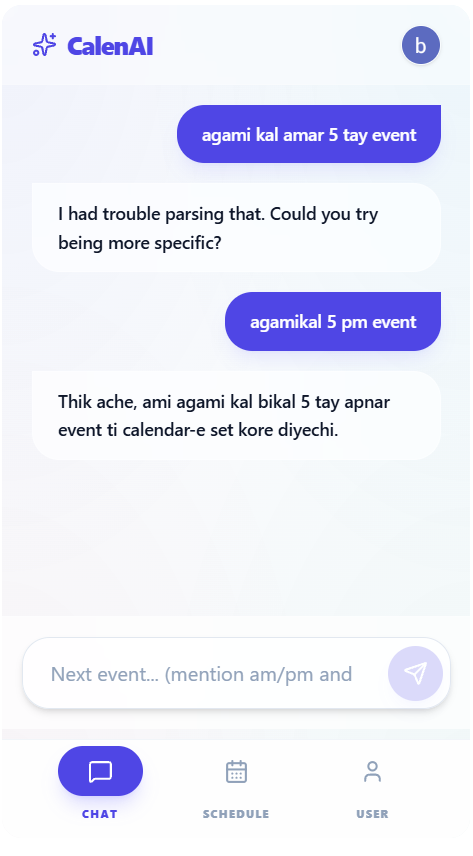
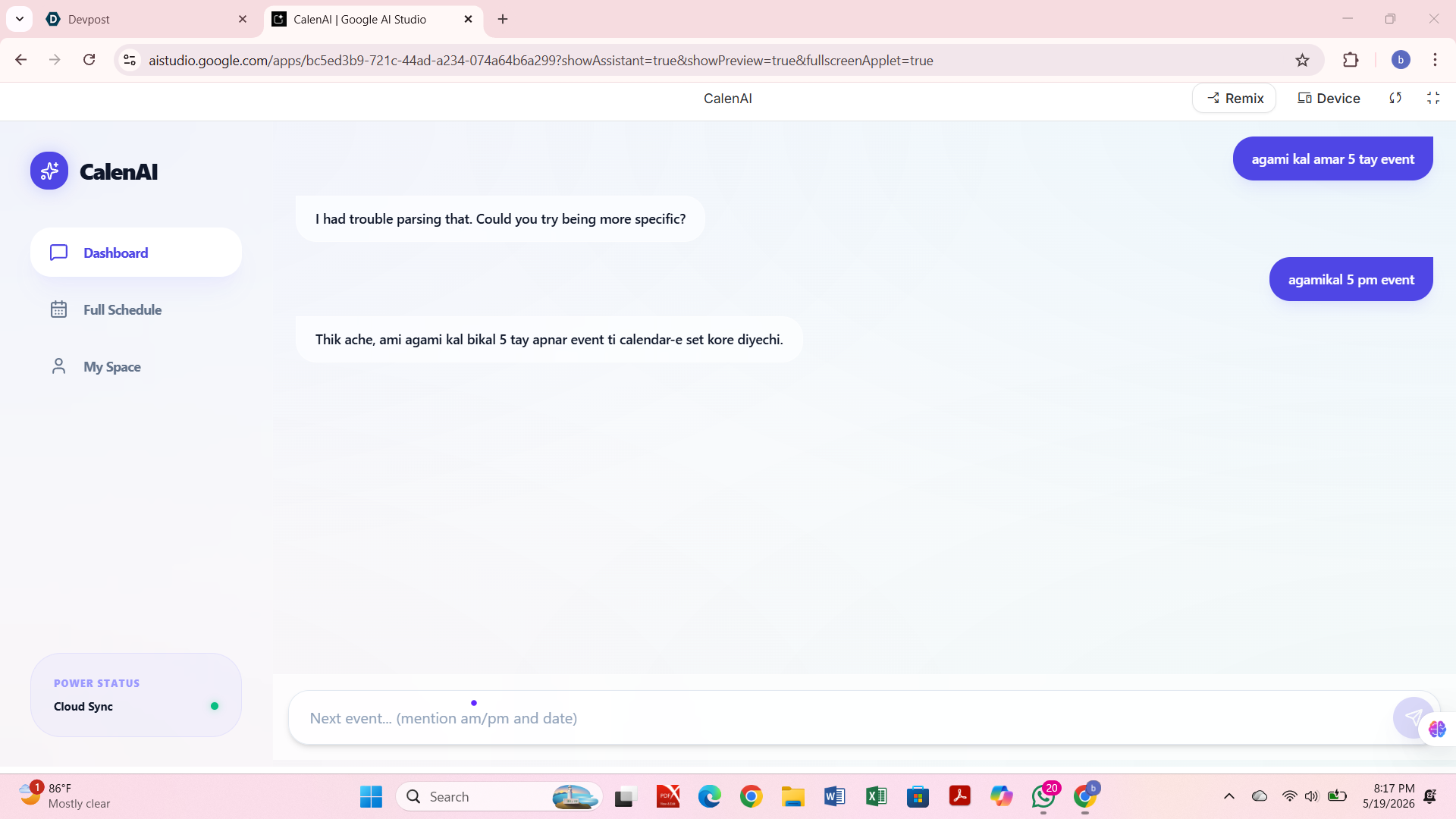
We noticed that students and busy people often struggle with managing their time properly. Many forget to add important tasks or events to their calendars, and manual scheduling feels slow and inconvenient.
We wanted to solve this problem by making scheduling as simple as having a conversation. That idea inspired us to build CalenAI, where users can just chat and the system handles everything automatically.
What it does
CalenAI is an AI-powered calendar assistant that lets users create and manage events through chat.
Users can:
Type natural language messages like “tomorrow 5pm exam” Get events automatically created View events in an in-app calendar Sync events with Google Calendar Receive confirmation notifications after scheduling How we built it
We built CalenAI using:
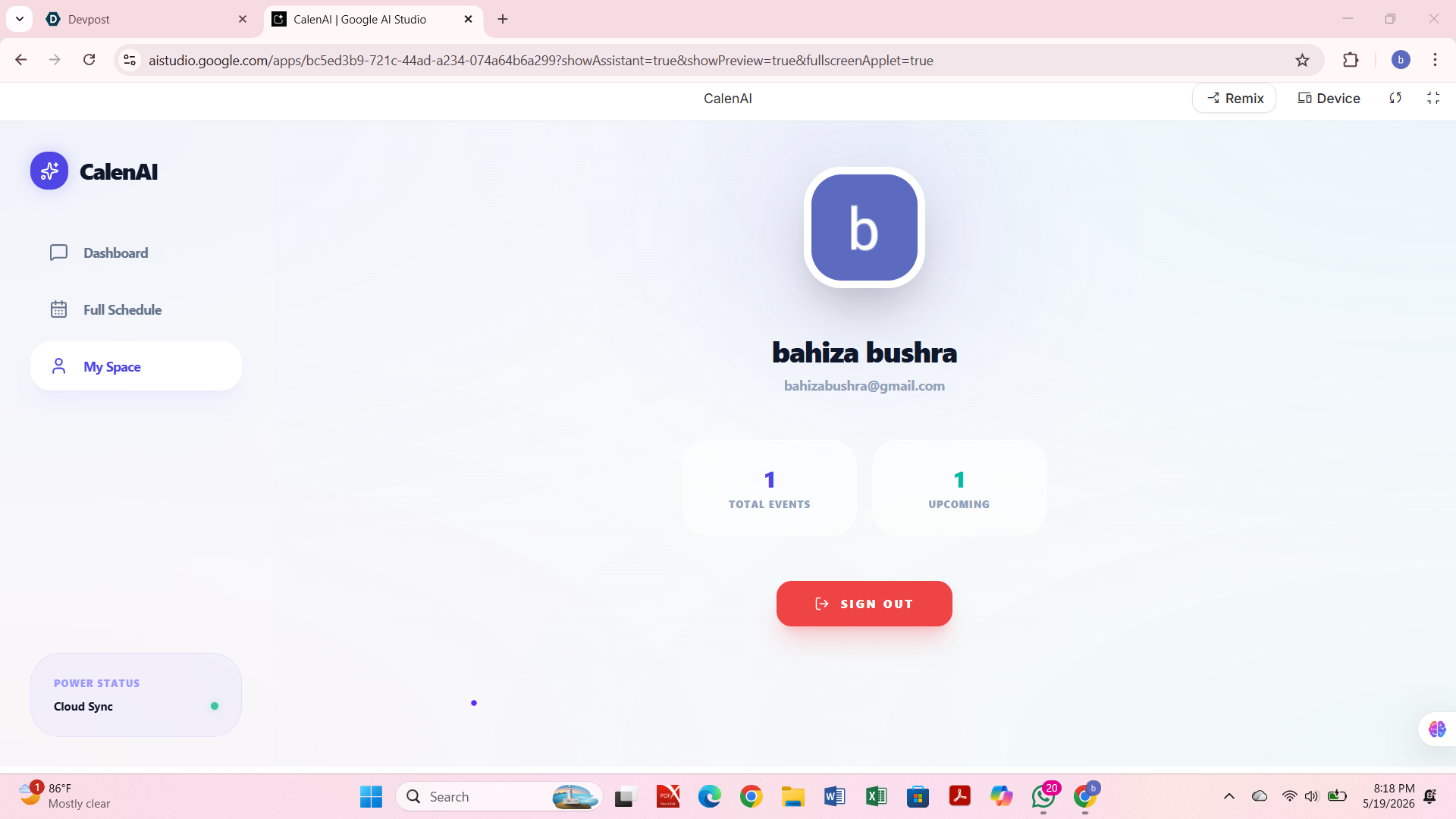
HTML, CSS, JavaScript for the frontend Gemini API for understanding user messages and extracting event data Google Sign-In for authentication Google Calendar API for event synchronization Netlify for deployment
The system converts chat input into structured event data, then updates both the UI calendar and Google Calendar automatically.
Challenges we ran into Converting natural language into accurate date and time format Integrating AI output with Google Calendar API requirements Handling both Bangla and English input smoothly Making the UI responsive for mobile and desktop devices Ensuring smooth flow between AI response, UI update, and calendar sync Accomplishments that we're proud of Built a fully working AI-powered scheduling system Successfully integrated chat-based interaction with calendar automation Enabled automatic syncing with Google Calendar Created a clean and usable interface for both mobile and desktop users Implemented a system that removes manual scheduling effort completely
What we learned How AI APIs like Gemini can be used in real-world applications How Google authentication and Calendar APIs work together Importance of prompt engineering for structured AI outputs How to design responsive and user-friendly interfaces How to connect multiple services into one complete system
What's next for CalenAI Add voice-based scheduling for hands-free usage Improve AI suggestions for smarter time management Add reminders and smart notifications Support multiple calendar platforms beyond Google Calendar Improve offline support and performance optimization Add collaboration features for shared calendars Inspiration
Built With
- ai-based
- api
- calenai-is-built-using-html
- css
- gemini
- javascript

Log in or sign up for Devpost to join the conversation.