-
-
calculator
Inspiration
We use calculators daily, but many of them feel clunky or outdated. I wanted to build something minimal, elegant, and user-friendly that takes inspiration from Apple’s iOS design system. The idea was to recreate a familiar calculator with a sleek UI, smooth interactions, and accurate functionality, while also learning more about frontend/UI development in the process.
What it does
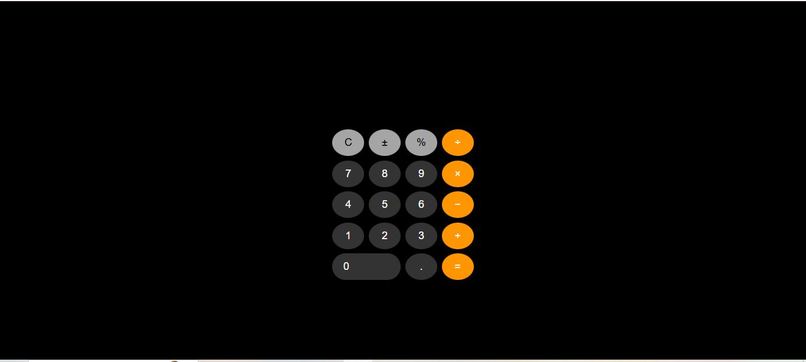
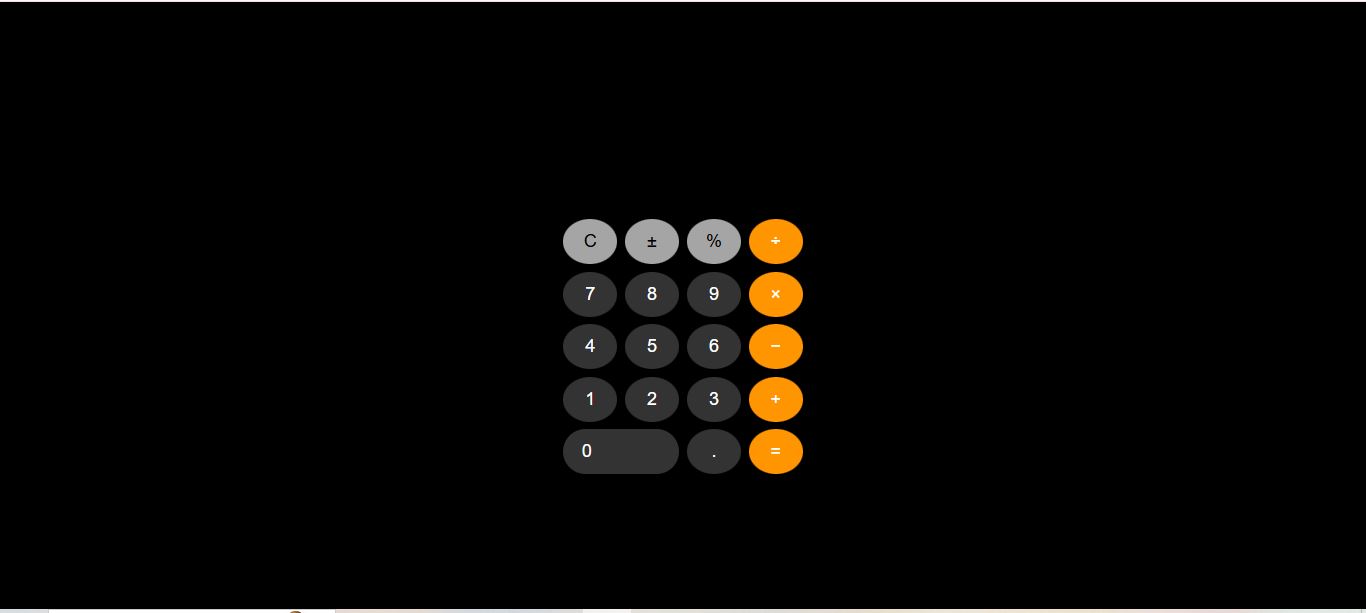
The calculator performs all the basic arithmetic operations—addition, subtraction, multiplication, and division—with a clean and modern interface. It mimics the iOS calculator style, featuring rounded buttons, intuitive spacing, and an easy-to-read display. The design focuses on aesthetic clarity and usability, ensuring calculations feel smooth and seamless.
How we built it
Frontend: HTML, CSS, JavaScript The layout was structured with HTML grid/flexbox. CSS was used to style the UI with an iOS-inspired theme—soft shadows, rounded edges, and minimal colors. JavaScript handled the logic layer (input handling, operations, clear/reset, and real-time updates on the display).
Challenges we ran into
Getting the UI to look exactly like the iOS design required careful CSS adjustments. Handling edge cases in calculations (e.g., division by zero, chaining multiple operations). Ensuring responsiveness across different screen sizes without breaking the layout.
Accomplishments that we're proud of
Successfully replicating the look and feel of the iOS calculator on the web. Writing clean, modular JavaScript for handling operations. Making the project responsive so it works on both desktop and mobile browsers.
What we learned
Advanced CSS styling techniques for modern UI/UX design. Best practices in structuring JavaScript logic for interactive applications. How to debug UI issues and test edge cases for better user experience.
What's next for Calculator
Add support for scientific calculator functions (square roots, percentages, trigonometric functions). Enable keyboard input support for faster usage. Create a progressive web app (PWA) version so users can install it like a native app. Explore adding dark mode to improve usability.

Log in or sign up for Devpost to join the conversation.