-
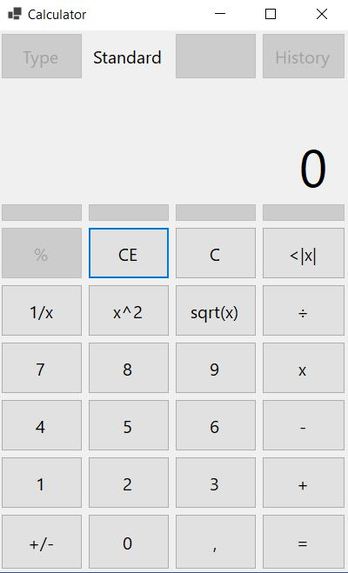
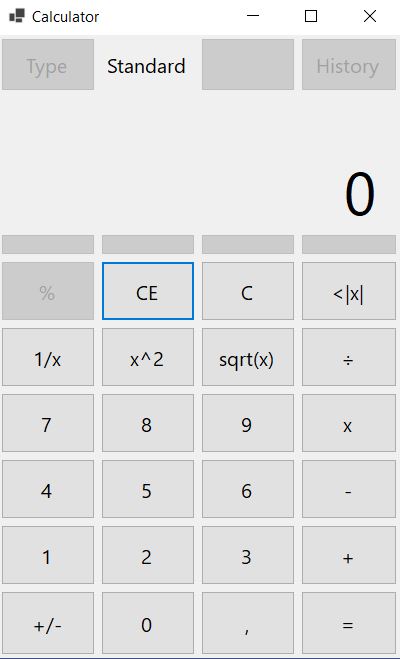
Standard Calculator
Inspiration
I wanted to practice windows form applications and this was a great opportunity for it.
What it does
Maths
How I built it
I used Visual Studio Windows Form template and I started building the application myself with C#.
Challenges we ran into
I had to check windows calculator many times as I was not sure of some behaviours of the calculator.
It was interesting to see what happens if you click = after you click sqrt() button after calculations. For example, open your windows native calculator (not mine) and do
5x5
Click = button
Result: 25
Click sqrt() button
*Result: 5
then click = button again
Result?
I was hoping to see 5 again but it multiplies the last number so result was 25.
That only happens if you made calculations before doing sqrt(), if we type directly the result of the calculations.
Type
25
Click sqrt() button
*Result: 5
then click = button
Result?
In this case the result is 5 every time you press = button.
I do not know why but that is how it is programmed.
In my calculator both procedures are equals to 5.
Accomplishments that I am proud of
Make this calculator without calculator examples programs on the Internet
What I learned
Windows Forms
What's next for Calculator
Add more features and fix minor bugs

Log in or sign up for Devpost to join the conversation.