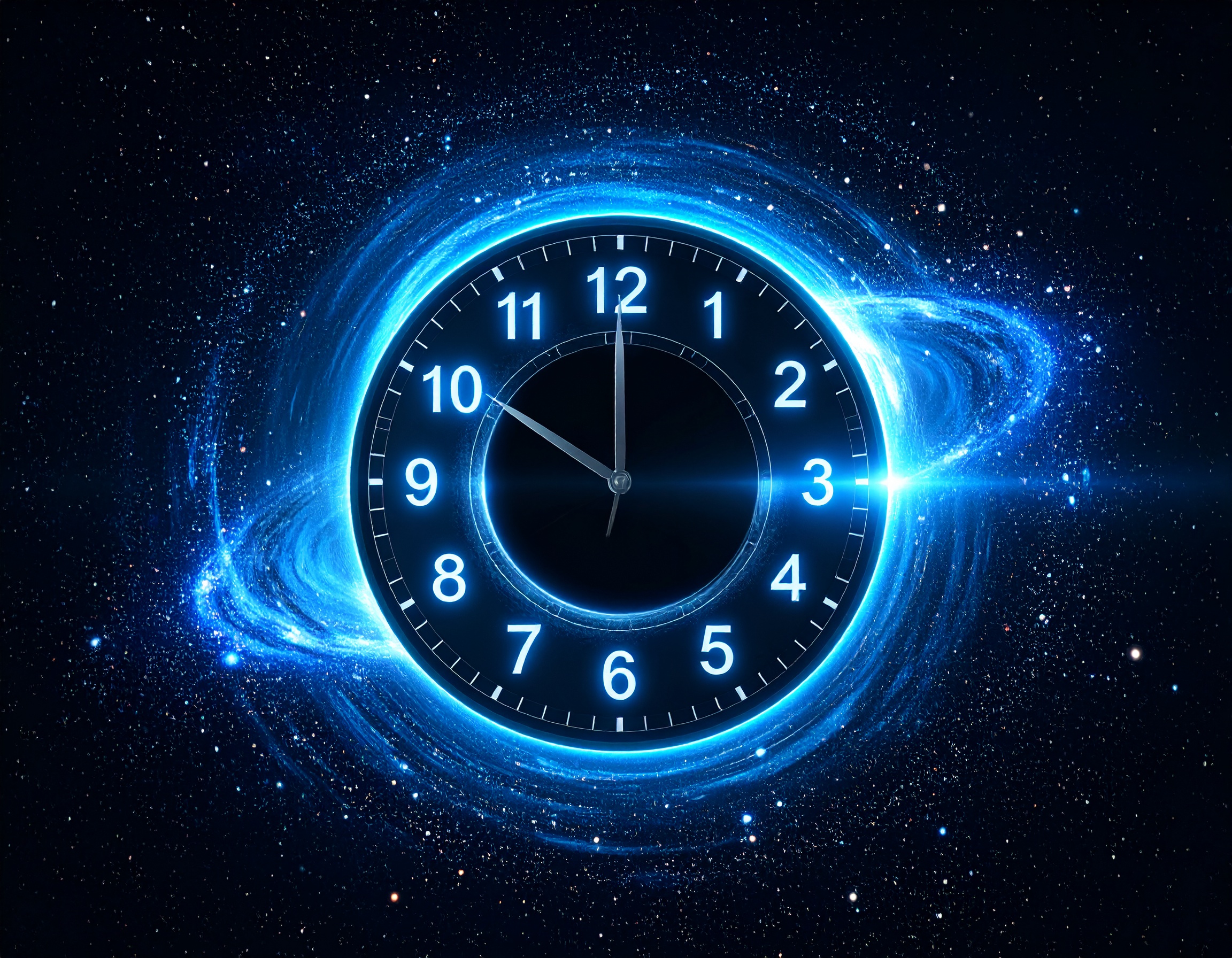
Project Description: Time Waster Zone
Inspiration
In an age of infinite scrolling and digital rabbit holes, how much time do we really spend doing... nothing? "The Void Gazer" is a humorous, meta-commentary on our relationship with time online. We wanted to create a "useless" tool that, paradoxically, provides a moment of pointed self-awareness. It doesn’t track your productivity or your tasks; it only tracks the time you willingly commit to its own captivating emptiness. The inspiration was to turn the passive act of "doomscrolling" into an active, quantifiable, and slightly absurd experience.
What It Does
The Void Gazer is a minimalist, single-page web application with one simple but compelling function: to count the time you spend looking at it.
When a user visits the site:
- A sleek digital timer, formatted as
HH:MM:SS, immediately starts counting. - The timer is the focal point, a hypnotic digital clock against a clean, modern backdrop.
- Smart Pausing: The application intelligently detects when you are no longer "gazing into the void." If you switch to another browser tab or minimize the window, the timer automatically pauses.
- Seamless Resumption: As soon as you return, the timer resumes its count precisely where it left off.
- Persistence: The core of the joke. The total elapsed time is saved in the browser's local storage. This means you can refresh the page, close the browser, and come back tomorrow—your "wasted time" will still be there, waiting to accumulate further.
It's a digital monument to your own procrastination.
How We Built It
This project was brought to life with a focus on modern web technologies and rapid development, made possible by Bolt.
Scaffolding with Bolt: We kickstarted the project instantly using
bolt.new, which provided a production-ready React application environment right in the browser. This allowed us to bypass lengthy setup processes and dive straight into coding the core logic.Core Framework: The application is built entirely with React. We leveraged React's powerful hook system for state management and lifecycle events.
useState: Used to manage the timer's state (hours, minutes, seconds) and trigger re-renders as time progresses.useEffect: The heart of the application's logic. We useduseEffectto:- Initialize and clear the
setIntervalfunction that increments the timer every second. - Set up event listeners for the Page Visibility API (
document.addEventListener('visibilitychange', ...)). This is how the app detects if the tab is active or hidden, enabling the pause/resume feature. - Load the initial time from
localStoragewhen the component first mounts.
- Initialize and clear the
State Persistence: To ensure the timer's count survives across sessions, we used the browser's
localStorageAPI. The total elapsed seconds are saved tolocalStorageevery time the value is updated, providing a seamless and persistent experience.Styling: We used modern CSS with Flexbox to achieve the clean, centered layout. The design is intentionally minimalist to keep the focus on the timer itself—the "void" the user is gazing into. The animations for the timer are handled with subtle CSS transitions to create a smooth visual effect.
Built With
- bolt
- react

Log in or sign up for Devpost to join the conversation.